
Print Profile(4)




Bill of Materials


Description
Check out my profile for more exciting prints :)
https://makerworld.com/de/@Birke3105
Who doesn't know it… you're working in Microsoft Teams, need to use the restroom, and then are no longer marked as “Available” because the “session” lasted a little longer.
Or the computer goes into standby during this “break” and you have to re-enter your password.
Boost Me (for free)
Please support me for more helpful tips.
A small click for you, a big thank you for me.
Here's the solution!!!!
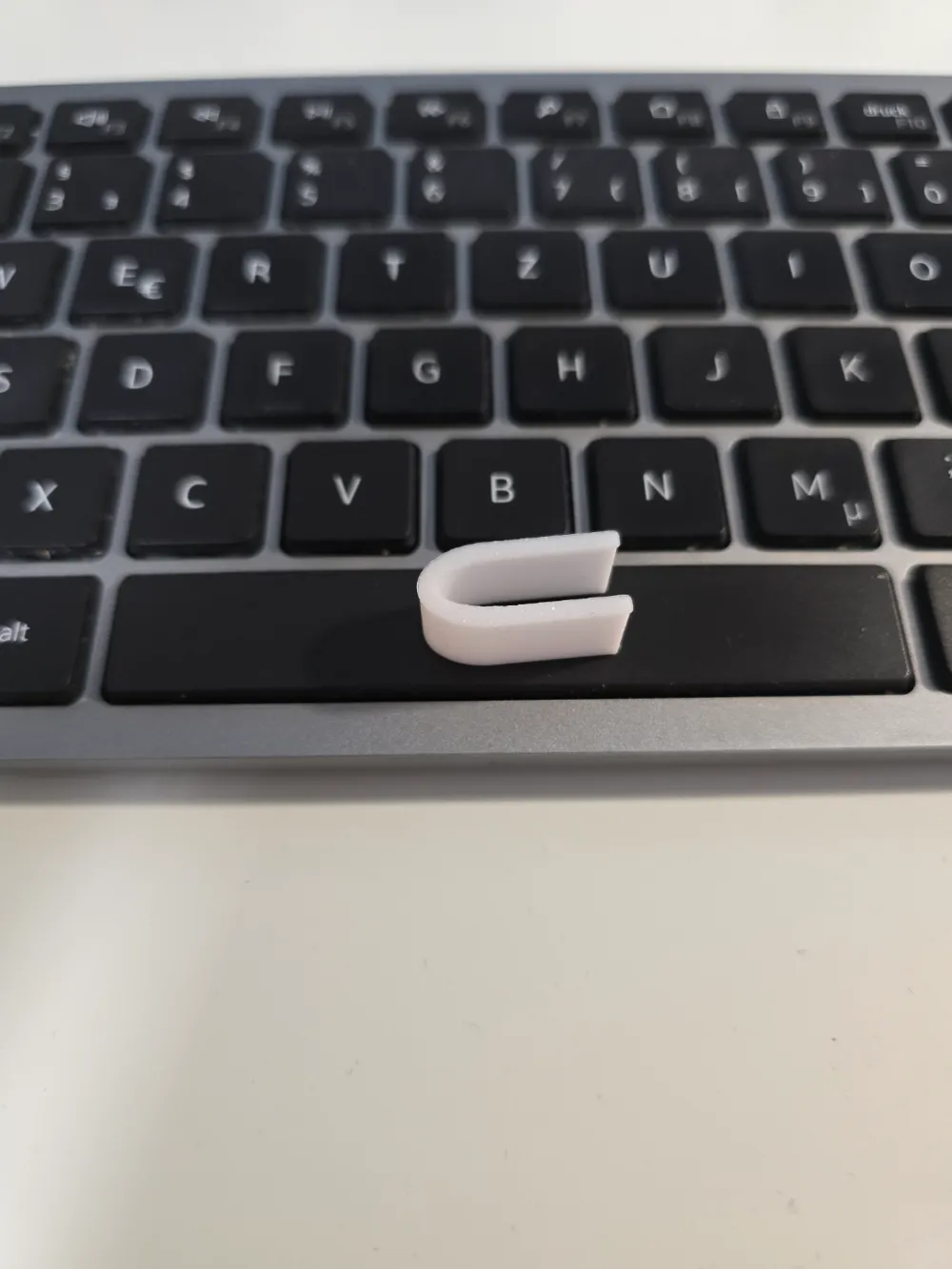
The TEAMS MASTER 2000!!!!!!
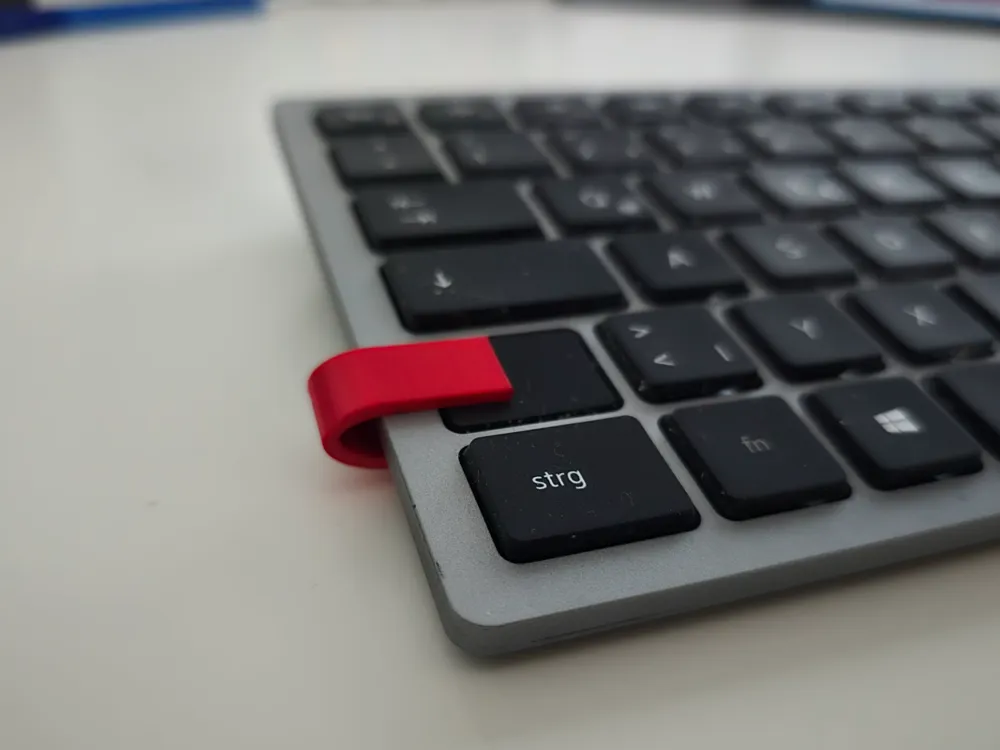
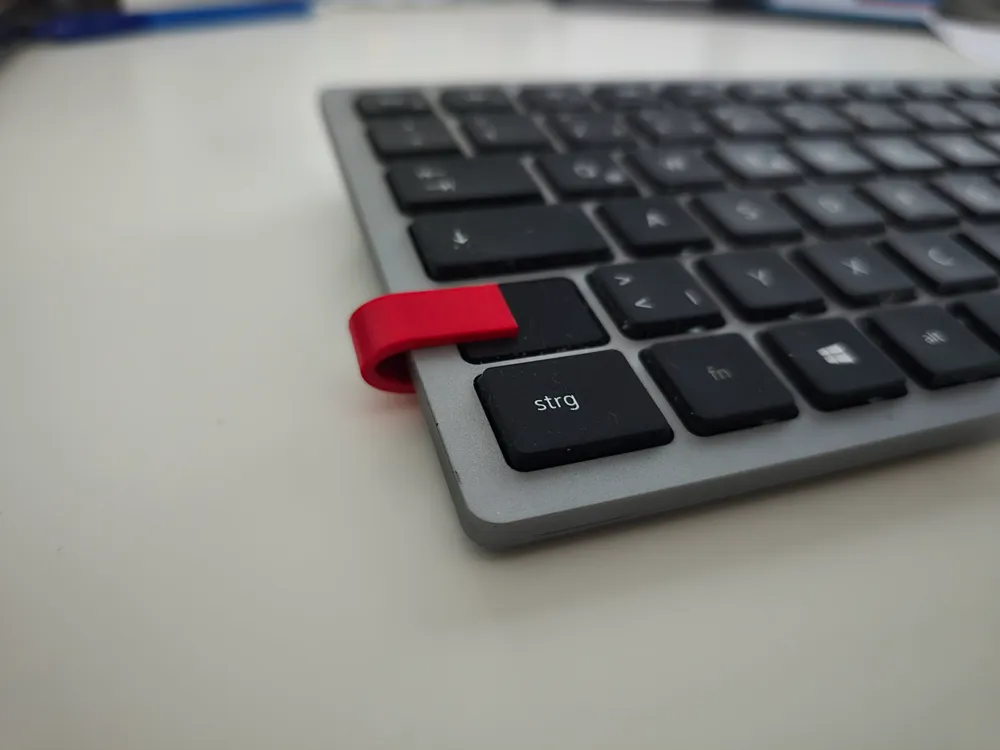
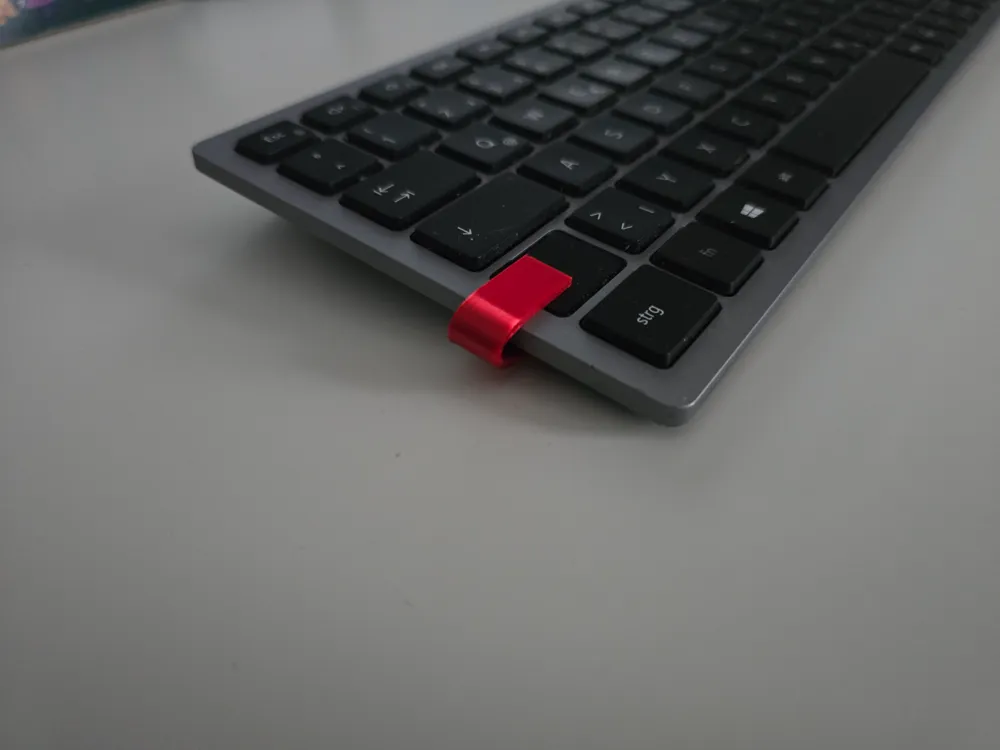
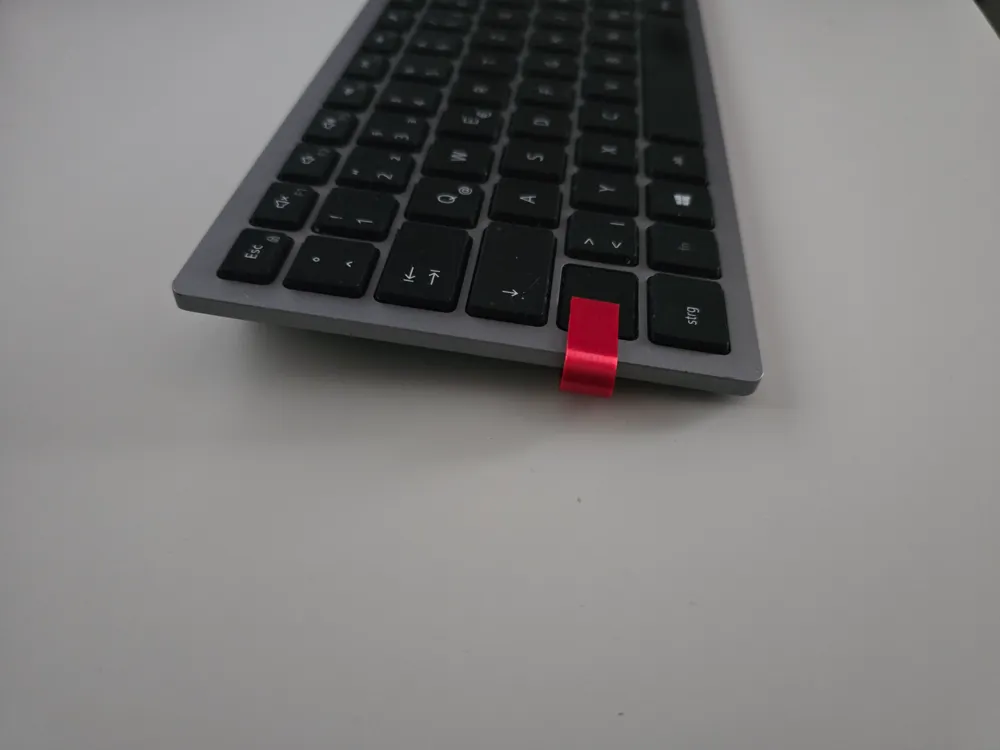
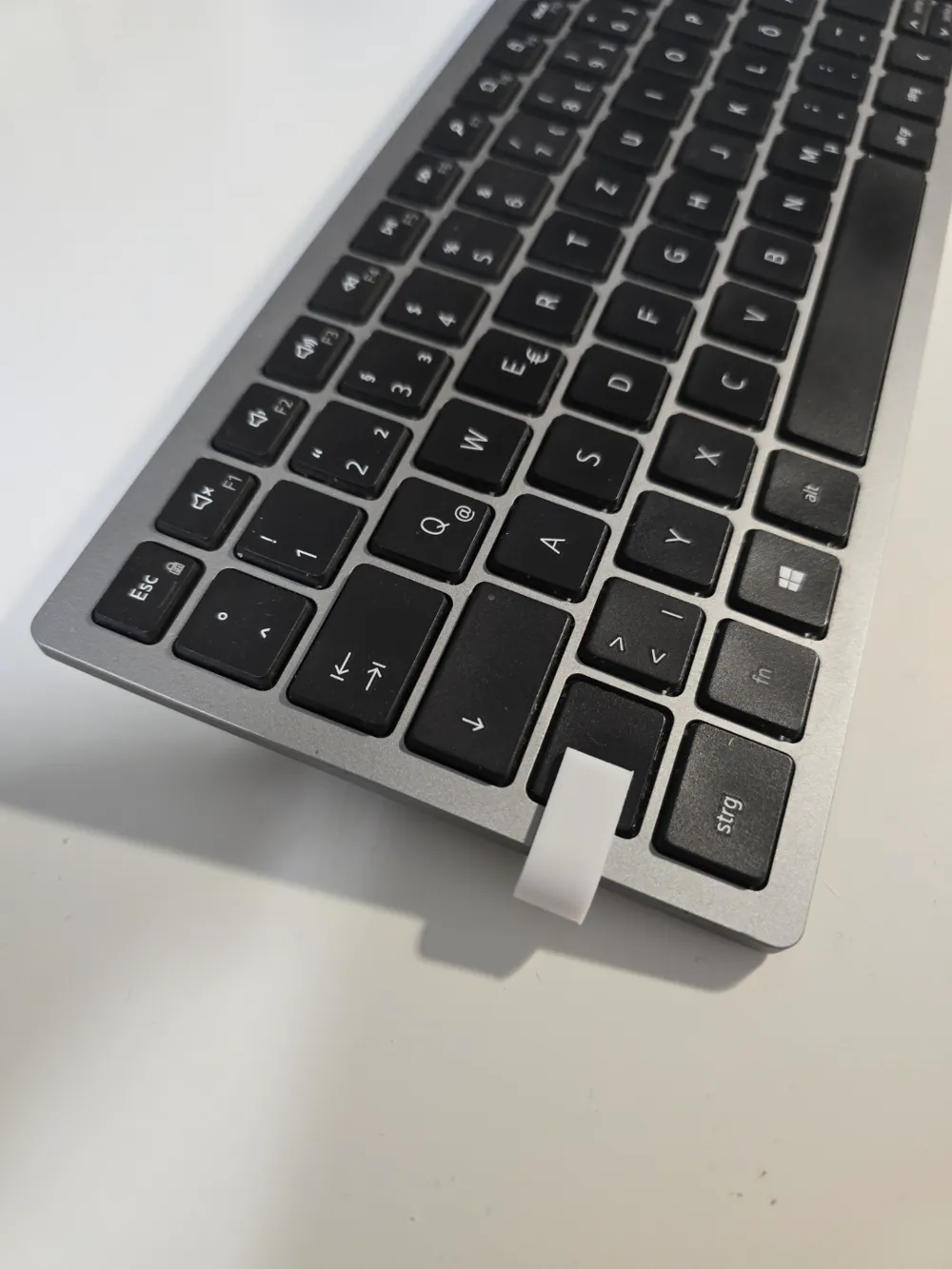
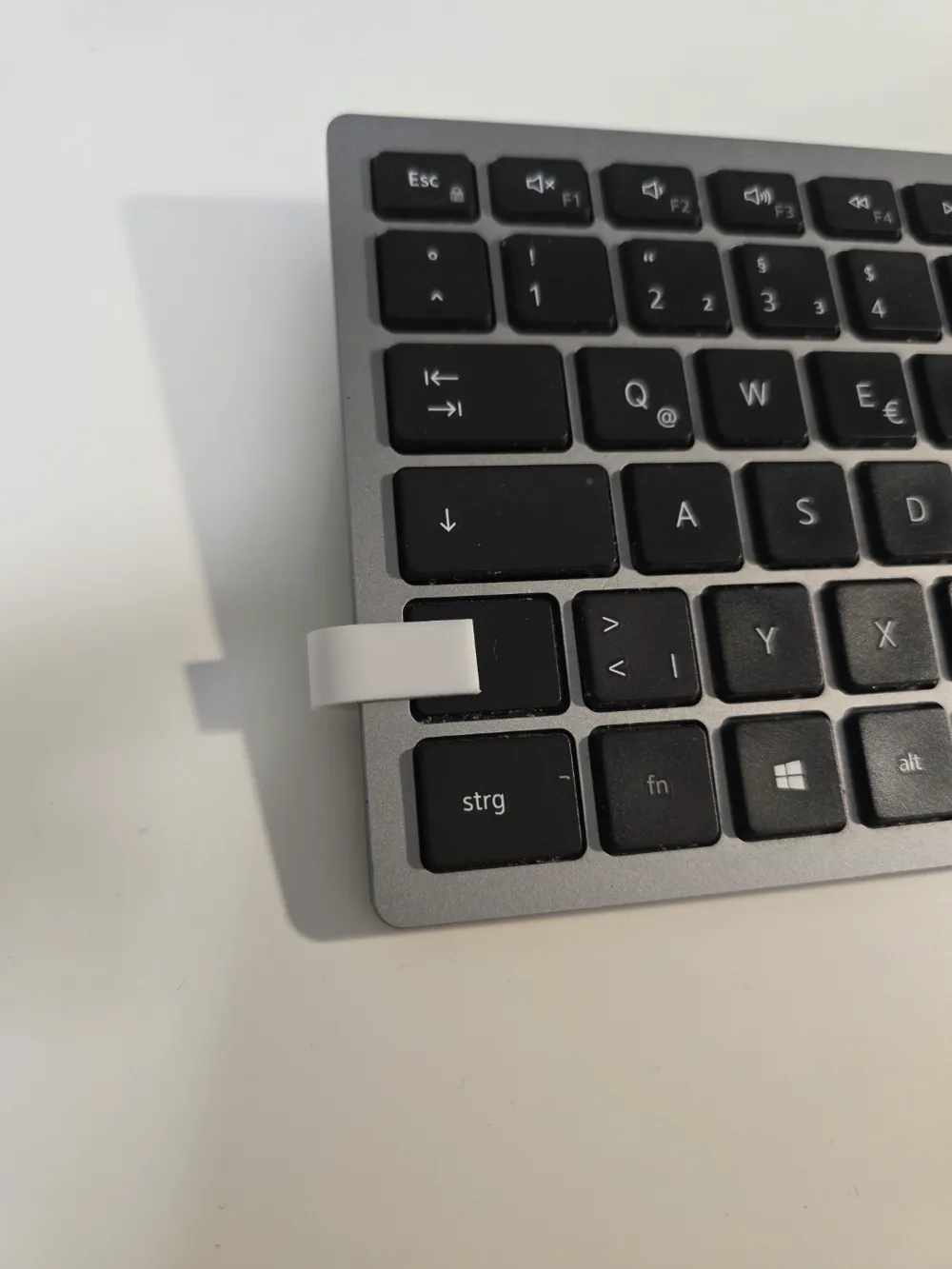
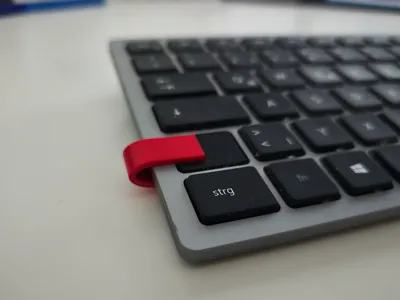
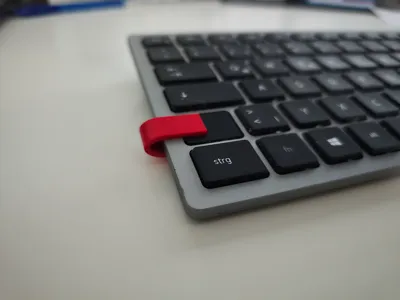
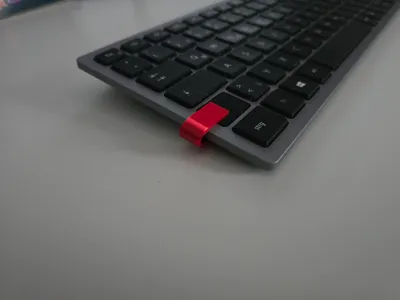
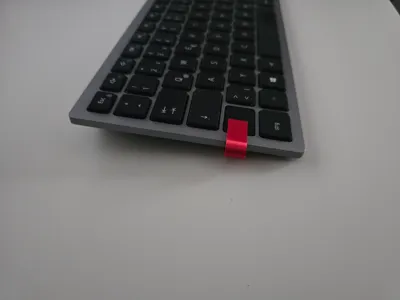
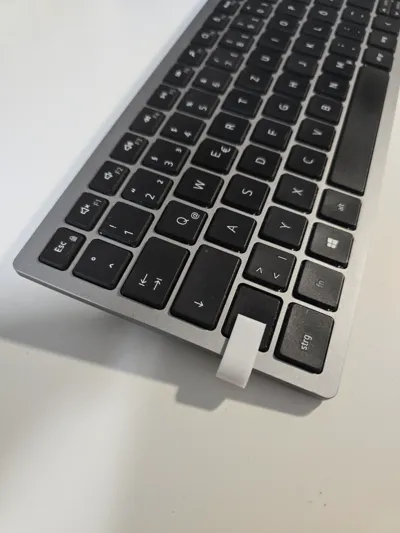
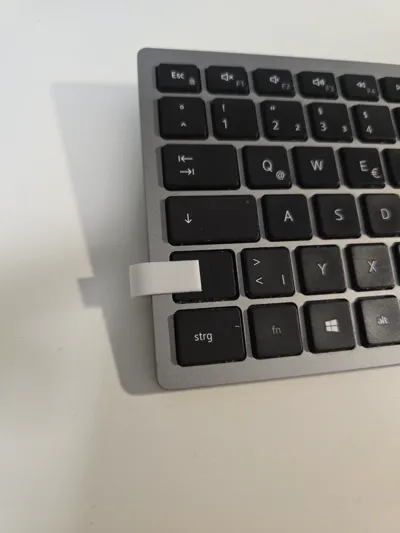
Open any chat in Teams or start a chat with the only person who (usually) knows exactly what you want (yourself), click in the text input bar, and attach the TEAMS MASTER 2000 to the shift key on the keyboard (key above the left Ctrl key). The Teams chat registers a permanent input, and you remain marked as !Available! The computer also does not go into standby.
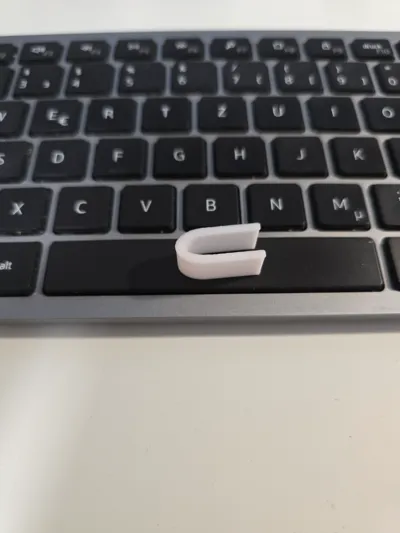
The bracket is very stable and flexible. I recommend printing with PETG, as it has higher elasticity.
The TEAMS MASTER 2000 is designed for a DELL keyboard but can also be resized as needed. Simply measure the distance from the pressed Shift key to the bottom of the keyboard, and add 4 mm (0.4 cm). You've now got your own TEAMS MASTER 2000.
(This is not a guide for simulating home office operation but merely serves to bridge short breaks :))
License

You shall not share, sub-license, sell, rent, host, transfer, or distribute in any way the digital or 3D printed versions of this object, nor any other derivative work of this object in its digital or physical format (including - but not limited to - remixes of this object, and hosting on other digital platforms). The objects may not be used without permission in any way whatsoever in which you charge money, or collect fees.


Comment & Rating (190)