How to tell if a model was made with AI
AI models are really starting to infest sites like MakerWorld, Printables, and CrealityCloud. Printables has a way of letting you know what models are AI and what are not by flagging them with “AI”. This is a really helpful and nice tool for those of us who don't like to download AI models, as they can have lots of problems and are generally low-quality.
CrealityCloud is festered with these kinds of models, and no way to tell without actually looking at the model in a 3D perspective. Makerworld is also starting to see a huge increase in these models, which are promoted with their image-to-model tools and other AI tools.
While I personally don't have any problem with AI models, I do have a problem with people not marking them as AI and/or taking credit for it. So how do we know if a model is AI?
Well the first thing is pretty obvious. If it's a model of a person, there's always something that just doesn't look right. Missing or mutilated fingers, contorted features, etc.
But how do we really know for certain that a model was AI-generated? There's a pretty easy trick I've learned just by studying models. Take a look at these picture:
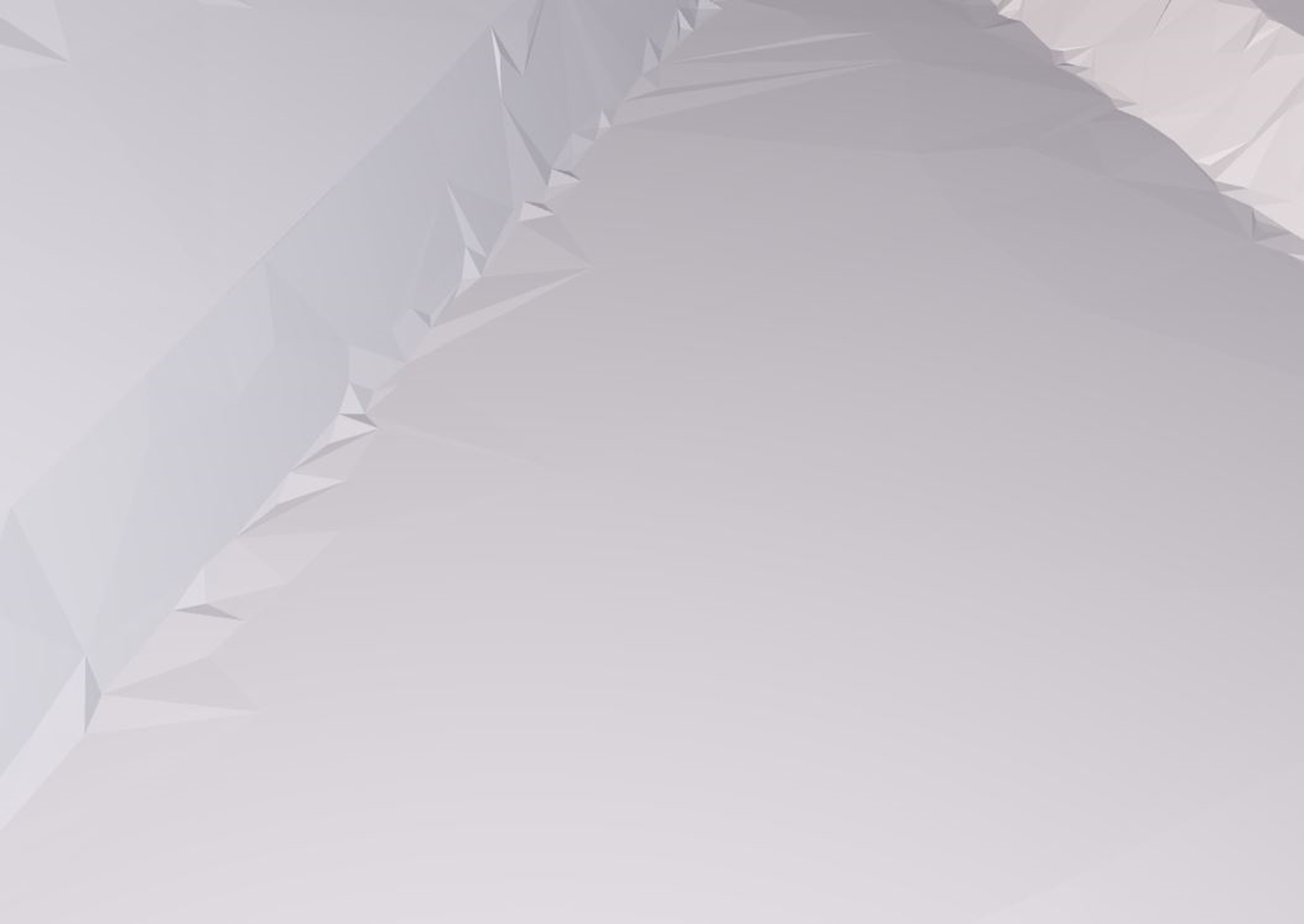
You can see that the edges of this model are jagged, uneven, and has tons of unnecessary triangles. This is the #1 sign of an AI-generated model. Bambu AI is getting really good these days, so it's getting harder and harder to tell. But this is a bad case of AI generation distortion. By the way, this picture is from my Cucko model if you were wondering.
Now take a look at this:
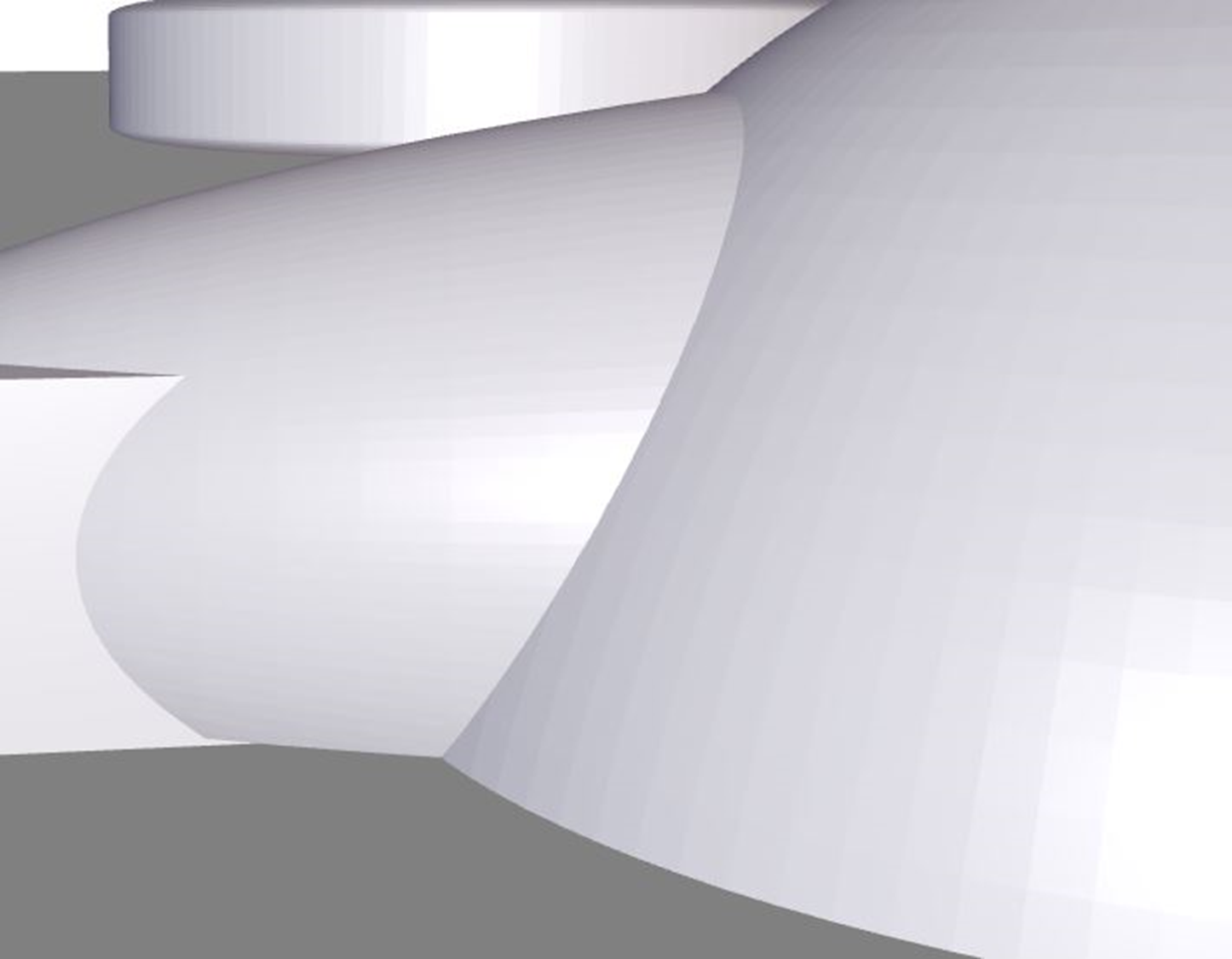
This is a propeller piece of my B-17G model here on Makerworld. Look at those edges. All around, they're smooth, defined, and orderly. No extra triangles or cracks. This is a real model.
I hope this helps you if you were wondering how to tell real and AI models apart. Thanks for reading!!