
Vaulty Plant - Customizable Code

Print Profile(2)


Description
Boost Me (for free)
This one took a long time to figure out :)
If you enjoy the product, please consider supporting me by boosting, it's free!
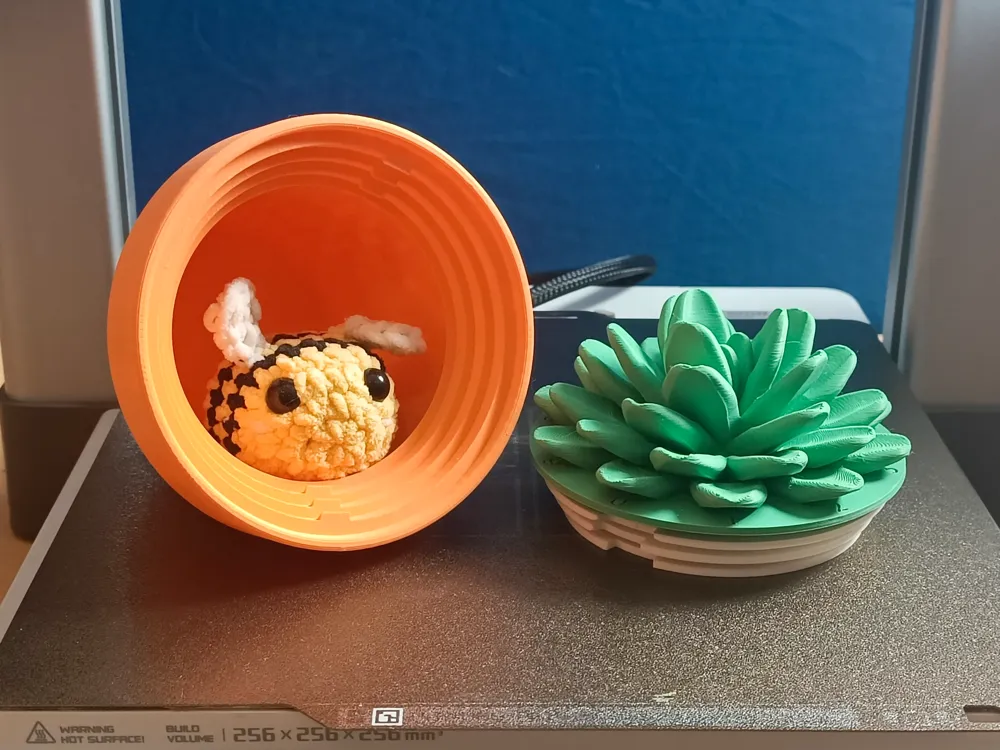
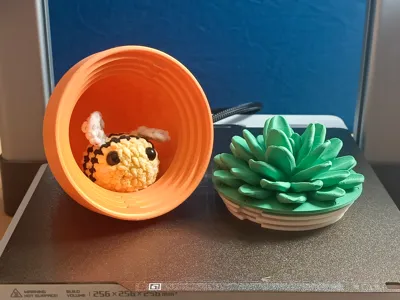
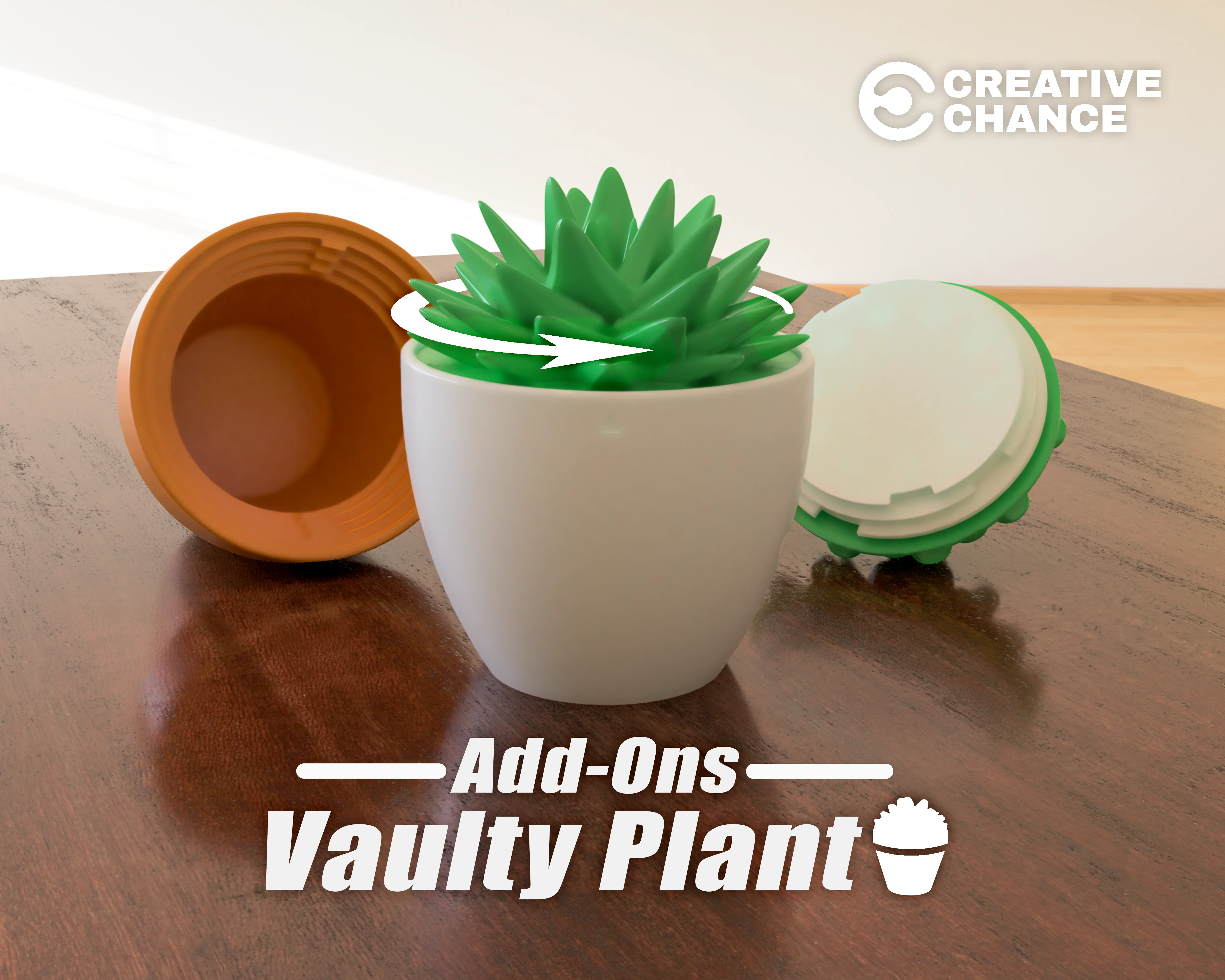
Introducing the most secure way to hide your stuff!
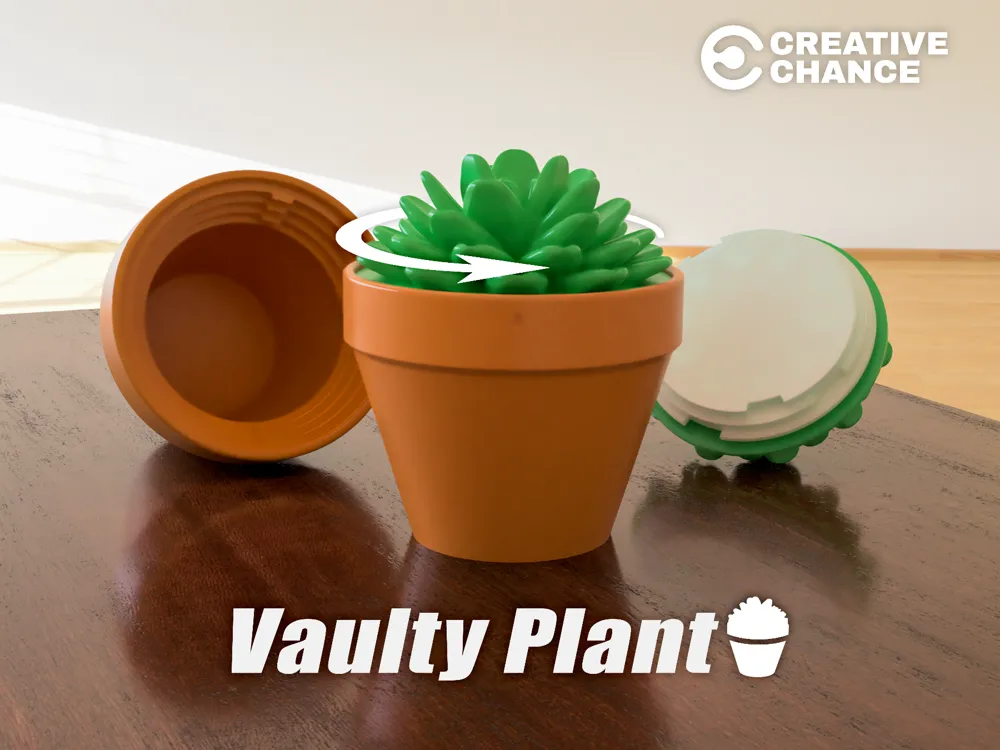
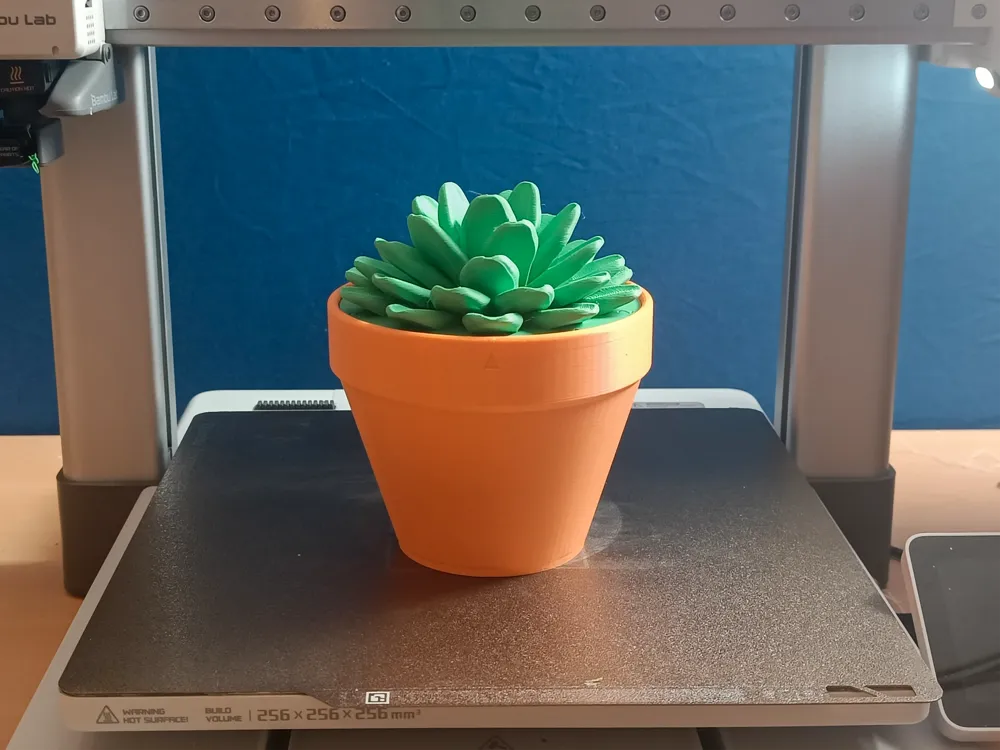
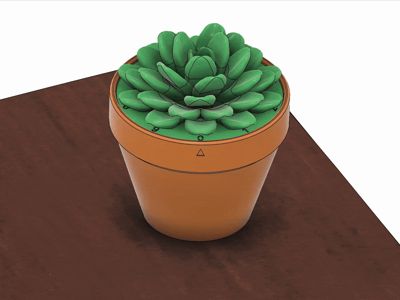
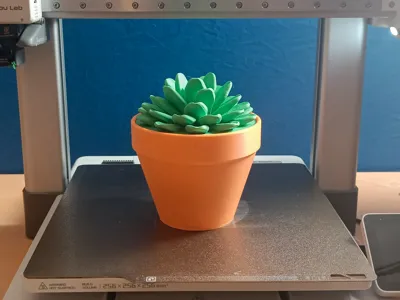
Looking like a simple succulent plant this secret combination locked vault is the perfect way to hide you belongings.
And even when the plant is found, nobody can open it without your custom combination!
After multiple requests, Vaulty Plant Add-Ons are now available:
Click Here
Features
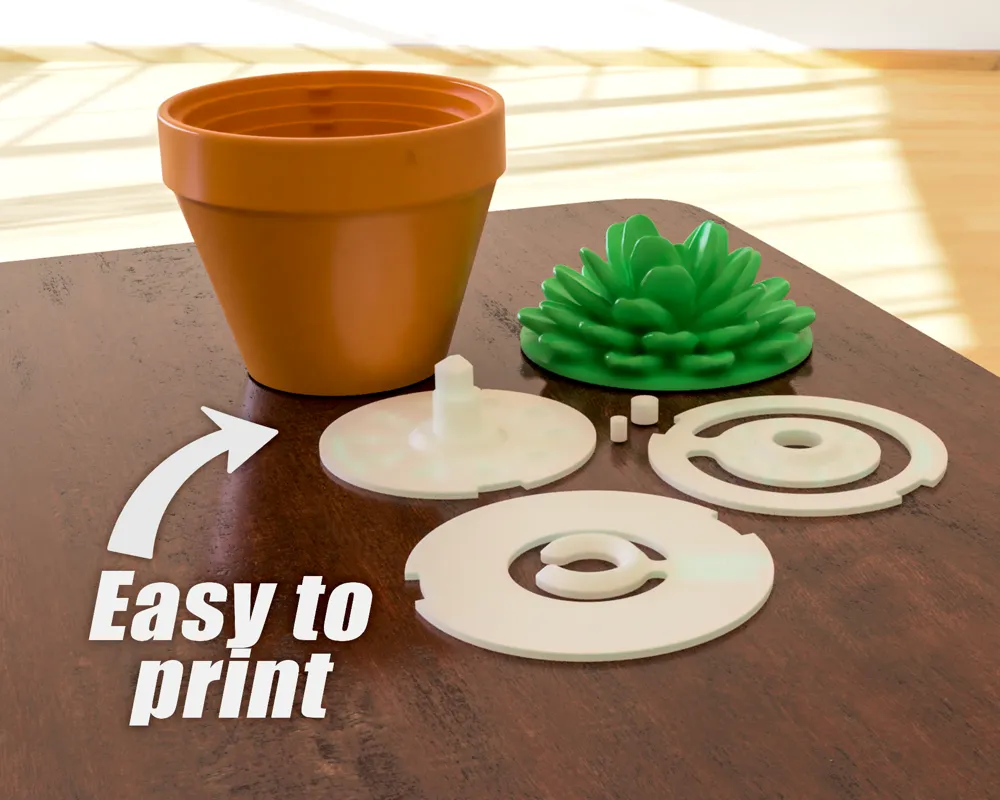
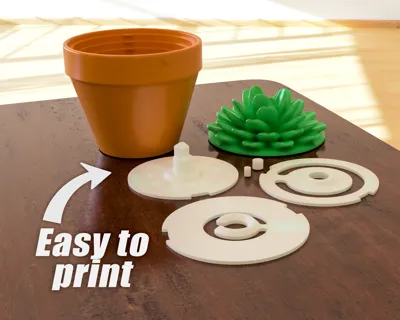
- Easy to print
- NO support needed
- Print prepared and tested
- Easy assembly
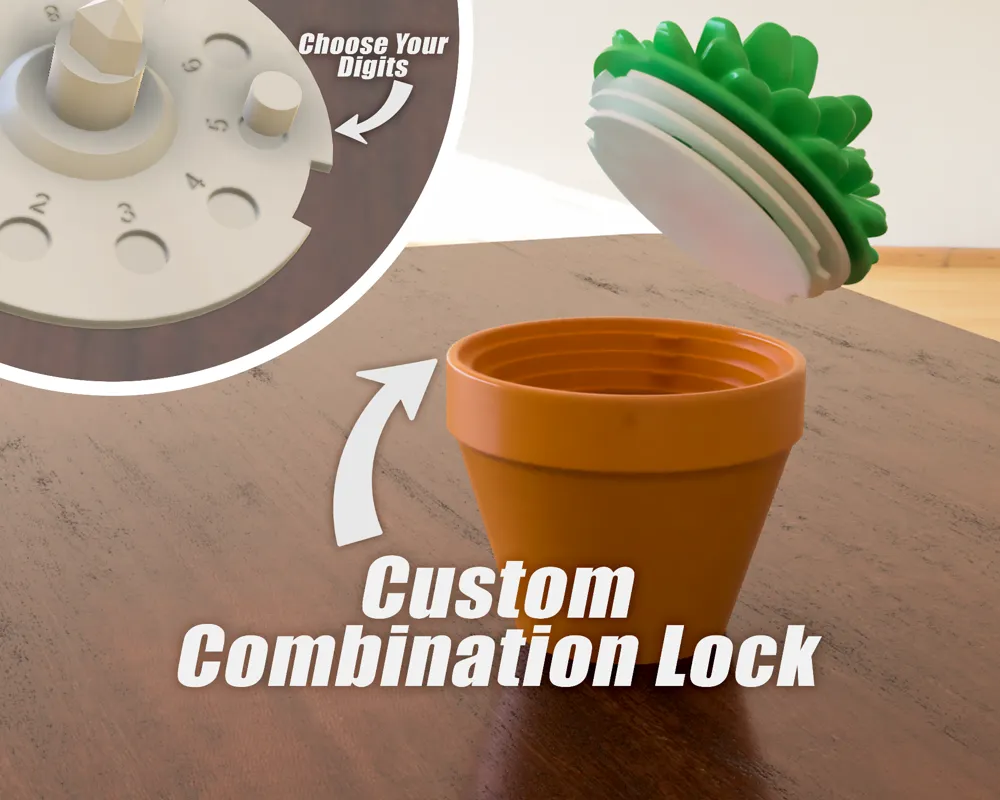
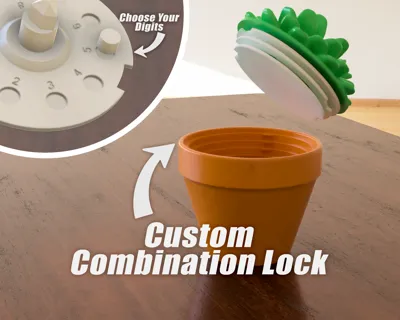
- Custom combination
How to set custom combination
The combination can be set by putting the blocks in the correct positions on the lower and middle layer.
It's a 3 number combination, the last of which will always be 0.
First choose your digits
For example 9-5.
Proceed to attach the smaller cylinder onto the middle layer
Use the formula: 1st number - 2nd number (+10 if negative).
In this case the 1st number is 9 and the 2nd number is 5.
So 9 - 5 = 4
Attach the small cylinder to slot 4 on the middle layer
Attach the bigger cylinder onto the lower layer
This is just your second number, in this case 5
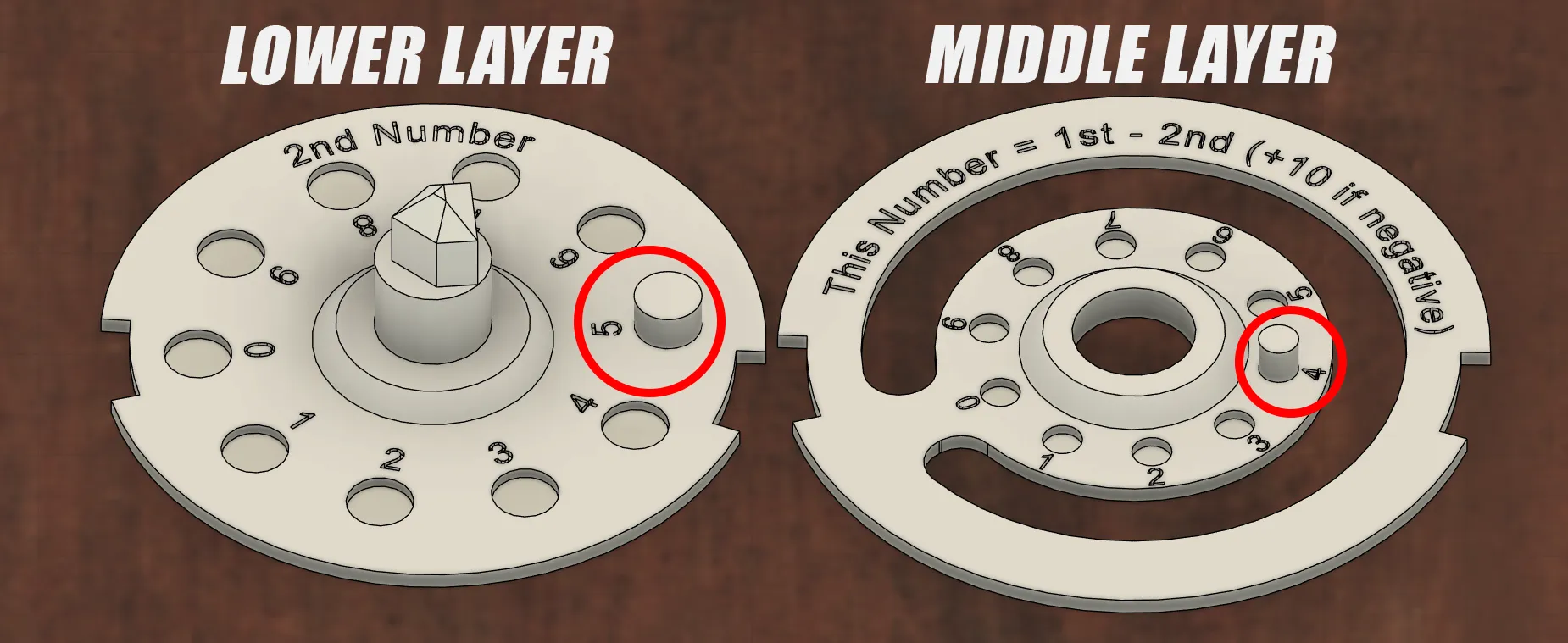
The (+10 if negative) only applies if the result of this subtraction is a negative number
For example the digits 6-9.
The formula would give 6 - 9 = -3
-3 + 10 = 7
So in that case you would attach the smaller cylinder on the middle layer to number 7, and the lower layer to 9.
If the fit is to loose. You can use a bit of glue.
Opening the vault

Spin the dial clockwise at least twice and stop on your first digit.
Now spin the dial anticlockwise passing your second digit once and then stop on your second digit.
Spin the dial clockwise again until you land on 0.
Carefully lift the plant out of the pot.
To put the plant back, align the slots and simply place it back onto the pot, and spin it a few times to lock.
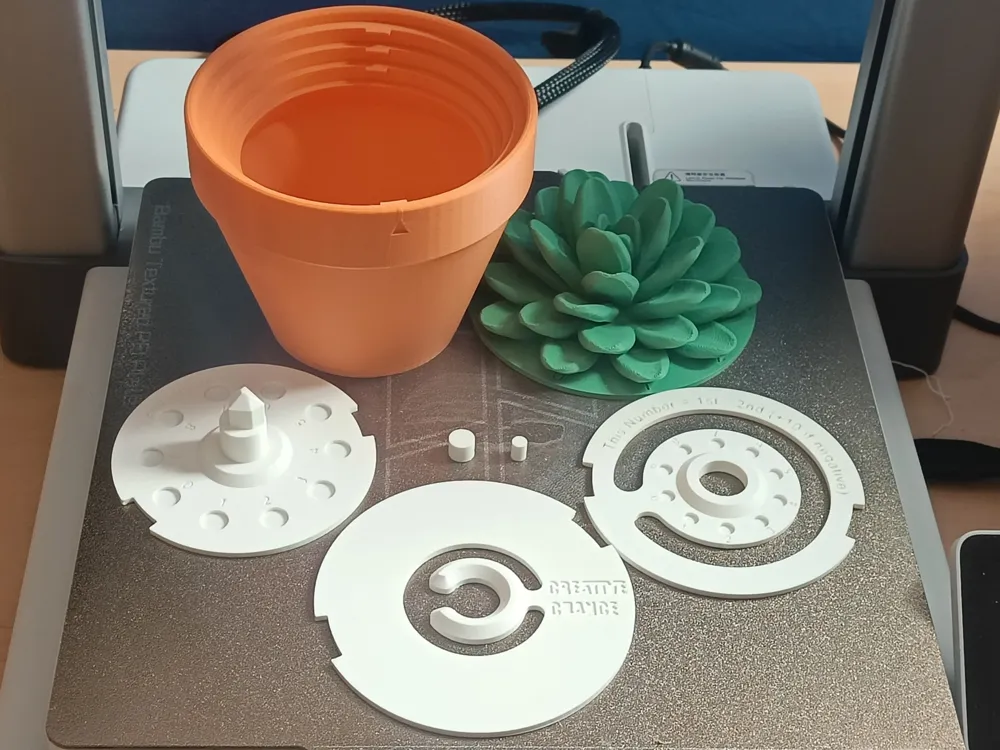
Assembly order
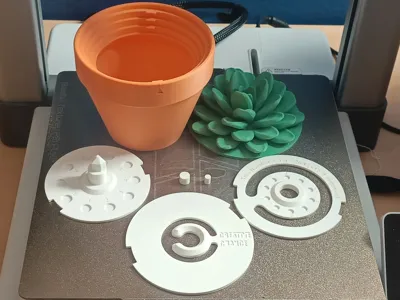
From left to right
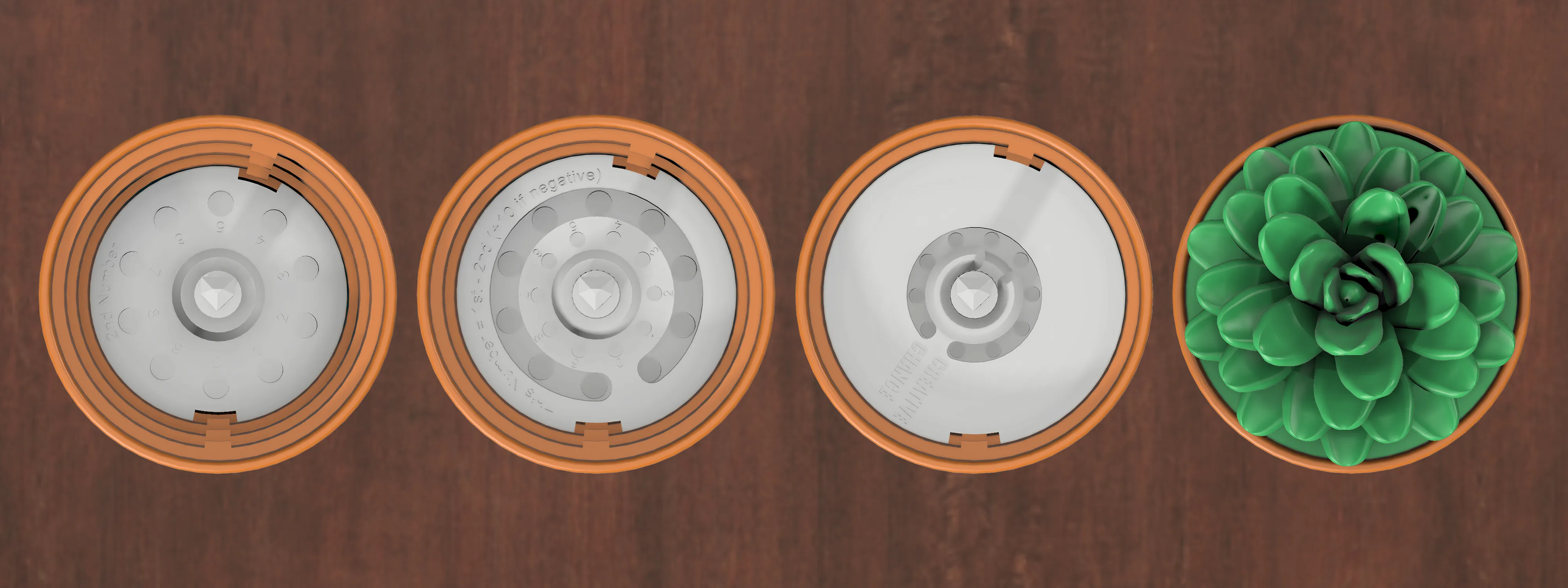
Print Layout
- Print without support -
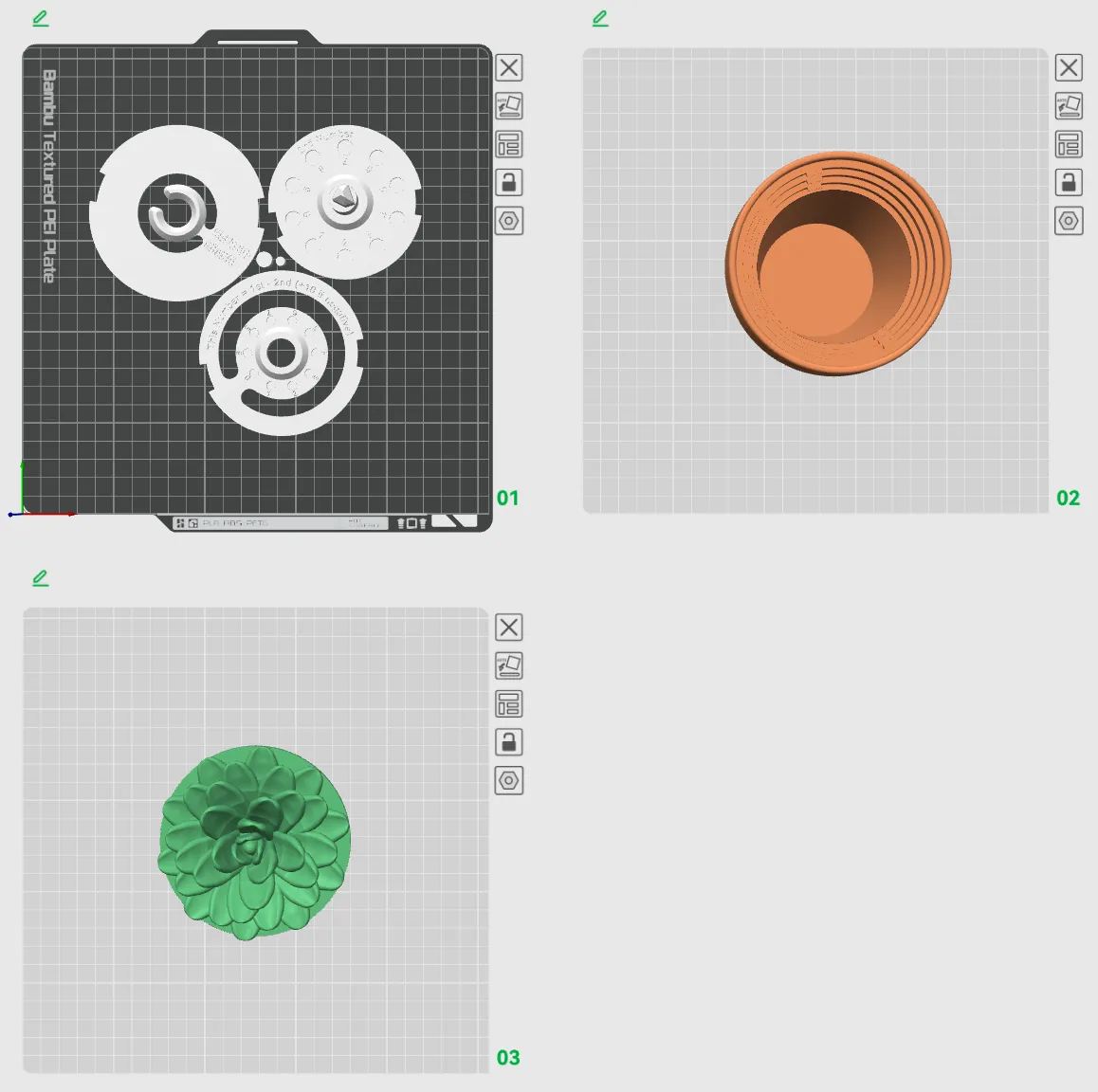

Please feel free to check out the models, print them, and let me know what you think!
All feedback is much appreciated.
License

You shall not share, sub-license, sell, rent, host, transfer, or distribute in any way the digital or 3D printed versions of this object, nor any other derivative work of this object in its digital or physical format (including - but not limited to - remixes of this object, and hosting on other digital platforms). The objects may not be used without permission in any way whatsoever in which you charge money, or collect fees.


Comment & Rating (104)