
[Tutorial] Workflow for AI-Generated Model Creation
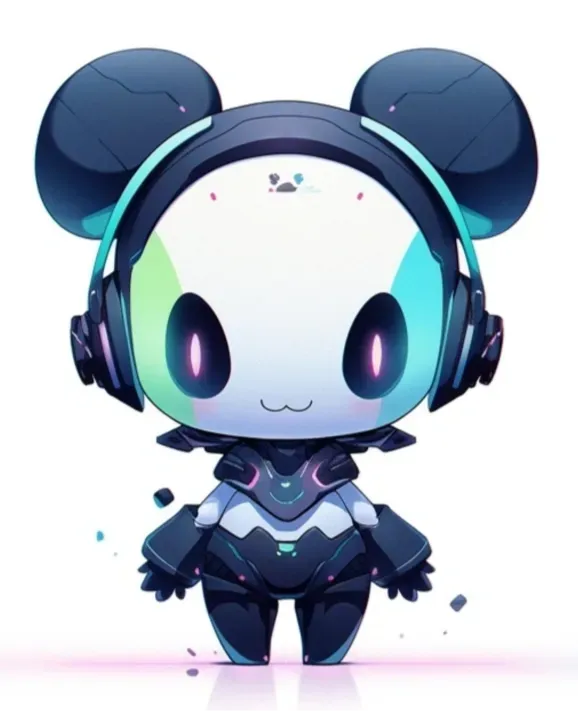
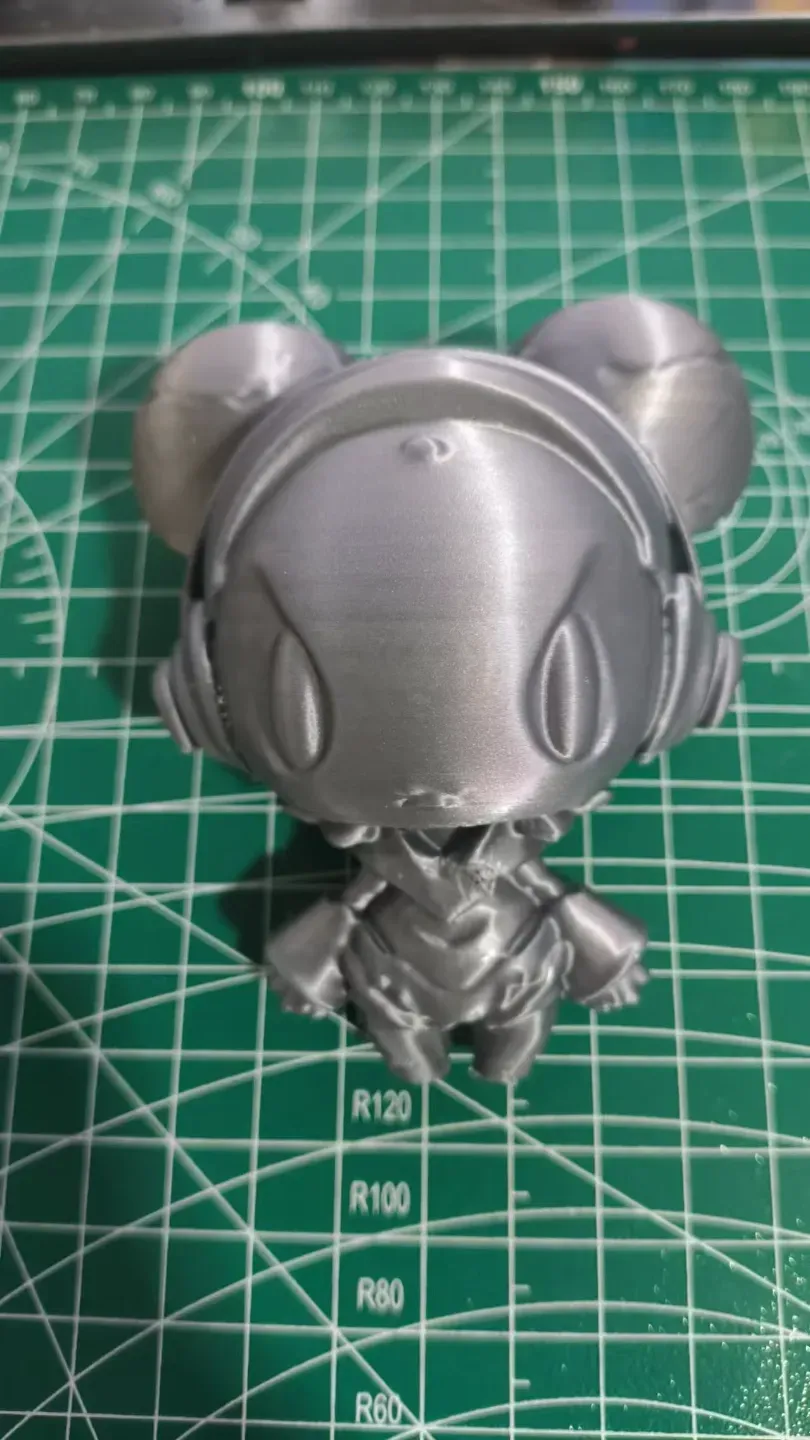
Print Profile(1)
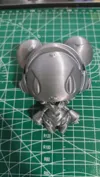
Description
Hello everyone!
Recently, I've been exploring how to enhance productivity using AI. After experimenting with numerous AI tools online, I've finally developed this workflow.
While the results aren't perfect, the barrier to entry is quite low.
Indeed, this isn't a strict model sharing; consider it a mini tutorial~
A video version is available here~
I recommend these two websites:
Although Bambu Lab provides convenient AI generation tools, we desire a more diverse range of options, extending beyond mere vases or sprites!
First, I'll introduce Tripo3D, a website capable of generating 3D models from text or images.
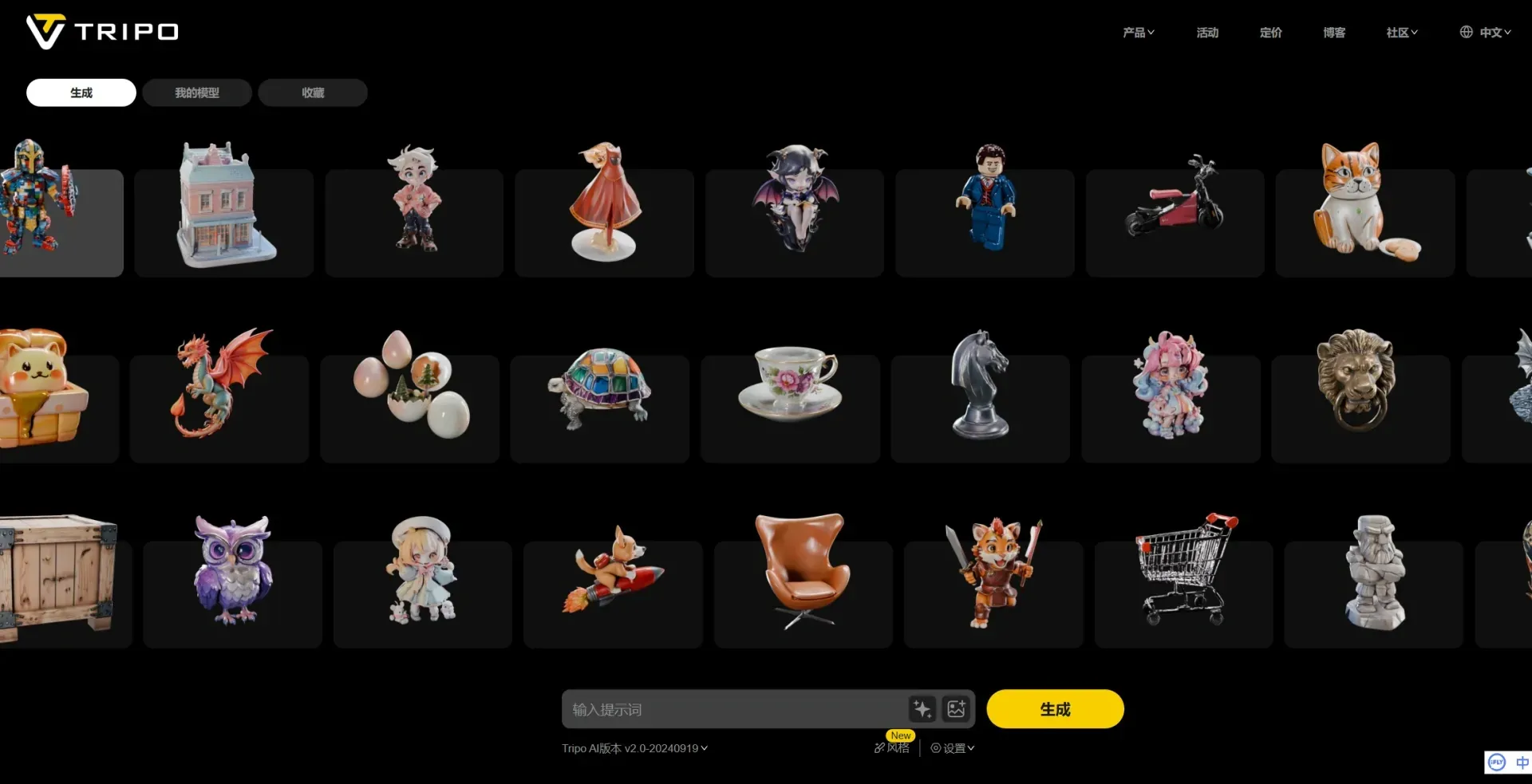
Text input allows for refinement, style specification, and the filtering of undesirable attributes via negative keywords.
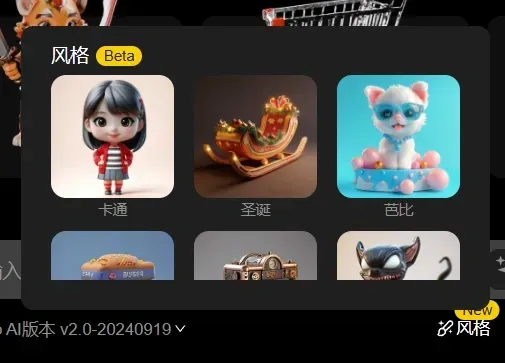
Many AI generative websites offer this functionality, but I want to highlight its image-to-model capabilities!
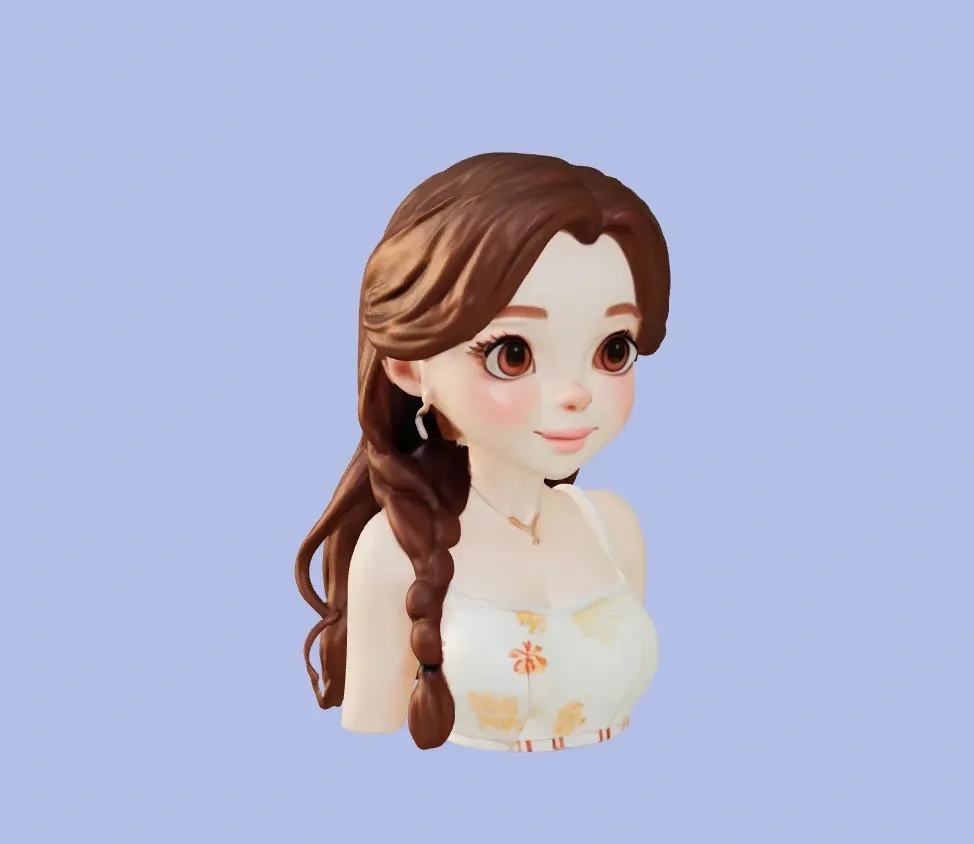
This demonstrates model visualization via text input.
Here are some negative filter keywords I've found effective:
nsfw,painting,cartoon,sketches,ugly,low quality,normal
These keywords are, of course, adjustable; substituting different terms yields varying model results.
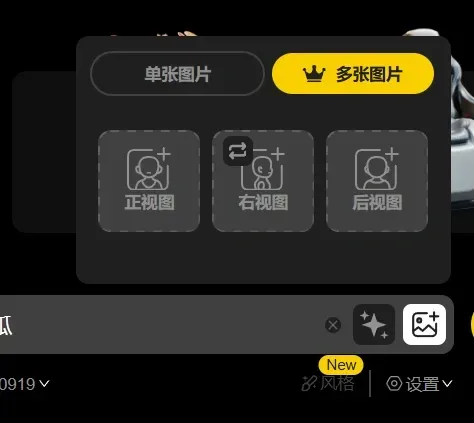
Models generated from single images often exhibit numerous errors in Z-axis information and the rear due to a lack of image data. However, Tripo3D accepts three-view uploads!
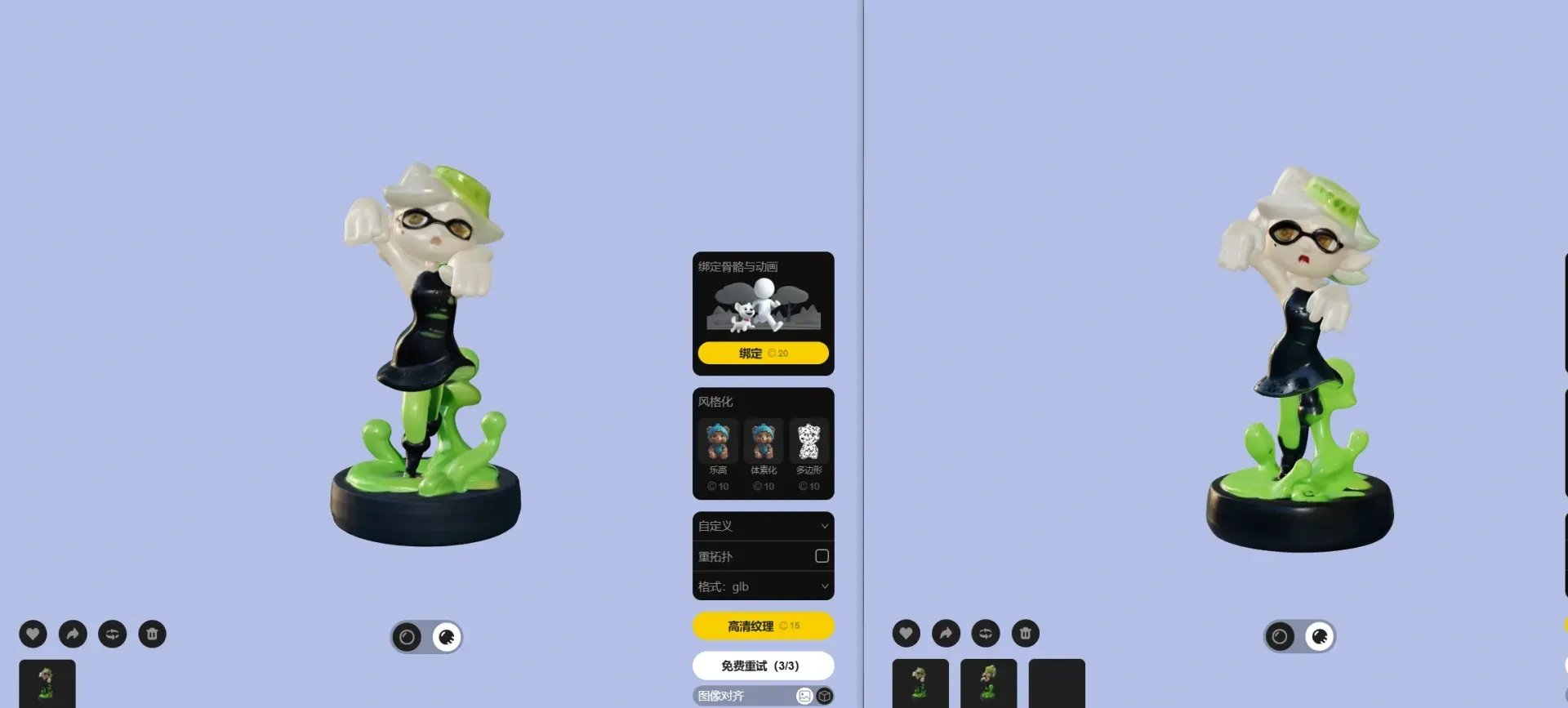
The left model is single-image generated; the right, from three views. The difference is subtle from the front.
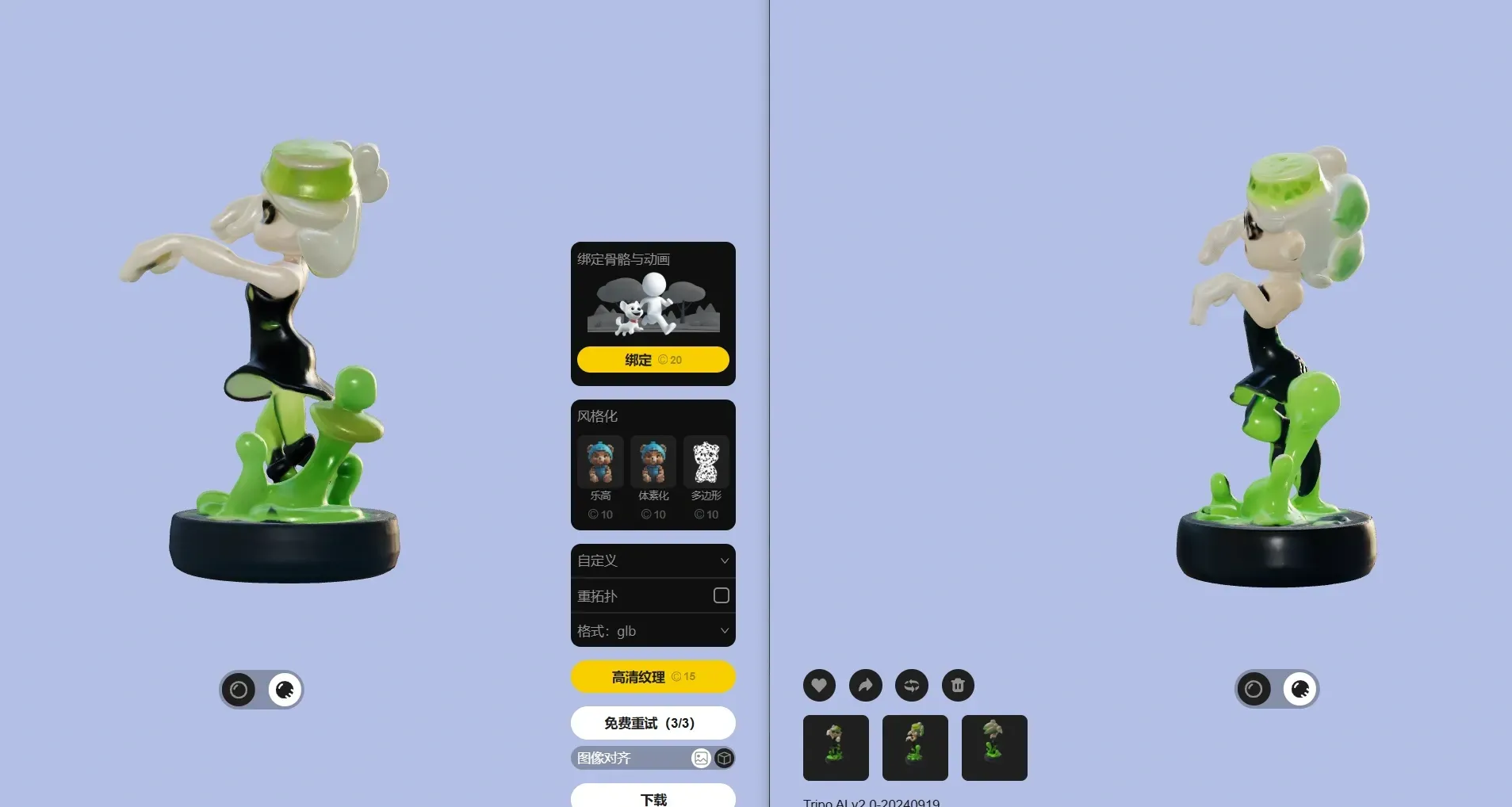
Observe the side view! The left model, lacking a side image, features AI-generated Z-axis information, while the right, possessing image data, adheres more closely to the source!
This functionality enables the creation of digital toy replicas simply by photographing three views! Three-view images, whether photographs or drawings, yield equally effective models!
Some might lack artistic skills yet desire creative freedom. This is where Midjourney excels!
This image-generation AI produces three-view images from textual prompts!
To ensure sufficient image size, set the aspect ratio to 16:9
The model uses Niji5
Style is set to 300
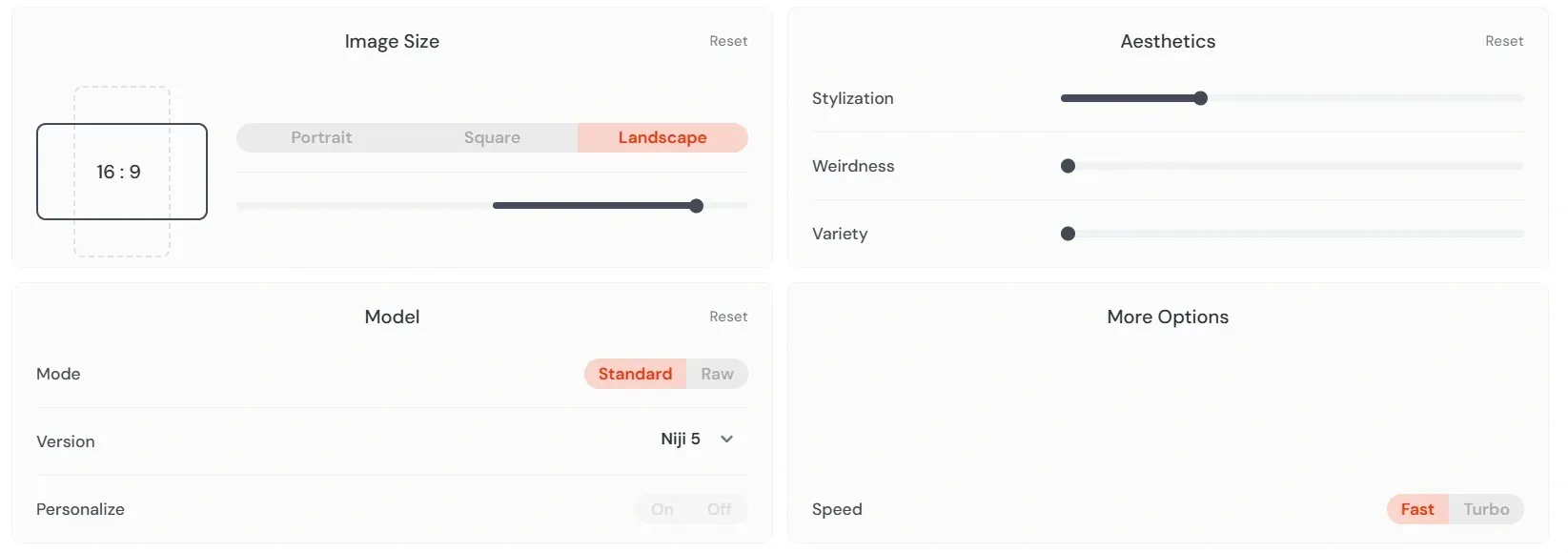
The prompt for generating the three views is:
three views,namely the front view,the side view and the back view,
Then, add other keywords, such as animals, robots, cyberpunk, etc.
After generation, import the resulting images into Tripo3D for model creation!
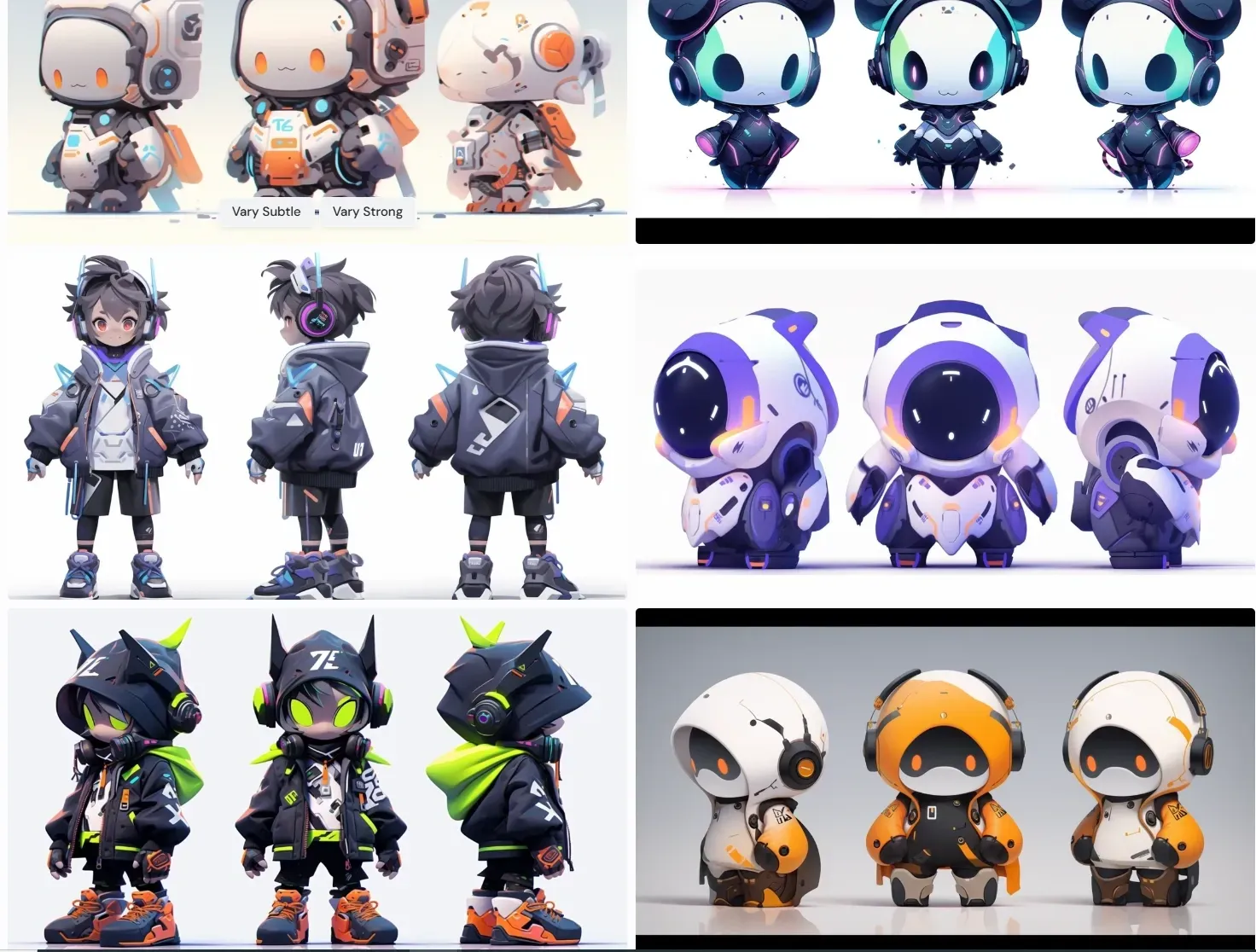
Some might find Tripo3D models generally satisfactory yet marred by occasional protrusions or indentations. How to remedy this?
My solution: Blender's sculpting mode!
First, download the model from Tripo3D; various formats are available, allowing direct 3mf slicing for satisfactory results.
For Blender import, FBX is recommended.
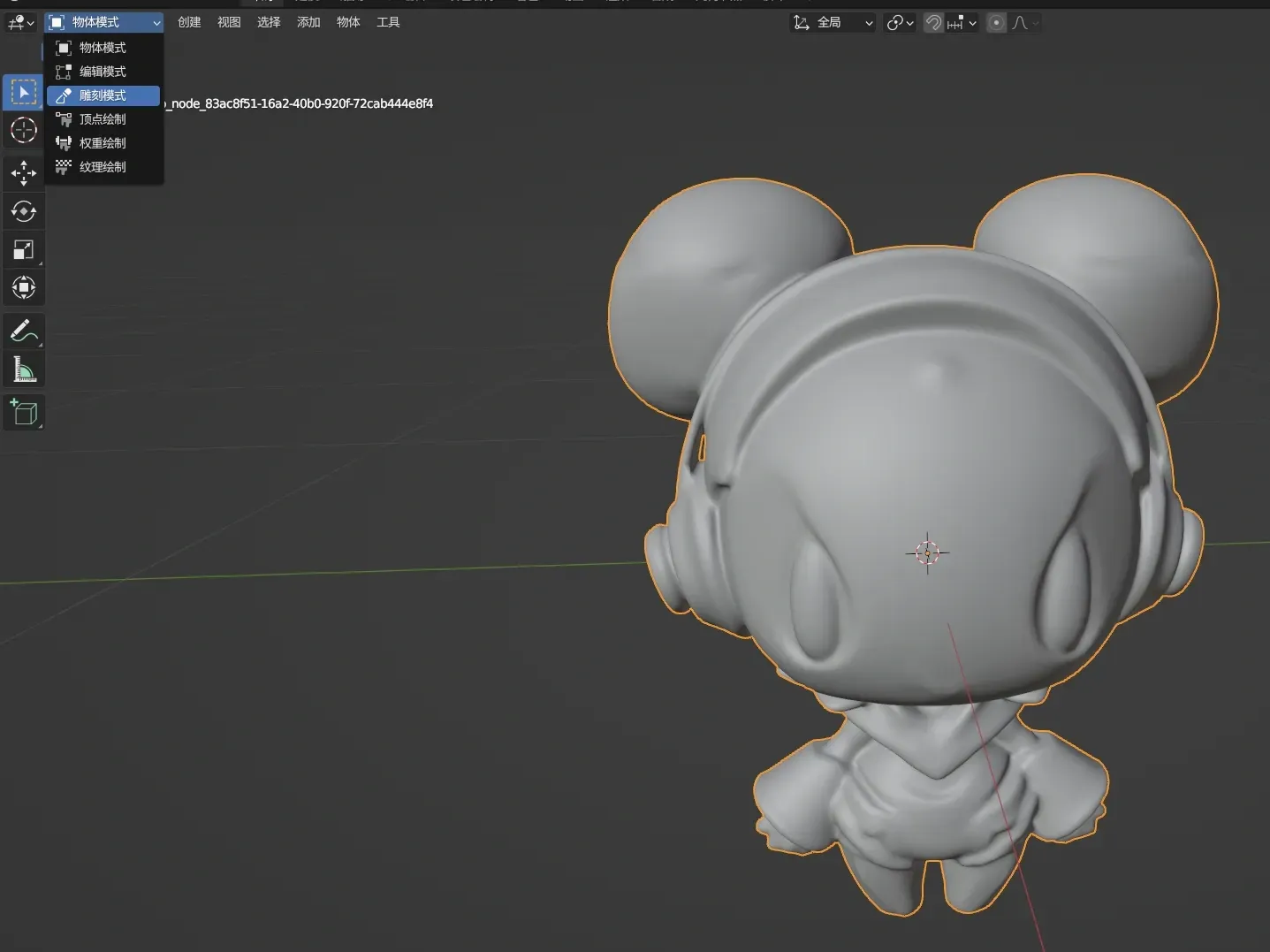
After importing, switch to sculpt mode in the upper left corner. Select the smooth brush; the sidebar offers various tools for other model manipulations.
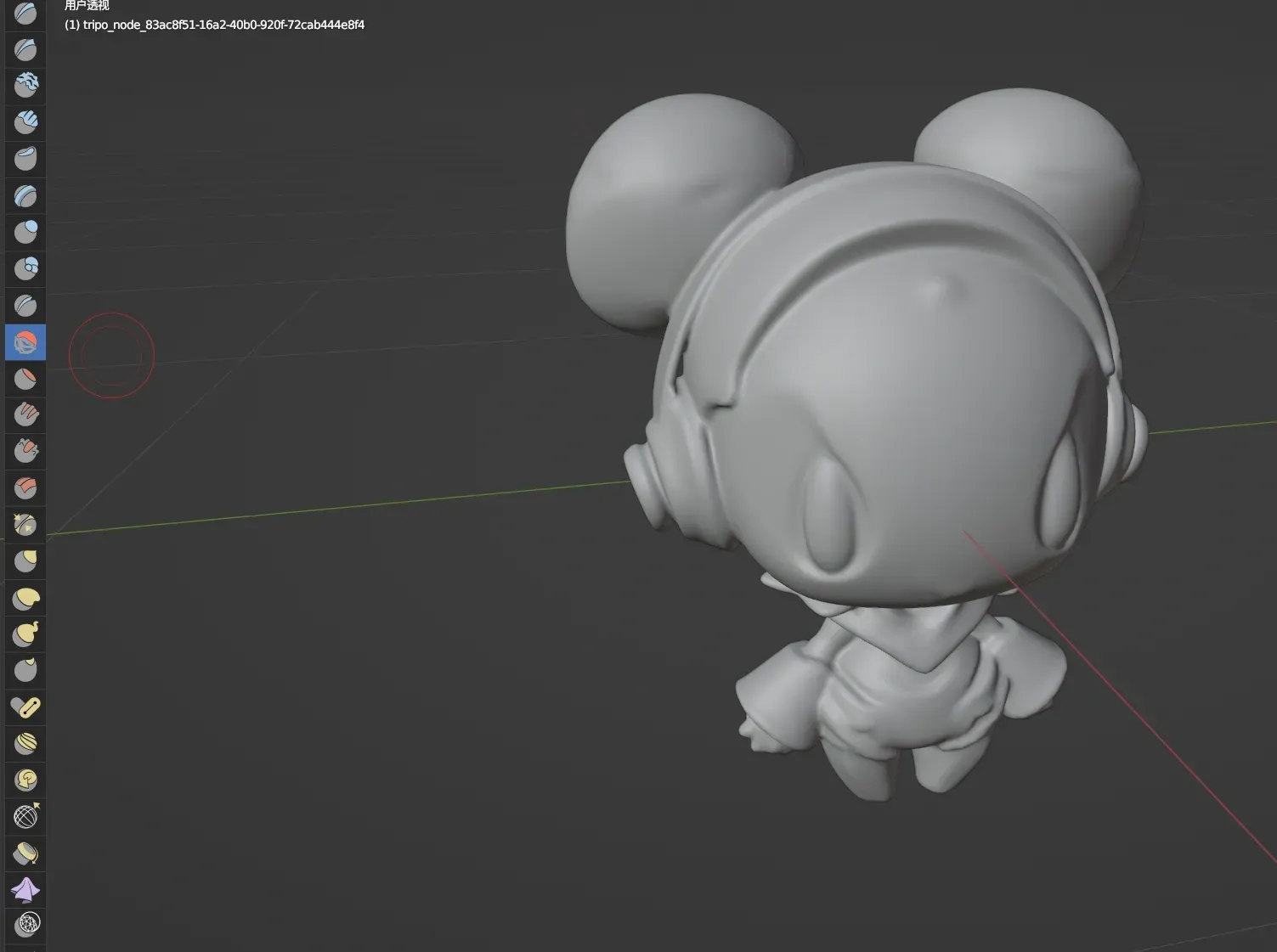
Adjust brush size and strength to smooth protrusions or indentations!
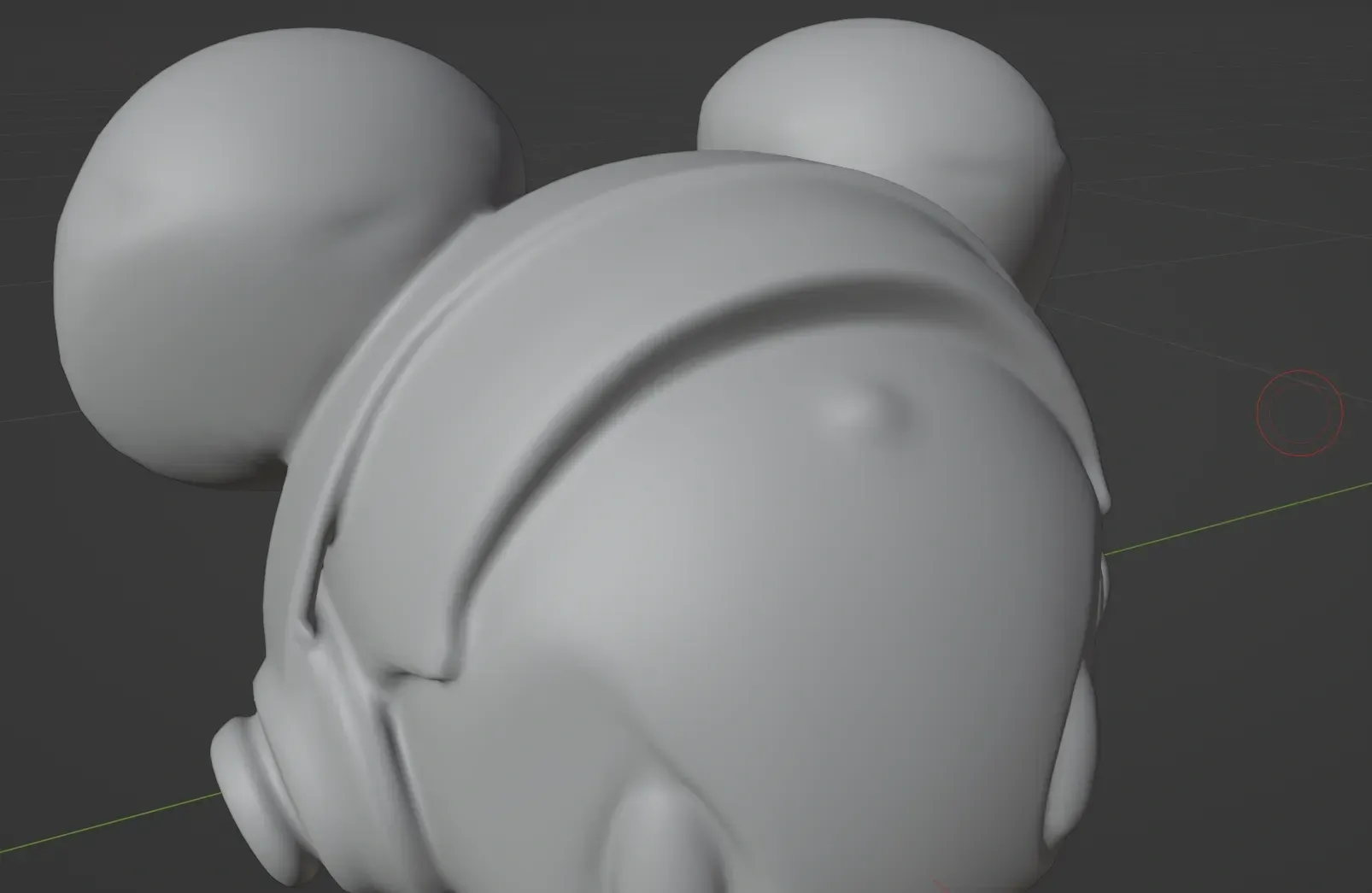
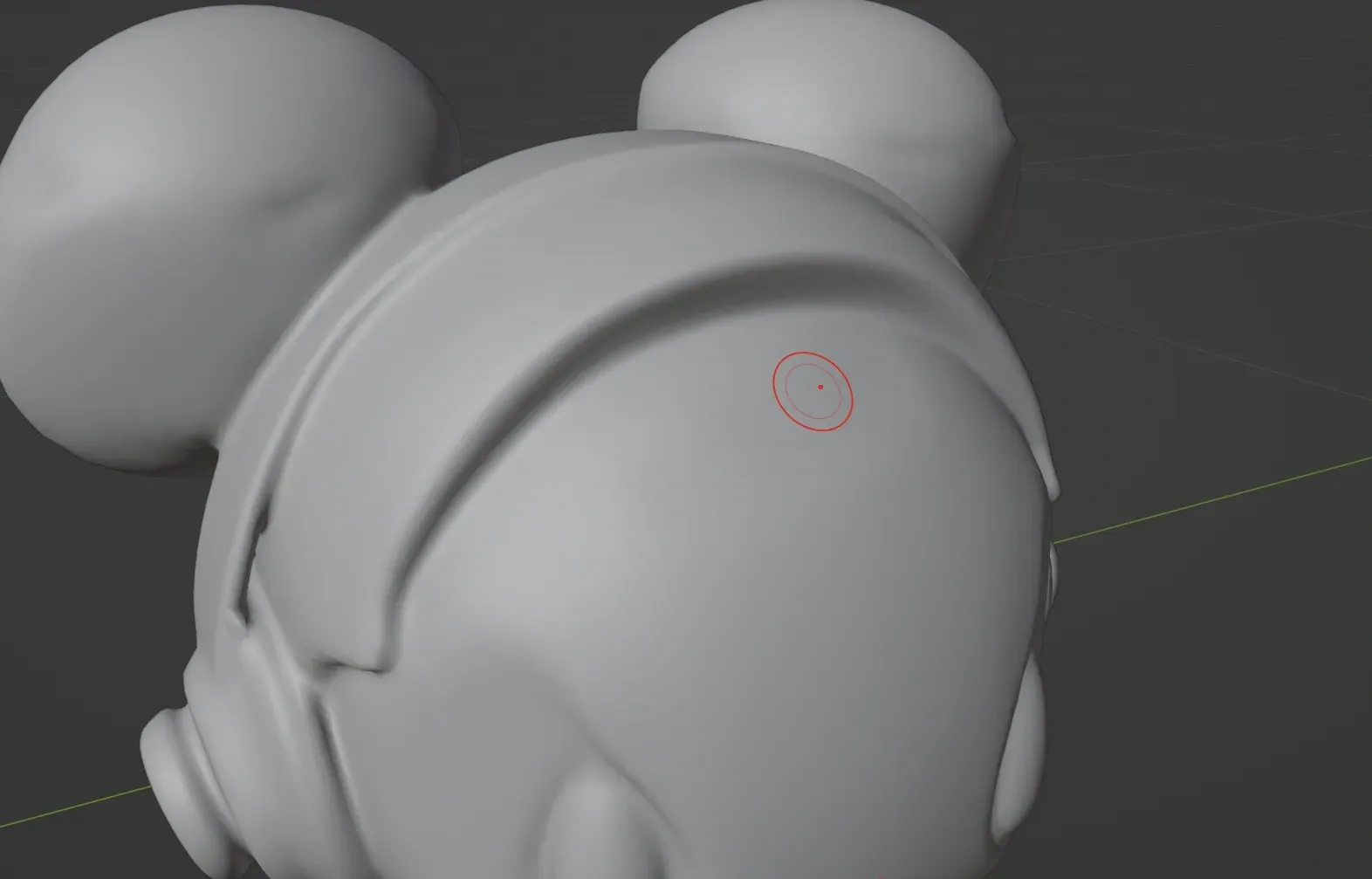
While Blender sculpting mastery requires dedication, the entry barrier remains low. Intricate point-line-surface relationships, Boolean operations, and numerous modeling tools are unnecessary for intuitive operation!
Export the refined model in STL format for slicer processing and subsequent printing~
Finally, I hope this tutorial proves helpful! ~
License



Comment & Rating (0)