Search models, users, collections, and posts

Customized stick
IP Report
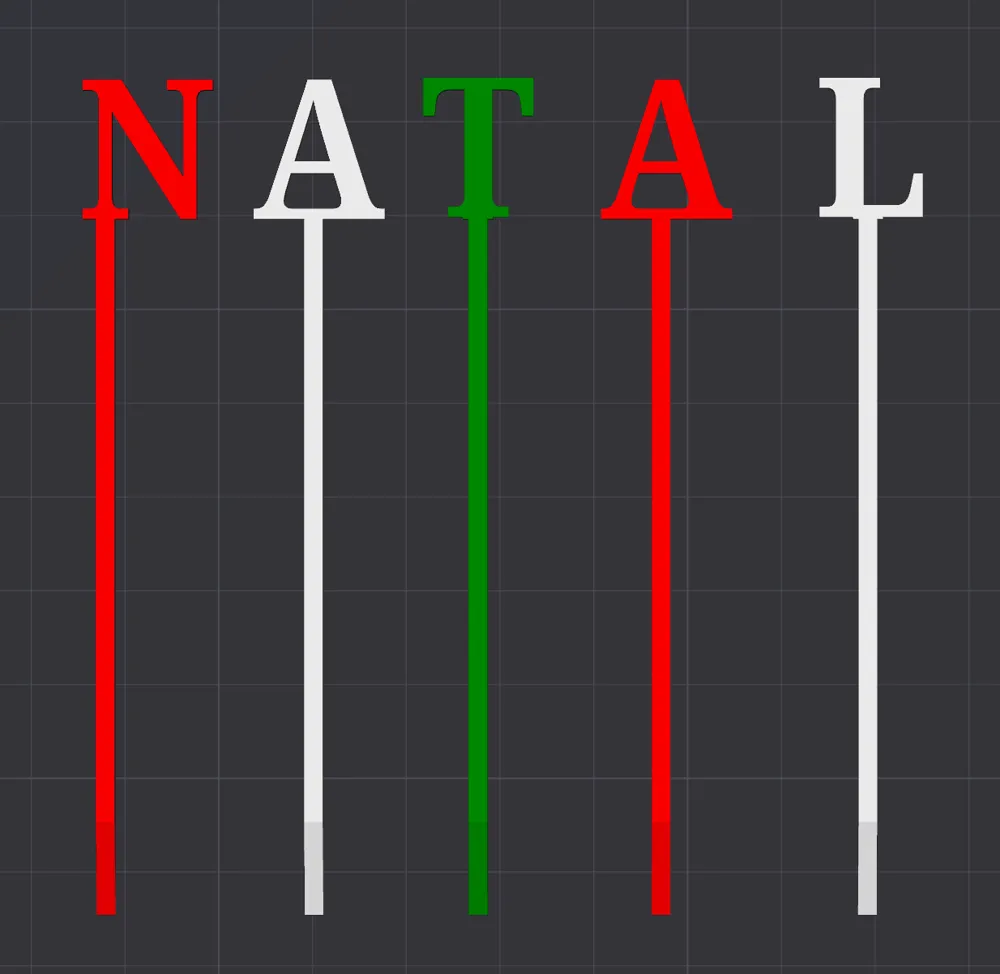
This model is created by Parametric Model Maker
Make Your Model
Print Profile(1)

0.2mm layer, 2 walls, 15% infill
Designer
9 min
1 plate
Open in Bambu Studio
Boost
5
9
0
1
11
1
Released
Description
Documentation for Variables
Below is the explanation of each variable used in the letterWithStick module, describing their purpose and function in the design:
Input Variables
- letter (default: "A")
- Description: The letter to be displayed in the 3D model.
- Type: String
- Example: "N", "B"
- font (default: "Jockey One:style=Regular")
- Description: The font used to render the letter.
- Type: String
- Example: "Arial", "Comic Sans MS"
- size (default: 20)
- Description: The size (height) of the letter.
- Type: Number
- Unit: Millimeters
- Example: 30 for a taller letter.
- thickness (default: 2)
- Description: The thickness of the extruded 3D components (letter, stick, and base).
- Type: Number
- Unit: Millimeters
- Example: 3 for a thicker model.
- stick_length (default: 65)
- Description: The total length of the stick extending below the letter.
- Type: Number
- Unit: Millimeters
- Example: 80 for a longer stick.
- stick_tilt (default: 0)
- Description: The tilt of the stick, allowing it to form an angled shape.
- Type: Number
- Unit: Millimeters
- Example: 5 for a slightly tilted stick.
- stick_position
- Description: Controls the horizontal offset of the stick to align it with the letter.
- Type: Number
- Unit: Millimeters
- Default value: 0
- Example: 0 is the most left. For the middle, use half of letter size
License

This user content is licensed under a
Creative Commons Attribution


Comment & Rating (0)