
Hackman3D Orbit Controller
Print Profile(1)
Description
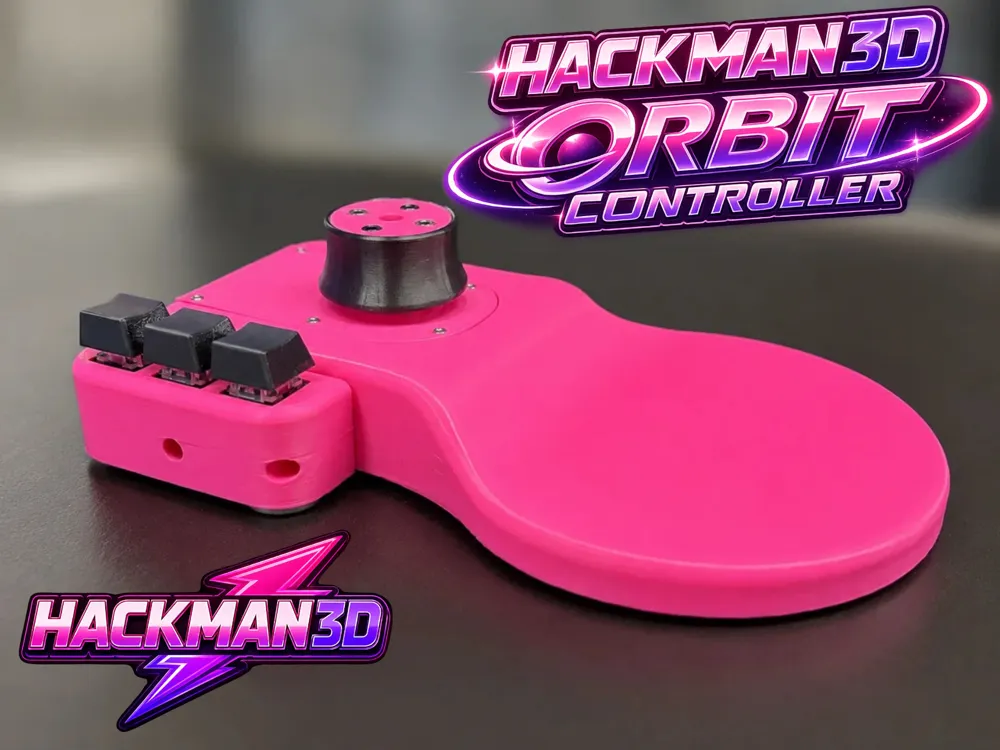
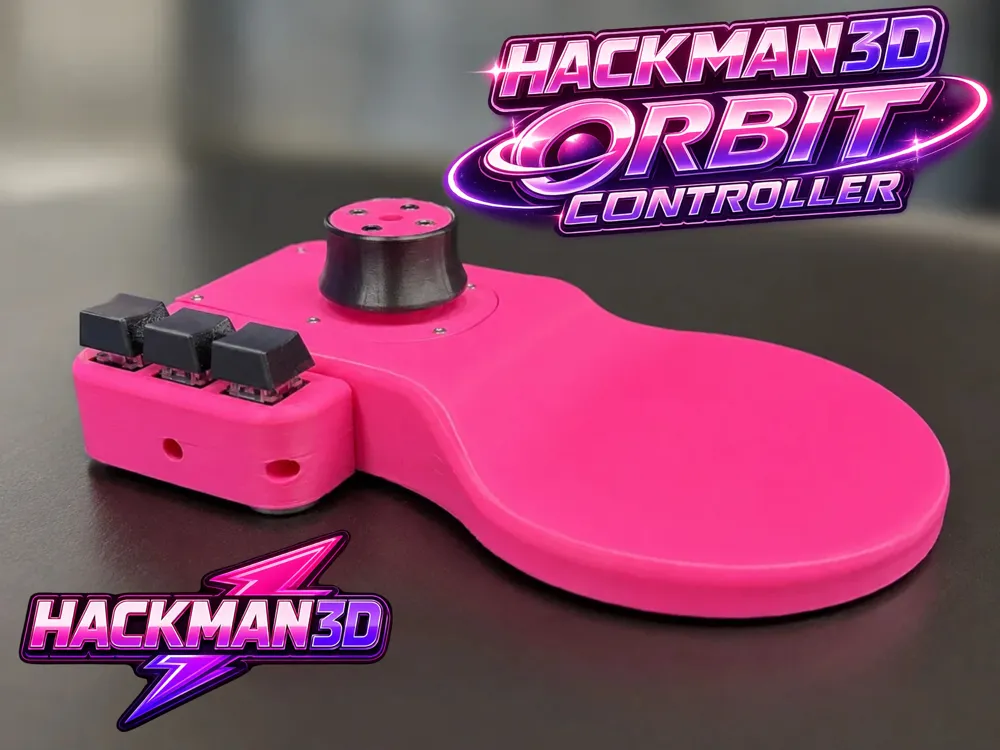
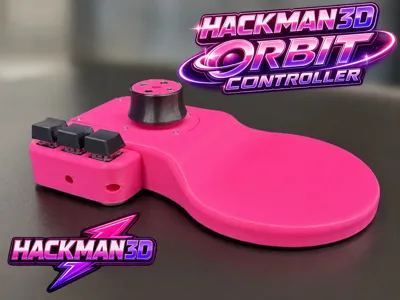
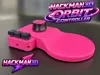
HackMan3D Orbit Controller
Build your own professional 6-DoF navigation controller
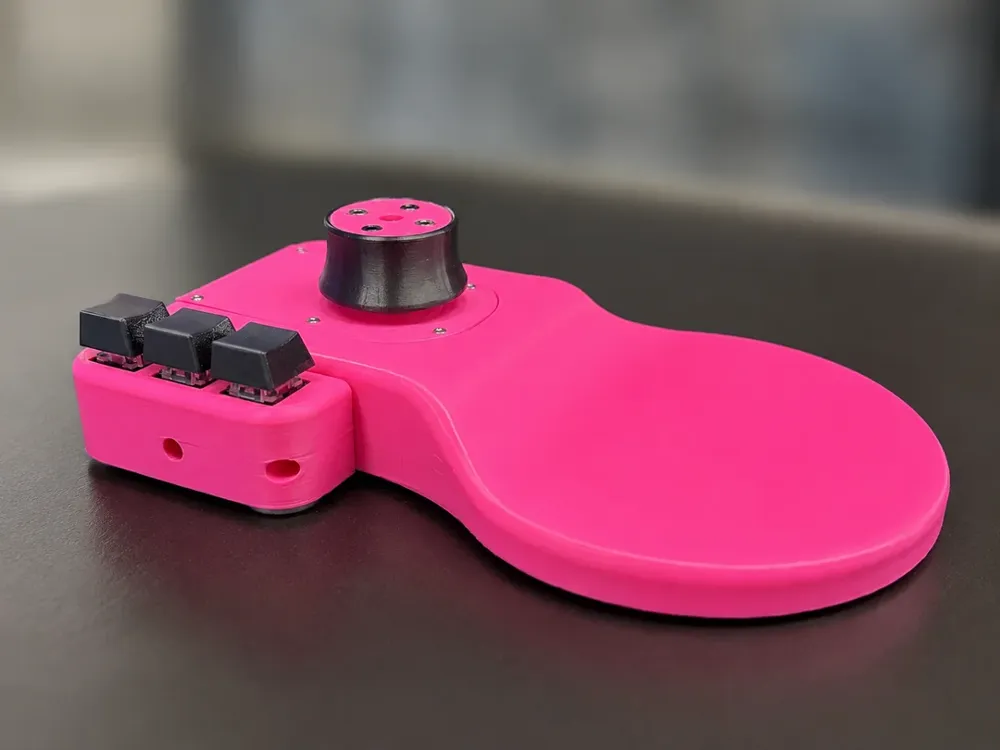
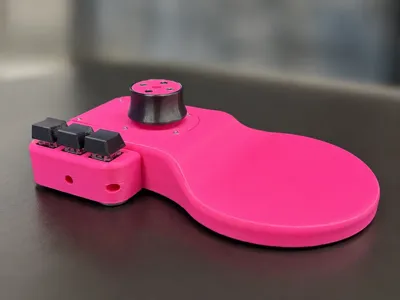
The HackMan3D Orbit Controller is a fully open-source DIY project designed for CAD, 3D modeling, CAM and creative applications.
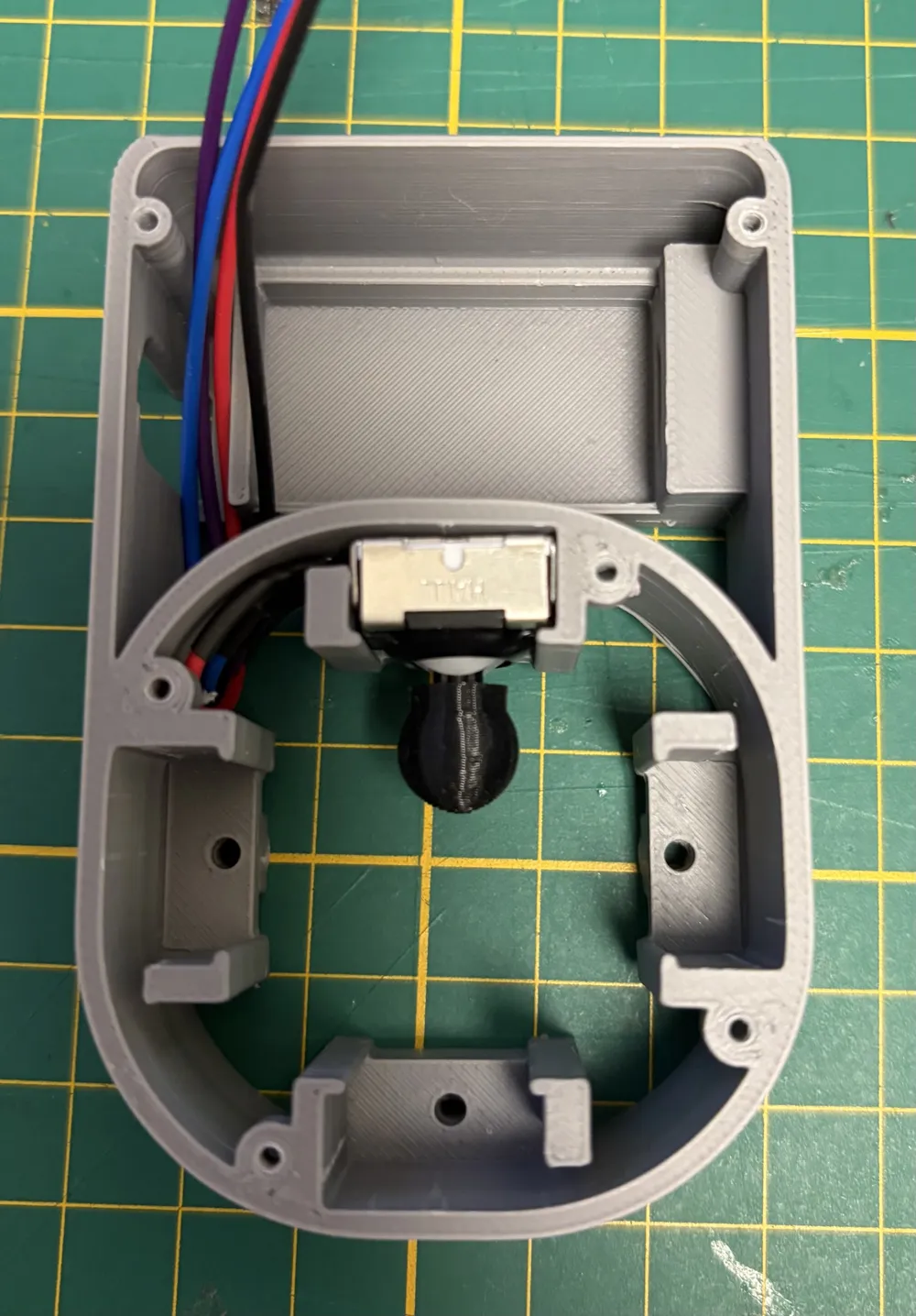
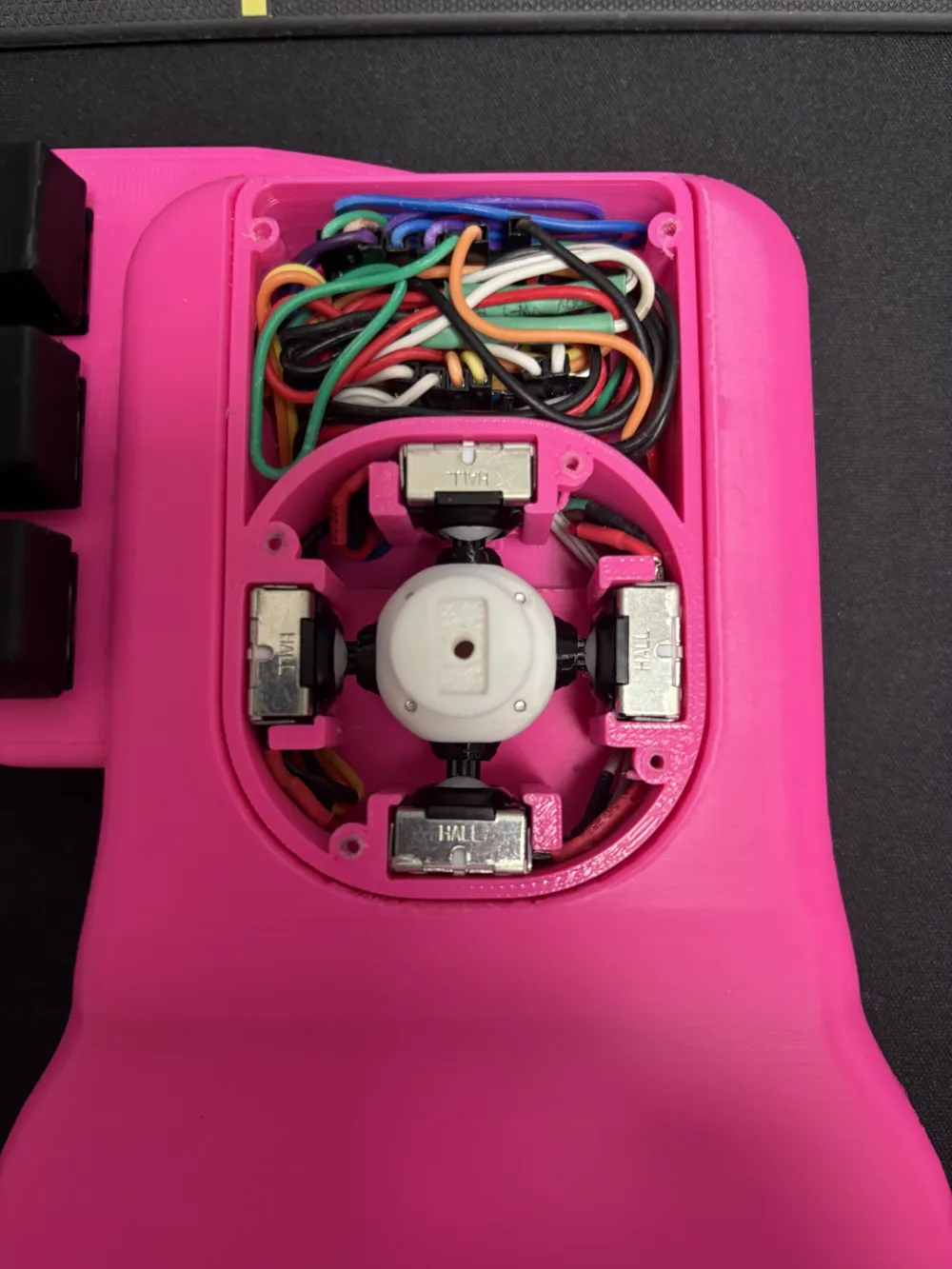
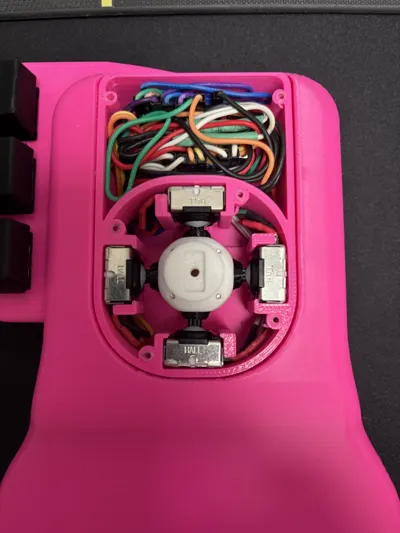
Built around an Arduino Pro Micro and four Hall Effect joysticks, it delivers smooth and precise 6-axis navigation while remaining affordable, reliable and easy to build.
Features
- 6 Degrees of Freedom (6DoF)
- Compatible with Windows, macOS and Linux
- Arduino Pro Micro based
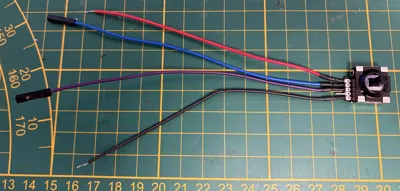
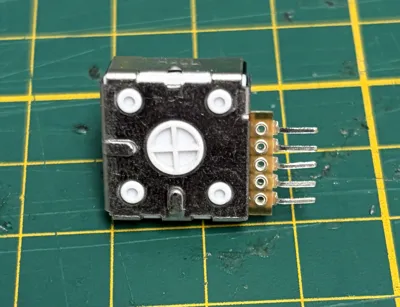
- Hall Effect joystick technology
- Fully 3D printable
- Open-source hardware & firmware
- Three programmable mechanical buttons
- Comfortable ergonomic design
Before You Start
This MakerWorld upload contains the printable parts only.
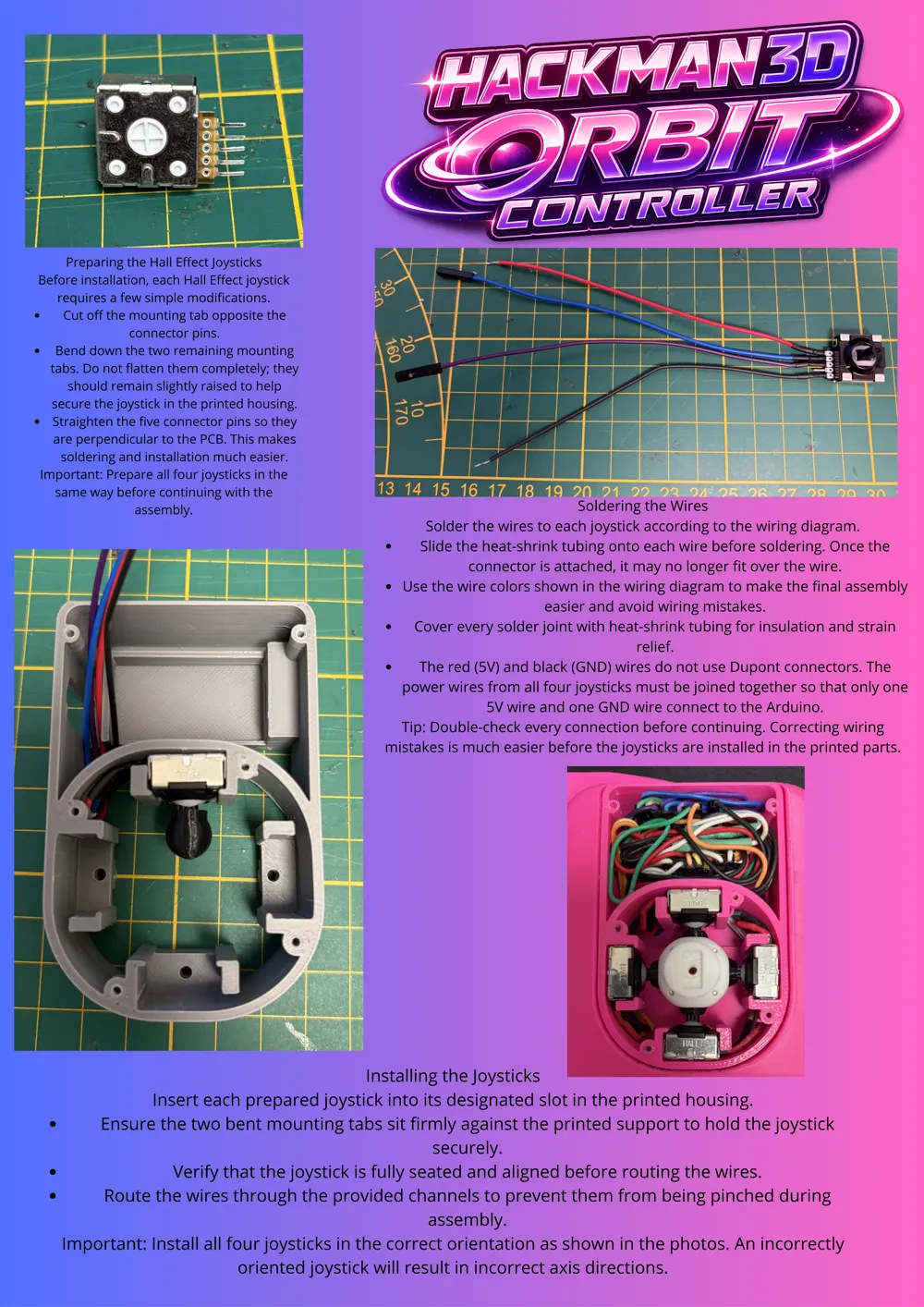
The latest firmware, assembly guide, wiring diagram and BOM are available on GitHub:
GitHub
https://github.com/HackMan3D/HackMan3D-Orbit-Controller
Assembly Overview
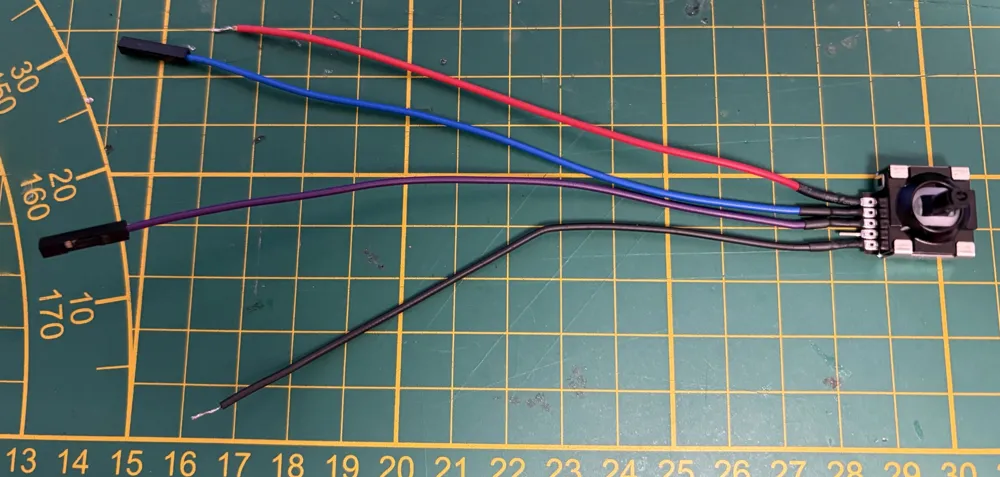
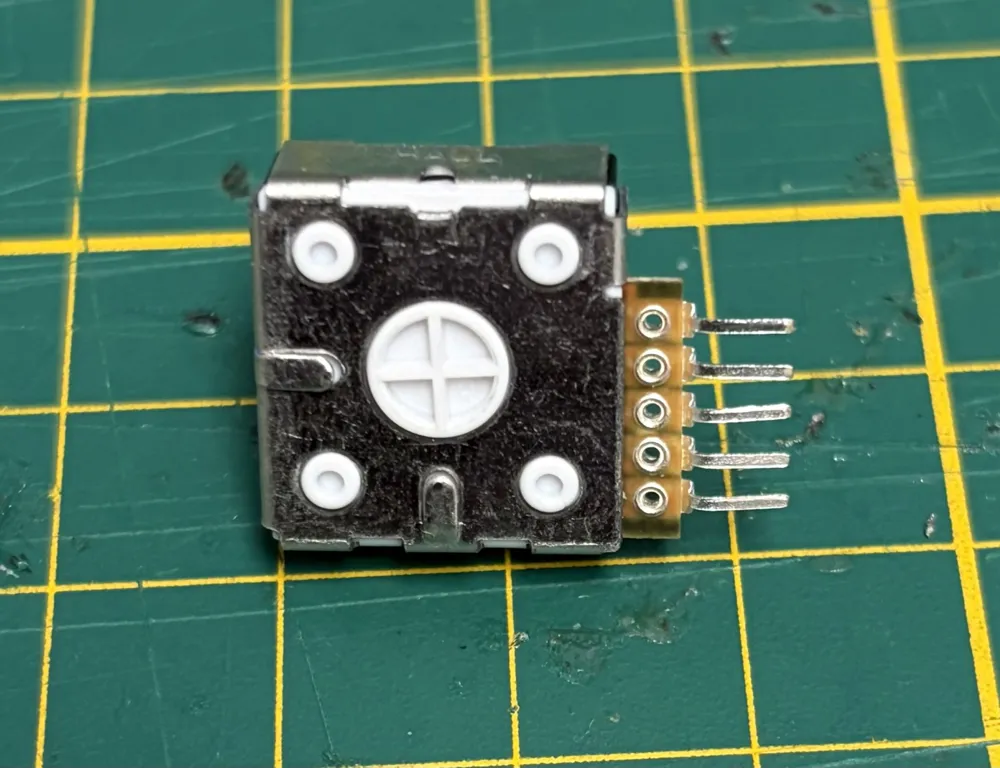
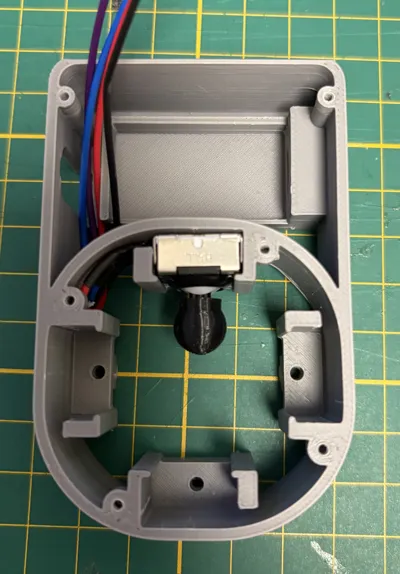
- Print all STL files.
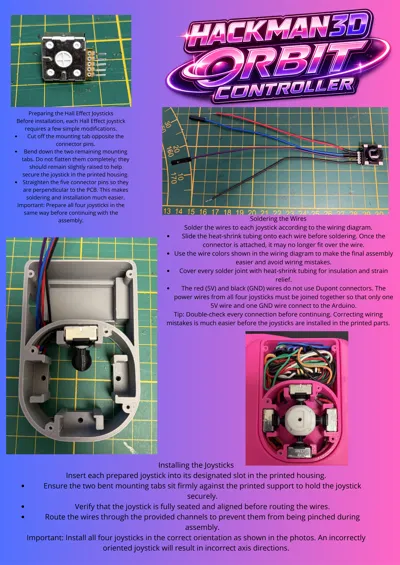
- Follow the Assembly Guide.
- Assemble the electronics according to the Wiring Diagram.
- Flash the firmware to the Arduino Pro Micro.
- Install the required board package and drivers.
- Enjoy your new Orbit Controller!
Arduino Board Package
This project uses the excellent board package developed by NavCore.
Please install it before uploading the firmware:
https://github.com/NavCoree/3D-controller-Board-package
Watch It in Action
Want to see the controller before building it?
Youtube
https://www.youtube.com/shorts/rWjuSqC4tPc
TikTok
https://www.tiktok.com/@hackman3d/video/7656888103503809814
Instagram
https://www.instagram.com/p/DaLhk9gP-Sw/
If you enjoy this project, consider following me on YouTube, TikTok and Instagram to stay updated with new projects, improvements, tutorials and future open-source releases.
Notes
- This project is intended for personal and educational use.
- Compatible with most CAD and 3D applications supporting 3Dconnexion devices.
- Firmware is not included in this download.
- Please download the latest firmware from GitHub before starting the assembly.
If you build one, I'd love to see it! Feel free to upload your print, leave a rating, share your feedback, or contribute improvements on GitHub.
A Few Words
This is my first project of this scale, and I've done my best to make the entire build process as accessible as possible.
The assembly guide will continue to improve over time with additional photos, clearer explanations and extra tips based on community feedback.
If you encounter any issues or have ideas for improvements, please don't hesitate to leave a comment. Every piece of feedback helps make this project better for everyone.
Thank you for your support and for being part of this open-source adventure.
Happy printing!
HackMan3D
License

You shall not share, sub-license, sell, rent, host, transfer, or distribute in any way the digital or 3D printed versions of this object, nor any other derivative work of this object in its digital or physical format (including - but not limited to - remixes of this object, and hosting on other digital platforms). The objects may not be used without permission in any way whatsoever in which you charge money, or collect fees.


Comment & Rating (4)