
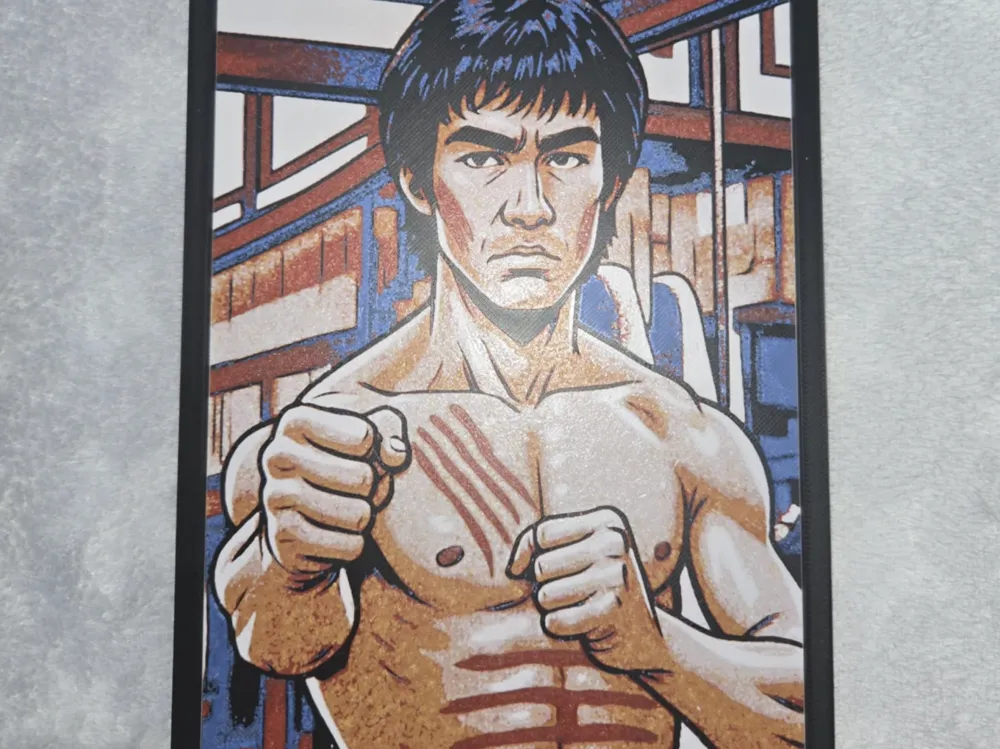
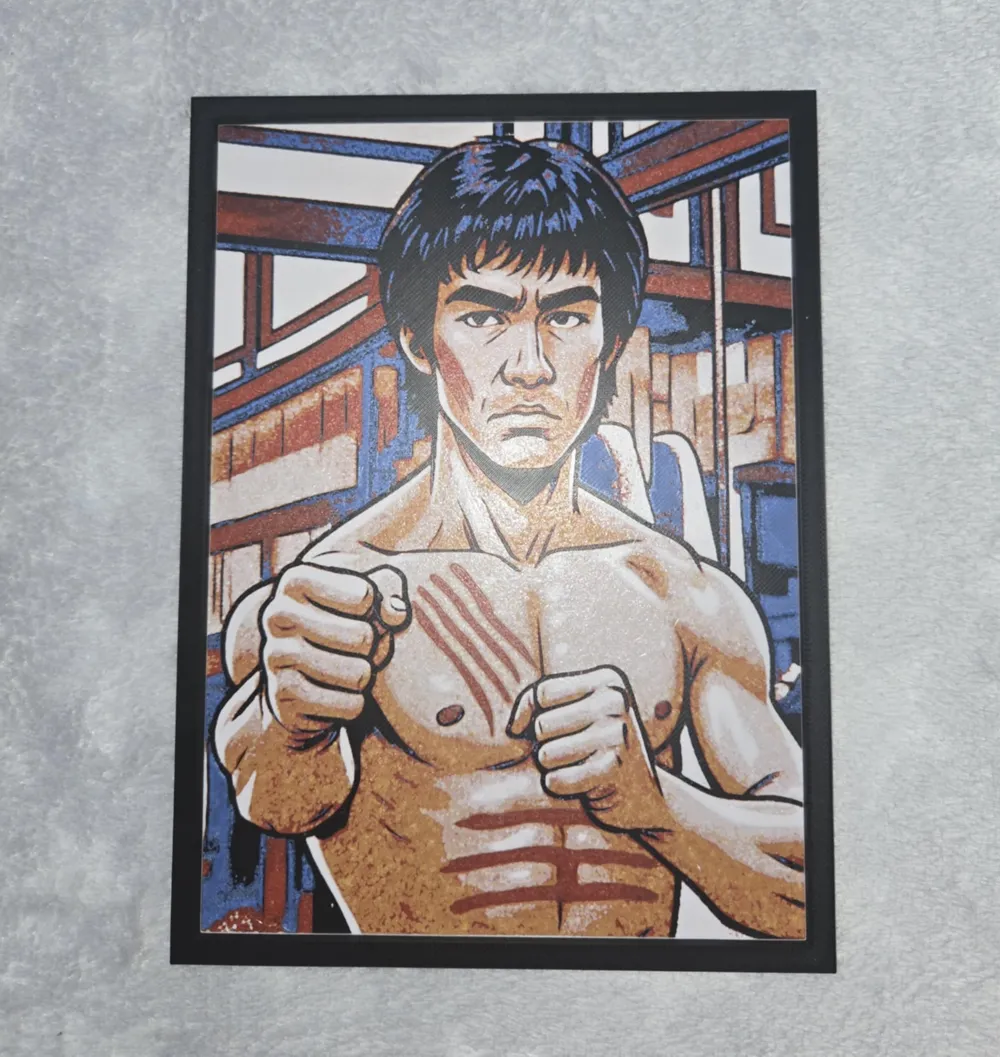
bruce lee
Print Profile(1)

Description
Swap Instructions: Start with Black
At layer #6 (0.56mm) swap to Blue
At layer #8 (0.72mm) swap to Red
At layer #12 (1.04mm) swap to Yellow
At layer #13 (1.12mm) swap to Beige
At layer #17 (1.44mm) swap to Jade White
At layer #18 (1.52mm) swap to Black for the rest.
i told the slicer blue was beige and red was white so when blue printed i put beige onto the ams and same with the red and white
License

You shall not share, sub-license, sell, rent, host, transfer, or distribute in any way the digital or 3D printed versions of this object, nor any other derivative work of this object in its digital or physical format (including - but not limited to - remixes of this object, and hosting on other digital platforms). The objects may not be used without permission in any way whatsoever in which you charge money, or collect fees.


Comment & Rating (0)