
Gridfinity Lightweight Stackable Base Plates
Print Profile(8)


Bill of Materials








Description
Please read before printing, these are the common issues I have seen and bad reviews for any of this will just be deleted as they do not conform to the community guidelines and are all operator issues and not issues with the profiles. I am more than happy to answer any questions in comments and help someone who is struggling, please just don't do it through a poor review.
- DON'T TRY AND PRINT WITH A SINGLE MATERIAL (2 different colors of the same material still only counts as 1 material, Black and Red PLA is still just PLA and will not work). IT WILL NOT WORK. You need an AMS (you can do it manually but that sort of defeats the point). I also made a separate post if you don't have a AMS and don't want to destack the parts. This is just individual plates. https://makerworld.com/en/models/2019539-gridfinity-lightweight-base-plates#profileId-2176258
- If you are printing from the app and are not using EXACTLY the same materials (excluding color) the profiles are designed for than there is a very good chance it will not work and I am not responsible for it failing. You need to open the profile in bambu studio and change the settings to the materials you are actually using, reslice, and then upload. I am also not responsible for any prints you do with anything other than what the profile is setup for.
- If you are having bed adhesion problems that is something you need to work on. Check the settings for the correct materials, clean your bed, and possibly add some glue (I like hairspray personally).
Have been working on this one for a while and happy to finally throw my version of this out there.
Spacers system is uploaded separately here https://makerworld.com/en/models/1927579-gridfinity-lightweight-spacers#profileId-2068879
Bins are also available here https://makerworld.com/en/models/2258913-djr-engineering-gridfinity-bin-catalog#profileId-2460951
Feel free to browse my other gridfinity models. https://makerworld.com/en/collections/4365706-djr-engineering-gridfinity
- Problems
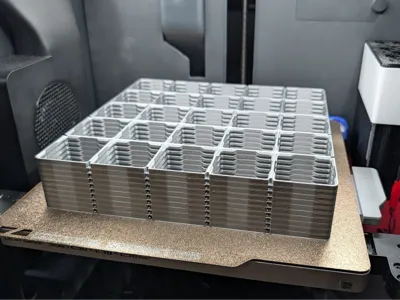
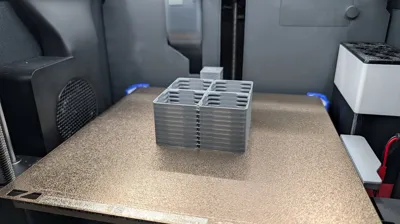
- Printing base plates one by one feels like a waste of time and really would like to be able to run stacks overnight.
- Goals
- Reduce material consumption
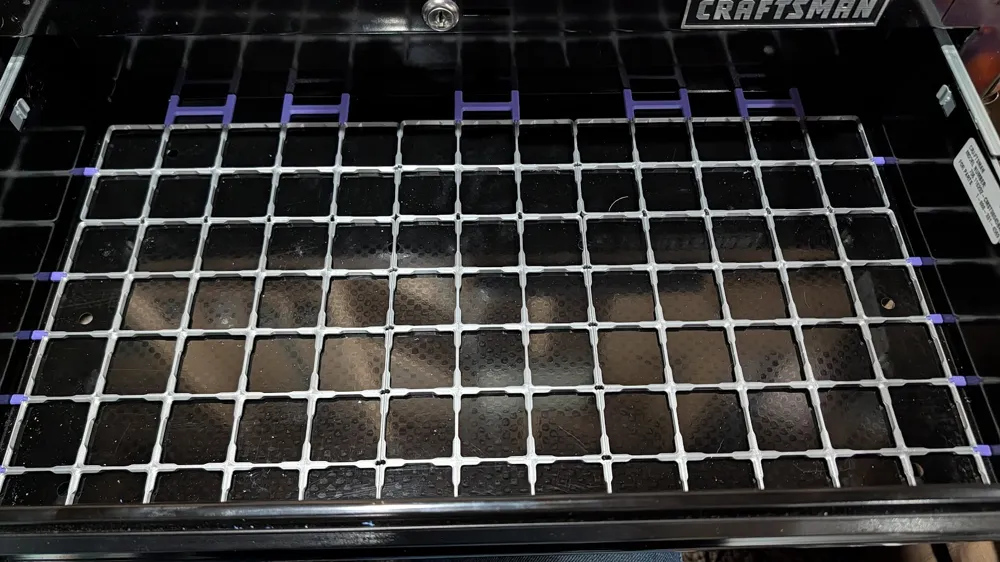
- Reliable stacking design with reasonable support
- Interlock design that is simple but stackable
- Designed around the standard spec of 42mm
- Results
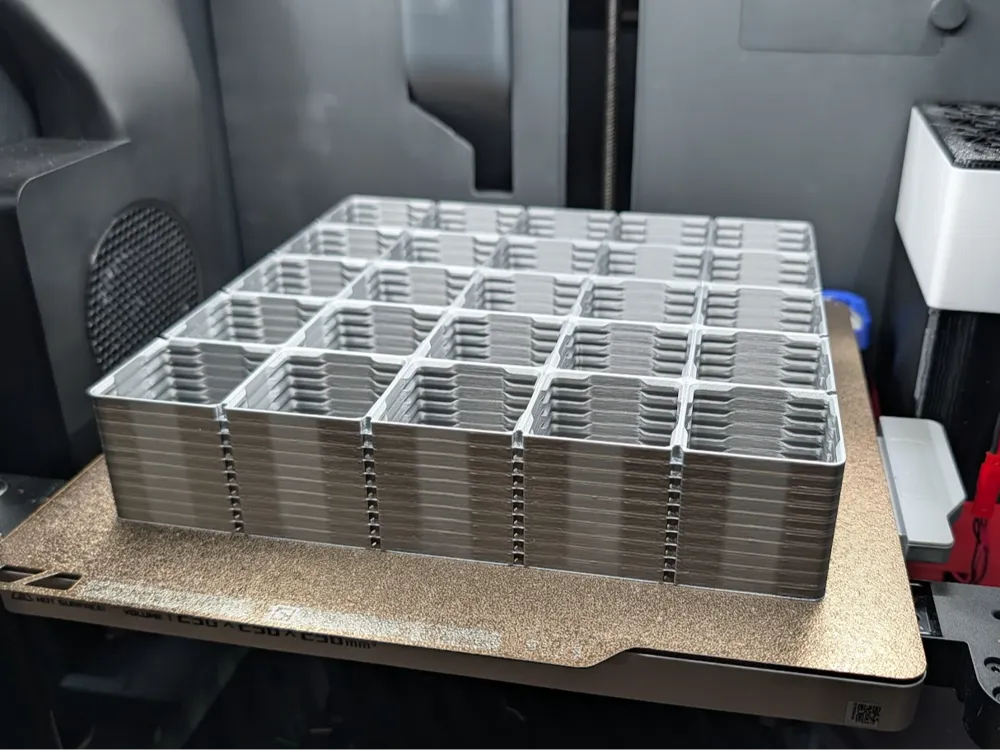
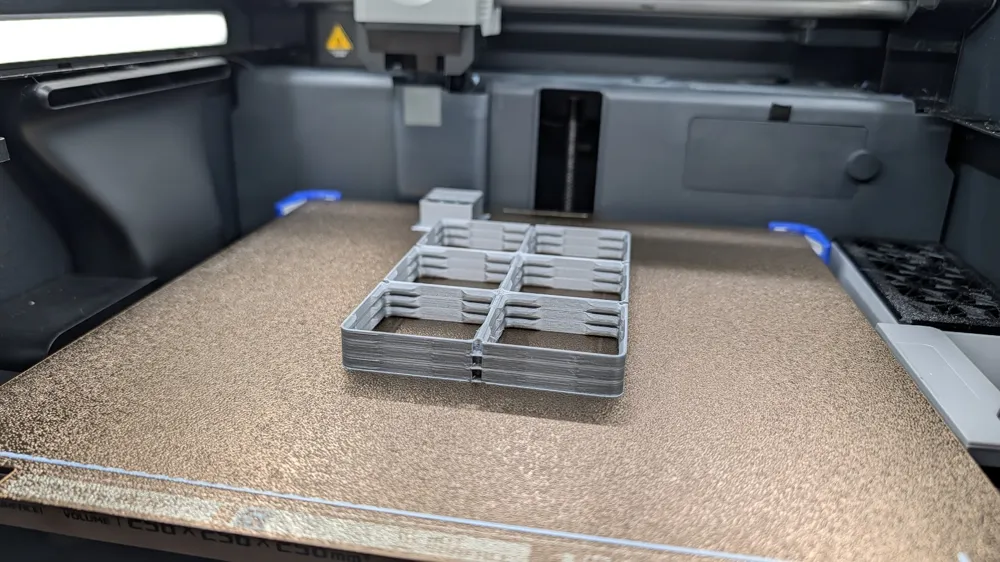
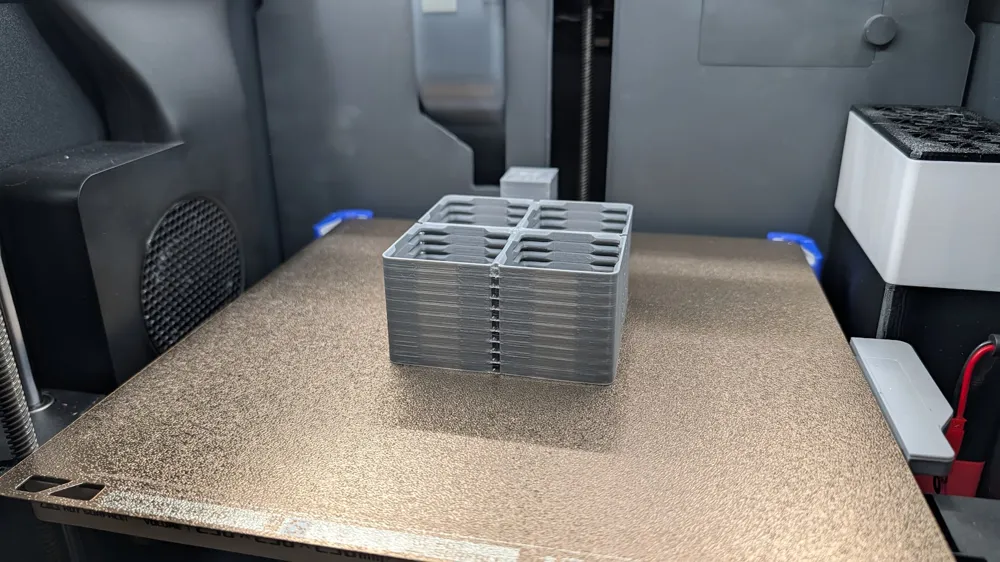
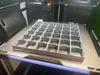
- Stackable solution that should be able to scaled up to fill the entire z volume and without any issue.
- Requires use of actual support material, using a single material will fuse everything together and it will never come apart.
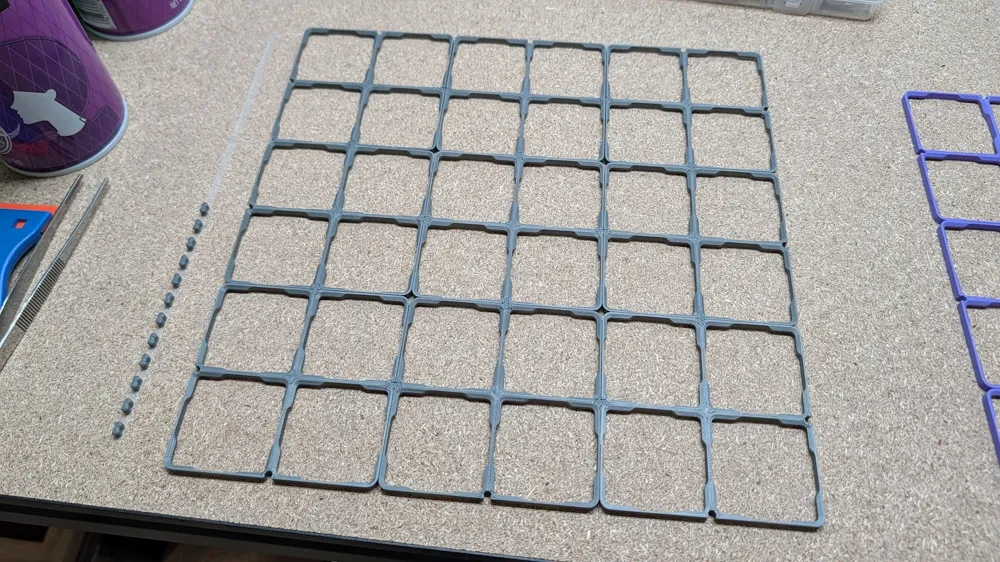
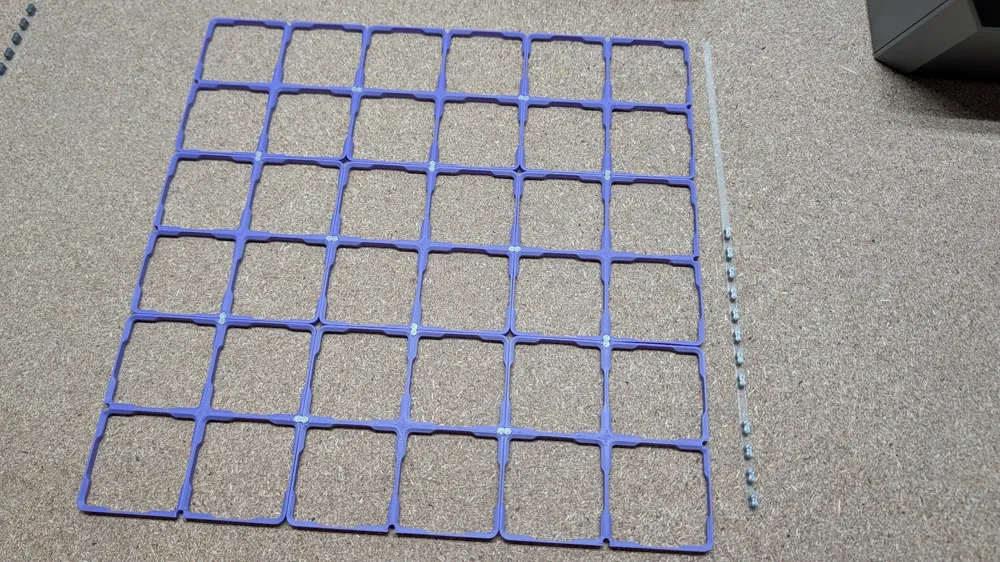
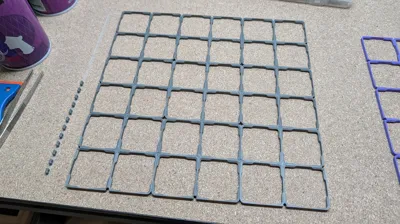
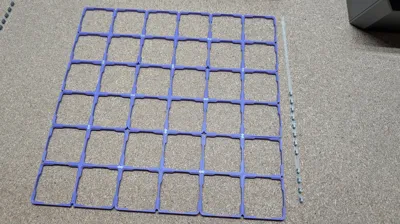
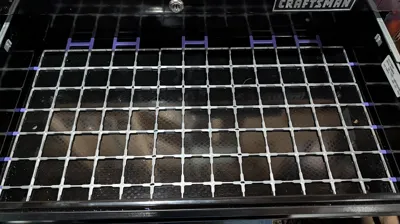
- Simple peanut design for interlock to tie the grids together in X&Y. Since I was already using support material I figured out a nice way to basically make an installation strip for better handling of them.
- Base plates are reversable and don't really have a top or bottom.
- First layer raft that removes elephant's foot on first part.
- Multiple profiles for different materials.
- PLA with Support for PLA/PETG Material (Recommend for most people)
- Dalton Pearson was nice enough to put together a 0.5xN profile for this as well, Link.
- PETG HF with Support for PLA/PETG Material
- PLA with Support for PLA Material (Support bond is more aggressive then others)
- PLA with Support for PLA/PETG Material (Recommend for most people)
- Support Removal Notes:
- To split the parts simply press your nail near the corner where it is thin and can deflect a little bit. Done right they should just split and allow you then to pull one layer off.
- Once off it is often easiest to use a pair of tweezers or you finger nail to lift the support at each wear it is bridged.
- A puddy knife might also be required to pick at some of the support for the PLA on PLA. Even on the 5x5 this was still much faster than printing them 1 by 1. It took about 30mins to clean up all of those and that was probably the worst.
- The Support for PLA/PETG is much easier to remove in general
- Peanut Plate Removal
- Recommend and puddy knife and just sliding it under all the way down instead of trying to peal it off. If you try to just peal it off it will likely just knock off all the peanuts from the support and make installation a little more tedious. Ideally you just leave them on the strip till you need them.
- A1 Mini
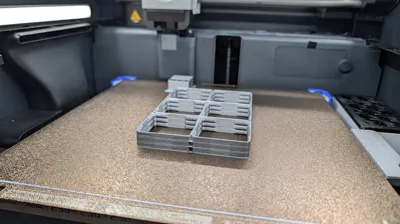
- I have confirm the following sizes in the Smaller than 5x5 profiles will fit on the A1 Mini, but you may just need to move the prime tower inside one of the openings like is done on some of the larger trays. It may throw a warning, but I have had no issues. The only reason it doesn't list the A1 Mini is because some of the larger parts fail the fit check in the profile.
- 1x2, 1x3, 1x4, and 1x5
- 2x2, 2x3, and 2x4
- 3x3 and 3x4
- 4x4
- I have confirm the following sizes in the Smaller than 5x5 profiles will fit on the A1 Mini, but you may just need to move the prime tower inside one of the openings like is done on some of the larger trays. It may throw a warning, but I have had no issues. The only reason it doesn't list the A1 Mini is because some of the larger parts fail the fit check in the profile.
- Misc Notes
- Master file for each profile was too large and had to be split up in 2 parts to be uploaded.
- The PLA with Support for PLA is probably the strongest bond and requires the most effort to remove the support.
- I don't recommend trying this with PETG or PLA as the support material. I don't think that is strong enough and I'm not post any profiles to support that.
- Making Taller Stacks, follow the video below
License

You may create derivative works based on this object, provided that all such derivative works are published exclusively on the MakerWorld platform and include proper attribution to the original creator. You may not share, upload, host, distribute, or publish this object—or any derivative work of this object—on any other digital platform, marketplace, or distribution channel. Commercial use of this object and any derivative works is strictly prohibited. This includes, but is not limited to, selling, renting, sublicensing, or using the object in any context in which you receive monetary compensation or other financial benefits.


Comment & Rating (225)