Search models, users, collections, and posts

MiniMeasur
IP Report
Print Profile(2)

USES AMS
Designer
21 min
1 plate

NO AMS
Designer
19 min
1 plate
Open in Bambu Studio
Boost
7
4
0
0
2
2
Released
Description
PLEASE READ THIS IS IMPORTANT
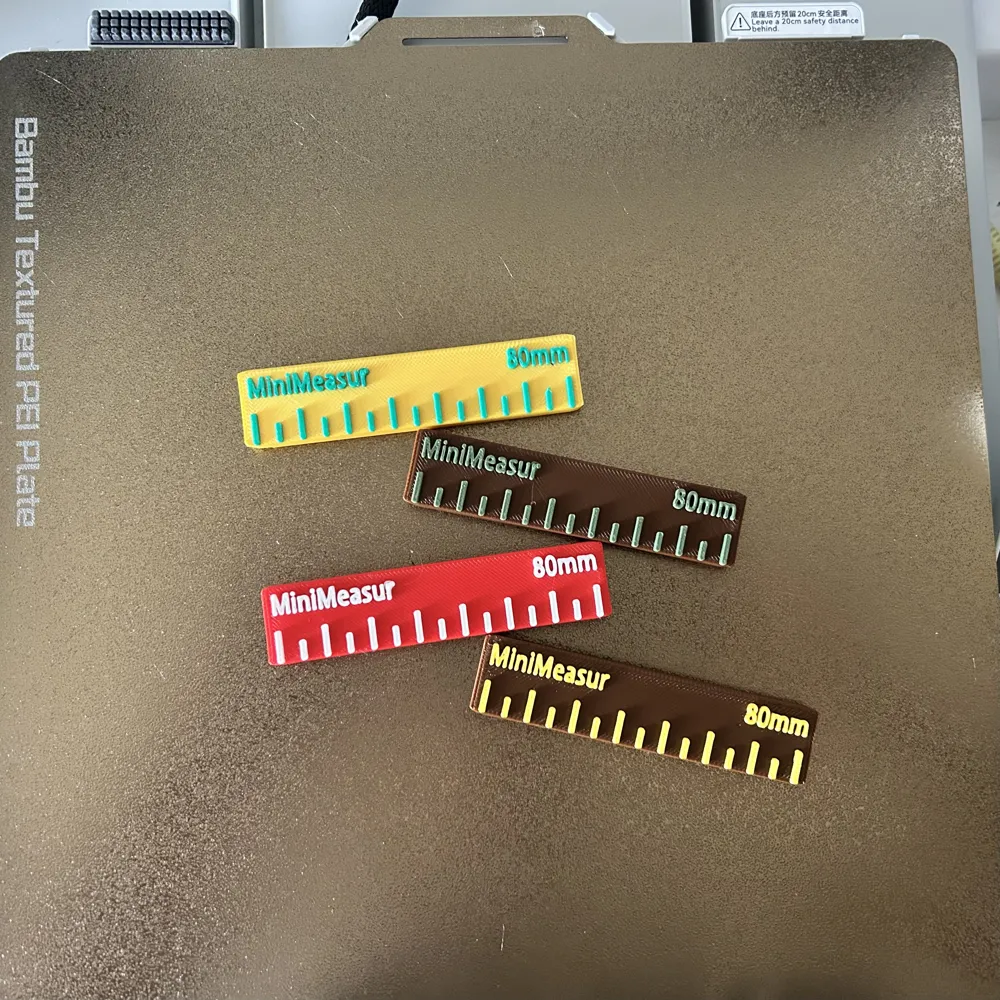
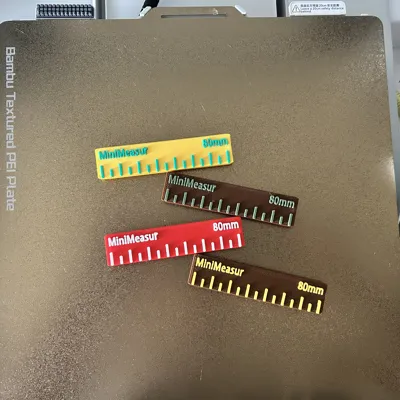
I have added a version for those without an AMS system to be able to use the multi-color MiniMeasur model. There is a planned pause set around the 15:30-16:00 mark letting you swap filament rolls. To do this you must follow these instructions PERFECTLY.
- When it pauses, let the nozzle cool for 1-2 minutes. (Makes the process easier)
- After letting the nozzle cool, press the filament cutter on the RIGHT SIDE of the print head 2-3 times for a perfect cut. (For the A series only from what I know.)
- Once you press the cutter, there is a gear release lever to the LEFT of the PTFE tube input to the print head. PRESS IT (Again, for the A series only for what I know)
- While holding the release lever, pull the filament out of the tube from the roll for an easy releasing process.
- Input new filament into the tube far enough for the gears in the print head to grab it.
- Press Continue Print and you will receive a multicolor MiniMeasur caliper, WITH a bleeding color design. (I am aware that it pauses a layer before the marks and letters. I left it because of the fact of the color bleed.)
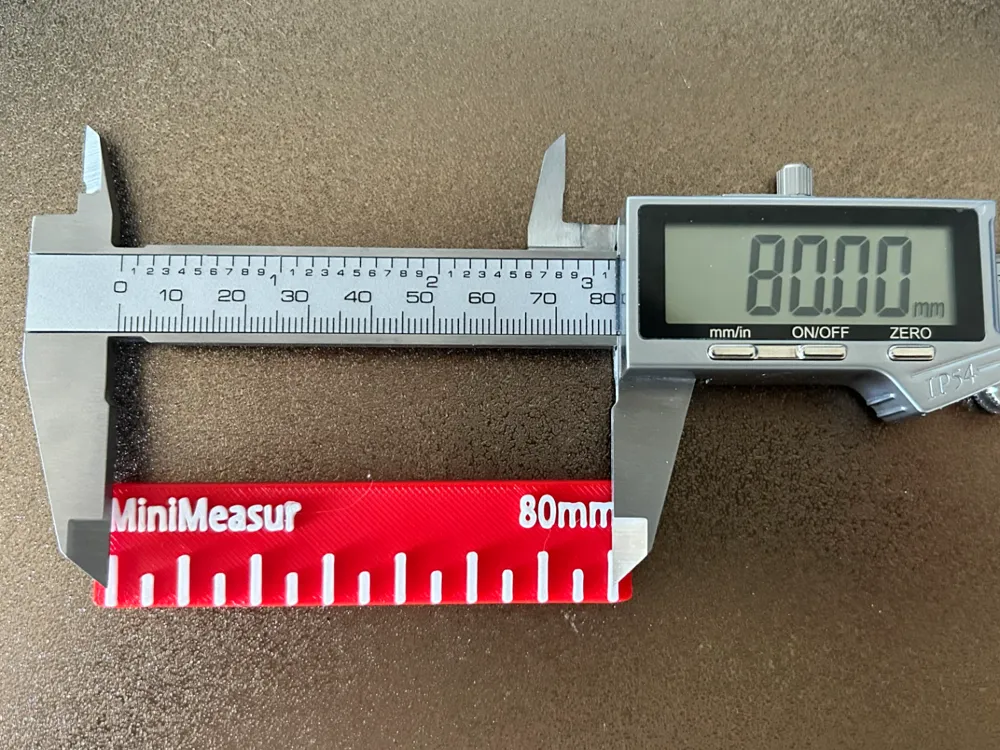
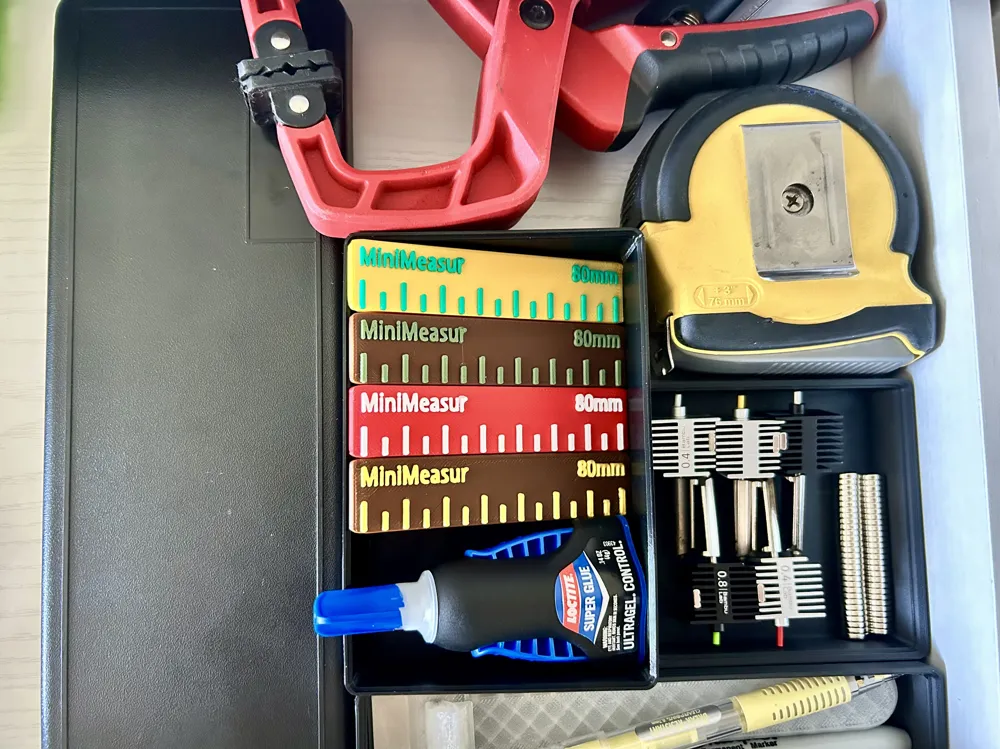
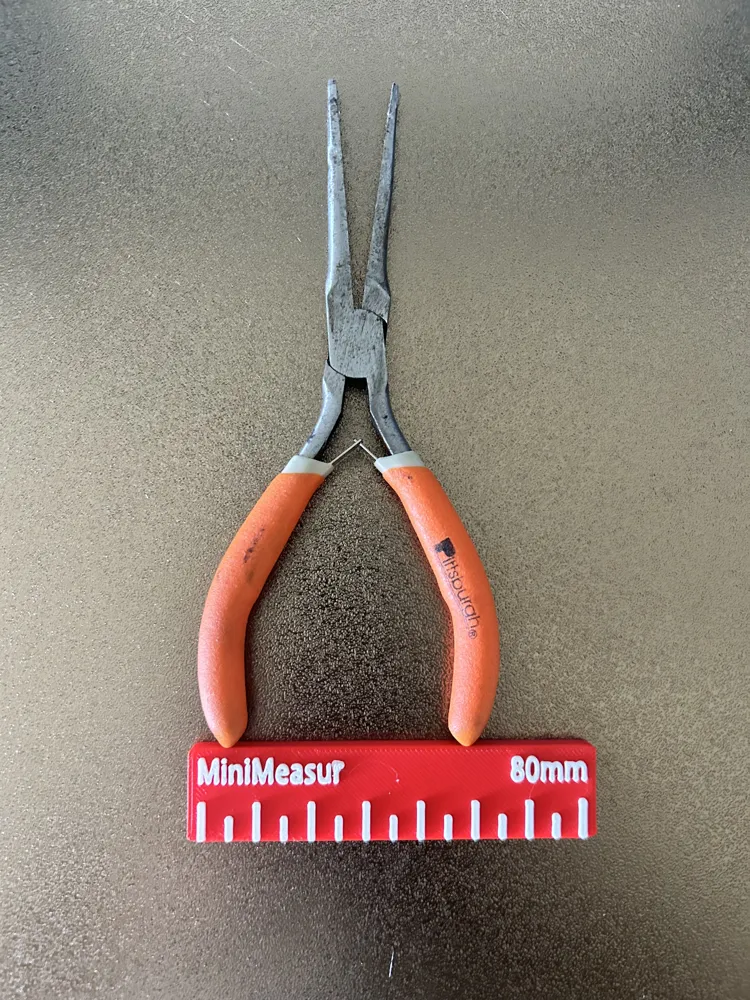
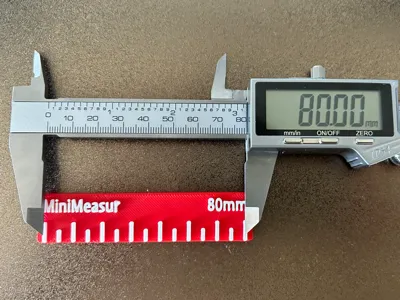
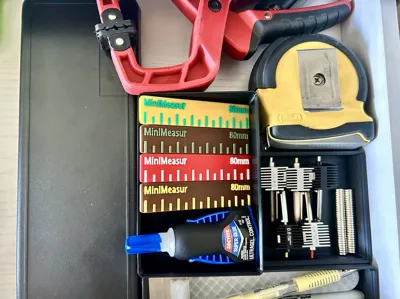
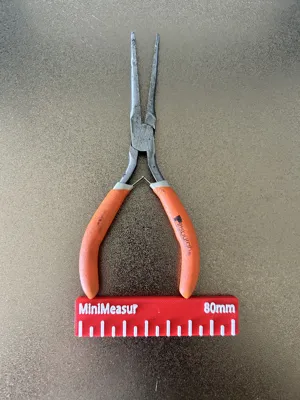
The MiniMeasur is a compact and convenient 80mm ruler/caliper, fitting any toolkit, desk space, or workbench. Its clear markings and durable build make it a go-to choice for quick measurements and travel modeling. Its slim design also makes it an easy fit for tight spaces like a pencil case, a travel case, and even your pocket!
Boost Me (for free)
Like this model and my others? Support me by boosting!! It keeps me modeling for you!
License

This user content is licensed under a
Creative Commons Attribution-Noncommercial-Share Alike
Comment & Rating (0)