
Tiny RC SHERP
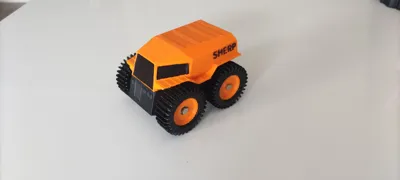
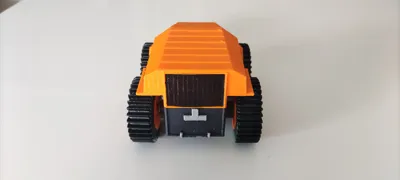
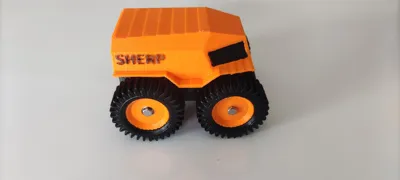
Print Profile(1)


Description
Thanks for checking out my model! Interested in supporting my work or selling prints?
Support Crew – Show some love and help keep the projects flowing
Galactic Maker Foundry – Sell physical prints of my original designs
Foundry License+ – Sell prints and use my photos for listings
🎉 Supporter-only Discord coming soon – get early access, tips, and sneak peeks!
Membership
Join here to support or get a license
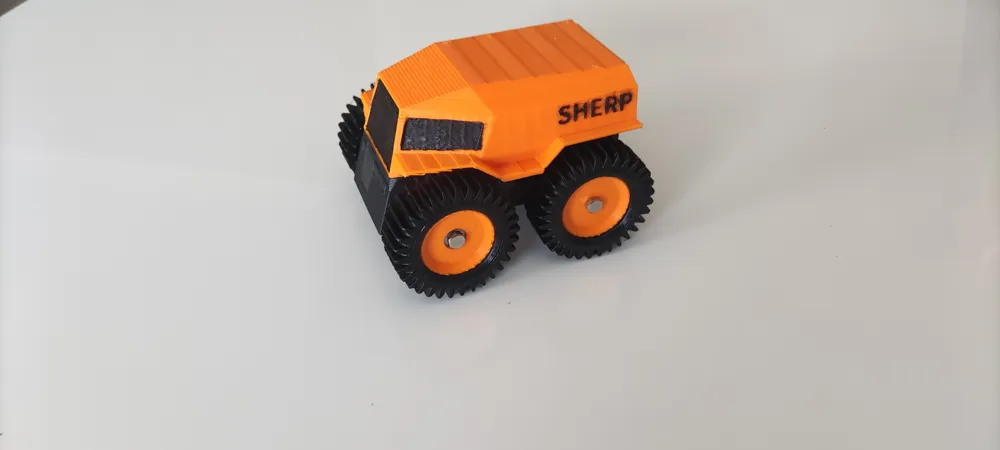
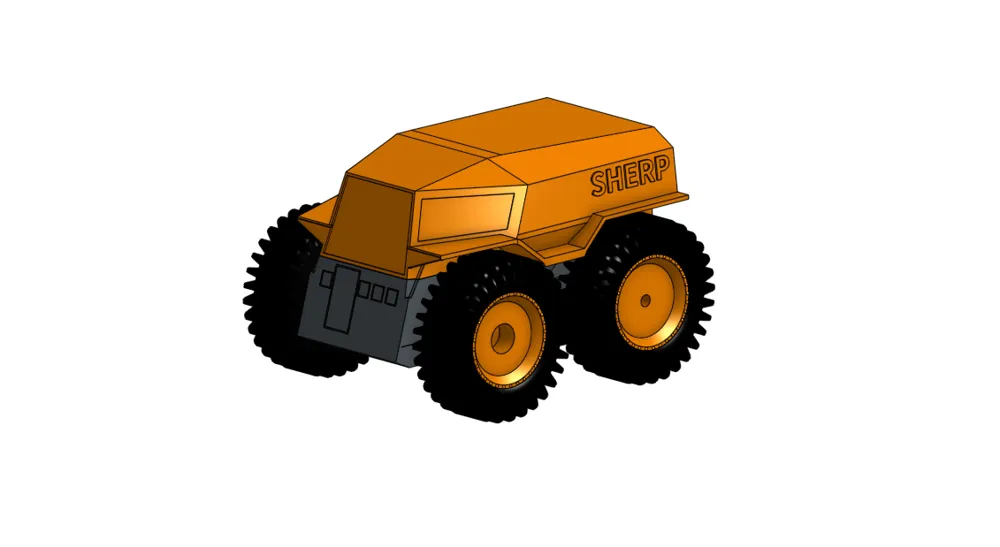
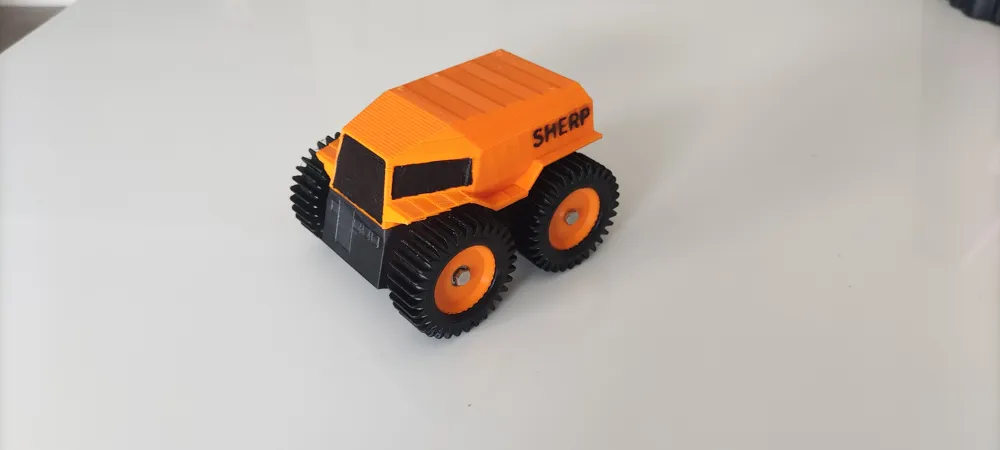
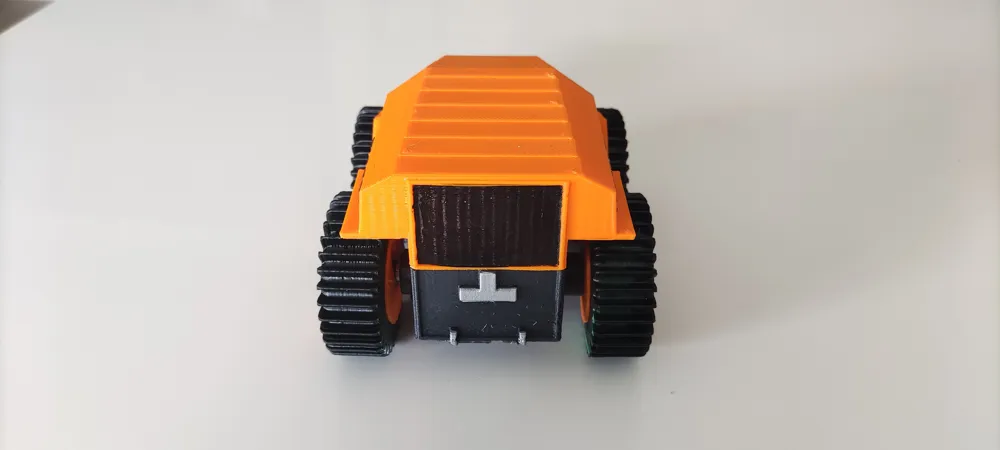
To build this you need to print:
1xTop Cover
1xChassis
2xDrive Wheels
2xIdle Wheels
4xPaddle Tyres - I used plaFLEX but you can use any filament really.
Printed with .2mm layer, 2 walls, 20% infill. Only the body and drive wheel needs supports- touching buildplate only,
Electronics Used
1x5v BEC
Hardware
8x 3mmx3mm round neodymium magnets
4x M3x6mm button head screws
2x M3x25mm (2 more if you want to cut off most of the screw and glue into the hole in the drive wheel for looks)
2x OD 9mm ID 3mm Wide 6mm bearings, I scavenged some from and old brushless FPV drone motor
4x M3 OD5mm Height 3mm Brass Inserts
1x xt30 connector or connector suitable for your lipo
Assembly
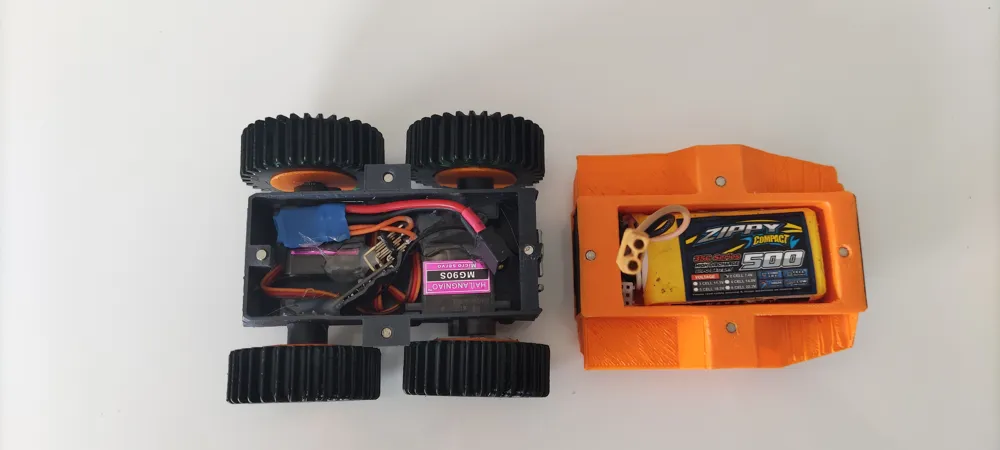
- Melt brass inserts into the holes from the inside, you need to do this before the servos go in. Screw the servos into the chassis, the screw comes from the outside to the inside through the chassis then into the servo. I needed to use a round file to get the servo mounting holes big enough for a M3 screw. Glue the drive wheels to the servo horns, press bearing into idle wheel, use the 25mm screw through the wheel, then put the idle wheel spacer on the screw, then screw into the brass insert, it needs a little room for the wheel to spin without to much resistance.
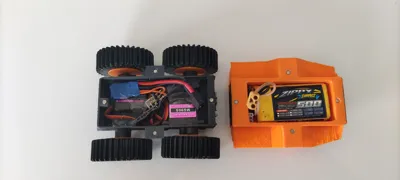
- Using CA/Super Glue, glue in the magnets in the chassis and top cover. Make sure they are in the right orientation to be attracted to each other.
- Solder xt30 to 5v BEC, then wires to the ground and VCC pins on the receiver.
- Plug servos into receiver. I used Channel 1 for the rear, left side servo and Channel 2 for the front, right side servo(You could cut and solder the servo wires to the receiver for cleaner wire management but I couldn't be bothered.) Then stuff the wires and receiver down. I used a few dots of hot glue to hold it in place.
- Velcro the lipo into the top cover.
- Bind receiver following manufacturers directions. You'll also need to set up the mixing in your radio transmitter, since the TX16S is an OpenTX radio, it'll be exactly the same as any other OpenTX radio. My channel mapping is Channel 1 on Aileron stick and channel 2 is Elevator.
- My mix is CH1 Aileron 80% Elevator 80%. CH2 Elevator -80% Aileron 80%
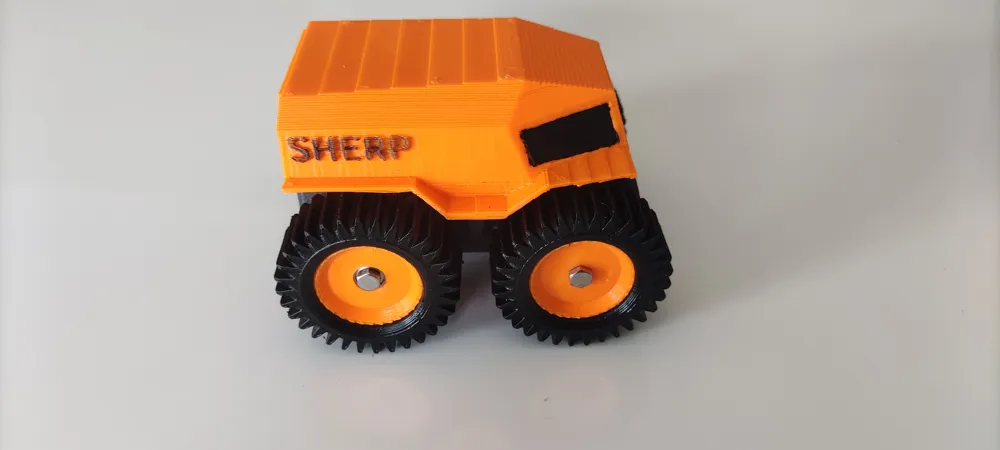
- Test to make sure wheels are spinning in the correct directions. Push fit the tyres onto the wheels, I used plaFLEX for the tyres so it friction fits without any adhesives.
- Drive and most of all ENJOY!
License

You shall not share, sub-license, sell, rent, host, transfer, or distribute in any way the digital or 3D printed versions of this object, nor any other derivative work of this object in its digital or physical format (including - but not limited to - remixes of this object, and hosting on other digital platforms). The objects may not be used without permission in any way whatsoever in which you charge money, or collect fees.


Comment & Rating (5)