
Naruto
Print Profile(2)


Bill of Materials





Description
Boost Me (for free)
Do you like my Projects?, I dedicate a lot of time to my projects to make them easy to print, support my work with a Boost or a coffee and by liking the project Thank you!!!
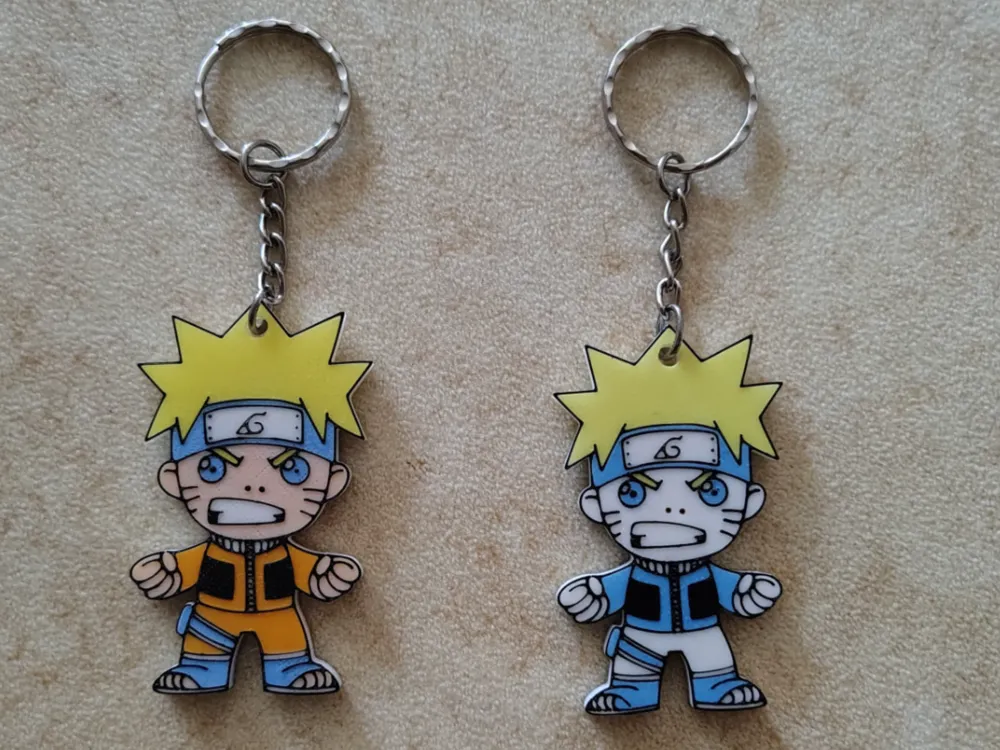
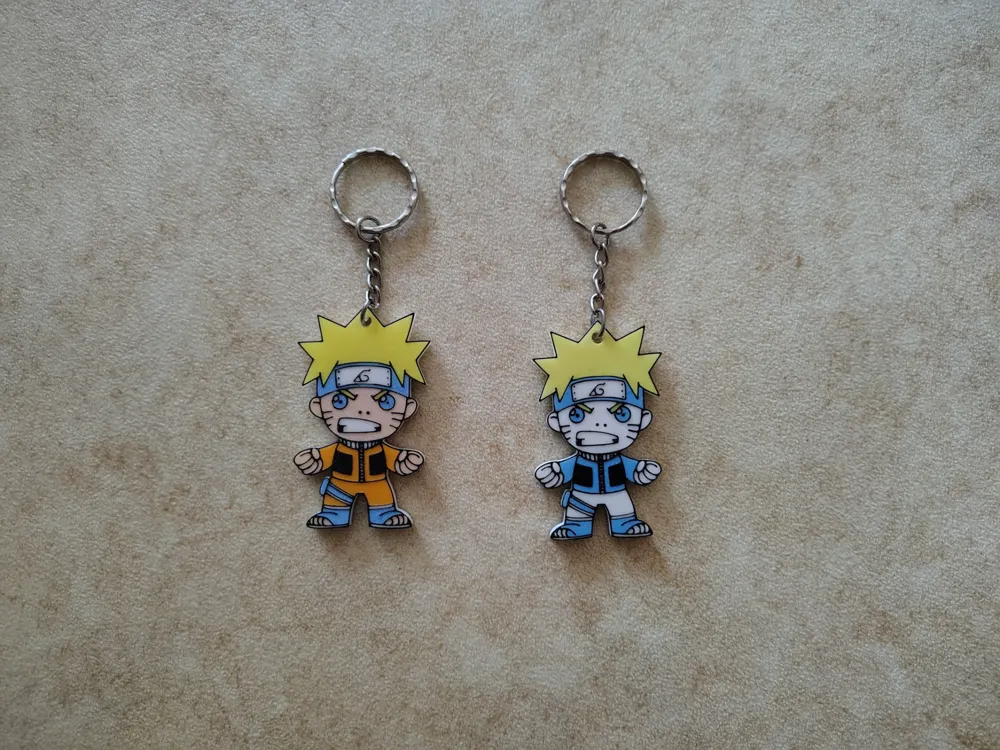
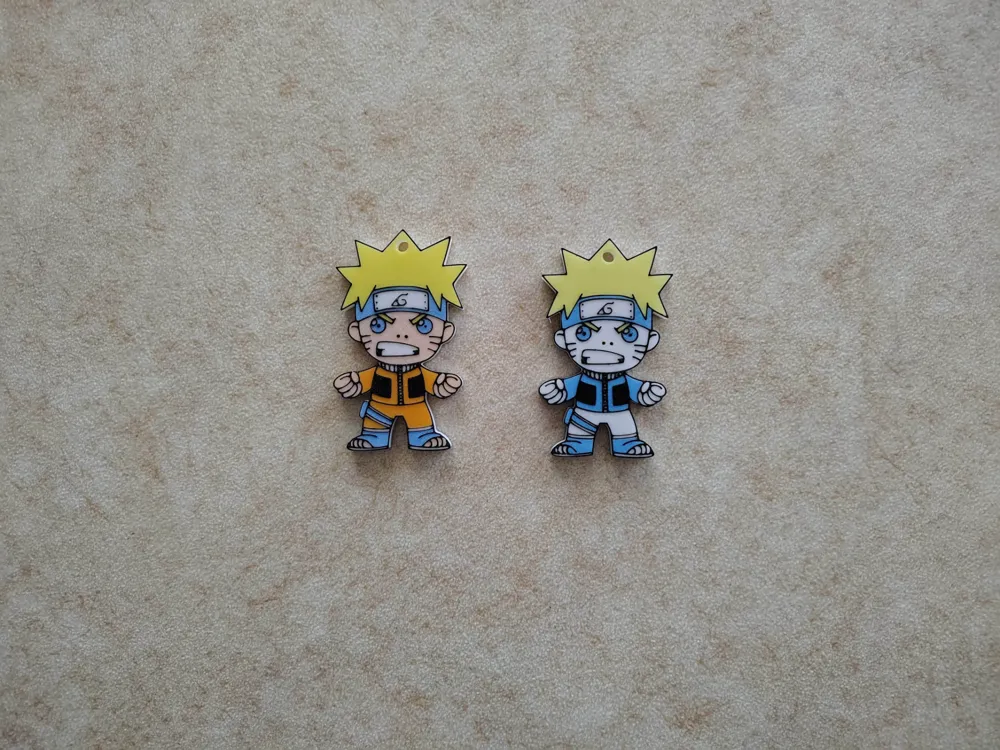
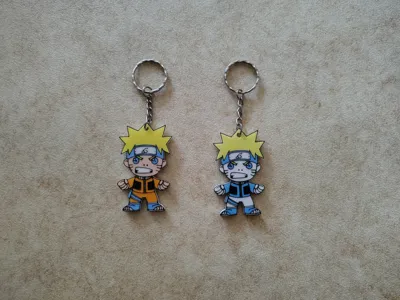
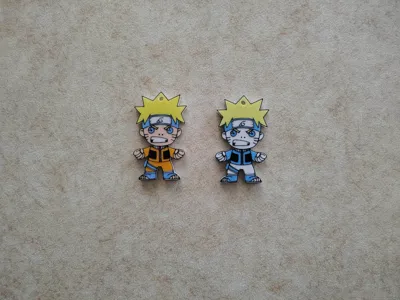
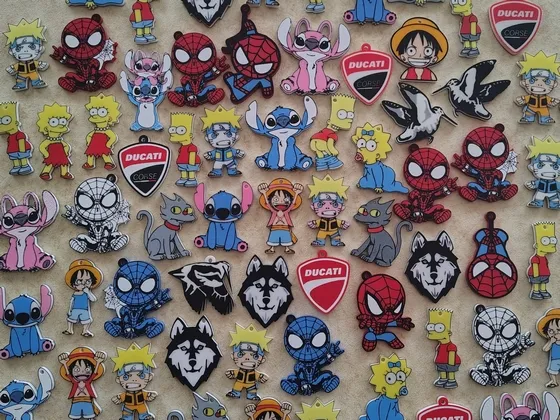
Keychain or Clip for Backpack/Bag, featuring Naruto.
The image is printed on both sides of the keychain (front/back), easy to print.
How to print Naruto with 5 Colors using AMS Lite
1 - Initiate the print.
2 - Select blue filament in slot 5 to swap with black.

3 - Send to the printer.
4 - Wait until the printer automatically pauses.
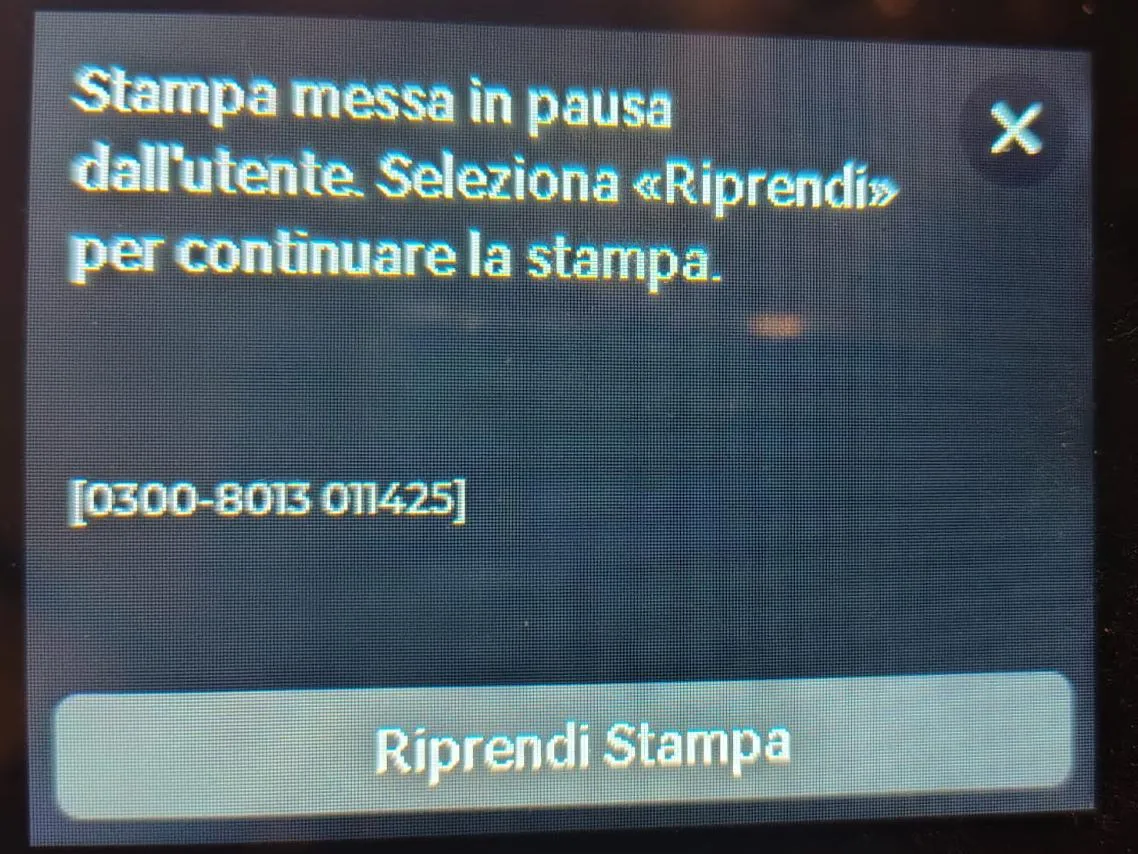
5 - When the printer pauses, replace the black filament with blue.
6 - After changing the filament, resume the print.
7 - At layer 35, the printer will automatically pause.
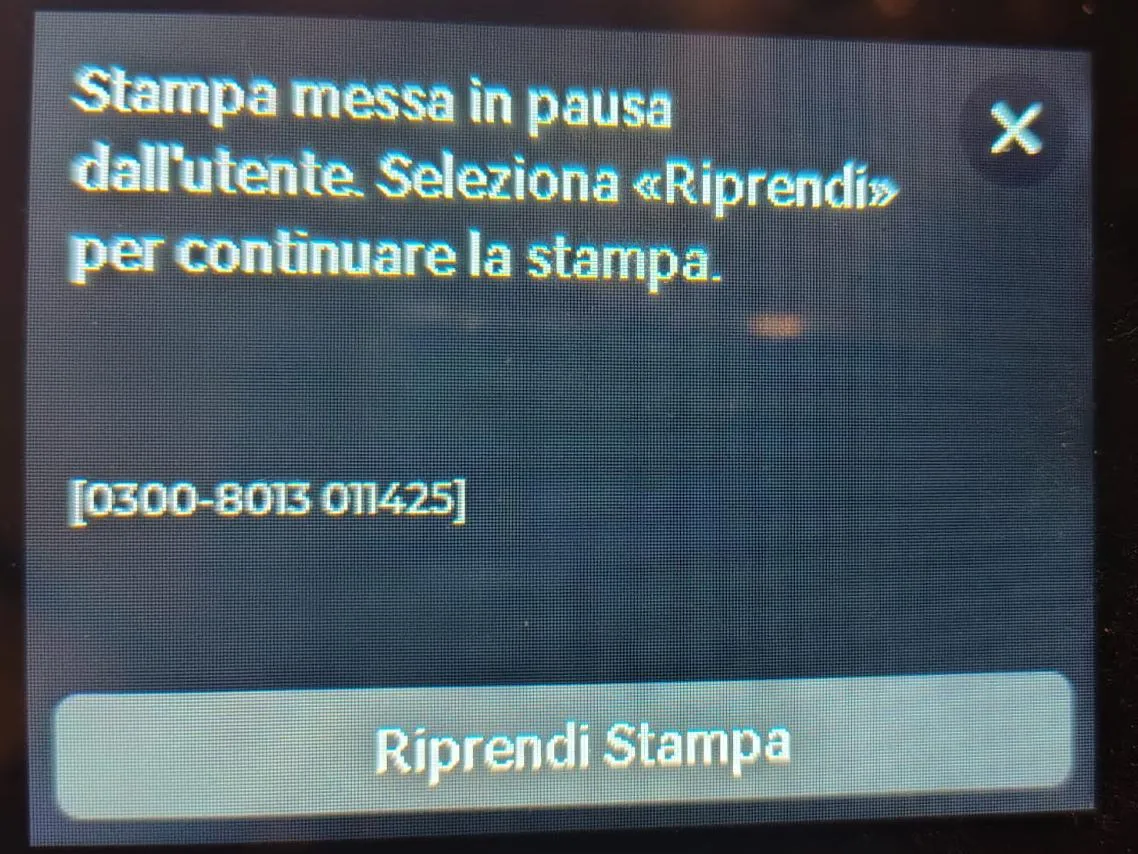
8 - When the printer pauses, replace the blue filament with black.
9 - After changing the filament, resume the print to complete.

License

You shall not share, sub-license, sell, rent, host, transfer, or distribute in any way the digital or 3D printed versions of this object, nor any other derivative work of this object in its digital or physical format (including - but not limited to - remixes of this object, and hosting on other digital platforms). The objects may not be used without permission in any way whatsoever in which you charge money, or collect fees.


Comment & Rating (0)