
LEGO Baseplates (various)
Print Profile(1)

Description
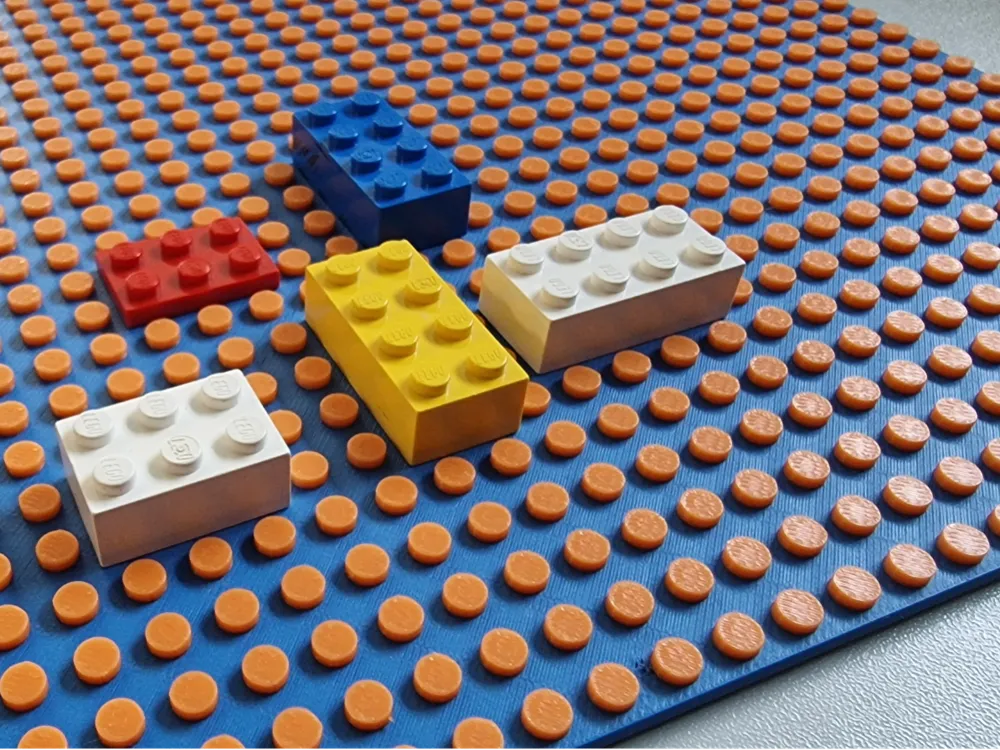
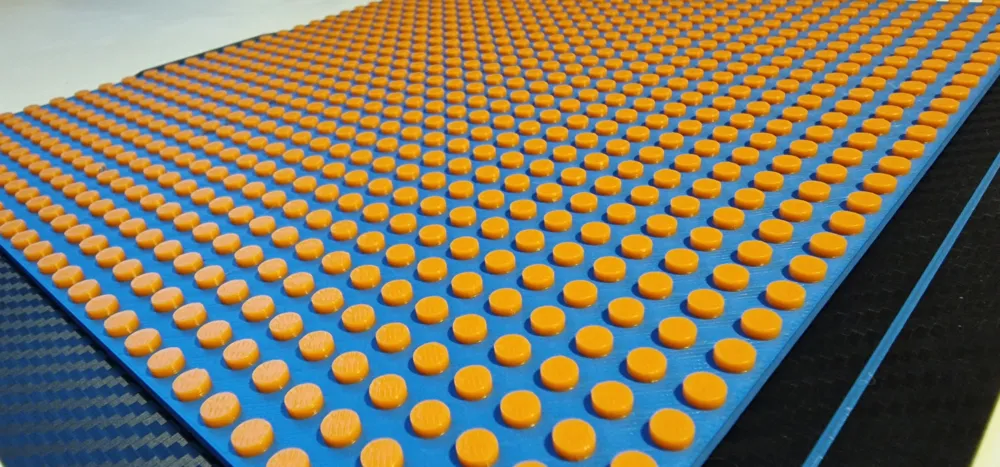
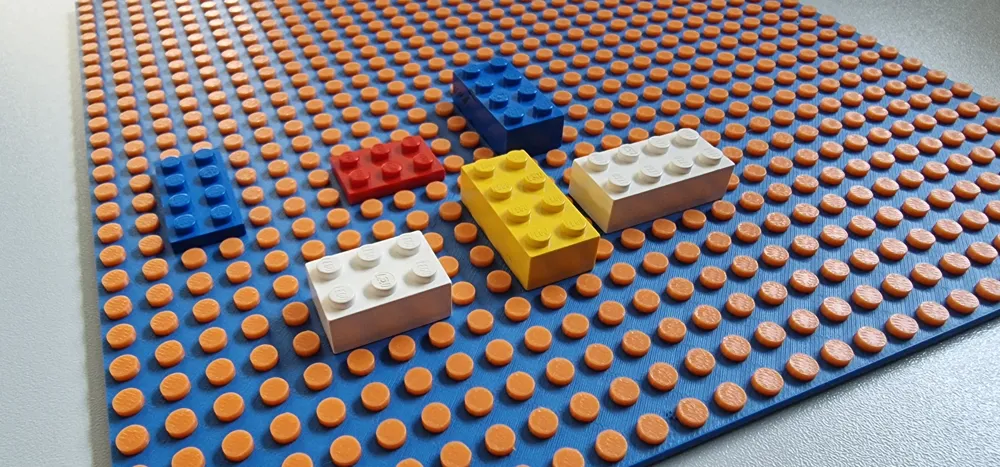
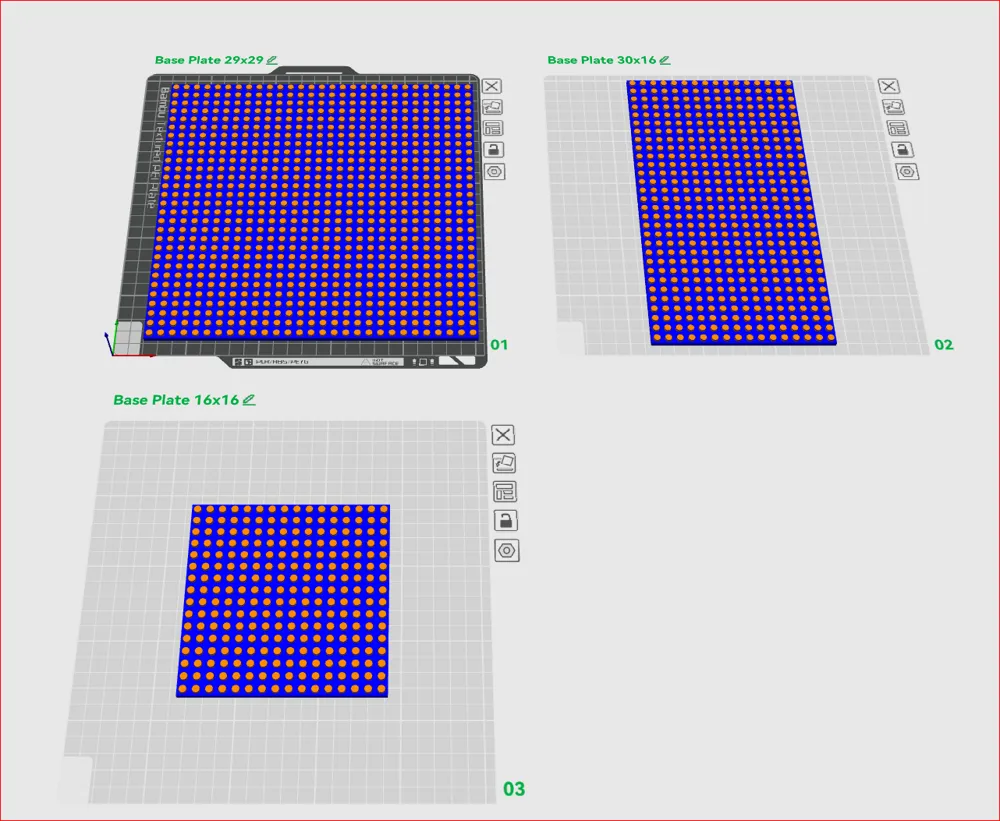
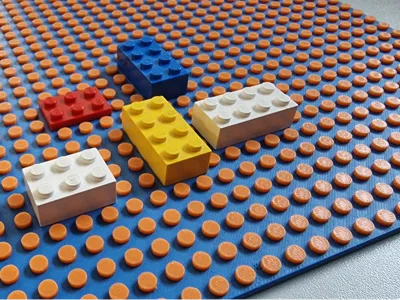
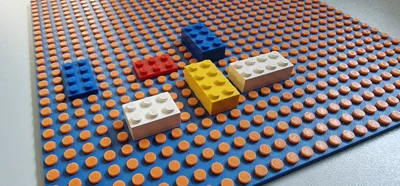
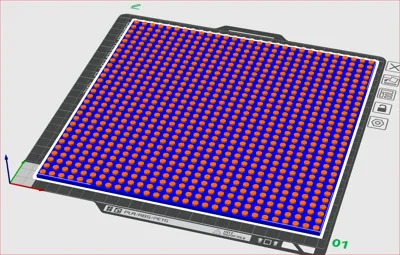
Here you will find various **base plates** (flat, smooth underside ) compatible with plug-in systems and standard-sized bricks. Due to various offsets in the CAD design, I achieved very good clamping performance for my building blocks with the stored profile on my printer using Bambu Lab PLA+
For other sizes, just ask, or create them yourself using my OnShape design (see below)
You can find more building blocks in my profile - more will be added successively - if you need a specific block, just send me a message
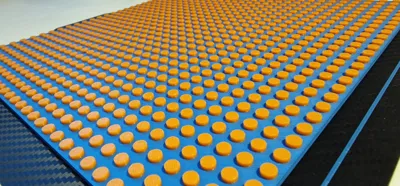
However, the diameter can vary depending on the print profile, printer, and filament. For this reason, I have also created a test plate with different diameters, which you can print with your setup to determine the appropriate diameter
With the value determined in this way, you can create a copy of the CAD design in OnShape and easily specify the required diameter there. In addition to the diameter for adjusting the clamping properties, the number of required rows/columns of the plate can also be easily specified here, and the corresponding model will be automatically generated
The exact procedure for creating your own base plate using a configurable OnShape design (released for copying and adaptation) can be found outlined in the attached documentation (pdf)
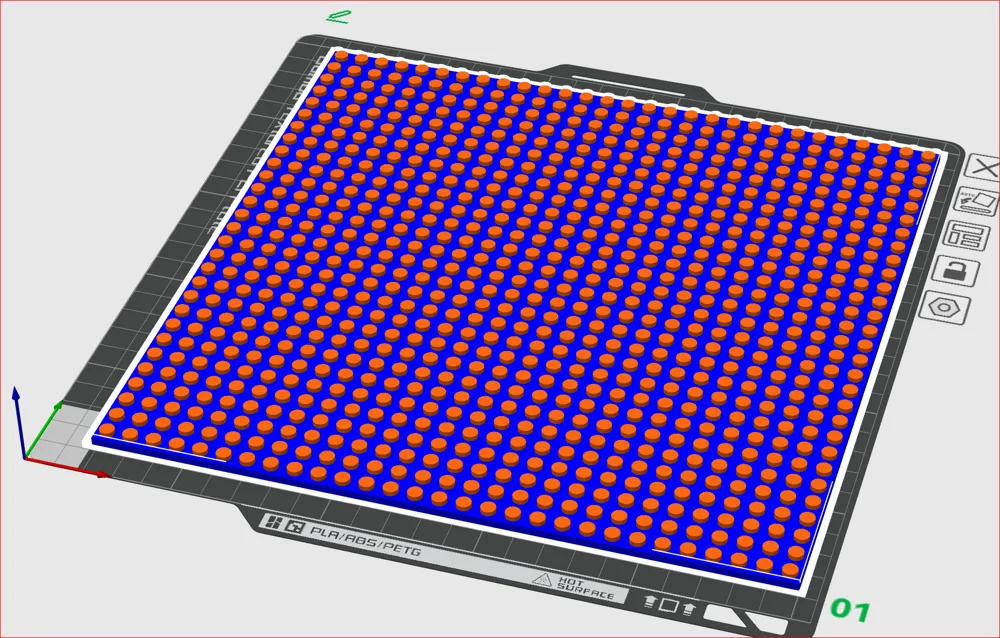
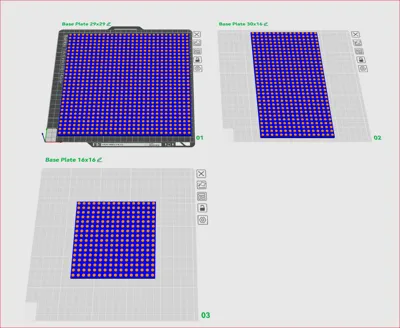
Plates of size 29x29, 32x16, 30x16, and 16x16 are included. The 32-size variants could not be arranged on the plates in Bambu Studio without errors, despite theoretically possible dimensions
Attention: If the maximum size (29x29) and two-color printing are used simultaneously, the prime tower creation must be deactivated (the cleaning volume may need to be increased) - this is already set in the stored profile
Attention: For large plates, remove the purge line directly before printing begins if necessary
Boost Me (for free)
Boosts, ratings, and comments always make me happy
Documentation (1)
License

You shall not share, sub-license, sell, rent, host, transfer, or distribute in any way the digital or 3D printed versions of this object, nor any other derivative work of this object in its digital or physical format (including - but not limited to - remixes of this object, and hosting on other digital platforms). The objects may not be used without permission in any way whatsoever in which you charge money, or collect fees.


Comment & Rating (24)