
Arcane Eyes

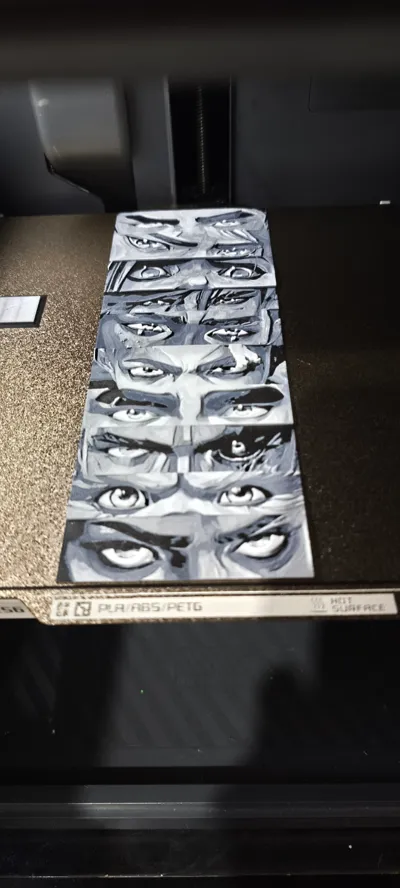
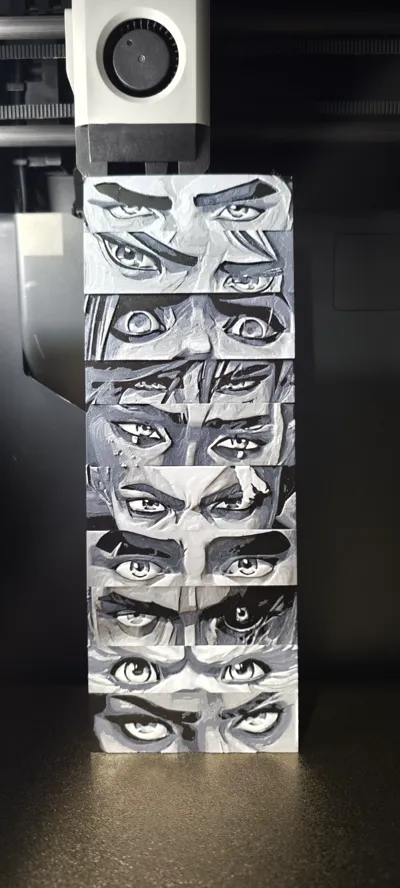
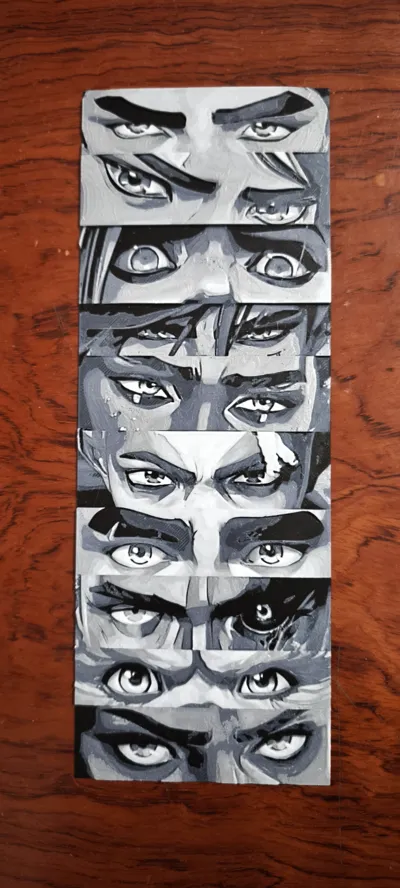
Print Profile(3)


Description
Boost Me (for free)
If you like this, please check out my other Arcane HueForges or consider boosting me :)
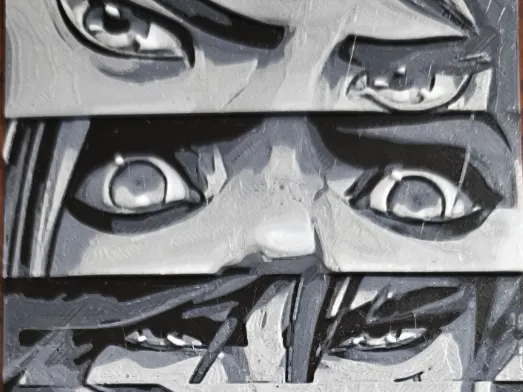
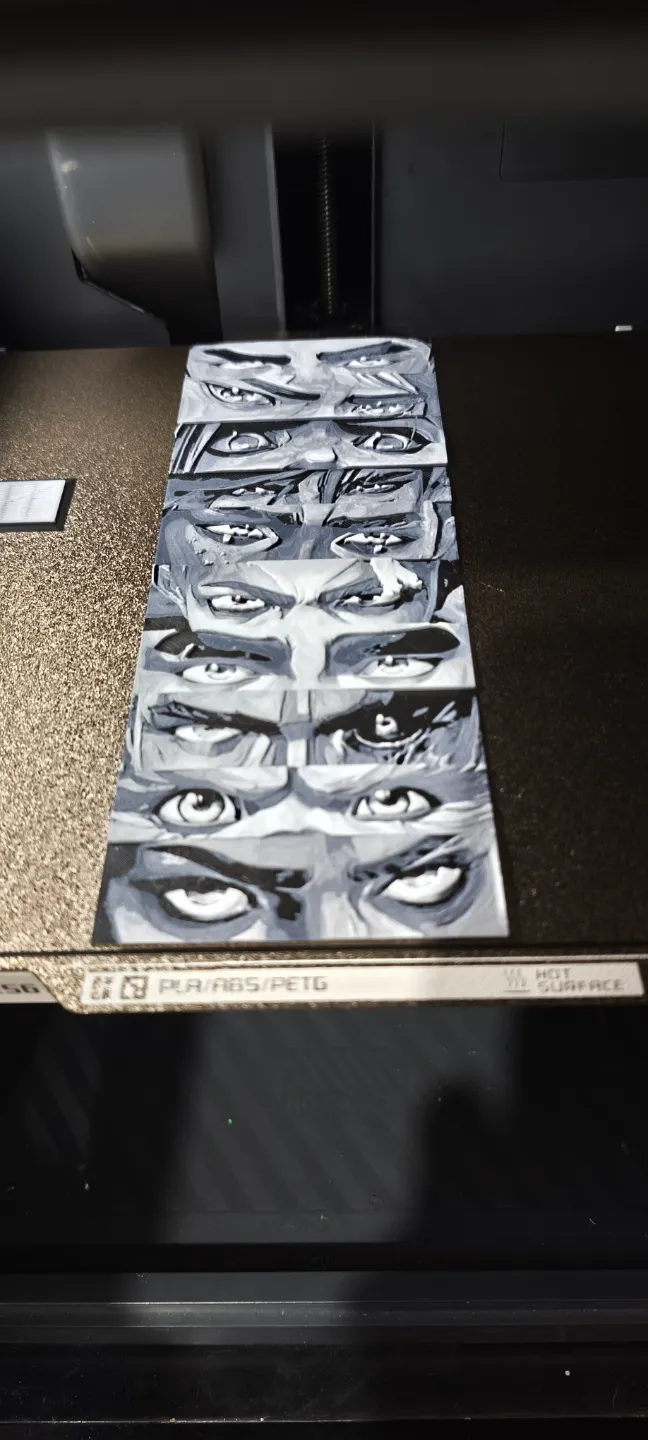
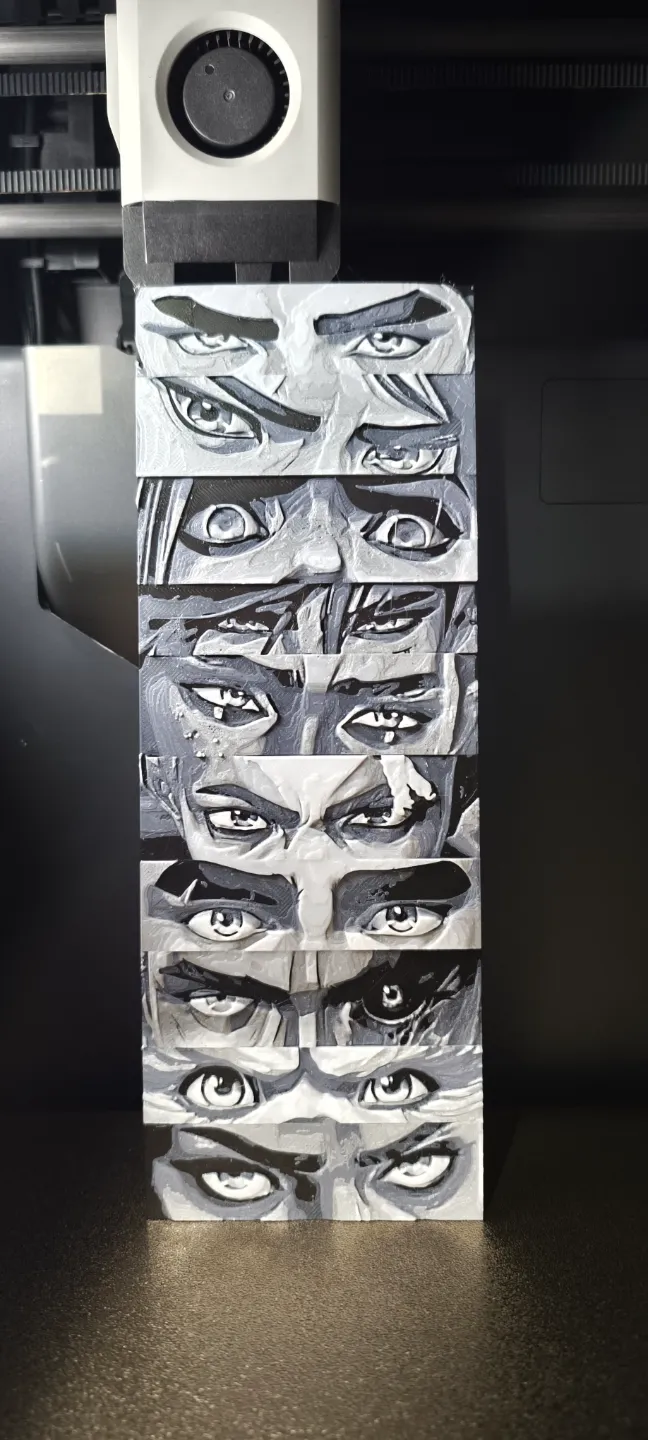
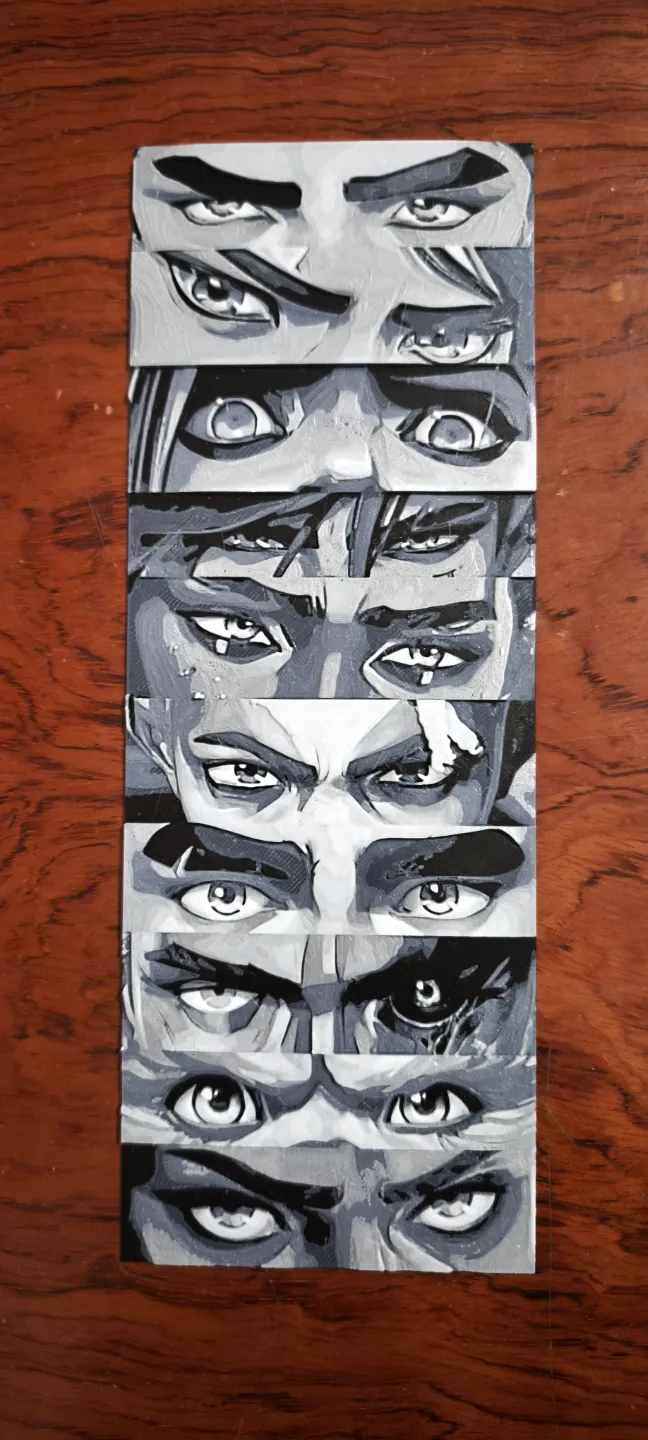
There are 3 different versions of this design! Please read below!
The first print profile is 4 colors: black, grey, silver, and white.
The second print profile is 2 colors: black and white, but slightly darker.
The third print profile is 2 colors: black and white, but slightly lighter.
They´re all basically the same. Each person has a different preference, so I decided to include all three print profiles.
It is NOT necessary to add the layer changes manually. When you open the file directly from Bambu Studio and slice it, the layer changes will appear automatically AFTER slicing along with the prime tower.
If for whatever reason you need to add the layer changes manually, here is a guide. (These example pictures are from a DIFFERENT HueForge I created):
- Open the file and slice it.
- Go to the “Preview tab”
In the preview tab, look for the small round green slider on the right side of the screen. (Shown by the yellow arrow).
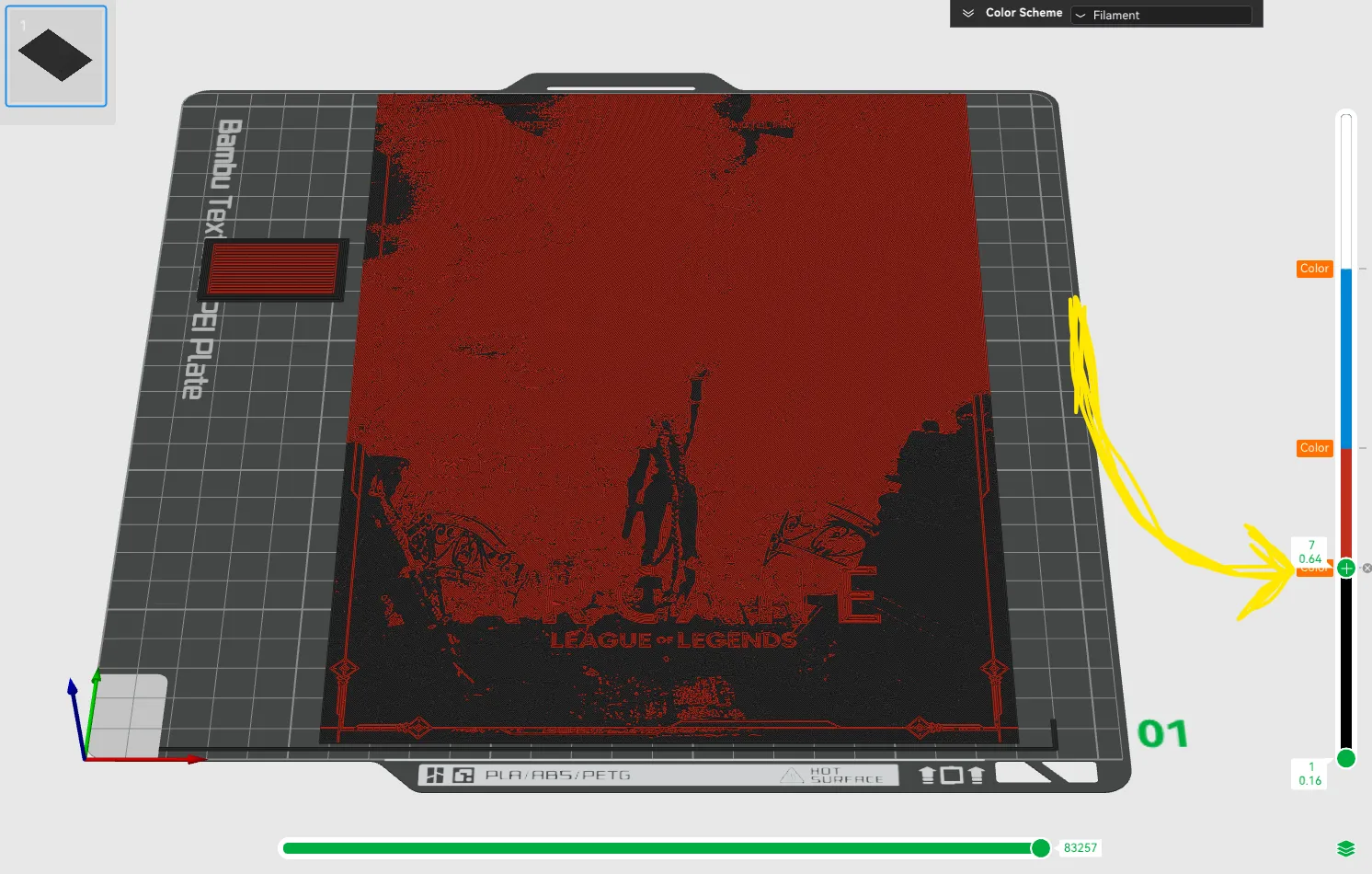
- Move the slider to the layers listed above.
Right click on the slider when it´s on the correct layer and a small menu will pop up.
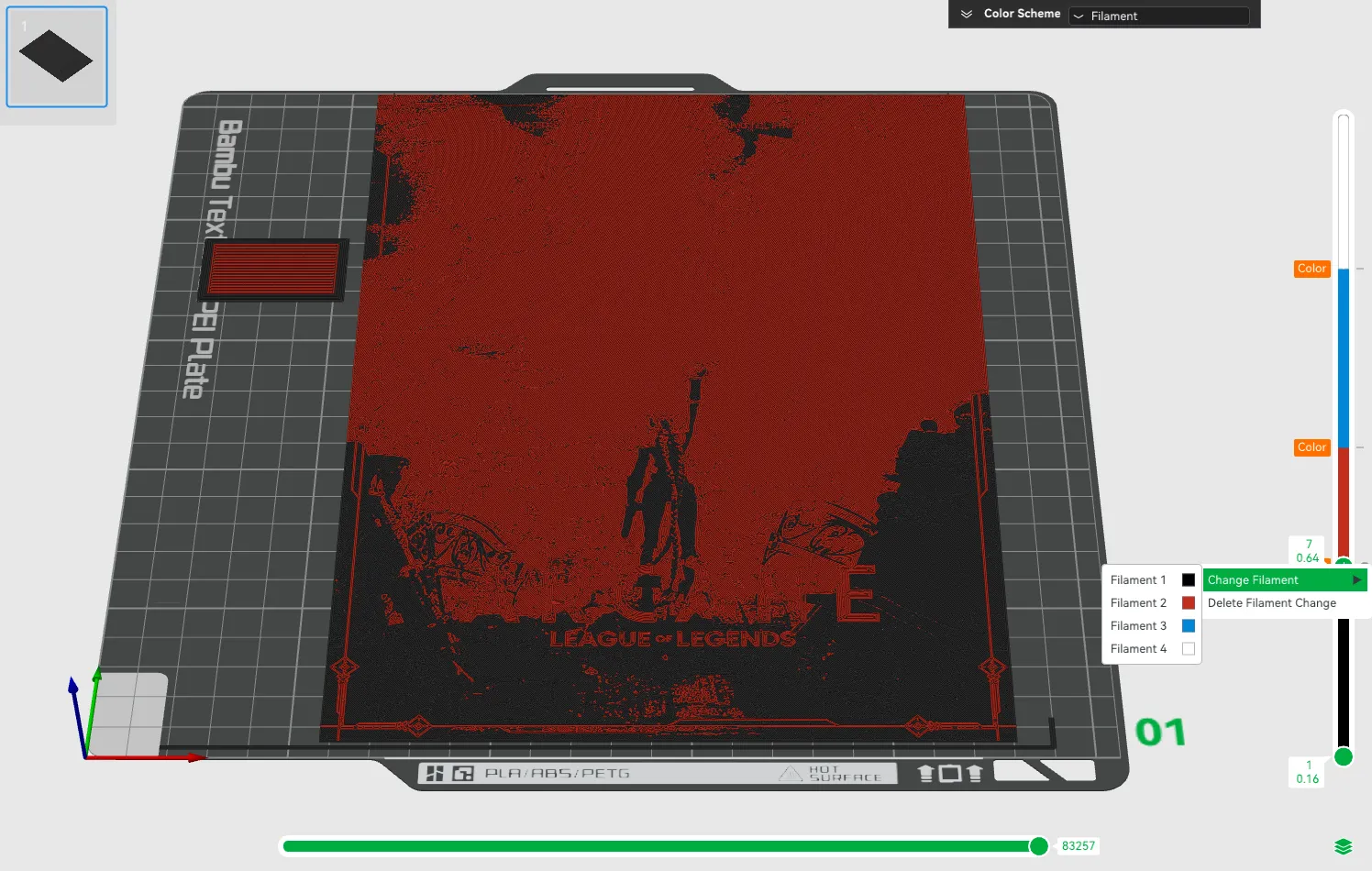
- Select “Change Filament”
- Select the filament you would like to choose
Slice again after adding all filament swaps.
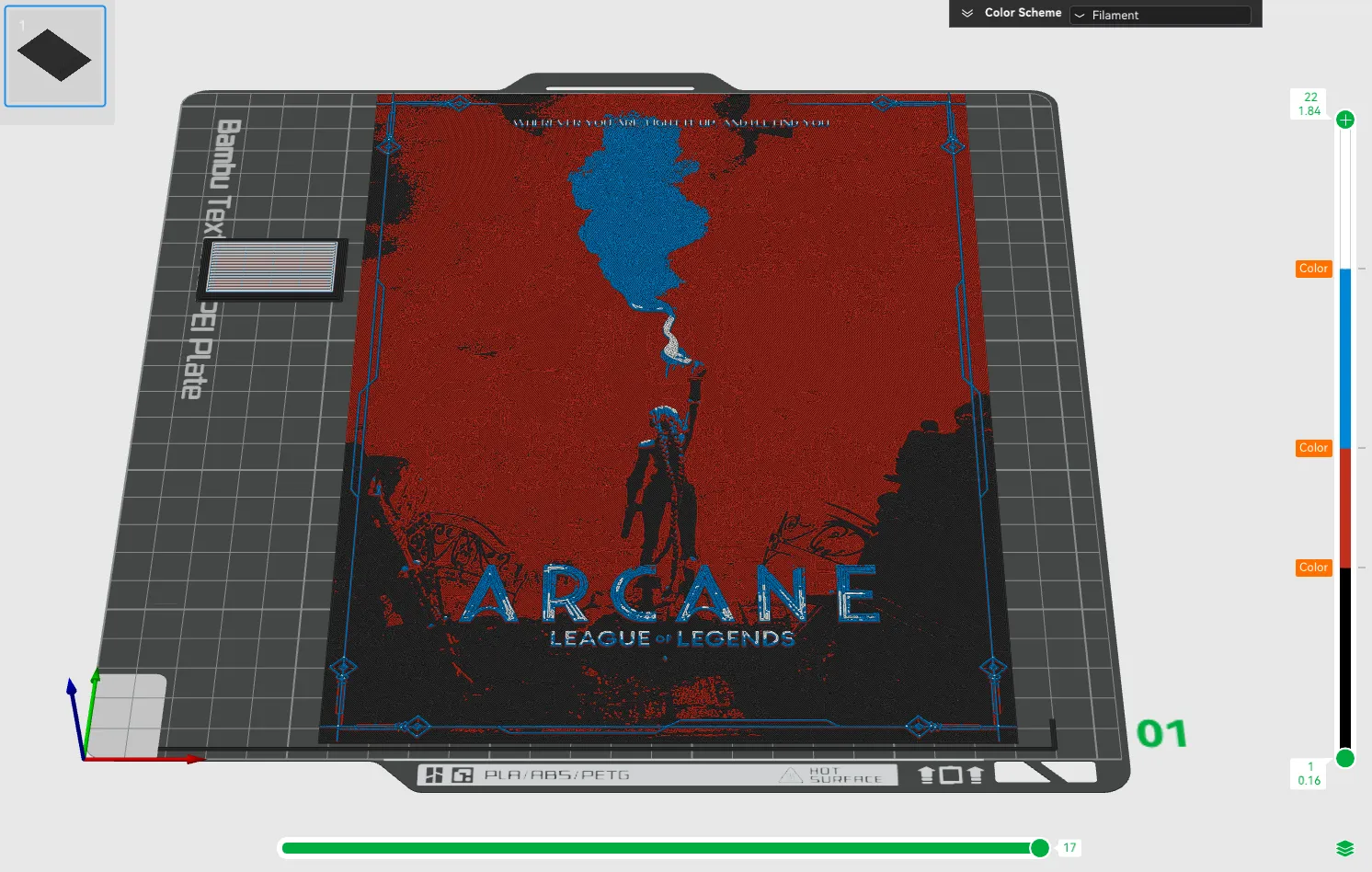
License

You shall not share, sub-license, sell, rent, host, transfer, or distribute in any way the digital or 3D printed versions of this object, nor any other derivative work of this object in its digital or physical format (including - but not limited to - remixes of this object, and hosting on other digital platforms). The objects may not be used without permission in any way whatsoever in which you charge money, or collect fees.


Comment & Rating (15)