
Radig Status Light
Print Profile(1)
Description
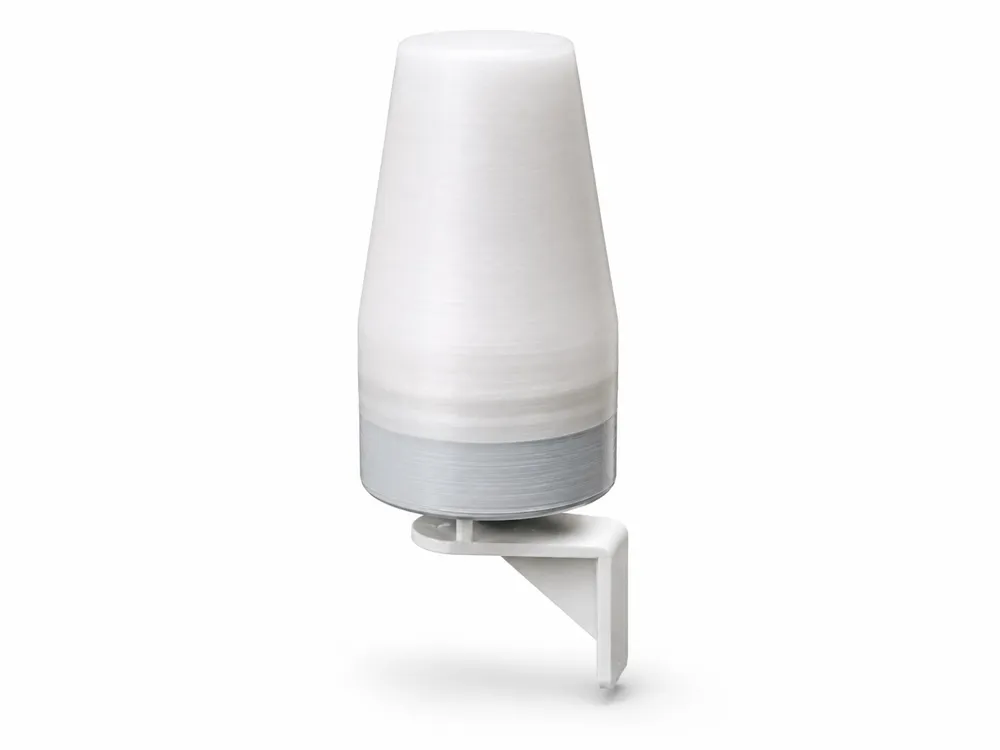
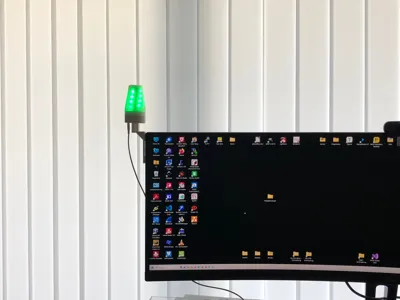
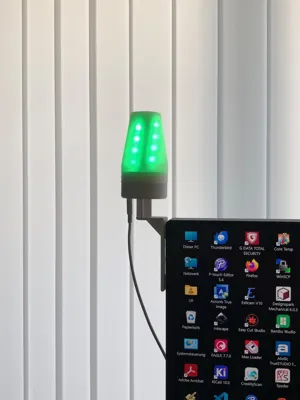
Radig StatusLight – Monitor Status Light / Busy Light
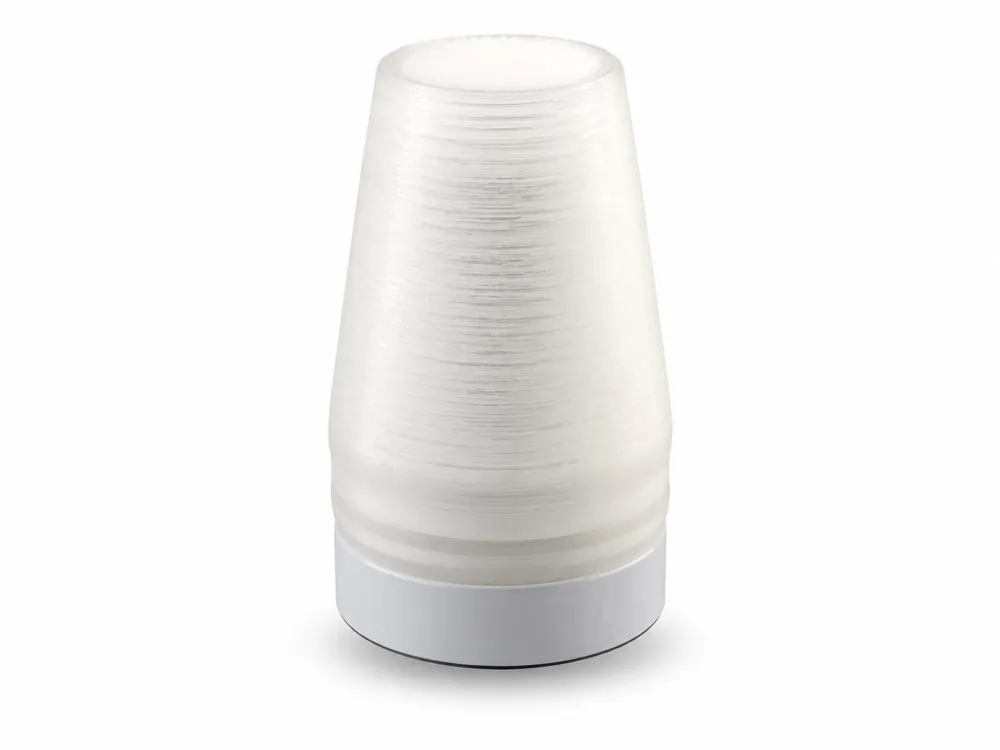
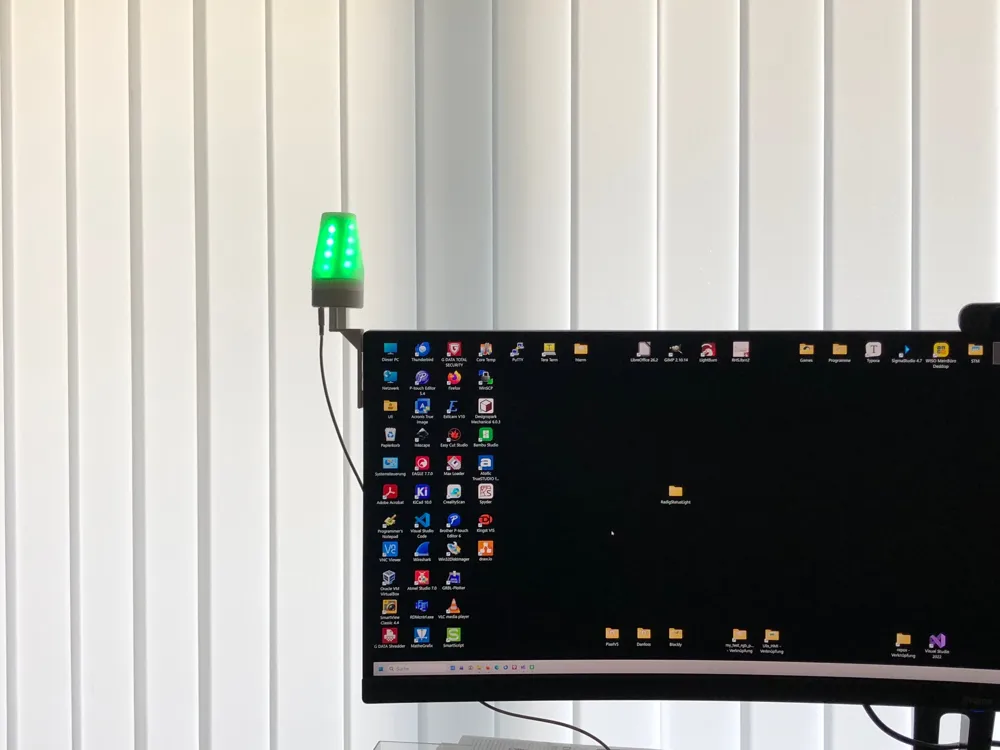
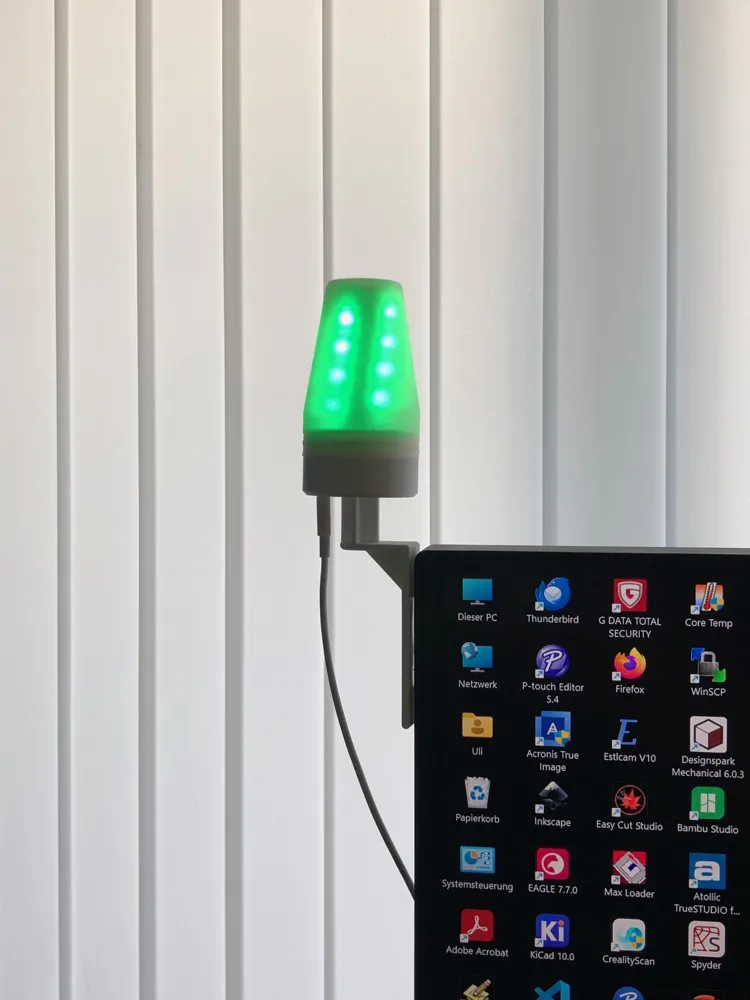
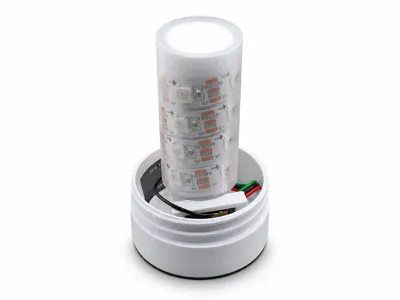
The Radig StatusLight is a small 3D-printed status light for mounting on a monitor It can be used as a Busy Light Teams status indicator work status display or general signal light
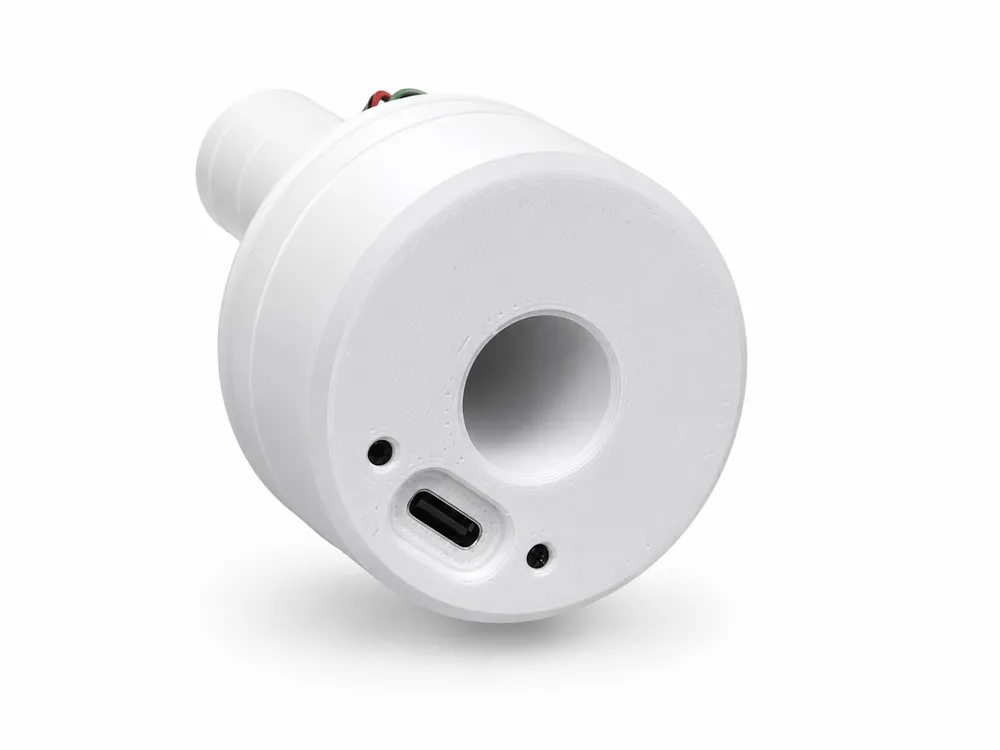
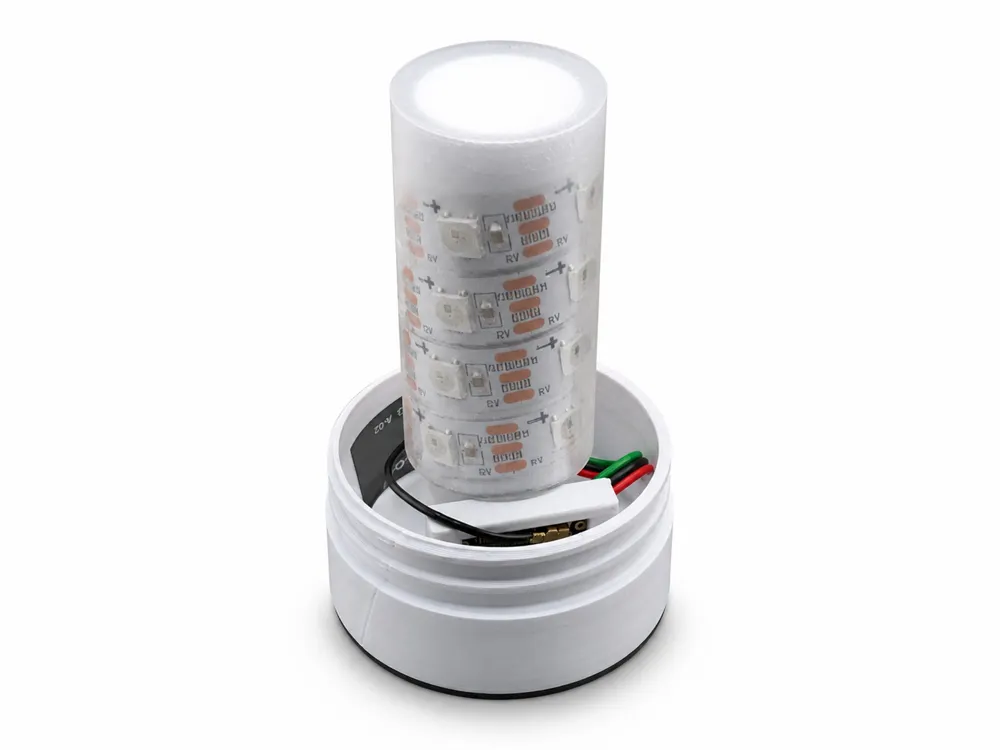
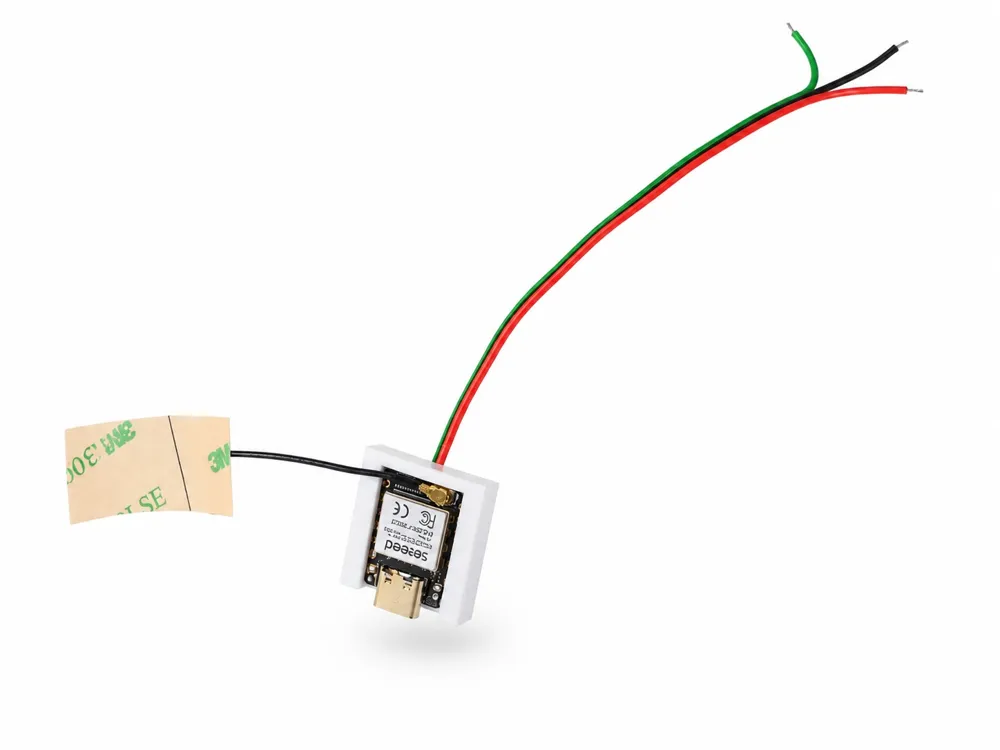
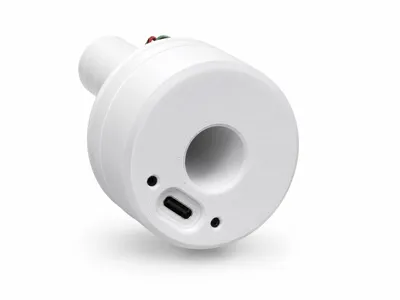
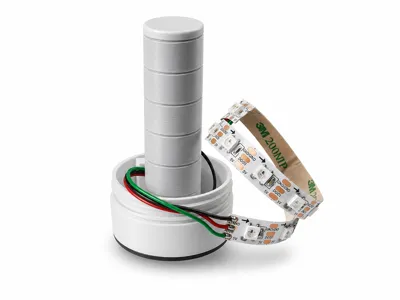
The setup is based on a Seeed Studio XIAO ESP32S3 and a WS2812 LED strip with 16 LEDs Control is via USB-C or the virtual COM port of the XIAO ESP32S3
The corresponding firmware Windows tool instructions and further information can be found on my website:
https://www.ulrichradig.de/home/index.php/esp32/statuslight
Demo Video:
https://youtube.com/shorts/OtJvkQhf-xM?feature=share
Features
- compact status light for monitors
- suitable as a Busy Light / Teams Status Light
- 16 × WS2812 LEDs
- USB-C power supply via XIAO ESP32S3
- control via simple text commands via COM port
- Windows tool for manual operation
- optional Microsoft Graph integration for Teams presence status
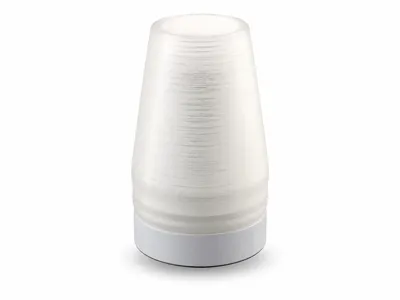
- diffuser body for more uniform display
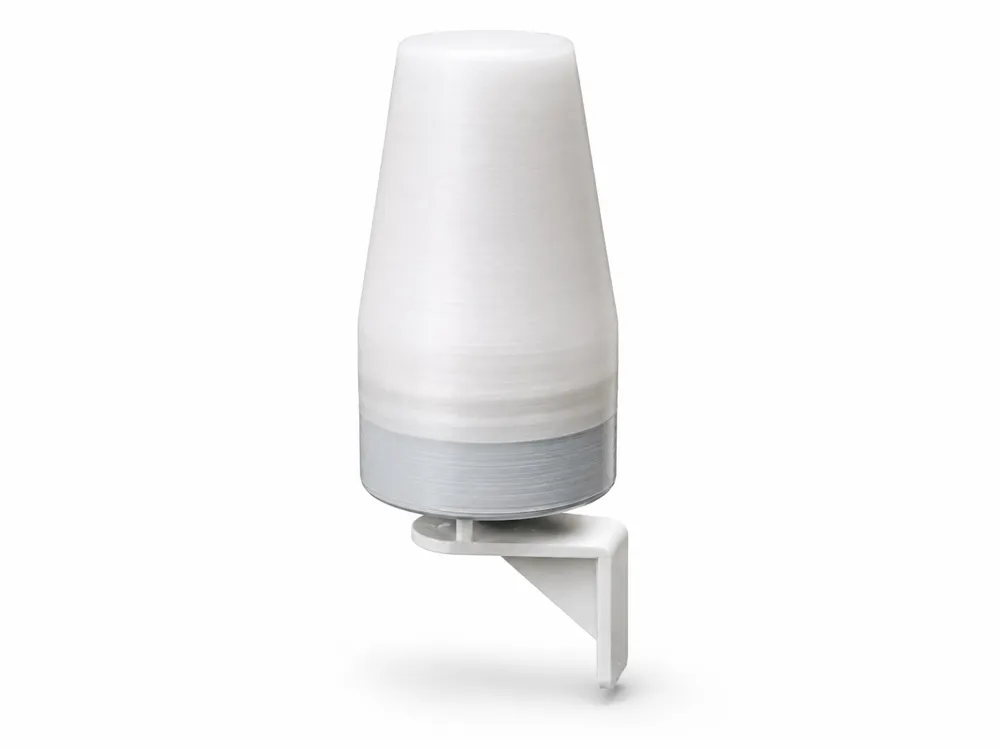
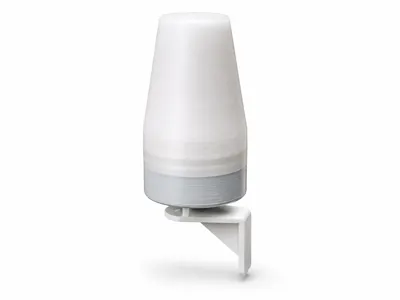
- separate monitor mount
- no gluing required on the StatusLight itself
- modular mechanical design
Supported Status Indicators
- Available – green
- Busy – red
- Away – yellow/orange
- Call – flashing red
- Alarm – blue light effect
- further effects: Rainbow, Scan, Fire
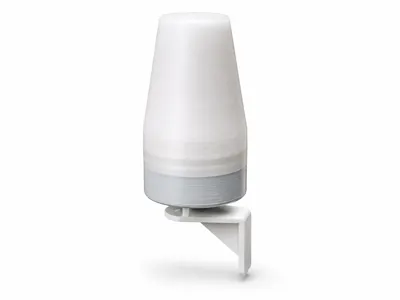
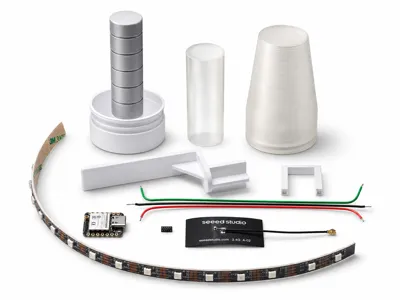
3D Printed Parts
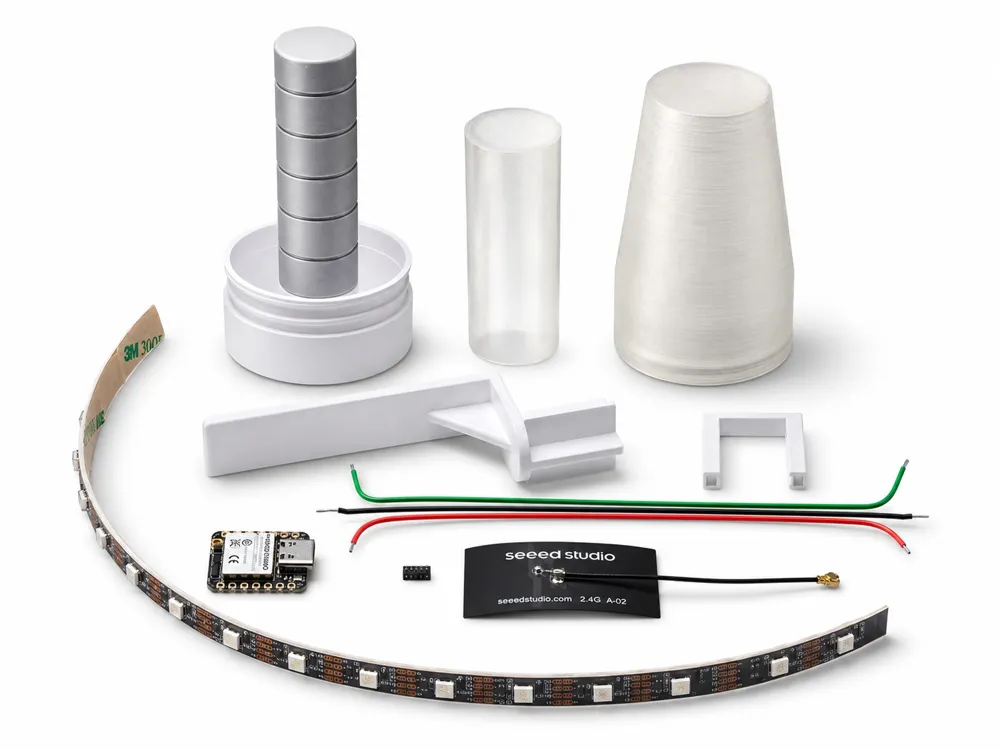
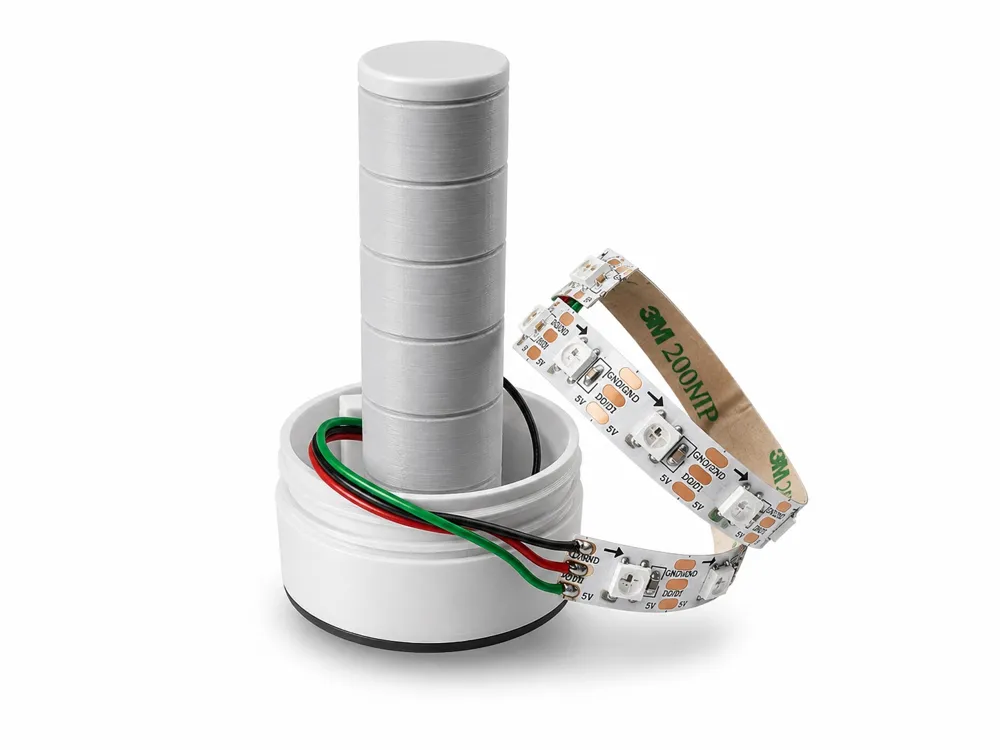
The housing consists of several 3D printed parts:
- main body
- inner tube for mechanical fixation of the LED strip
- diffuser
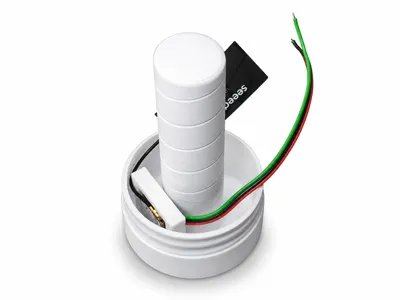
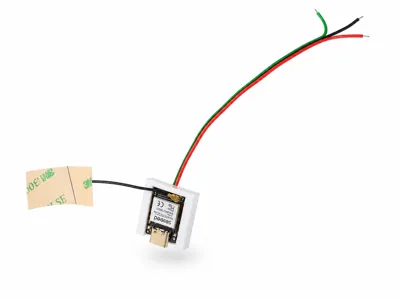
- mounting frame for the XIAO ESP32S3 module
- monitor bracket
Required Electronics
- 1 × Seeed Studio XIAO ESP32S3
- 1 × WS2812 LED strip, 60 LEDs/m
- 16 LEDs from the strip
- 3 connection wires for 5 V, GND, and DATA
- optional antenna for the XIAO ESP32S3
- 2 × M1.4 × 5 mm screws for mounting the XIAO mounting frame
Connection
- Red: 5 V
- Black: GND
- Green: DATA
- WS2812 data line: GPIO1
Before switching on, be sure to check the polarity and data direction of the LED strip
Assembly Note
Nothing is glued to the StatusLight itself
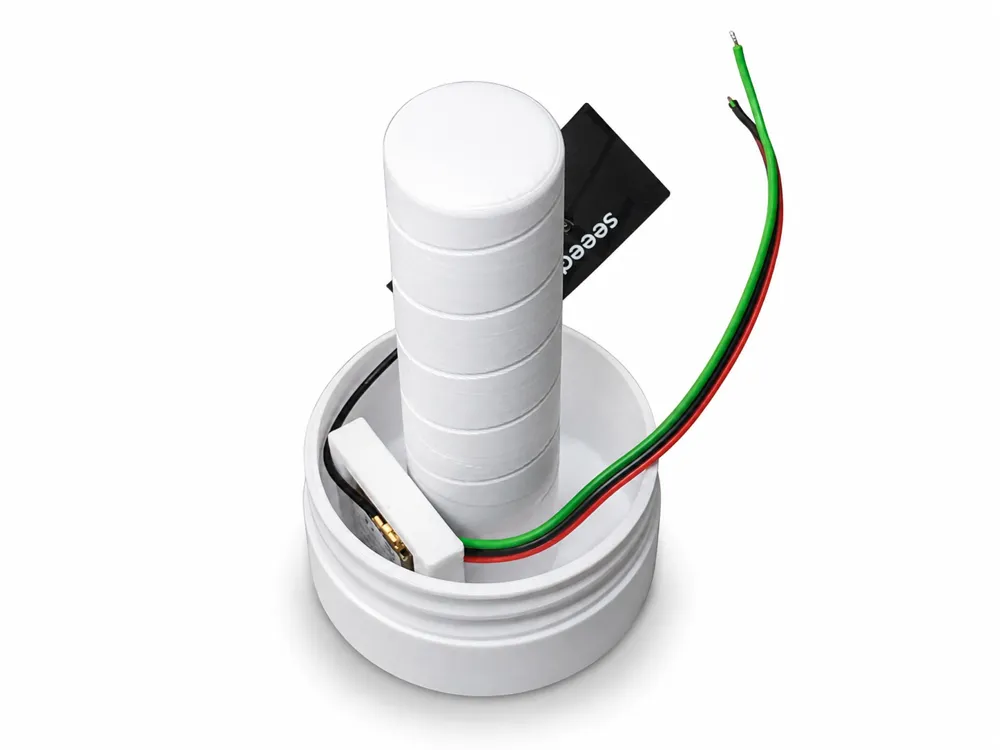
The XIAO ESP32S3 module is screwed into the mounting frame The LED strip is placed around the inner support and then held by the inner tube After that, the outer diffuser is attached
The main body is placed onto the separate monitor bracket Only this monitor bracket is attached to the monitor with Tesa Powerstrips if needed
Software / Firmware
The firmware for the ESP32-S3 and the Windows tool are provided as ready-to-use binary files The source code is not part of the release
The local interface is intentionally kept simple The StatusLight can be controlled via text commands through a virtual COM port, for example:
free busy call away alarm off brightness 80
This means the StatusLight can be used not only with Microsoft Teams Custom applications or scripts are also possible, for example for Home Assistant, Node-RED, Slack, Discord, or custom automation solutions
Usage Note
The provided 3D print data may be used for private construction and for internal corporate use
Without express written permission, it is not permitted to:
- republish the files on other platforms
- distribute firmware or software files via third-party download sources
- sell printed parts
- sell complete devices
- sell kits
- commercially use the provided files for your own products
Safety Note
This is a DIY/Maker project Assembly and operation are at your own risk
Please check carefully before switching on:
- no short circuits between 5 V, GND, and DATA
- correct polarity
- correct data direction of the WS2812 strip
- mechanically secure fit of the XIAO ESP32S3
- no pinched or damaged wires
The Radig StatusLight is not an official Microsoft Teams product
Documentation (1)
License

You shall not share, sub-license, sell, rent, host, transfer, or distribute in any way the digital or 3D printed versions of this object, nor any other derivative work of this object in its digital or physical format (including - but not limited to - remixes of this object, and hosting on other digital platforms). The objects may not be used without permission in any way whatsoever in which you charge money, or collect fees.


Comment & Rating (0)