
Print Profile(1)
Description
Boost Me (for free)
If it has been useful to you, saved you work for a commission, or you simply love how perfect the keyrings look, please support this model by giving it a Boost (the rocket) on the model page It helps me a lot to continue creating smart and free tools for the entire 3D printing community! 🧵✨ Many thanks and happy printing! 🙌⚡
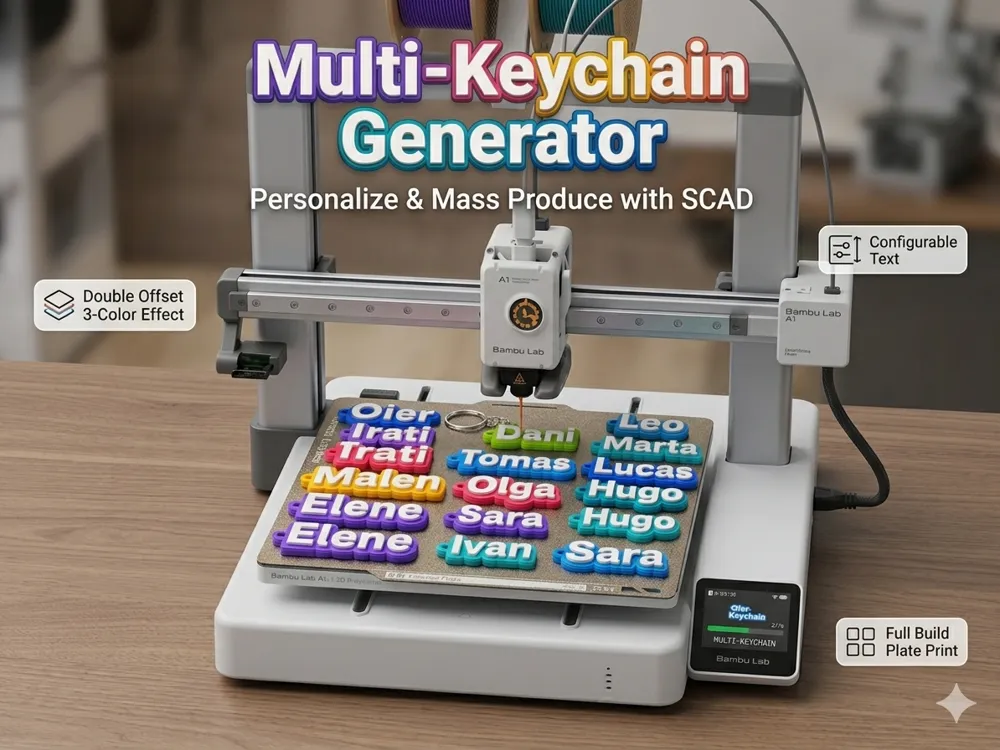
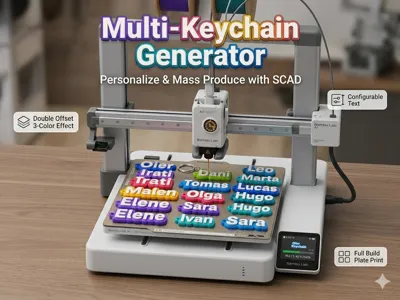
Multiple keychain generator!! Multiple keychain generator!!
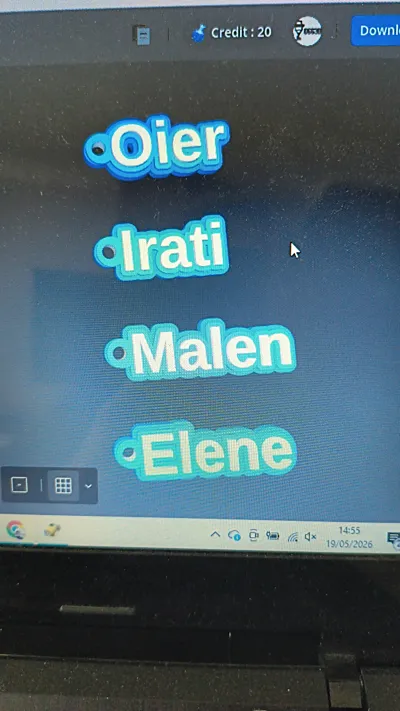
🚀 Generate and organize dozens of personalized name keychains in seconds with a single click! 🚀
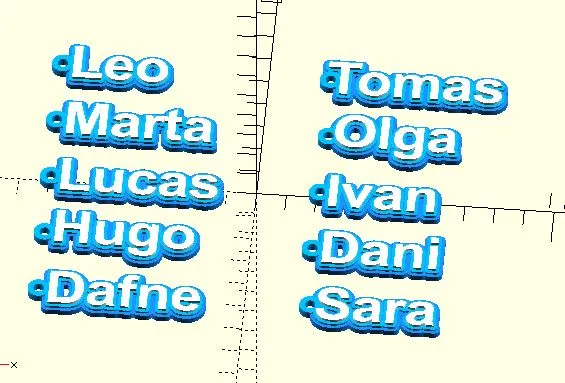
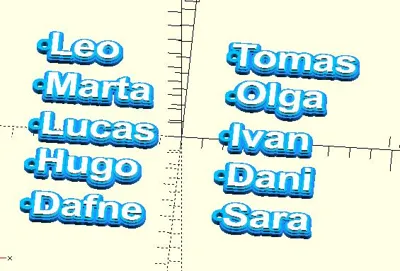
Are you tired of having to create, center, and place keychains one by one in the slicer? This intelligent parametric generator does it all for you Specially designed for mass production (gifts, events, weddings, schools, businesses), it automatically distributes all the names you type into two perfectly ordered and centered columns on your printer's bed 🧠✨
🌟 Main Features:
💥 Real Mass Generation: Type your list of names separated by commas and the bed will instantly populate itself Save hours of work!
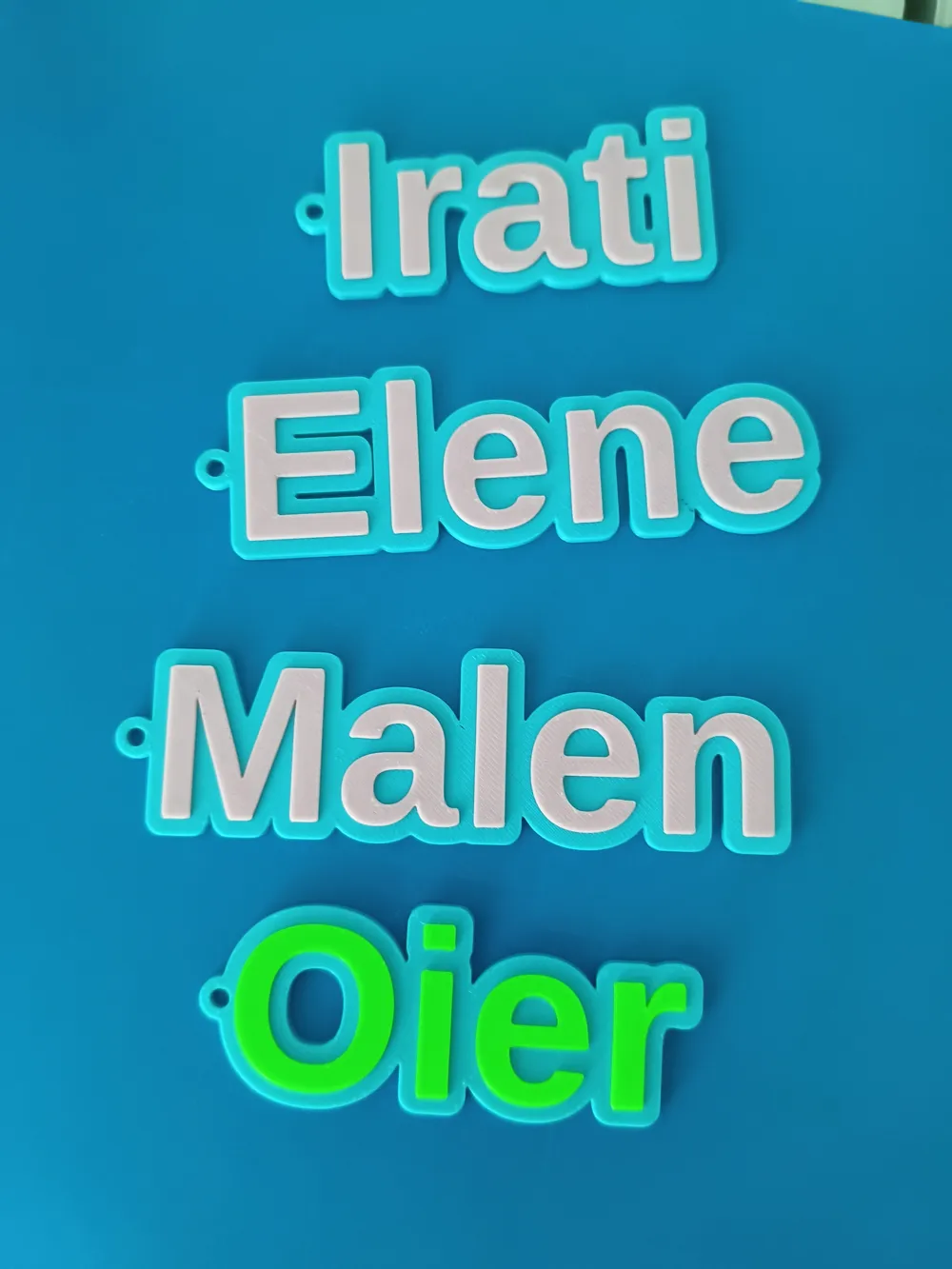
🎯 Perfect Geometry: Forget ugly gaps or weak joints The keyring hole is mathematically calculated to precisely meet the outer edge of the keychain (perfect tangency)
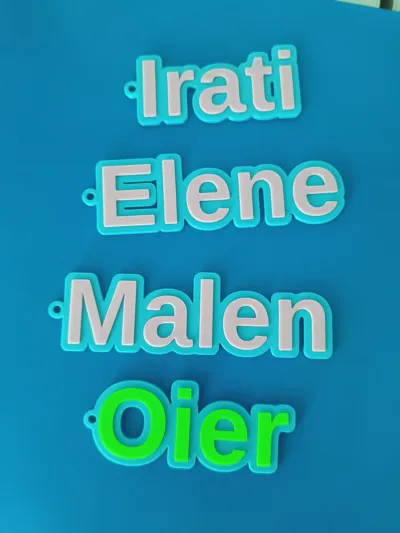
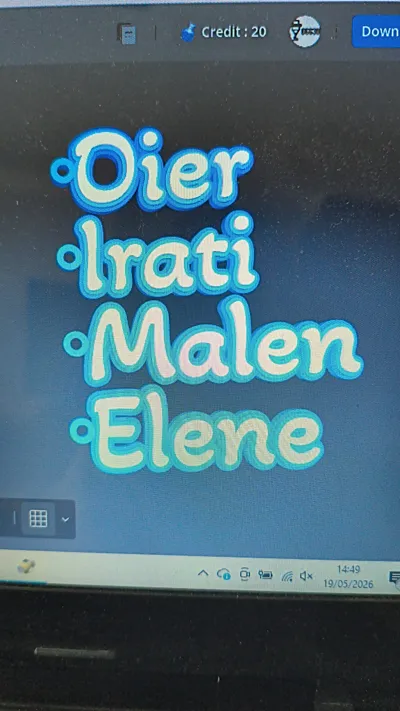
📐 Smart Typographic Correction: The code automatically analyzes the first letter of each name (like S, O, or T) and proportionally corrects its position All the keyrings look perfect regardless of the font size you choose! 🎨 Double Base Effect (3 Optional Colors): Designed to look amazing when printed with multi-color filament (AMS) or by pausing at layer height It features a solid main base, a stylized sub-base, and highlighted text on top
🛠️ SETUP INSTRUCTIONS (Step-by-step for the user)
⚙️ How to customize your keychains in MakerLab (Step by Step)
This model is 100% compatible with MakerLab's Parametric Model Maker You don't need to know any code, just follow these simple steps in the right-side menu:
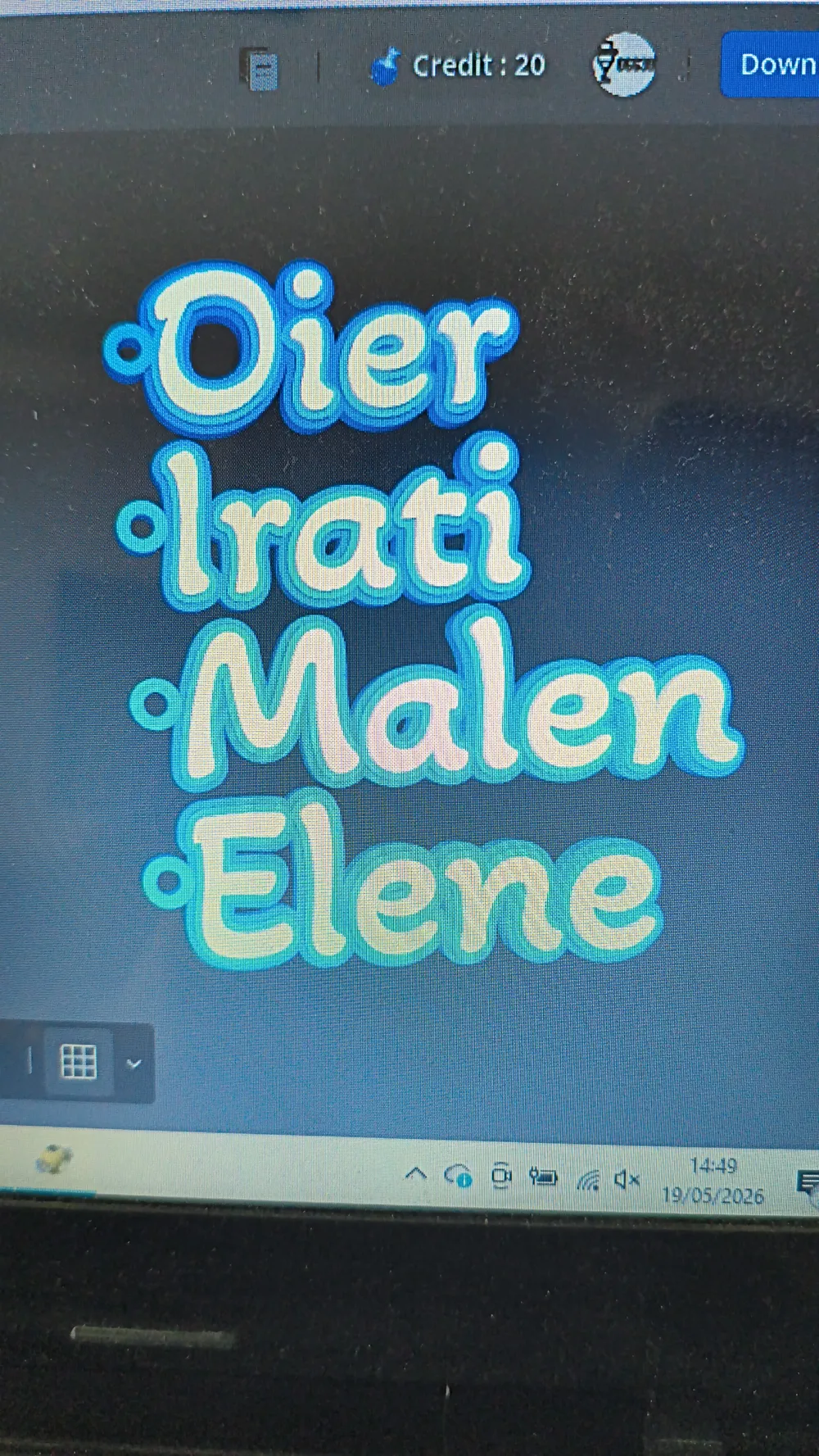
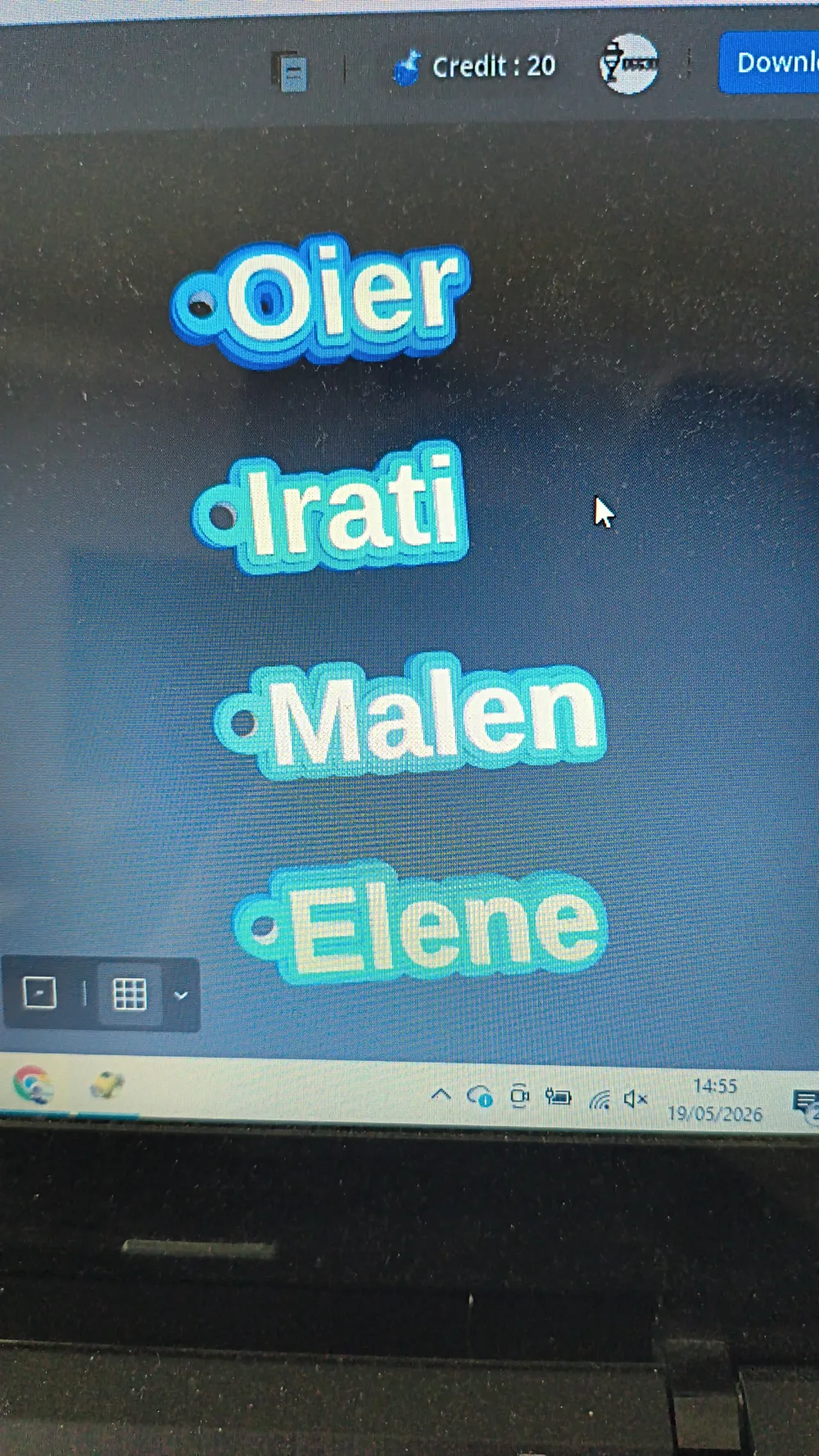
1️⃣ Type your names: In the [Name Configuration] section, find the nombres_texto field and type the list of names you want to create, separated by commas and without spaces (For example: Pepe,Juan,Maria,Lucas,Sara) The screen will update automatically, showing the new batch of ordered keychains!
2️⃣ Adjust the size (Optional): In the [Text and Font] section, the texto_size parameter allows you to enlarge or shrink the letters Don't worry about the keyring, it will proportionally adapt by itself!
3️⃣ Control distances on the bed: If your names are too long and overlap, increase the values for separacion_y (vertical distance) or separacion_x (distance between the two columns) in the [Bed Configuration] section
4️⃣ Thickness and style: You can activate or deactivate the double base with the doble_base checkbox and choose how much relief you want the letters and outline to have
5️⃣ Download and slice!: When the preview is to your liking, click to generate the model and open the file directly in Bambu Studio Ready to send to your printer! 🖨️📦
License

You shall not share, sub-license, sell, rent, host, transfer, or distribute in any way the digital or 3D printed versions of this object, nor any other derivative work of this object in its digital or physical format (including - but not limited to - remixes of this object, and hosting on other digital platforms). The objects may not be used without permission in any way whatsoever in which you charge money, or collect fees.


Comment & Rating (14)