
Personalized Keychains
Print Profile(1)
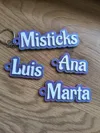
Description
Membership
Commercial License Do you want to sell this model legally? This design is exclusive to Misticks. Join my Commercial License to get permission for physical sales and access all my star models for just $8 a month. Start monetizing your prints today!
🛠️ Quick Guide: How to use the Name Keychain Generator
To begin, open your file in OpenSCAD by clicking customize
1. Customizer Panel
This is where you transform code into real products
- Batch Names: Enter names separated by commas. The script will automatically create a keychain for each name
- Layout: Adjust how many you want per row so they don't go off your build plate
- Fonts and Style: Choose the font your client likes best
2. From OpenSCAD to Slicer (Export Process)
To make the file printable, follow these three buttons in the top bar:
- Preview (Blue Cube): To see how it looks
- Render : IMPORTANT! You must click here before saving so the program calculates the final shapes
- Export to STL or 3mf: The file you will take to your printer
3. Color Change Configuration (Slicer)
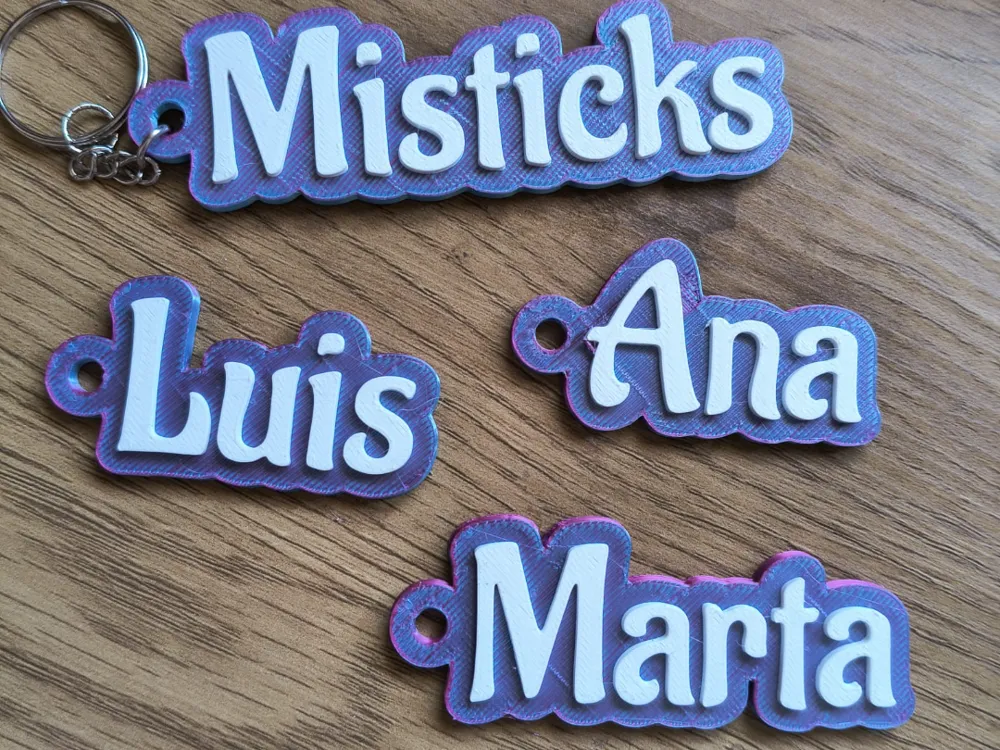
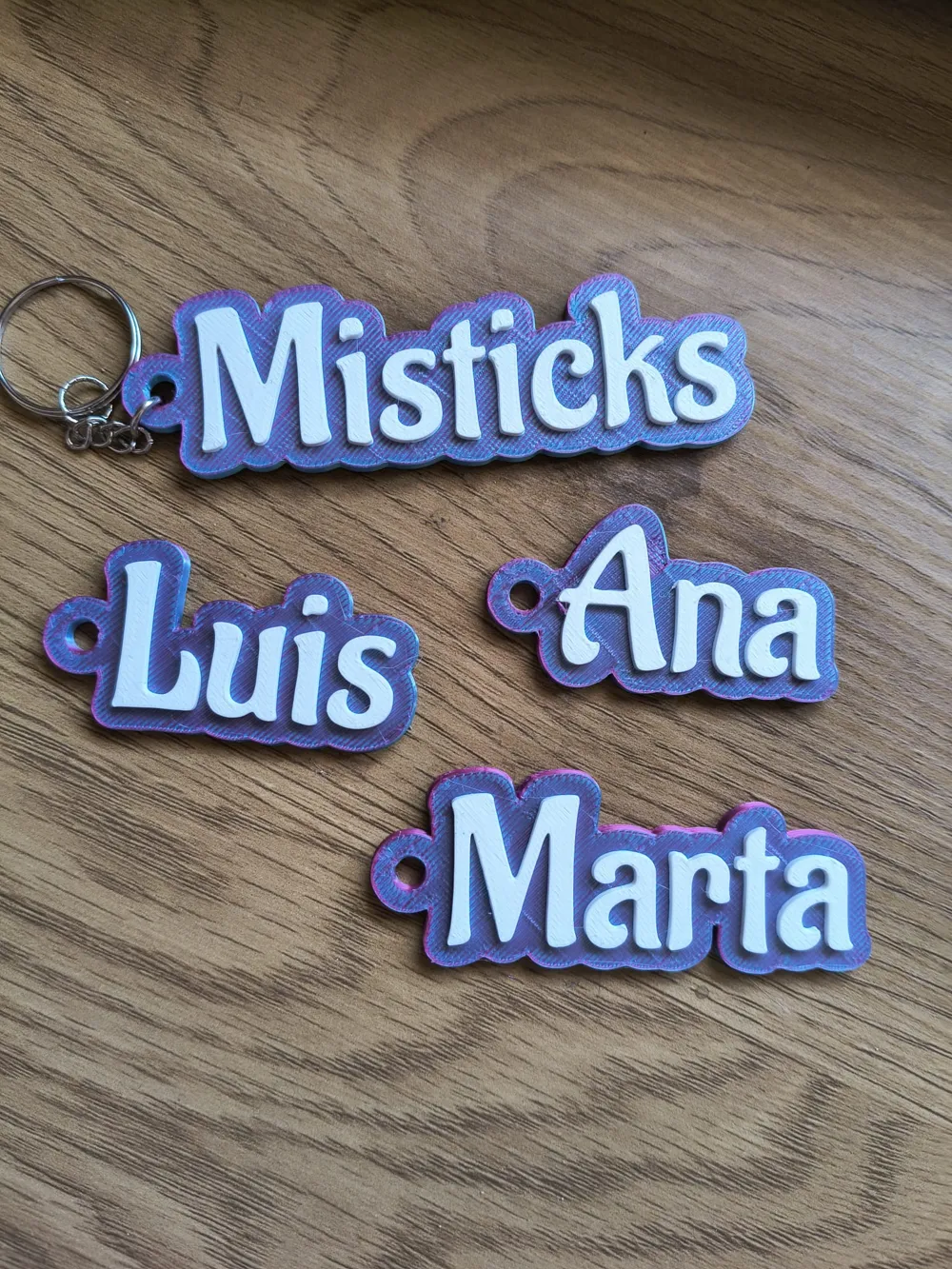
To achieve the effect in your photos (Pink base + White letters), you don't need an expensive printer. Just follow these steps in your slicer (Bambu Studio, Cura, etc.):
- Load the model: If many names appear, click "Center"
- Find the cutting layer: Slide the vertical bar until you see the base complete and the letters begin to appear
- Add Pause: Right-click on that layer and select "Add Pause" or "Change Color"
💡 Printing Tips
- Base Material: Use PLA Silk filament or Multicolor. This is what makes the keychain look like a piece of jewelry and not a toy
- Text Material: Always use a high-contrast color (White on dark, or Black on light)
- Infill: With a 15% Gyroid infill and 3 walls, the keychain will be indestructible
I'm leaving a 3mf file with the names from the image so you can see how it looks. I hope you like it
Boost Me (for free)
🚀 Support 3D design!
If you appreciate the effort behind this parametric model and the hours spent adjusting parameters for a perfect print, I invite you to leave a "Boost".
"Boosts" are the best way to value my work and motivate me to continue publishing high-quality and functional designs. Thank you very much for appreciating the effort! 🛠️💎
License

You shall not share, sub-license, sell, rent, host, transfer, or distribute in any way the digital or 3D printed versions of this object, nor any other derivative work of this object in its digital or physical format (including - but not limited to - remixes of this object, and hosting on other digital platforms). The objects may not be used without permission in any way whatsoever in which you charge money, or collect fees.


Comment & Rating (0)