
Tolerance Test 3g
Print Profile(7)



Description
test
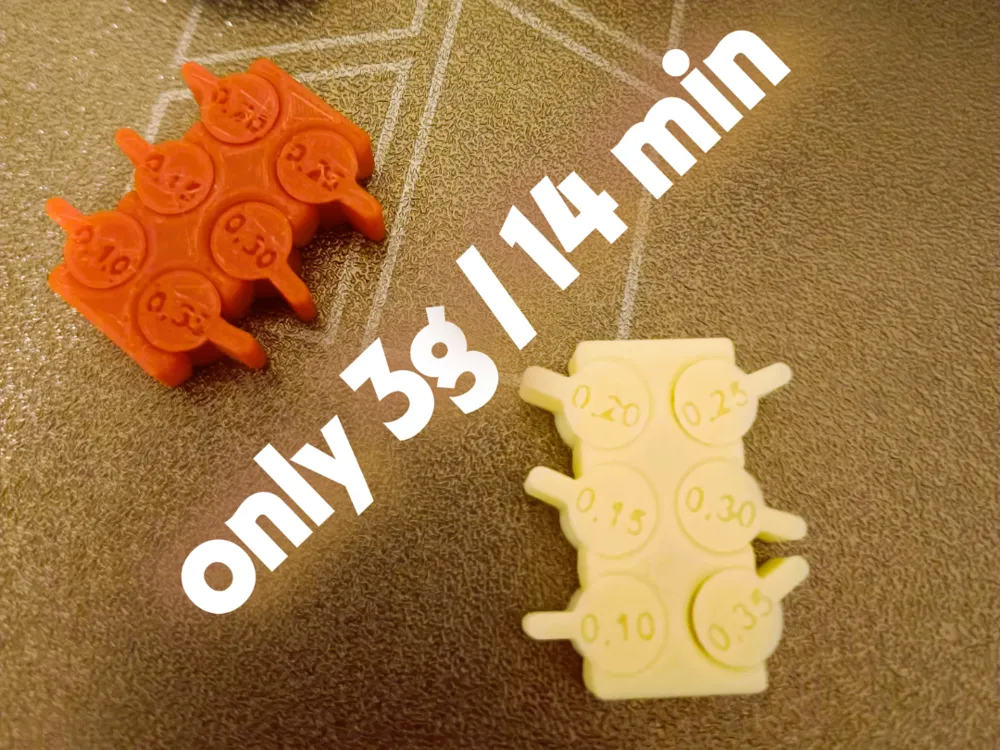
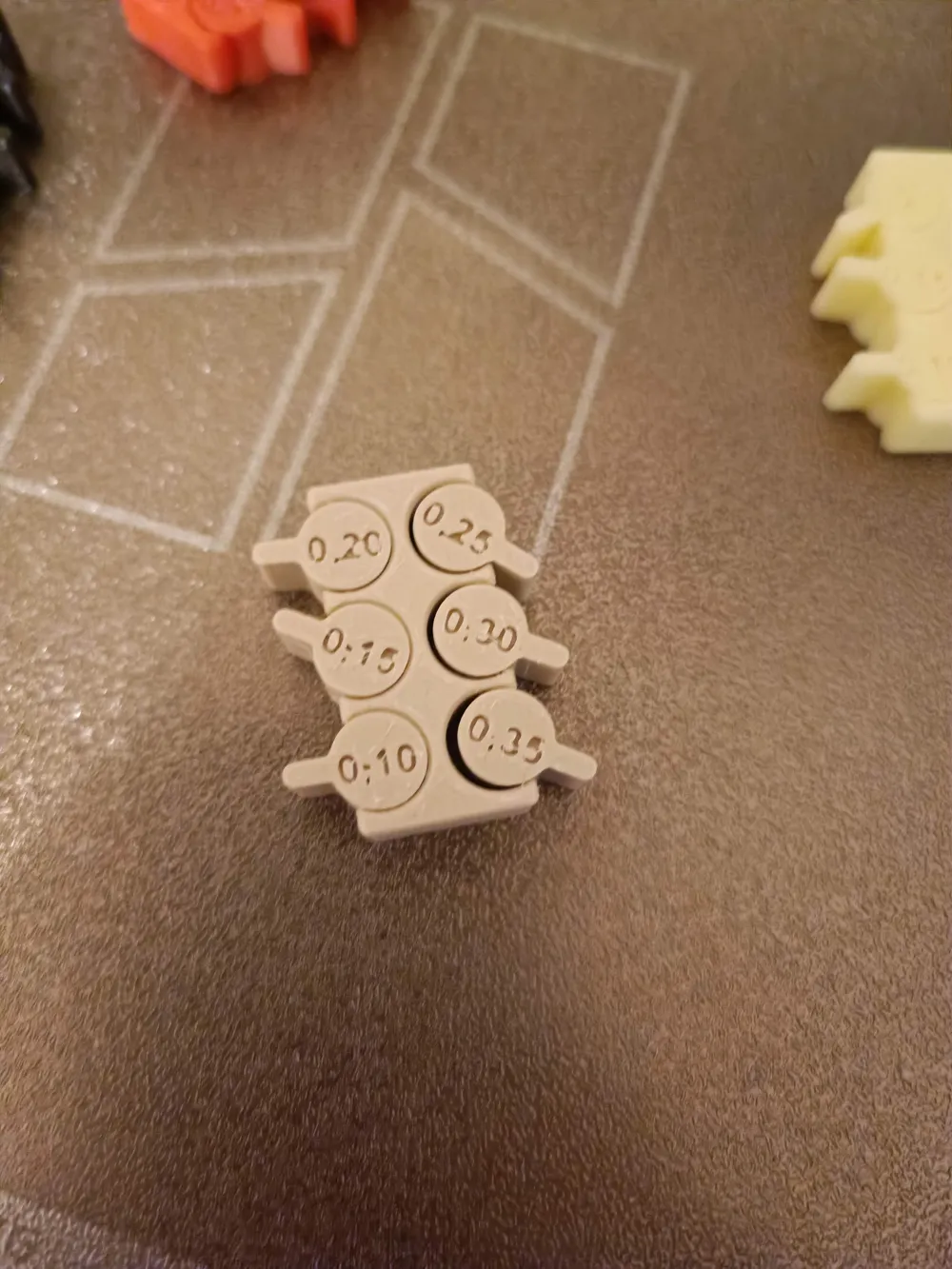
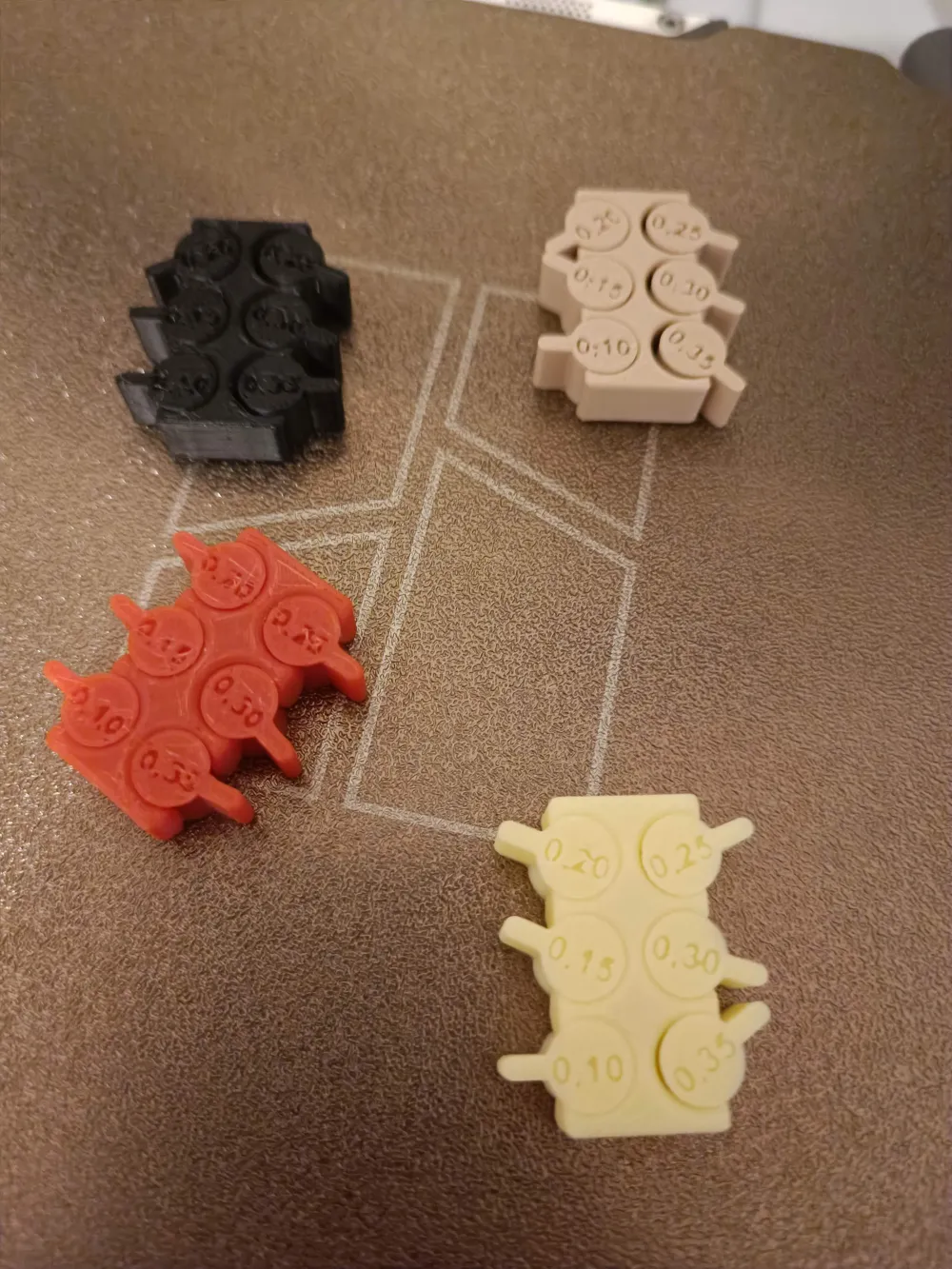
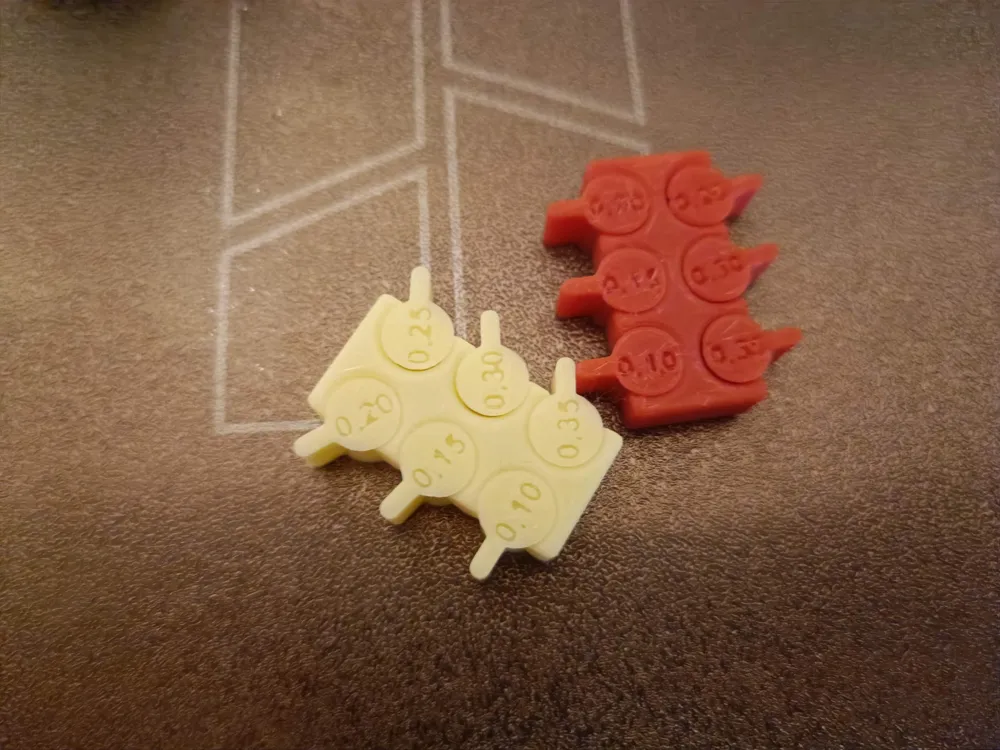
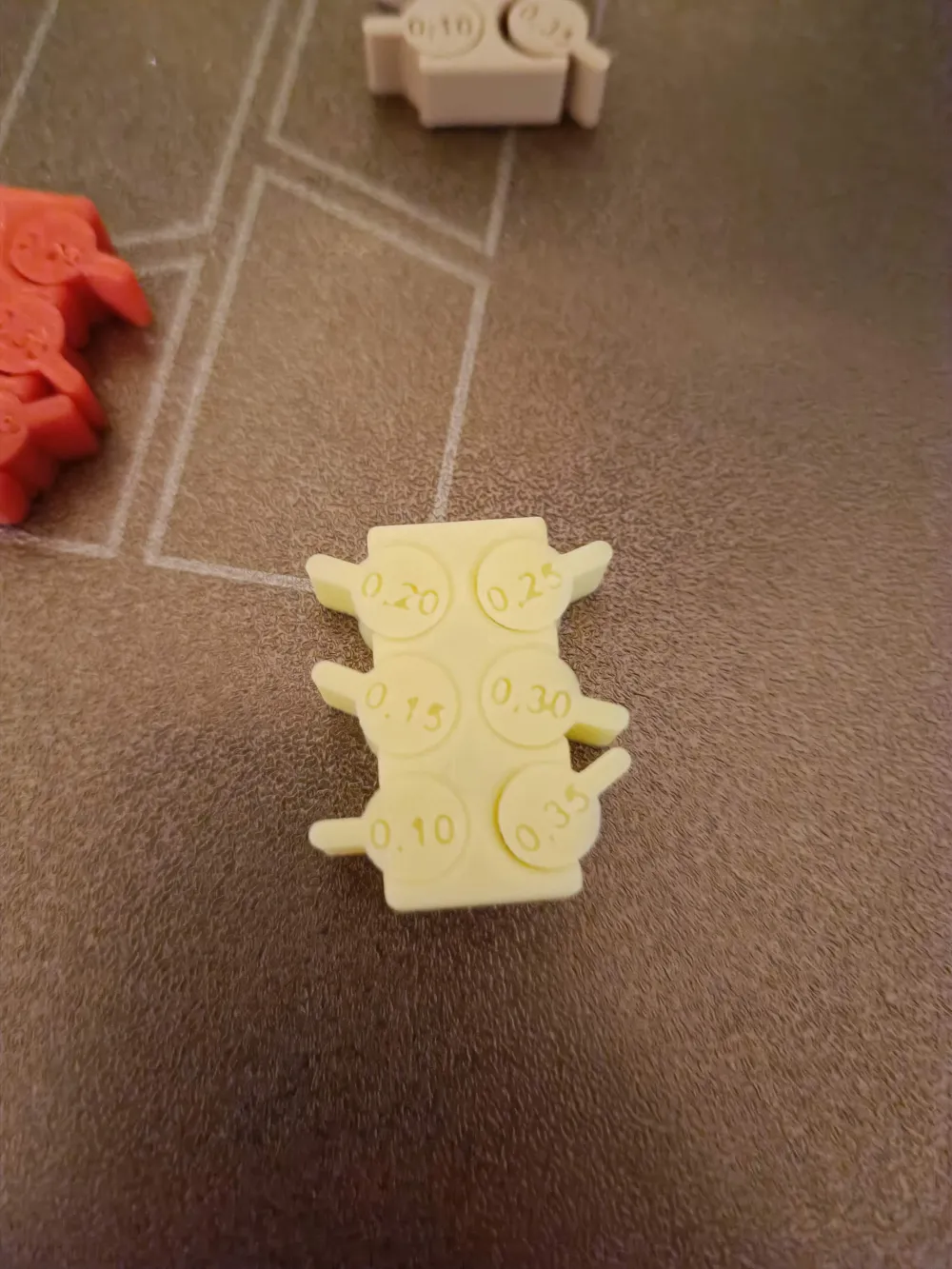
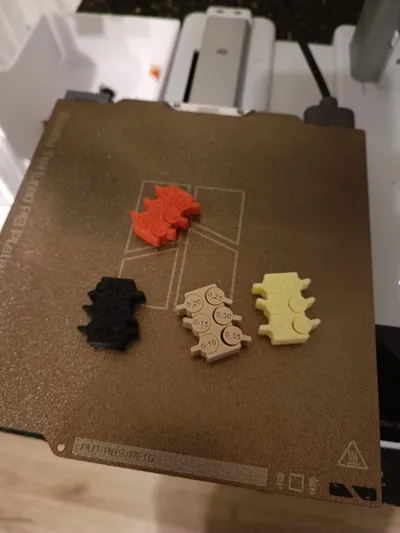
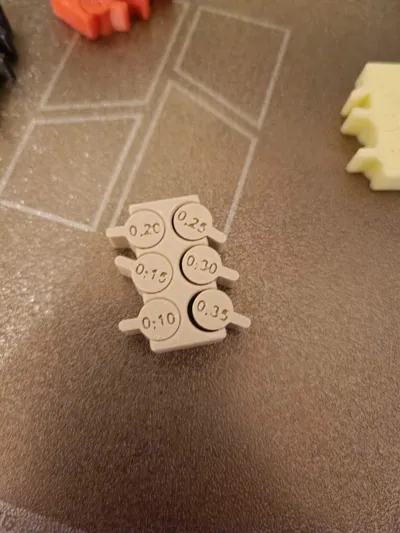
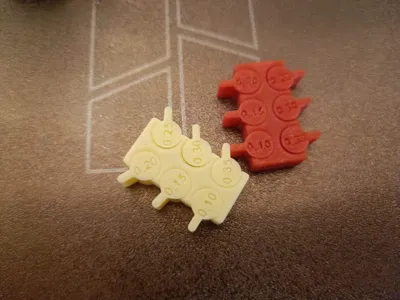
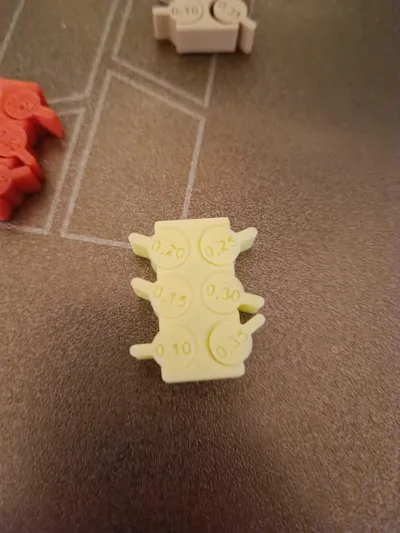
Tolerance Test for 3D Printers (0.10 mm – 0.35 mm)
With this test, you can quickly and easily check what minimum gap tolerance your 3D printer reliably achieves with a specific combination of filament, nozzle size, and print profile
Boost Me (for free)
With your Boost, you not only give me credits but also the good feeling that all the hours of fine-tuning between design and printing were not in vain
Additionally, I have already adjusted print profiles that cover the most common scenarios. These are pre-configured with optimal settings for Gap Slicing, Elephant Foot Compensation, and Outer Wall Speed, so you can achieve the best results directly.
The created profiles can, of course, also be saved and reused for future prints
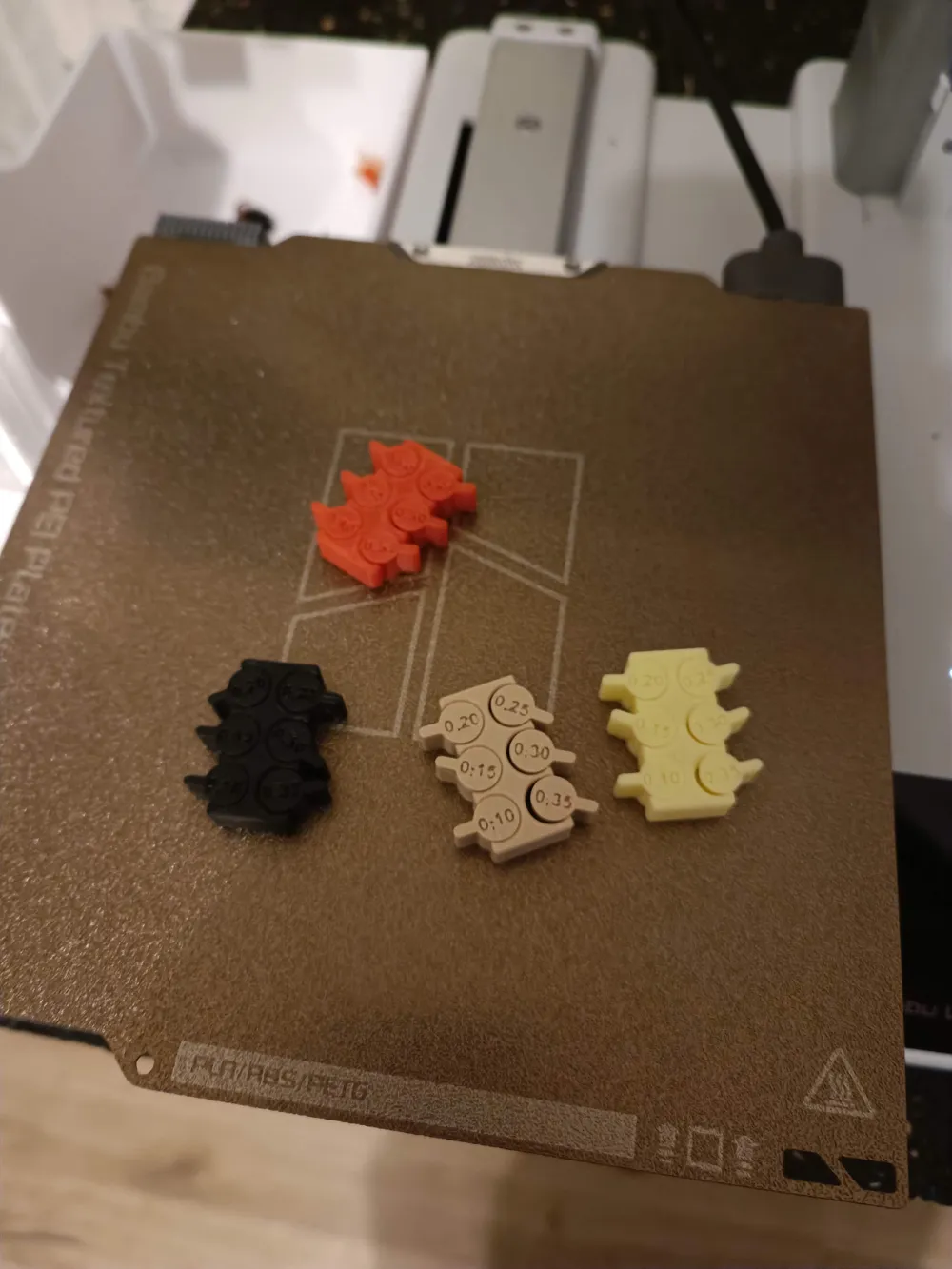
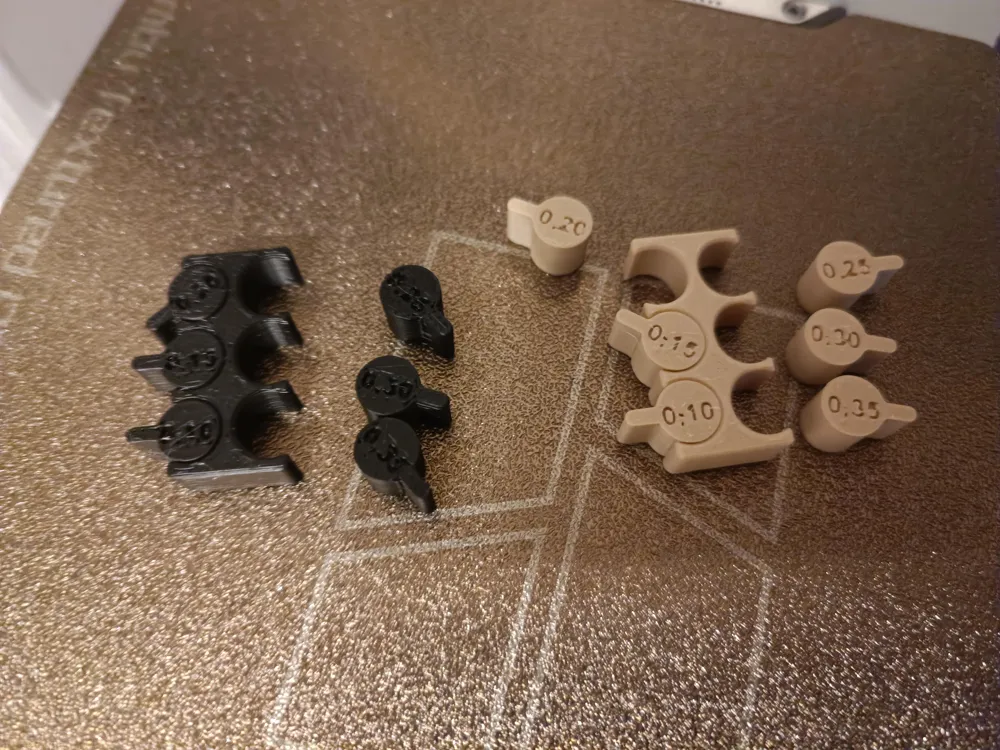
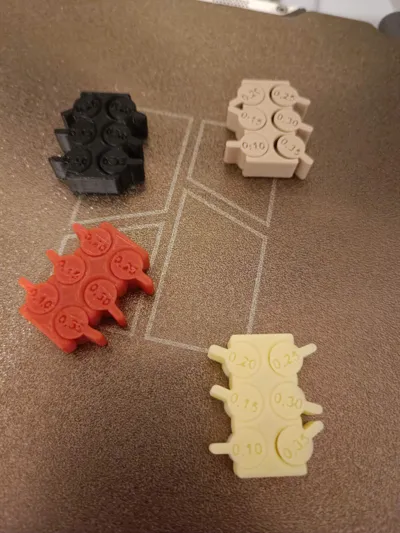
I have created two models so you can practically test your printer's tolerance:
- Model 1 (simple) → straight cylinder geometry, ideal for quick basic tests
- Model 2 (more complex) → geometry with curves to represent more realistic scenarios
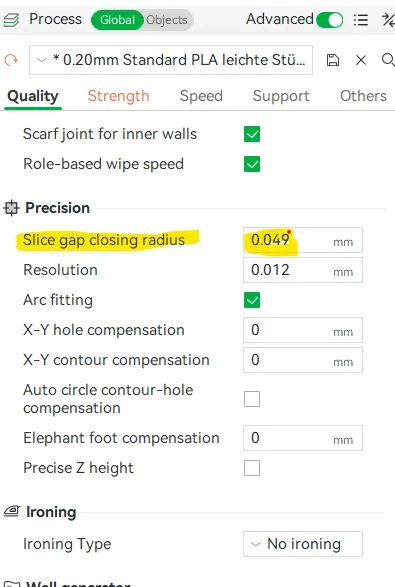 | How to adjust your print:
|
Details:
- Gap Dimensions: 0.10 mm / 0.15 mm / 0.20 mm / 0.25 mm / 0.30 mm / 0.35 mm
- Objective: Test of mechanical precision for different filament types, print profiles, and nozzle diameters
- Recommendation: Test each filament batch (even from the same manufacturer), as well as all new or changed nozzles / profiles
Application:
- Print the model without Support
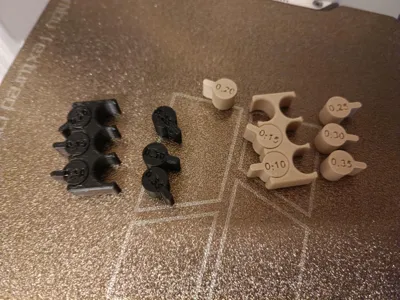
- After printing, carefully try to move or loosen the bars
- The smallest dimension that can still move freely (or is not stuck) shows the mechanical tolerance of your setup
Why is this important?
Depending on the filament (PLA, PETG, ABS, etc.), color, or nozzle size, the print properties can vary greatly. This test helps you determine suitable values for fits, snap-fits, or component play
License

You shall not share, sub-license, sell, rent, host, transfer, or distribute in any way the digital or 3D printed versions of this object, nor any other derivative work of this object in its digital or physical format (including - but not limited to - remixes of this object, and hosting on other digital platforms). The objects may not be used without permission in any way whatsoever in which you charge money, or collect fees.


Comment & Rating (34)