
Longbow Nut Installer
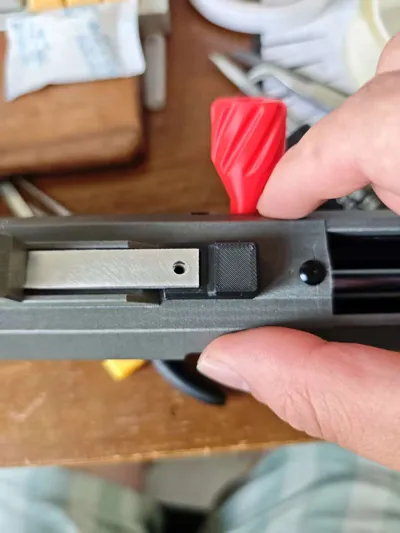
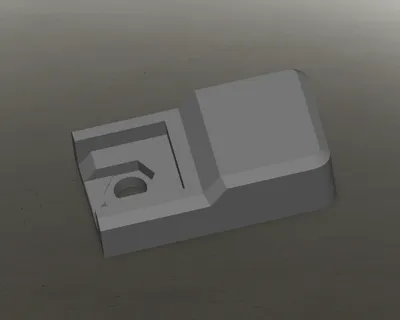
Print Profile(1)

Description
1.4g filament prints in 10 minutes, saving you 10 minutes of your life
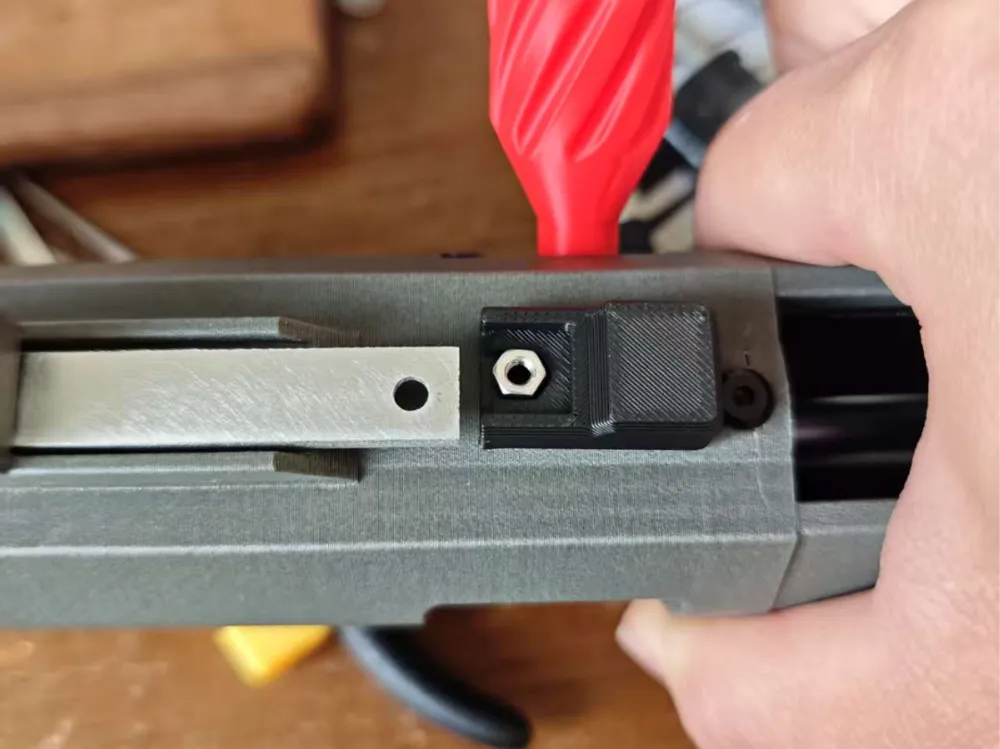
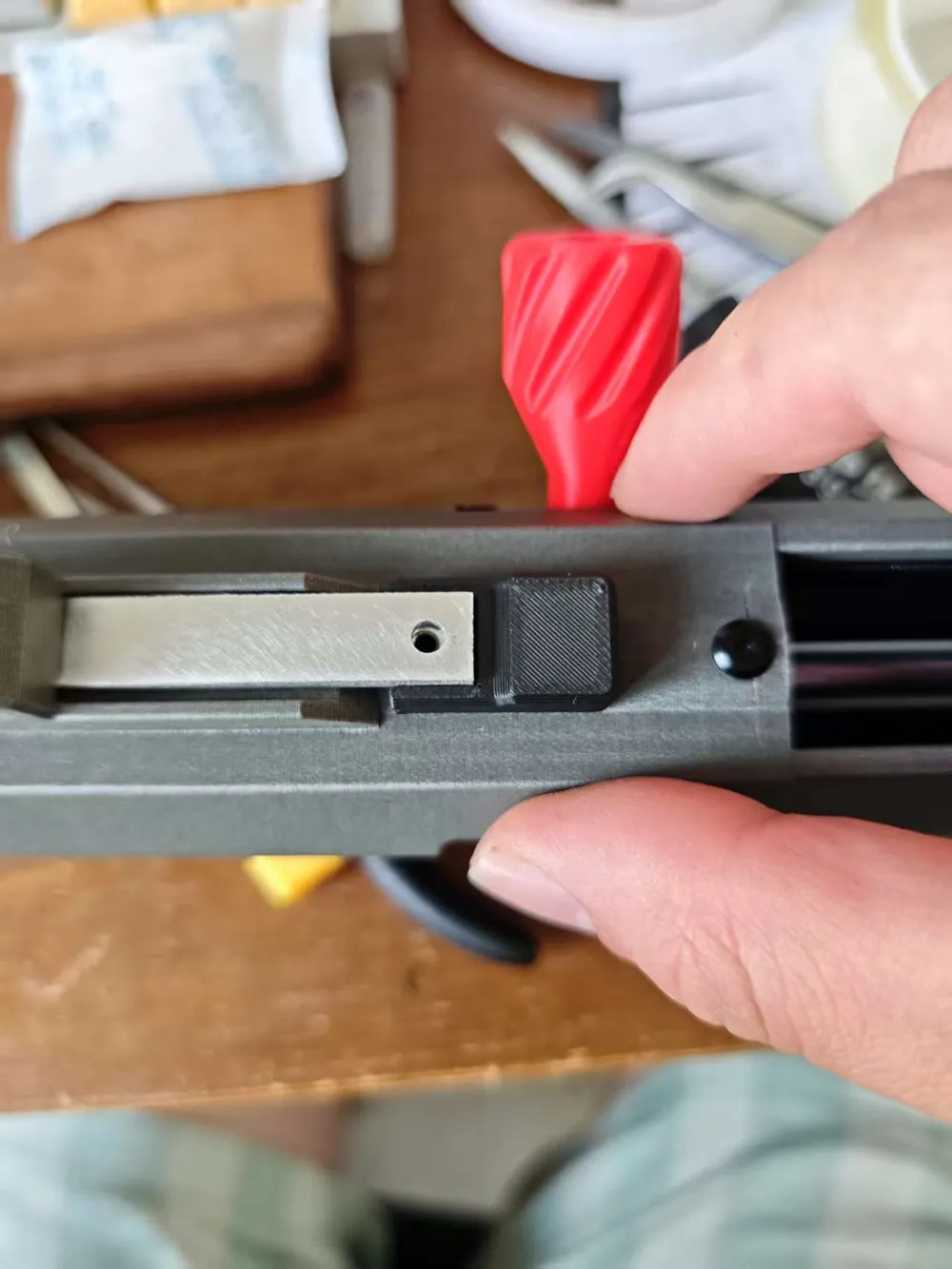
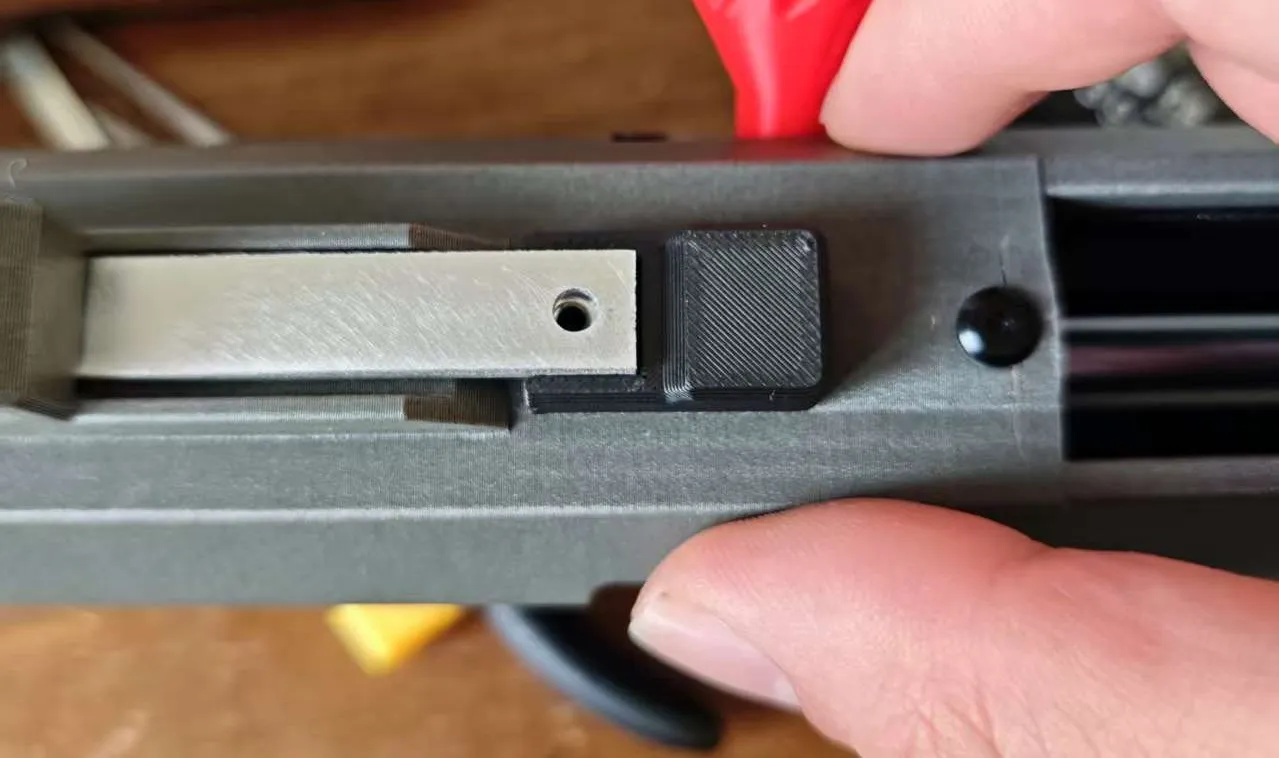
Use this to replace tweezers for securing the nut during installation (screenshot from Bilibili UP master 费德提克-Fiddesticks assembly video):
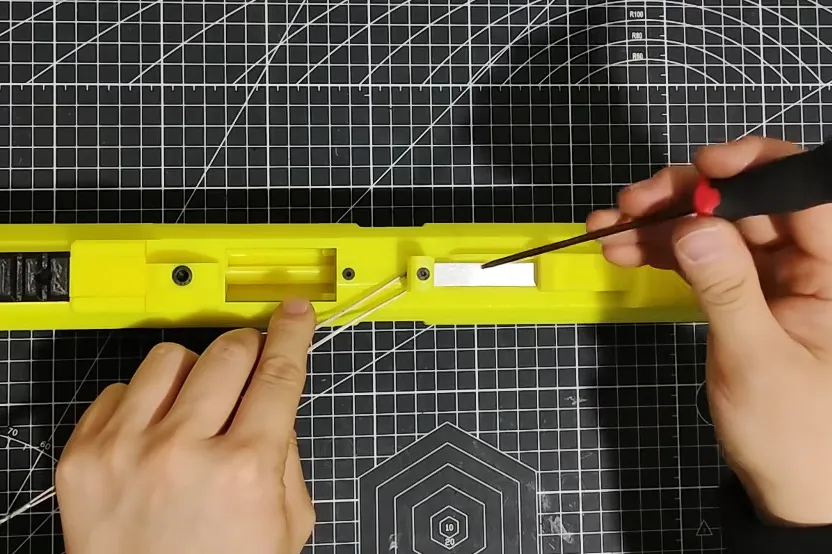
Installation steps:
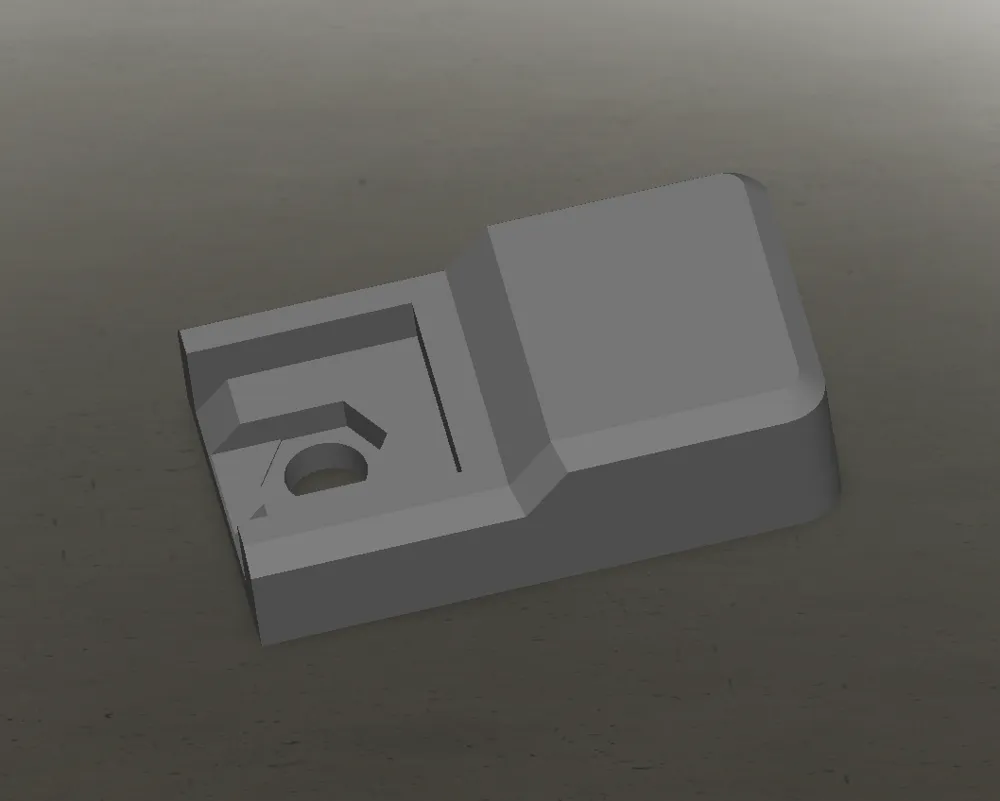
1. Place the nut into the hexagonal recess of the model:
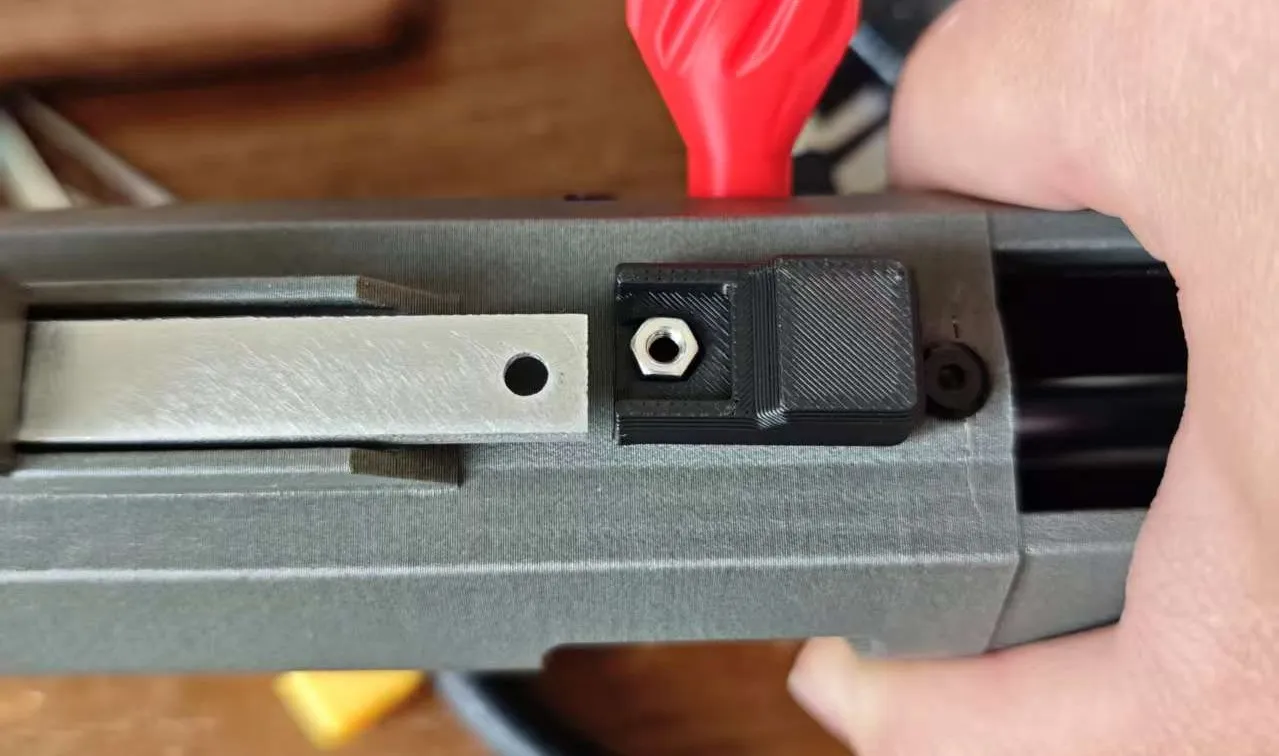
2. Insert the model under the aluminum extrusion, aligning it with the opening. Tighten the screw and then remove the model:
Boost Me (for free)
License

You shall not share, sub-license, sell, rent, host, transfer, or distribute in any way the digital or 3D printed versions of this object, nor any other derivative work of this object in its digital or physical format (including - but not limited to - remixes of this object, and hosting on other digital platforms). The objects may not be used without permission in any way whatsoever in which you charge money, or collect fees.


Comment & Rating (3)