
Mac Keyboard Keycaps
Print Profile(6)

Description
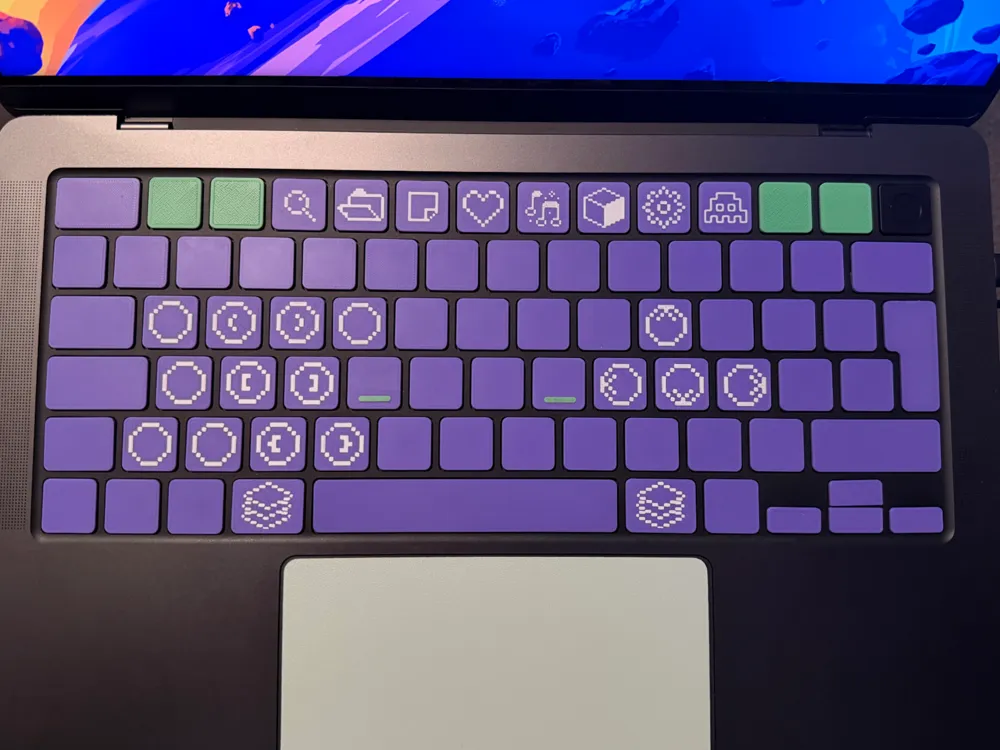
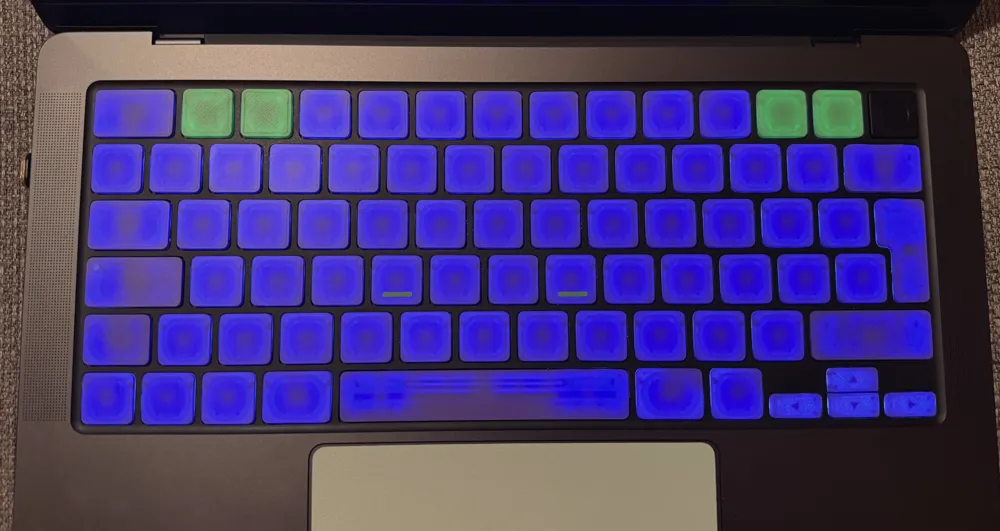
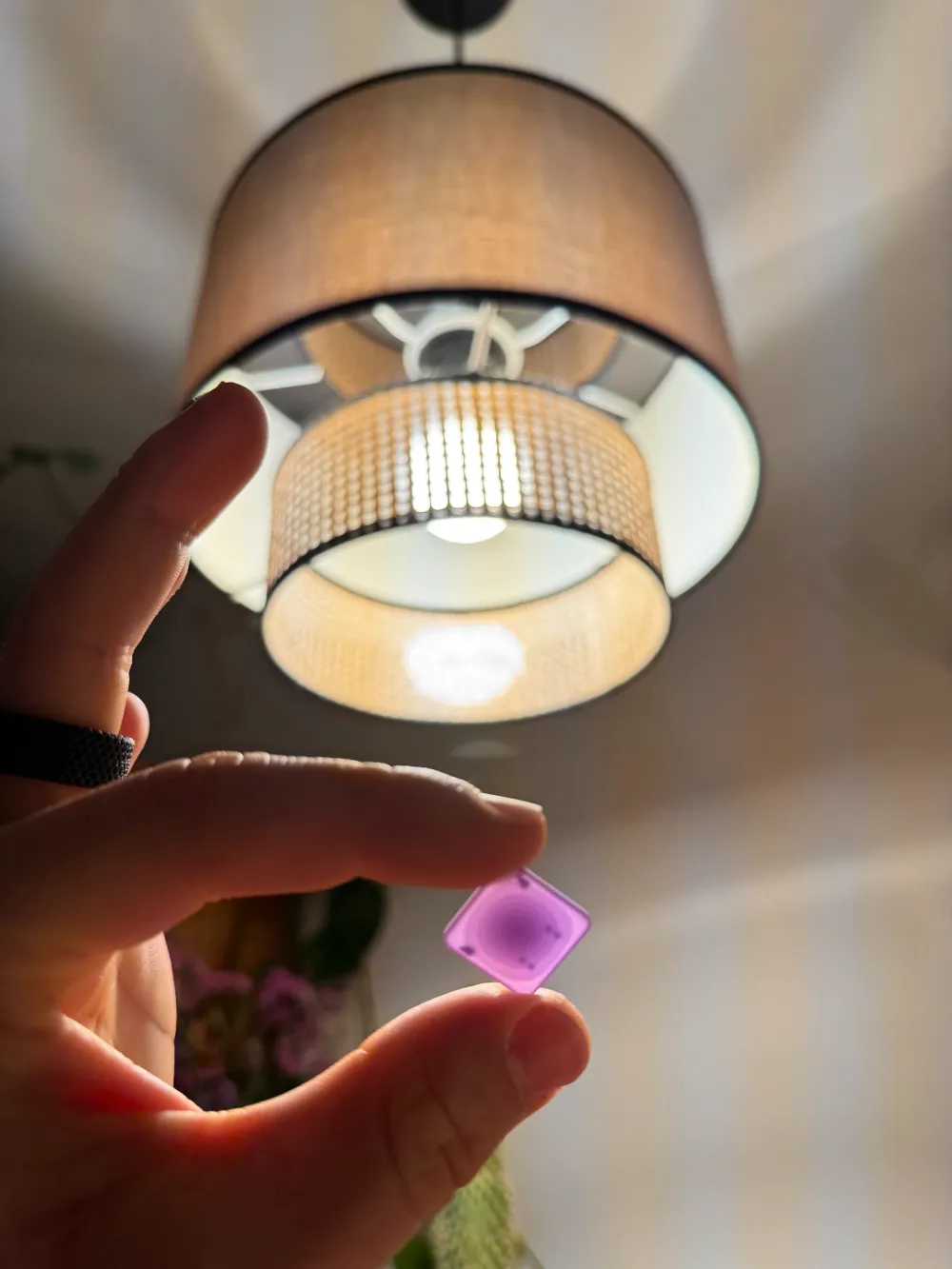
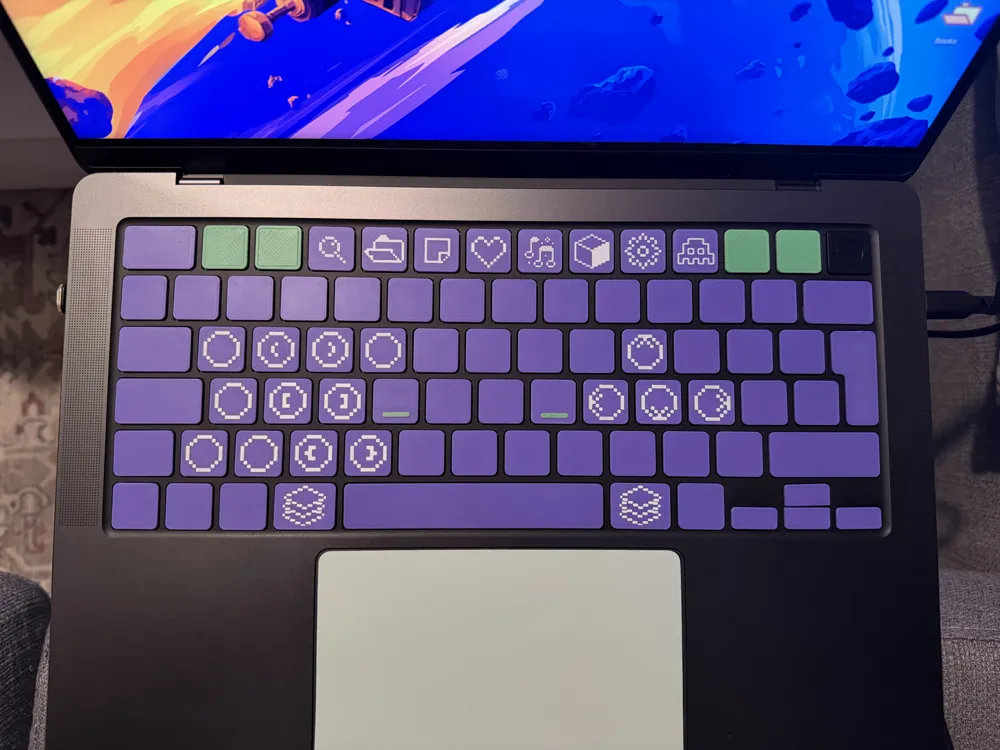
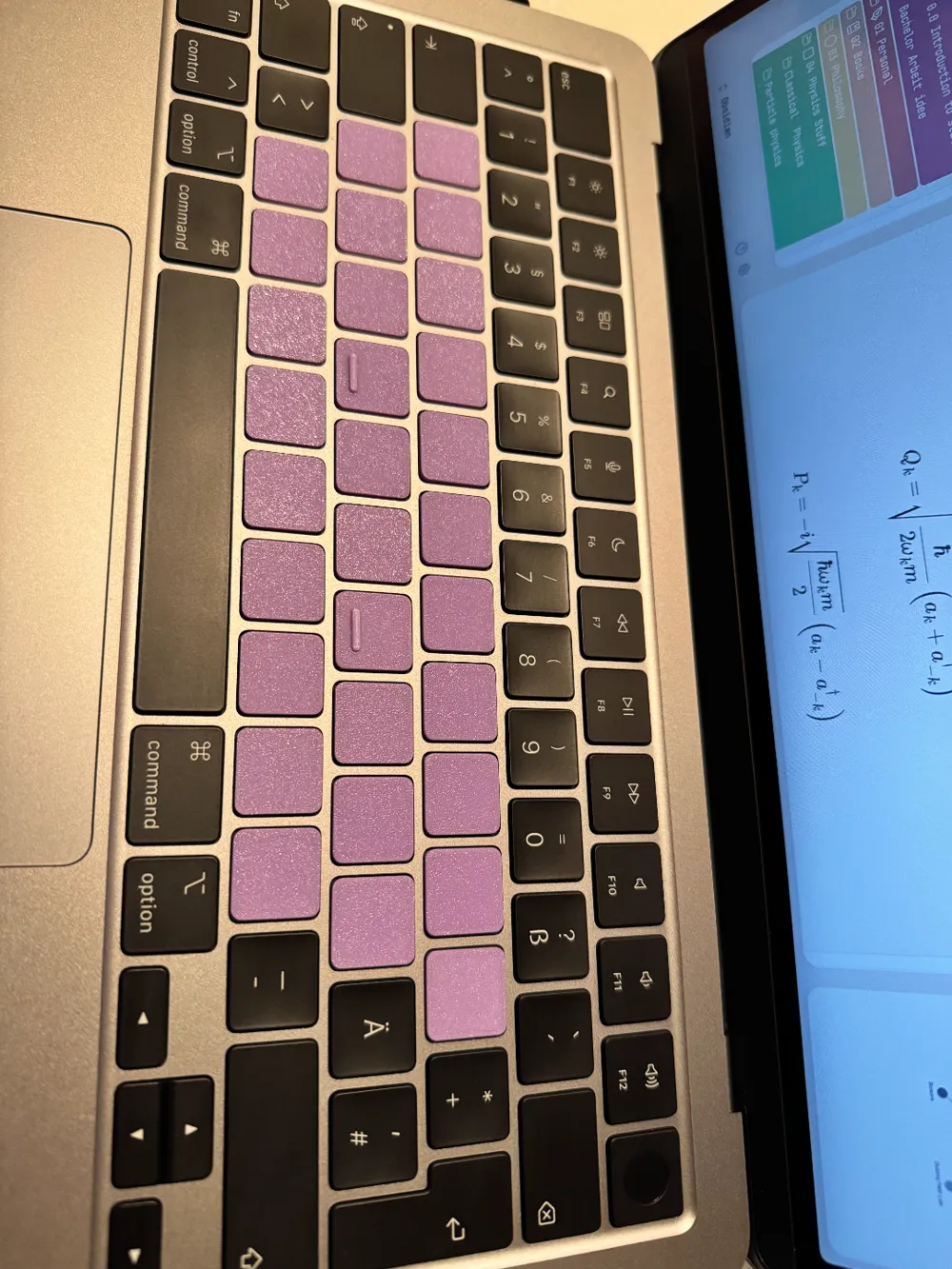
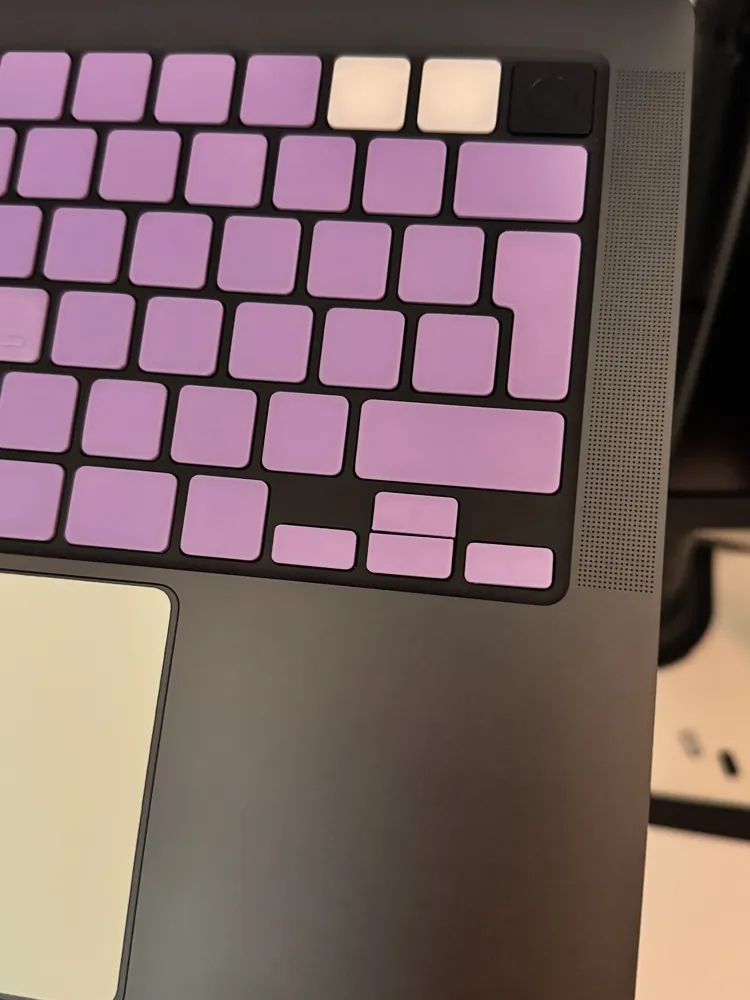
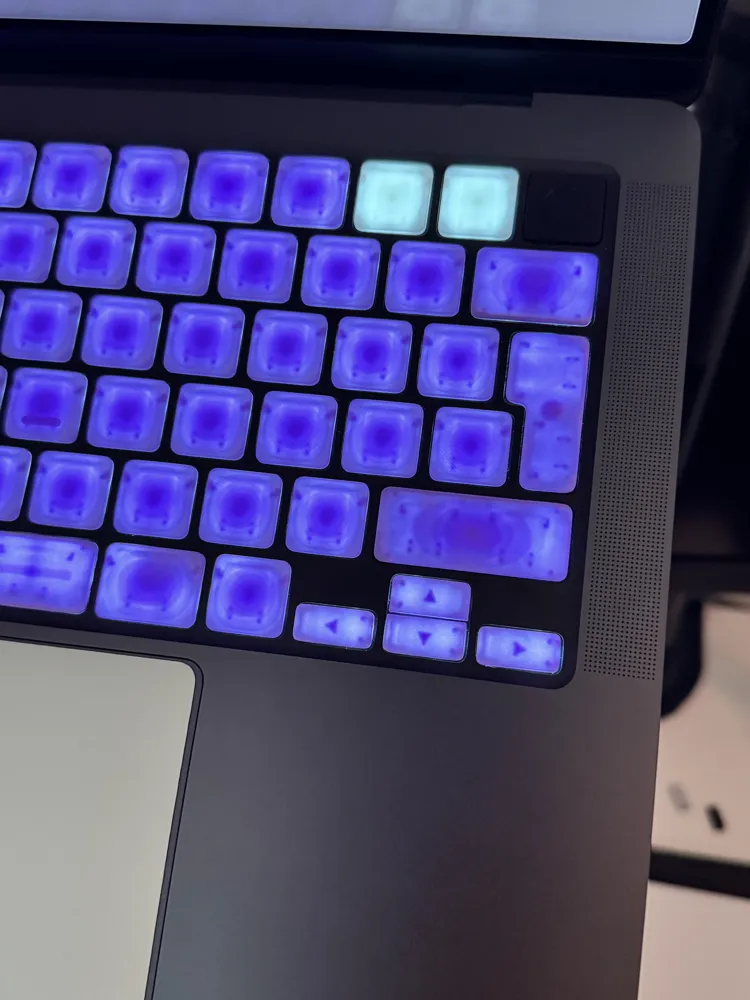
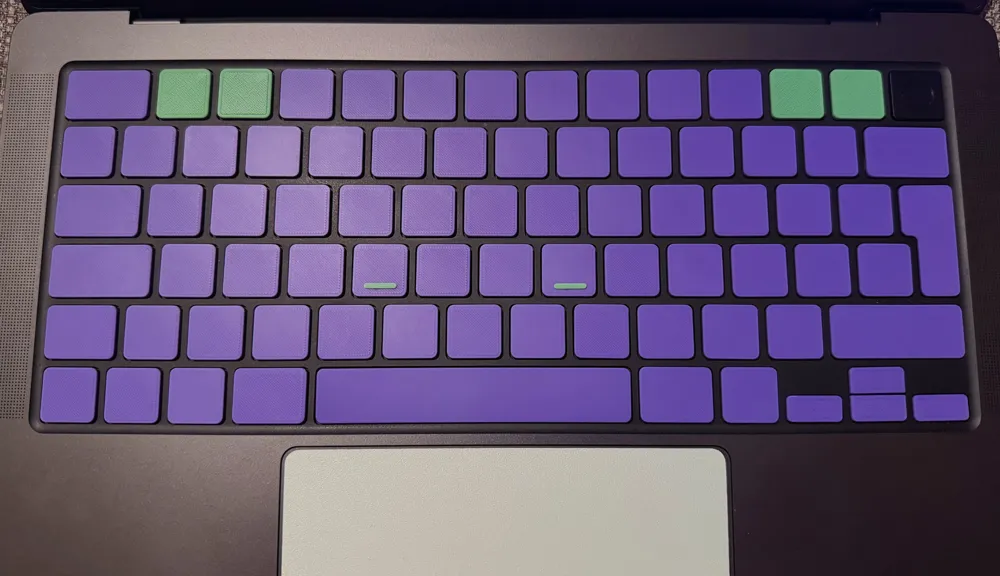
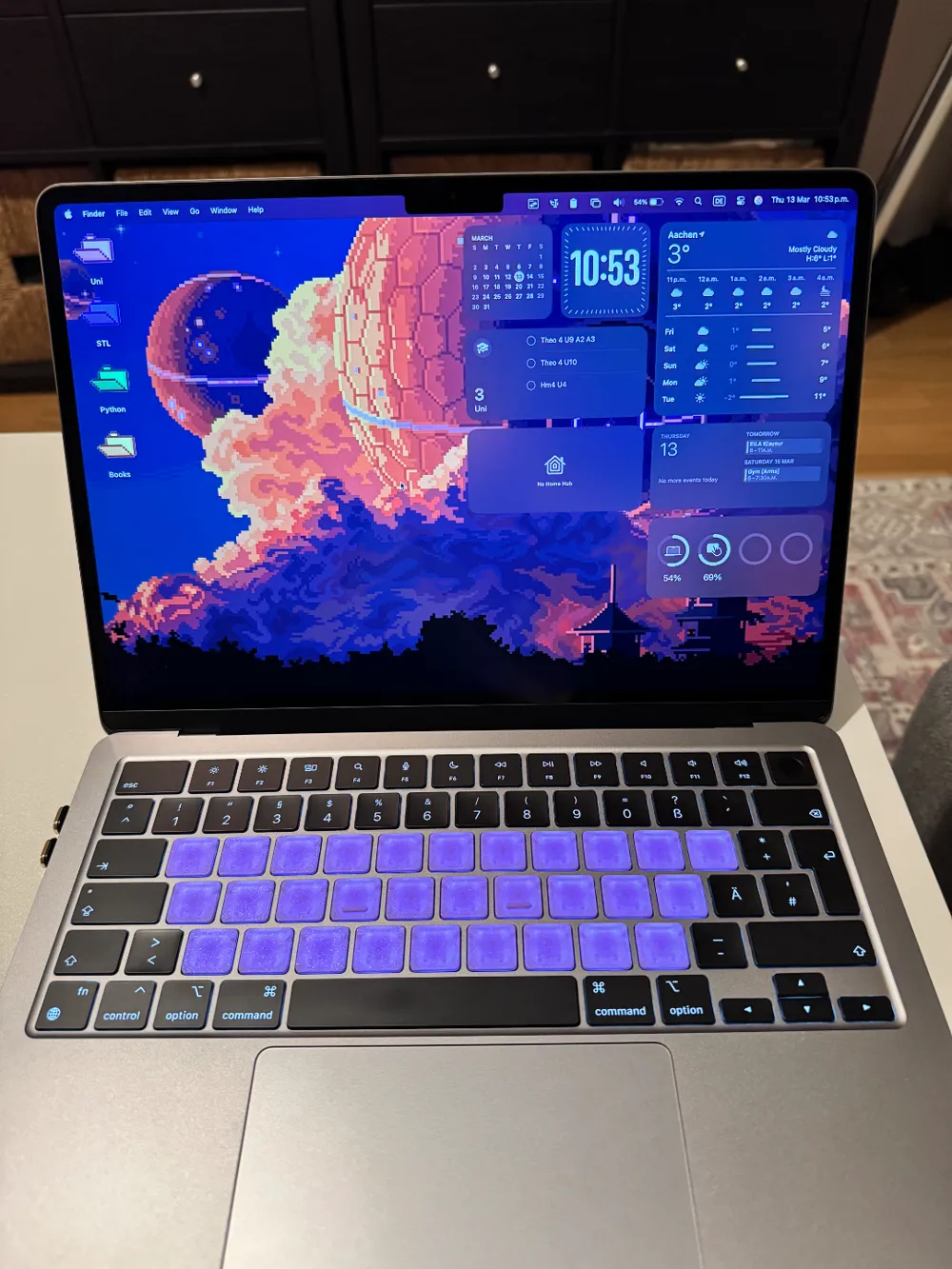
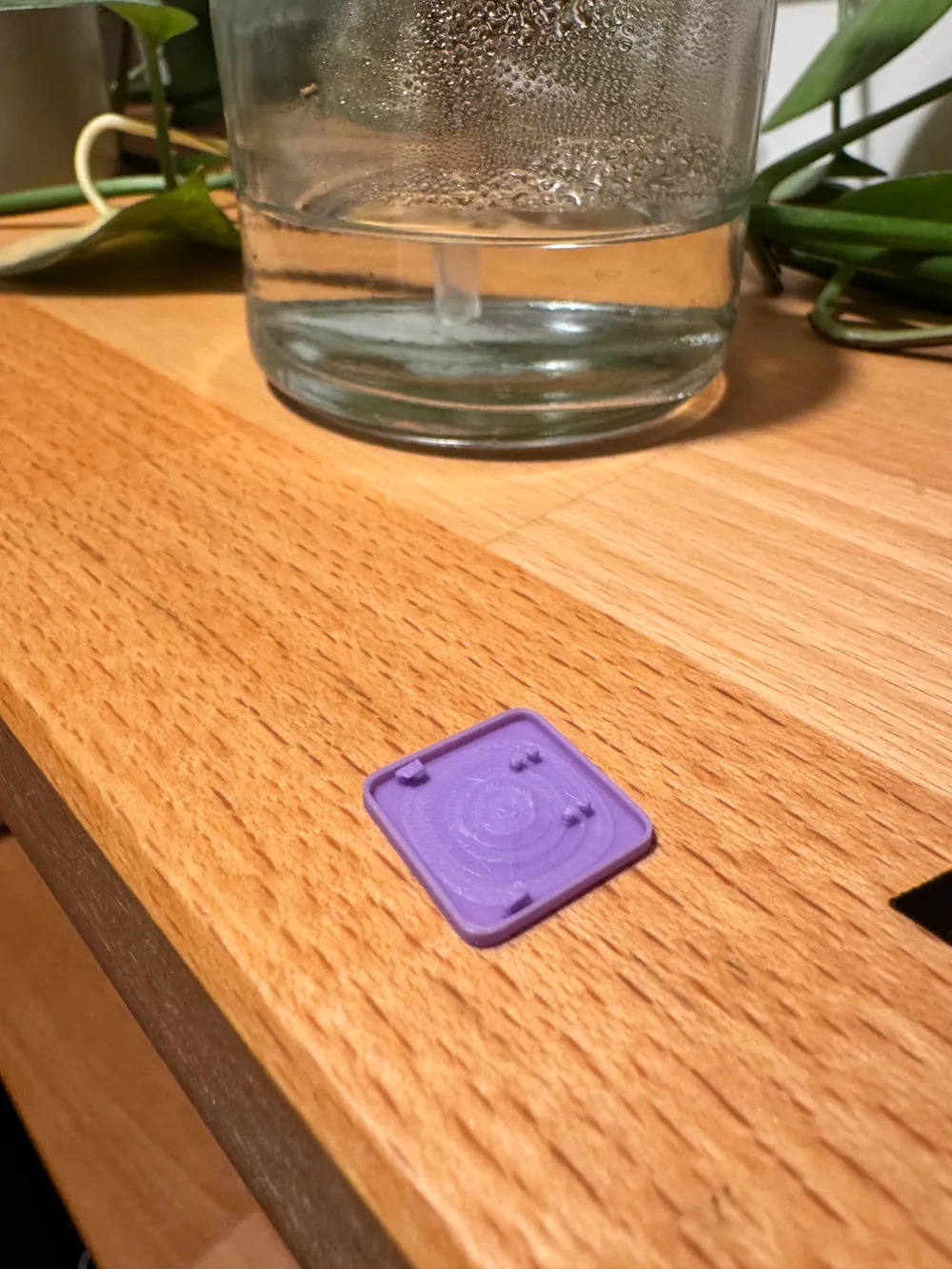
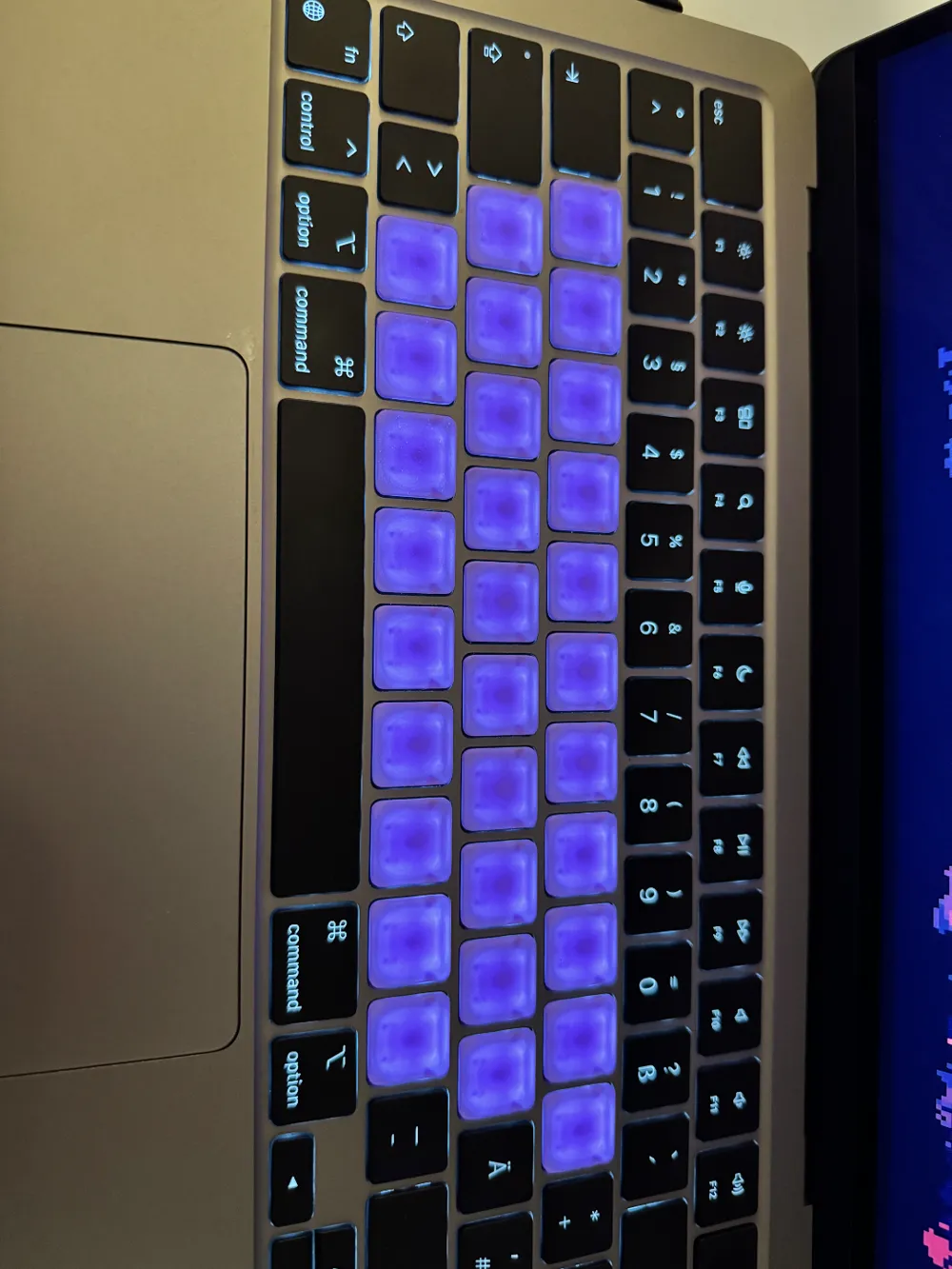
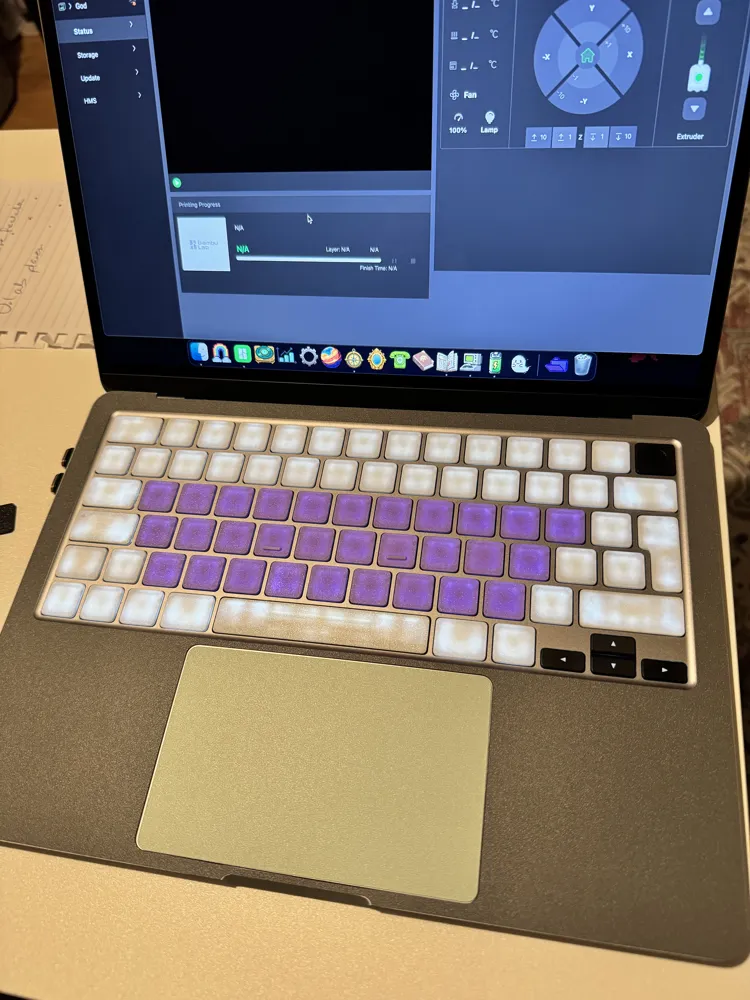
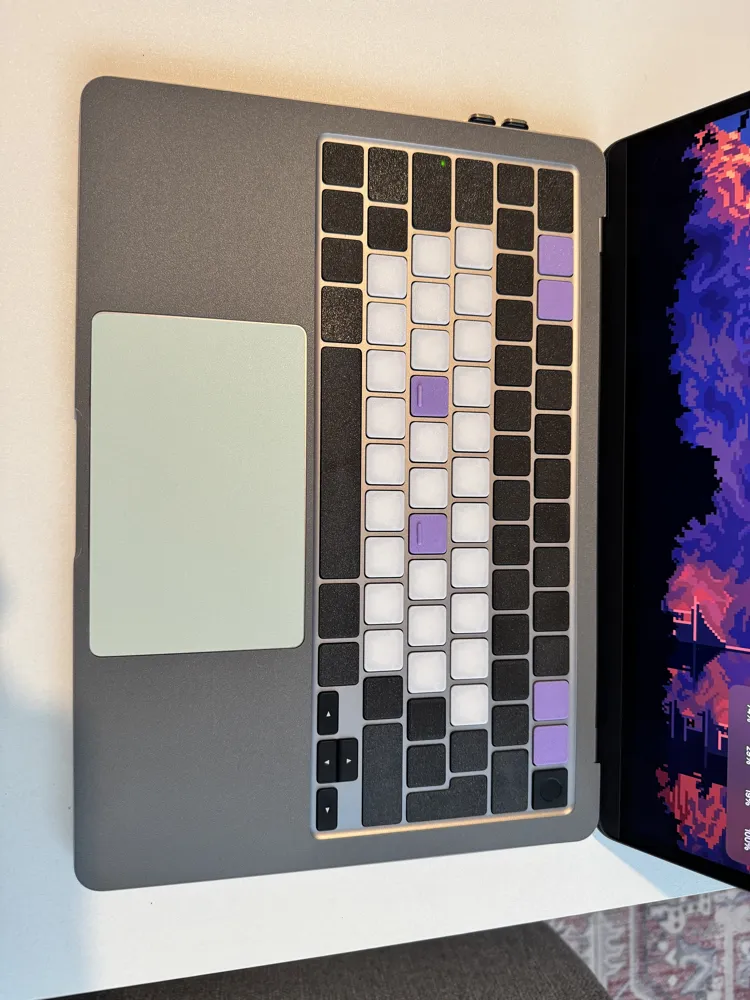
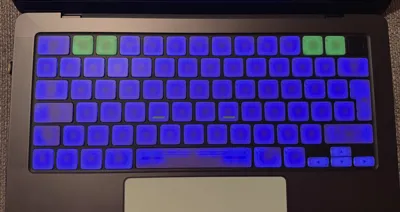
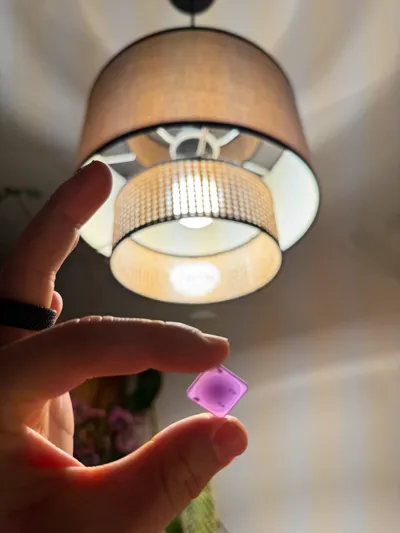
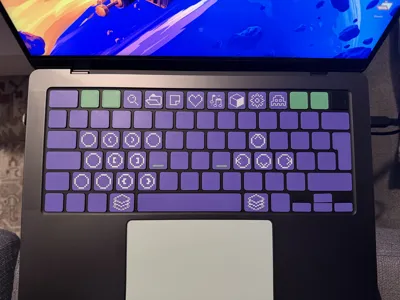
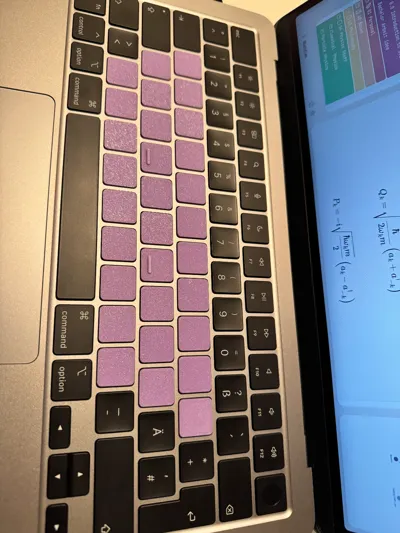
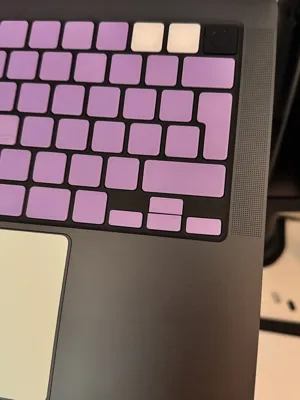
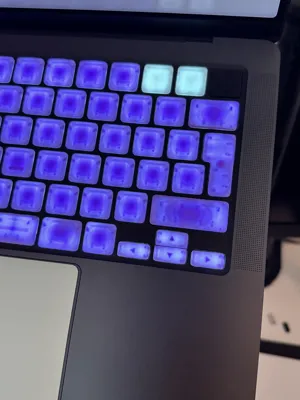
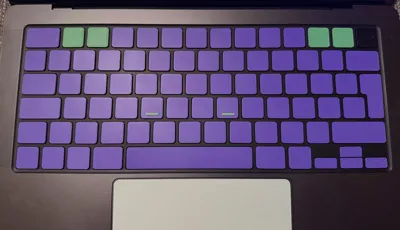
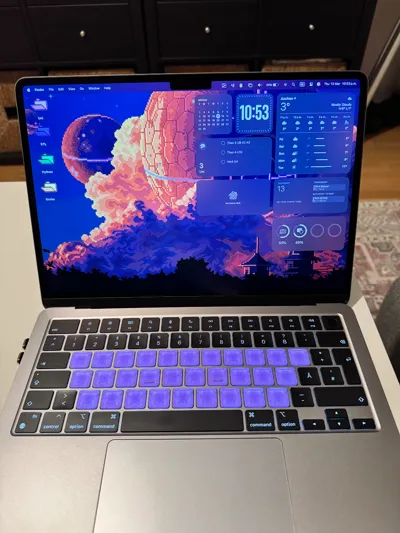
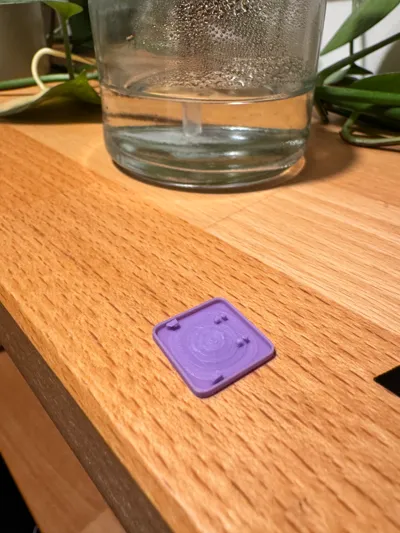
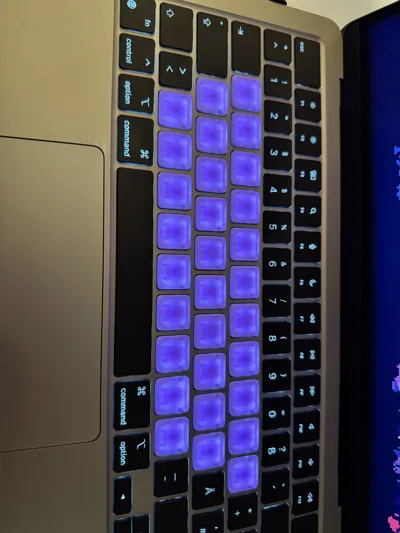
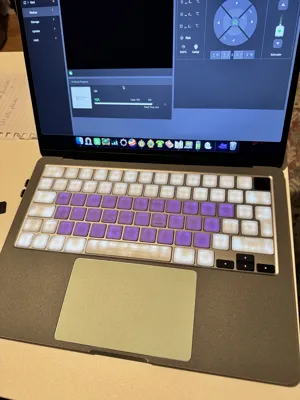
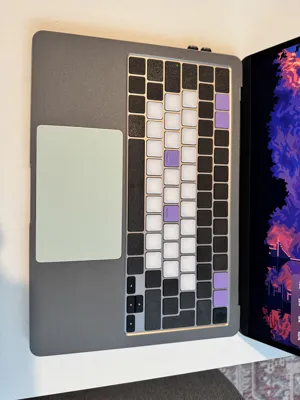
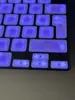
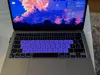
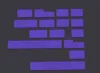
Almost identical copies of the original keys with a few modifications (gradient variation) in order to diffuse the light in a more optically pleasing manner. The cylinder version most closely resembles the sound and feel of the original keycaps but I did not like the centered shadow created by the cylinder so I'll be taking the mushiness over the shadow but both version are available to print :D
The f an j thingy I just glued it on with some super glue and tweezers, I also recommend filing it down, it makes it smoother and you only really need a tiny bump.
Update 26.03.2026
The mushiness goes away after like two days of typing and the keyboard feels great.
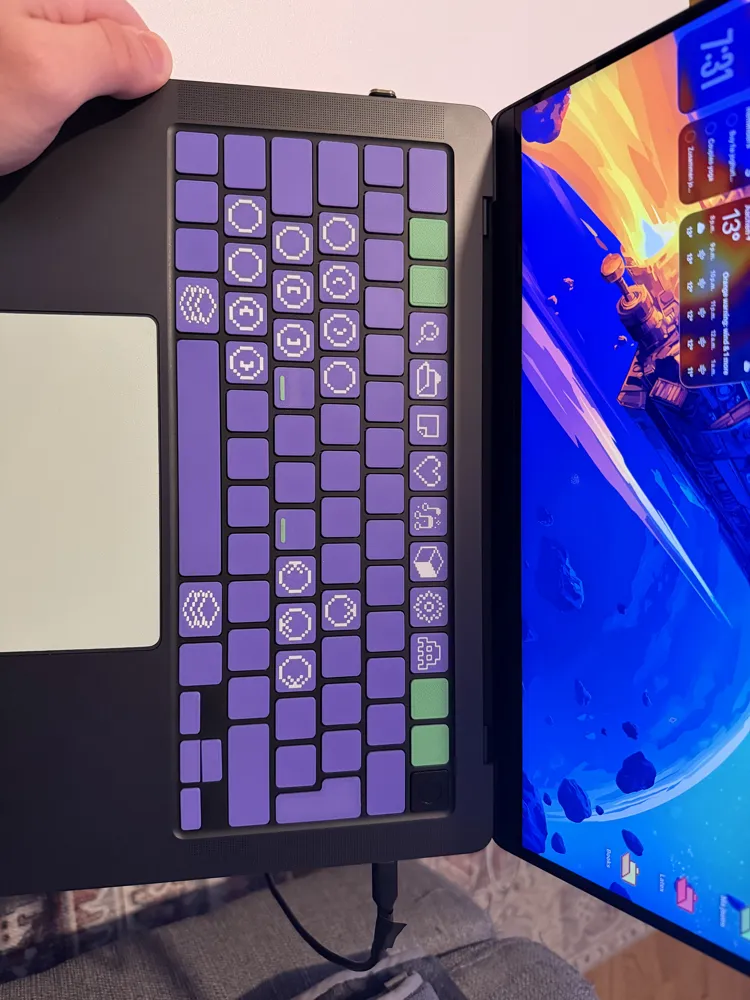
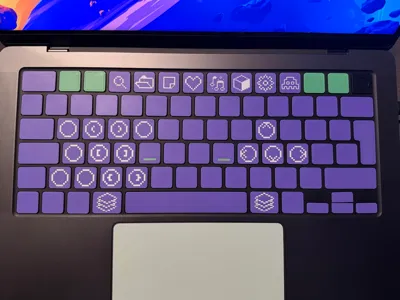
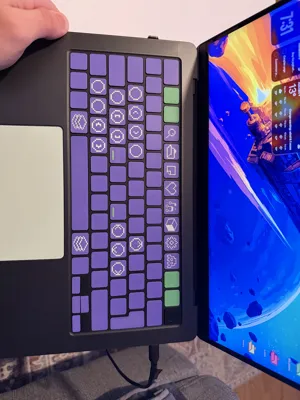
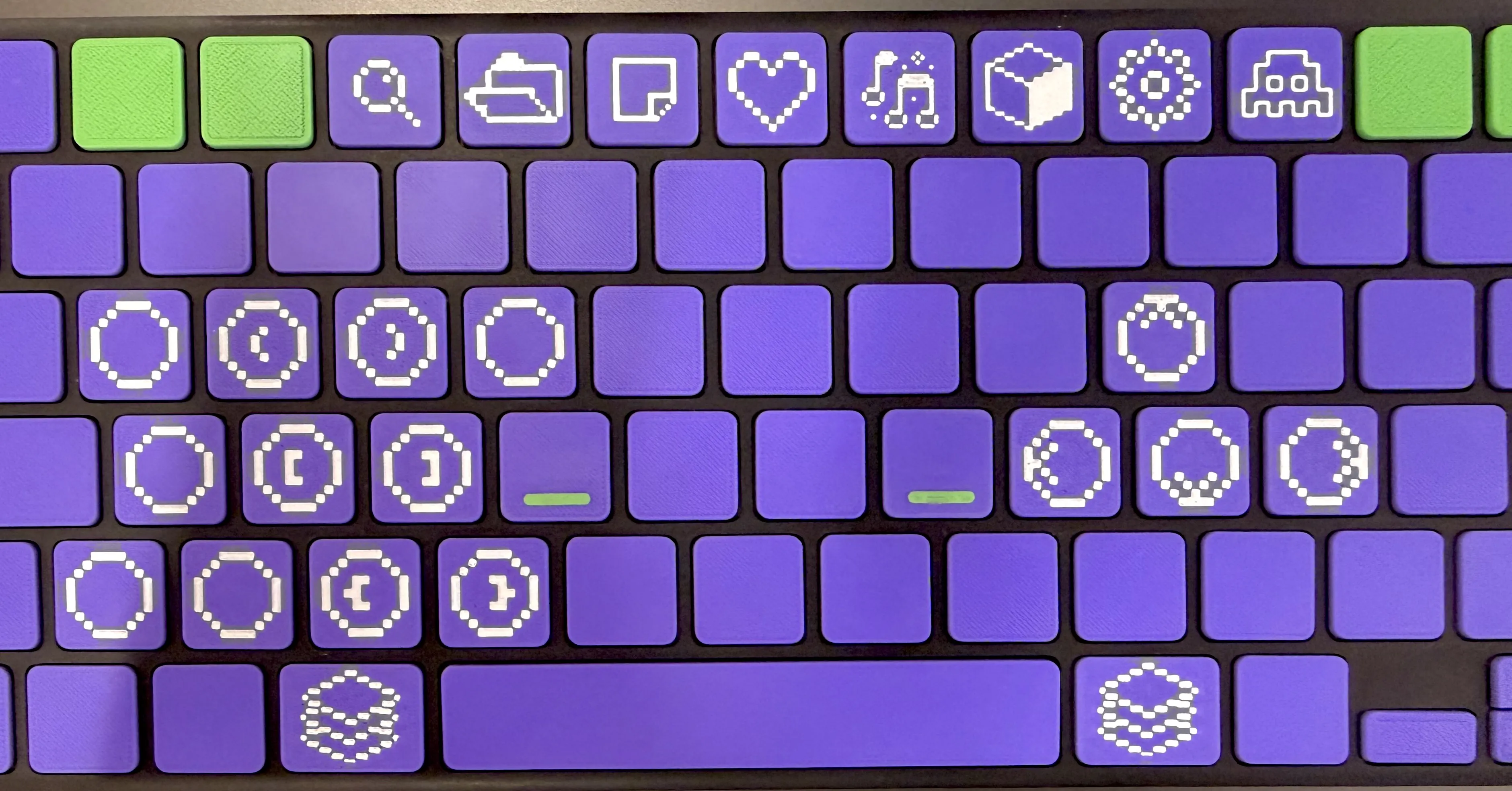
I have also created new print profiles with the SVG's that I have printed thus far. You can add your own SVG's to the keycaps as modifiers.
I then use Karabiner Elements (https://karabiner-elements.pqrs.org/) to remap keys or add layer modifiers.
License



Comment & Rating (47)