
Longer filament guide holder - A1 & Mini
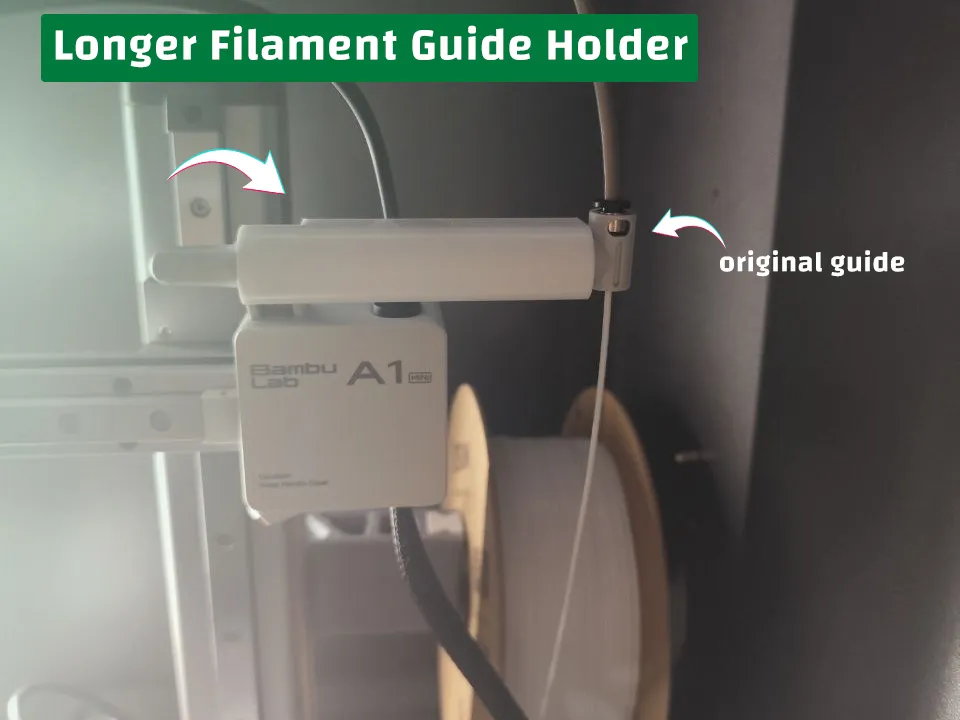
Print Profile(2)


Description
Membership
Your support is greatly appreciated, and I truly recommend subscribing to my tiered license to get the most out of my models. They are highly popular in the market, with over 1,000 sales of the decorations from verified users. Customizations are also welcome and available at no extra cost, depending on your tiered license.
Boost Me (for free)
If you enjoyed printing, I'd appreciate your boost to help me support this hobby! :)
This is a practical implementation that allows A1 Mini users to place their filament guide in a further place when using 3rd party spool solutions. It uses the filament utility (front engine / camera holder) empty side and insert a long holder that can be used for your original filament guide.
There are two versions:
- Simple version: it doesn't have any holes or screws or whatsoever
- Advanced version: it has holes and adapters in case you want to remix the solution and add something else later on (or even if I want to add something later).
- Two screws on each side, each screw is M4 with 4mm depth.
- Two adapter slots for each side for large applications, each slot is 20x8mm with 3mm circles in its center points. Recommended tolerance is 0.1mm.
This works the best with my Straight Spool Holder: https://makerworld.com/en/models/972659
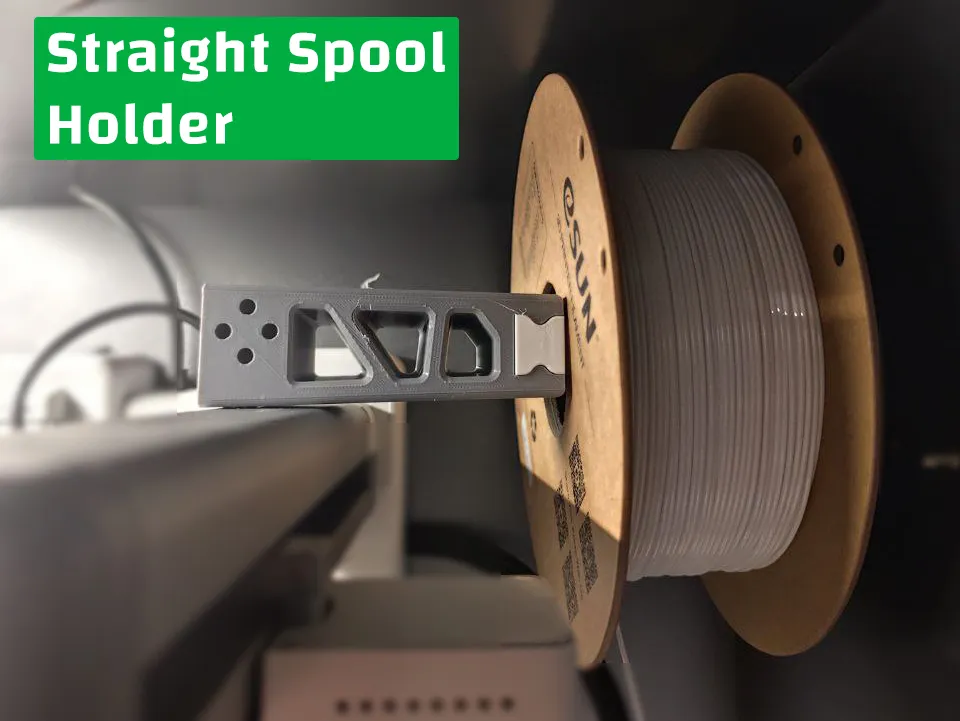
How-To:
| Step number | Description | Illustration |
|---|---|---|
| 1 | Print the extension and adapter | 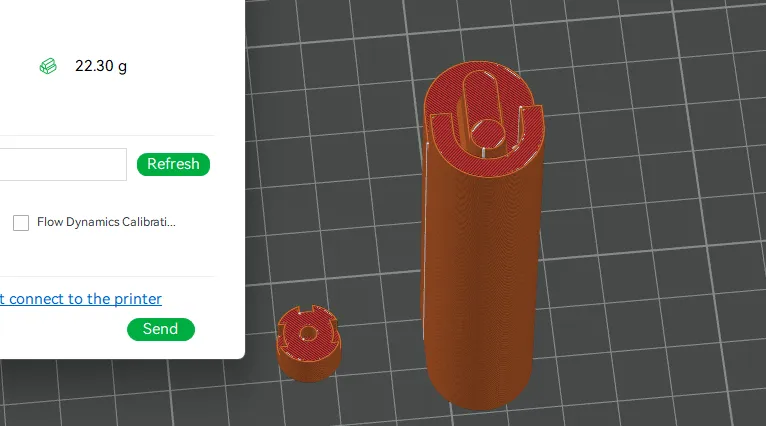 |
| 2 | Remove the tree support from the extension | 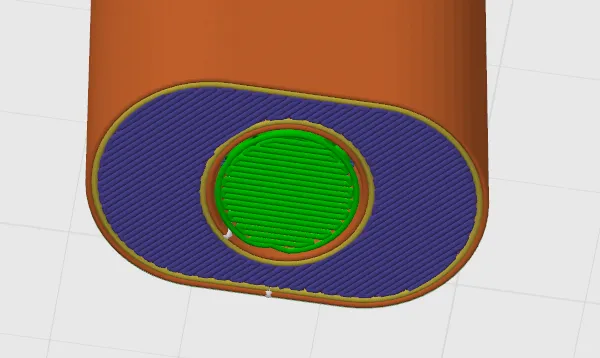 |
| 3 | Insert the adapter into the extension with gentle force!
*it's a really tight fit | 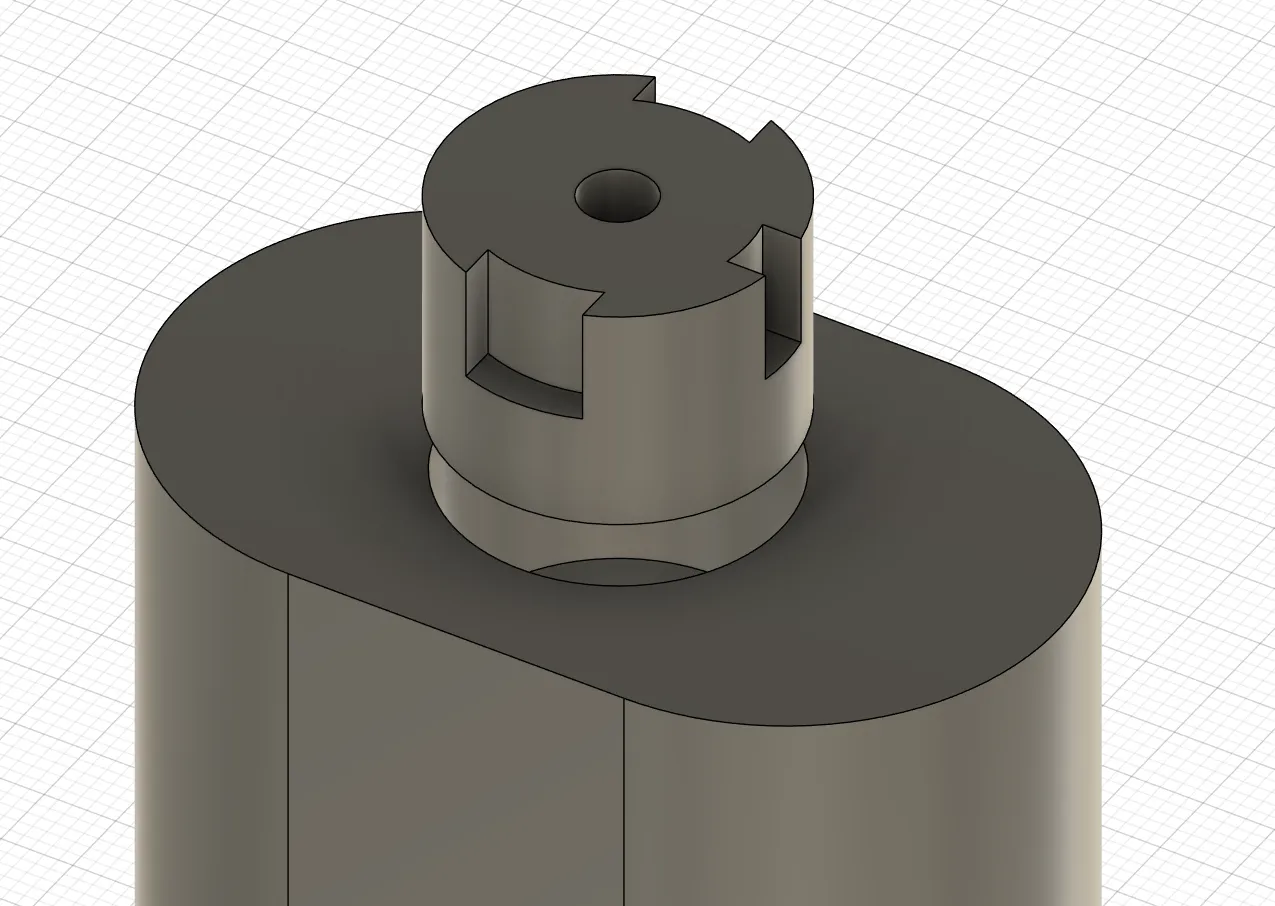 |
| 4 | Insert the extension into its place
*wiggle it a bit *apply gentle force on the whole extension to avoid snapping it | 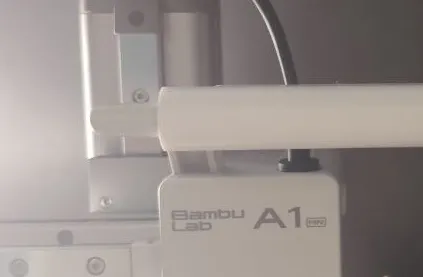 |
| 5 | Insert the guide into the adapter
*insert one of the sides first (like displayed in the picture), then push the other side | 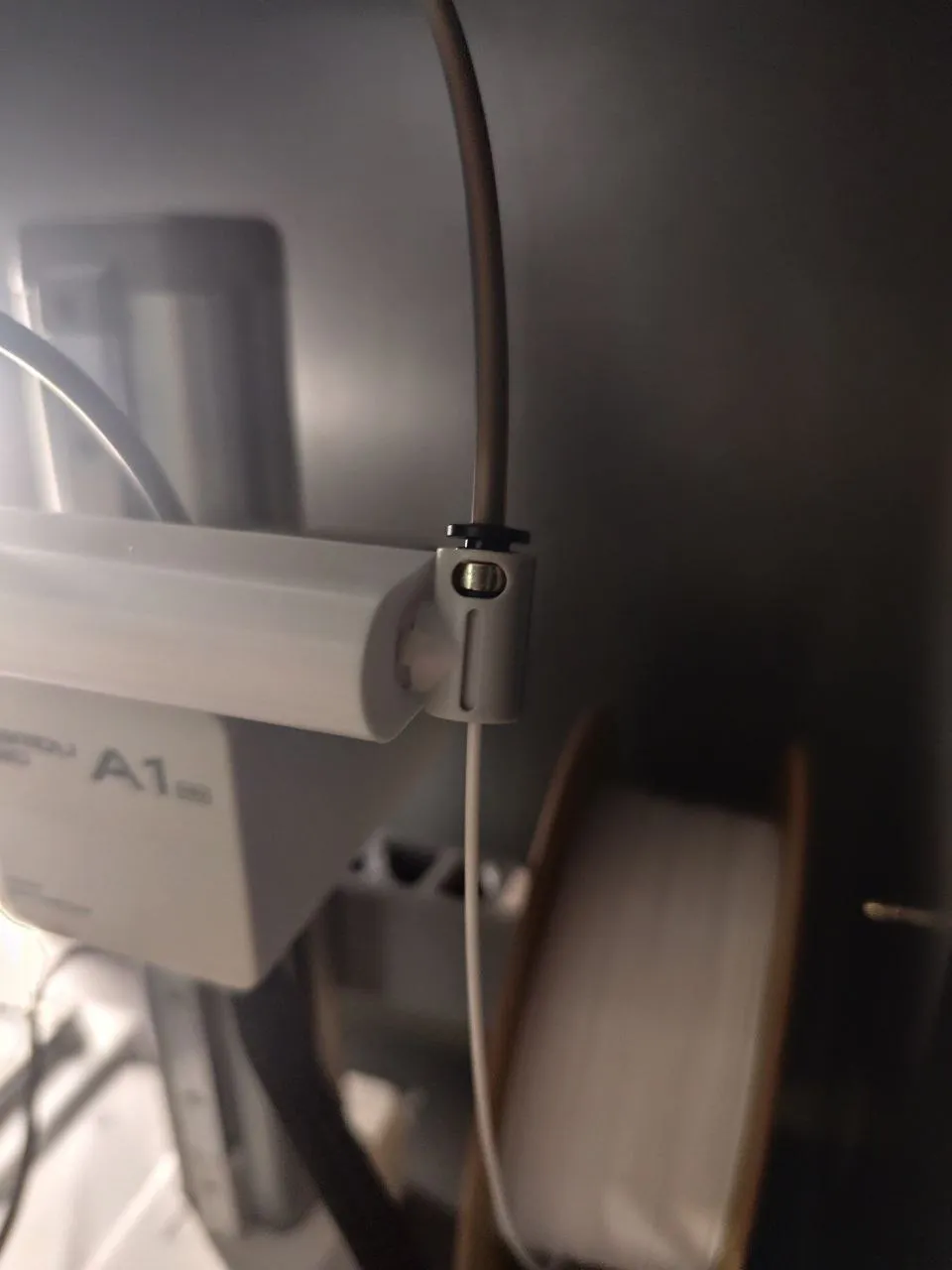 |
Current A1 Mini solutions
Feel free to check the current list of A1 mini solutions. They will be updated very soon!
| Title | Link | Image |
| Straight Spool holder | https://makerworld.com/en/models/972659 | 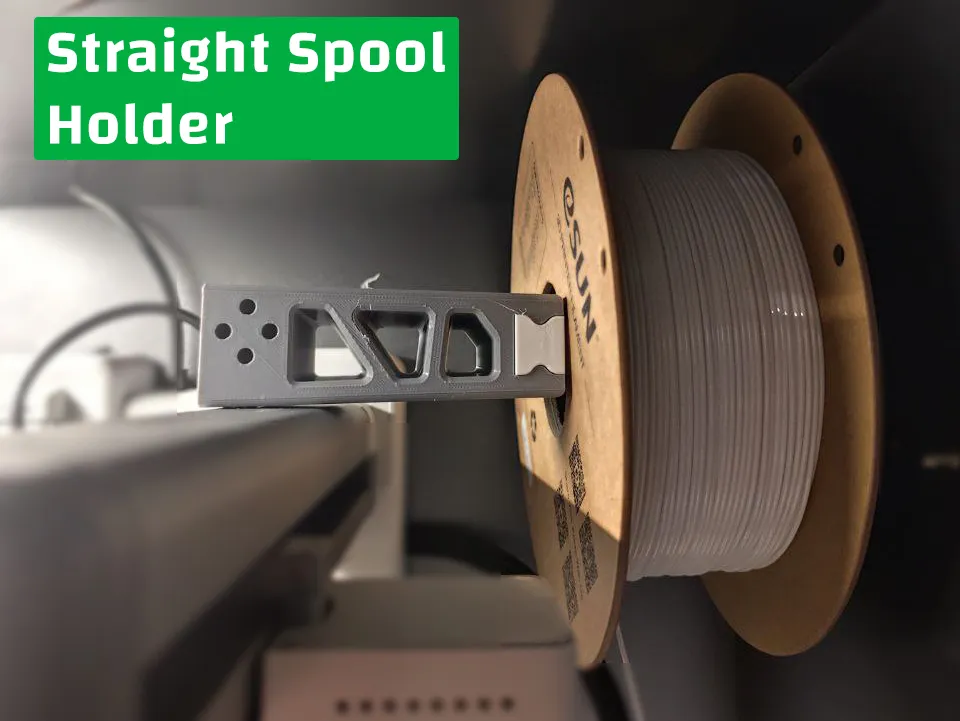 |
| Filament Guide Long extension | https://makerworld.com/en/models/972656 | 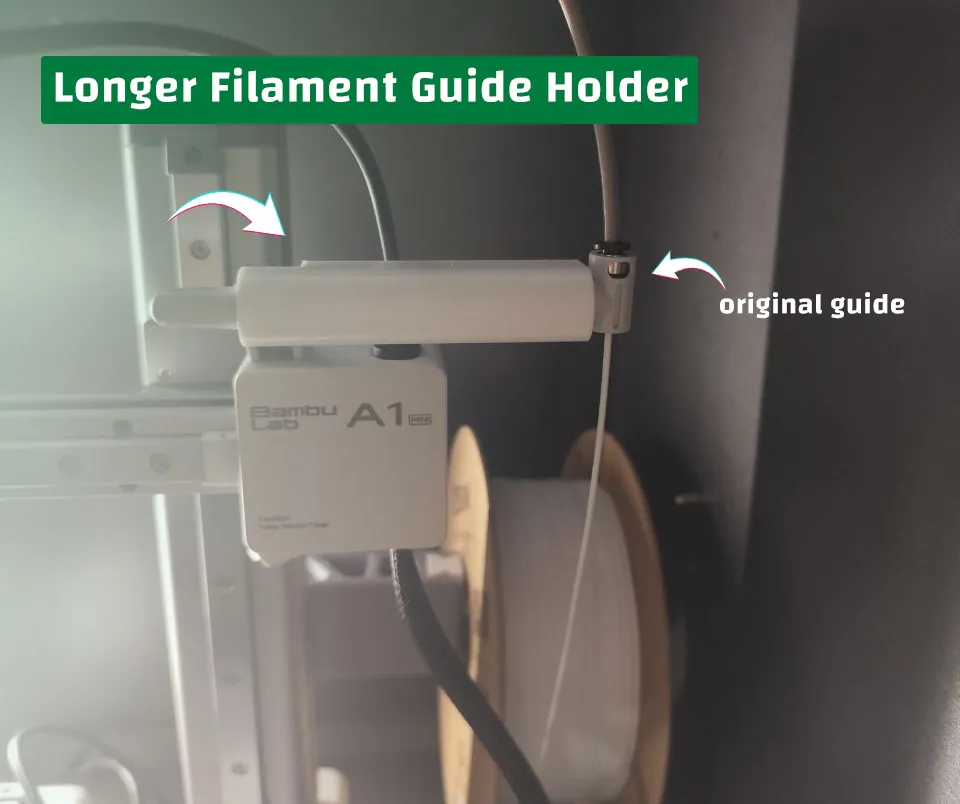 |
Check out my profile, I post decorations and functional models and accept custom models wishes. Your support means a lot!
License

You shall not share, sub-license, sell, rent, host, transfer, or distribute in any way the digital or 3D printed versions of this object, nor any other derivative work of this object in its digital or physical format (including - but not limited to - remixes of this object, and hosting on other digital platforms). The objects may not be used without permission in any way whatsoever in which you charge money, or collect fees.


Comment & Rating (3)