Search models, users, collections, and posts

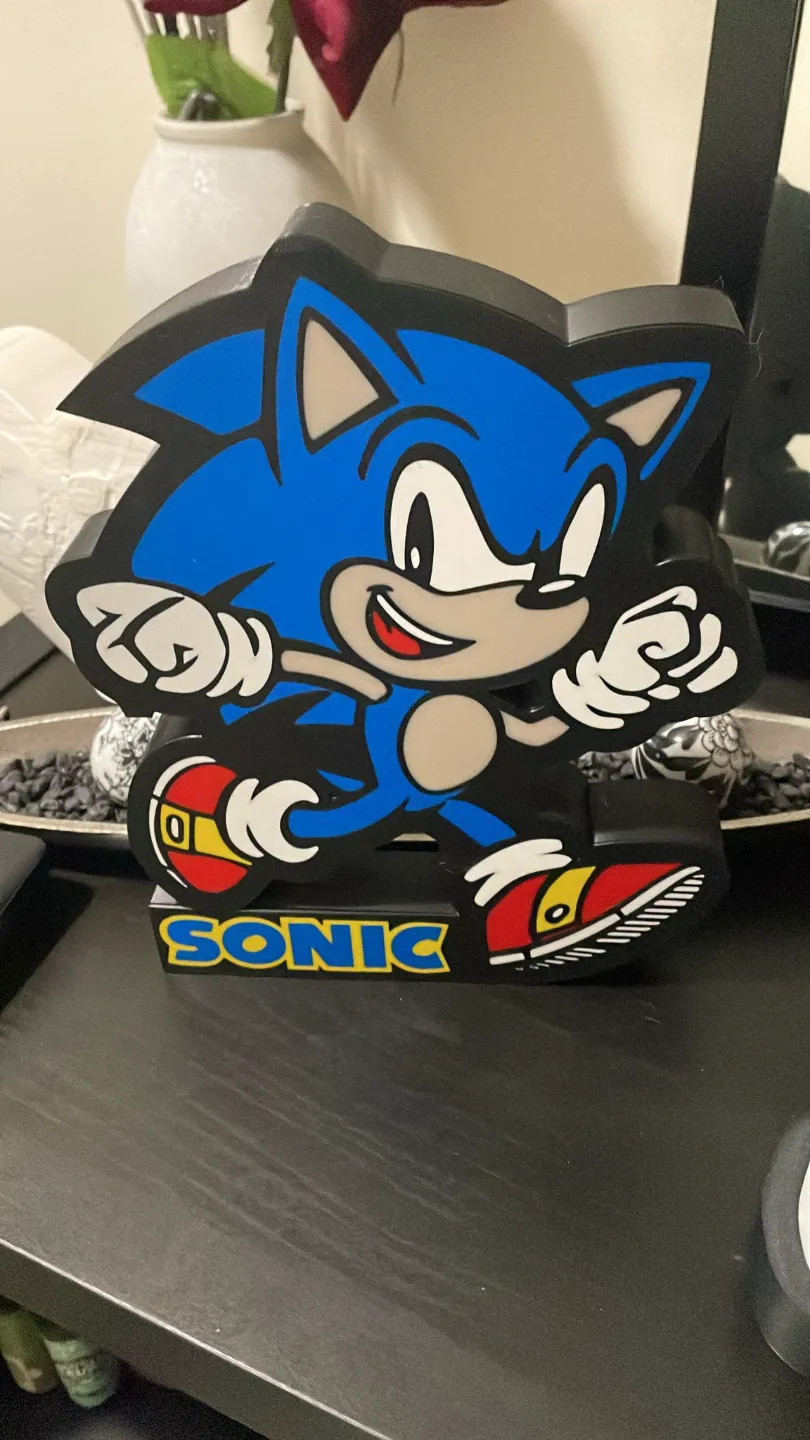
Light box Sonic

Print Profile(2)

All
P1P
P1S
X1
X1 Carbon
X1E
A1
H2D
H2D Pro
H2S
P2S
H2C
X2D
A2L

0.2mm layer, 2 walls, 5% infill
Designer
3.1 h
1 plate
5.0(9)

0.2mm layer, 2 walls, 5% infill
Designer
3.5 h
1 plate
5.0(2)

Open in Bambu Studio
Boost
159
332
22
5
224
70
Released 

Description

Hello guys! 

Another light box !

This is my project of a lightbox that i made for a client that liked sonic


Back plate is on “files”


flow ratio : 1,01

XY Hole compensation -0,08 ,

XY Contour Compensation 0,08,

wall type : arachne

Comment & Rating (22)

(0/1000)

Print Profile
0.2mm layer, 2 walls, 5% infill
perfect! I printed it in 4 colors using transparent PCTG from Rosa3d
The profile uploader has replied
Show original
profile
1
Reply
Thank you for the feedback ! that looks Awesome 🙏 Check my others designs if you want ❤️
0
Reply
Print Profile
0.2mm layer, 2 walls, 5% infill
one of the best prints of yet for these sort of prints well done
(Edited)
The profile uploader has replied
0
Reply
thank you for the feedback! dont forget to see my other models ! that looks awesome by the way :D
0
Reply
hi where do i find files? to print the backside
The designer has replied
0
Reply
Hello ! the back is on "files"
0
Reply
Replying to @Znaites :
excuse my ignorance but it "files" when i download the design it will be there? i am new to 3d printing
0
Reply
Replying to @the.craftyowls :
Yes there. when you press um download all files will be there the back
0
Reply
question, how did you get the colors im rocking only an ams lite and theres more than 4 colors here and i have no idea how to pause on the first layer to swap colors seeing how this is printing on the first layer and the slider doesnt show what color is going to print next..... if this sounds dumb im sorry im only couple months into 3d printing and never had to pause on the first layer
The designer has replied
0
Reply
You have to Check the order of colors and keep switching when is the 5 color and so on kinda complicated to explain here but if you search YouTube about it you can find the tutorial 🙂
0
Reply
Print Profile
0.2mm layer, 2 walls, 5% infill
great
The profile uploader has replied
0
Reply
Thank you for the feedback ! dont forget to Check my others projects 🙏
0
Reply
Print Profile
0.2mm layer, 2 walls, 5% infill
my kid loves it! thanks
0
Reply
Print Profile
0.2mm layer, 2 walls, 5% infill
Great print. The hole for the LED could be a bit bigger
Show original
0
Reply
Print Profile
0.2mm layer, 2 walls, 5% infill
great print hole for LED could be a bit bigger
Show original
0
Reply
lindo
0
Reply
Print Profile
0.2mm layer, 2 walls, 5% infill
(Edited)
0
Reply