
Spiral Lamp Mini [Outside]
Print Profile(1)

Bill of Materials



- ESP32 C3 x 1:
- LED cable (40cm) x 1:
Description
Hi guys,
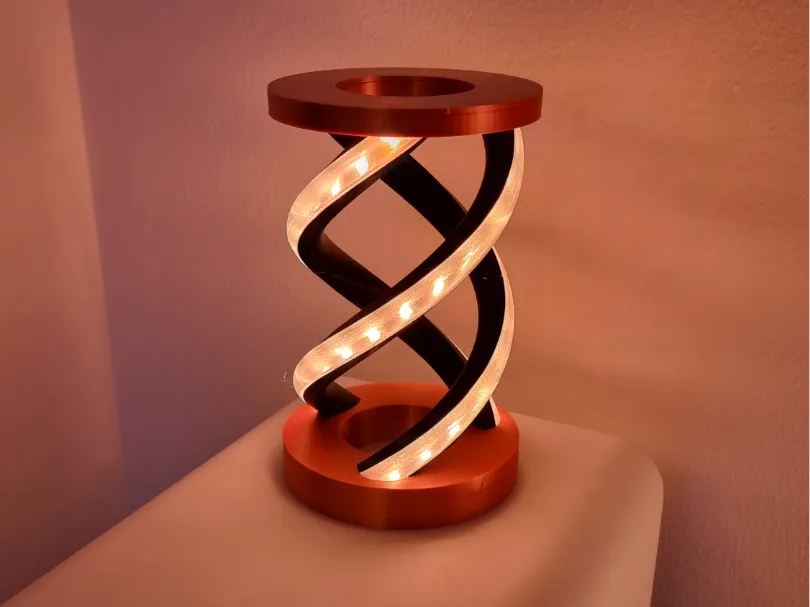
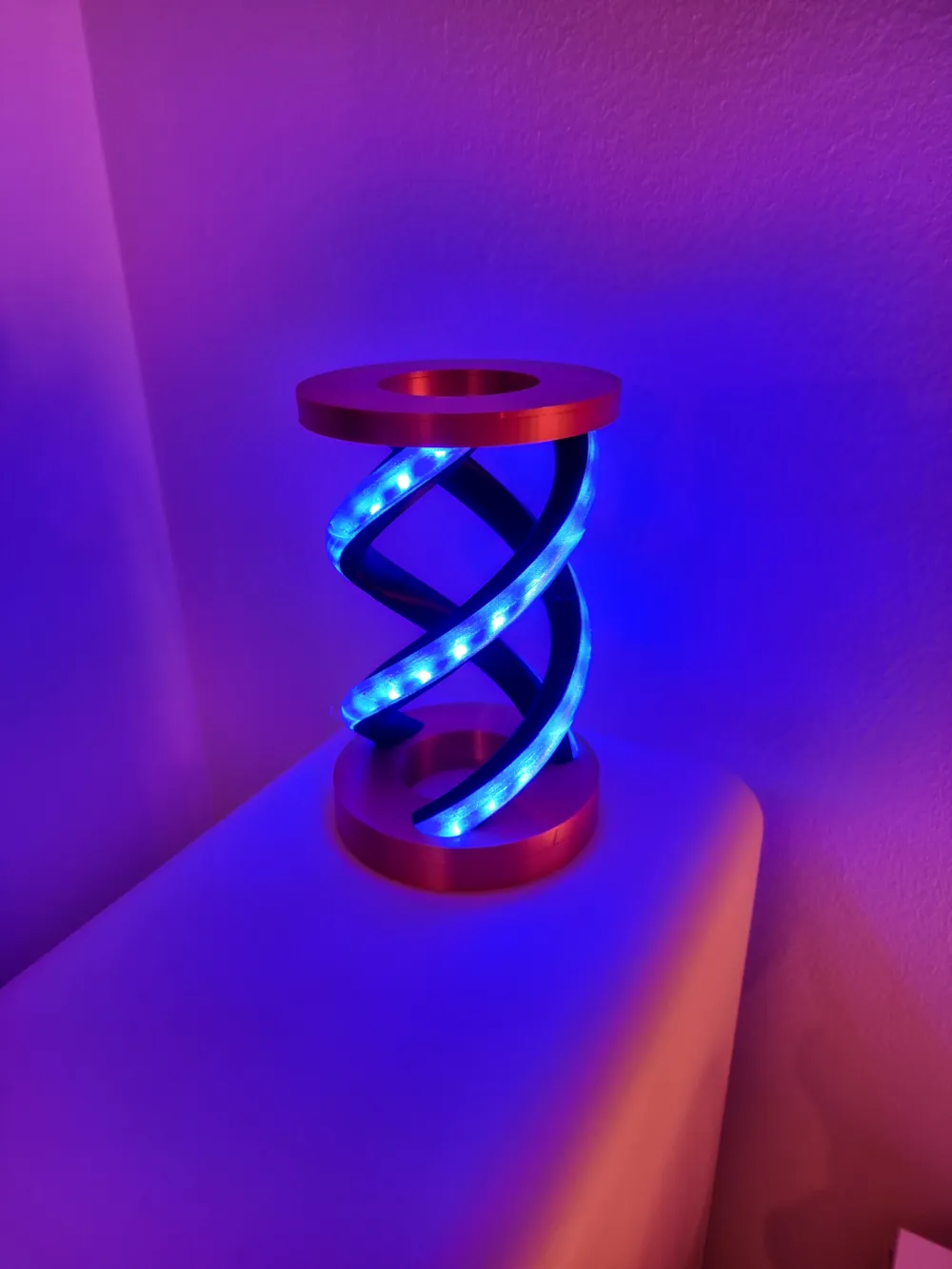
another year, another lamp :) I was asked by another user whether I could make a new spiral lamp shining from outside (my previous ones where shining from the inside). So I decided to create a new spiral lamp mini (maybe there will be a follow up for the big one).
As I always say → please use DRY filament and clean your build plate before printing the diffusors. I will show you in the beginning of my assembly video what will happen when your filament is not dry enough!
By the way → THX MAKERWORLD for improving the model site. I like the new Filament / BOM features and will use them instead of writing down all the filament / neccessary parts.
If you have any questions / comments please let me know :)
Assembly:
Before you watch the video I need to say that I made a mistake during soldering → PLEASE USE PIN 2 AND NOT PIN 4 (RESET)!!!
Flashing & Configuring WLED:
As I already said in my assembly video → I will post older videos here as I did this flashing & configuration process already a few times. So please do not wonder when I'm talking about another lamp or another board. The process stays the same. The follow up is just copy & paste from another of my lamps:
Flash the board (I used an ESP32 C3 in this project - the video shows an ESP8266)
- Flash the ESP32 C3 board like described here:
- Download the flasher software
- Download the binary (this is the one fore ESP32 C3 - if you use a different board then you have to select another bin)
- Flash how it is described
Configure WLED (this video was for the stargate - you do not need to setup segments)
- USE PIN 2 in the configuration
- my amount of LEDs was 42
Let me know when something is unclear :)
As always → BR & Happy Printing!!!
B@sti
License

You shall not share, sub-license, sell, rent, host, transfer, or distribute in any way the digital or 3D printed versions of this object, nor any other derivative work of this object in its digital or physical format (including - but not limited to - remixes of this object, and hosting on other digital platforms). The objects may not be used without permission in any way whatsoever in which you charge money, or collect fees.


Comment & Rating (6)