
PTFE Coupler Release Button

Print Profile(1)
Description
>>> Click Here For More Of My Designs <<<
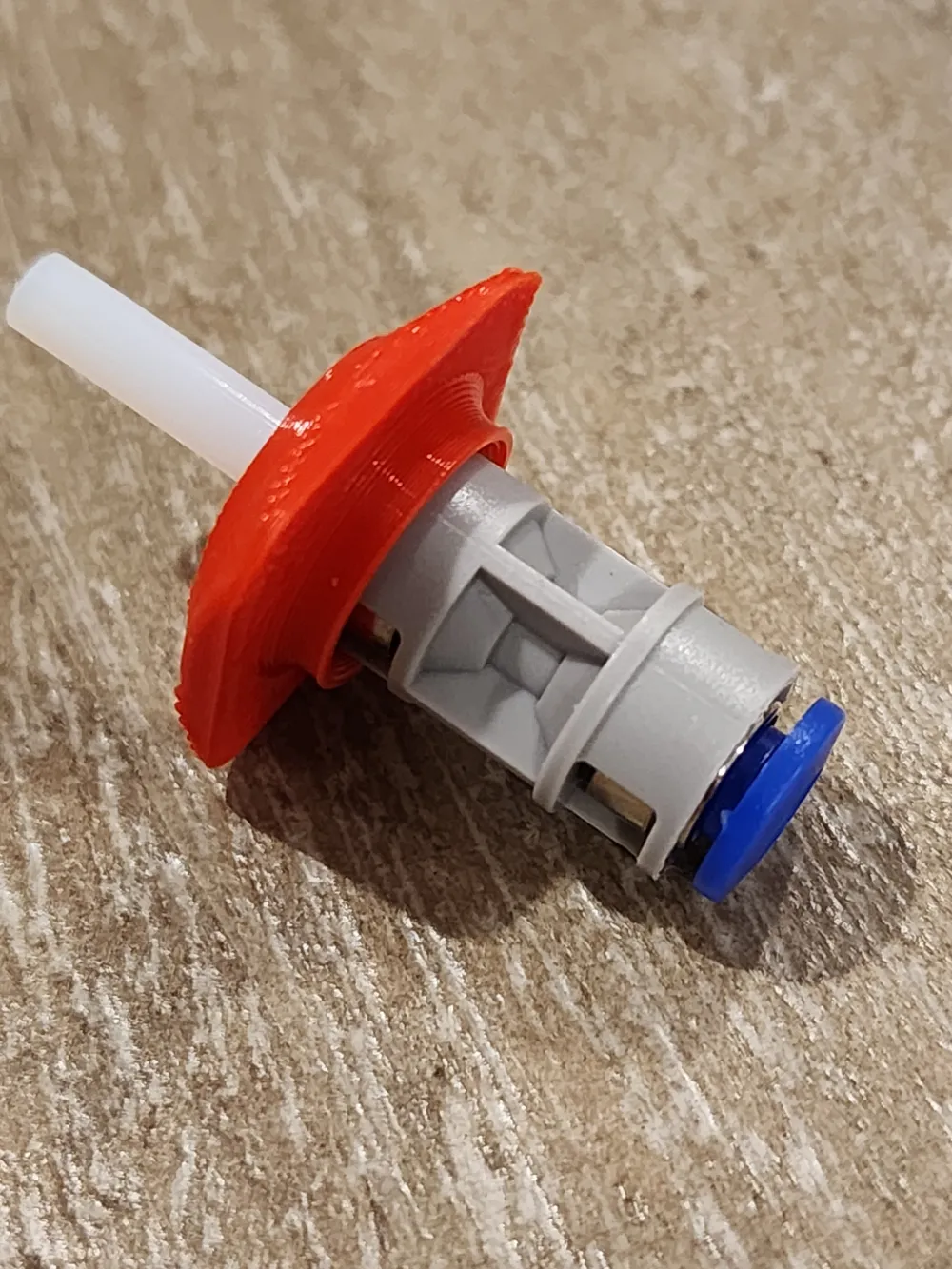
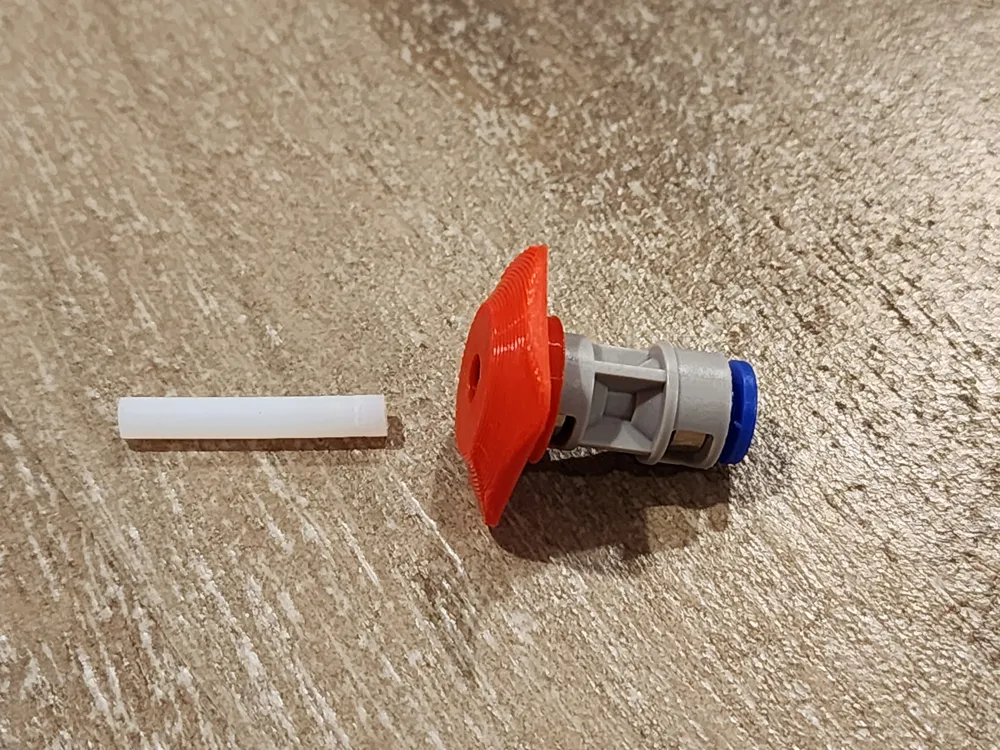
PTFE Coupler Release Button

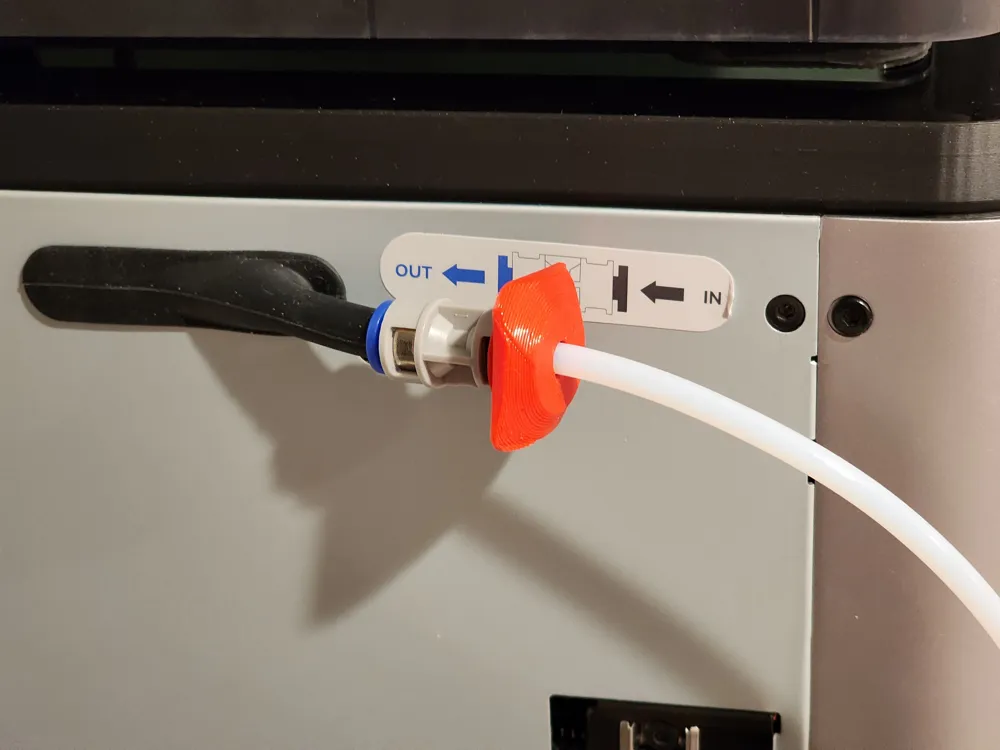
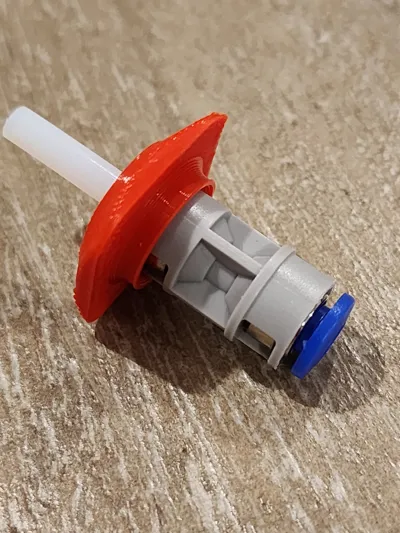
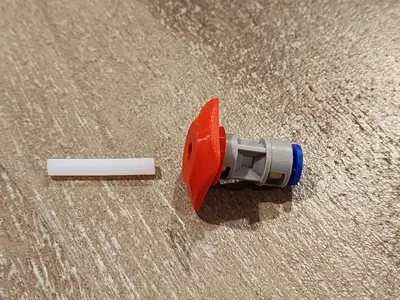
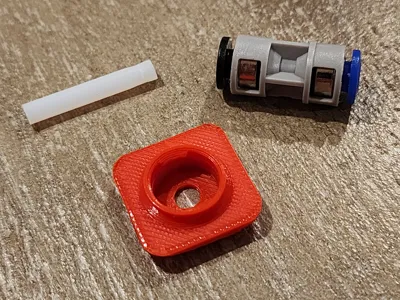
I got tired of fiddling with those small buttons on the PTFE Coupler. So, I jumped on Solidworks and designed a bigger, easier to use button. Now, rather than avoiding releasing a PTFE tube, I'm looking for reasons!
Features & Benefits
- Snaps On & Stays Put
- Large Button Is Easy To Depress
- Simple Print
Intallation
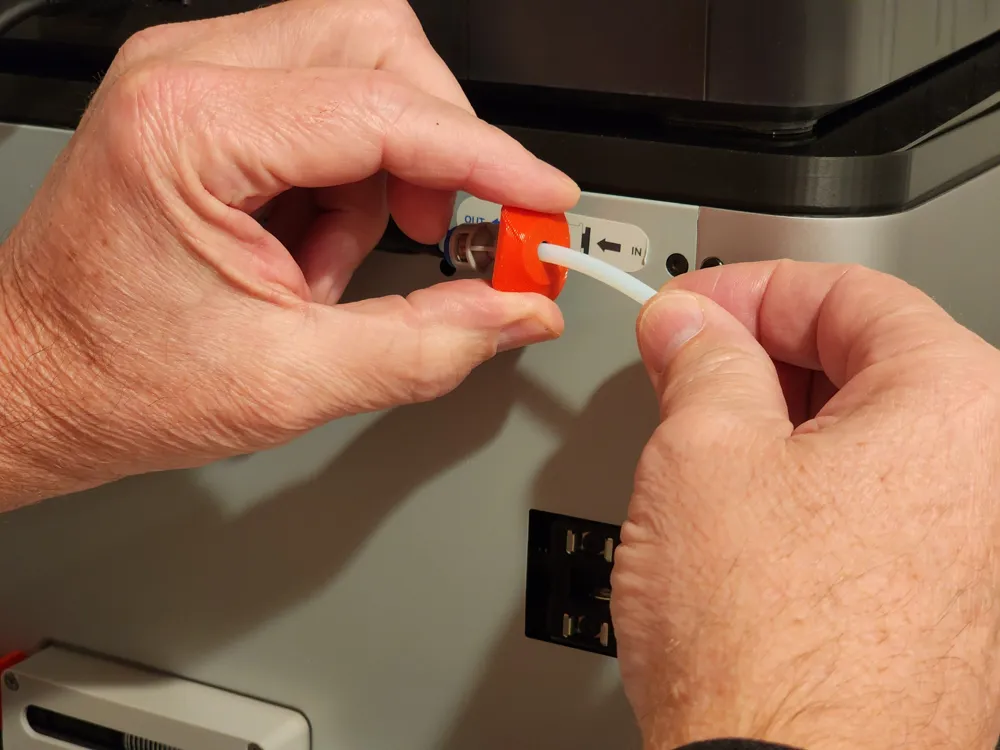
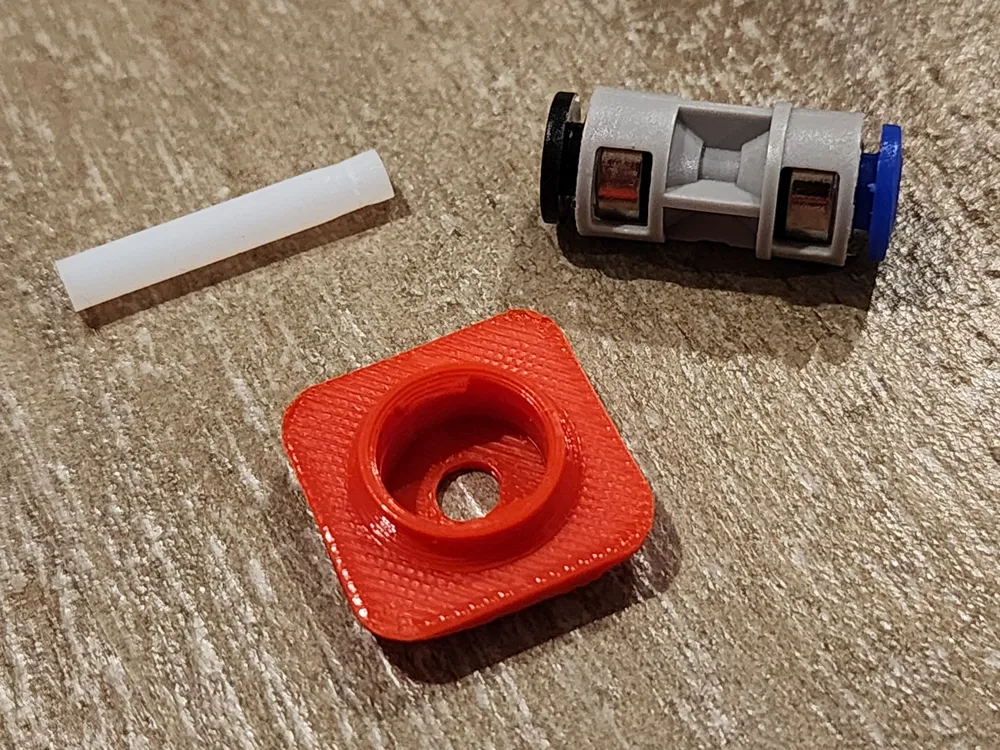
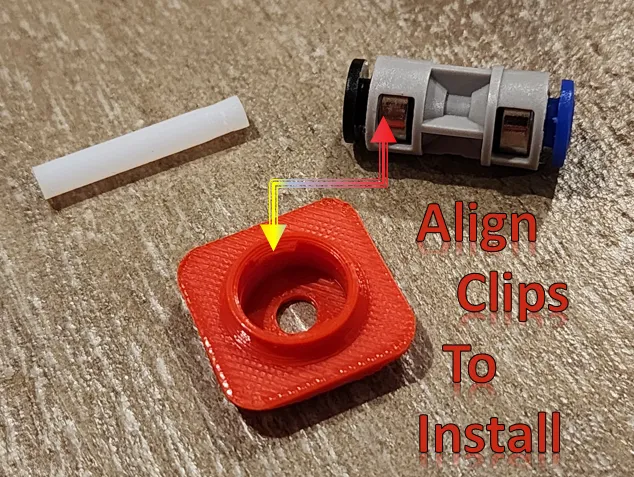
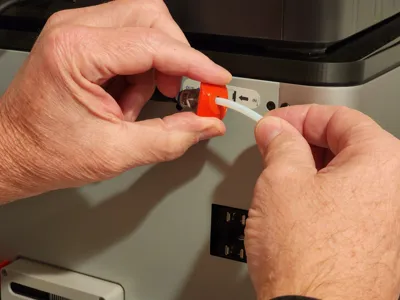
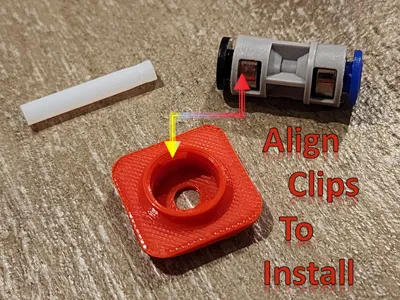
- Notice the clip edge on the inside. This must be centered in the opening of the PTFE Coupler
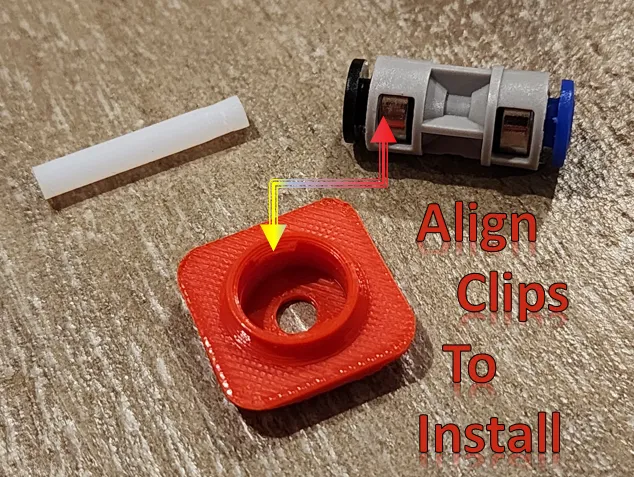
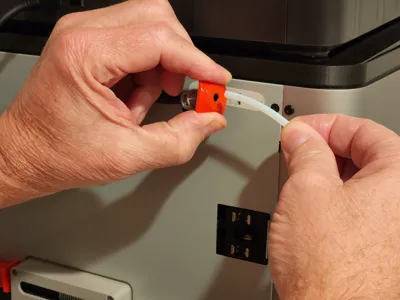
- Insert the bottom first and then snap on the top. It's tight tolerances so you'll need to use some force to get it to snap in place.
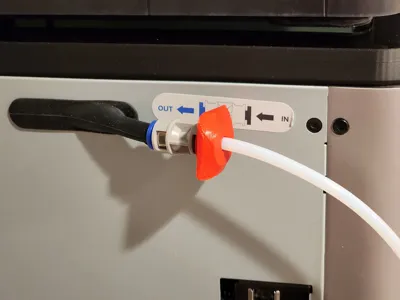
- That's it!
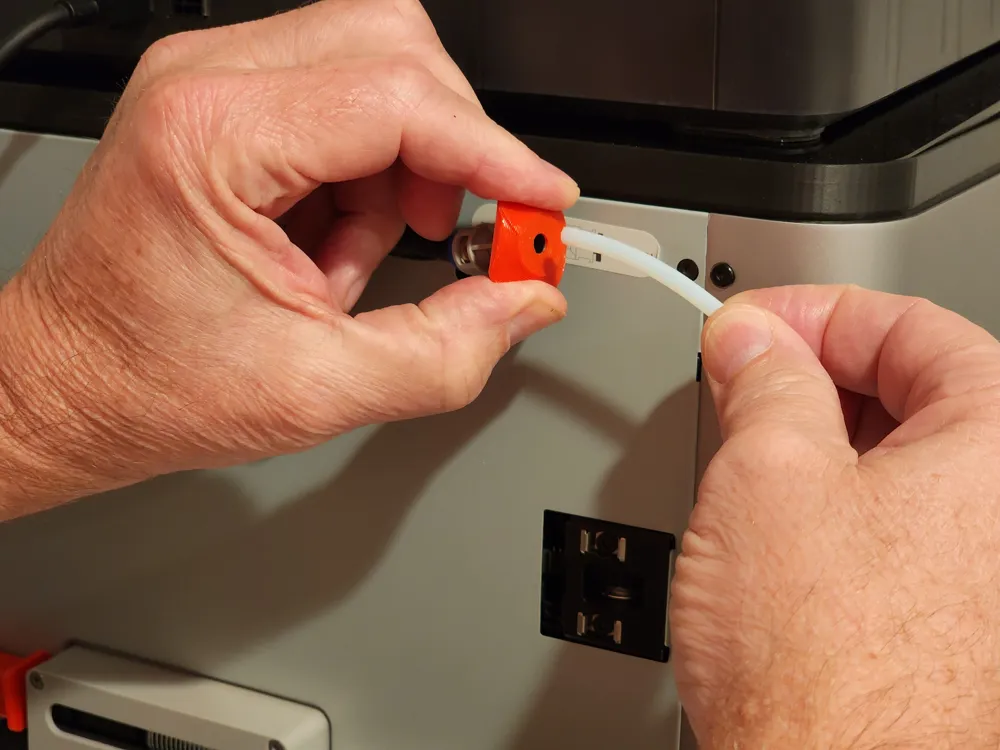
- Now just press the button in with two fingers (one on top and one on the bottom) and the tube will be released.
Boost Me (for free)
*** If you enjoy this model I'd be grateful if you considered a BOOST. ***
License

You shall not share, sub-license, sell, rent, host, transfer, or distribute in any way the digital or 3D printed versions of this object, nor any other derivative work of this object in its digital or physical format (including - but not limited to - remixes of this object, and hosting on other digital platforms). The objects may not be used without permission in any way whatsoever in which you charge money, or collect fees.


Comment & Rating (14)