
Ergo Scraper

Print Profile(1)
Description
Boost Me (for free)
I usually don’t ask for this, but I’ve noticed that many creators actively encourage it on other platforms—and it makes sense, as it helps increase visibility. So, if you can follow me, it would make difference. It’s a great way to support my work and show appreciation. For more insight subscribe my blog at: https://designrepcom.com/ This design is freely available for the community, but if you enjoy my work and would like to show your support, you can boost this project. Thanks!
Introduction
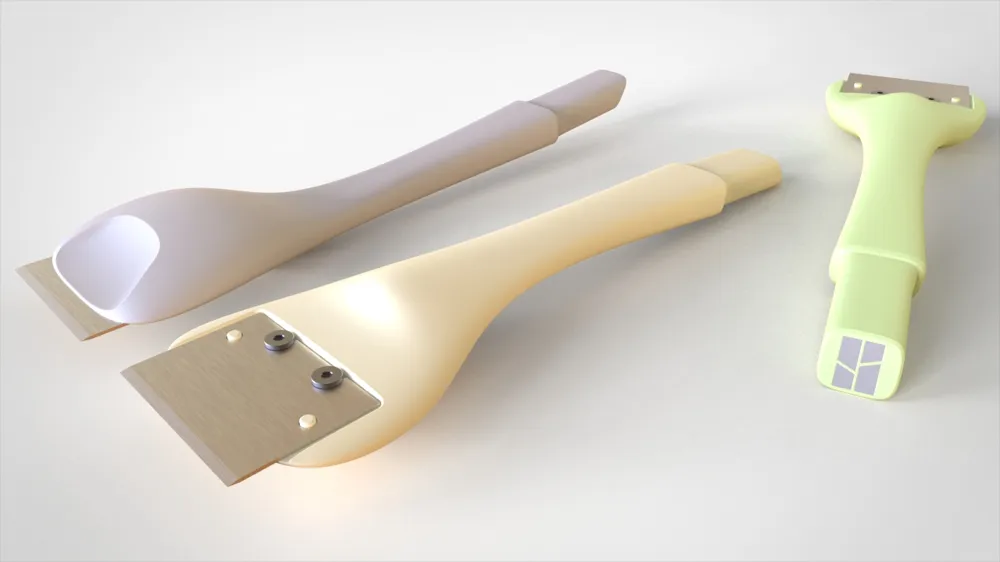
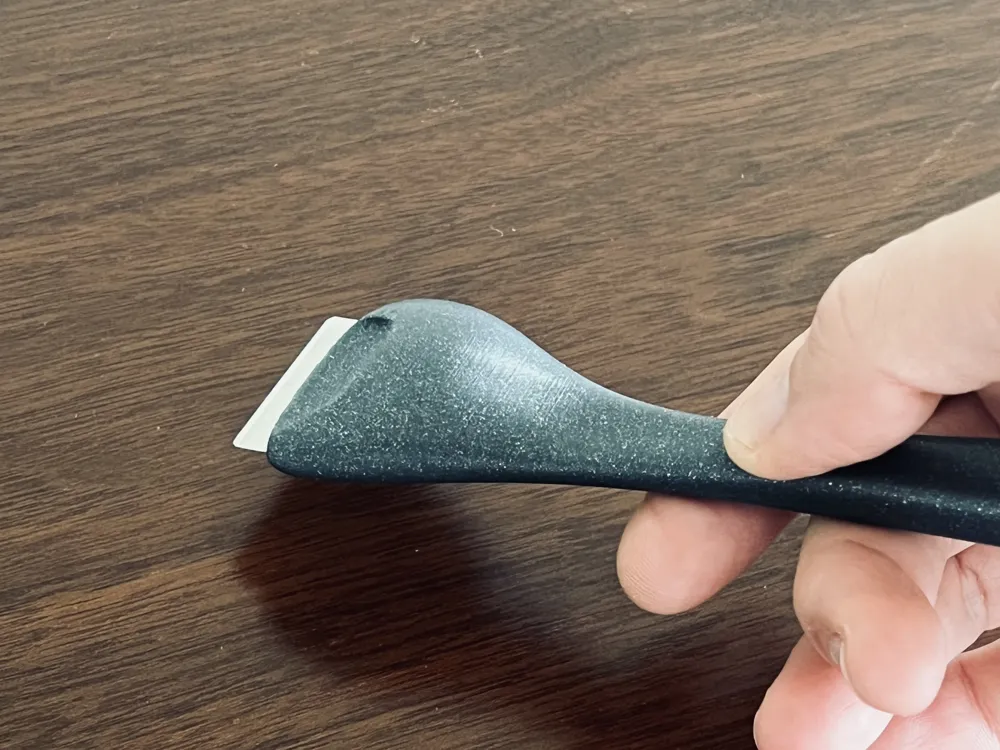
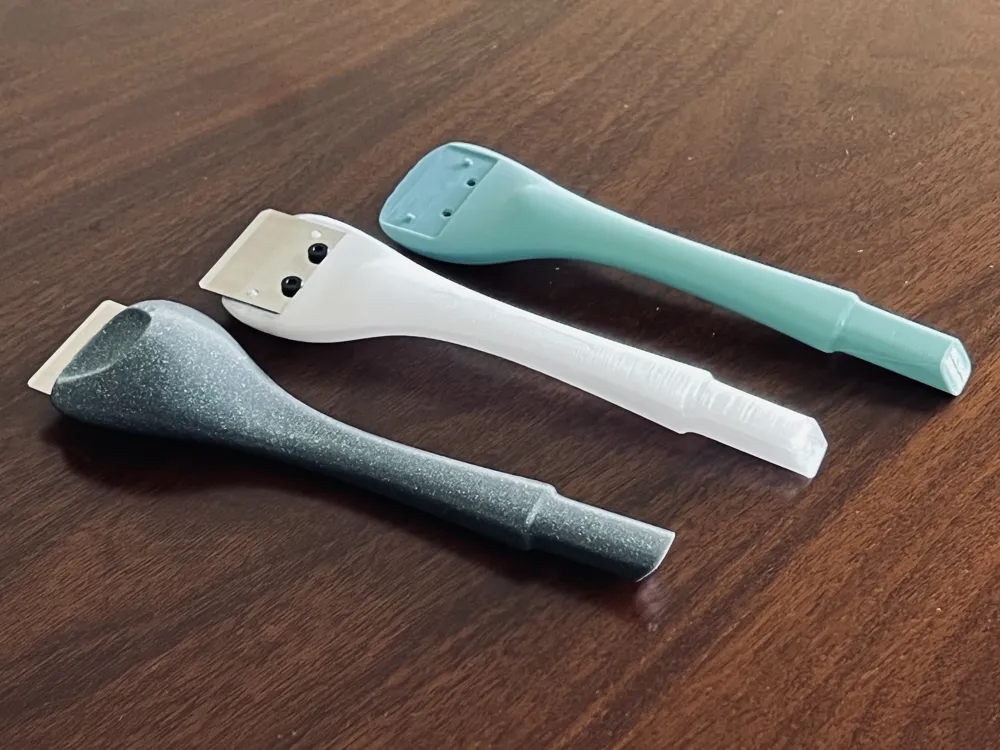
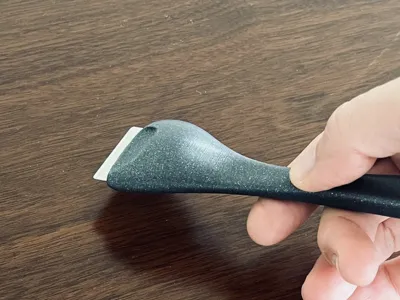
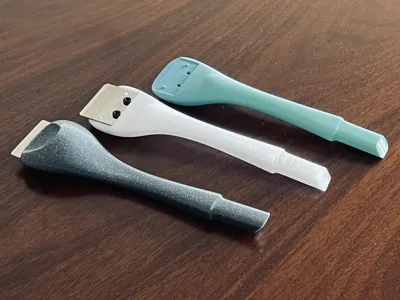
Introducing the Ergo Scraper that not only helps removing that purged and calibration filament effectively from smooth build plates, but also boasts a visually appealing design, belonging to the ergo line that offers a unique blend of form and function.
This object conveys, through its design, that it is intended for applying minimal force, and its handling should be approached with care. The design suggests that it is a tool optimized for delicate tasks, emphasizing the importance of gentle and precise usage. Additionally, structures have been incorporated into its design to provide good mechanical strength, ensuring durability and reliability even when subjected to a moderate force.
- More Items from the Ergo Line:
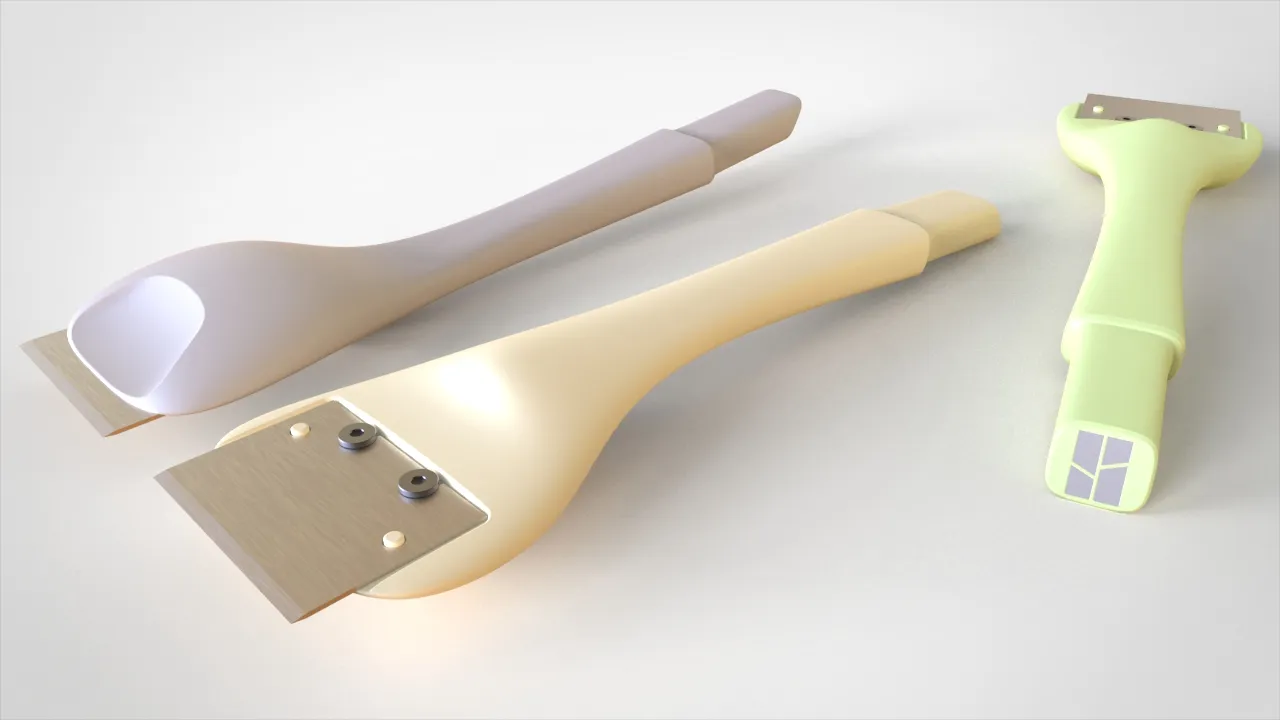
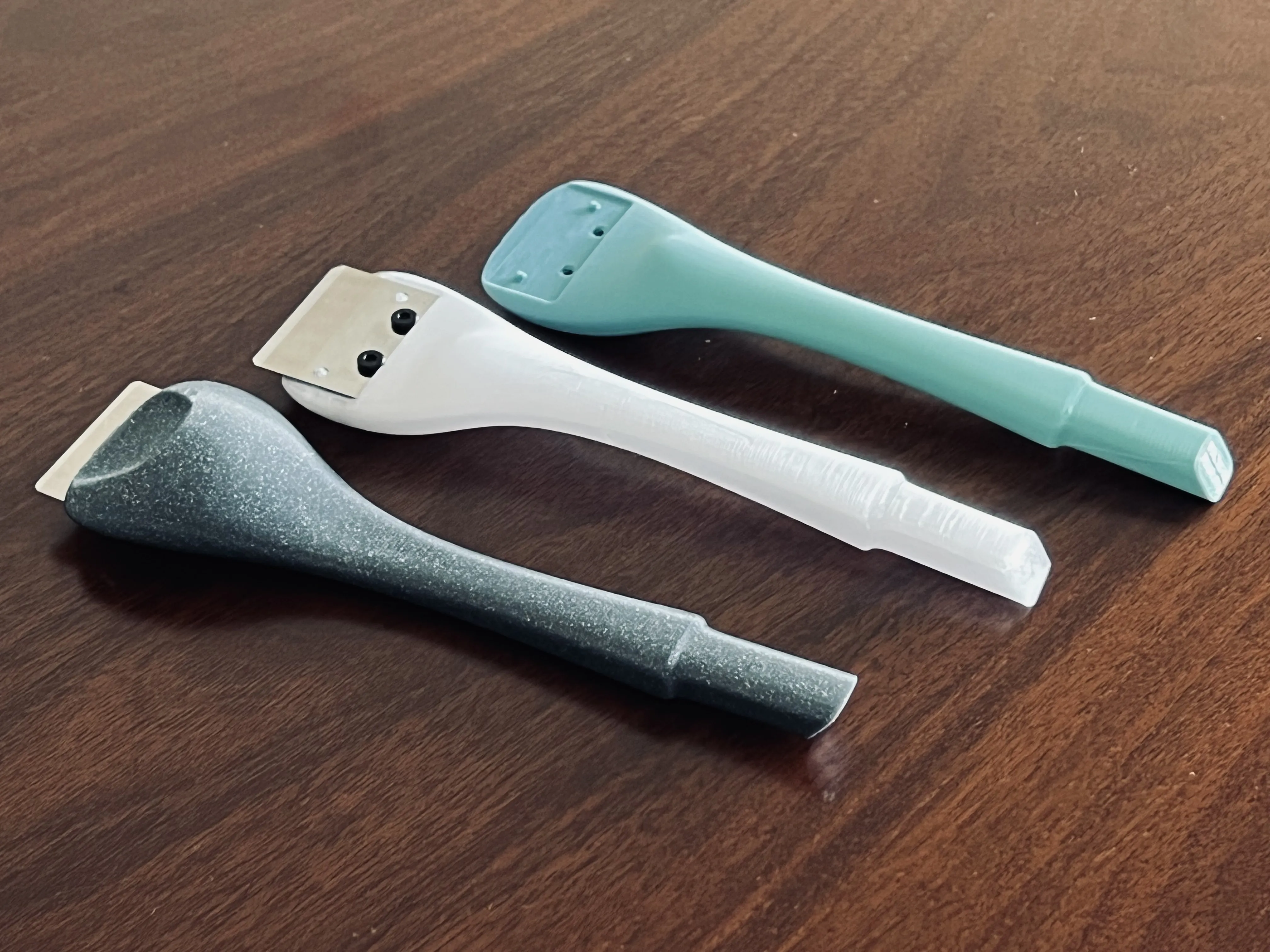
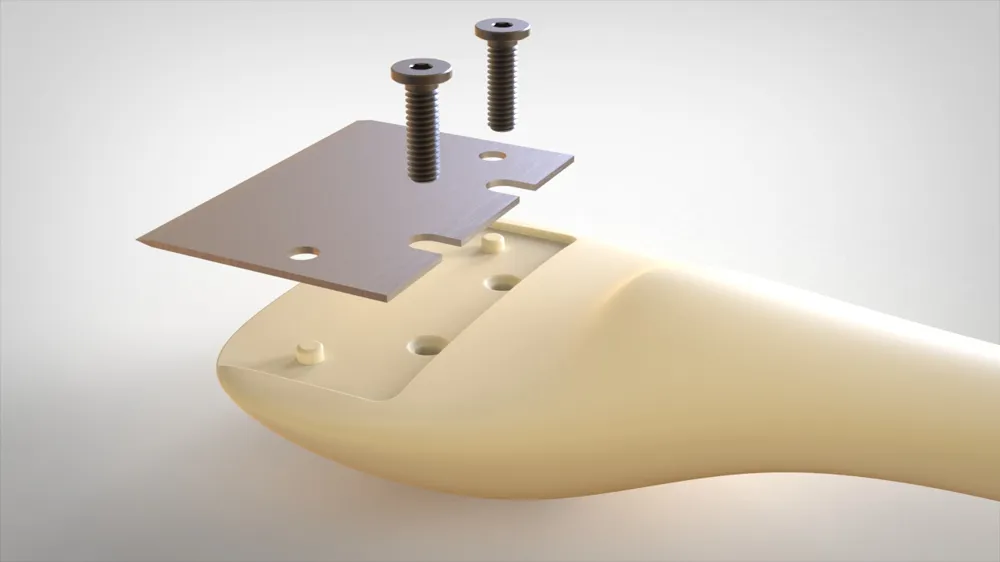
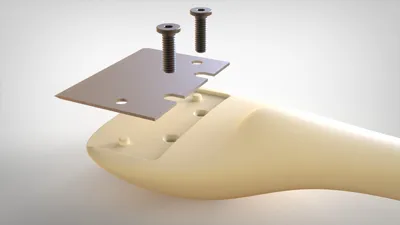
This spatula, feature a metallic blade found on the original bambulab scraper. If you need something better suited for a texture build plate, then you should use a plastic “blade”, for that I suggest this:
You can get the blade here, this is not something exclusive for the bambulab printers, so anyone can use this, version without logo available to download.
For the material, you can go with PLA or PETG, but for a great result, PLA+CF will give a very nice finish and a little more mechanical resistance.
If you need any of this, use this links, I will get a small help and will cost you the same.
Curious About My Tools? Check This Out!
For those of you who often ask about the tools I use to bring ideas to life, this article, The Journey From Idea To Object (Part I), offers some insights into the initial stages. It highlights the use of various tools, including software like Autodesk Fusion for CAD design, Blender for render and Bambu Studio for 3D printing preparation, and other... So, if you're curious about the software and hardware too, that I've incorporate in my workflow, take a look at the link for more details!" – Visit https://designrepcom.com/ for much more.
License



Comment & Rating (42)