
Magnetizer
Print Profile(1)
Description
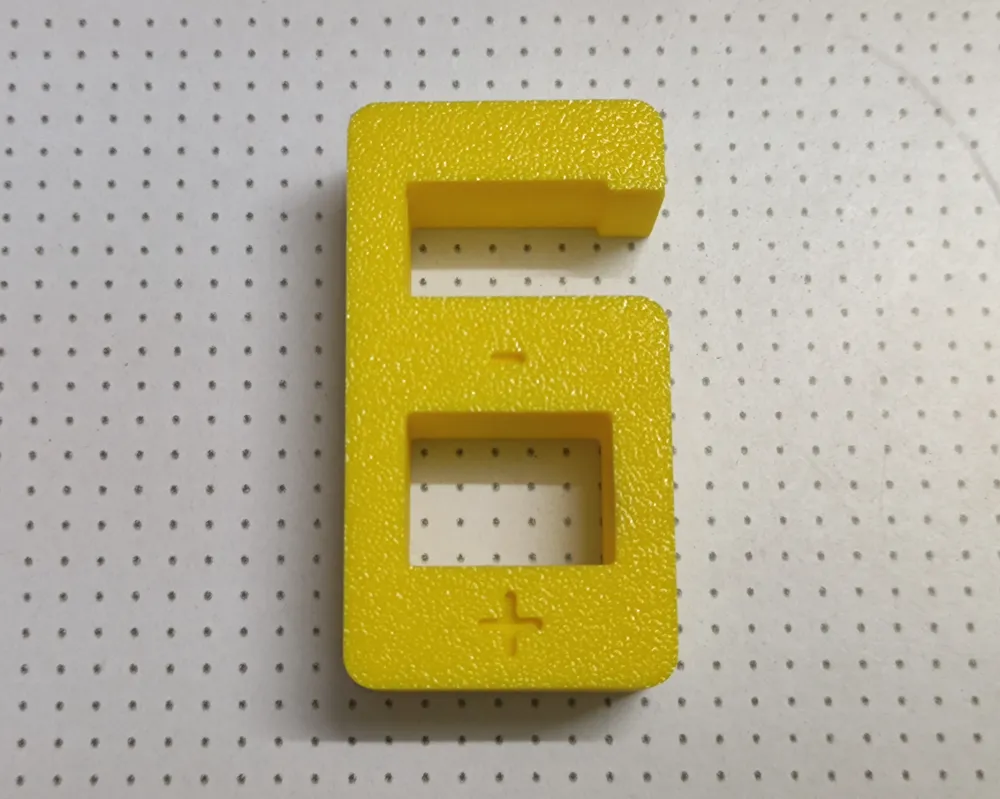
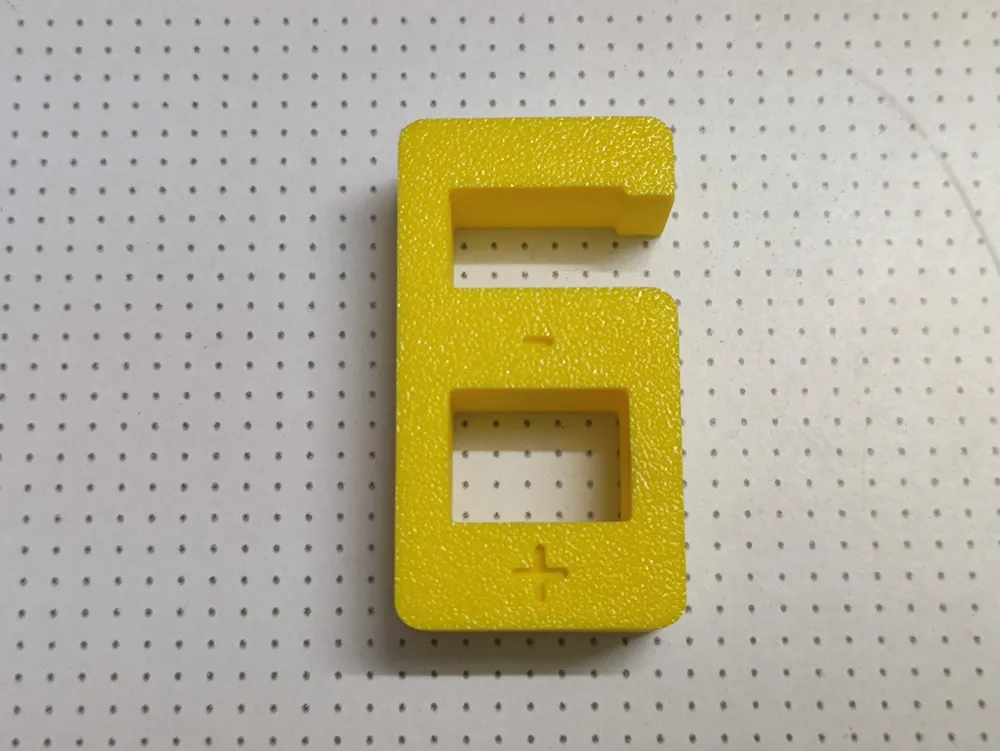
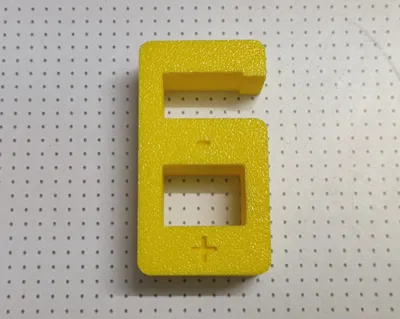
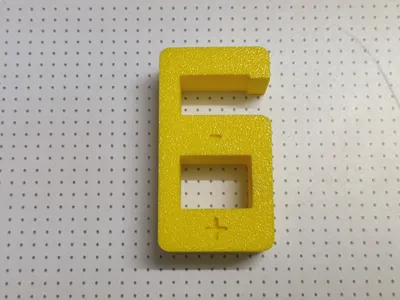
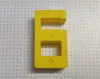
A DIY magnetizer; the lower compartment magnetizes, while the upper compartment demagnetizes—effectiveness significantly depends on the material of the tool being magnetized
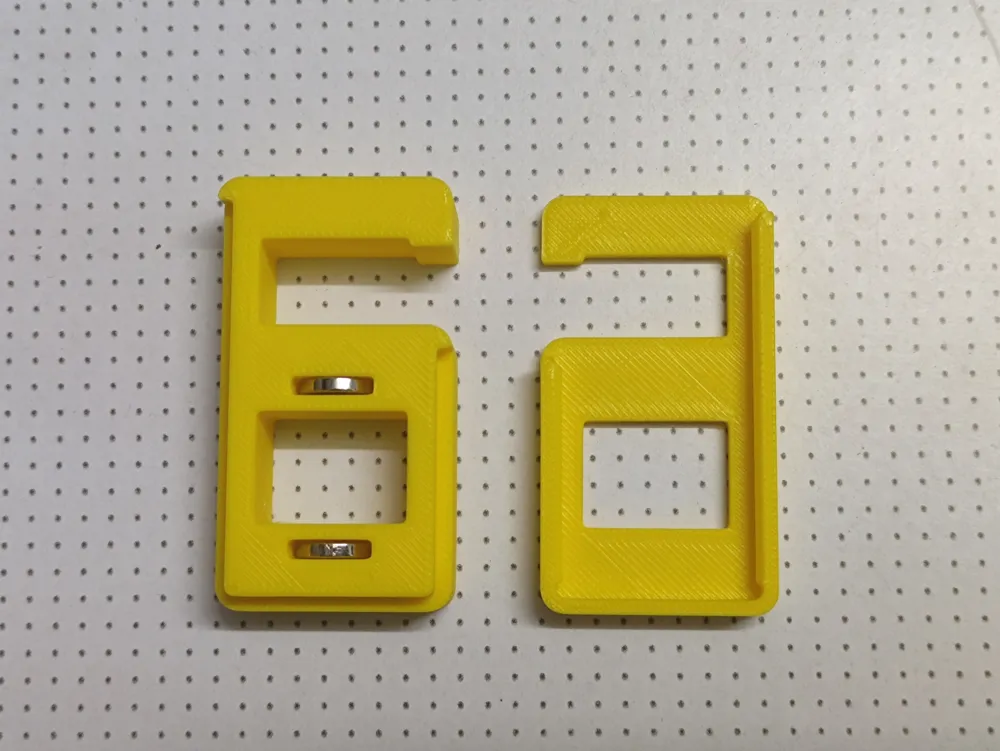
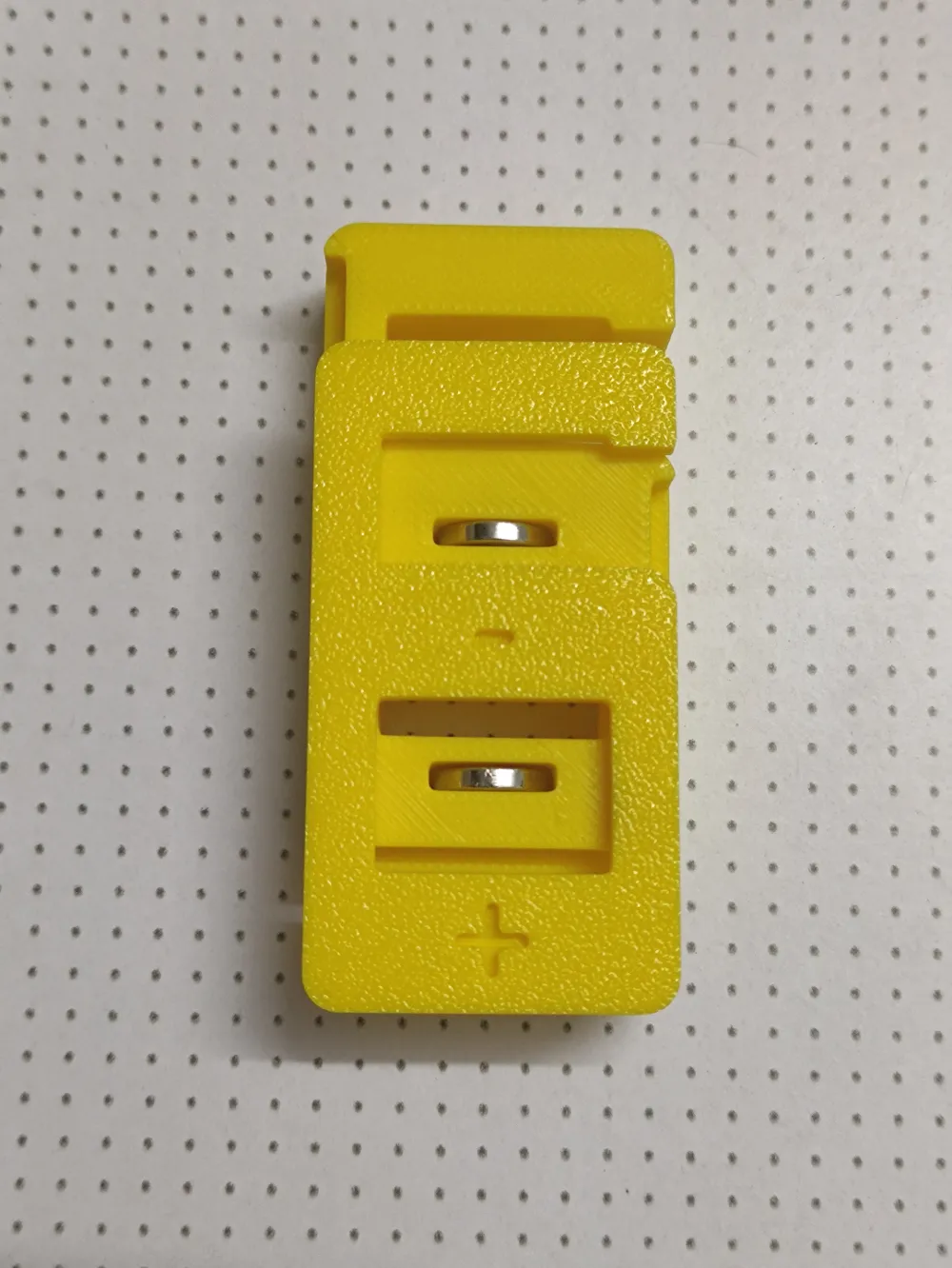
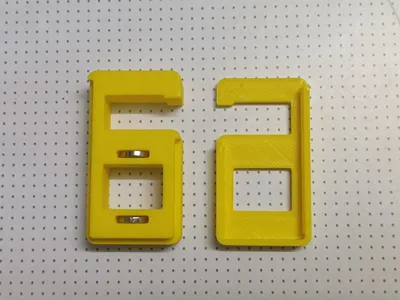
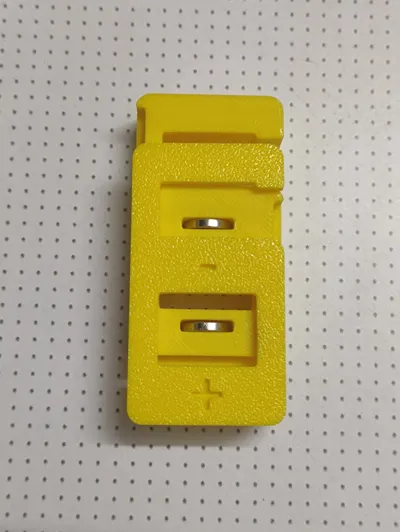
For easy replacement, it’s designed with a sliding cover; simply insert two magnets with like poles facing each other into the body's recess
The recess measures only 10.6 * 2.4 * 10.5 mm; I used D10 * h2 N52 neodymium magnets, increasing the recess size for easier magnet retrieval. For other dimensions, utilize Boolean operations in your slicing software to modify it to your specifications. For example, to widen the recess to 4mm, follow these steps:
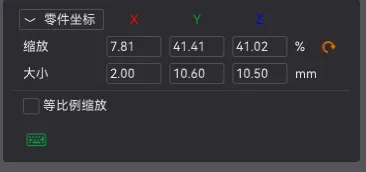
Select the main object, right-click to add a component, and add a cube, adjusting it to the appropriate size, as shown:
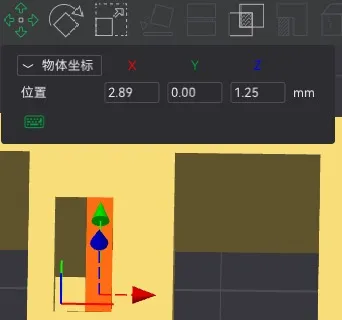
Position the cube appropriately; in object coordinates, set the y-value to 0 (since the recess is centered), the z-value to 1.25 (flush with the recess), and adjust the x-value to the desired position, as shown:
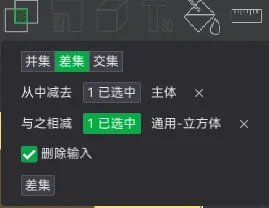
Employ the Boolean difference operation to hollow out the cube section, as shown:
License



Comment & Rating (3)