
Simpsons Family Stand-ins for Modular Door Corner
Print Profile(7)


Description


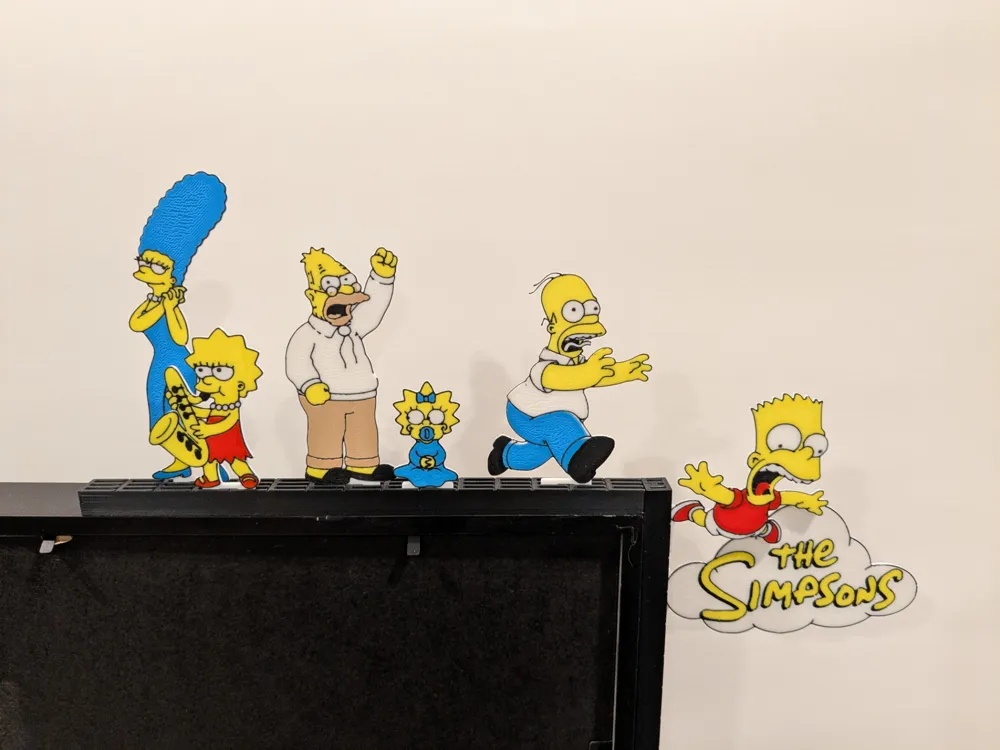
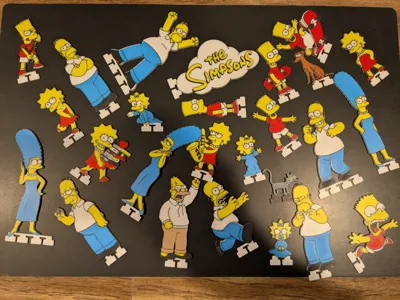
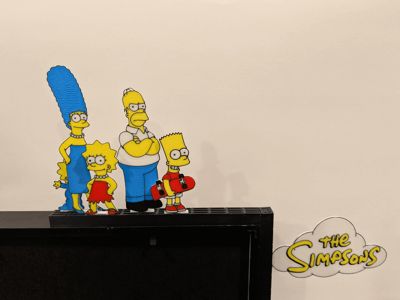
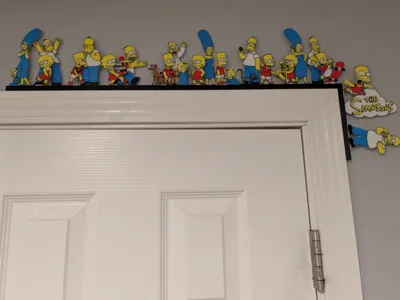
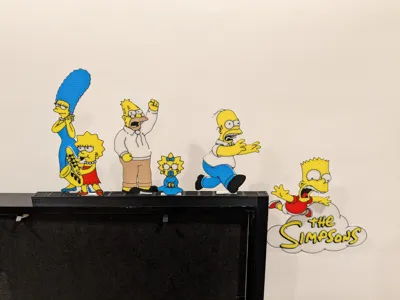
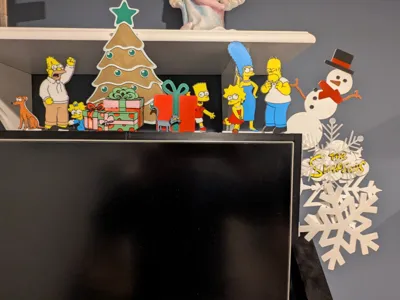
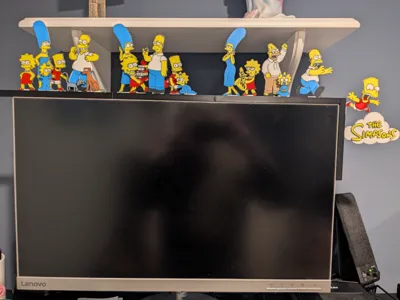
This is a Stand-in pack for the Modular Door Corner - Base Rails with Safari Pack by evets17 - MakerWorld (MDC) featuring The Simpsons Family. See the base Module Door Corner listing for a more detailed explanation of the Module Door Corner system.
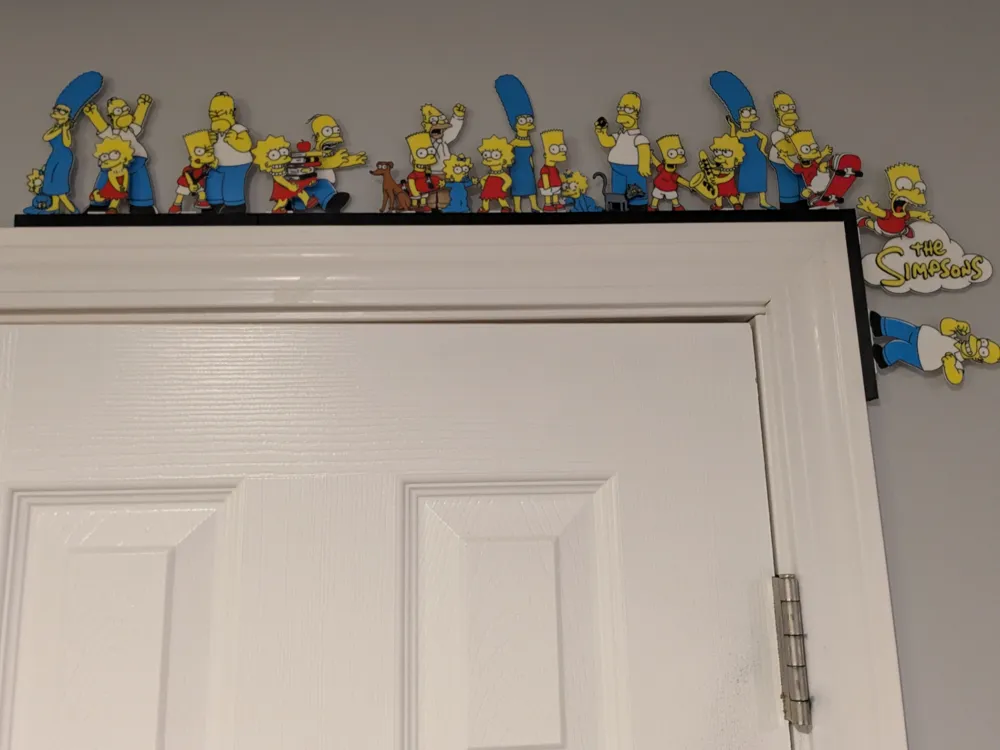
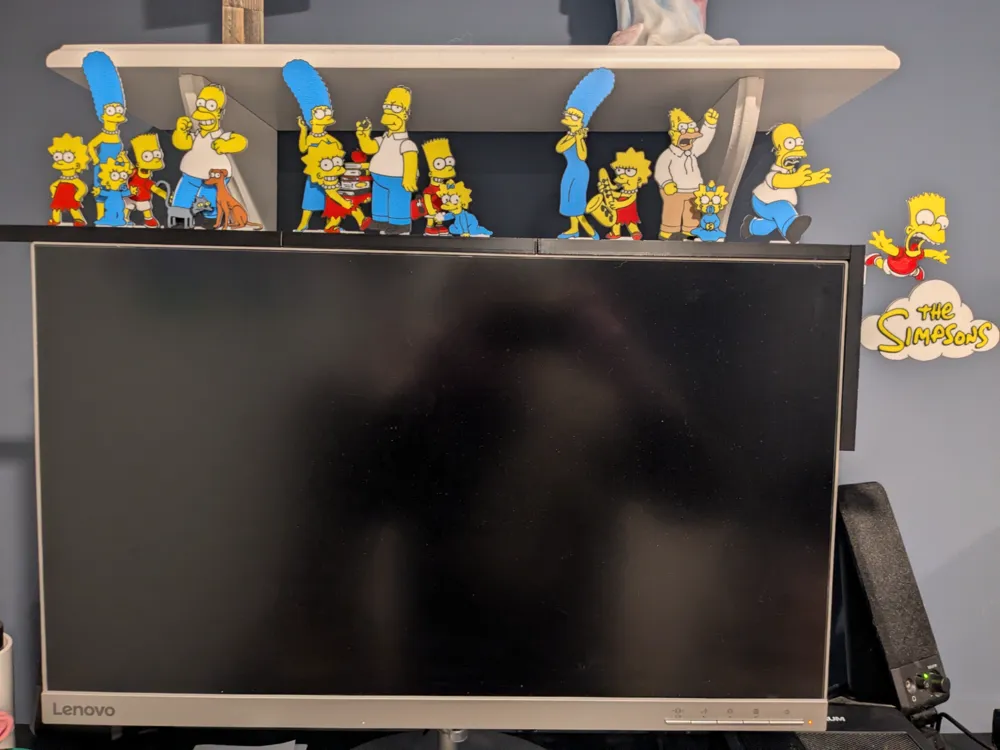
Will need to print rails from the Modular Door Corner - Base Rails with Safari Pack by evets17 - MakerWorld listing. What size rails and how many you print will be based on how many of the stand-ins you want to add to your decoration. If printing a set with each family member, I recommend printing Rail_3Slot_Length15_210mm for horizontal and Rail_3Slot_Length10_140mm.3mf for Vertical.
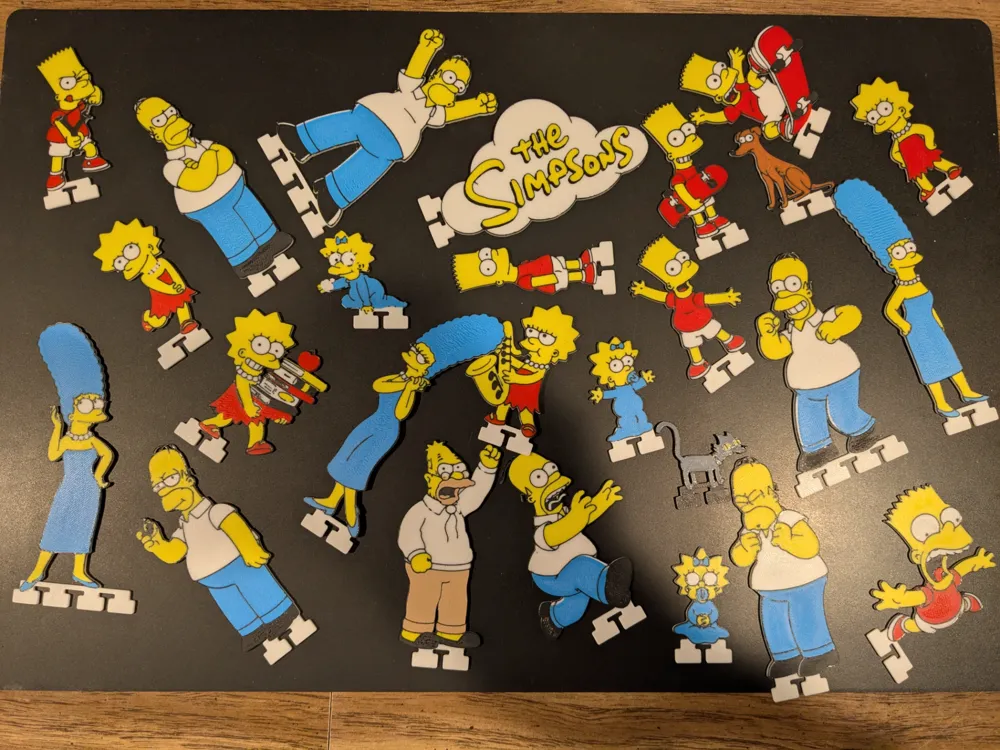
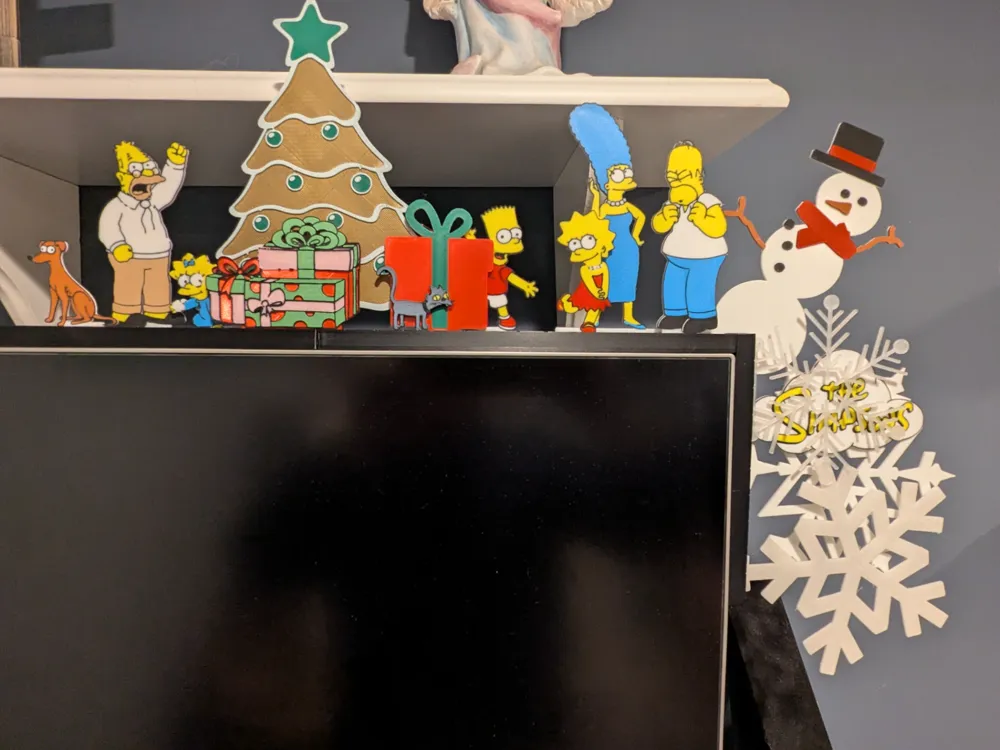
You decide what stand-ins you want to print, what colors to use, and how to arrange them. Feel free to mix and match with other stand-in sets (I may do more Simpson characters/items in future sets). Remember, the point is NOT that you would WANT to mix the Christmas Stand-ins for Modular Door Corner-Pack 1 by evets17 - MakerWorld with Simpsons… the point is YOU CAN!
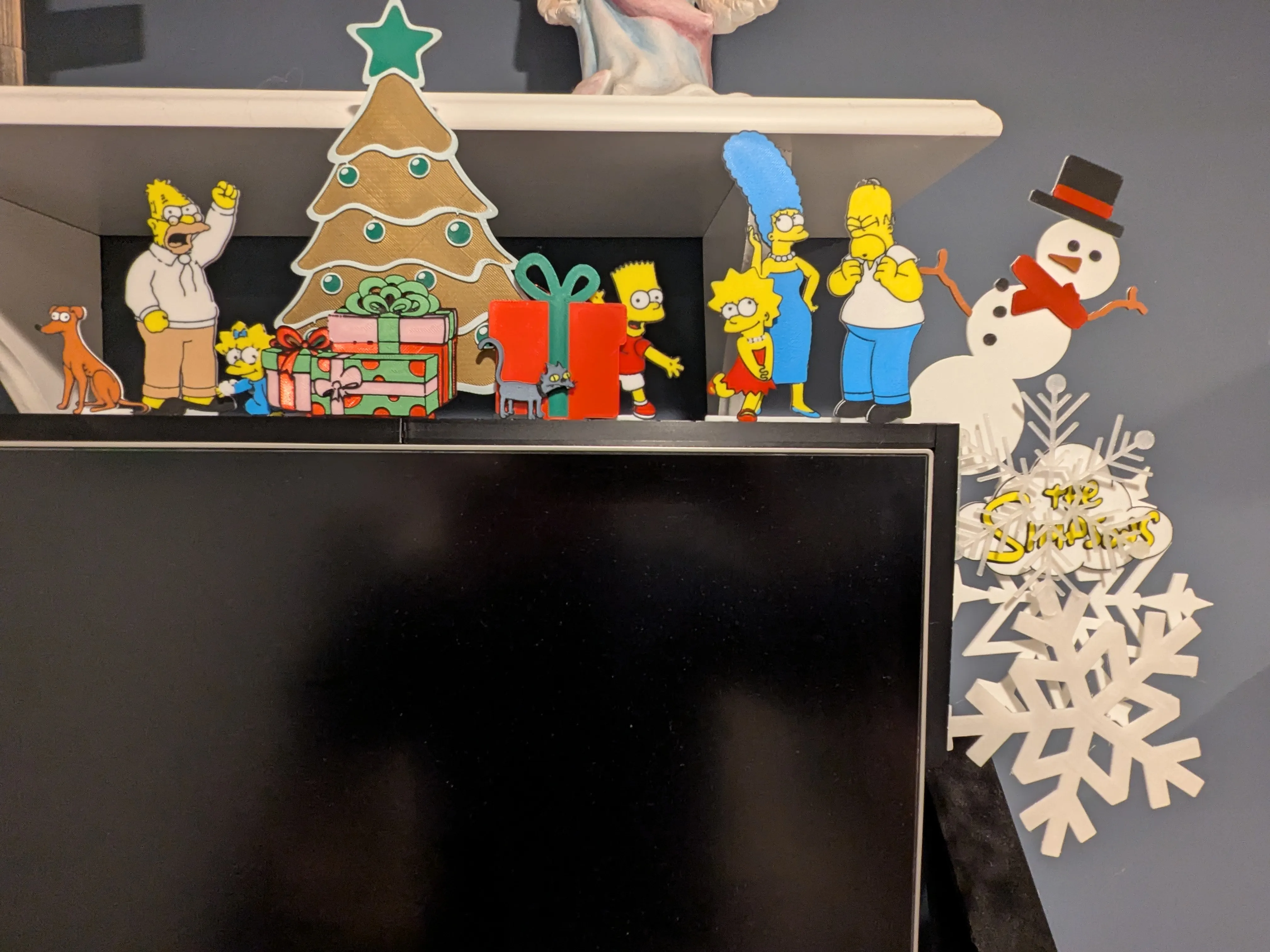
These stand-ins were made using Maker World's Image to Keychain. This set was my first experiment to see how well that worked for making stand-ins. I forced myself to only use up to four colors for each stand-in (I have AMS Lite), hence, Marge's dress matches her hair, Bart's shorts are white, etc. One of the main features of MDC is can achieve many colored decorations because the pieces are printed individually.
Printing
I printed these with .2 Layer Height, with various PLA. A1 mini compatible. These profiles use the base settings used by Image to Keychain (i.e. Ironing turned on)
Unlike some of my other stand-ins, which use layer height changes for color change, these have multi-color on same layer. The color changes only happen on top two layers however (assuming .2 layer height), meaning, with four colors, will be 6 color swaps (i.e. these are not two sided color prints, that is too many swaps for my liking).
For this set, I created different profiles for each color scheme (of course can do whatever colors you want).
Homer_Marge_Maggie = Black, Yellow, White, Blue
Bart_Lisa = Black, Yellow, White, Red
Grandpa = Black, Yellow, White, Tan
Snowball = Black, Yellow, Dark Gray
Santas Little Helper = Black, White, Brown
I have profiles with each stand-in on their own plate, to accommodate printing just the versions of characters you want and A1 mini compatible. However, I recommend going into Bambu Studio and moving the different stand-ins you want, to be all on same plate. For instance, create a single plate in the blue profile with the Homer, Marge, and Maggie you want. Then just a single print, for those three, since all those share same color swaps.
If wanting to print full set, I also include profiles for Homer_Marge_Maggie and Bart_Lisa where there are multiples on single plate (these two profiles are not A1 mini compatible as is).
Create your own Stand-ins and share
I encourage people to create their own Stand-ins and share them. I've included .Step files on this listing for the Stand-in Anchors to be used to create new original Stand-ins.
Feel free to post as a remix on one of my stand-in packs or can post as original.
The Rails I keep on my base Modular Door Corner - Base Rails with Safari Pack by evets17 - MakerWorld listing with a Standard No Remix license, so if you do post Stand-ins, just reference that listing in your post as to where to get the Modular Door Corner rails.
Here is example text you could put on your Stand-in listing:
"These Stand-ins are designed to work with the Modular Door Corner - Base Rails with Safari Pack by evets17 - MakerWorld slotted rails. See that listing for explanation of the Modular Door Corner system, and to print rails for these Stand-ins."
Keychain Maker
You might be asking: "Can I make my own stand-ins using Image to Keychain?" Absolutely. Mention in the comments if you would like me to create Video on how I do this.
Here are the settings I use when creating these Stand-ins.
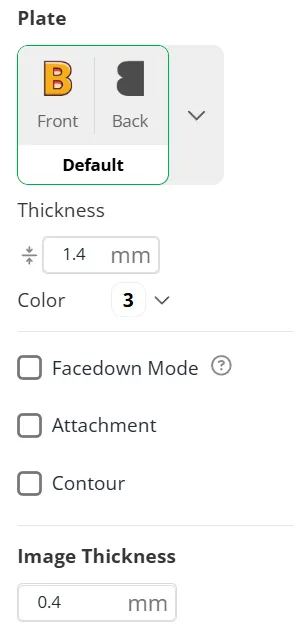
Note: This creates a total thickness is 1.8mm, with a .4 (top two layers assuming .2 layer height) having the colors. I try and use the same Color for the base (in this case white). Once you have the “keychain” model, then in Bambu Studio add an Anchor (see attached step files on this listing), make sure to do a ‘Merge’ of the Anchor to the main model before printing.
Thanks
Thanks so much for reading. If anyone does take time to print this, I would love to see pictures in the comments on your creation. Happy Printing.
License



Comment & Rating (12)