
Dillon Powder Measure Knob - Editable
Print Profile(1)

Description
Boost Me (for free)
If you like my models consider giving me a boost. It's much appreciated!
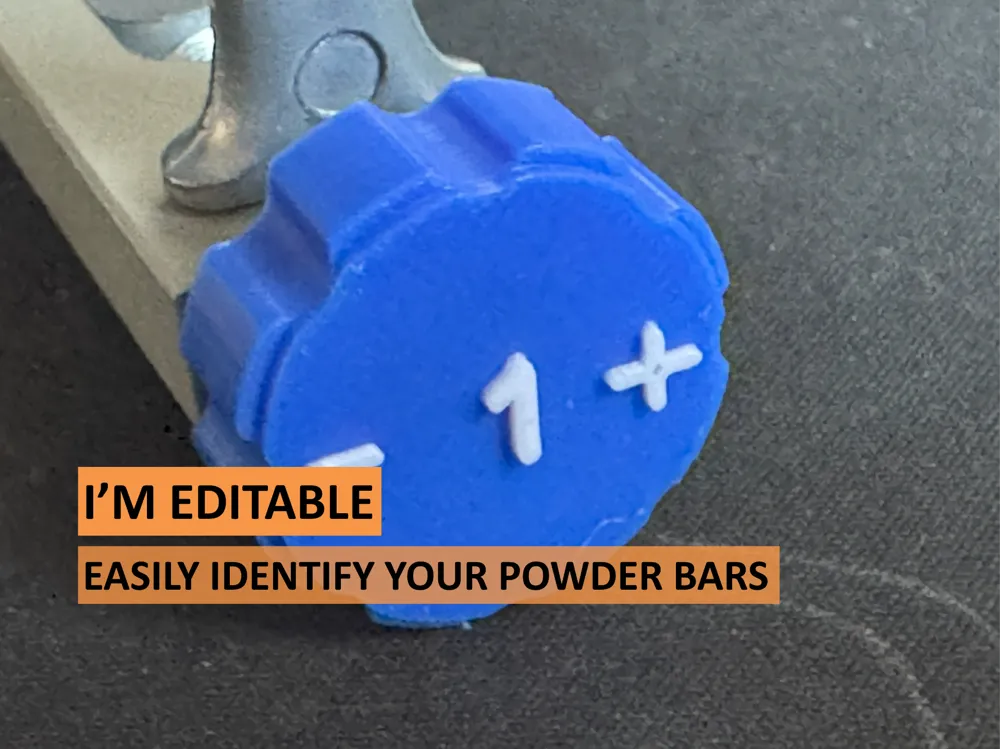
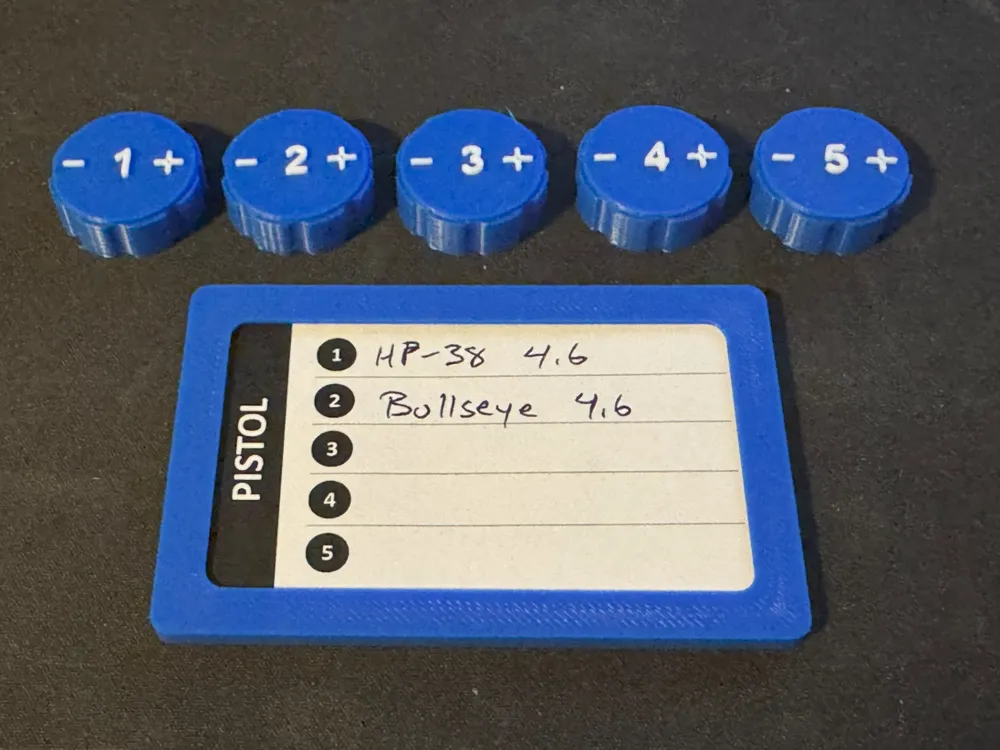
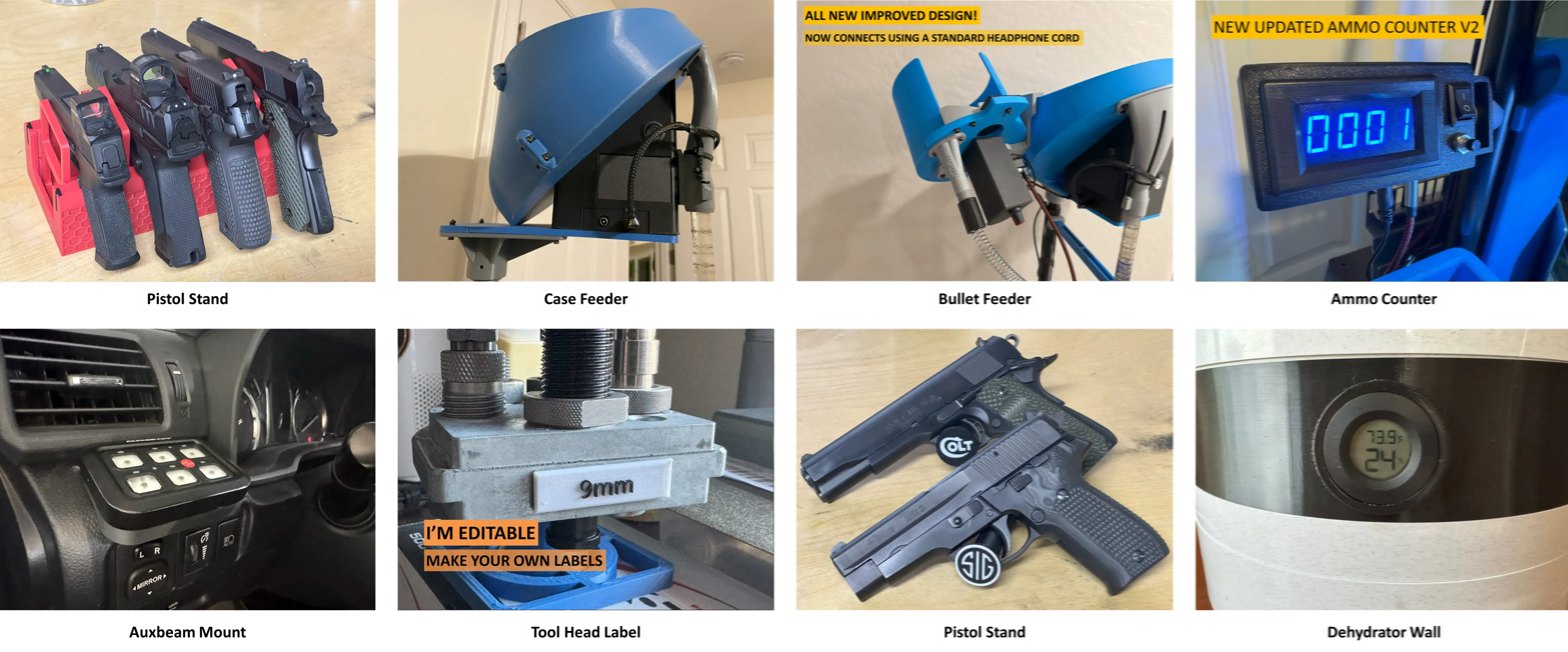
I was always losing track of the powder settings for each of my powder bars. Well it's no longer an issue with these powder measure knobs. I numbered each powder bar and keep a written record of their settings. Now I know what each powder bar is set for.
Also print my Powder Measure ID Chart!
This powder measure knob is editable so you can number each knob as you see fit.
Editing the text
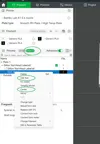
- In Bambu Studio switch from Global to Objects in the left menu
- Highlight and right click edit text on ‘text_shape’ in the left menu
- The text editor will open and you can edit the text as well as change the font
- I recommend leaving the size at 8.00 and thickness at 1.00
- Leave the text editor and your label is updated
Centering the text
- In the left menu highlight and right click center on ‘Dillon Tool Head Label.stl’
- Repeat for ‘text_shape’ in the left menu
- Your text should now be centered on the label
View all my models here.
Documentation (1)
License

You shall not share, sub-license, sell, rent, host, transfer, or distribute in any way the digital or 3D printed versions of this object, nor any other derivative work of this object in its digital or physical format (including - but not limited to - remixes of this object, and hosting on other digital platforms). The objects may not be used without permission in any way whatsoever in which you charge money, or collect fees.


Comment & Rating (6)