Search models, users, collections, and posts

Linux Tux Keychain
IP Report
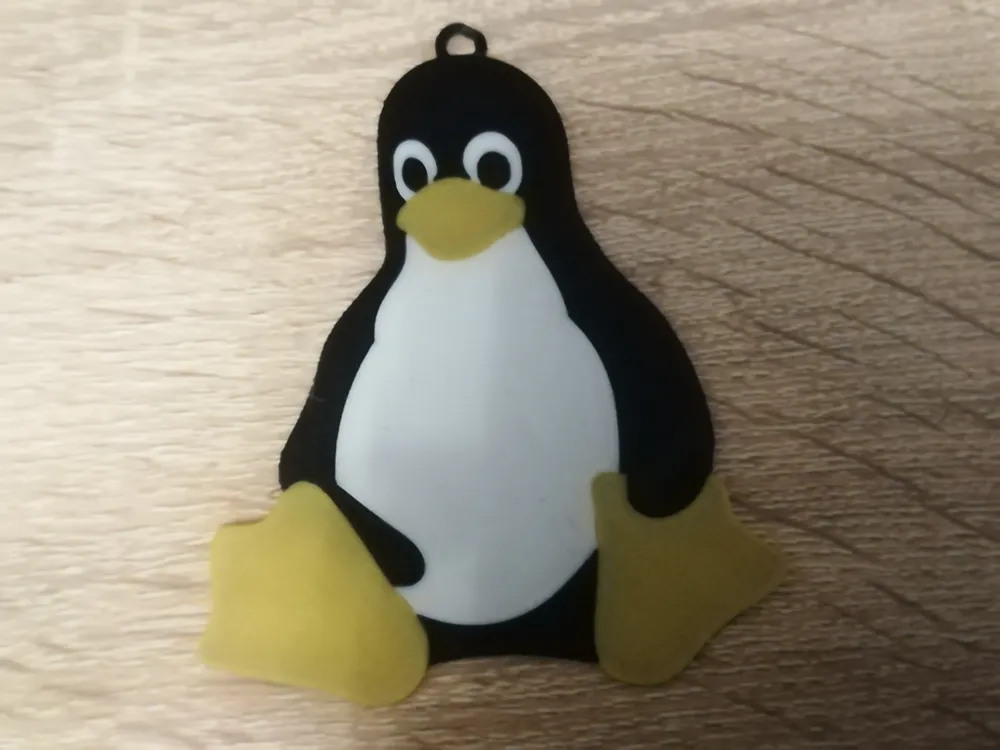
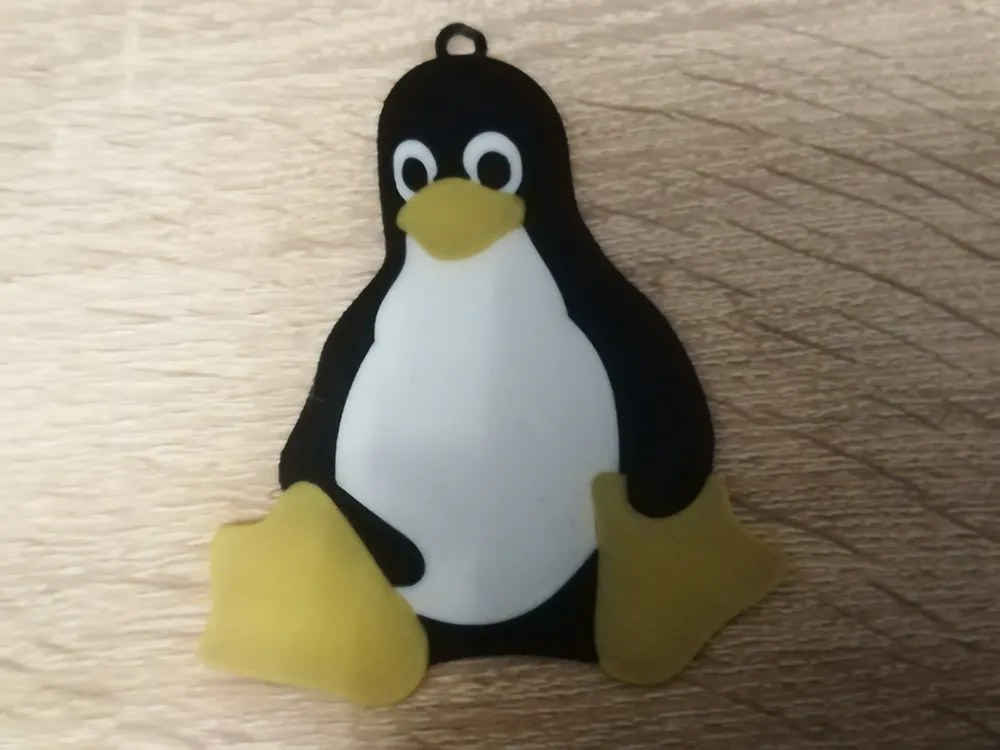
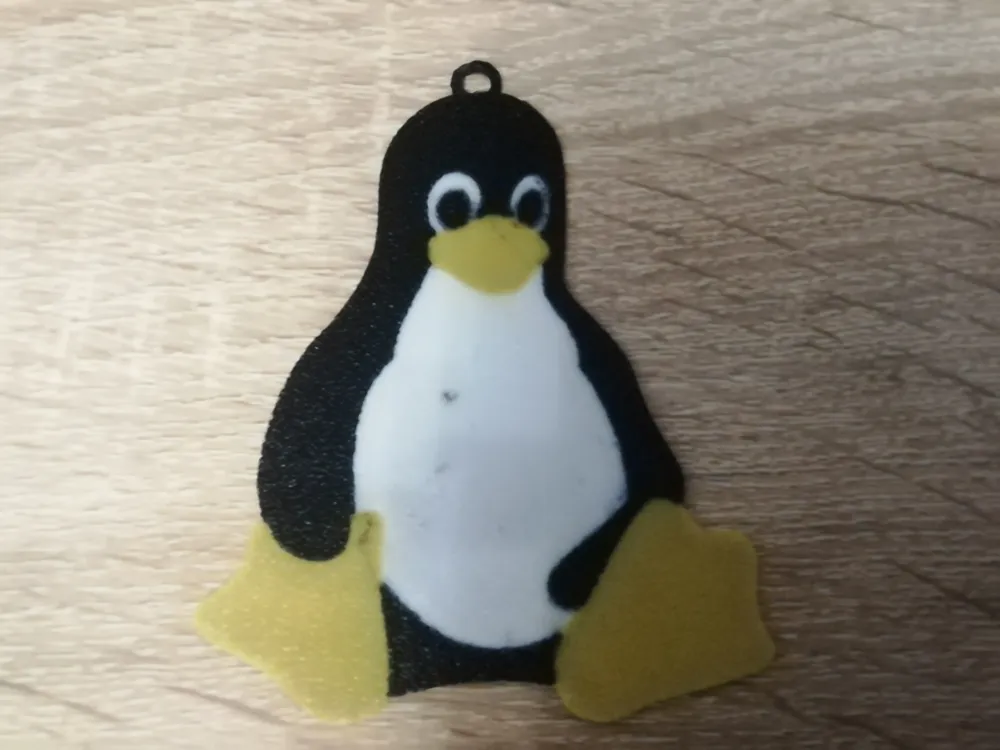
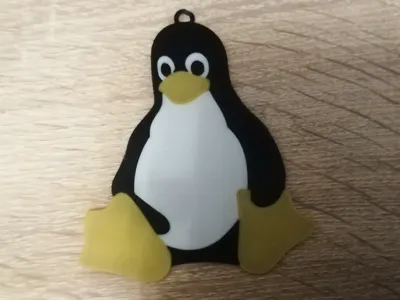
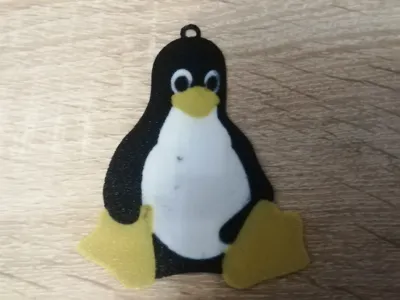
This model is created by Image to Keychain
Make Your Model
Print Profile(1)
![[Recommended] 0.2mm nozzle, 0.1mm layer, 4 walls](https://makerworld.bblmw.com/makerworld/model/US1390c69ccc98dc/179559773/instance/2024-12-17_775c394da284d.jpg?x-oss-process=image%2Fresize%2Cw_100%2Fformat%2Cwebp)
[Recommended] 0.2mm nozzle, 0.1mm layer, 4 walls
Designer
7.2 h
4 plates
Open in Bambu Studio
Boost
13
24
0
0
68
19
Released
Bill of Materials
Maker's Supply Kits and Parts
Select all




Description
Boost Me (for free)
Linux Tux keychain
Print yourself a keychain with linux mascot Tux, you can print it with 0.2mm nozzle (recommended) or 0.4mm nozzle.
Options of printing (plate names):
- Option-1a: Big 8 keychain, tux on both sides (Also good, but too big for me)
- Option-1b: Small 6cm keychain, tux on both sides (recommended)
- Option-2a: Big 8cm keychain, tux on one side (less poops)
- Option-2b: Small 6cm keychain, tux on one side (less poops)
To select an option, click a plate with name of the option and press “Slice plate”, you can also scale it yourself.
Filaments used:
- Yellow (Orange) - Jayo PLA+ Pure Yellow
- White - Bambu Lab PLA Basic Jade White
- Black - Bambu Lab PLA Basic Black
I also recommend buying bambu's split ring (Or print one). Everything included in BOM. The gold filament included in BOM was best match with Jayo Pure Yellow filament, so i typed it.
Tux image by lewing@isc.tamu.edu Larry Ewing and The GIMP
Powered by MakerWorld-Image to Keychain (https://makerworld.com/makerlab/imageToKeychain)
License

This user content is licensed under a
Creative Commons Attribution-Noncommercial-Share Alike


Comment & Rating (0)