

Print Profile(1)

Description
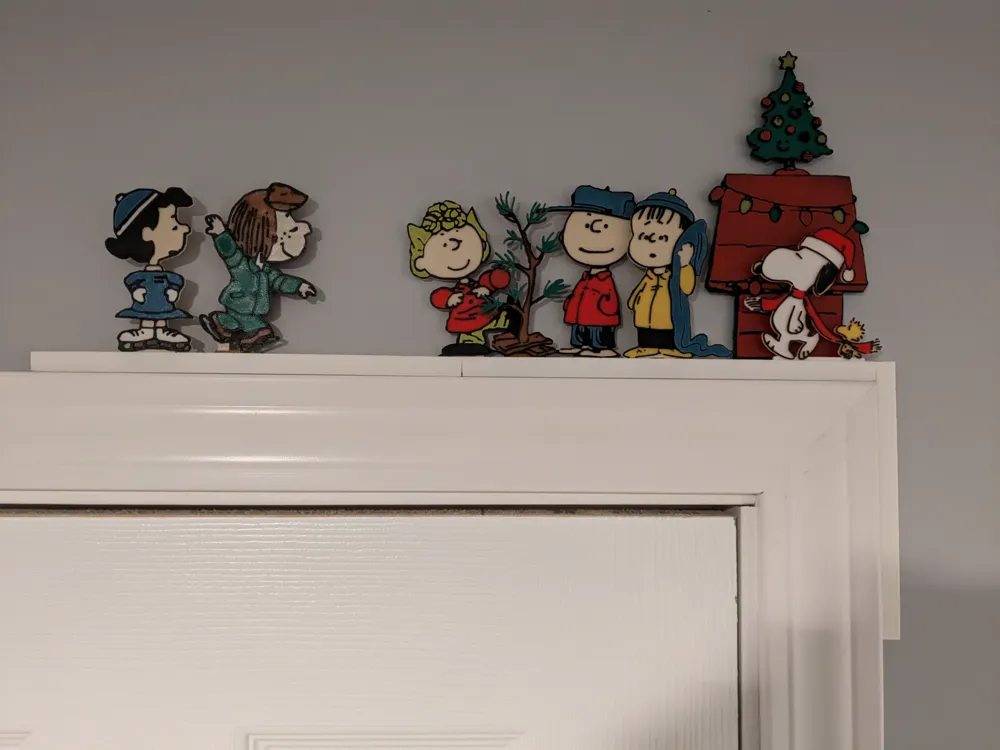
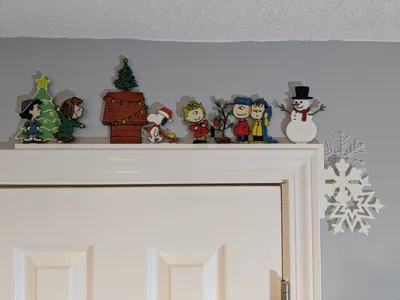
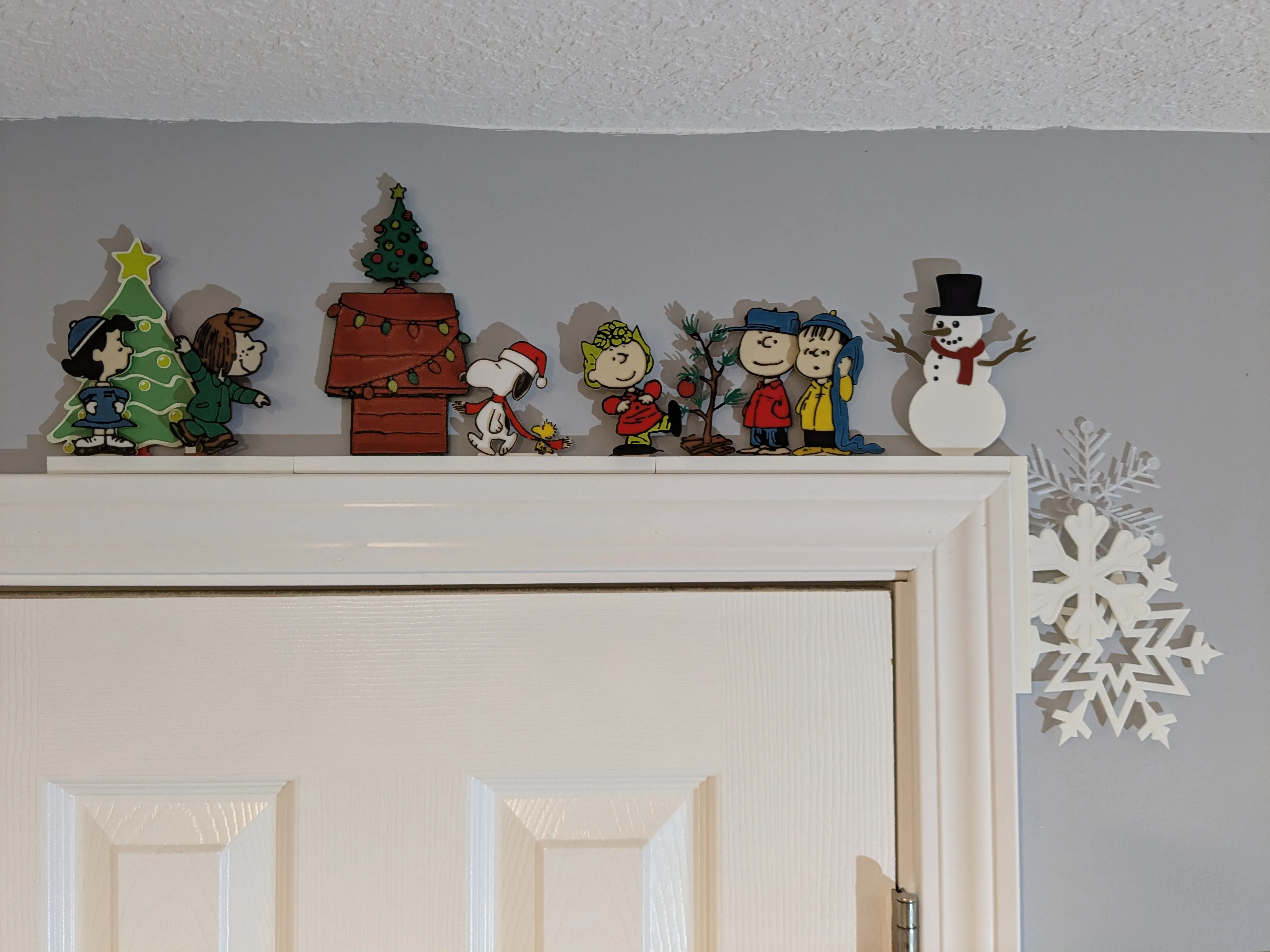
This is a Stand-in pack for the Module Door Corner - Base Rails with Safari Pack 1 by evets17 - MakerWorld featuring a Charlie Brown/Peanuts cartoon Theme. See the base Module Door Corner listing for a more detailed explanation of the Module Door Corner system.
Will need to print rails from the Modular Door Corner - Base Rails with Safari Pack by evets17 - MakerWorld listing. If just doing this pack, I recommend printing a two Rail_3Slot_Length15_210mm for the horizontal and a Rail_3Slot_Length3_42mm for the vertical. If planning to combine with other Packs, then can add Rails as needed.
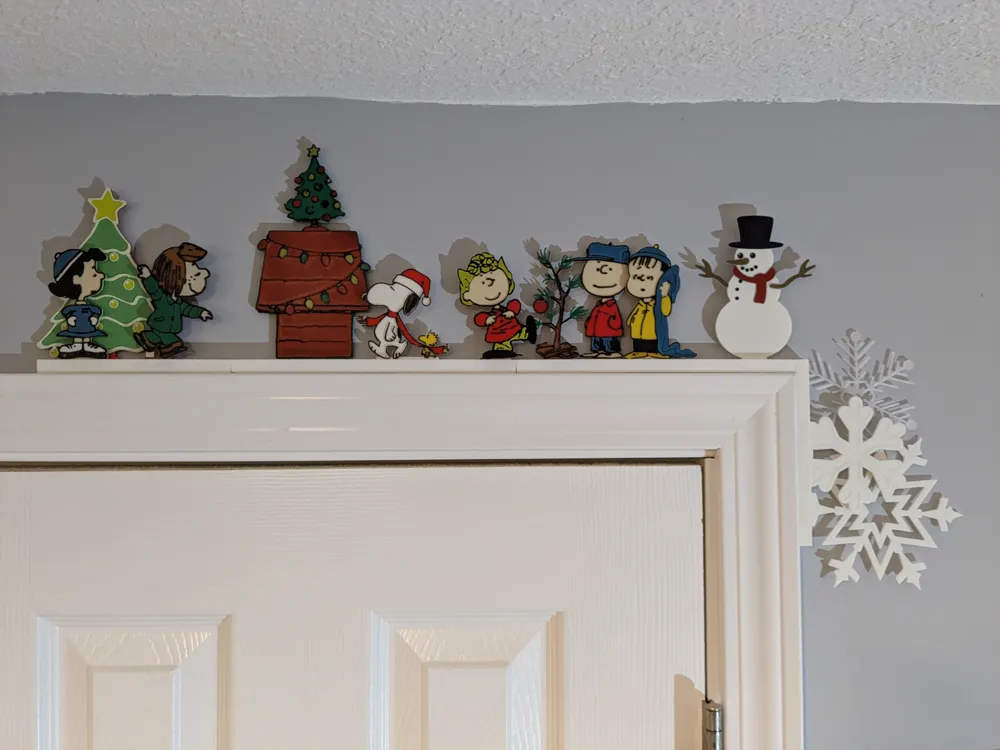
You decide what stand-ins you want to print, what colors to use, and how to arrange them.
Feel free to mix and match items from other Packs as well. The Snowflake Stand-ins for Modular Door Corner-Pack 1 by evets17 - MakerWorld and Christmas Stand-ins for Modular Door Corner-Pack 1 by evets17 - MakerWorld have similar theme:
Printing
I printed these with .2 Layer Height, with various PLA. A1 mini compatible.
These are designed to support multi-color by doing layer color swaps (less waste, and can be done without AMS if willing to do manual color swaps). The base layer is 1.6mm, with each "color" layer .4, meaning each color after the first base will print 2 layers when using .2 layer height.
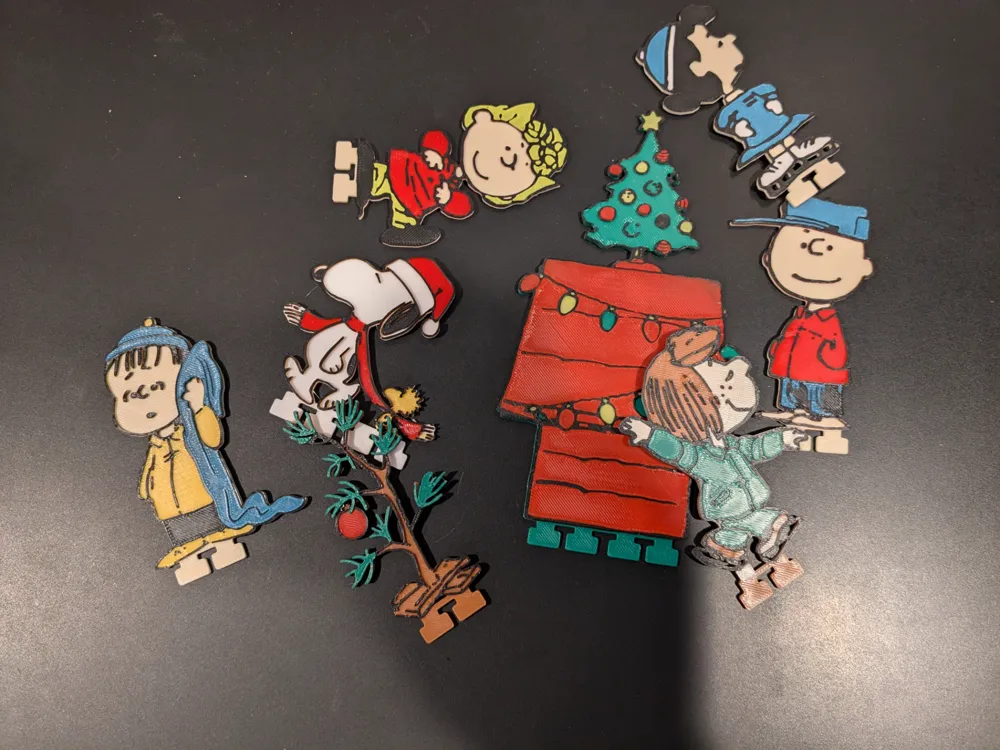
Here is a list of each Stand-in included in this Pack, along with color swaps, starting with the Base color and going up.
Use Bambu Studio/Slicer preview tab to ensure colors are set as expected before printing each plate.
(Note the colors referenced here are just what I used, obviously can choose any colors you want):
Charlie Brown - Base (Beige), Layer 9 (Red), Layer 11 (Black), Layer 13 (Blue)
Linus - Base (Beige), Layer 9 (Yellow), Layer 11 (Black), Layer 13 (Blue)
Sally - Base (Beige), Layer 9 (Red), Layer 11 (Black), Layer 13 (Yellow)
Lucy - Base (Beige), Layer 9 (White), Layer 11 (Black), Layer 13 (Blue)
Patty - Base (Brown), Layer 9 (Beige), Layer 11 (Black), Layer 13 (Green)
Snoopy Woodstock - Base (White), Layer 9 (Yellow), Layer 11 (Red), Layer 13 (Black)
Snoopy House - Base (Green), Layer 9 (Yellow), Layer 11 (Black), Layer 13 (Red)
Xmas Tree - Base (Brown), Layer 9 (Red), Layer 11 (Black), Layer 13 (Green)
Create your own Stand-ins and share
I encourage people to create their own Stand-ins and share them. I've included .Step files on this listing for the Stand-in Anchors to be used to create new original Stand-ins.
Feel free to post as a remix on one of my stand-in packs or can post as original.
The Rails I keep on my base Modular Door Corner - Base Rails with Safari Pack by evets17 - MakerWorld listing with a Standard No Remix license, so if you do post Stand-ins, just reference that listing in your post as to where to get the Modular Door Corner rails.
Here is example text you could put on your Stand-in listing:
"These Stand-ins are designed to work with the Modular Door Corner - Base Rails with Safari Pack by evets17 - MakerWorld slotted rails. See that listing for explanation of the Modular Door Corner system, and to print rails for these Stand-ins."
Thanks
Thanks so much for reading. If anyone does take time to print this, I would love to see pictures in the comments on your creation. Happy Printing.
License



Comment & Rating (119)