
code kid - teach coding
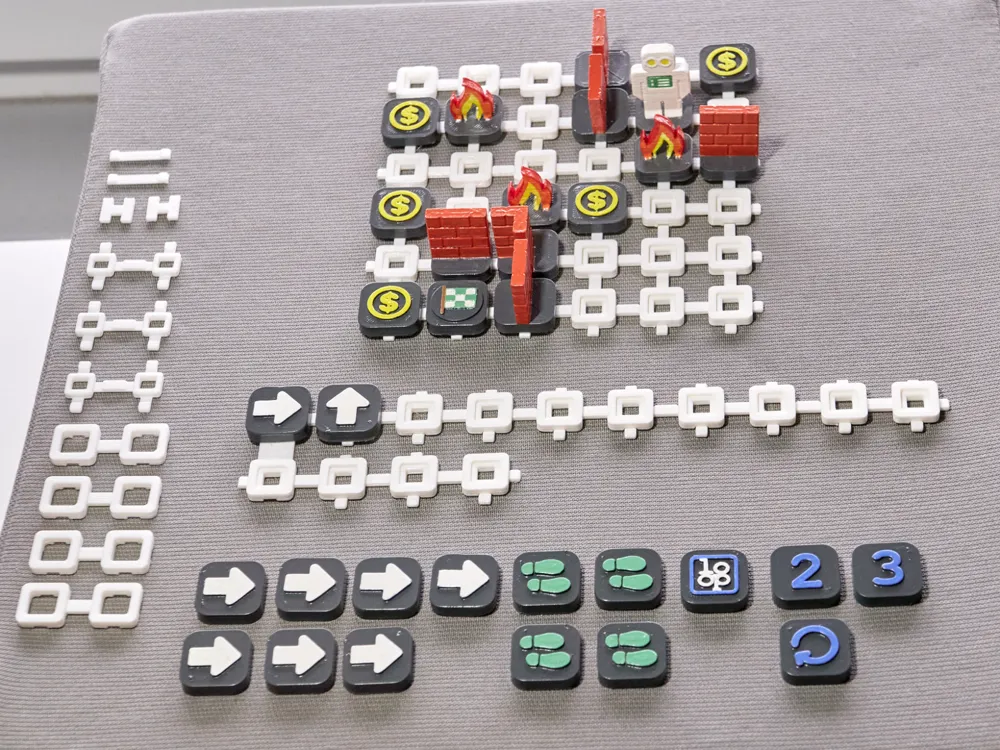
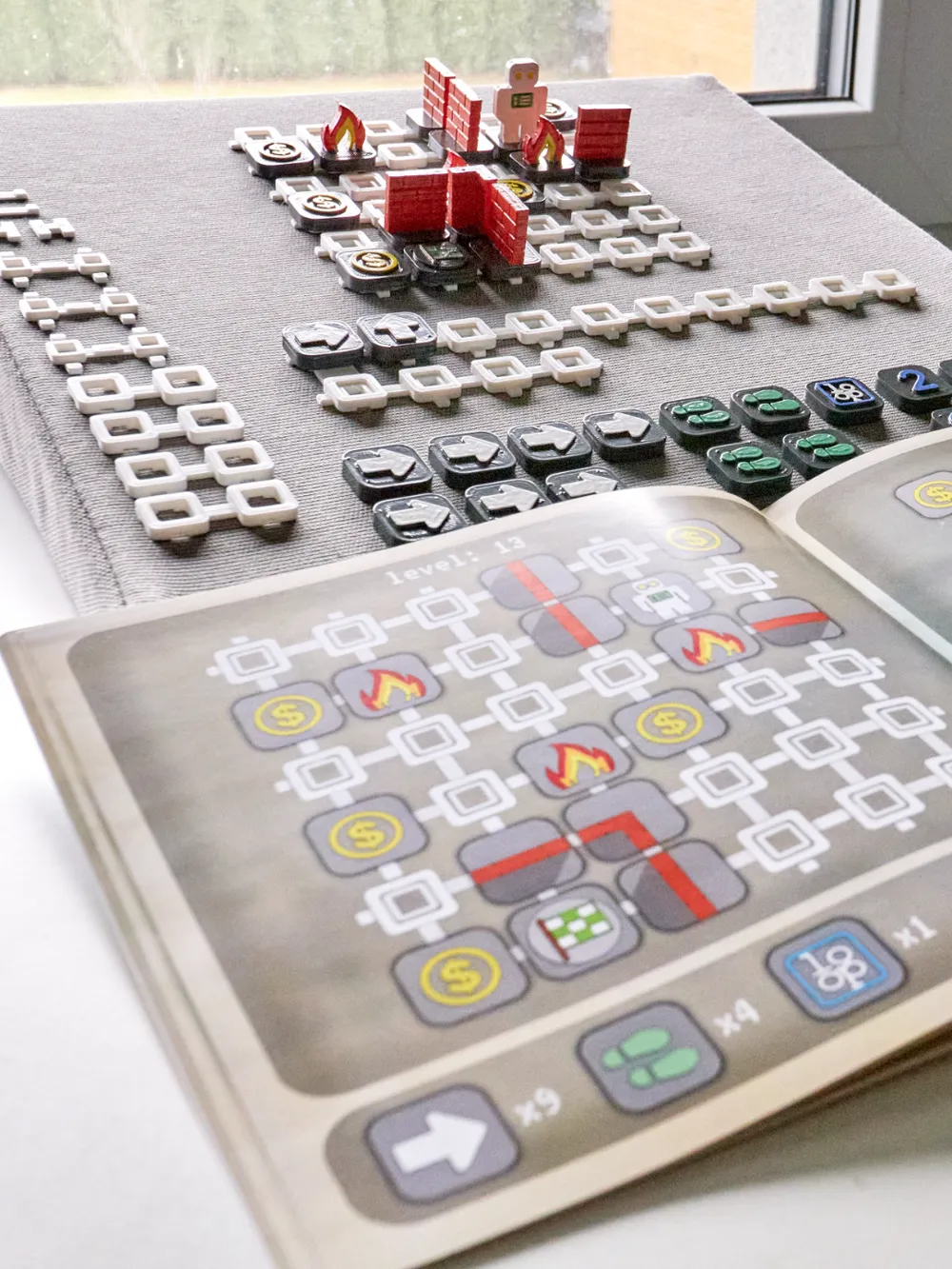
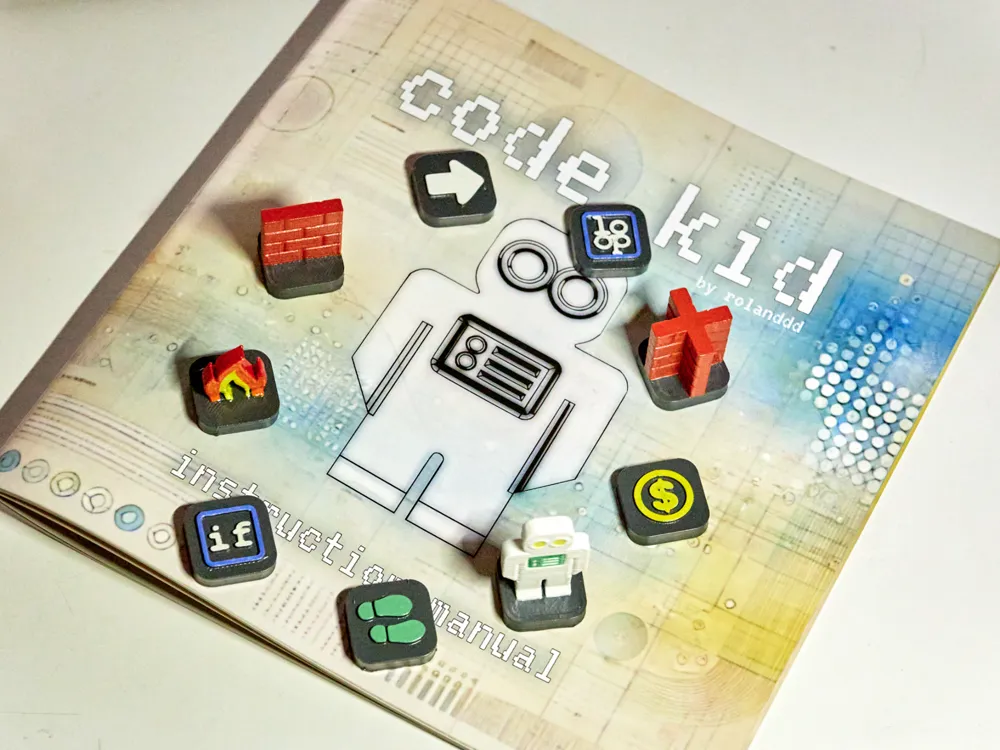
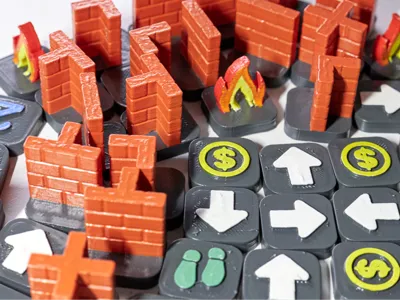
Print Profile(1)

Description

Unplug from the screen and dive into an exciting, hands-on learning experience with code kid—a 3D printable tabletop game that teaches coding concepts through play! Designed for kids and beginners, this offline educational game combines problem-solving, logic, and creativity, making coding fun and accessible for everyone.
How It Works:
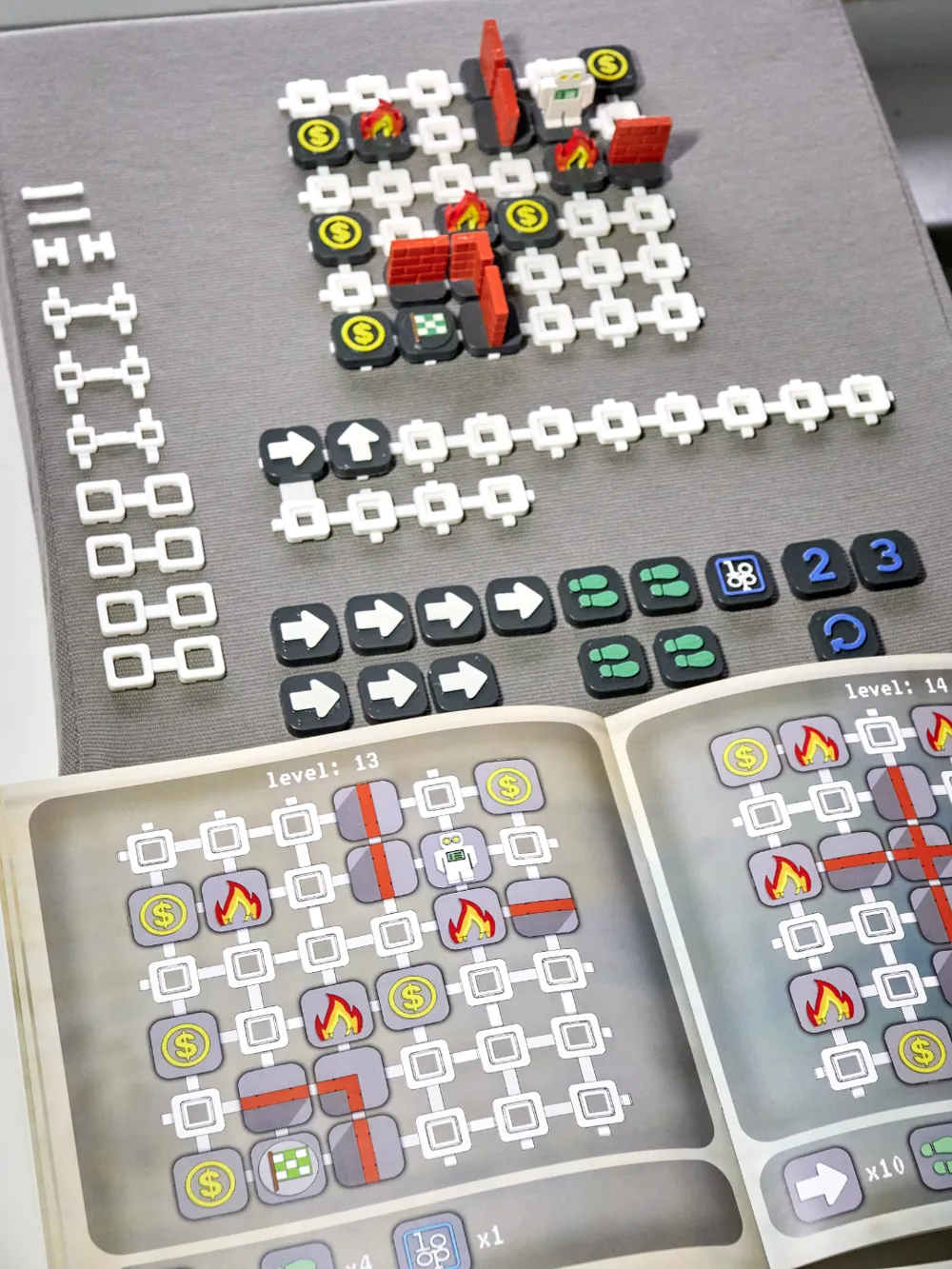
- Assemble the Game Board
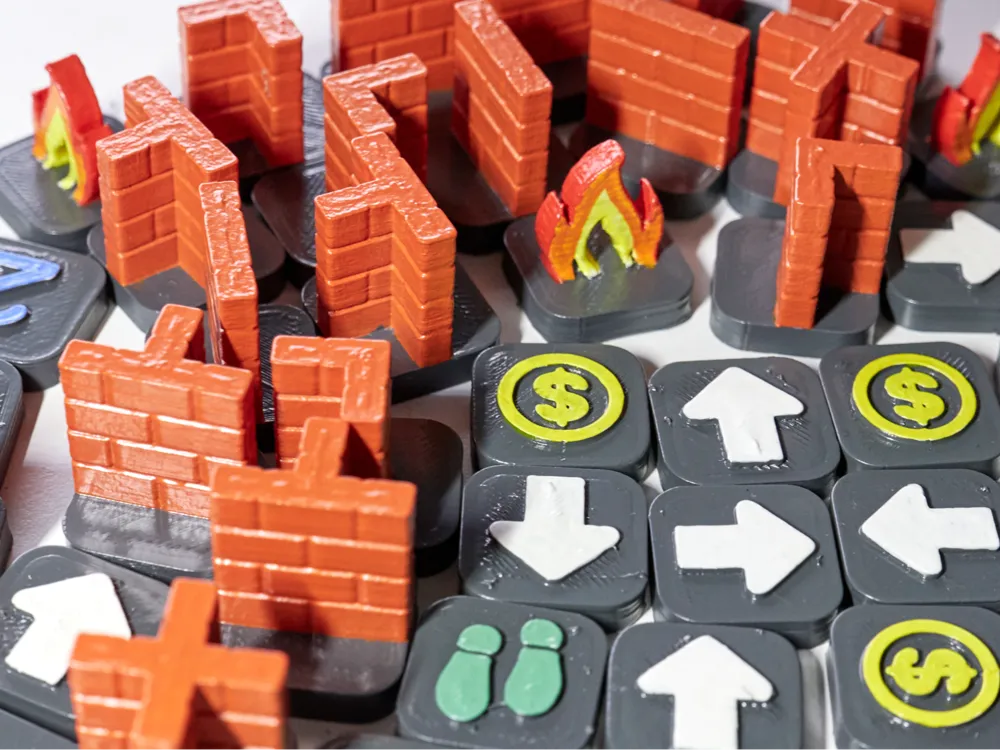
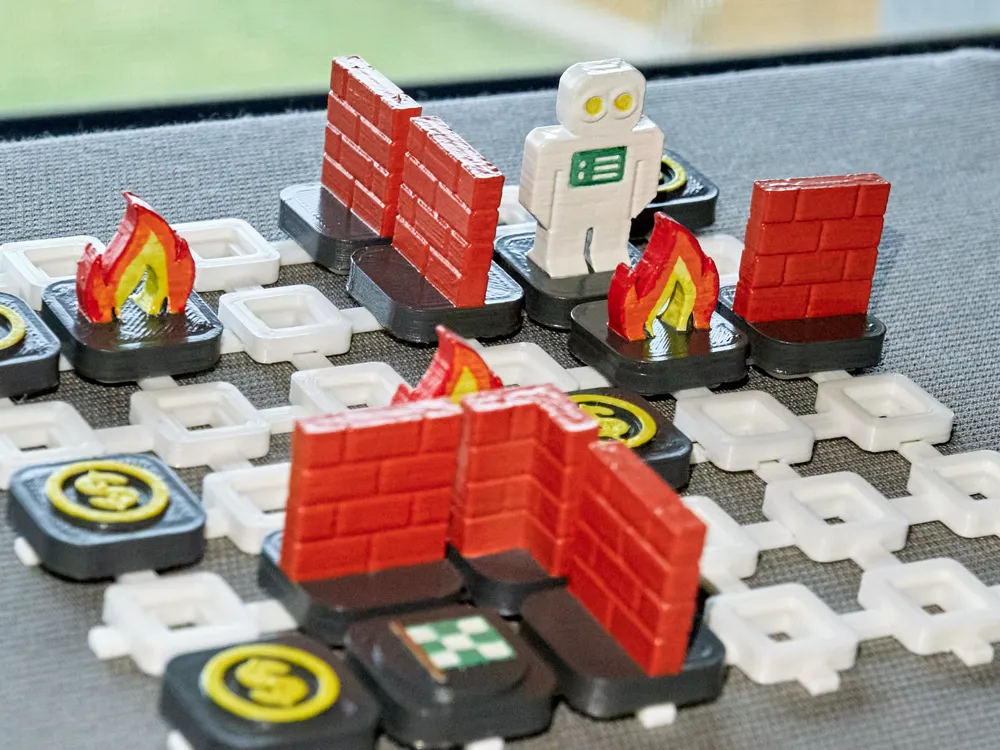
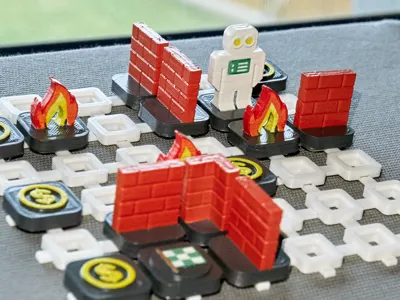
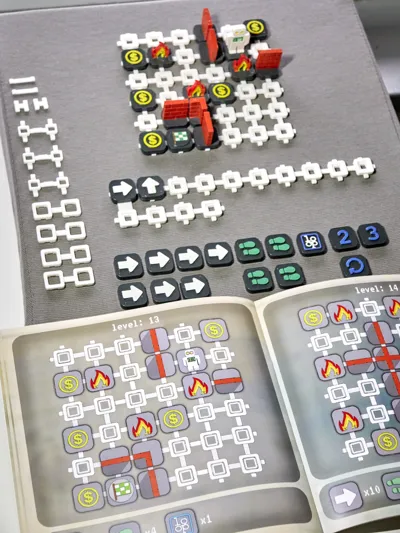
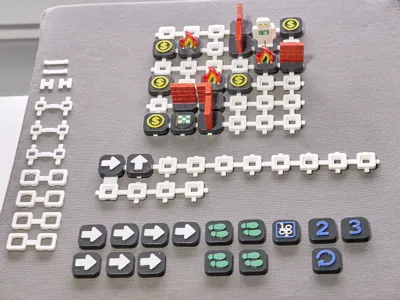
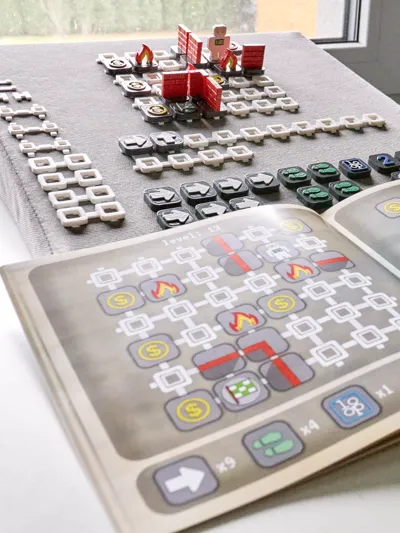
- The modular game board is customizable, allowing you to create endless level designs using 3D-printed tiles. Each level includes key components: walls, fire, coins, the Code Kid robot, and the finish line.
- Set the Goal
- The challenge is simple: guide Code Kid from the starting point to the finish line while collecting coins and avoiding obstacles.
- Learn to Code
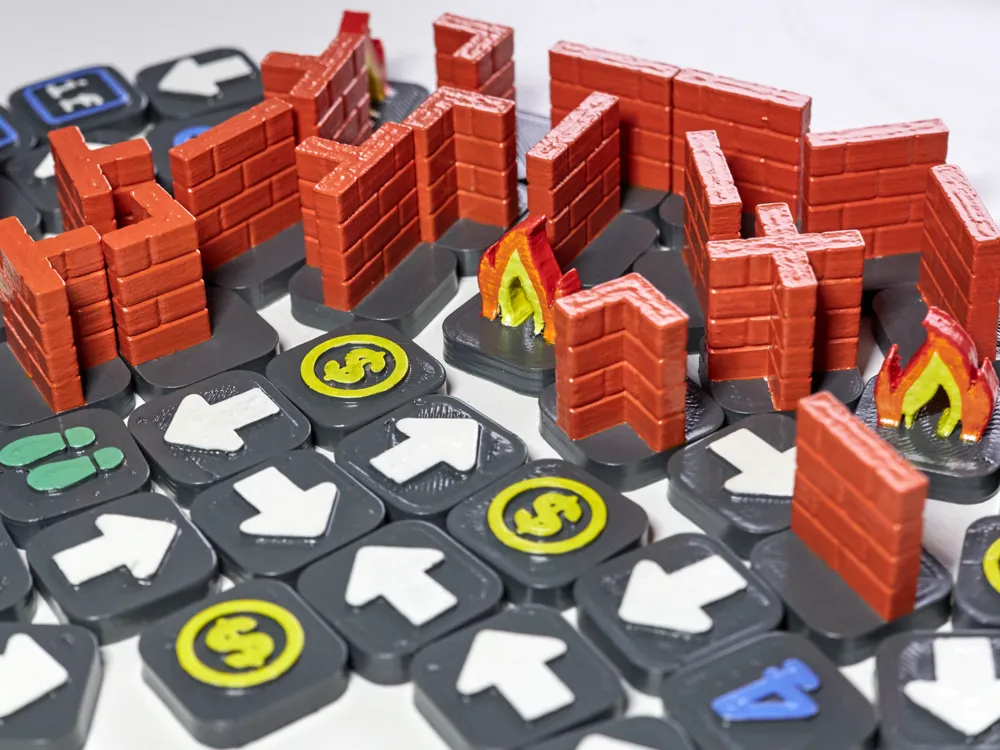
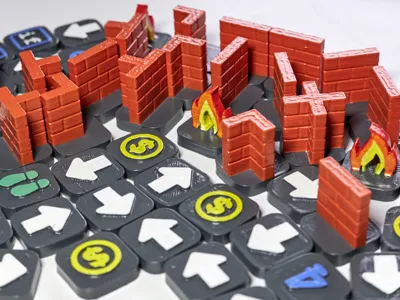
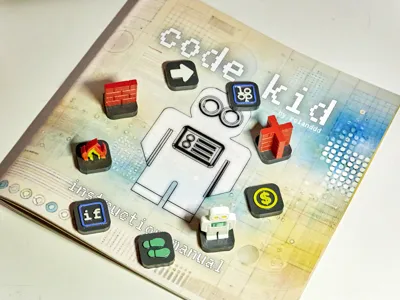
- Players write their "code" using a set of 3D-printed command pieces. Commands include:
- Arrow: Move one step in the arrow's direction.
- Jump: Leap two steps forward after an arrow command—perfect for clearing fire obstacles!
- Loop: Repeat a set of commands for efficient problem-solving.
- If: Introduce decision-making to your code by setting conditions for actions.
- Players write their "code" using a set of 3D-printed command pieces. Commands include:
- Play and Debug
- Test your sequence of commands to see if Code Kid reaches the finish line. If something goes wrong, debug the "code" and try again!
Educational Benefits:
- Coding Basics: Introduces essential coding concepts like sequencing, loops, and conditionals.
- Hands-On Learning: Encourages tactile engagement and problem-solving in a screen-free environment.
- Creative Thinking: Promotes creativity with customizable levels and open-ended problem-solving.
Why Choose Code Kid?
- Fully offline and screen-free.
- Modular and endlessly customizable.
- A fun, interactive way to teach coding without requiring any prior experience.
- It makes a perfect gift for your child, encouraging quality time together as you assist with "debugging."
Perfect for families, classrooms, and makerspaces.
-------------------------------------------------------------------------------------------------------------------------------------------------------------
The attached documentation contains the assembly guide, rules in detail as well as examples how to use the game.
The instruction manual is ready for printing.
As I don't have a multi color BambuLab printer (yet), I printed the models in one color and painted them by hand afterwards, however I created projects in BambuLab Studio and prepared the models for multi color printing. If needed, I can separate the fire model by color to make it cost effective to 3d print and make it look like in the documentation - that I tried to copy by painting.
I printed all the game elements with brim because I had some failed prints as they didn't stick to the surface enough without it, however the base grid elements were fine without brim. No support is needed for any of the models.
I originally designed this game as a Christmas present for my 5-year-old son, but I thought it might be worth sharing.
Documentation (2)
License



Comment & Rating (3)