
Double Bladed Lightsaber



Print Profile(1)

Bill of Materials





Description
Creating highly detailed props through 3D printing has become incredibly straightforward. These props are immensely popular in settings such as stage performances and game-themed parties. The Motion-Activated Sound and Light Props Kit released by Bambu Lab has truly revolutionized the interactive prop market. In particular, DaDaLand's integration of this kit with the Wukong Staff Weapon has caused a significant stir in the gaming community, energizing many creators to showcase their talents.
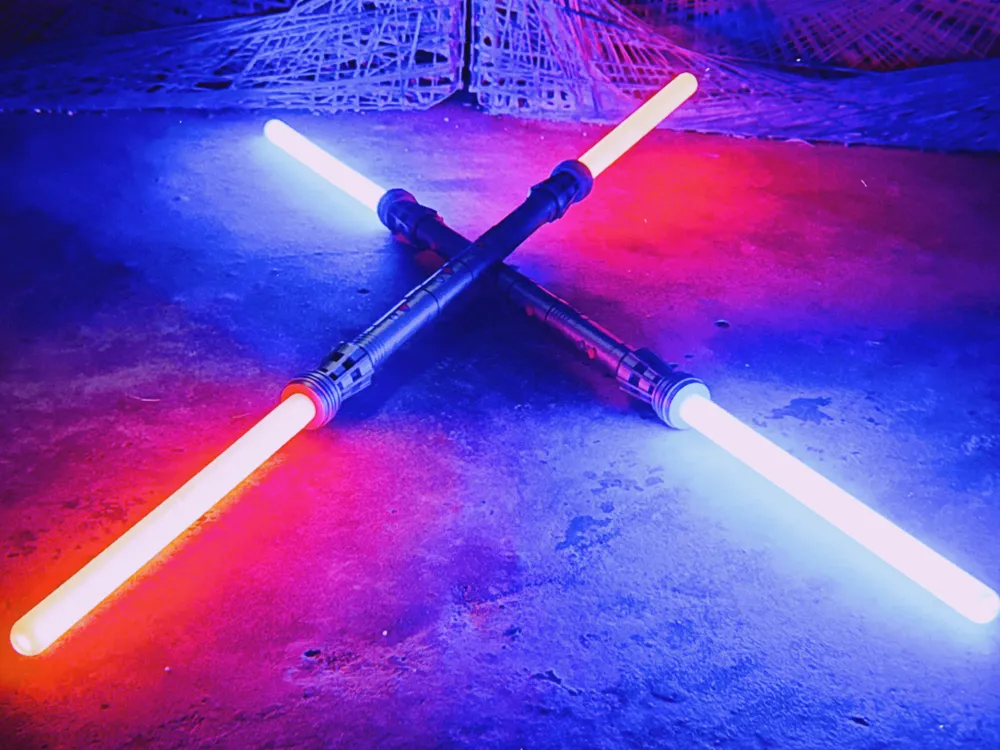
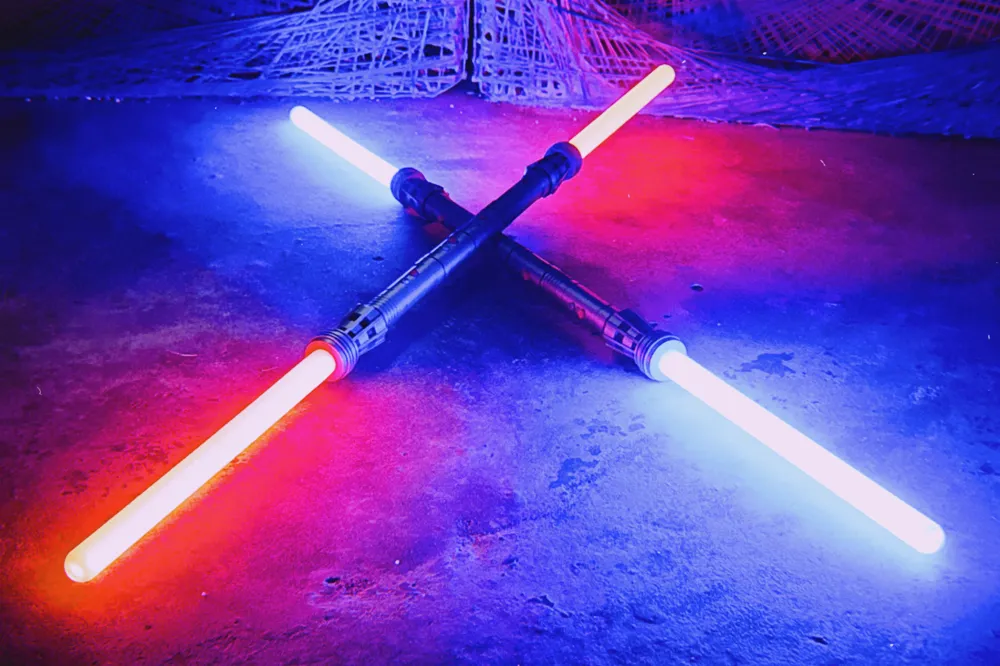
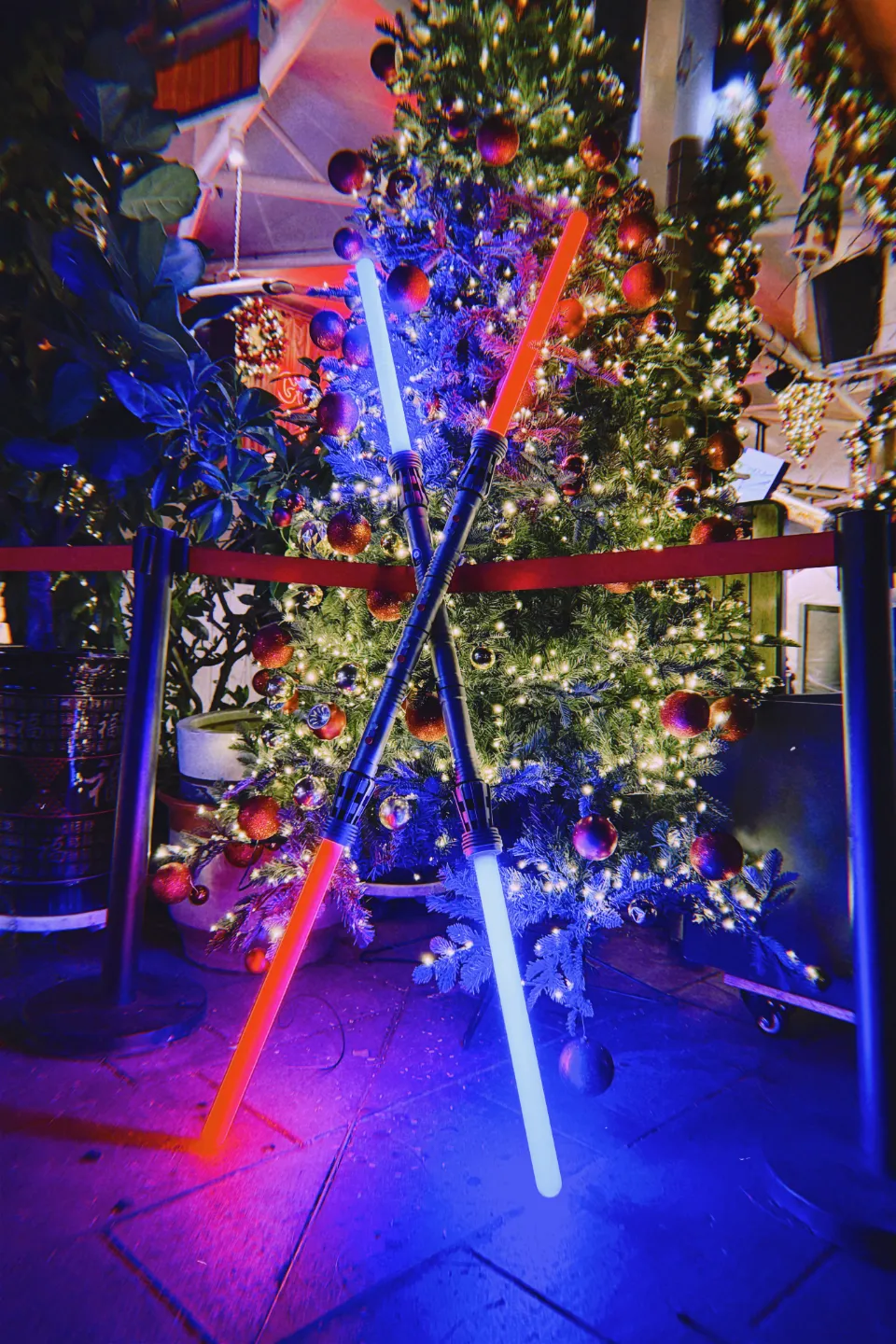
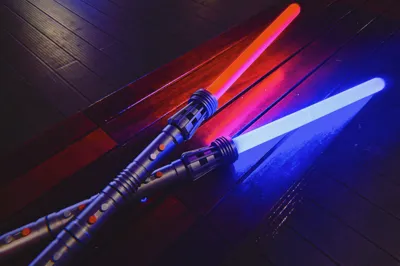
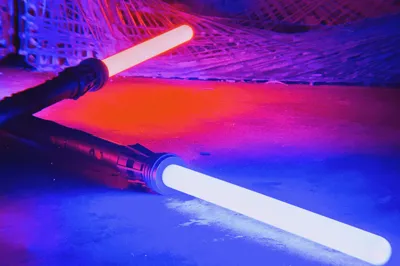
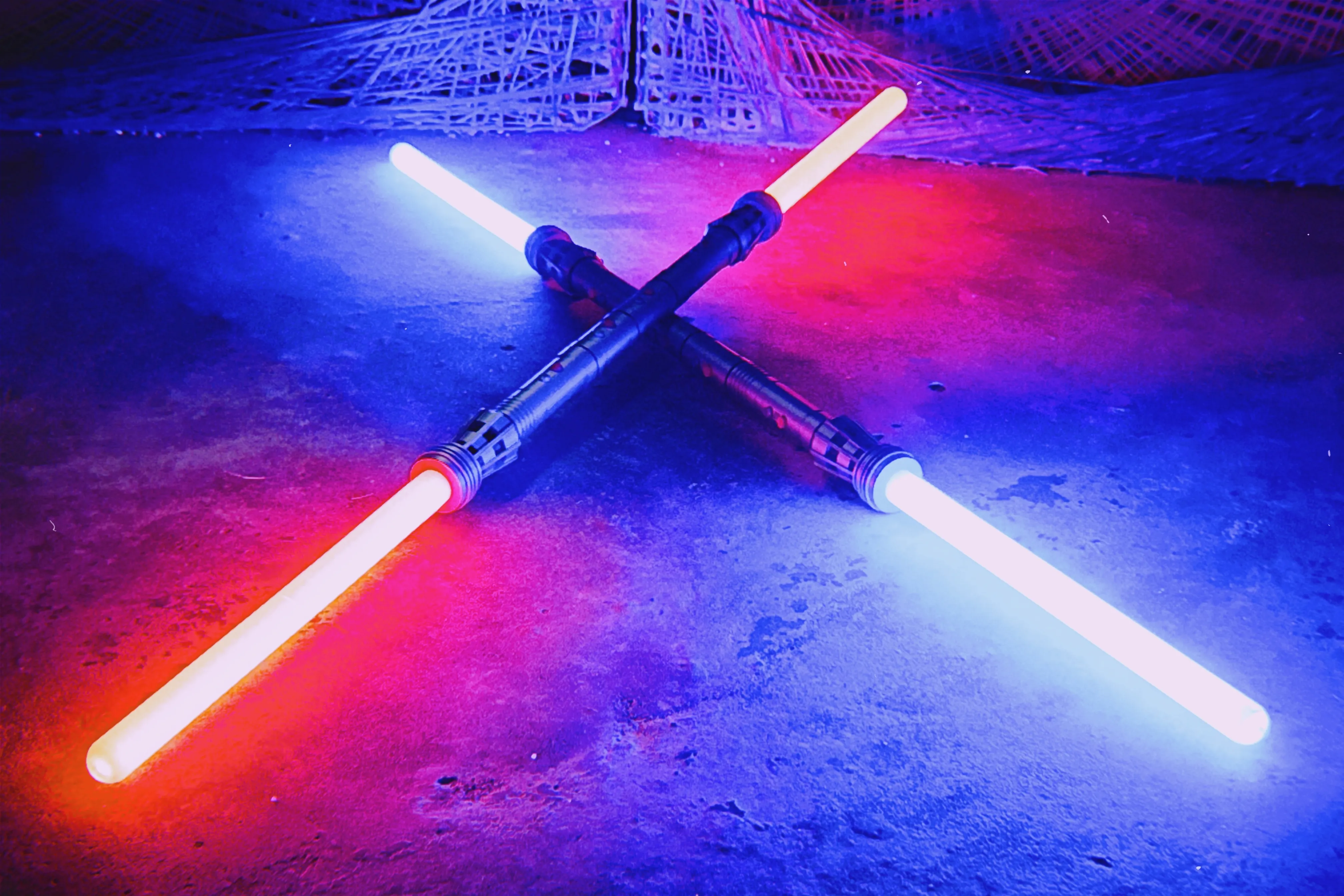
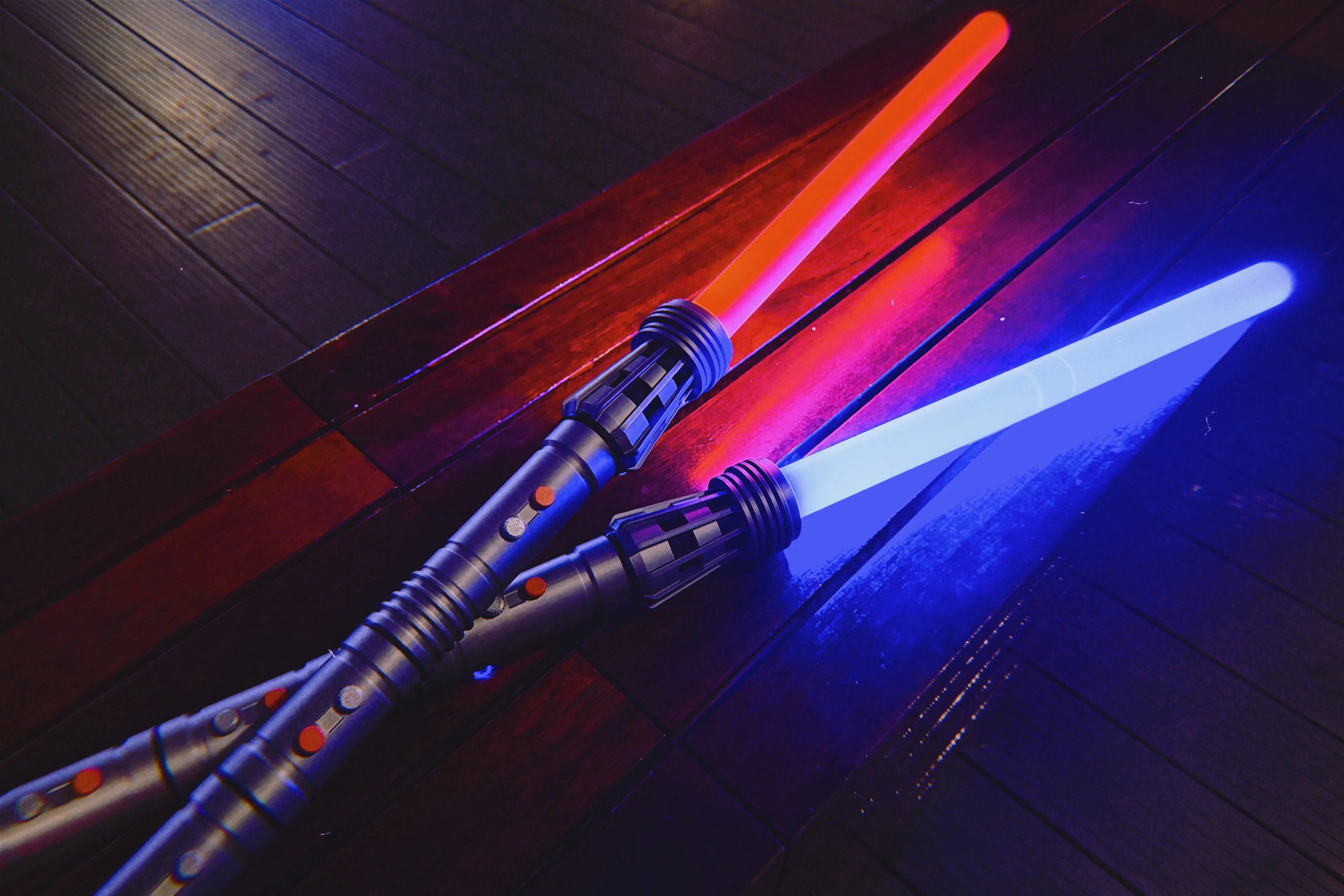
Upon witnessing DaDaLand's remarkable creation, my own creativity has been ignited, leading me to utilize Motion-Activated Sound and Light Props Kit for my own design. I have opted to craft a Pixel Double-Edged Lightsaber, drawing inspiration from Darth Maul's iconic weapon in "Star Wars." Through the creative features of this kit, I aim to provide users with a wider array of stylish model choices and further fuel the advancement of interactive props.
Effective Display
Design Features
Seamless Switching between the 1:1 Ruyi Jingu Bang Wukong Staff Weapon and this Lightsaber model: Using the same kit, you can seamlessly switch between the 1:1 Ruyi Jingu Bang Wukong Staff Weapon and this Lightsaber model. If you get tired of the 1:1 Ruyi Jingu Bang Wukong Staff Weapon, simply switch to the Lightsaber model for a fresh gameplay experience. (The Lightsaber requires an additional 8pcs of M2 screws and nuts.)
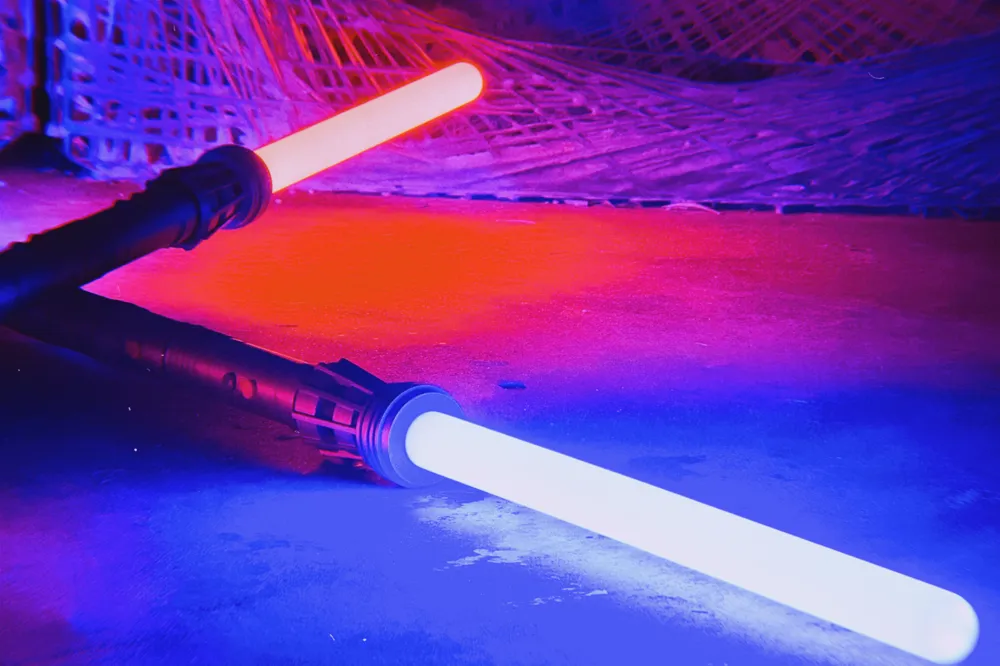
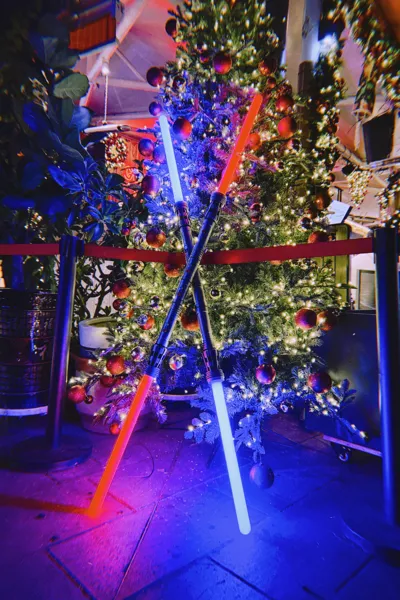
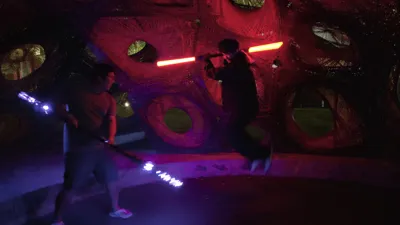
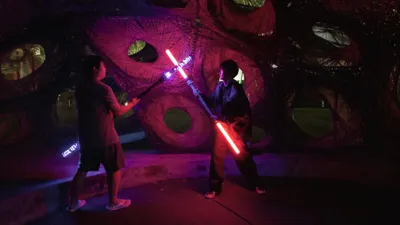
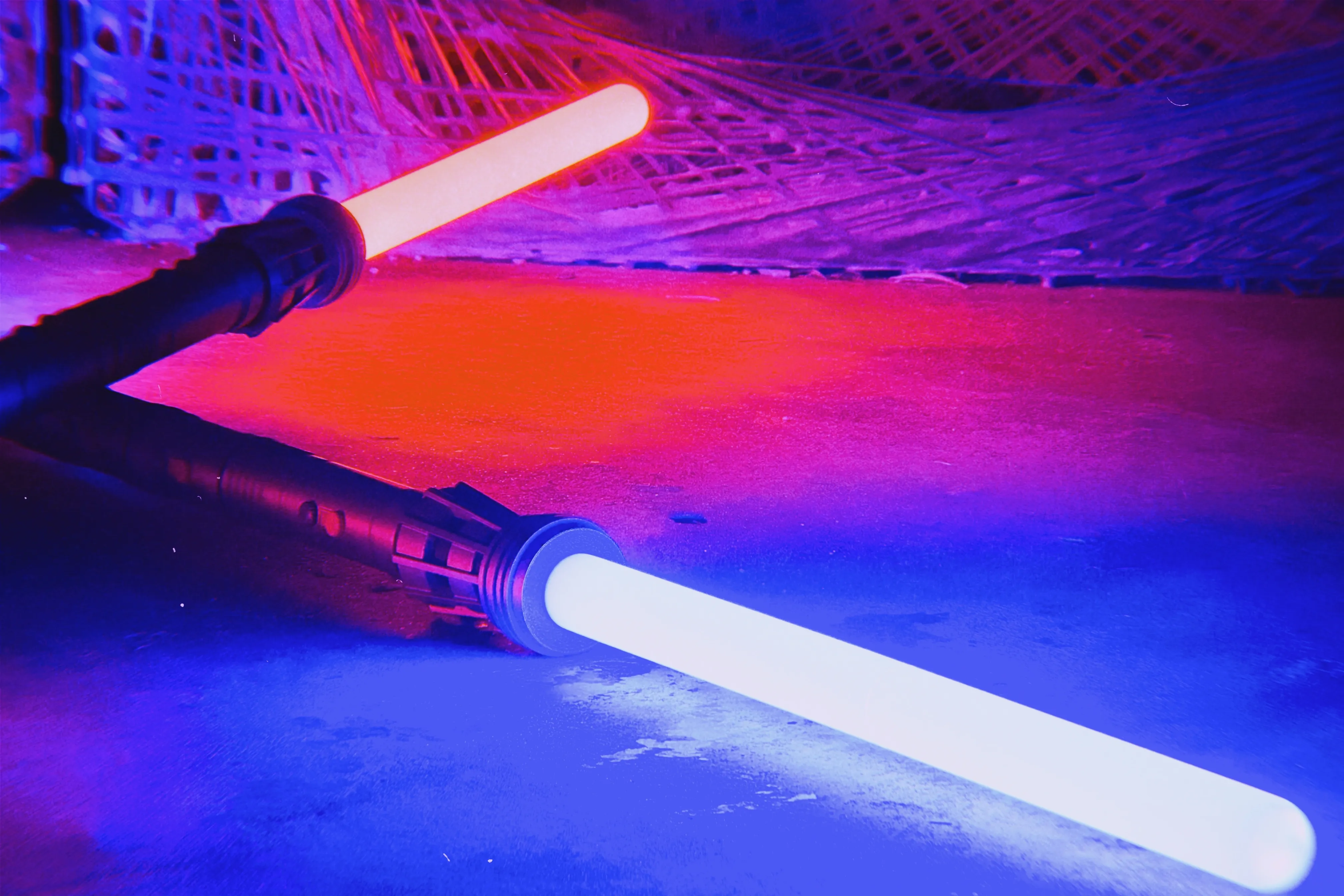
Pixel LED Strip light Blade: With the two pixel LED strips included in the Motion-Activated Sound and Light Props Kit, I can replicate the glowing effect of the Lightsaber to match those expensive ready-made ones perfectly.
Sound and Light Effects: The built-in sound and light effects of the kit have saved me a lot of trouble. All sorts of Lightsaber-themed sound effects are ready to go, eliminating the need for me to edit original sounds myself. Upon checking the accompanying app, everything is already customized. Switching sound effects is incredibly convenient - just a simple tap, making it extremely user-friendly.
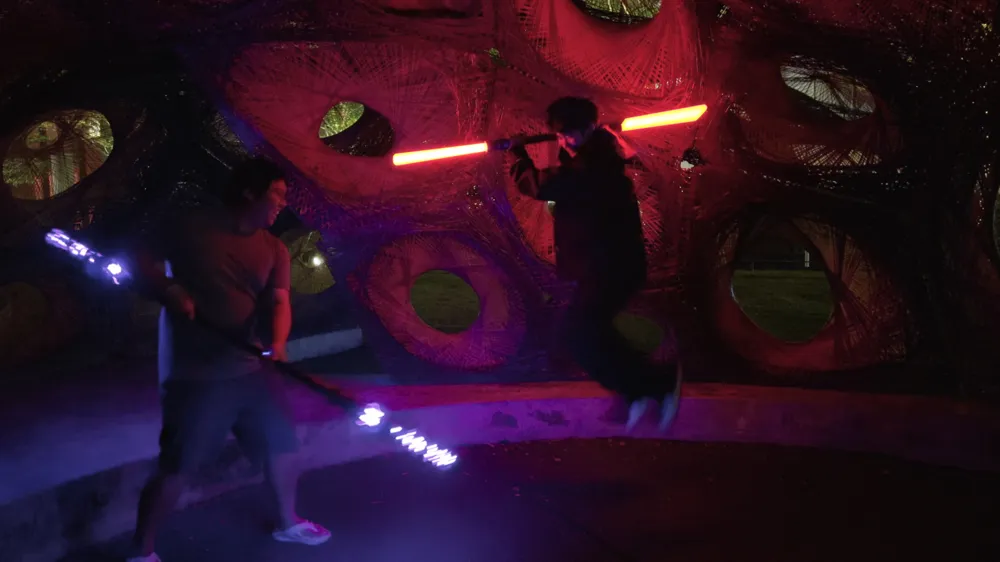
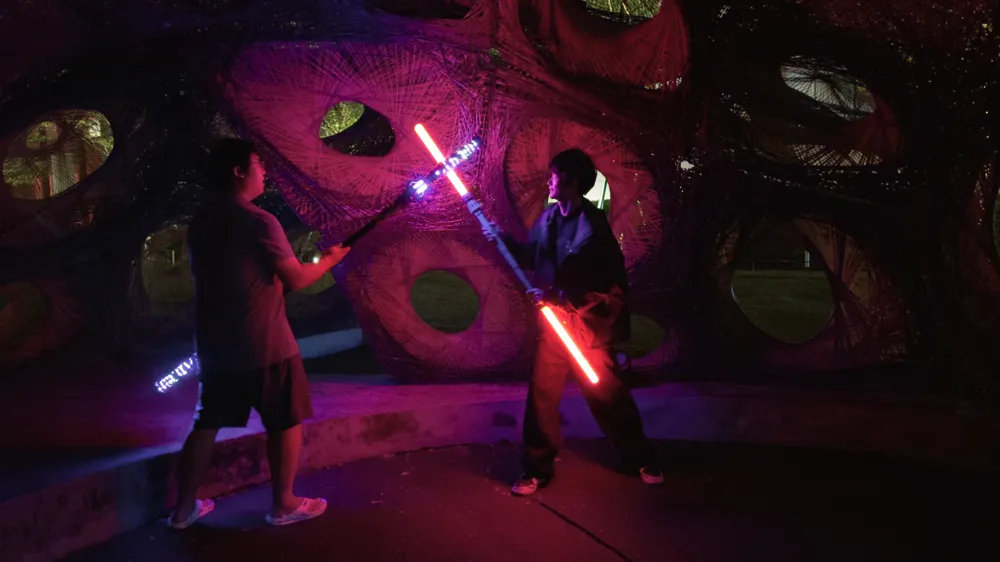

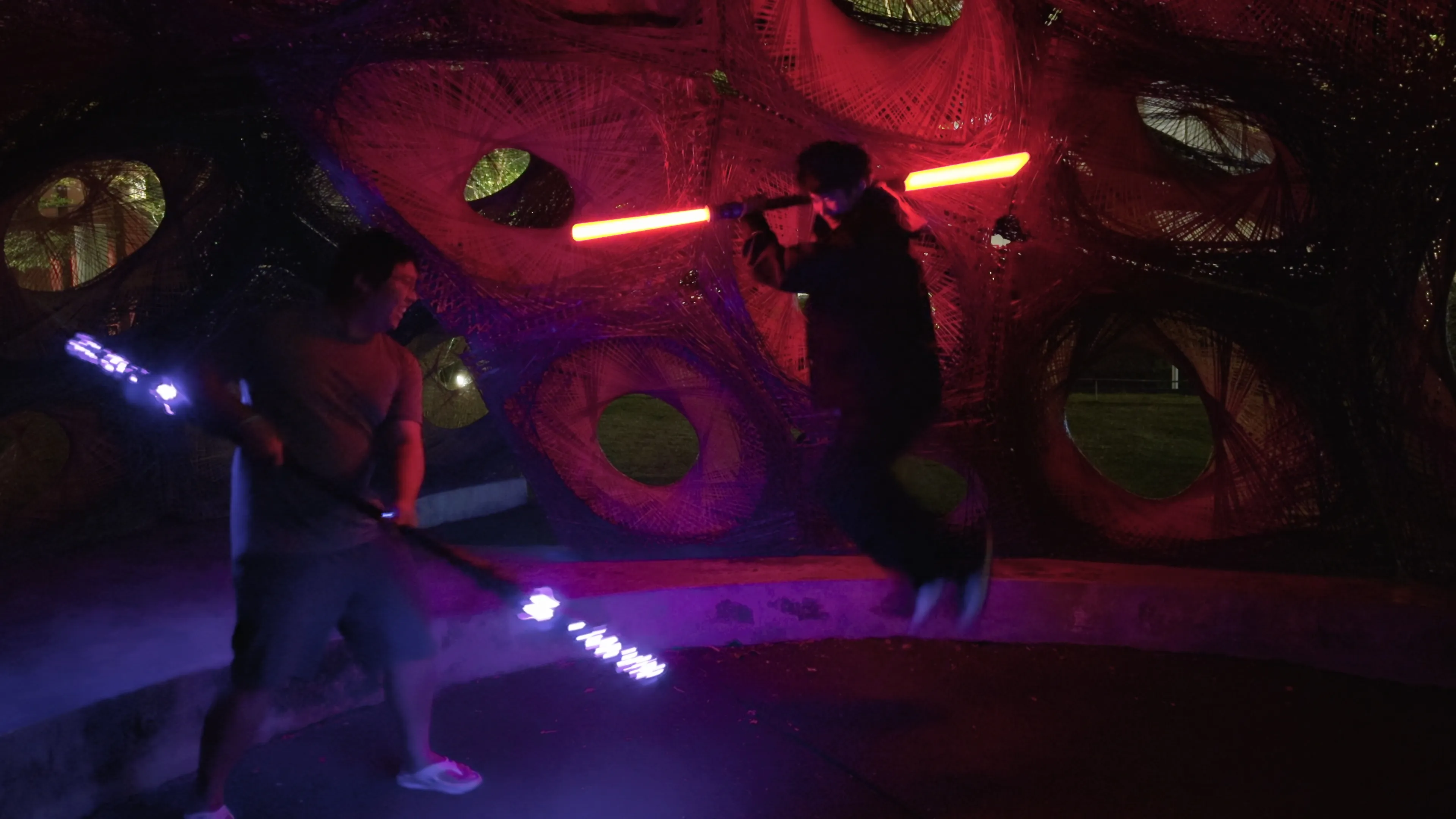
Sensory Operation: When swinging this Lightsaber, the buzzing sound it emits is just like the ones in the movies, creating an immersive experience. Plus, with a gentle twist of the Lightsaber, you can power it on or off, a cool feature that has mesmerized the kids in the neighborhood, leaving them envious.
Compared to ready-made Lightsabers, here are the highlights:
- Affordable Price: Seriously, the same Pixel Lightsaber could cost several times more on the market! Just the mainboard and pixel LED strips alone offer outstanding value for money. The aluminum tube and app? They come as part of the kit, essentially a gift to you!
- Customization Freedom: Customization is key! You have the freedom to mix and match based on your preferences. Choose the colors of your materials based on your preferences. If you have modeling skills, you can get creative with second creations, offering a wealth of gameplay possibilities and endless fun.
- Showcase Your DIY Skills: Showcase your skills in front of family and friends, document the assembly process on social media, and watch the likes pour in. Your hands-on abilities are sure to leave everyone in awe.
In comparison to the 1:1 Ruyi Jingu Bang Wukong Staff Weapon, here are the highlights:
- The assembled Light Blade is 159cm in length, extremely convenient to carry around wherever you go. The blade is connected by threads, making it compact when disassembled to less than 70cm. It takes up minimal space in your bag or car, ensuring easy storage and transport.
- In terms of weight, it is much lighter than the Ruyi Jingu Bang, saving on filaments and making it effortless to carry around without feeling burdensome. There's no trouble squeezing onto the subway with it.
- When it comes to structural strength, it is top-notch. The printed parts are embedded in aluminum tubing, providing exceptional durability.
- Keeping a low profile, this blade won't attract unwanted attention when not emitting light, ensuring a discreet presence without drawing unnecessary focus from curious onlookers, especially children.
Printing Instructions
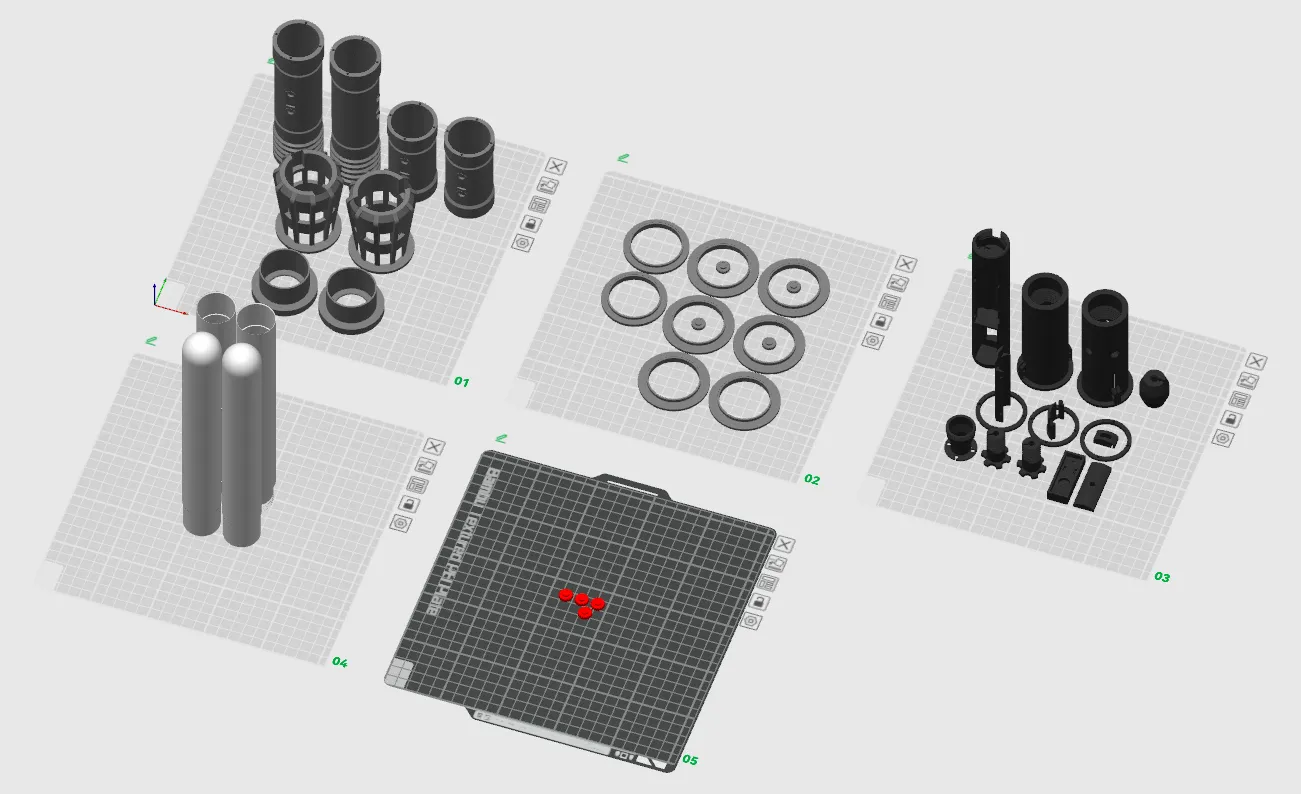
Plate 01&02 - Bambu PLA Basic Silver
Plate03 - Bambu PLA Basic Black
Plate04 - Bambu PLA Basic Jade White
Plate05 - Bambu PLA Basic Red
Accessory kit
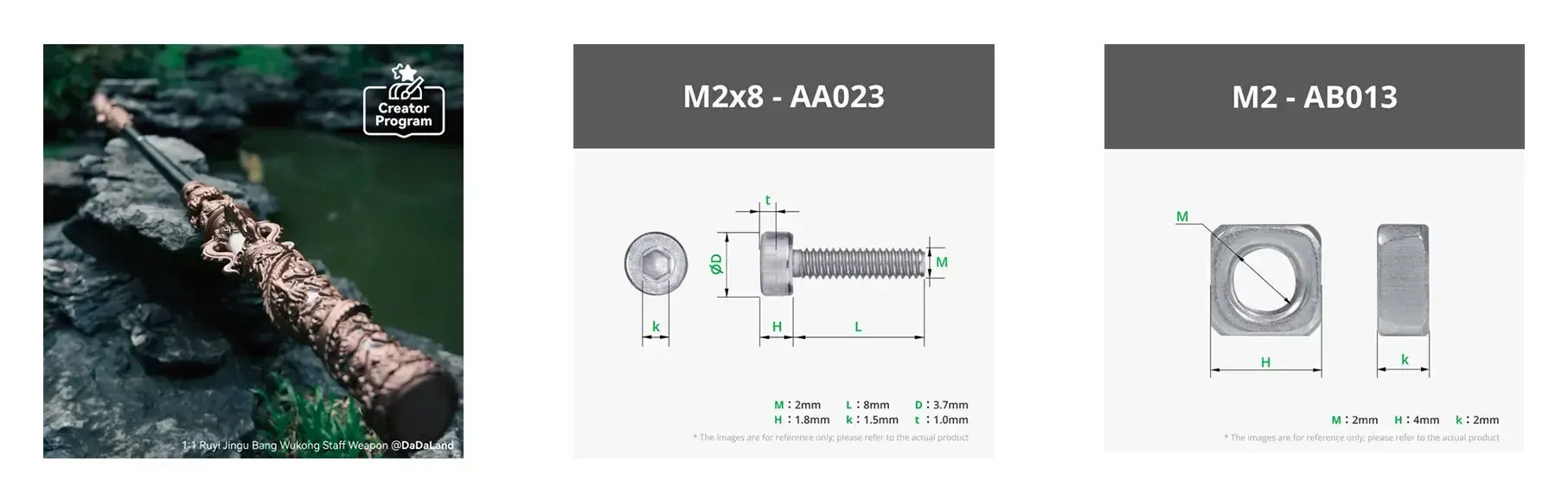
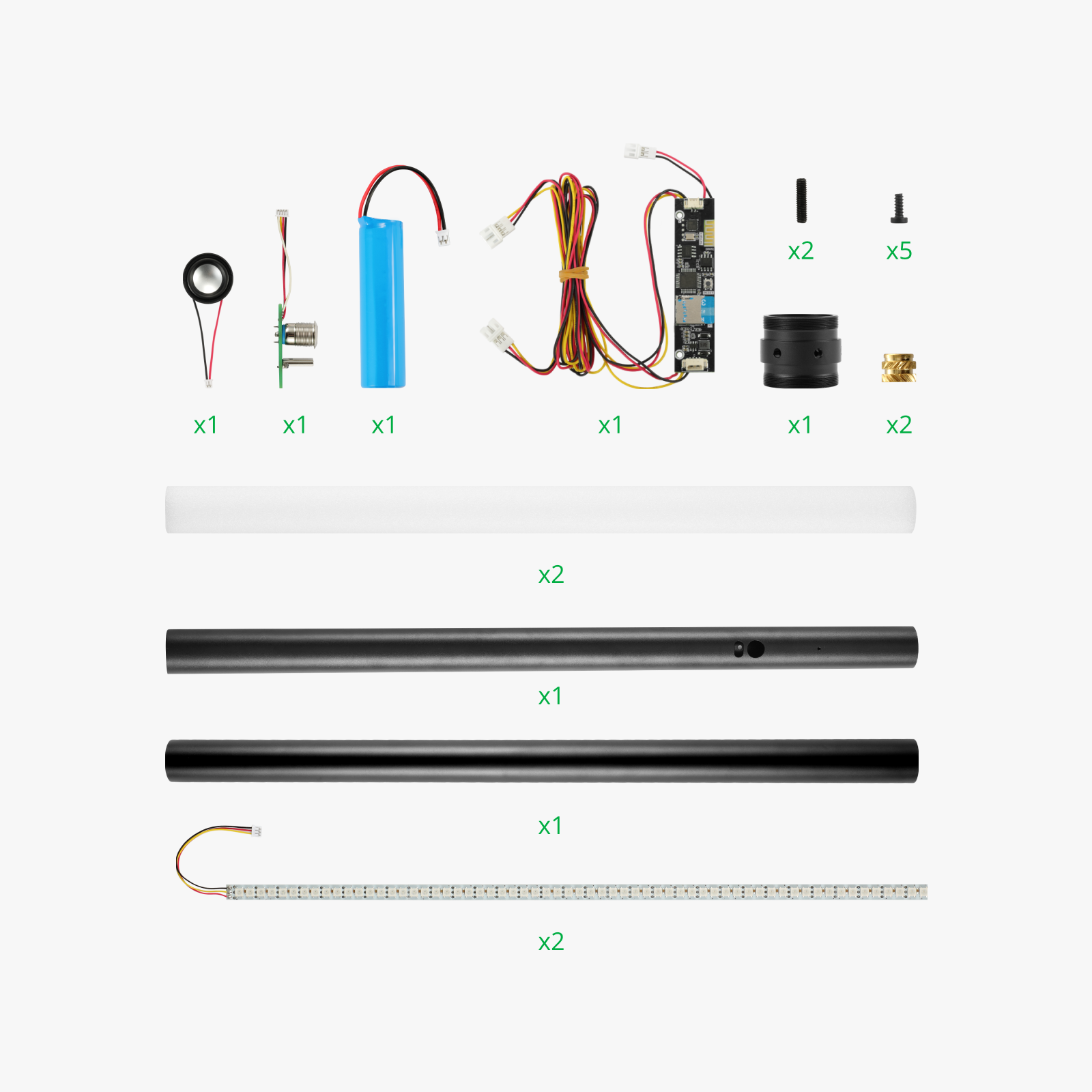
Motion-Activated Sound and Light Props Kit - ZC007 X1
M2x8 - AA023 X8
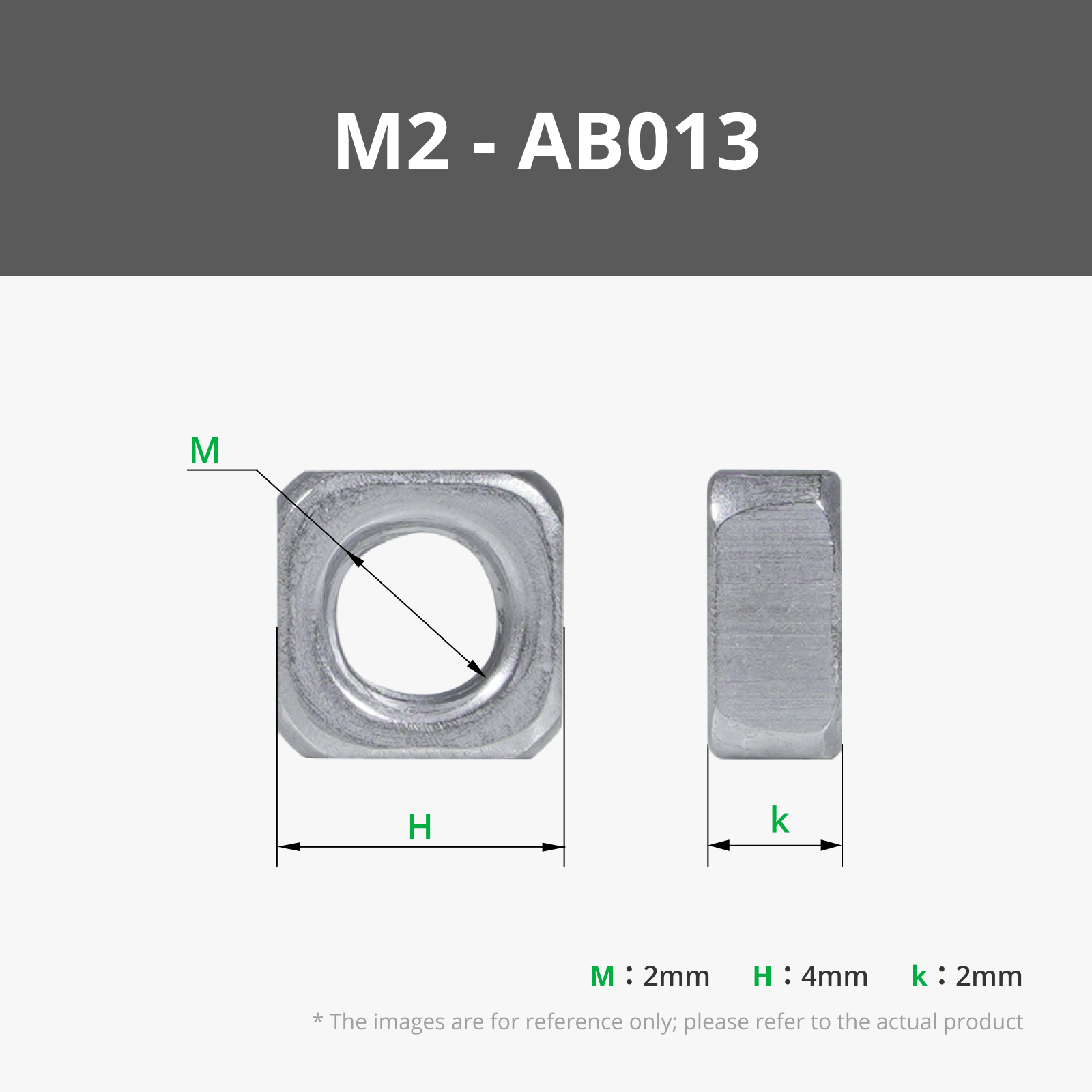
M2 - AB013 X8
Assembly Tutorial
Installation of the internal structure should follow the installation guide for the DaDaLand‘s Ruyi Jingu Bang. During installation, pay special attention to wrapping the LED strip wires around the speaker fixing part, leaving a 10cm length of wire. This practice ensures proper management and storage of excess wires, preventing inconvenience caused by overly long wires.
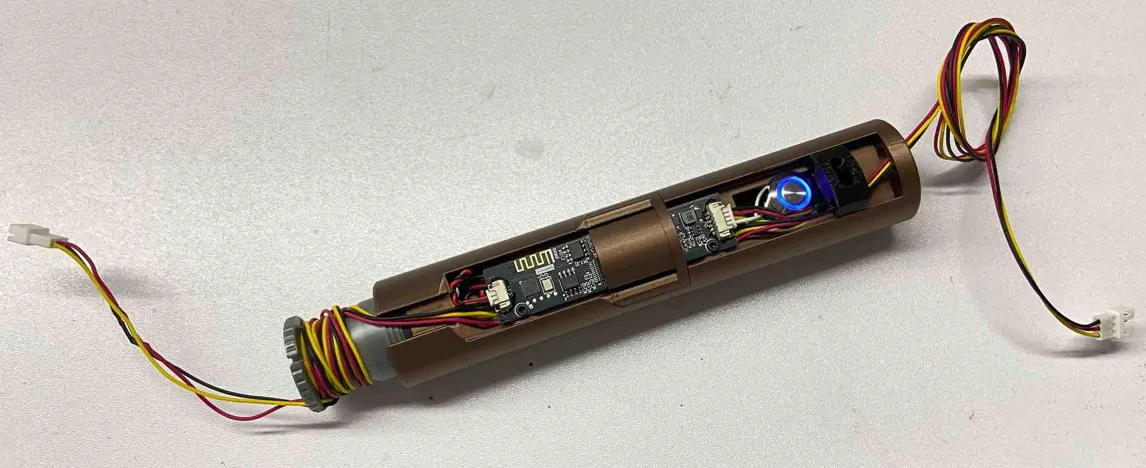


Install the internal structure into the aluminum tube, ensuring alignment with the keyhole on the tube, and secure it using top screws. This installation step can be referenced from the DaDaLand‘s Ruyi Jingu Bang installation tutorial. Subsequently, as shown in the diagram, encase the external decorative tube over the aluminum tube, then insert the blade fixing part. Attach four 7mm-long consumable screws on the blade fixing part for positioning the external decorative tube. Finally, tighten the four screws on the blade fixing part to securely fix it onto the aluminum tube.

Flip the aluminum tube and, as shown in the diagram, sequentially install the external decorative ring and external decorative tube onto the tube. During this process, use multiple 10mm-long consumable screws for fixing and positioning. Ensure correct alignment of the external decorative tube during installation. After completing these steps, install the blade fixing part on this side and tighten the screws on the fixing part. In this manner, the blade fixing parts on both ends of the aluminum tube securely clamp and fix the four decorative tubes in the middle.
Install the decorative pieces and button decorations on both ends as shown in the diagram. The button decorations should be fixed with adhesive. Glue holes are provided on the decorative tube; inject an appropriate amount of glue into the hole, then press the button decoration into place. Wait for the glue to cure before proceeding with further steps. If you find the installation of the fin pieces on both ends cumbersome, you can opt to use glue for adhesion to simplify the installation steps.
Insert the Light Diffusion Foam into the upper half of the blade casing, then connect the lower half of the blade casing to the upper half. Next, thread the pixel LED strip through the opening at the bottom of the blade casing into the blade and pass the LED strip wires through the LED strip fixing screws. Finally, screw the LED strip fixing screws into the blade to complete the installation. Note that two identical blades need to be installed.

Connect the blade LED strip wires to the mainboard and neatly store any excess wires after connection. Improper storage may cause the wires to entangle in the LED strip fixing threads, potentially damaging the LED strip wires. Carefully screw the LED strips at both ends into the corresponding LED strip fixing parts to complete the installation.

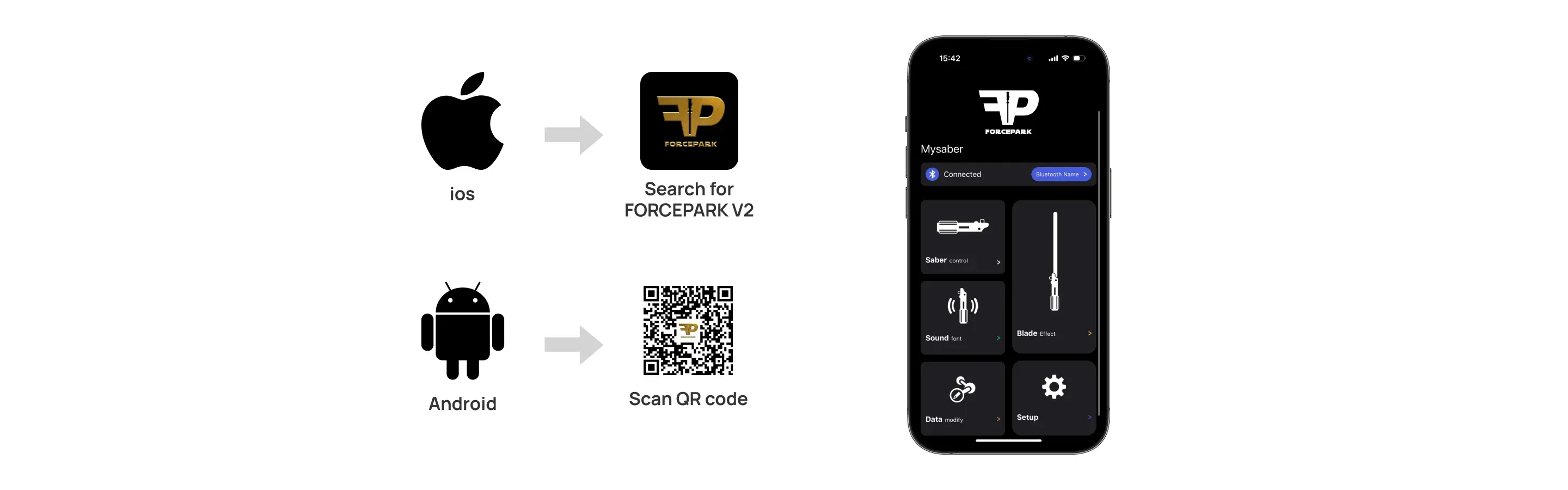
For software and app operations, refer to the DaDaLand‘s Ruyi Jingu Bang software manual. This guide provides detailed instructions on using the app software, as well as tips for various customization settings.
May the Force be with you
License



Comment & Rating (120)