Search models, users, collections, and posts

Milling insert zero setting
IP Report
Print Profile(1)

0.2mm layer, 4 walls, 50% infill
Designer
45 min
1 plate
Open in Bambu Studio
Boost
10
42
0
0
17
2
Released
Description
Content has been automatically translated.
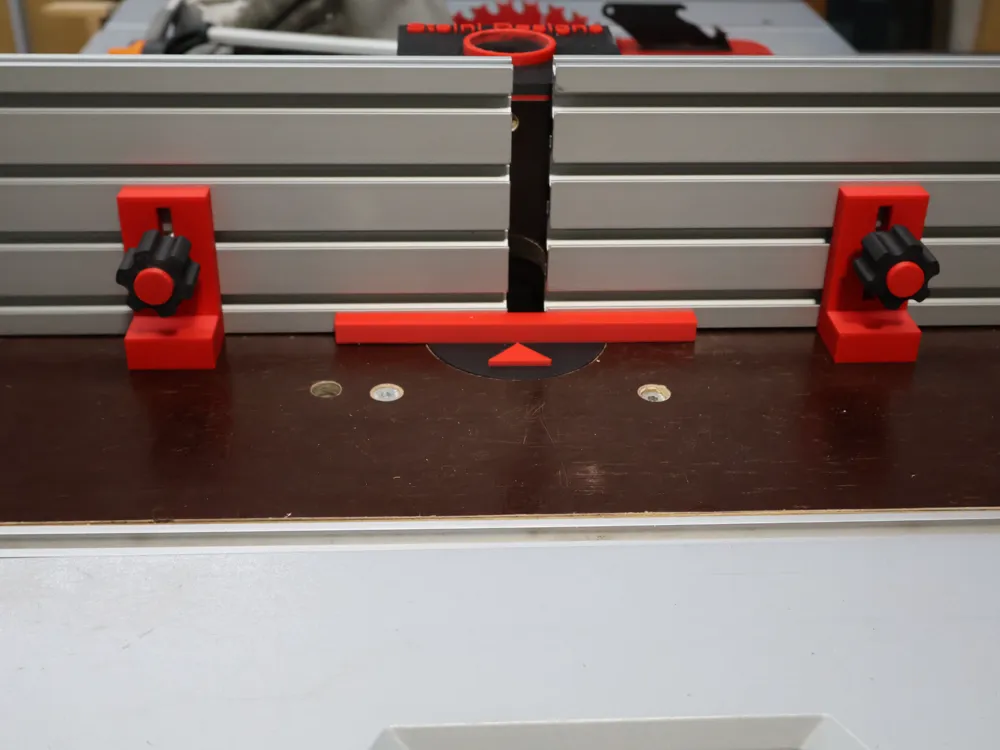
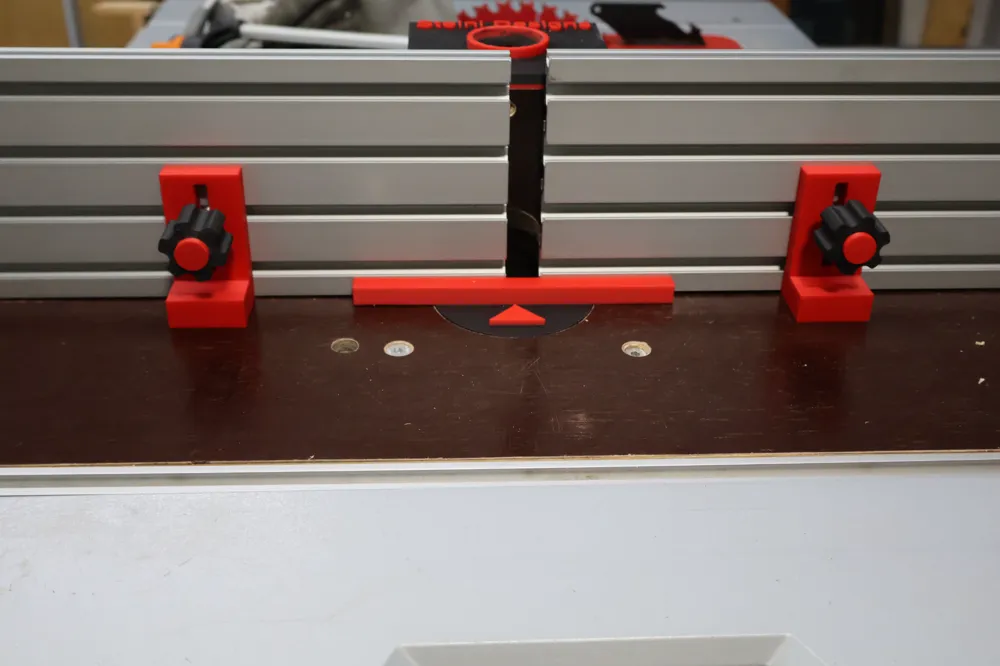
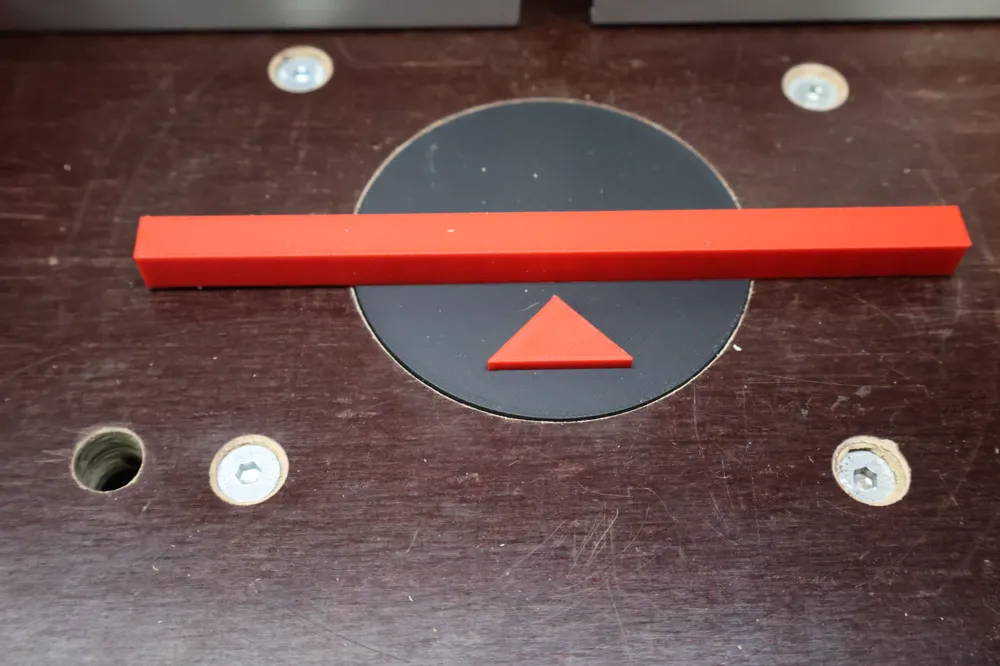
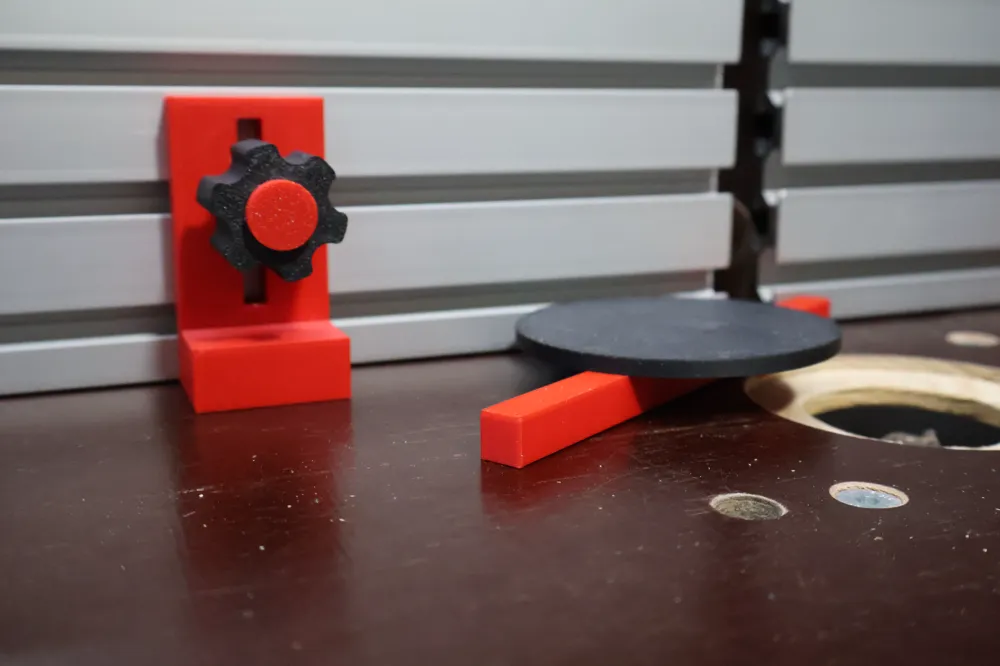
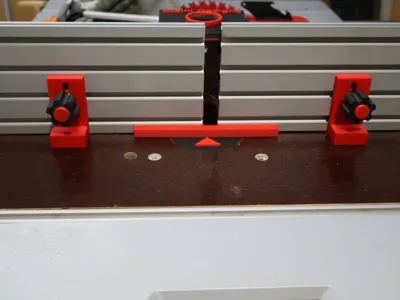
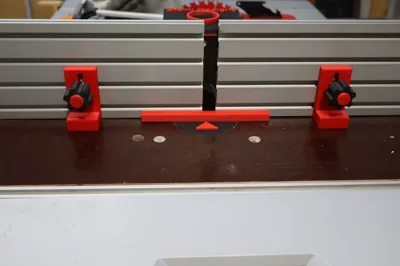
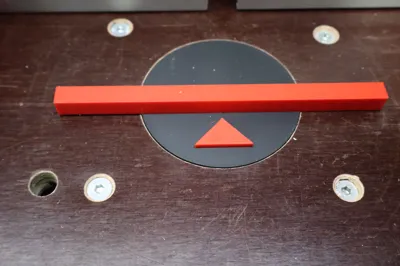
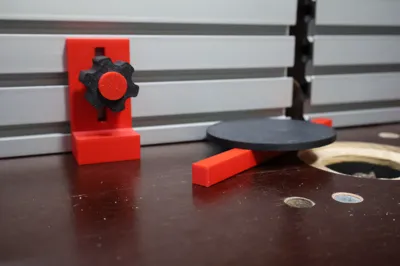
This milling insert facilitates quick adjustment of the milling stop → center of the cutter.
Now you can zero the digital caliper (also uploaded) and adjust the stop.
Set the cutter diameter/2, then you are back to zero, cutter to the stop.
You can individually adapt the diameter/material thickness to your milling table.
License

This user content is licensed under a Standard Digital File License.
You shall not share, sub-license, sell, rent, host, transfer, or distribute in any way the digital or 3D printed versions of this object, nor any other derivative work of this object in its digital or physical format (including - but not limited to - remixes of this object, and hosting on other digital platforms). The objects may not be used without permission in any way whatsoever in which you charge money, or collect fees.


Comment & Rating (0)