Search models, users, collections, and posts

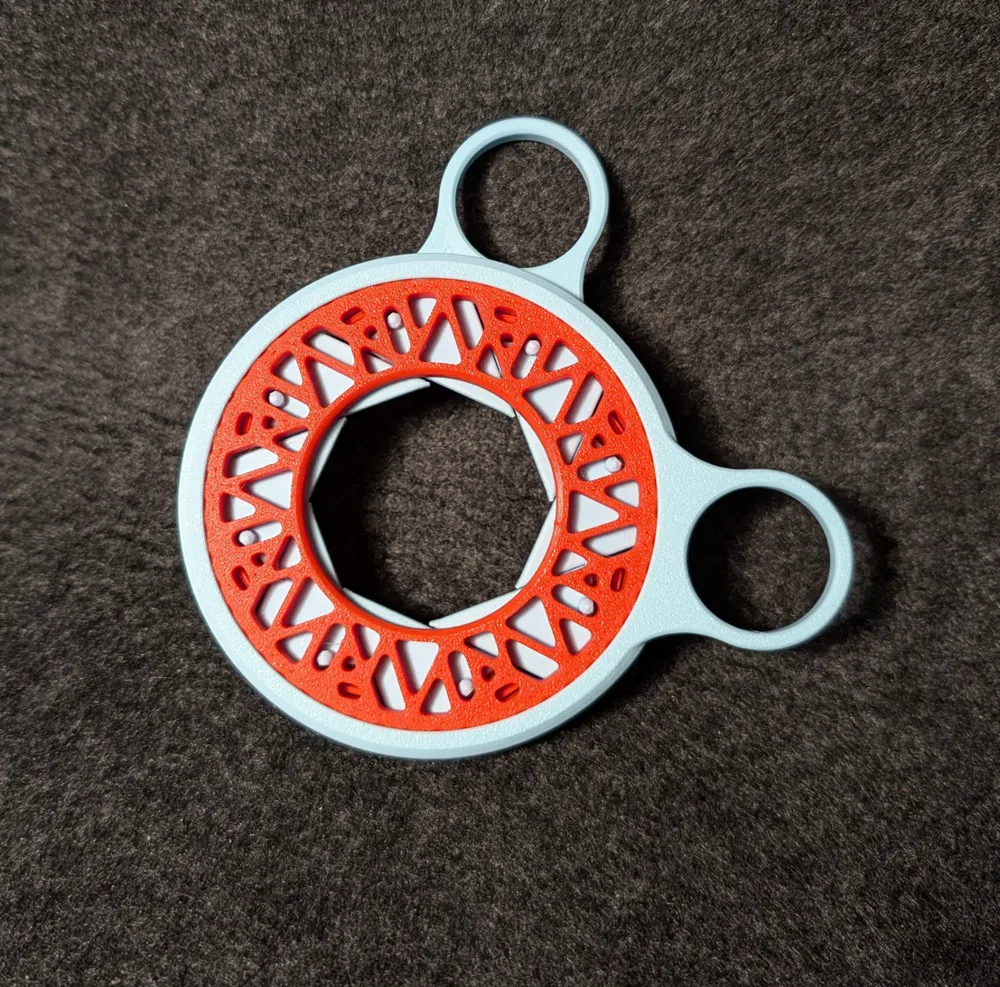
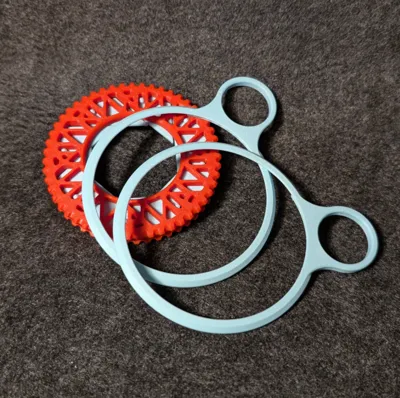
Handles - for Fidget Iris 8 Sliders
IP Report
GIF
GIF
Print Profile(1)

0.2mm layer, 3 walls, 25% infill
Designer
25 min
1 plate
Open in Bambu Studio
Boost
92
175
51
18
628
390
Released
Description
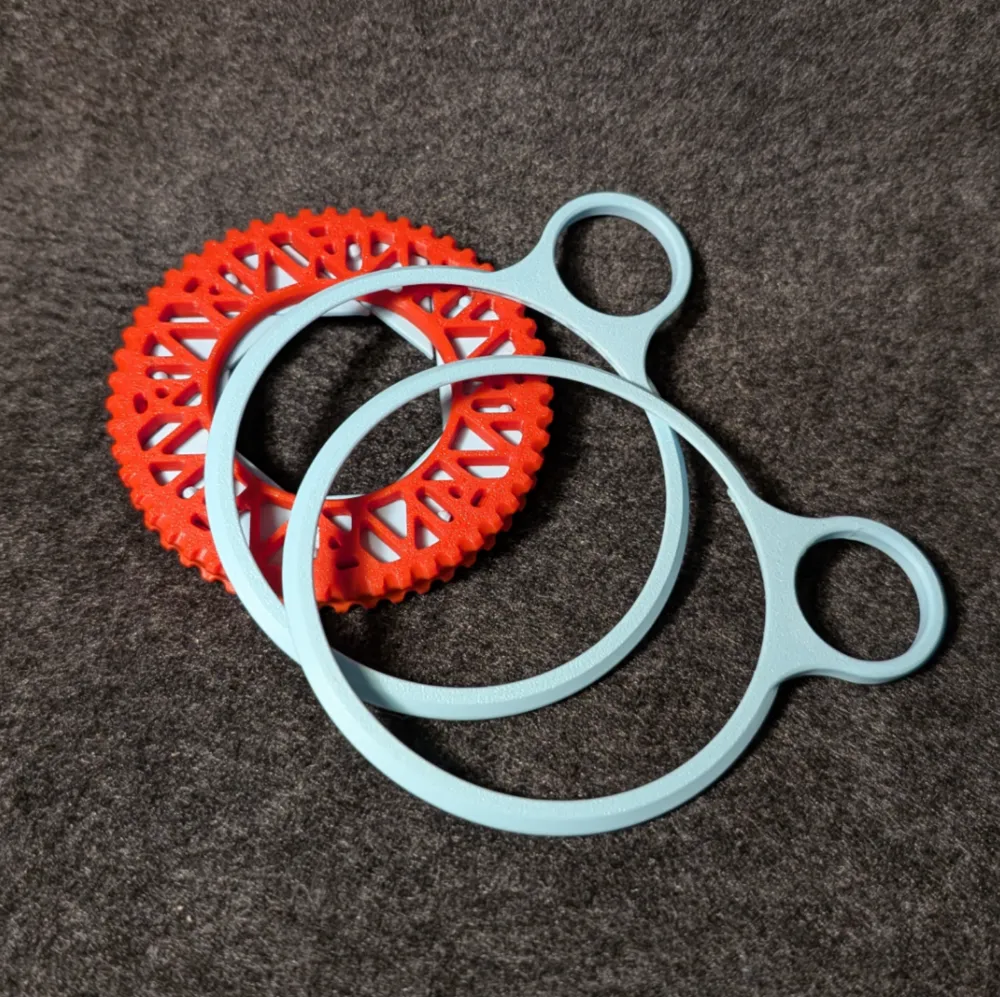
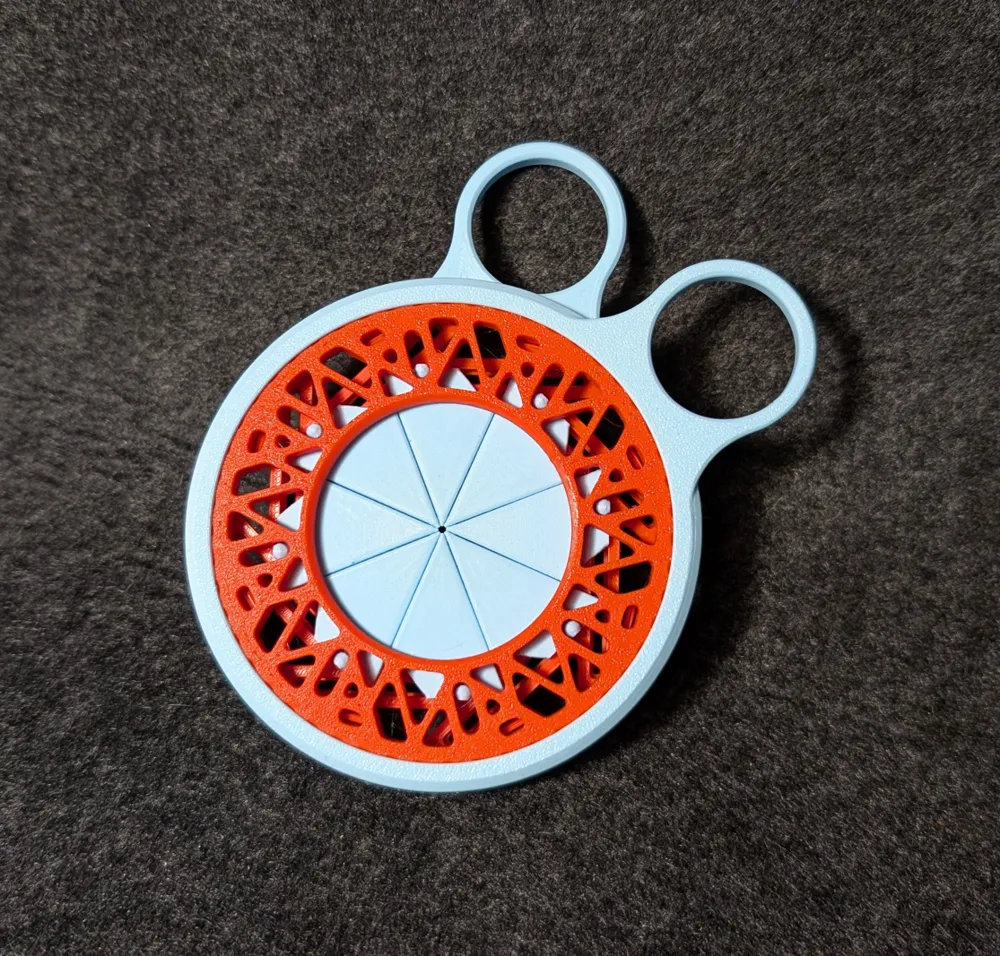
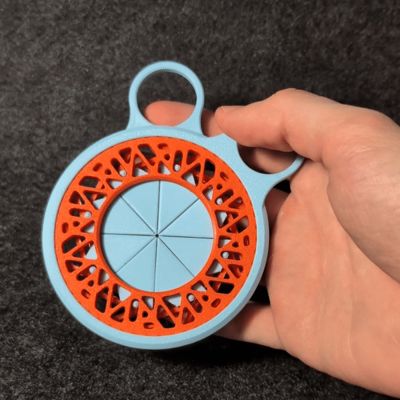
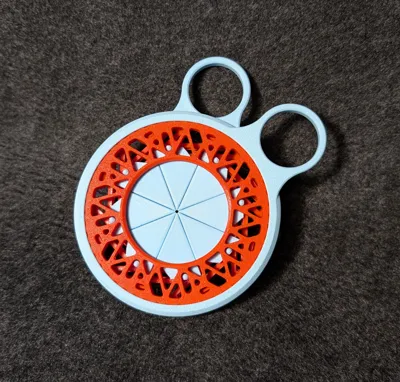
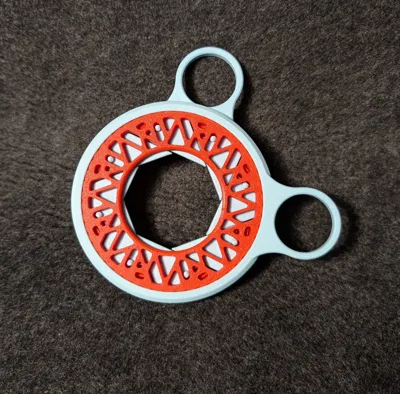
A user who printed my Fidget Iris asked me if I could create a handle for it, so it is easier for his 3 year old son to play with it.

This is what i came up with. You can use the Handles like a scissor to open and close the iris.
The files for the Fidget Iris are here:
https://makerworld.com/en/models/558072
I also uploaded a template to create your own handle. Download the “Template_snap_on_Force3.stp” step file and add any custom grip geometries you like in any cad system.

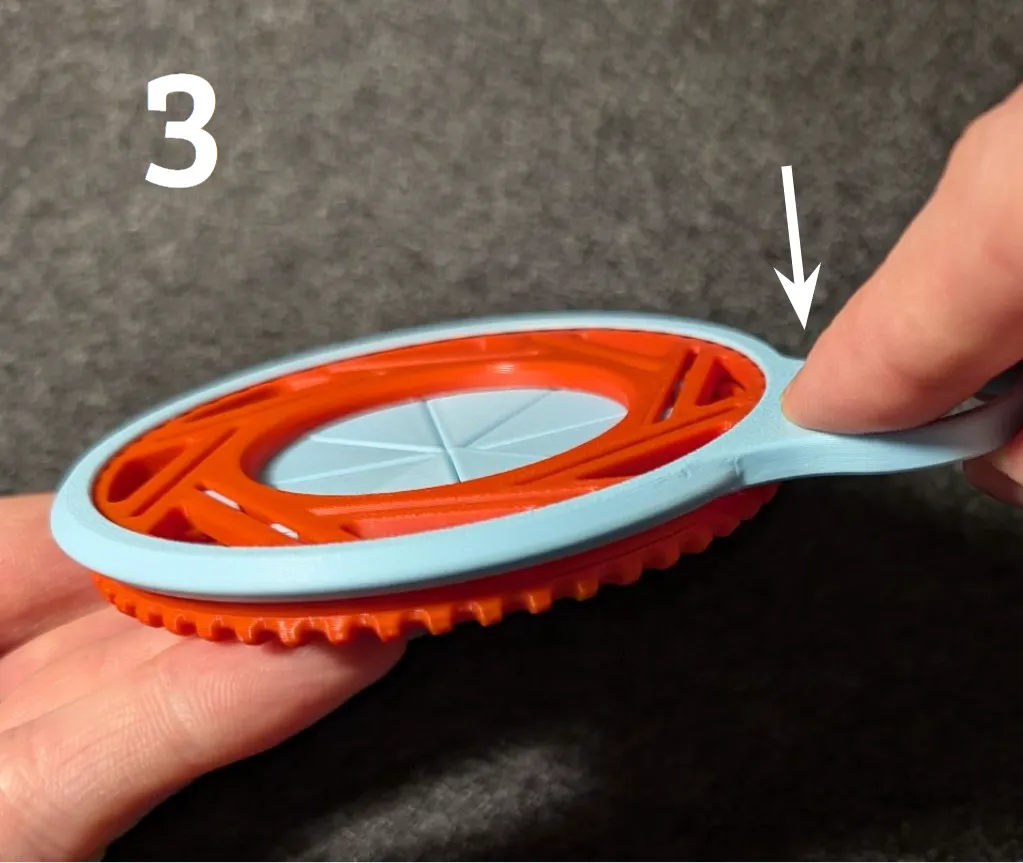
How to install the Handle:
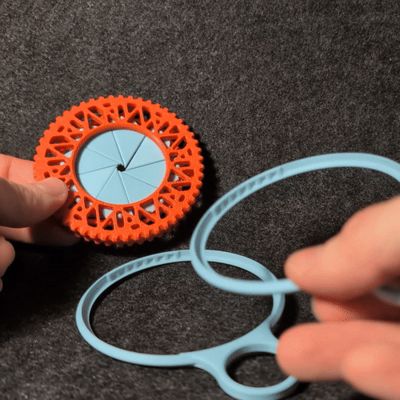
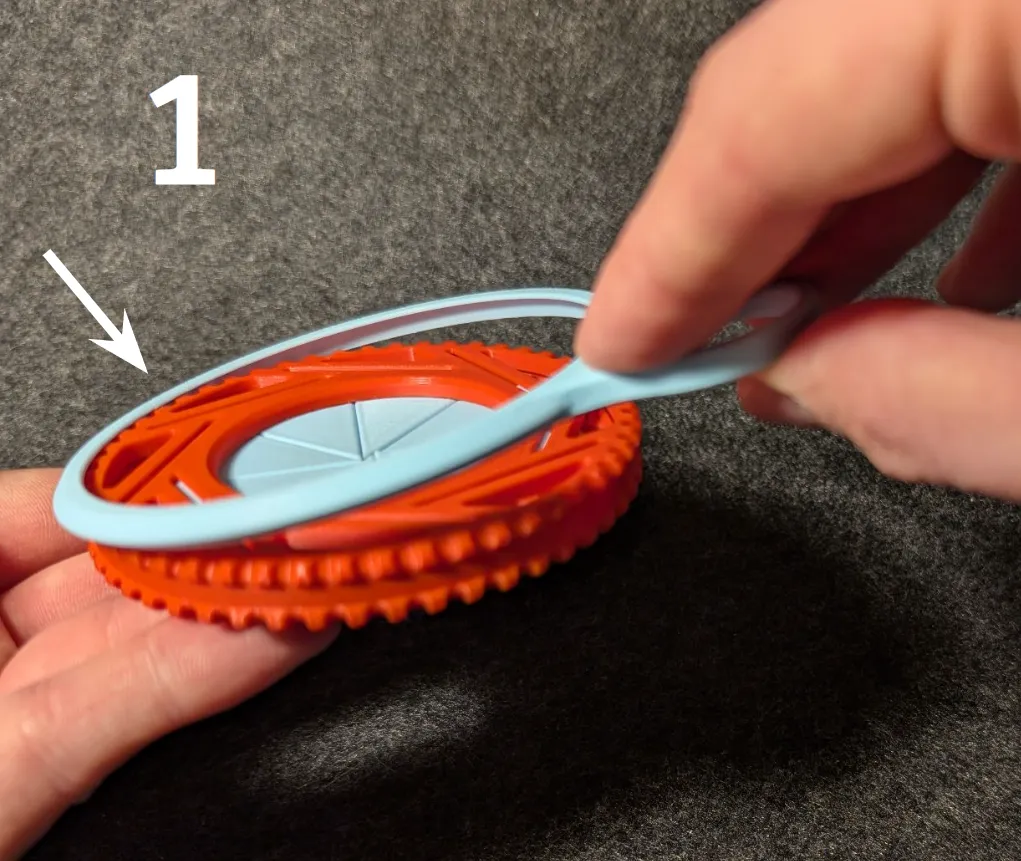
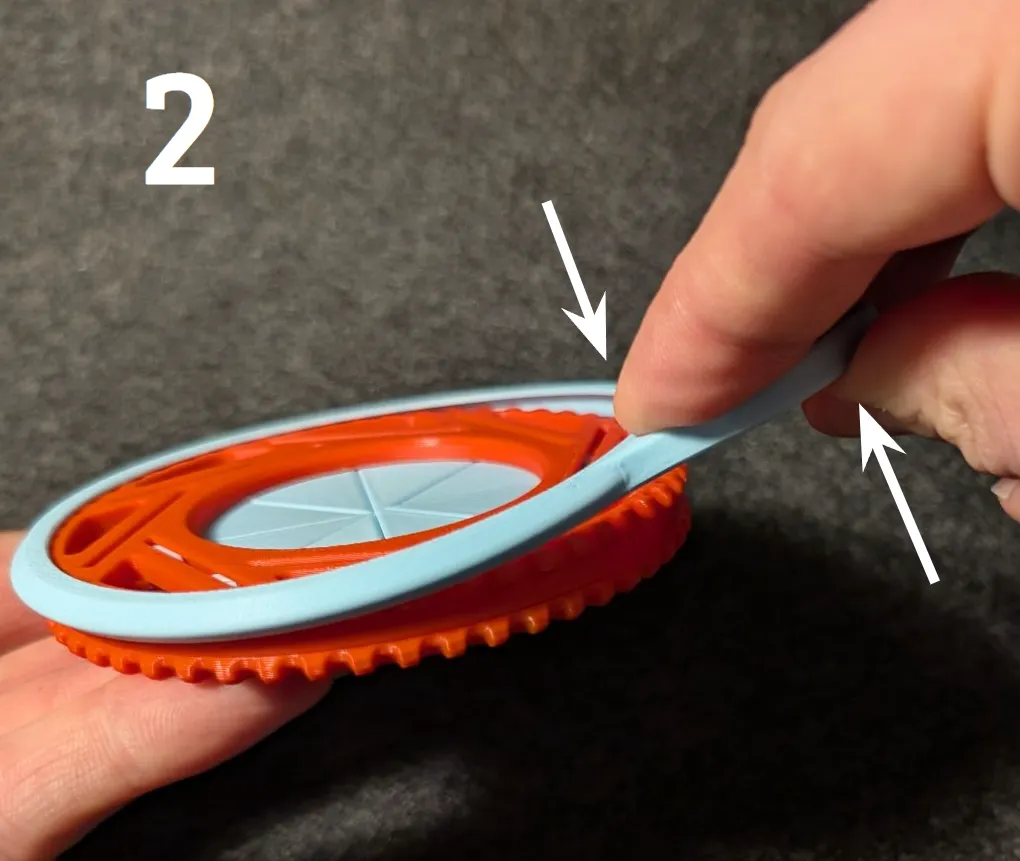
The Handle can be installed at any position on the circumference.
1. Place the far end onto the Iris Ring.
2. Bend the Loop with your fingers like shown in the picture.
3. While bending, lower the Handle into position.
License

This user content is licensed under a
Creative Commons Attribution-Noncommercial-Share Alike


Comment & Rating (51)