
Frame hueforge parametric
Print Profile(0)
Description
Hello
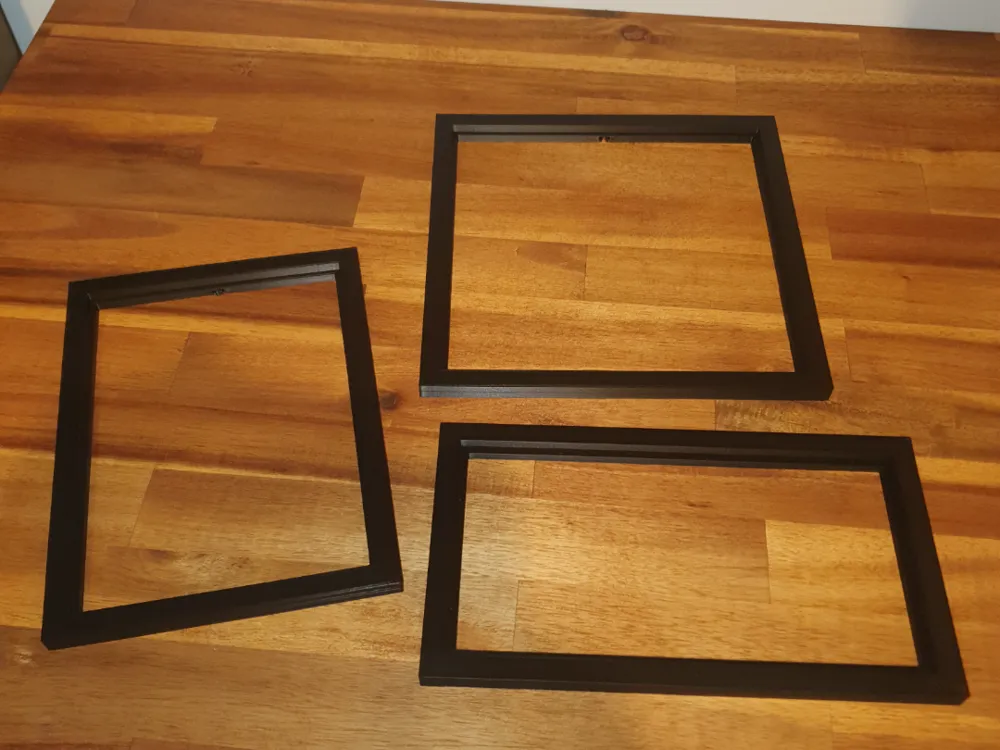
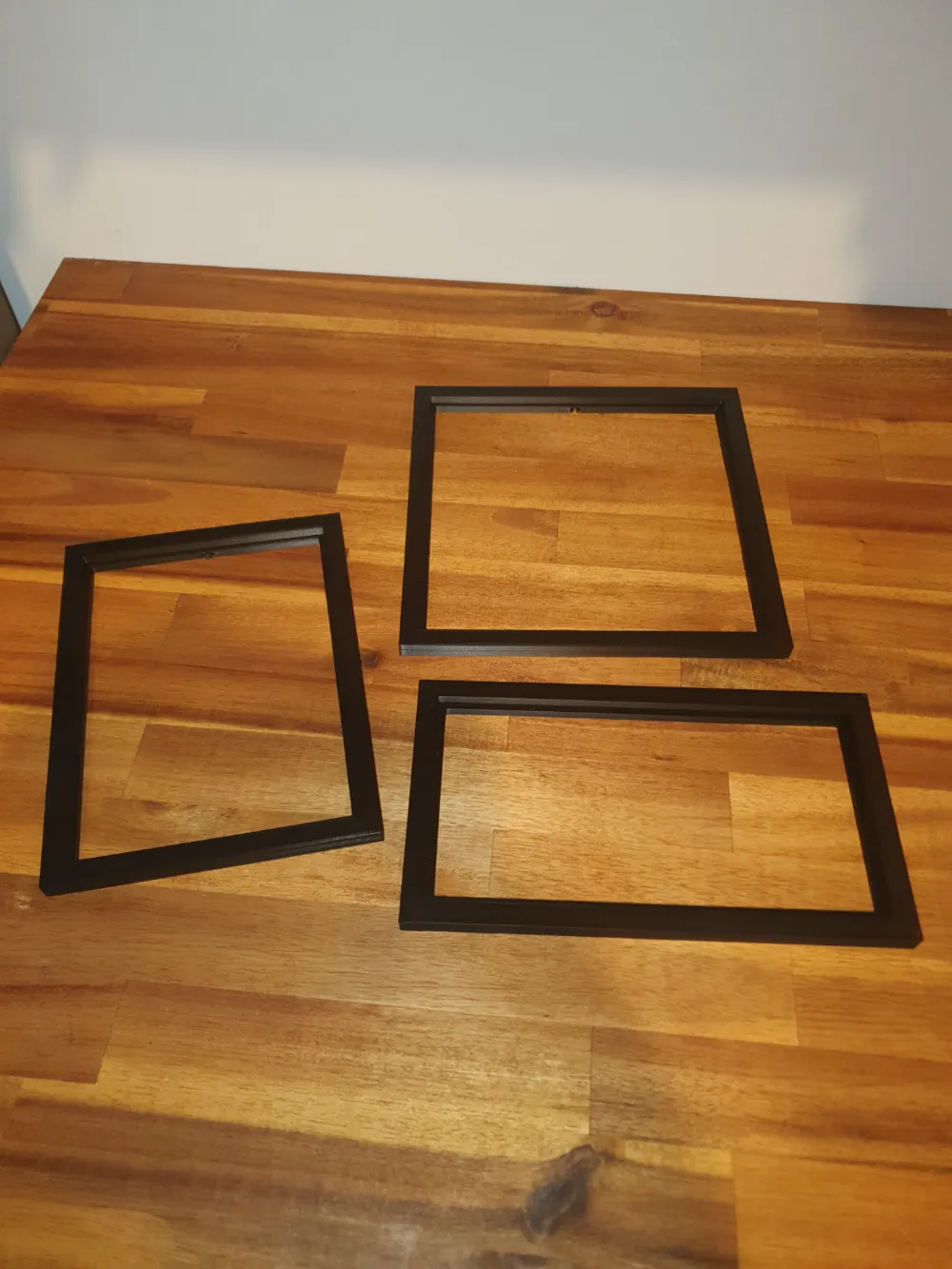
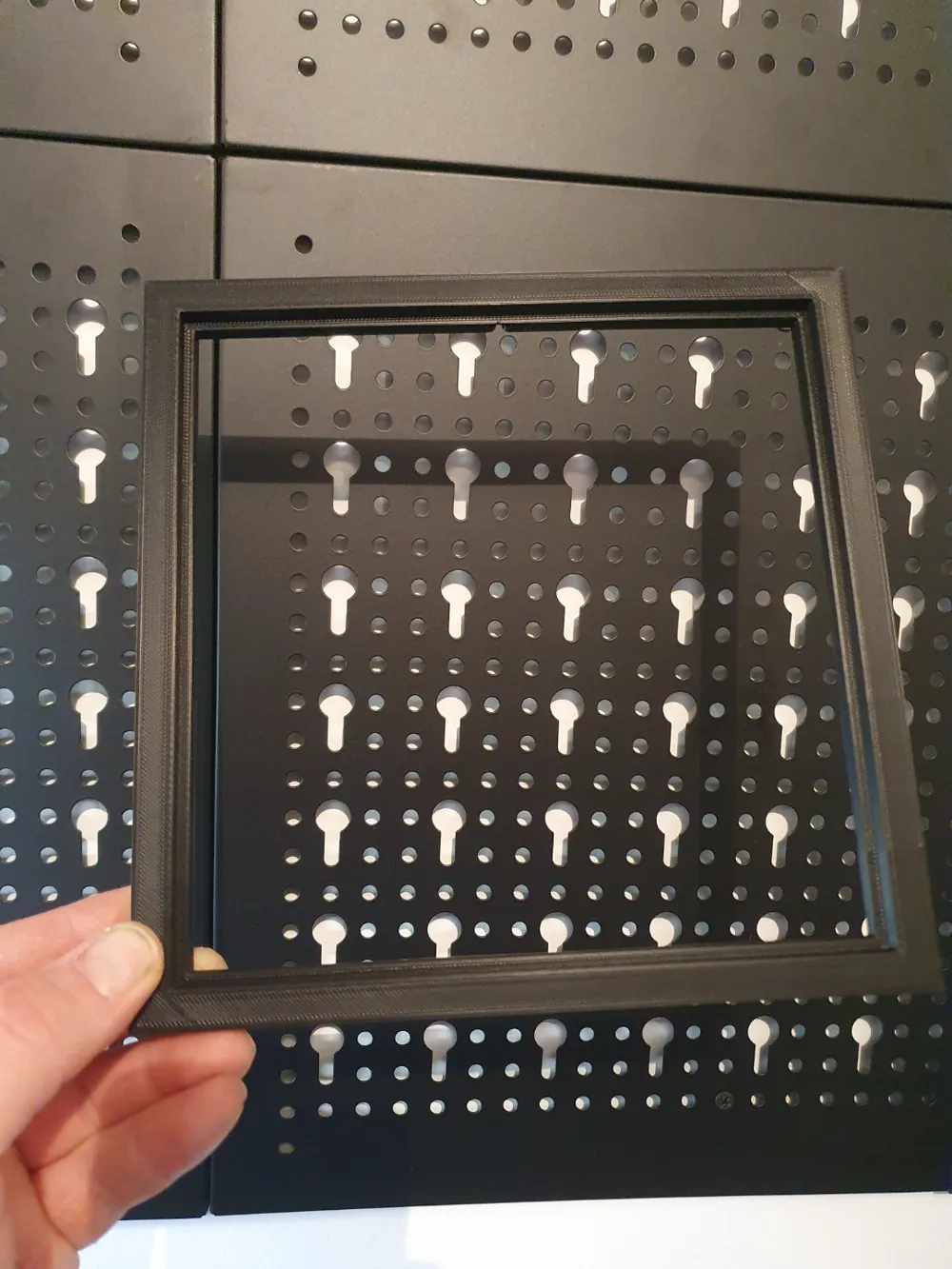
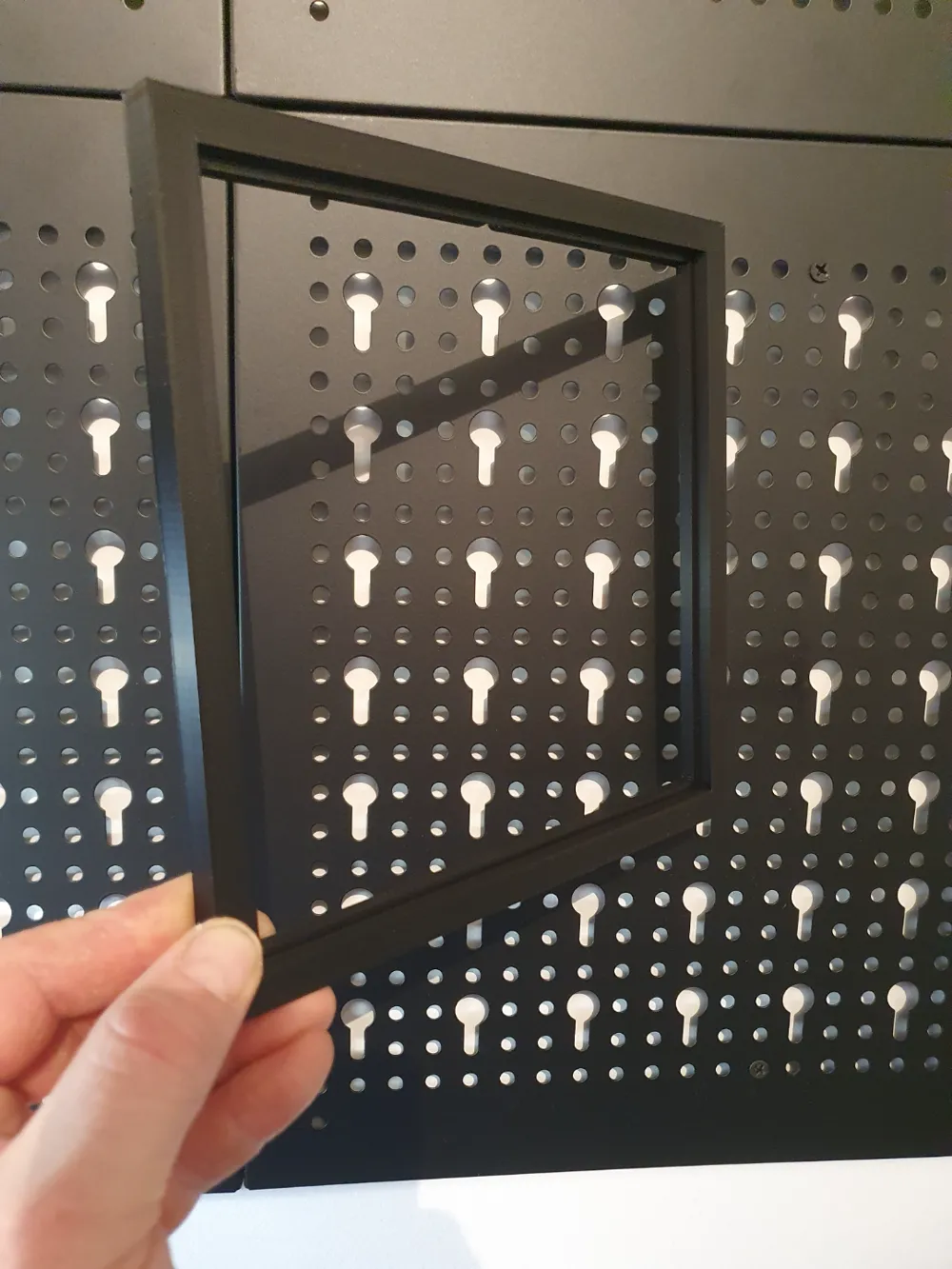
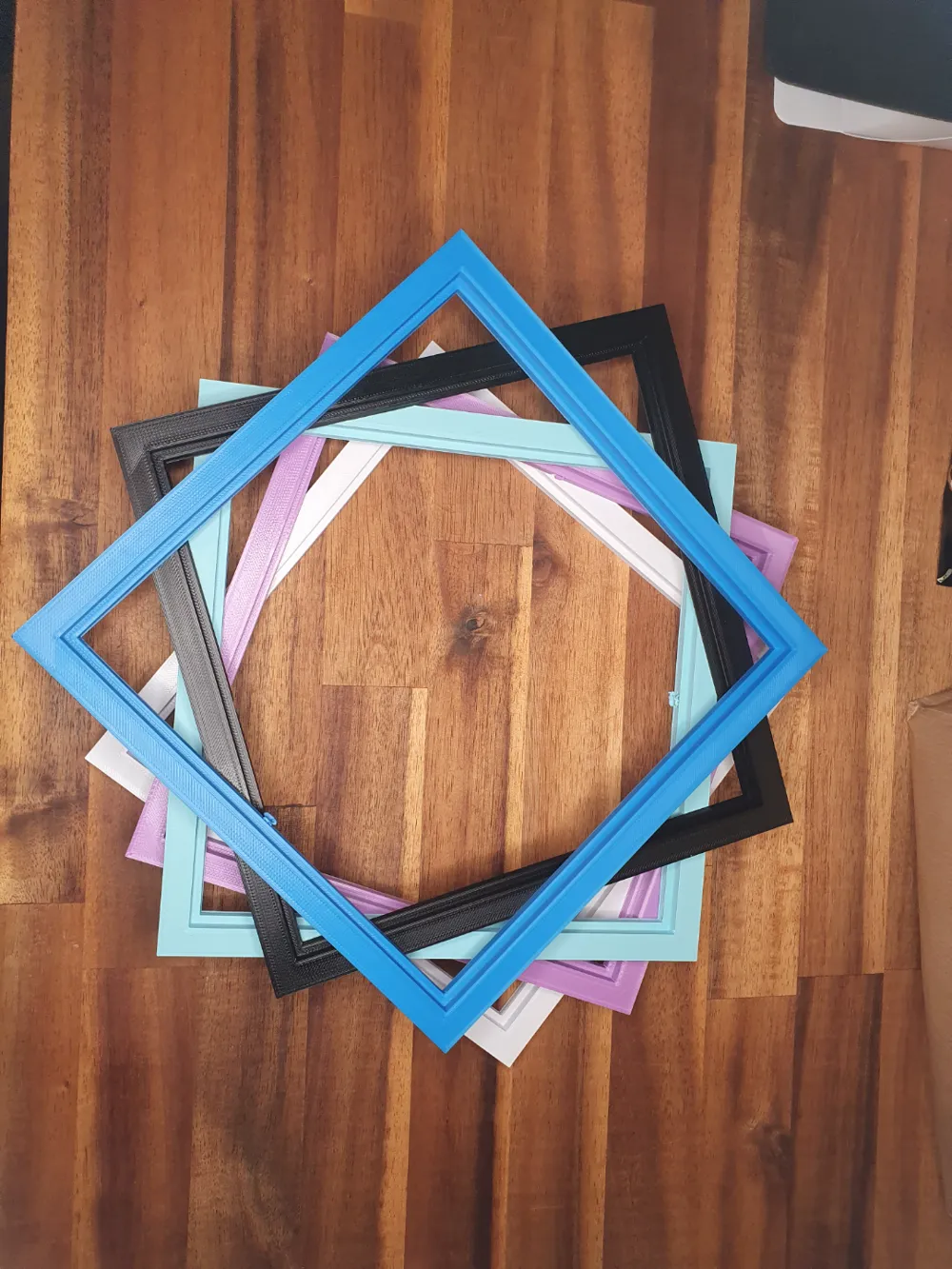
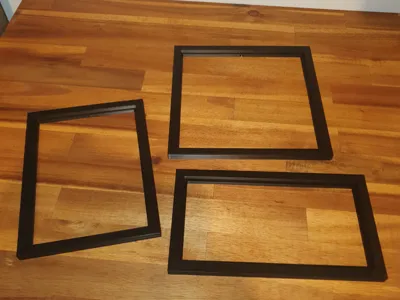
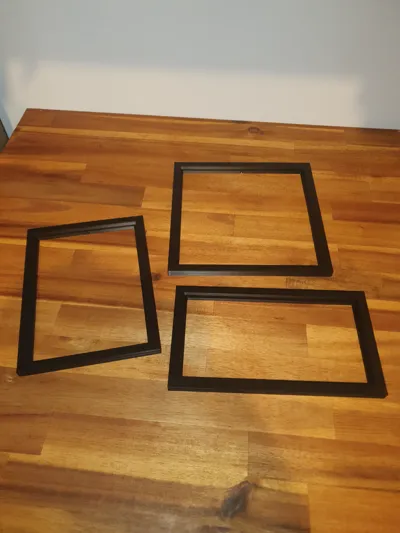
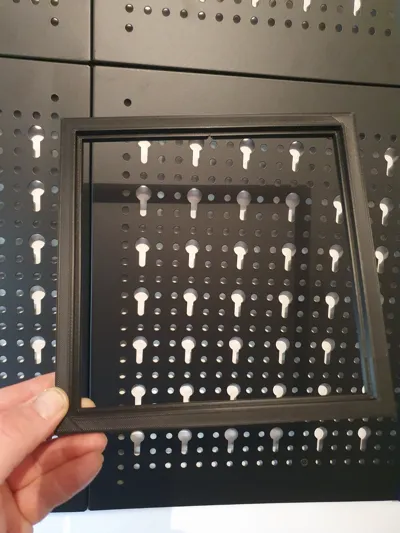
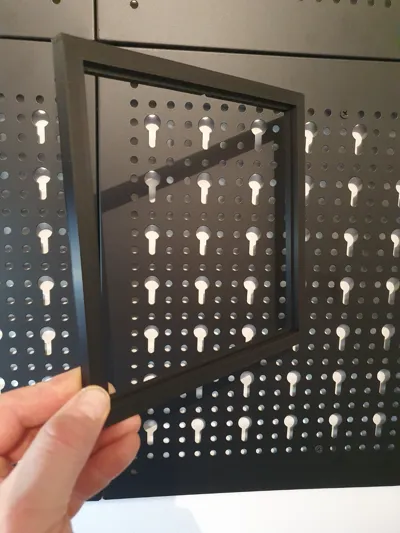
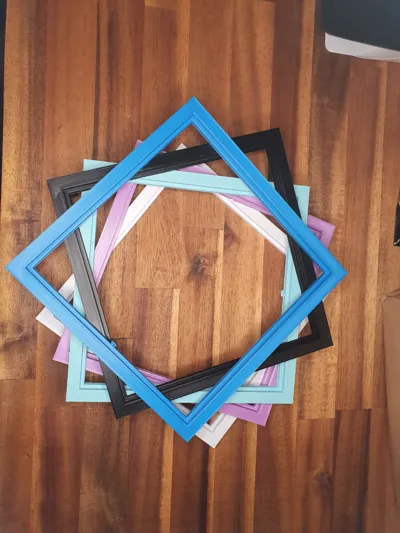
Here is a parametric frame to showcase your creations
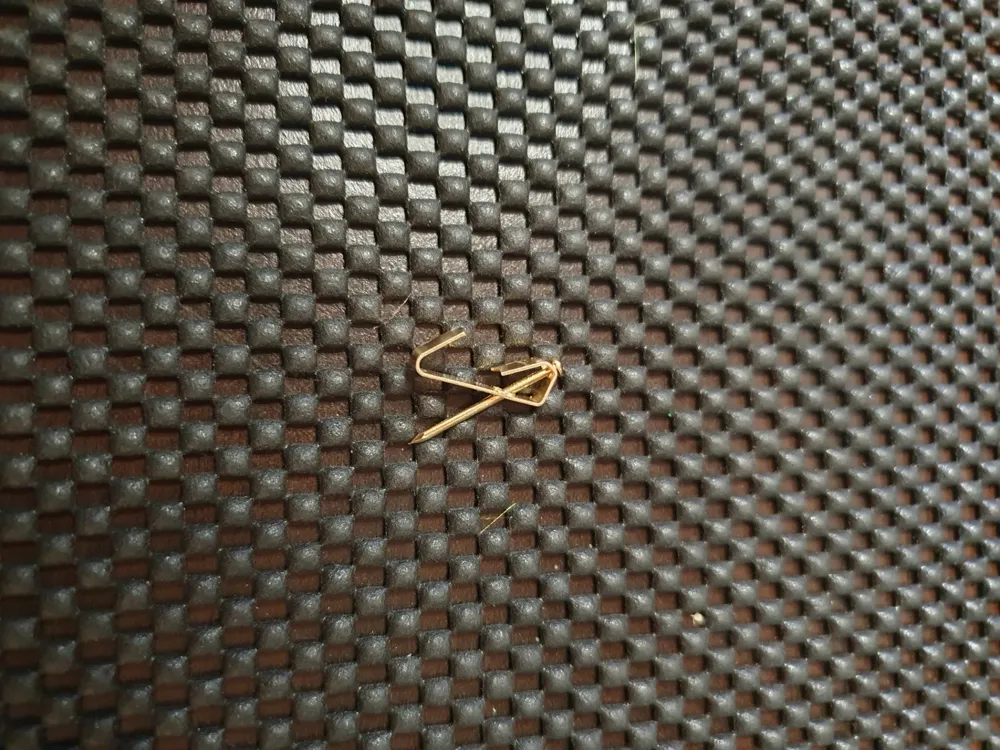
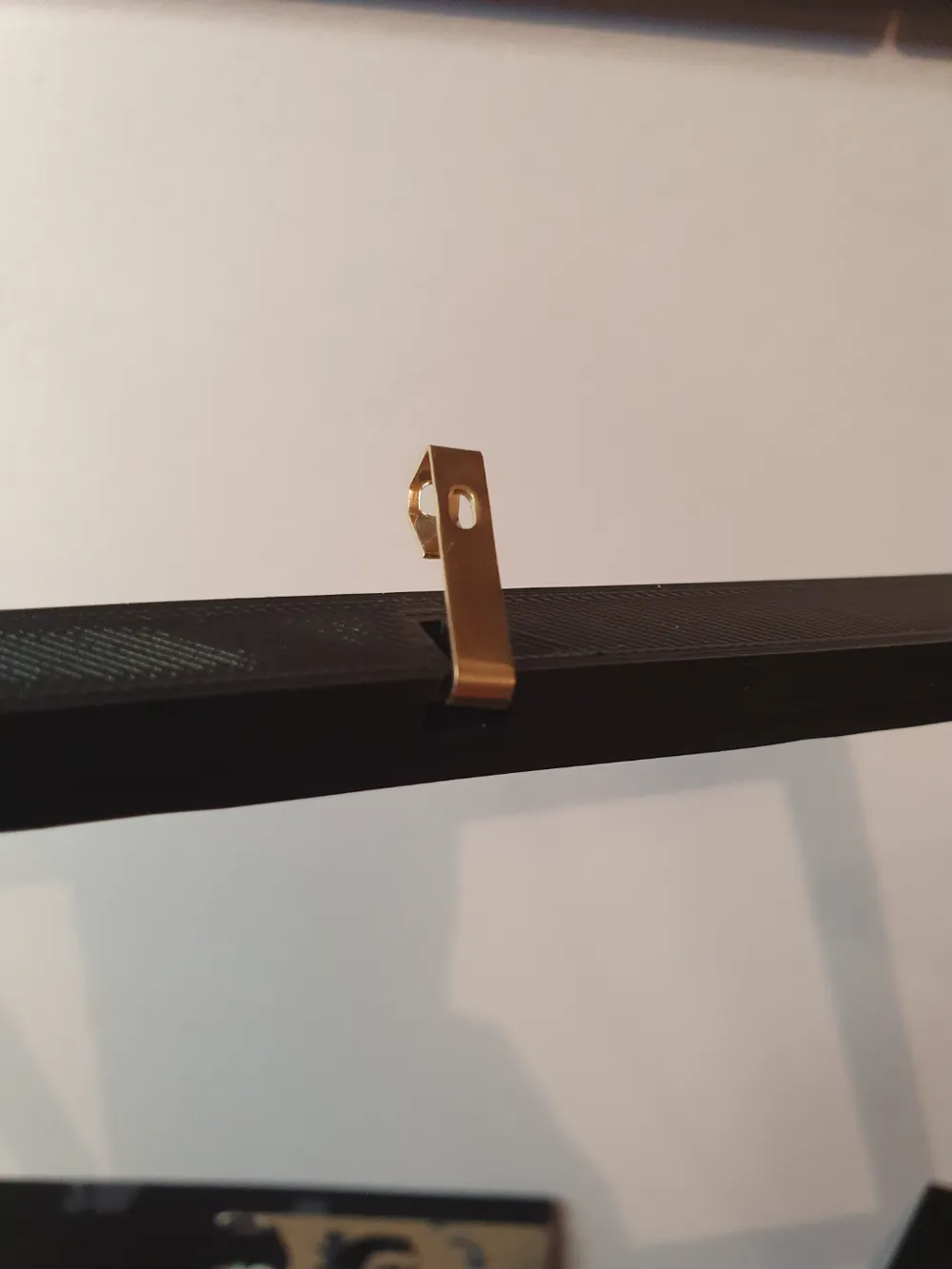
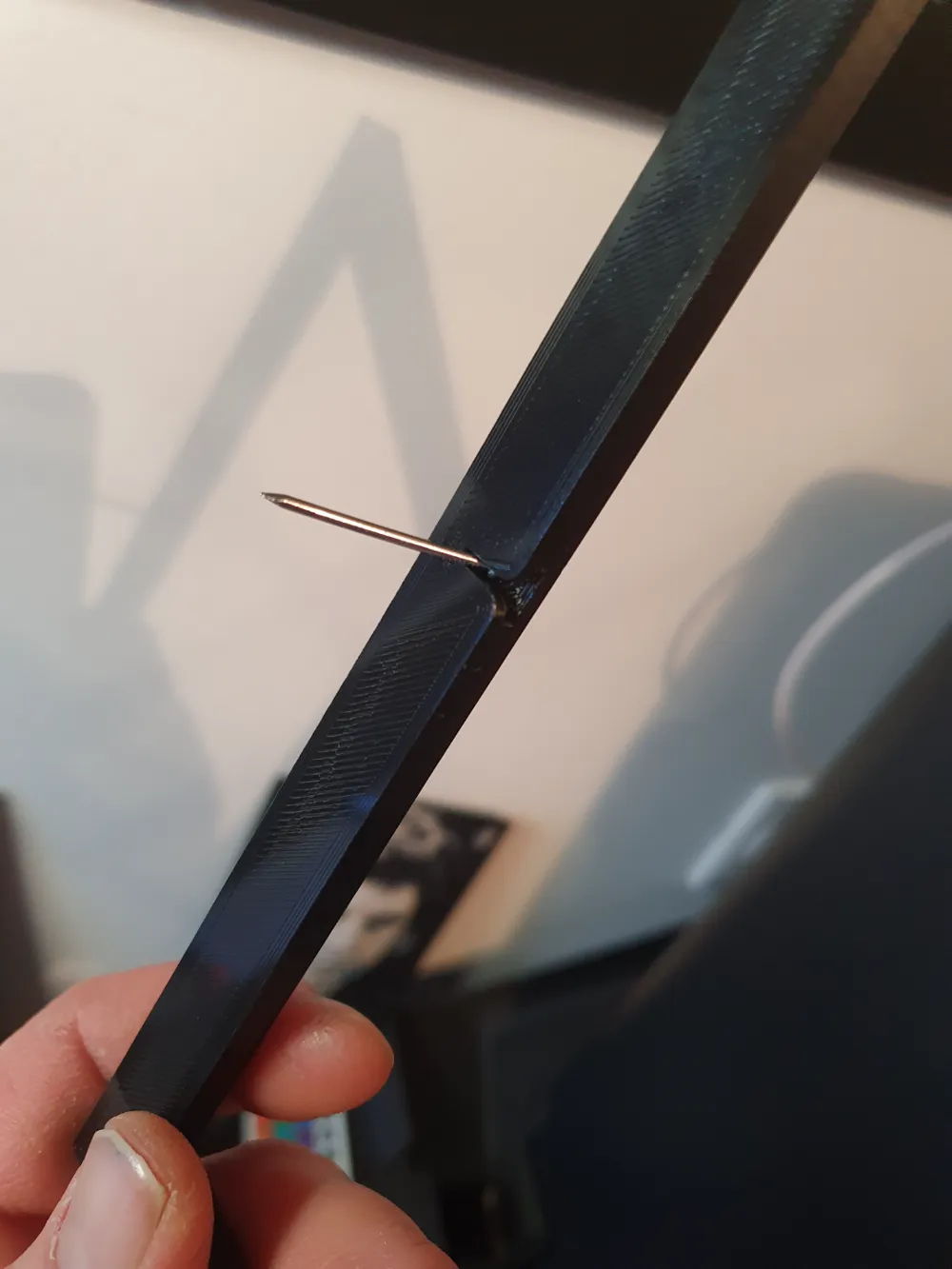
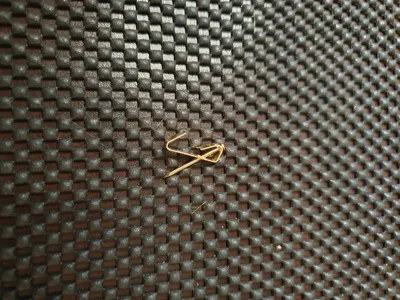
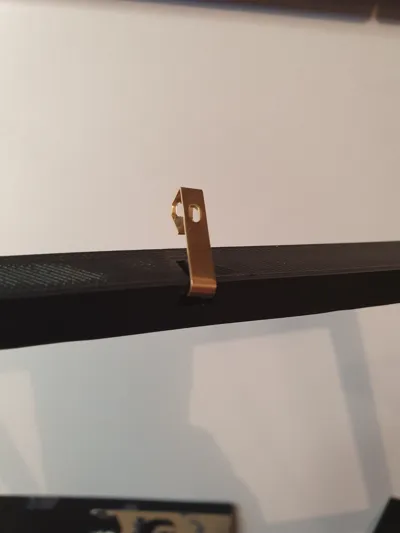
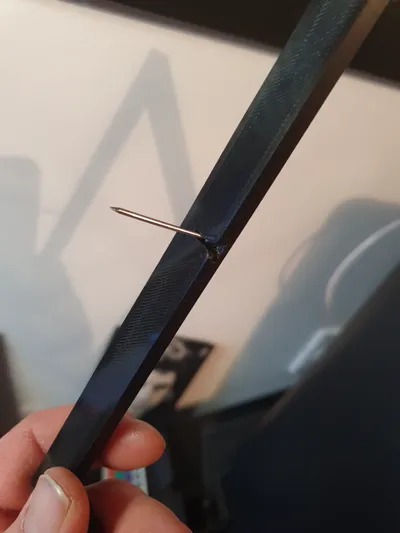
with a rear hole for hanging it with a nail or frame holder, or not
very simple to use and works with Fusion 360
You can modify the length, width, height, and interlocking clearance
Usable for hueforge, plaque, logo, lithograph, etc…
STEPS:
- Open the Fusion 360 file
- Click on Modify then select Modify Parameters
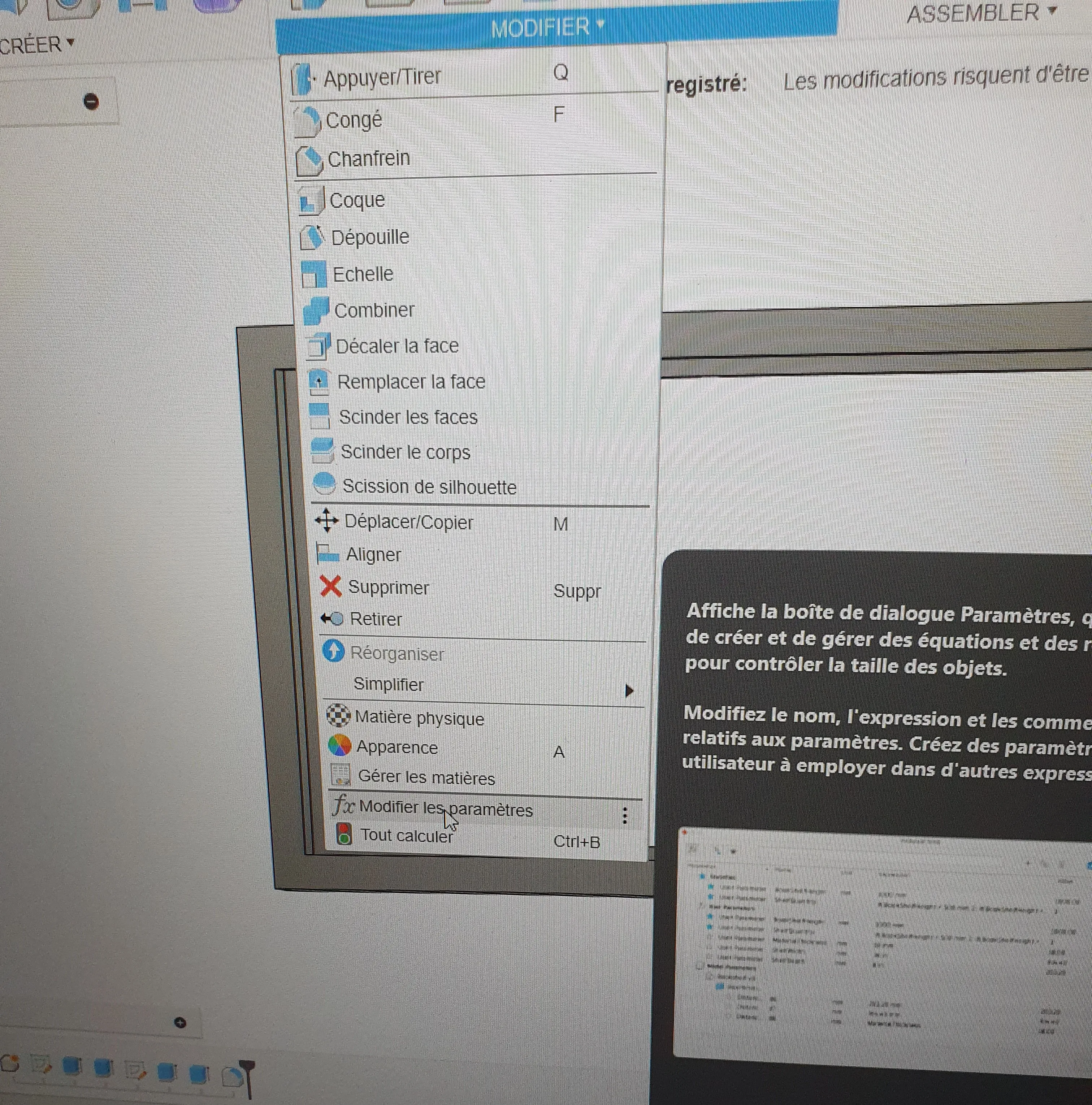
-Then enter your desired dimensions
be sure to include the clearance for your interlocking fit on the clearance line
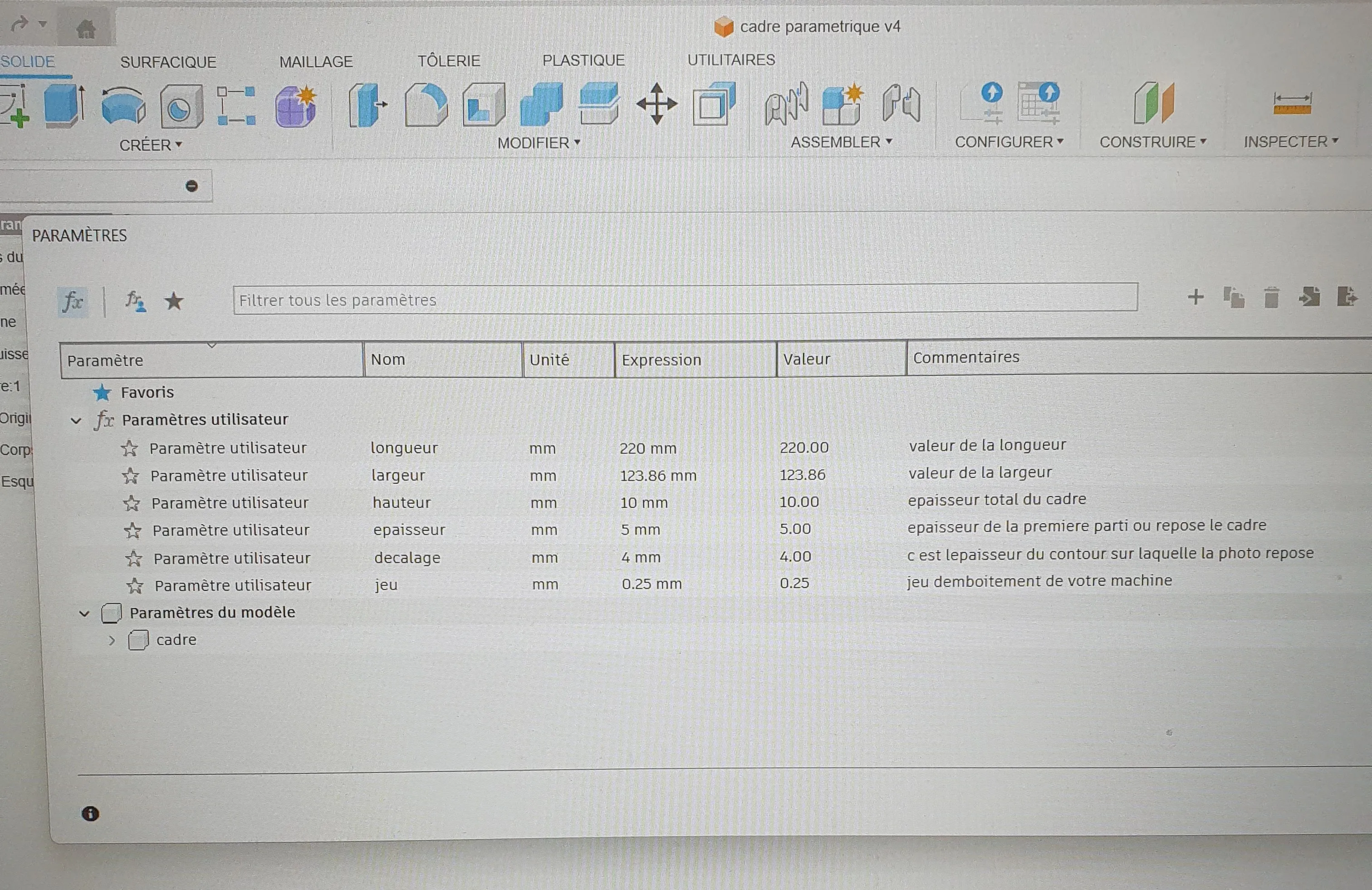
-Then save your project and download it
-Print it with your settings (personally I add supports for the hanging hole on the back)
And there you have it, you've framed your superb creations of different sizes without having to design frames for each one
Hoping this helps people and saves you time
License

You shall not share, sub-license, sell, rent, host, transfer, or distribute in any way the digital or 3D printed versions of this object, nor any other derivative work of this object in its digital or physical format (including - but not limited to - remixes of this object, and hosting on other digital platforms). The objects may not be used without permission in any way whatsoever in which you charge money, or collect fees.


Comment & Rating (5)