Search models, users, collections, and posts

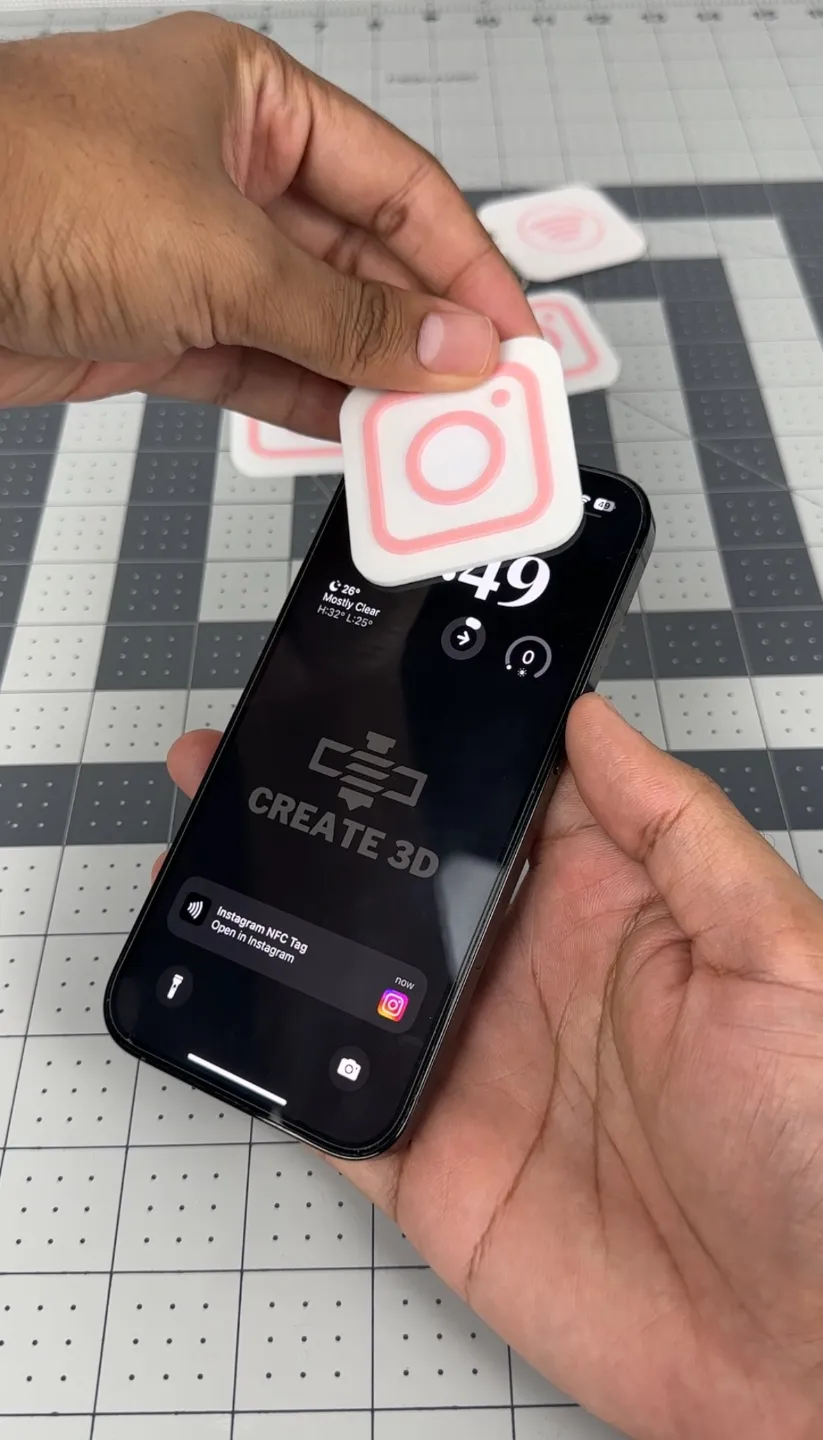
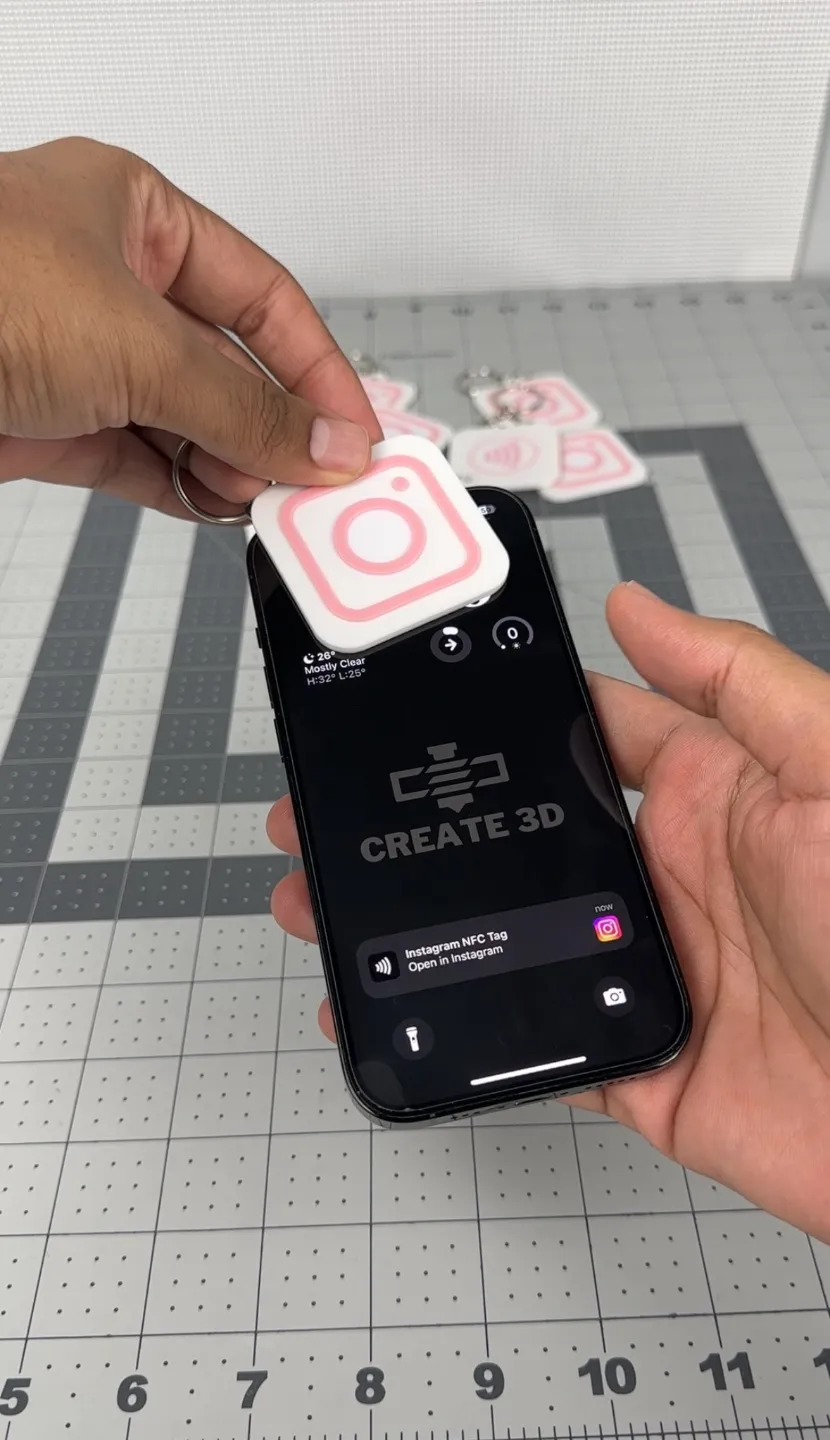
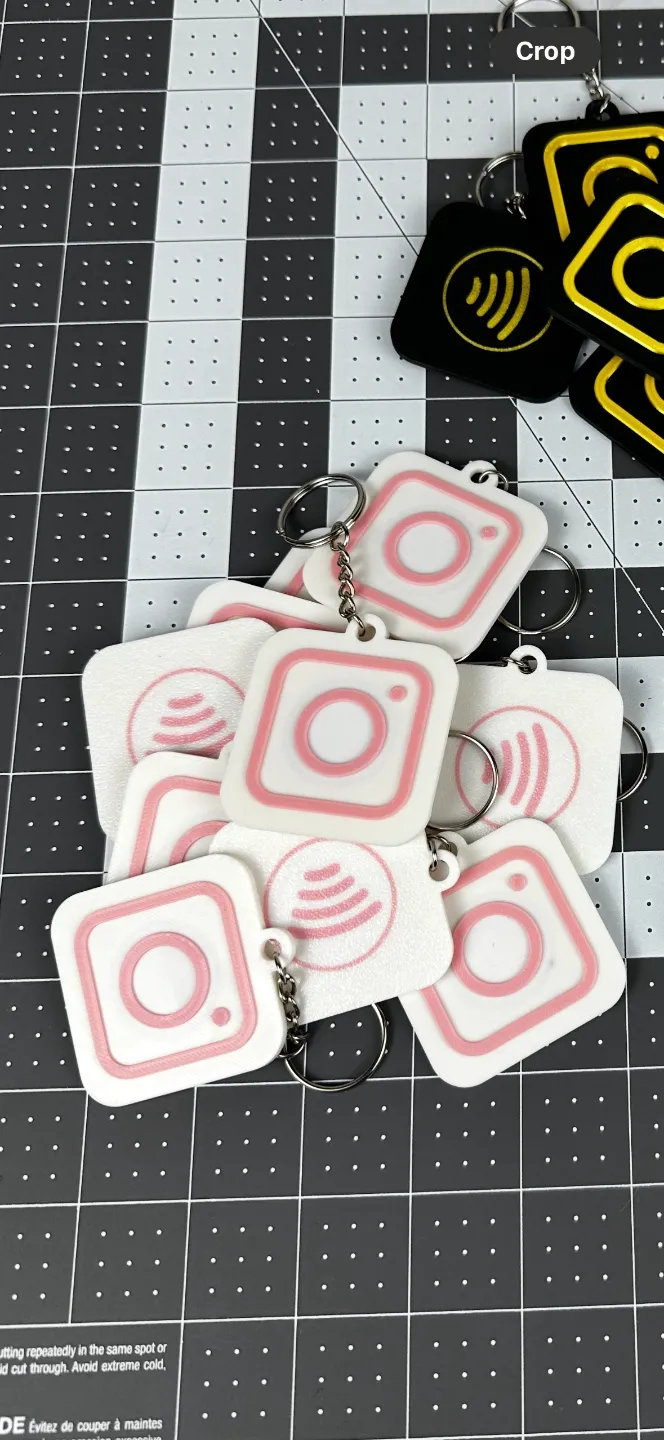
Instagram NFC Keychains
IP Report

Print Profile(1)

All
P1S
P1P
X1
X1 Carbon
X1E
A1
A1 mini
H2D
H2D Pro
H2S
P2S
H2C
X2D
A2L

0.2mm layer, 2 walls, 15% infill
Designer
25 min
1 plate
4.8(73)

Open in Bambu Studio
Boost
832
1844
109
62
2.8 k
1.1 k
Released 

Bill of Materials

Maker's Supply Kits and Parts
Select all
NFC Tag with Adhesive (20PCS) - XD002

Description

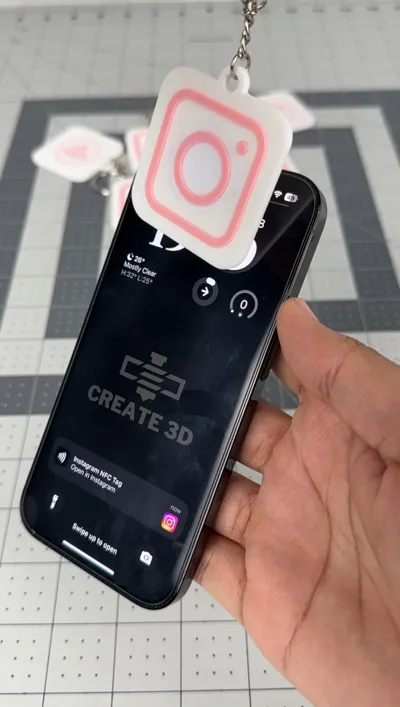
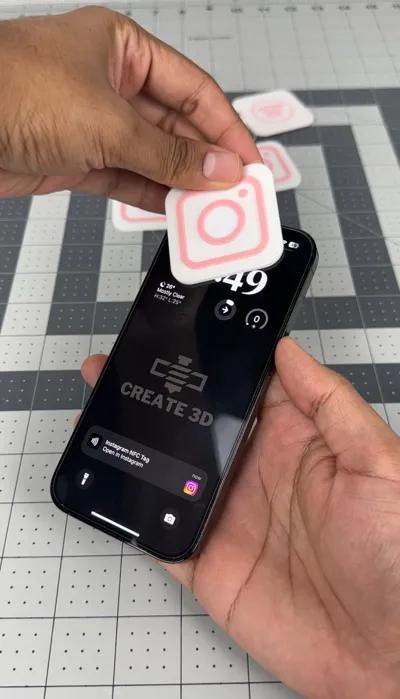
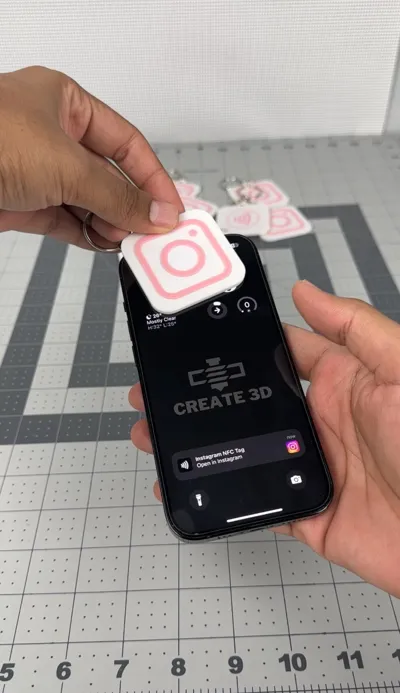
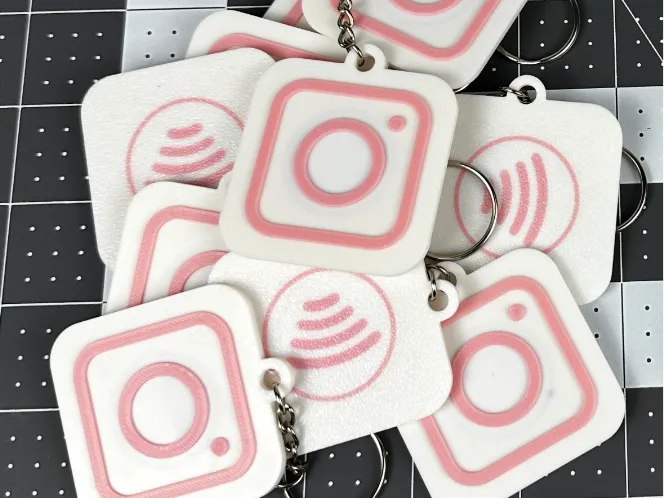
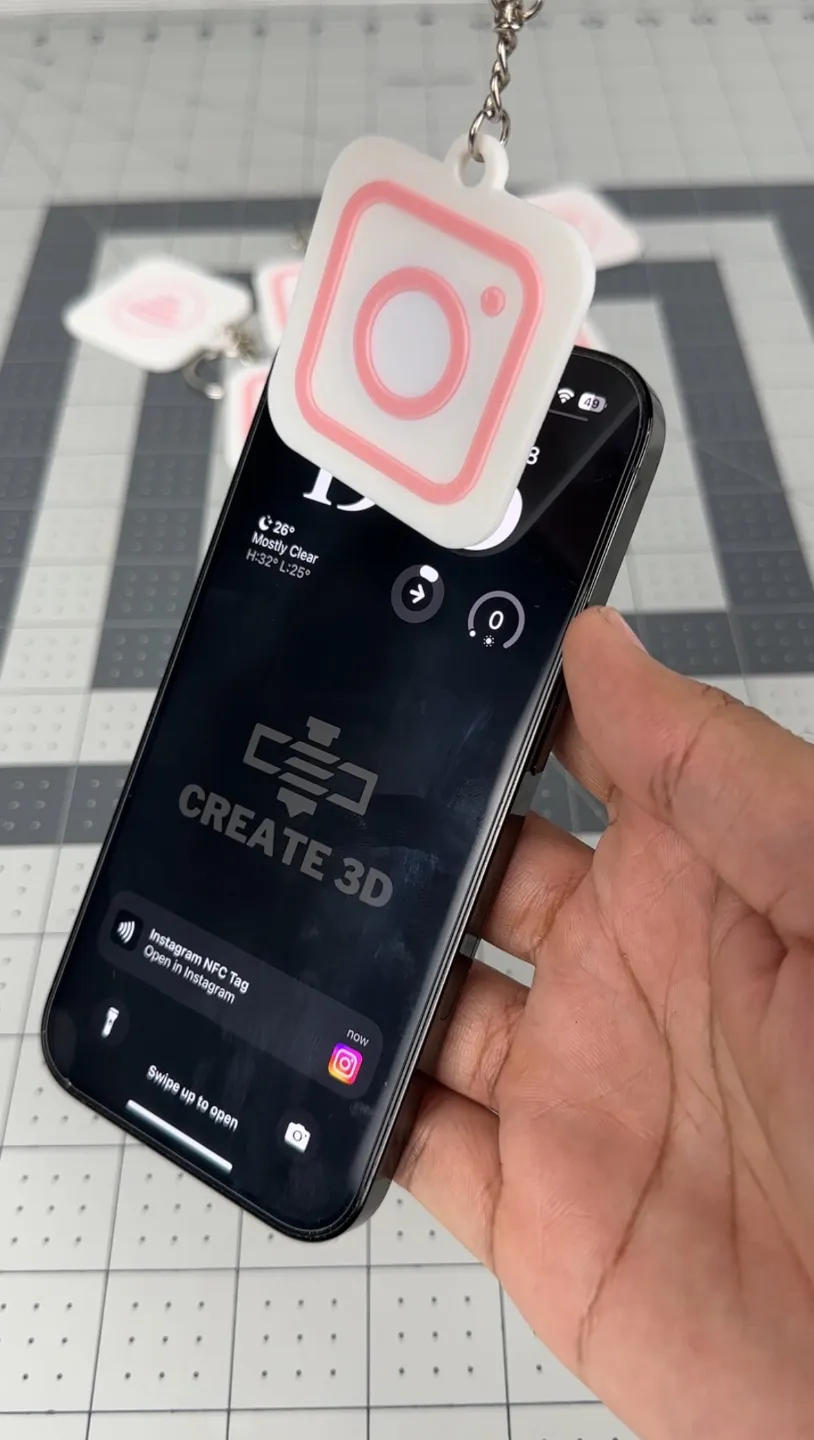
This keychain has an embedded NFC tag that links to any link you program it to.

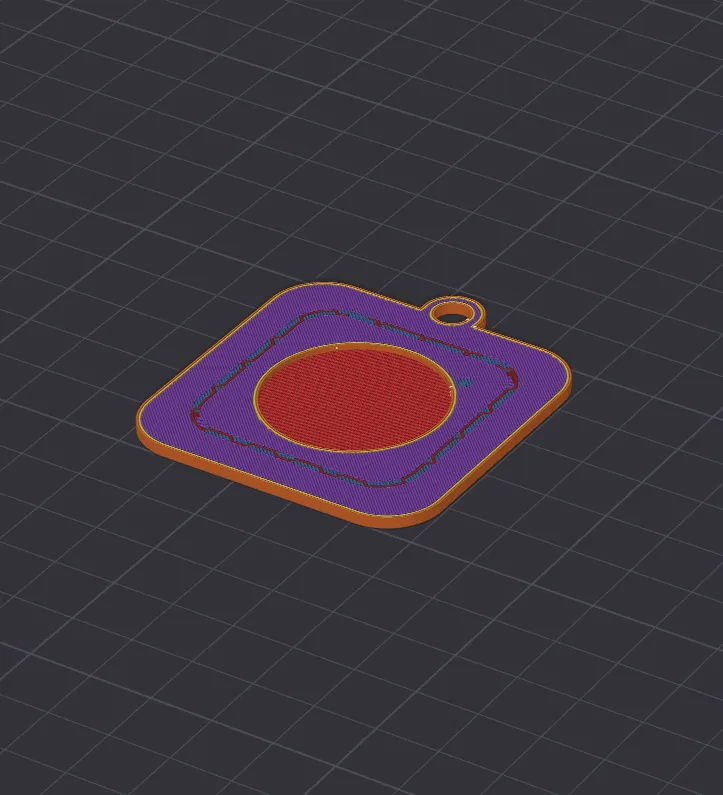
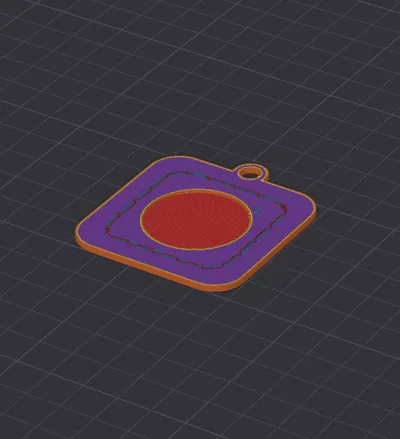
There is a print pause at layer 11 where you would have to put the NFC tag and resume printing.

The recess is made for tags that are 25mm in diameter and 1mm thick

Comment & Rating (109)

(0/1000)

Many thanks for the file I don't have a multi-color printer so I made it on an Ender 3 V3 The pauses are set up as follows pause at layer 11 to place the NFC pause at layer 14 to change the filament I think it turned out well
Show original
designer
5
Reply
Hello friend, would you be so kind as to share the G-code or STL file with the pauses? I have a 3V3 Plus but I'm just starting out and don't know how to do it. Thank you
Show original
2
Reply
You are an angel
Show original
0
Reply
Print Profile
0.2mm layer, 2 walls, 15% infill
Quick and easy print.
0
Reply
with what printer you make?
0
Reply
Replying to @user_2050113845 :
p1s
0
Reply
Replying to @user_2050113845 :
I printed on p1s
0
Reply
Print Profile
0.2mm layer, 2 walls, 15% infill
I dont know if i did something wrong or if its the design but i can see the nfc chit through the plastic.
0
Reply
Same here
0
Reply
try to thicken it a bit
Show original
0
Reply
it’s came out super nice!! is there anyway to print without the Spotify logo in the back?
0
Reply
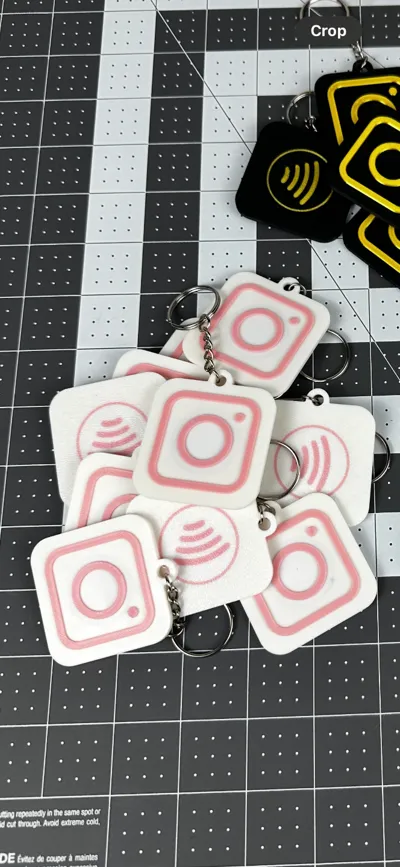
It's not the spotify logo, it's the NFC logo
1
Reply
Hello! Thank you for sharing the file, it turned out great. I’m still new to 3D printing and learning as I go. I have a Bambulab P1S and have been printing in single color so far. However, I have a question about multi-color printing without using an AMS. I wasn’t able to add a pause to change the filament for this design. Could you help me with this? Thanks!
0
Reply
Modify the G-code in Bambu Studio: 1. Open your model in Bambu Studio and slice it as usual. 2. Navigate to the Preview tab to view the layers. 3. Identify the specific layer where you want the filament change to occur. 4. Go to the Side Panel and find the option to insert a "Pause at Layer." 5. Add the pause at the desired layer number.
2
Reply
Print Profile
0.2mm layer, 2 walls, 15% infill
Exactly what I was looking for. Thank you for adding the pause line makes it so easy to use.
0
Reply
All other manufacturers seem to have serrations, but I don't see any serrations on your product. Why is this? Is it filament related or is there another reason?
0
Reply
Print Profile
0.2mm layer, 2 walls, 15% infill
I like this minimalistic design, thank you
0
Reply
Print Profile
0.2mm layer, 2 walls, 15% infill
good
0
Reply
Print Profile
0.2mm layer, 2 walls, 15% infill
amazing
0
Reply
hey I'm having issues with this print it works great till I have to add the NFC Tag and it then looks like crap. I'm using the Makerworld. Any suggestions would be greatly appreciated
0
Reply