
Filament Storage Container

Print Profile(6)


Description
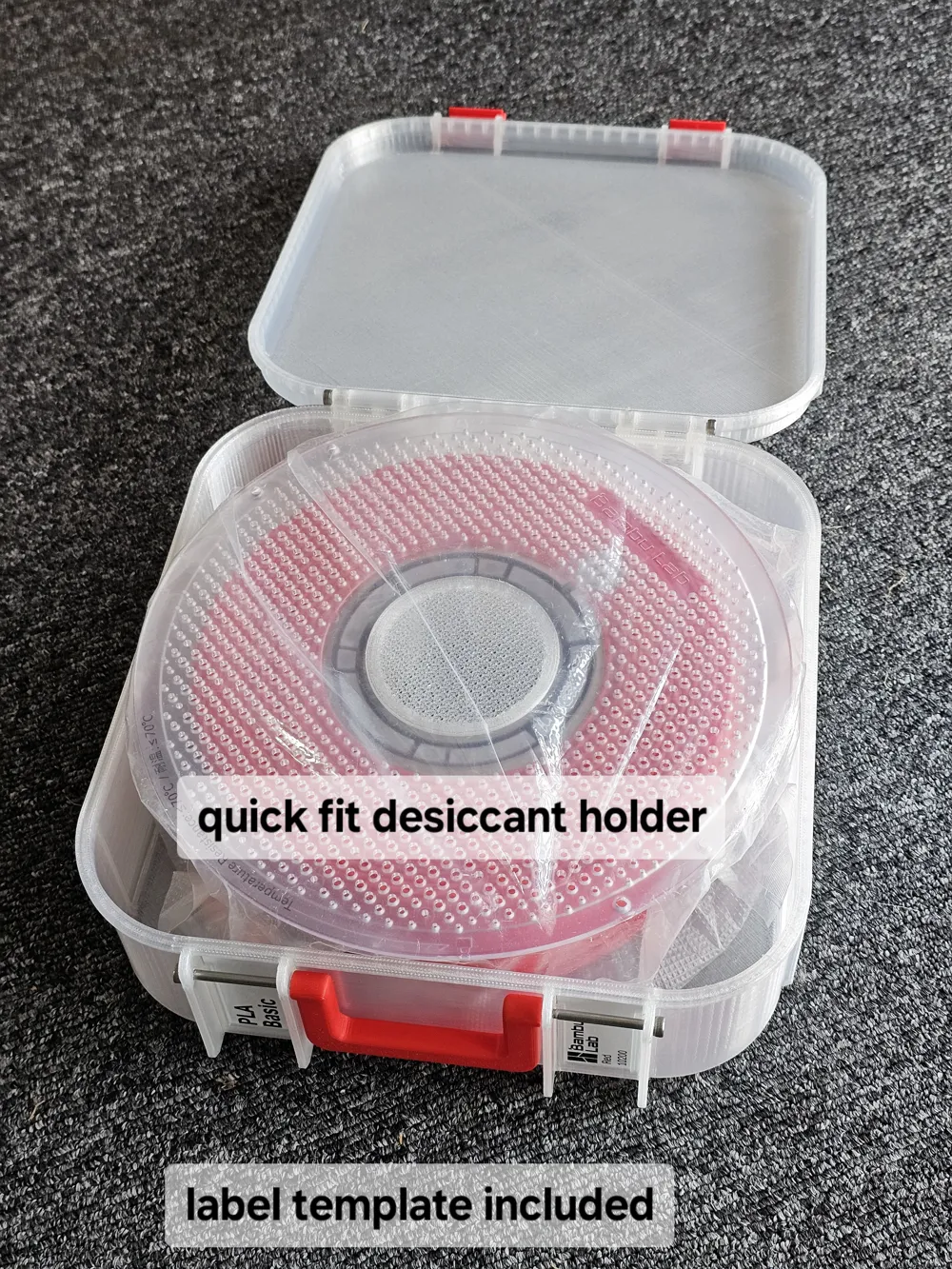
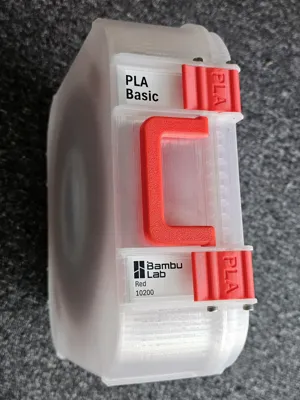
If you prefer to keep your filament in an enclosure, and you have got rid of your cardboard boxes (or they are too small such as when you get refills), then this print may be something of interest to you.
This design is an adaption of the rugged boxes that I have uploaded in the past, namely:
3 Tier Jewellery Rugged Storage Case Remixed by Solitaire - MakerWorld
Box for 5 piece Internal/External Circlip Pliers by Solitaire - MakerWorld
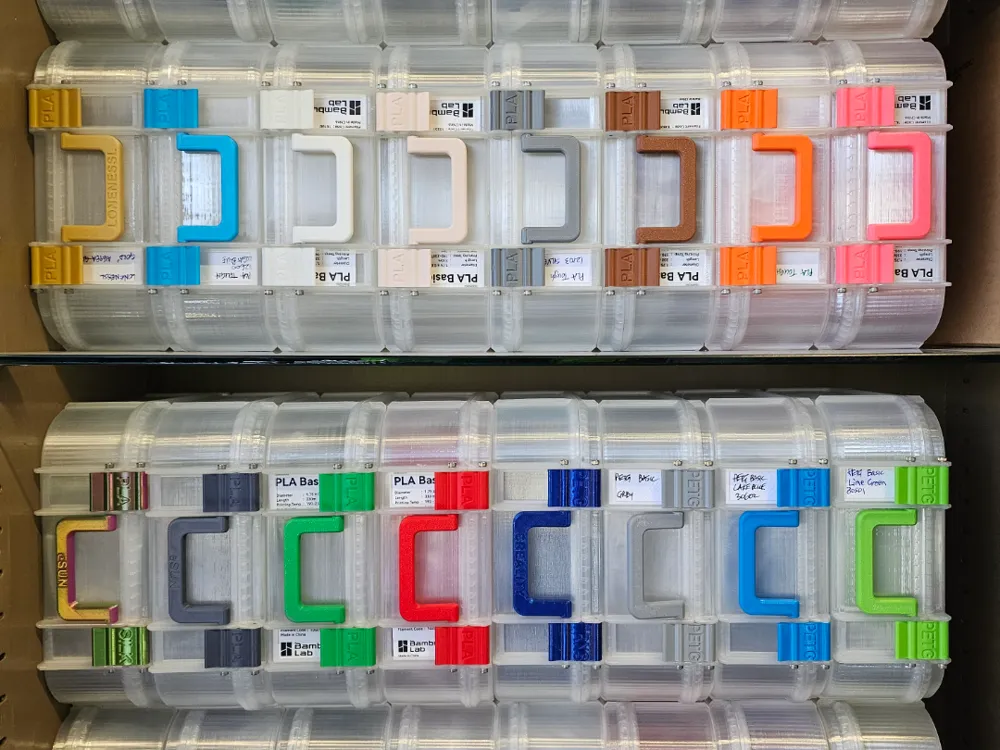
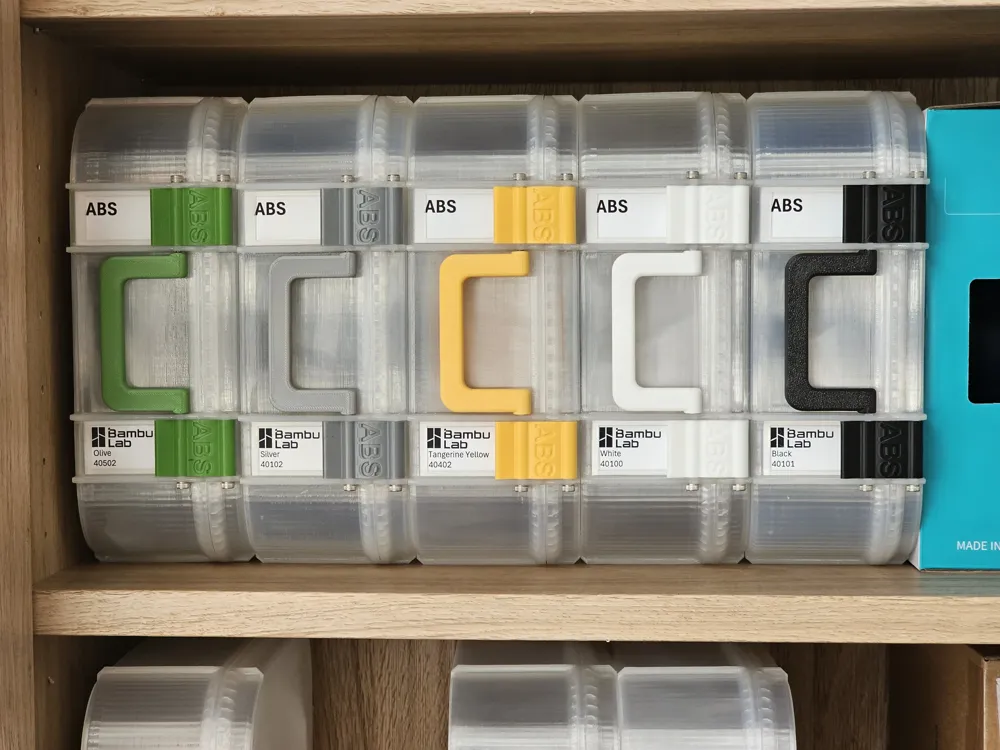
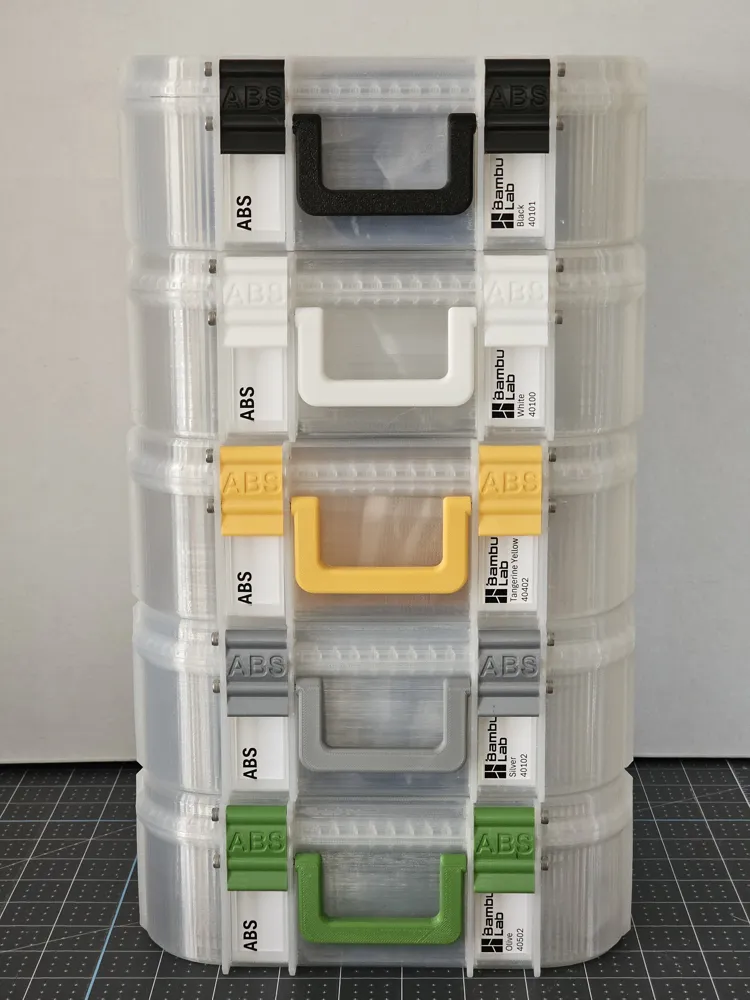
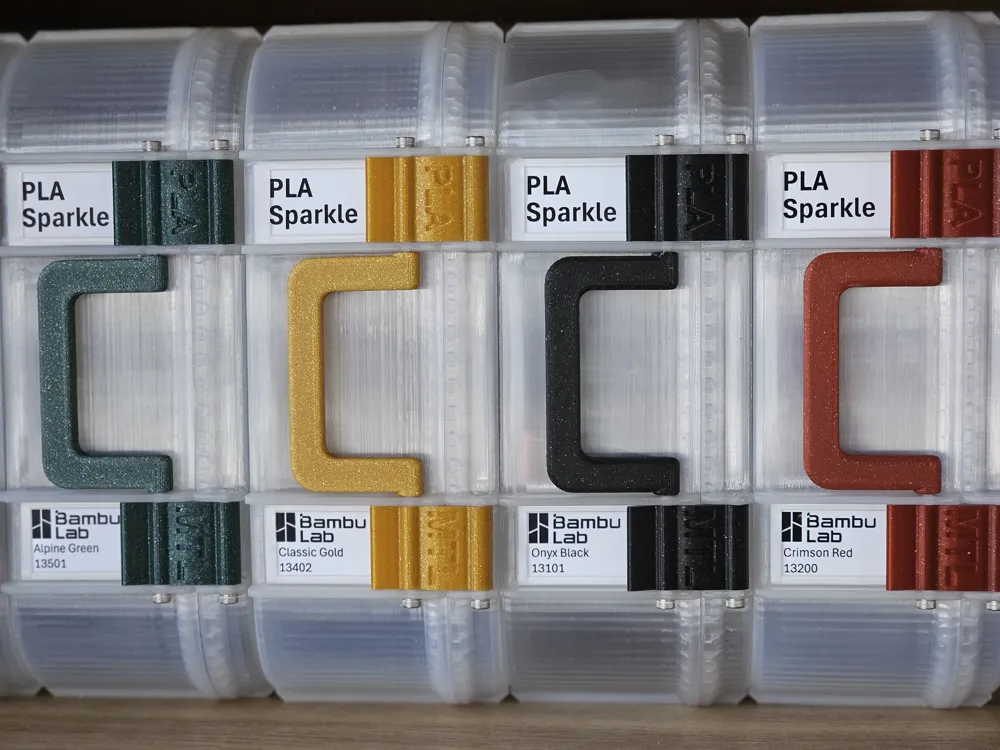
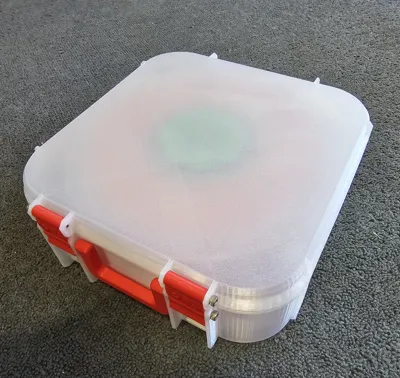
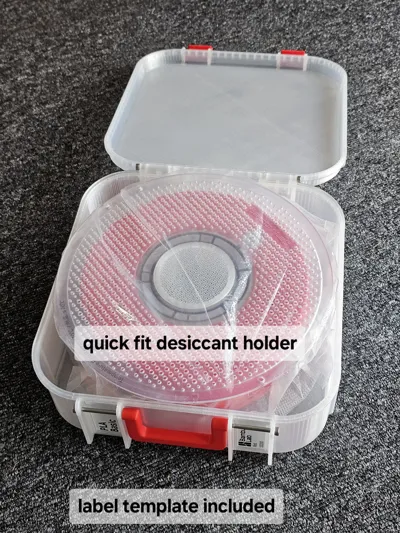
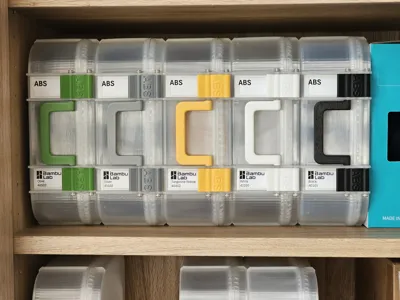
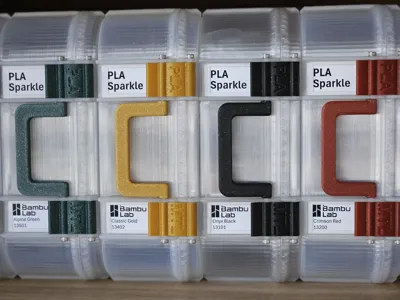
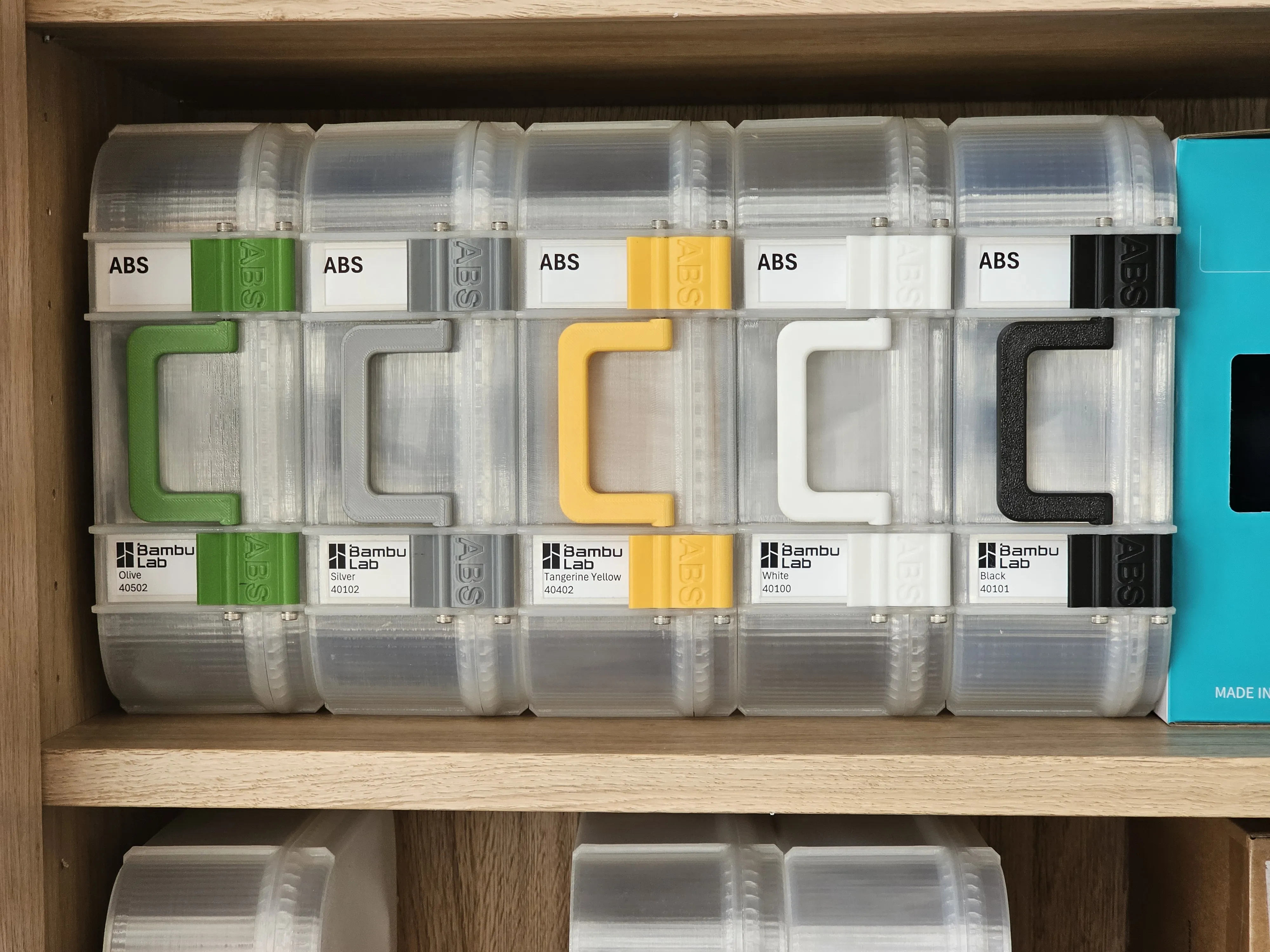
I used Transparent/clear PLA for the enclosure itself, and latches and handles made from the filament stored. This combination has made it relatively easy to see the contents and very clearly see the colour of the filament. The latches with filament type and label slots have also been useful for me.
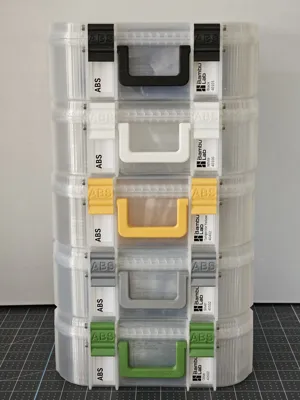
The boxes are purposely built with thin walls to keep the weight and cost down - without sacrificing strength. When stacking horizontal rows, alternate the orientation between rows as can be seen in one of the pictures.
Details
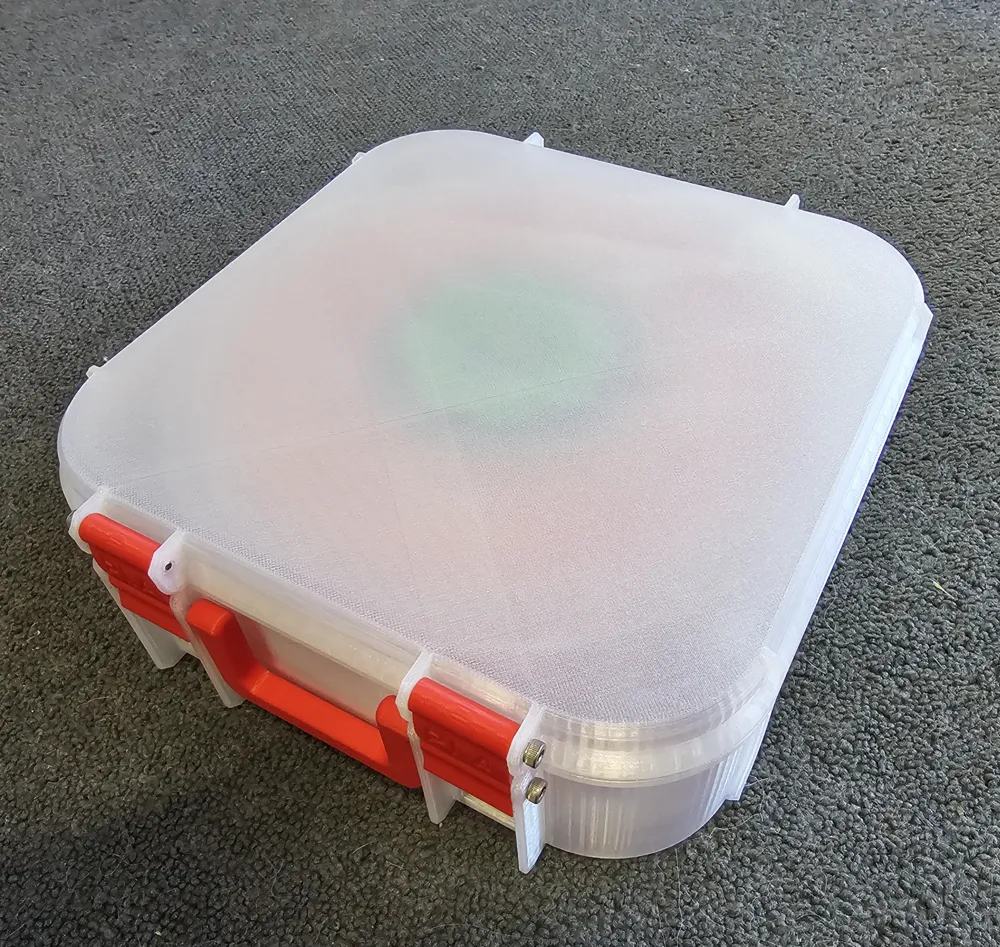
The box has internal dimensions of 204mm x 204mm x 72mm with a total weight of approximately 250g.
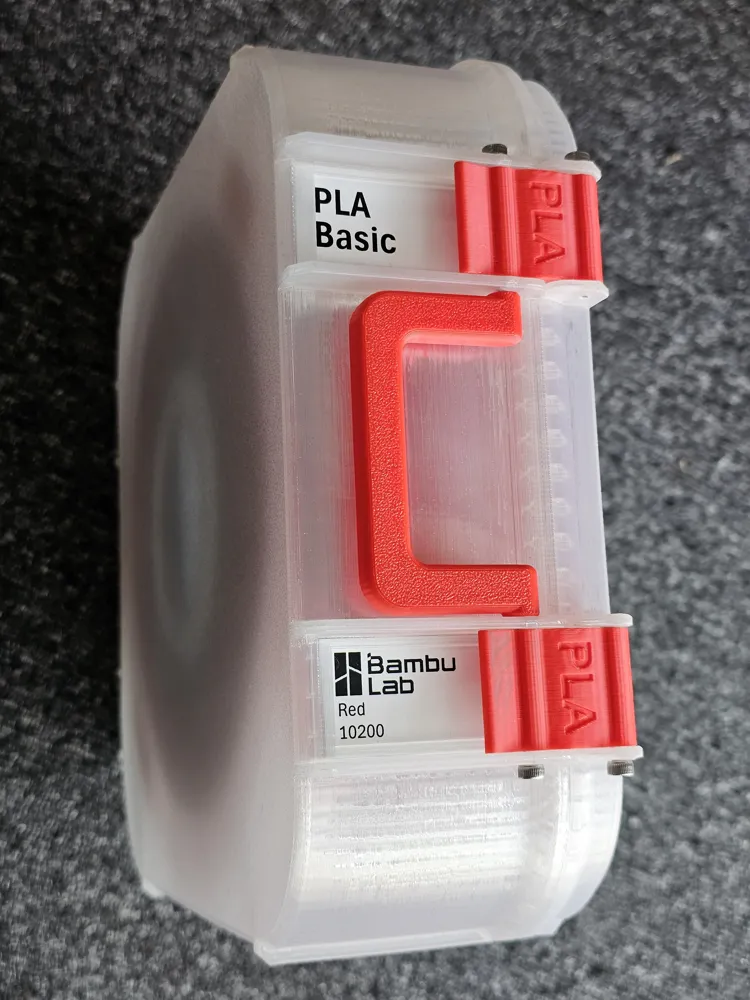
Each box has two slots for labels (one adjacent to each latch) that can be used to store a 24mm x 47mm printed or hand-written label.
The latches are available with optional text to help identify the type of filament stored, and there are handles with branding for some manufacturers. I use blank (no text) handles for Bambu Lab filament, and labelled handles for other brands that I use. There are a number of handle and latch print plates/profiles that have the type of filament embossed into two latches along with a blank (no text) handle. You can select the plate you need and print the handle and latches in the colour you desire. A blank latch print profile has also been added in response to a request.
Hardware Needed
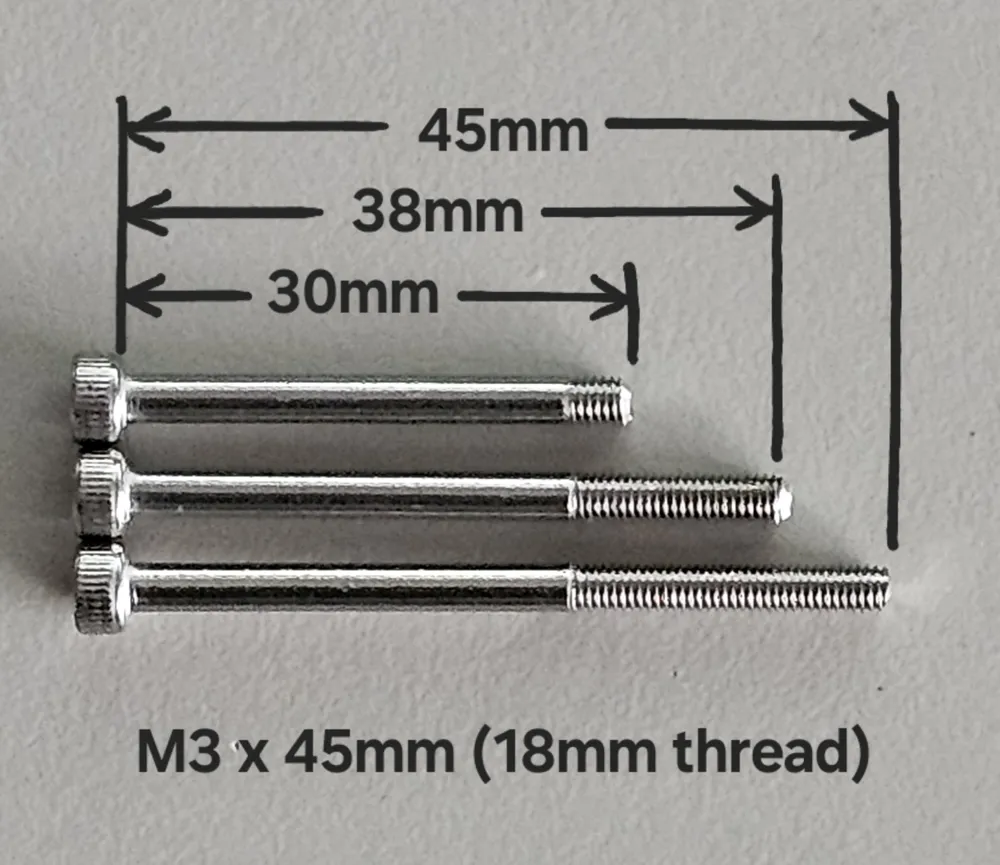
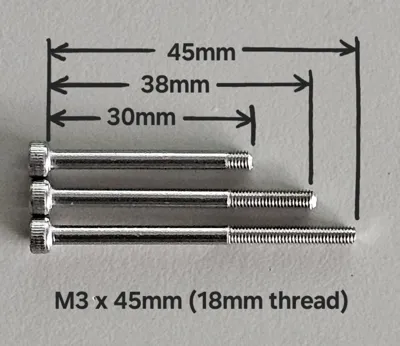
The box requires 6 x 3mm screws for assembly (4 x 30mm long and 2 x 38mm long). I prefer to use the M3 x 45mm (18mm thread) Cap Head Stainless Steel Screws, and trim these to size.
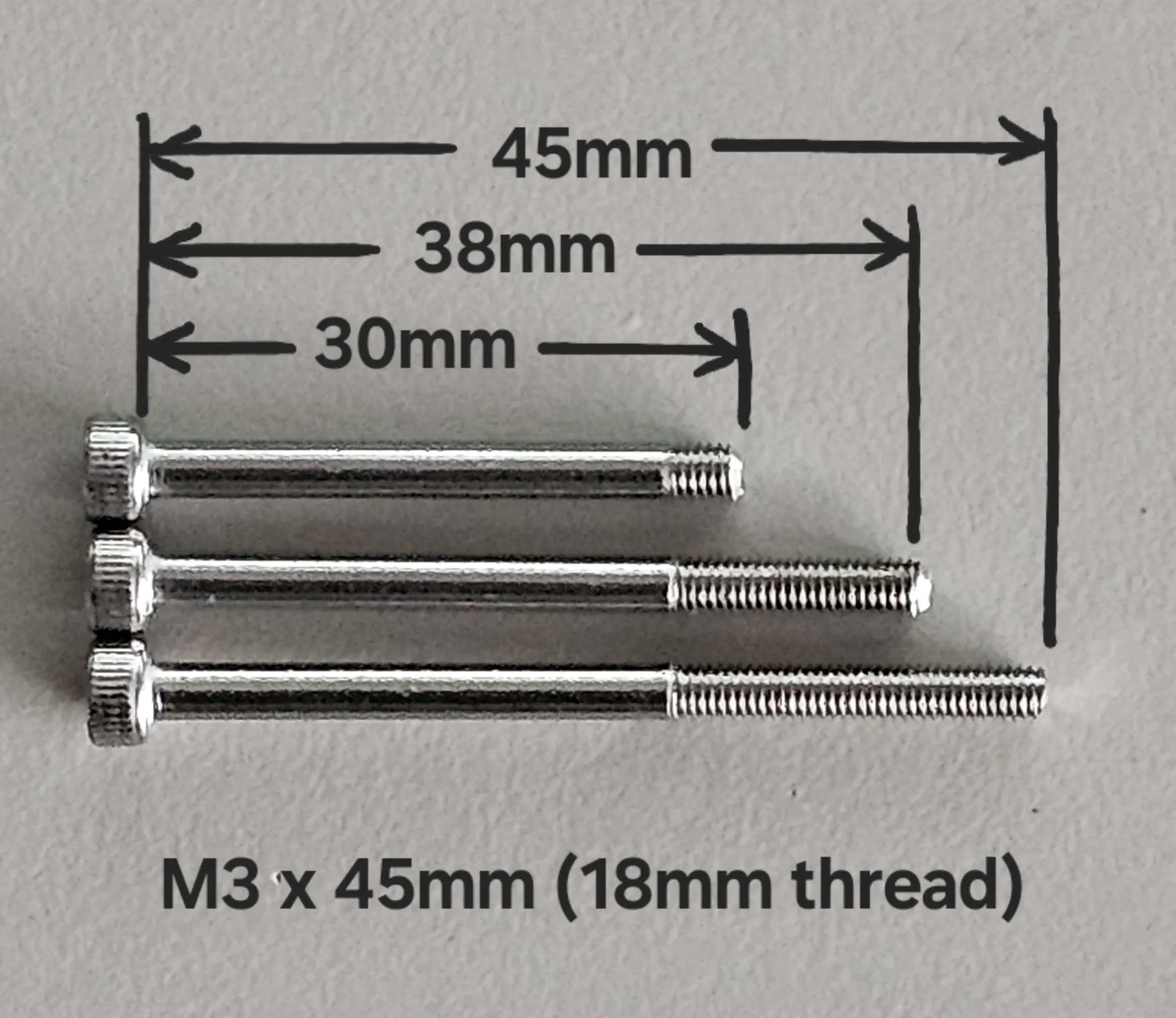
These are readily available on eBay if your hardware store does not have them.
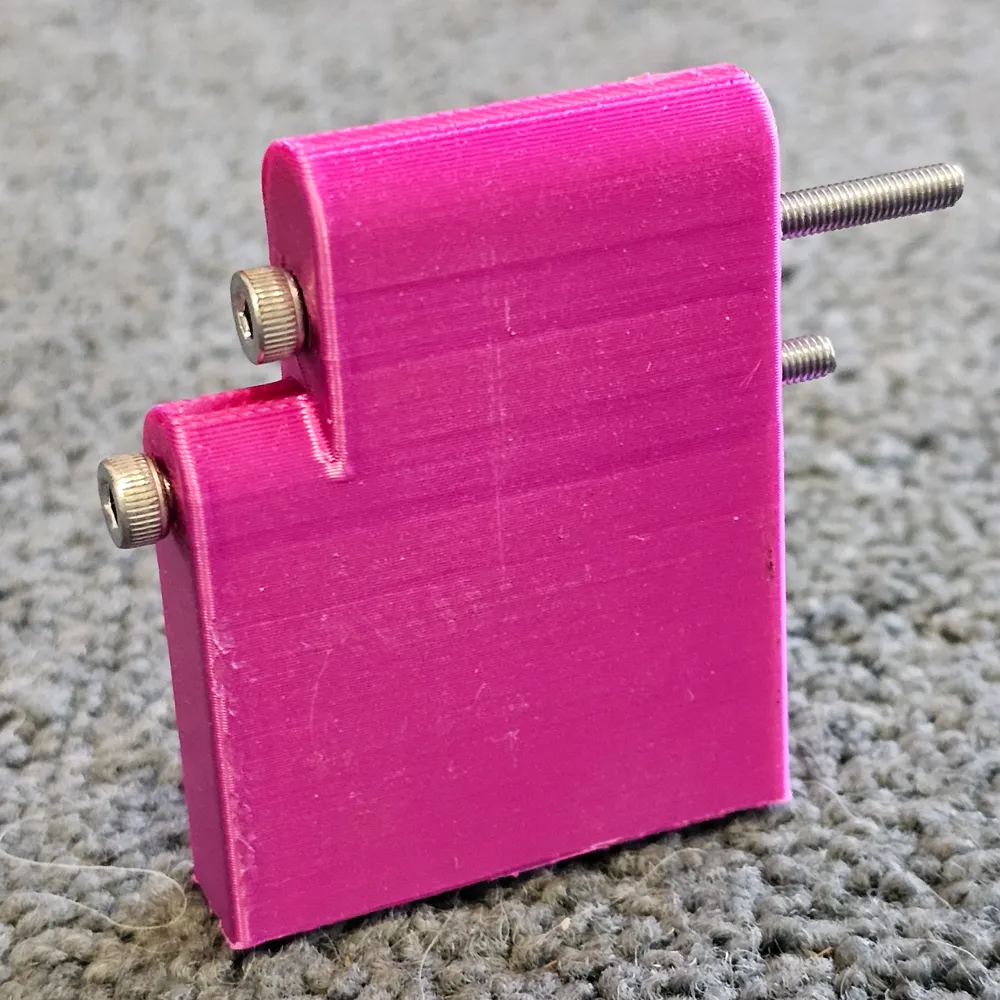
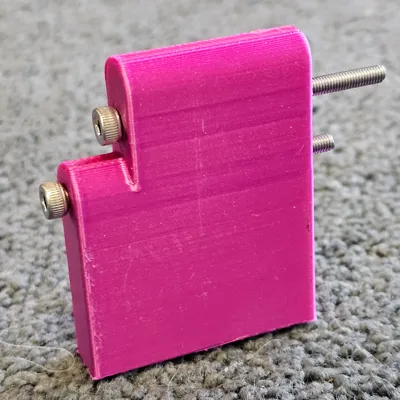
To make cutting to size a little more consistent, I have included a template (located in the download STL/CAD files section) that makes the task a lot easier. Place one screw at a time in the direction as shown and use a hacksaw to cut off the excess thread.
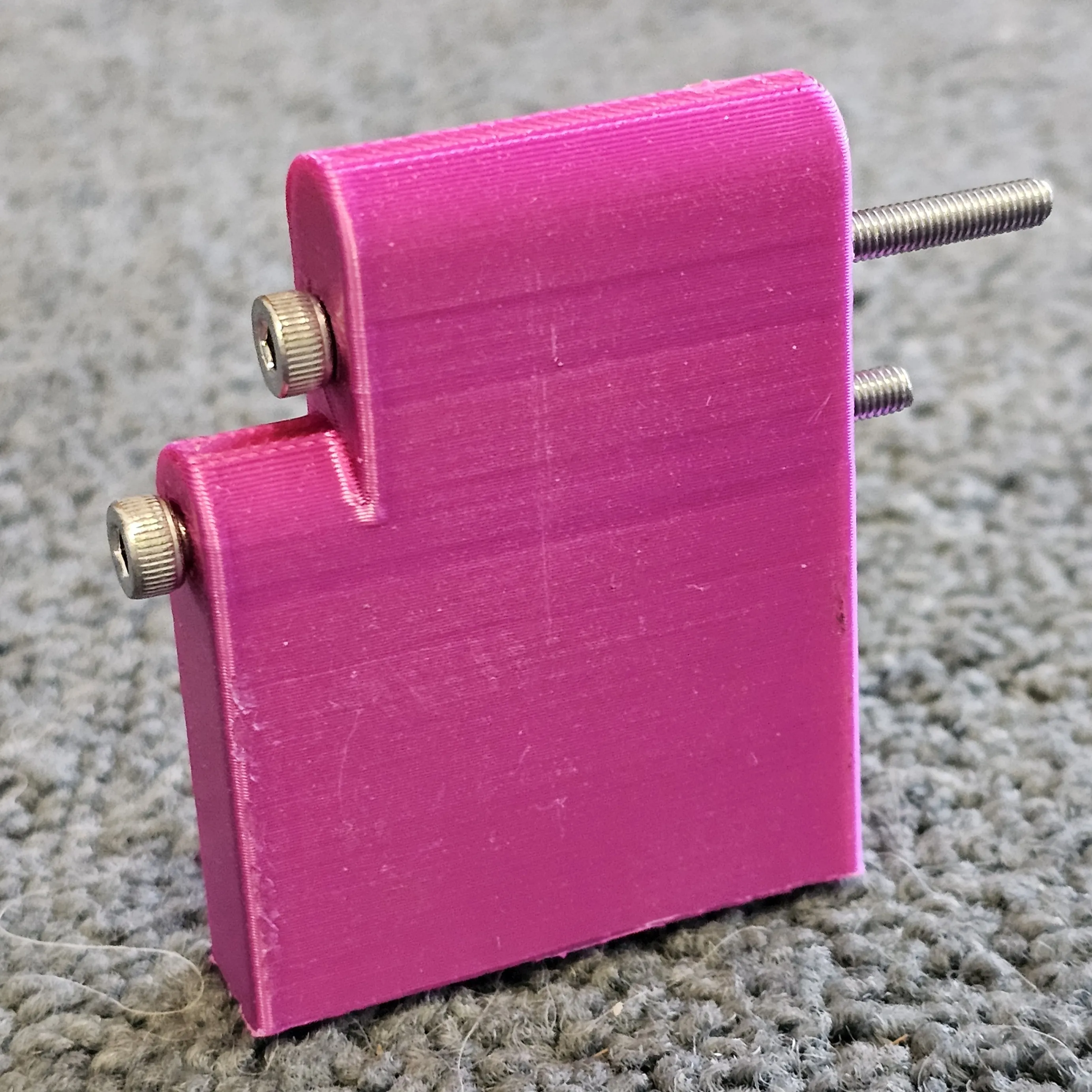
You can use a hex (Allen) key to hold the screw into position (I find using a pointy nosed pair of pliers works well).
Label Template
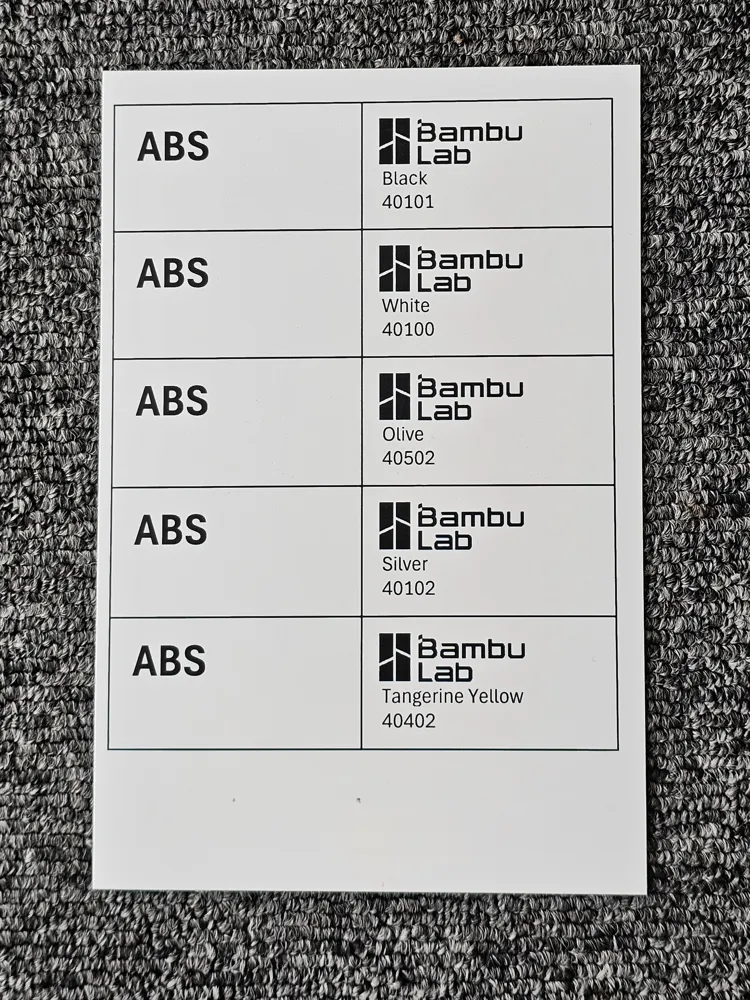
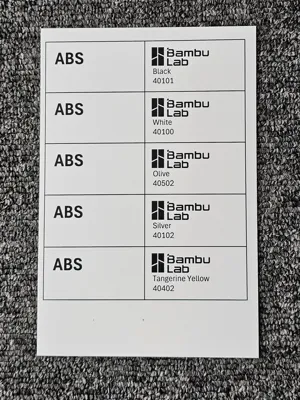
An Excel file (saved in a ZIP archive) has been added to the download section to simplify making labels. It has been setup for 4" x 6" photo paper and allows up to 5 container labels to be printed at a time. The photo paper is ideal with its higher gsm and surface finish. The file includes the Bambu logo and the names of a few other filament brands. The template is fully editable. A sample print looks like this:
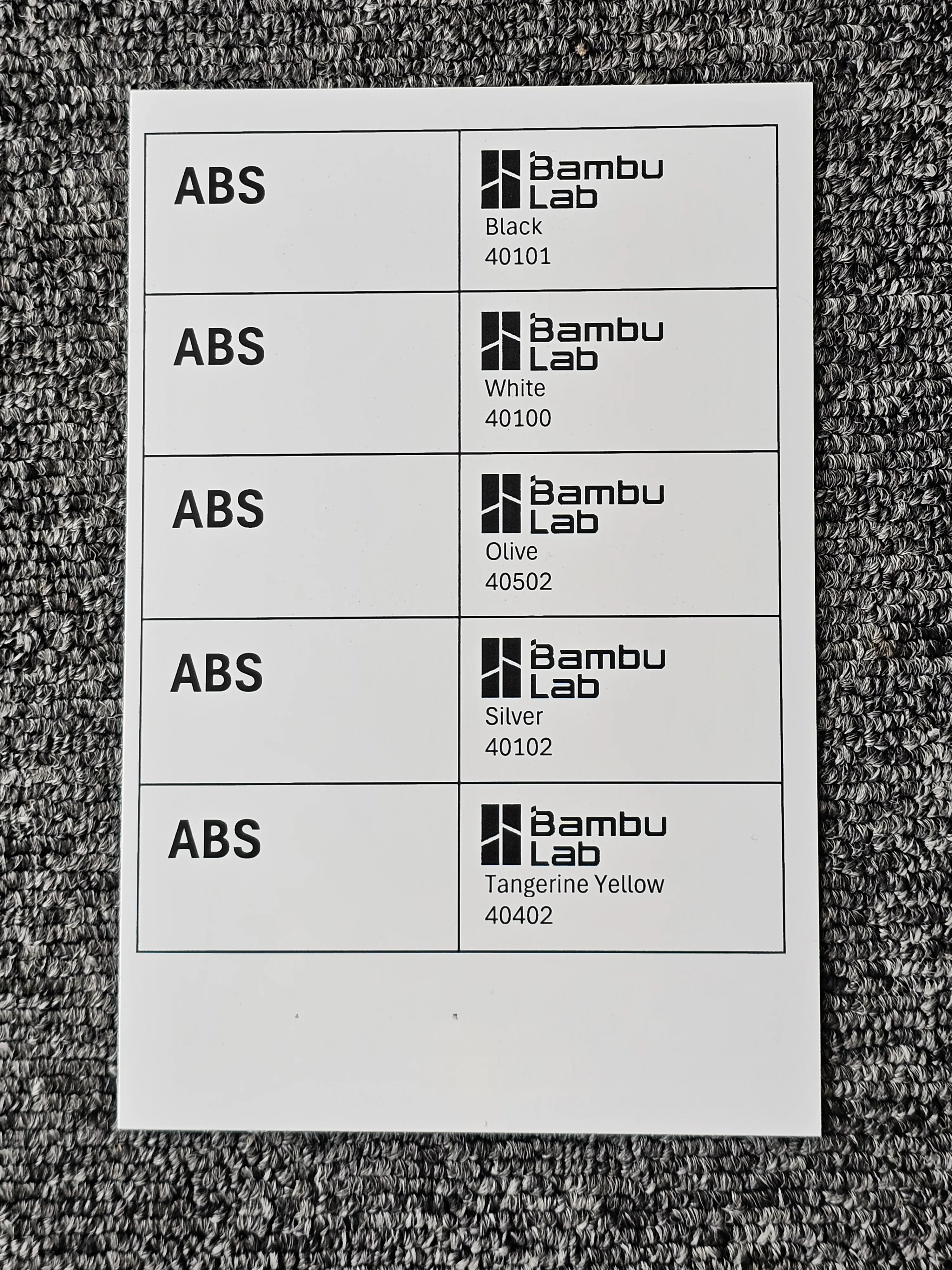
Cut along the lines and insert into the label holder slots near the handle:
License



Comment & Rating (124)