
Snowflake Generator
Print Profile(1)

Description
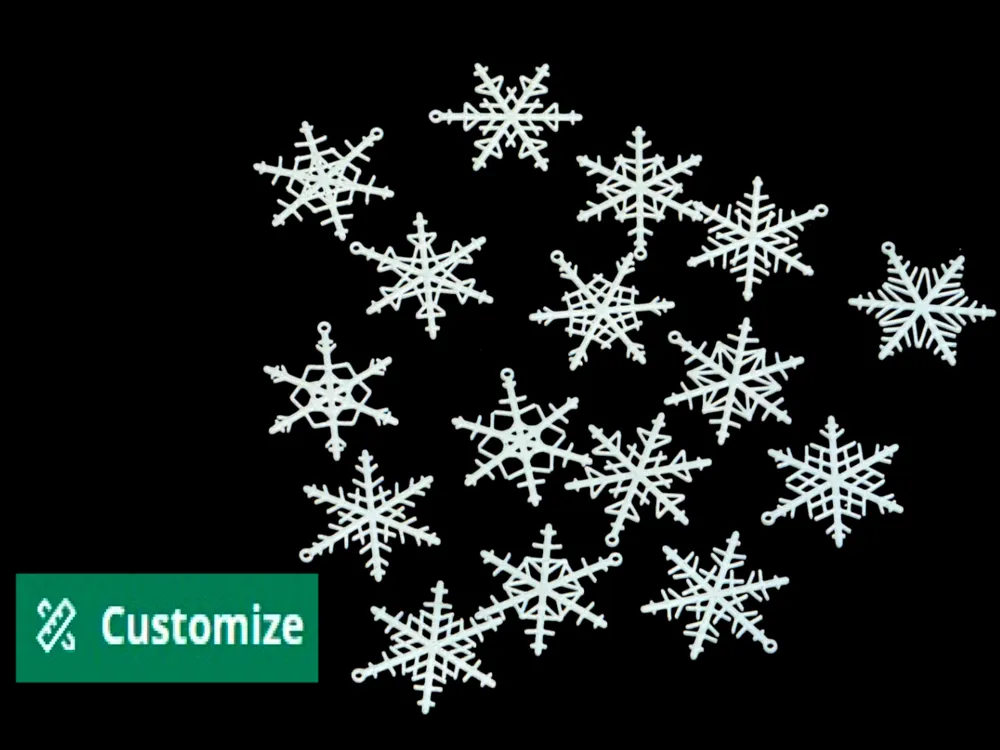
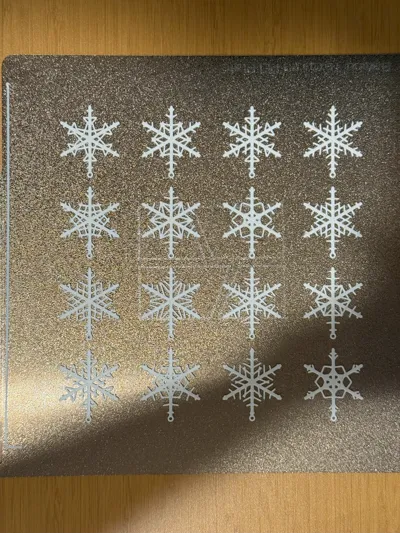
No two snowflakes in nature are alike, and neither should your decorations be! Bring a touch of winter magic to your 3D prints with unique, customizable snowflakes! 🎄❄️
This OpenSCAD script generates unique, random snowflake decorations, ideal for 3D printing enthusiasts and holiday decoration projects.
Boost Me (for free)
It will be more than appreciated if I could got a boost.
Update
2024.11.20
- Add control to put your own lucky number for random generator.
- Add switch allow you decide if the snowflake subbranch should attenuate as it approach to the end of main branch
Features
- Fully Randomized Design
Every snowflake is one-of-a-kind, with random variations in branch length, angles, and patterns, making each print unique. - Customizable Parameters
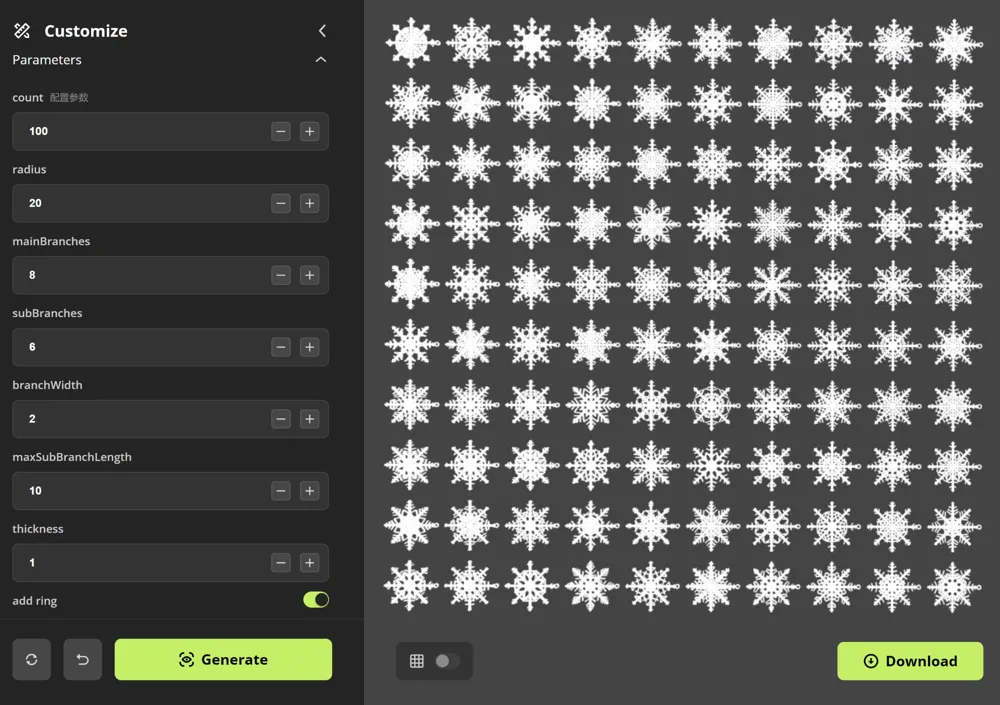
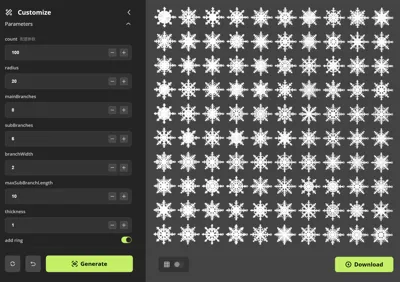
Easily adjust key parameters such as snowflake radius, number of main branches, sub-branches, branch width, maximum branch length, and thickness to fit your design needs. - Optional Hanging Ring
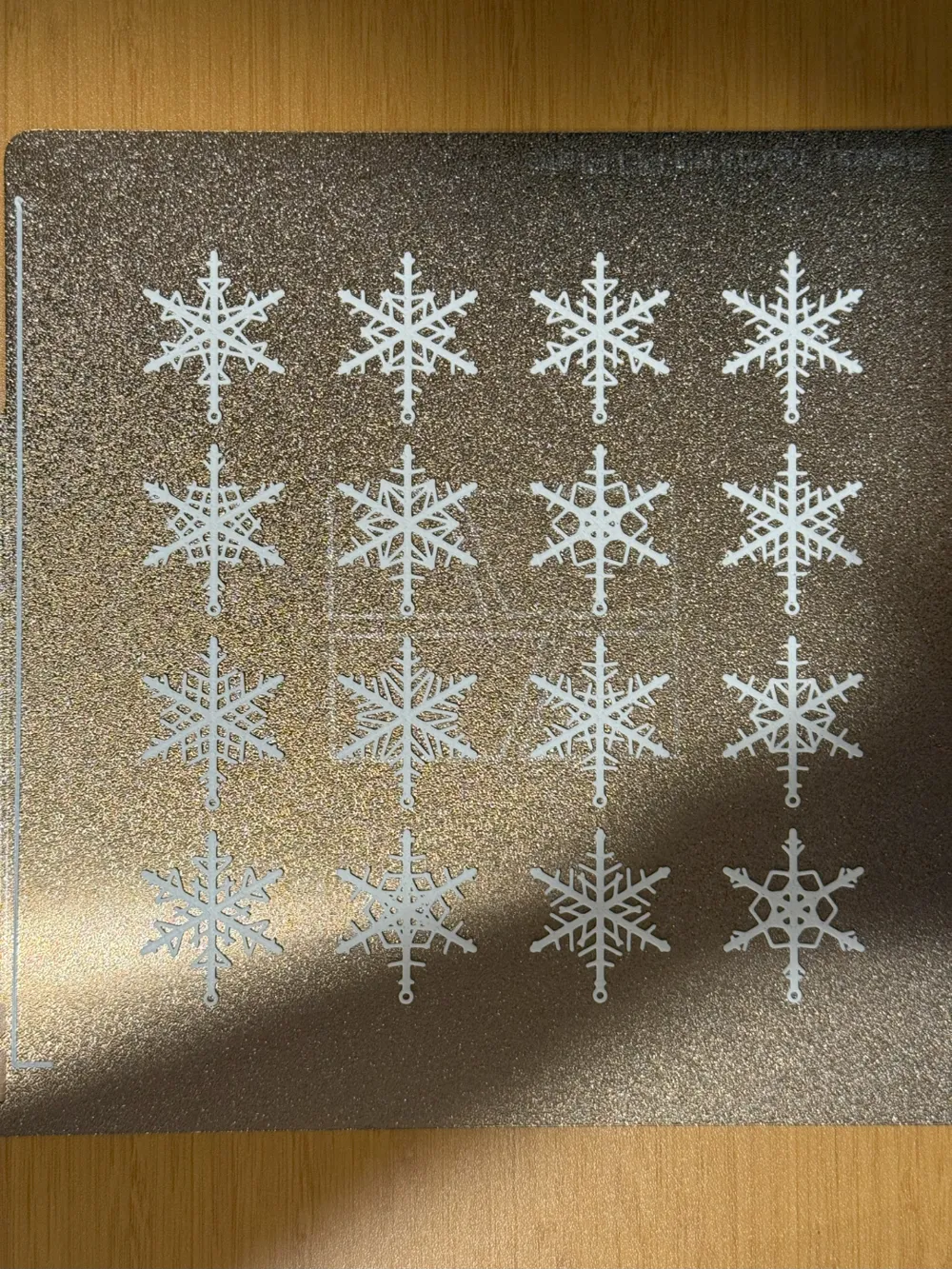
Add a hanging ring at the tip of the first branch for easy suspension as ornaments. Perfect for decorating Christmas trees or creating festive hanging decorations. - Automatic Grid Layout
The script automatically arranges snowflakes in a grid layout, making it convenient for batch printing. - Smooth Rounded Ends
Branch ends are enhanced with rounded caps for a more polished and decorative appearance.
How to Use
- Adjust Parameters
Edit the parameters at the top of the script to customize your snowflakes. Key options include:- count: Number of snowflakes
- radius: Radius of the main branches
- mainBranches: Number of main-branches per snowflake
- subBranches: Number of sub-branches per main branch
- branchWidth: width of branches (even number recommended)
- maxSubBranchLength: maximum length of sub-branch (usually I will take half of radius)
- luckyNumber: don't satisfy with the generated result? try to enter another lucky number!
- add_ring: add a hanging ring (true for yes, false for no)
- subbranch attenuation: the sub-branch will become shorter as it approaches to the end of main branch when enabled.
- Export for 3D Printing
Open the script in OpenSCAD, preview the design, and export it as an STL file for printing. - Batch Printing
The grid layout allows for efficient printing of multiple snowflakes in a single run.
Applications
- Holiday Decorations: Perfect for Christmas tree ornaments, window decorations, or gift wrapping embellishments.
- Educational Projects: Teach kids about geometry, symmetry, and creativity.
- Creative Design: Use as jewelry pendants, DIY ornaments, or artistic displays.
License

You shall not share, sub-license, sell, rent, host, transfer, or distribute in any way the digital or 3D printed versions of this object, nor any other derivative work of this object in its digital or physical format (including - but not limited to - remixes of this object, and hosting on other digital platforms). The objects may not be used without permission in any way whatsoever in which you charge money, or collect fees.


Comment & Rating (3)