
Named snowflake generator








Print Profile(1)





Description
Membership
Like my models? Please consider subscribing. This will help me dedicate more time to create new interesting designs. As a subscriber, you'll get my direct email for priority support, and you can gain access to high-res model files (STEP), original project files (F3D) and source code of my scripts (SCAD) and optionally a commercial license.

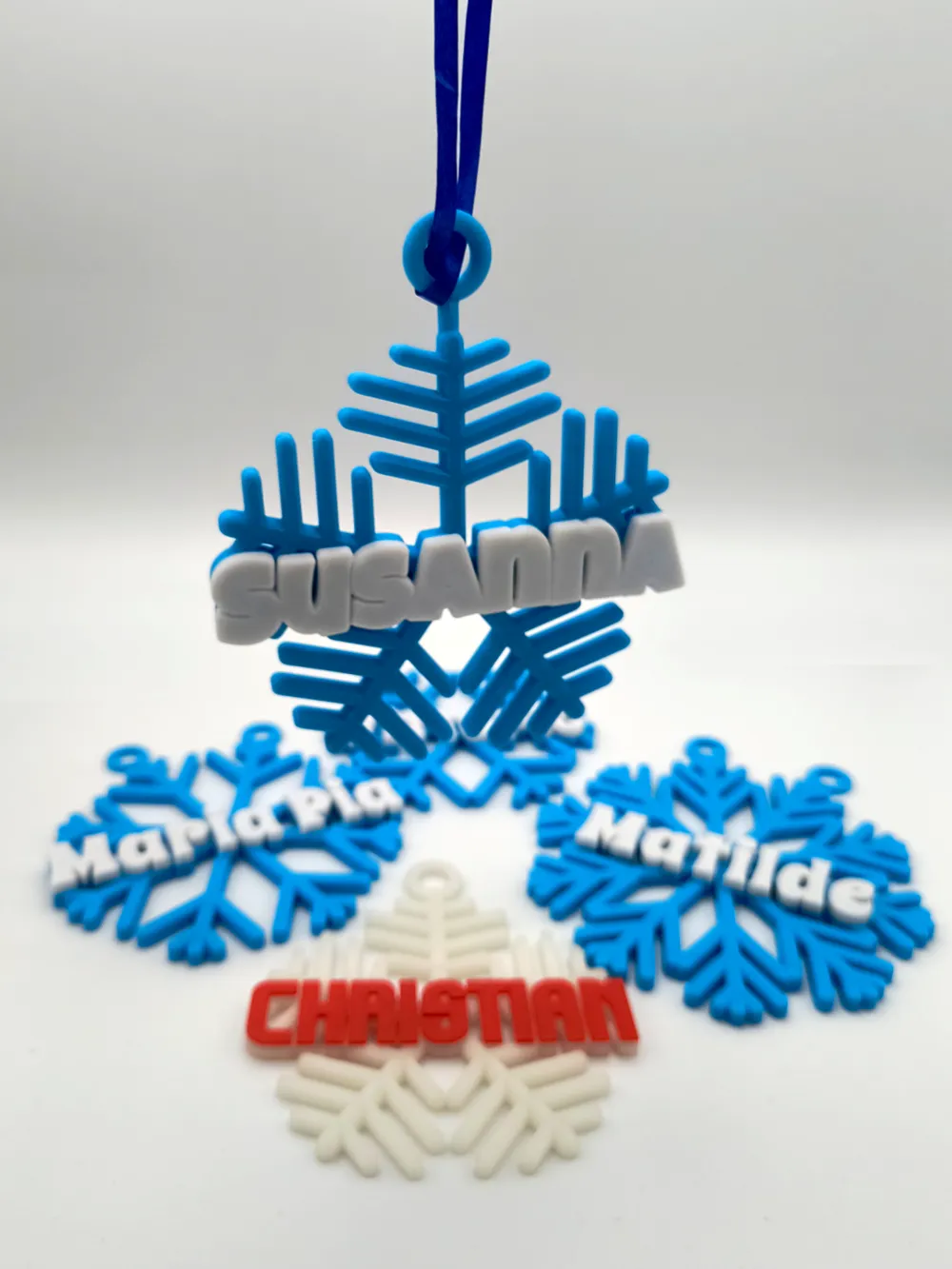
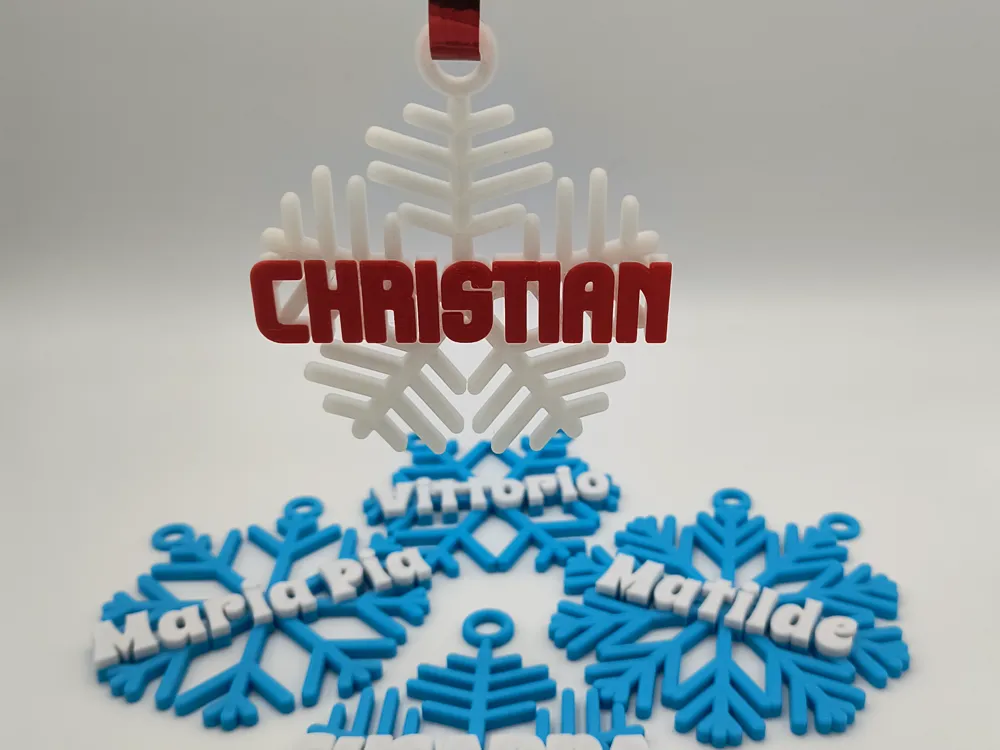
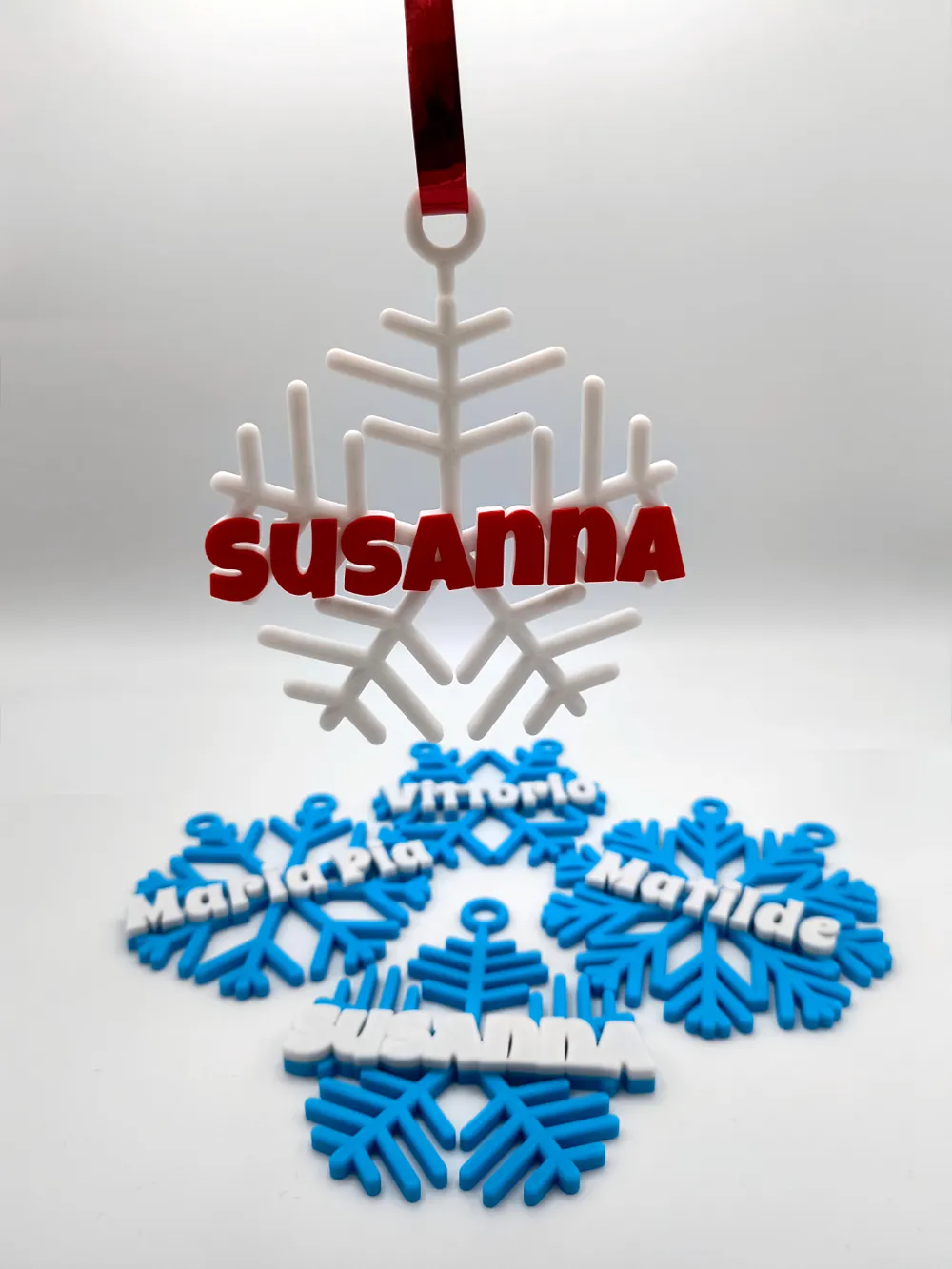
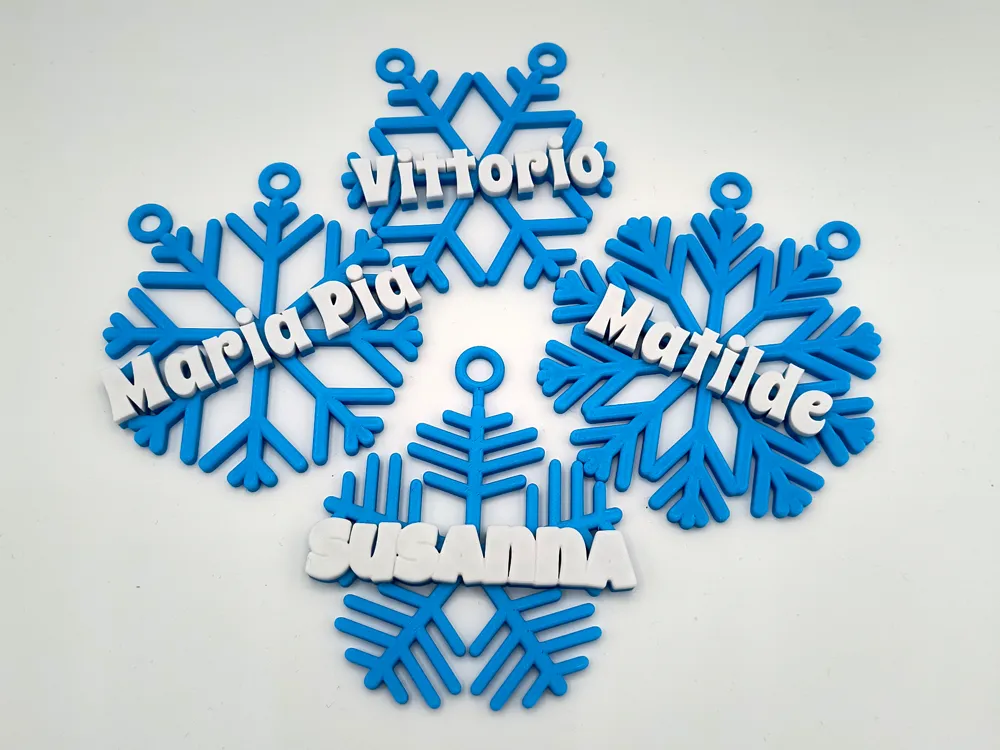
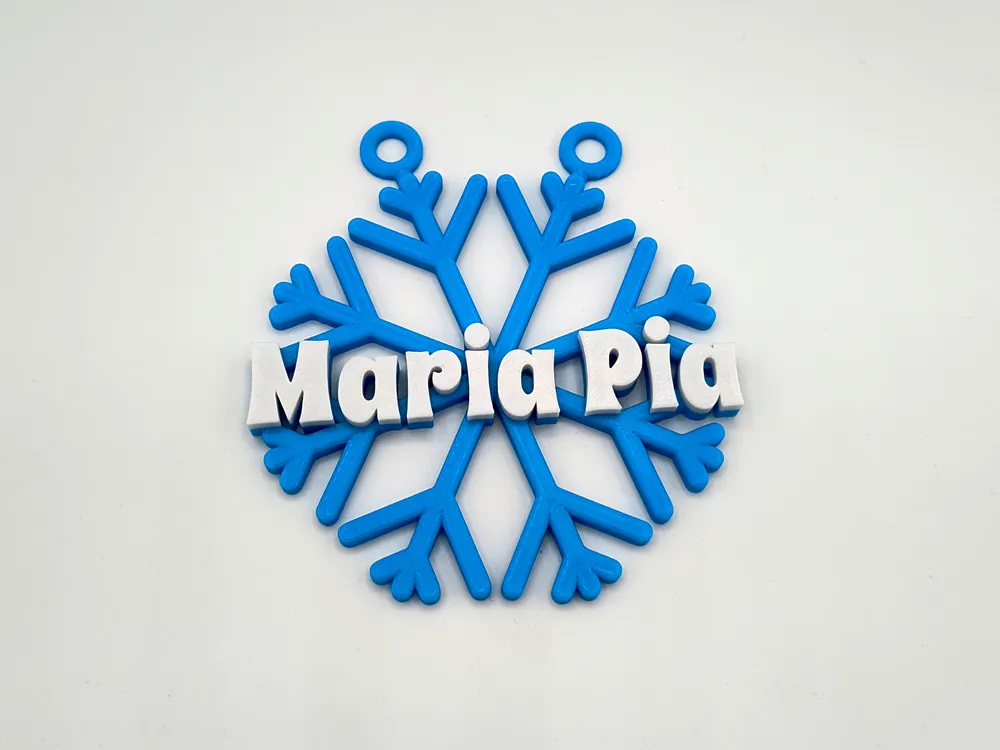
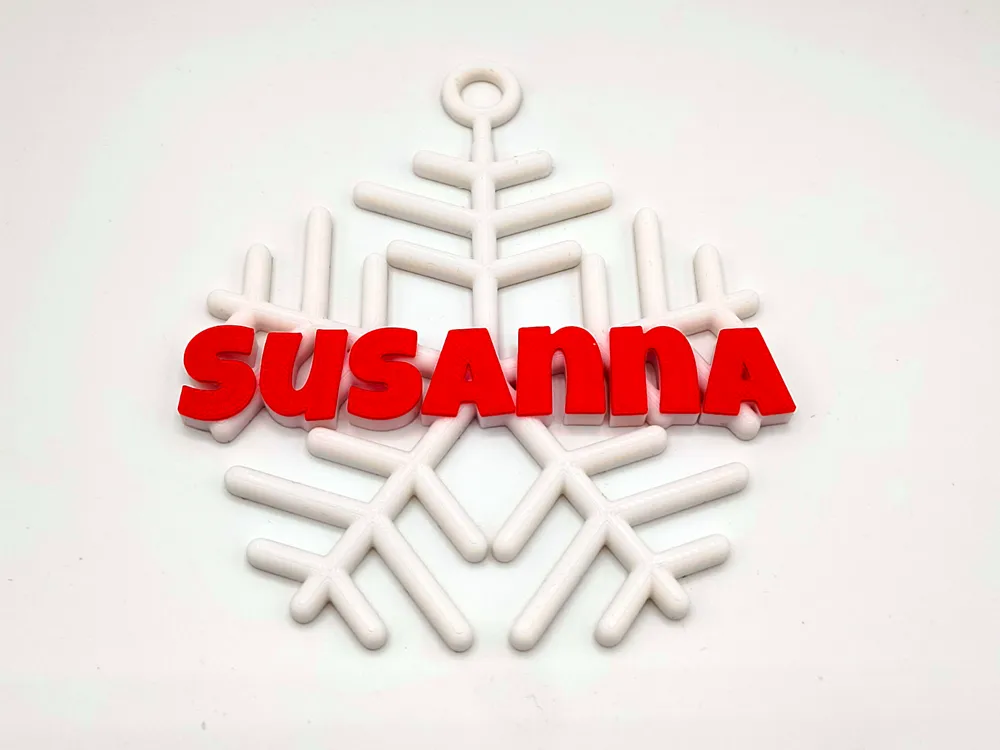
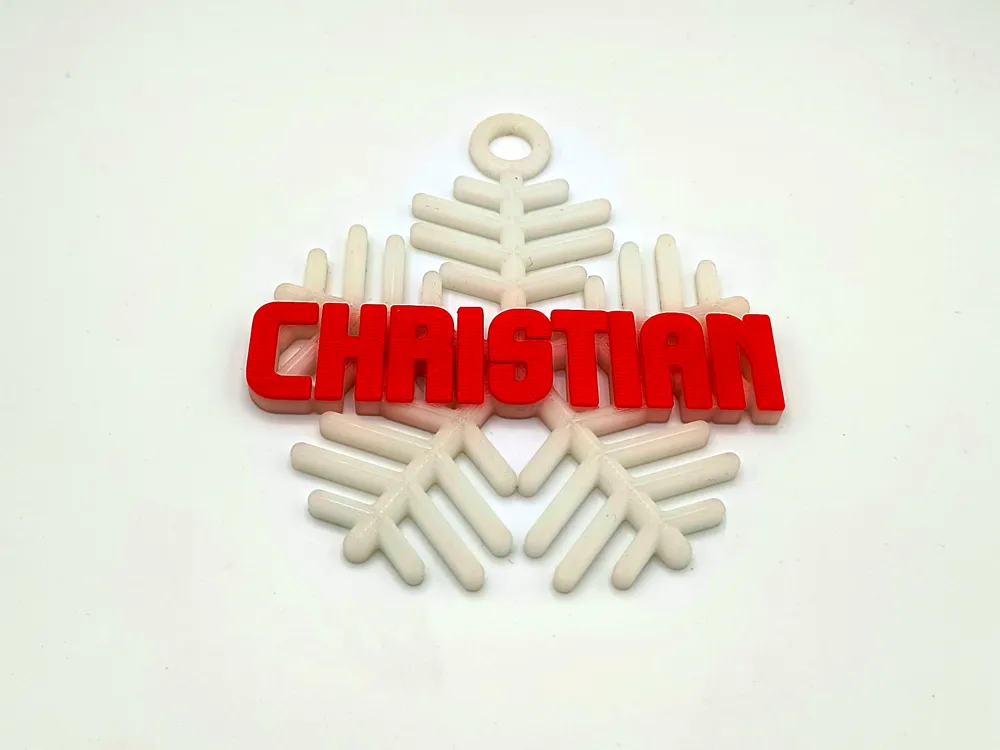
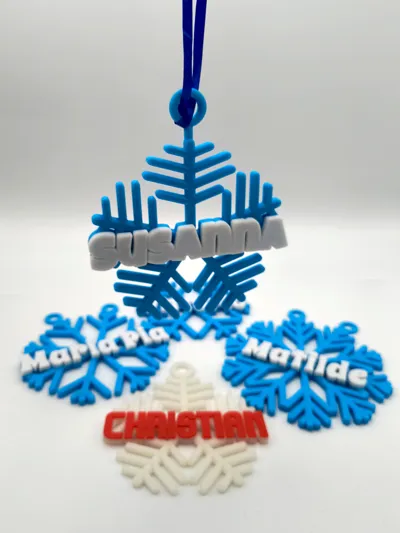
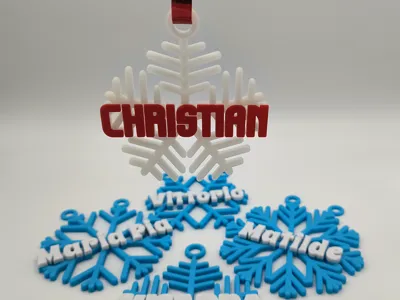
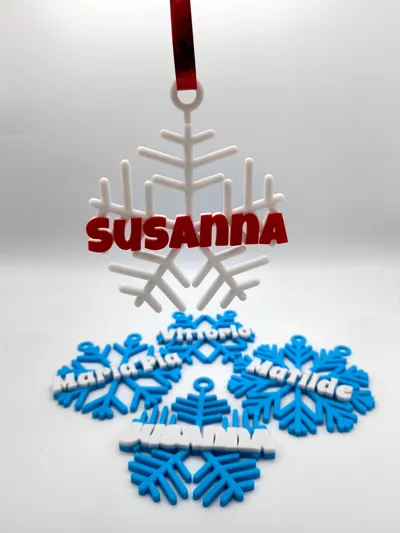
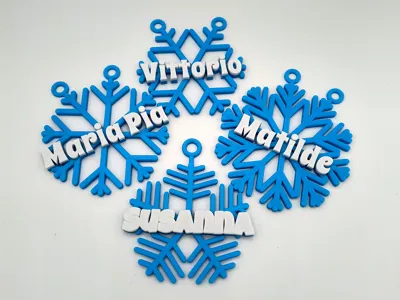
This generator easily allows you to create a beautiful snowflake to be appended to any Christmas Tree and placing one name on it.
Here’s a complete guide to the generating parameters.
Subscribers to my Get to the source commercial membership can get access to the original .SCAD files and use OpenSCAD nightly builds to run them, if you don’t know how to do it, I wrote a full but simple step by step guide that you can find attached to this project.
Name
| Parameter | Description | unit | min | max | default |
|---|---|---|---|---|---|
| name | The name to be shown on the snowflake. | text | Susanna | ||
| font | The font to be used for the name. Included list is MakerWorld's supported fonts. | Luckiest Guy | |||
| custom_font | Override the above setting with a custom font name. | empty | |||
| style | The style to be applied to the font. | Regular | |||
| name_height | The physical height of the text. | millimeters | 6 | 100 | 20 |
| font_spacing | Characters spacing in name. The higher the number the wider the characters are placed. | 0 | 2 | 1 | |
| name_depth | The depth of the name above the snowflake. | millimeters | 0 | 30 | 1 |
| name_boldness | Roundness of the name as percentage of depth. WARNING: time consuming setting, could cause Parametric Model Maker failure to generate model. | % | 0 | 100 | 0 |
| name_angle | Angle of the text. | ° | -90 | 90 | 0 |
| name_filament | Select a standard filament for the name.
Provided list is the list of Bambu Lab filaments with their correct color codes.
You can also set this parameter to Custom and select your custom color in the name_color parameter below. | Bambu Lab PLA Basic Jade White | |||
| name_color | Select a custom filament color for the name. This value is used only if the above name_filament parameter is set to Custom. | #FFFFFF | |||
| merge_line | Selects how to create a solid line that merges all the letters of the name. This value can be:
| As base | |||
| merge_line_depth | Depth of merge line or base as percentage of snowflake height. | % | 1 | 100 | 10 |
| merge_line_width | Width of merge line as percentage of main ray width. | % | 1 | 300 | 30 |
Snowflake
| Parameter | Description | unit | min | max | default |
|---|---|---|---|---|---|
| snowflake_size_mode | The mode of size calculation for the snowflake. This value can be:
Please note that if no text is entered, the value for this parameter is automatically considered Absolute. | Percentual | |||
| snowflake_size | The size of the snowflake as percentage of the width of the name. | % | 25 | 200 | 100 |
| snowflake_diameter | When not outputing text, this represents the diameter of the snowflake. | millimeters | 1 | 265 | 100 |
| snowflake_depth | The depth of the snowflake. | millimeters | 0.4 | 20 | 5 |
| snowflake_rays | Number of rays of the snowflake. | 3 | 20 | 5 | |
| snowflake_ray_width | Width of principal snowflake ray. | millimeters | 1 | 20 | 5 |
| snowflake_rotation | Overall rotation of snowflake. | % | -100 | 100 | 0 |
| snowflake_boldness | Roundness of the snowflake as percentage of width or depth. | % | 0 | 100 | 0 |
| snowflake_base | A base through all the extension of the snowflake in percentage of snowflake depth. Set this value to 0 (zero) for no base. | % | 0 | 100 | 0 |
| snowflake_filament | Select a standard filament for the snowflake.
Provided list is the list of Bambu Lab filaments with their correct color codes.
You can also set this parameter to Custom and select your custom color in the snowflake_color parameter below. | Bambu Lab PLA Basic Cyan | |||
| snowflake_color | Select a custom filament color for the name. This value is used only if the above snowflake _filament parameter is set to Custom. | #0086D6 | |||
| branch_count | Number of divisions of every snowflake ray. | 0 | 15 | 4 | |
| branch_depth | Branch depth as percentage of main ray depth. | % | 1 | 100 | 100 |
| branch_width | Branch width as percentage of main ray width. | % | 1 | 300 | 80 |
| branch_distance | Branch distance as percentage of branch width. | % | 0 | 300 | 100 |
| branch_angle | Angle modification of the branches. | ° | 0 | 90 | 0 |
| branch_extension | Extension of branches in percentage of max extension possible for no collision or going outside snowflake. | % | 1 | 100 | 80 |
Circle
| Parameter | Description | unit | min | max | default |
|---|---|---|---|---|---|
| surrounding_circle | Set this to true to create a surrounding circle like a Christmas bauble. | boolean | false | ||
| circle_depth | The depth of the surrounding circle. | millimeters | 0.4 | 25 | 7 |
| circle_width | The width of the surrounding circle. | millimeters | 0.4 | 10 | 5 |
| circle_base | A base inside the circle, in percentage of circle depth. Set this value to 0 (zero) for no base. | % | 0 | 100 | 0 |
| circle_boldness | Roundness of the surrounding circle in percentage of width or depth. | % | 0 | 100 | 0 |
Hook
| Parameter | Description | unit | min | max | default |
|---|---|---|---|---|---|
| hook_mode | Mode of creation of the hook. This value can be:
| Single | |||
| hook_distance | Distance of the hook from the snowflake or the surrounding circle. | millimeters | 0 | 30 | 5 |
| hook_diameter | The inner diameter of the hook hole. | millimeters | 0.4 | 20 | 10 |
| hook_border | The width of the hook border. | millimeters | 0.4 | 10 | 4 |
| hook_depth | The depth of the hook. | millimeters | 0.4 | 25 | 4 |
| hook_angle | Position of the hook around the circle. | ° | -180 | 180 | 0 |
| hook_boldness | Roundness of the hook in percentage of width or depth. | % | 0 | 100 | 0 |
Rendering
| Parameter | Description | default |
|---|---|---|
| render_quality | Choose the quality of generation of the objects, the higher quality the more memory/time generation will take. This value can be:
My advice is to find your settings for the whole object using Basic to Standard rendering, then switching to Production when ready to export. | Standard |
Boost Me (for free)
Want to show your appreciation for my work? Consider sending me a boost. This encourages me to keep creating beautiful, useful models and scripts, and to share them with full documentation as I always have.
Show me your appreciation: buy me a coffee.

https://buymeacoffee.com/zizzo81
All my models are proudly created in Italy with ♥.

Documentation (2)
License

You shall not share, sub-license, sell, rent, host, transfer, or distribute in any way the digital or 3D printed versions of this object, nor any other derivative work of this object in its digital or physical format (including - but not limited to - remixes of this object, and hosting on other digital platforms). The objects may not be used without permission in any way whatsoever in which you charge money, or collect fees.


Comment & Rating (11)