
Corner Guard (Customizable!)

Print Profile(1)

Description
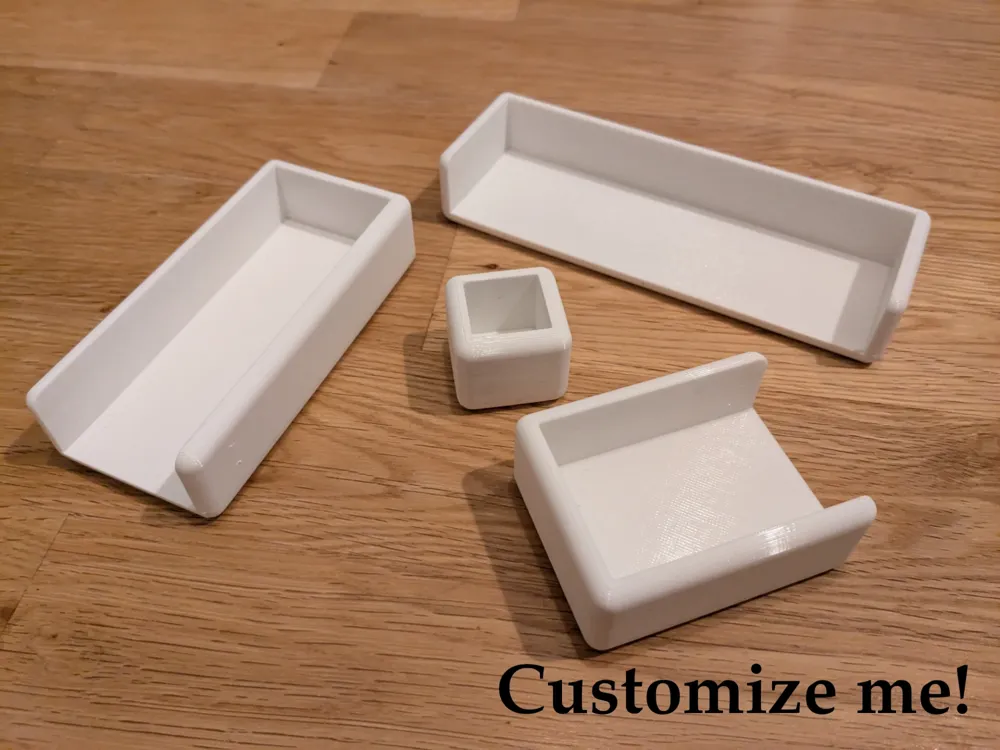
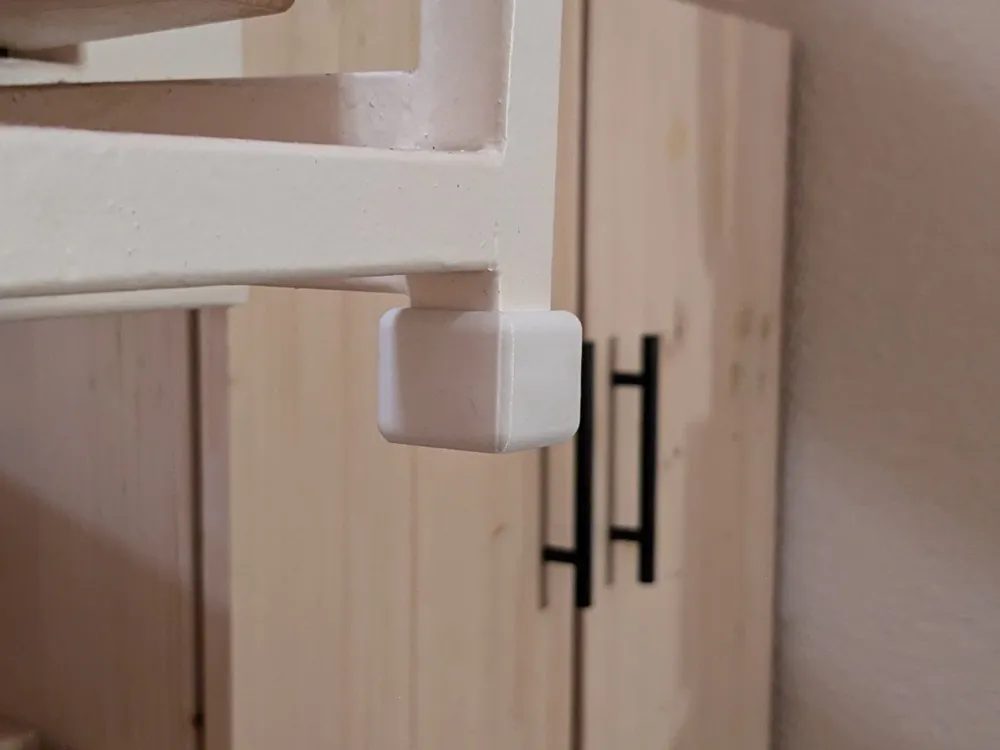
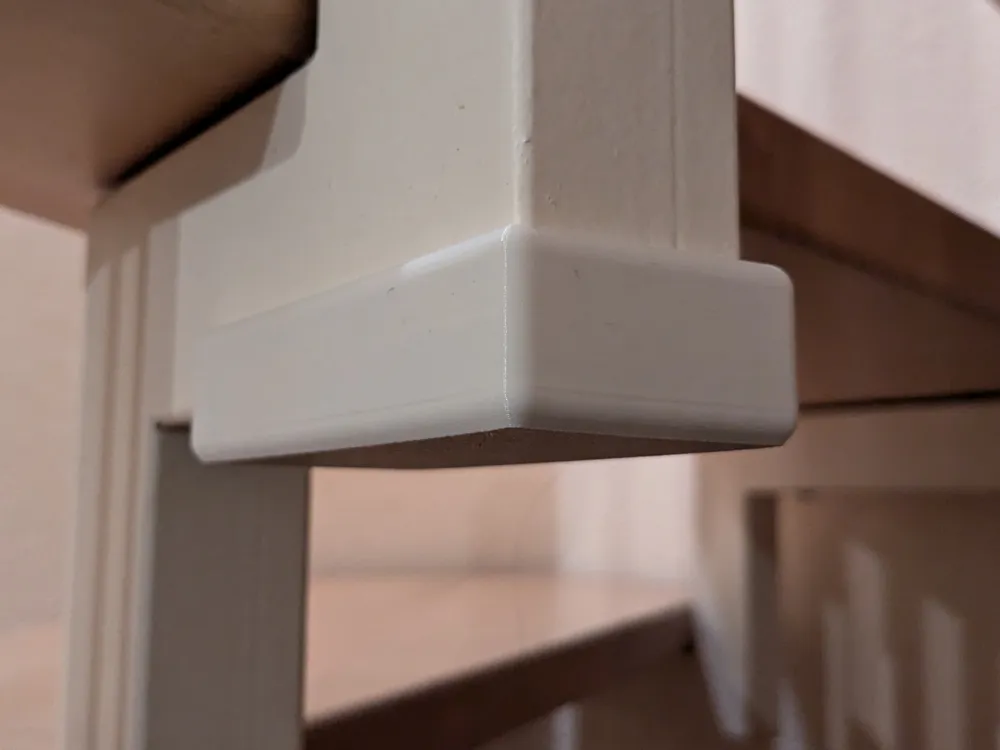
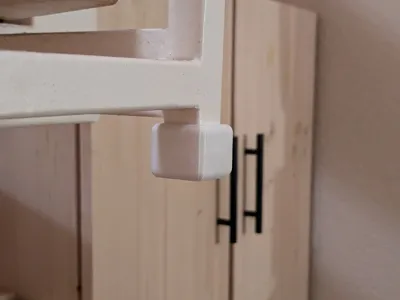
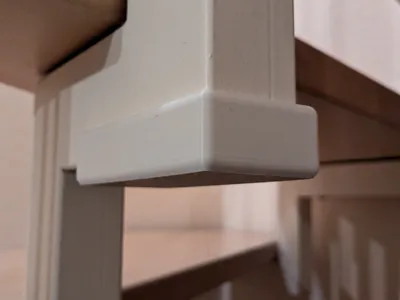
There are so many corner guard models available, but none fit our staircase exactly. So I made my own and would like to share it with you!
I suggest the following steps:
- Customize your own corner/edge protector according to your wishes, then download as STL. (see below for more information)
- Download the print profile (.3mf file), open it, it has a demo model.
- Remove the demo model from the print project, and add your downloaded STL into the print project.
- (Optional) Adjust to your own TPU filament profile, I included my settings for “Das Filament TPU V2” in the print profile.
Customize
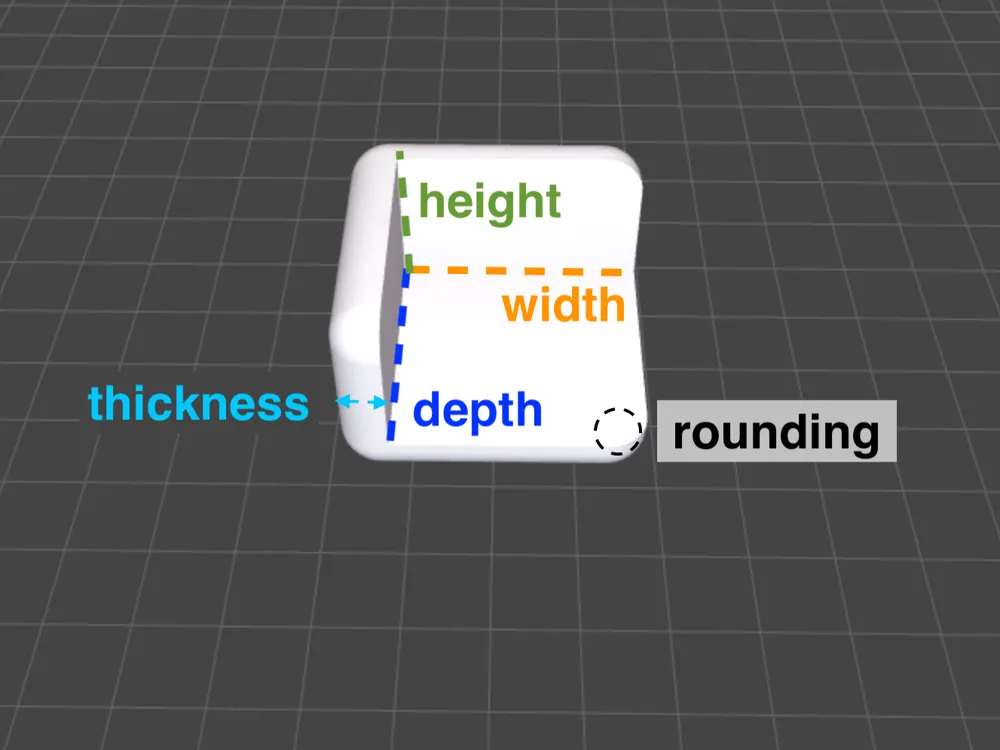
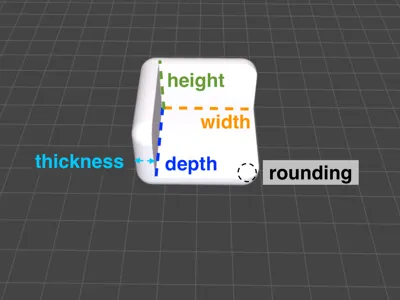
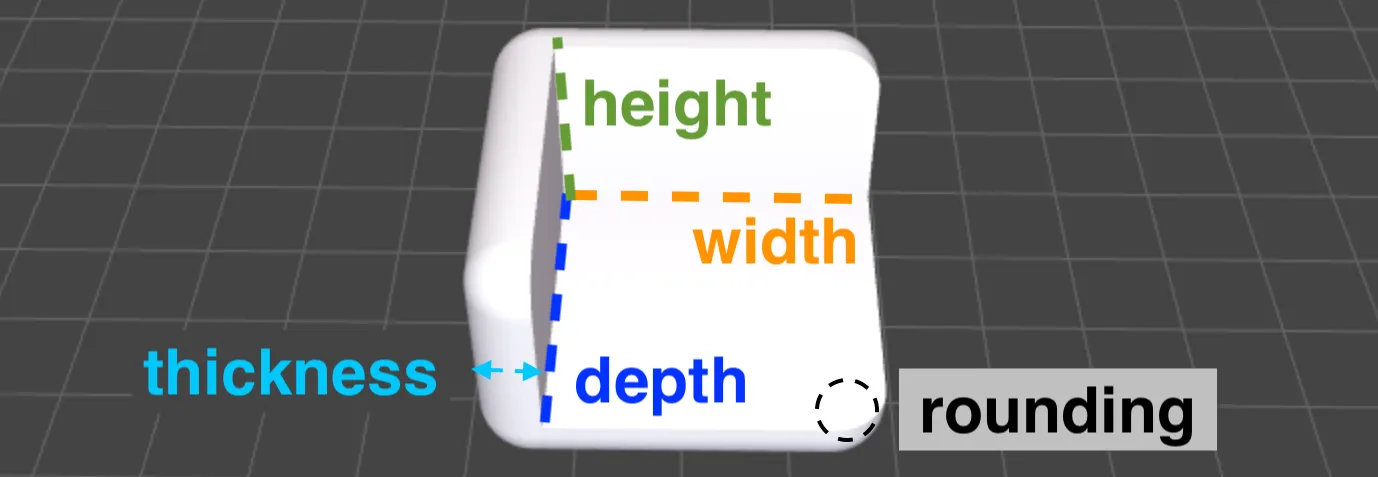
Click “Customize” to enter your own dimensions. Note, that the width, depth, and height given are the inside dimensions. The protecting walls' thickness is added to the total model size. This allows you to conveniently measure the dimensions of the object that should be covered and enter them directly. Finally, rounding is the radius in the corners, I recommend 1 or 2 mm less than the thickness.
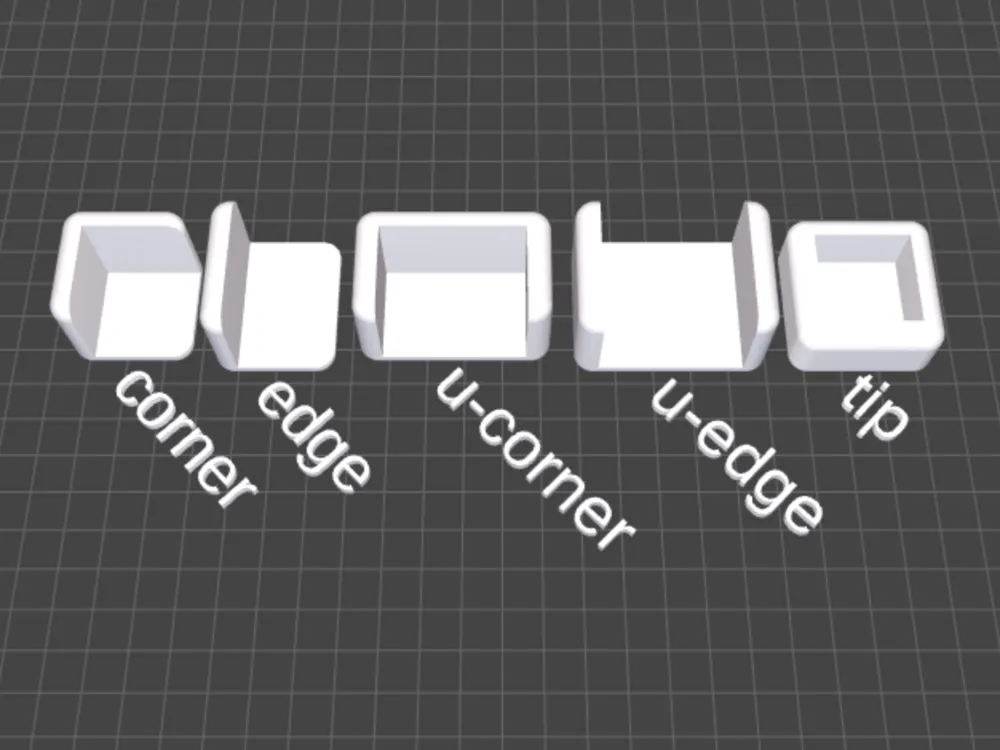
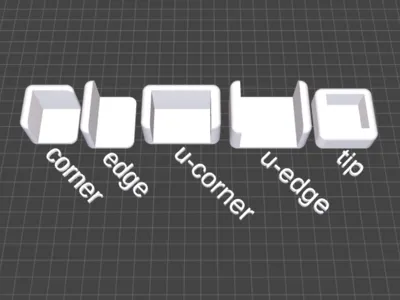
All different shapes are available in the customizer:
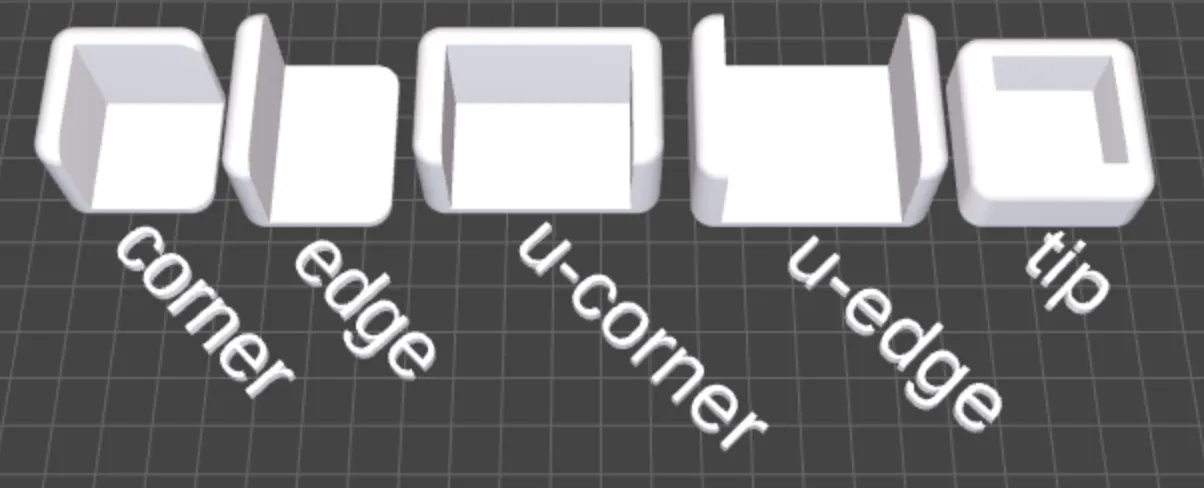
After you are satisfied with your configuration, download the file as STL then add it to the print project downloaded from the print profile.
Slicer Settings
I tried a few slicer settings to reduce stringing and get reasonable squishyness:
- 0.2mm layer height
- 15% Gyroid infill
- Avoid crossing walls: yes, use a max. detour length of 400%
- Print sequence: “Print by Object” to reduce strings between models (use auto positioning)
Filament Settings
Obviously, you will want to print this with (squishy) TPU, the squishier the better, probably. I only have “Das Filament TPU V2” (a German supplier) available, so I share my print profile for that (its a filament profile in the print profile .3mf file). In my experience, you should dry your TPU before (and while) printing!
If you also have the “TPU V2” filament from “Das Filament”, then I can recommend the following settings (copy from Generic TPU):
- Temperature: 235 (first layer), 240 (other layers)
- Max fan speed threshold: 15 s layer time
- Max. volumetric flow: 3.2
- Retraction: 2 mm
- Retract amount before wipe: 70%
It should also work nicely (and much faster!) with Bambu TPU 95A HF, but I have not tested it, since I do not have this filament yet.
Boost Me (for free)
Consider giving this model a free boost, so everyone's heads and ankles are protected in the future!
License



Comment & Rating (5)