
Minecraft Arrow
Print Profile(2)


Bill of Materials

Description
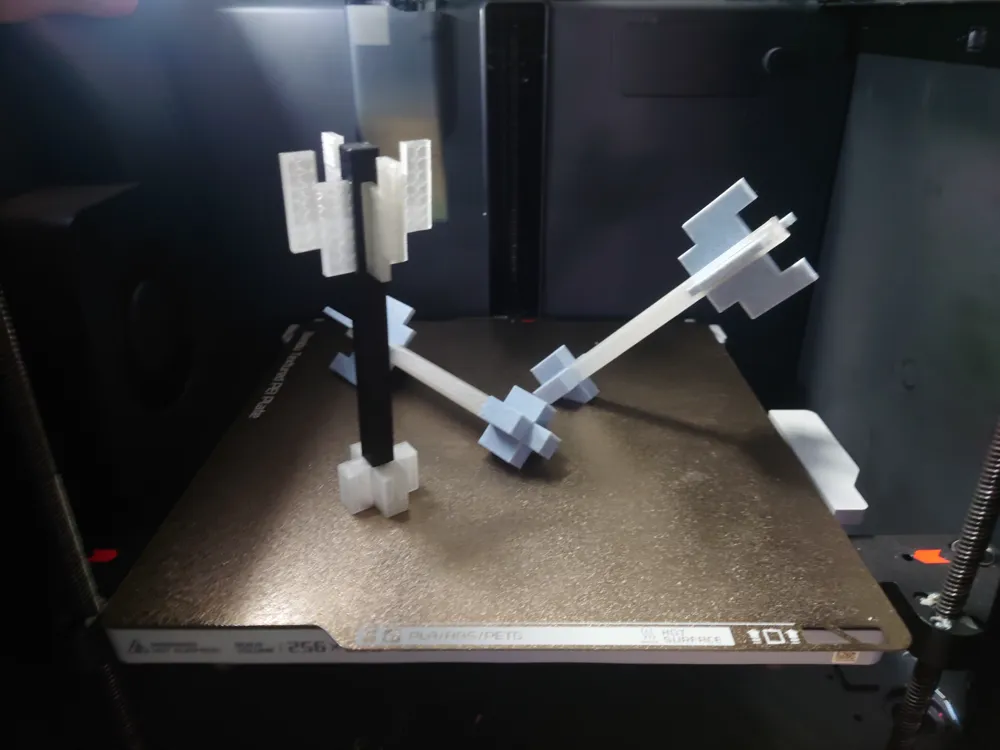
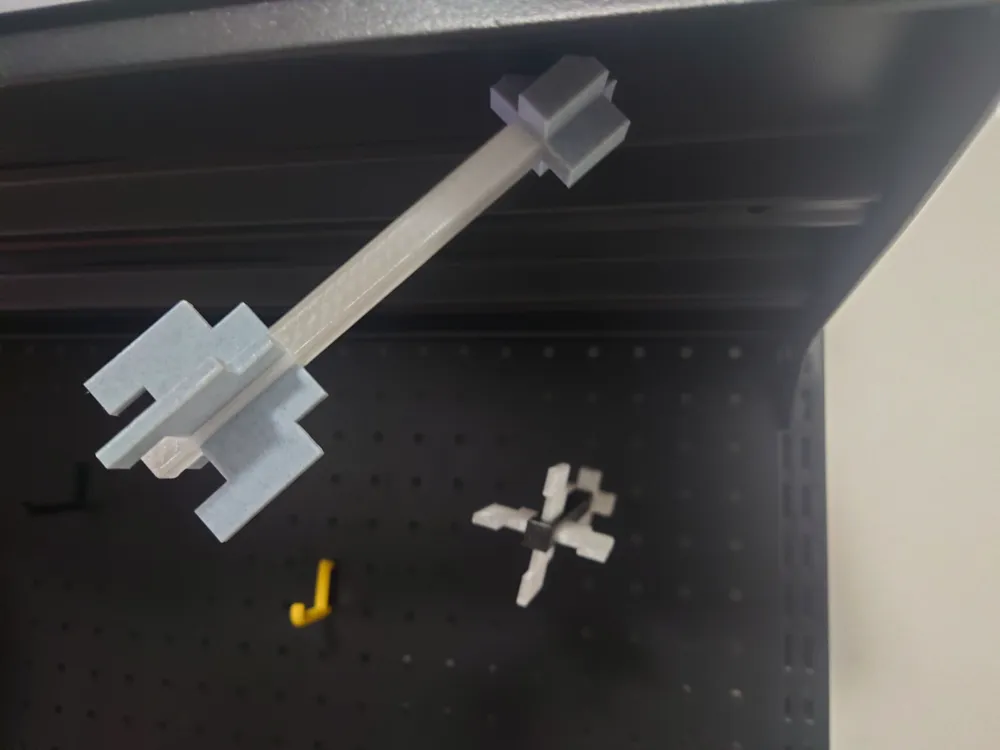
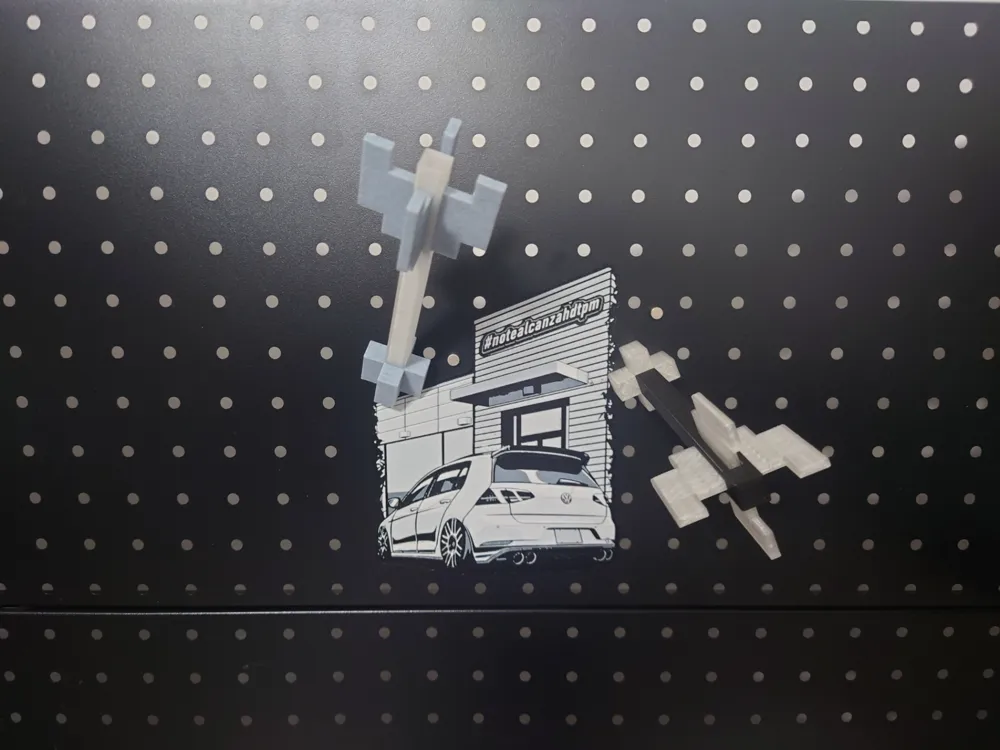
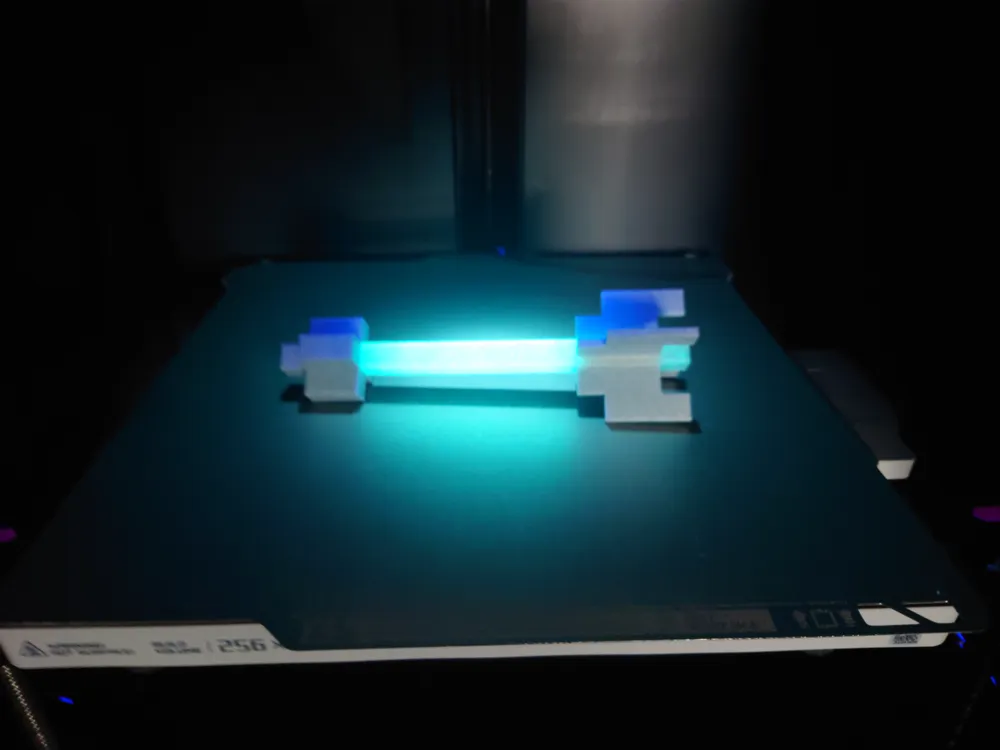
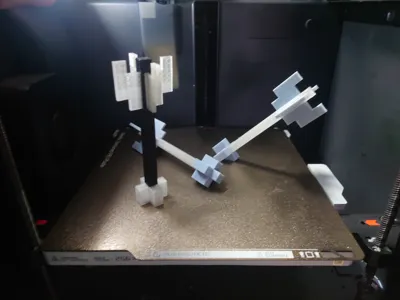
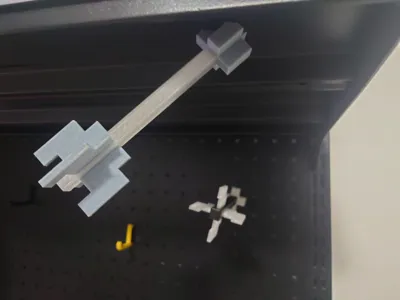
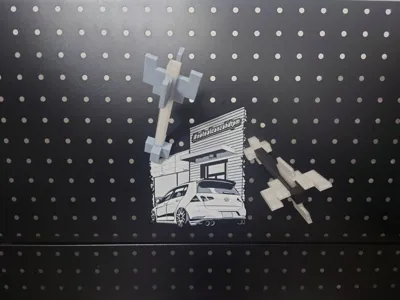
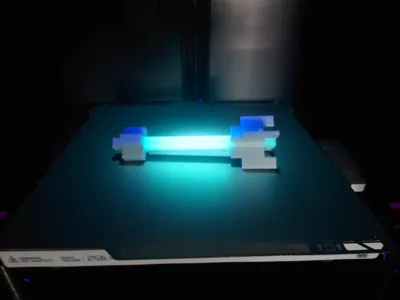
My world's arrow magnetic model, the complete arrowhead does not require a magnet, the rest of the arrowheads need a magnet. The magnet used is φ8*3.
Arrowheads 2 and 3 have hidden magnets and require a pause midway to place the magnet.
Arrowhead 2 pauses at layer 44.
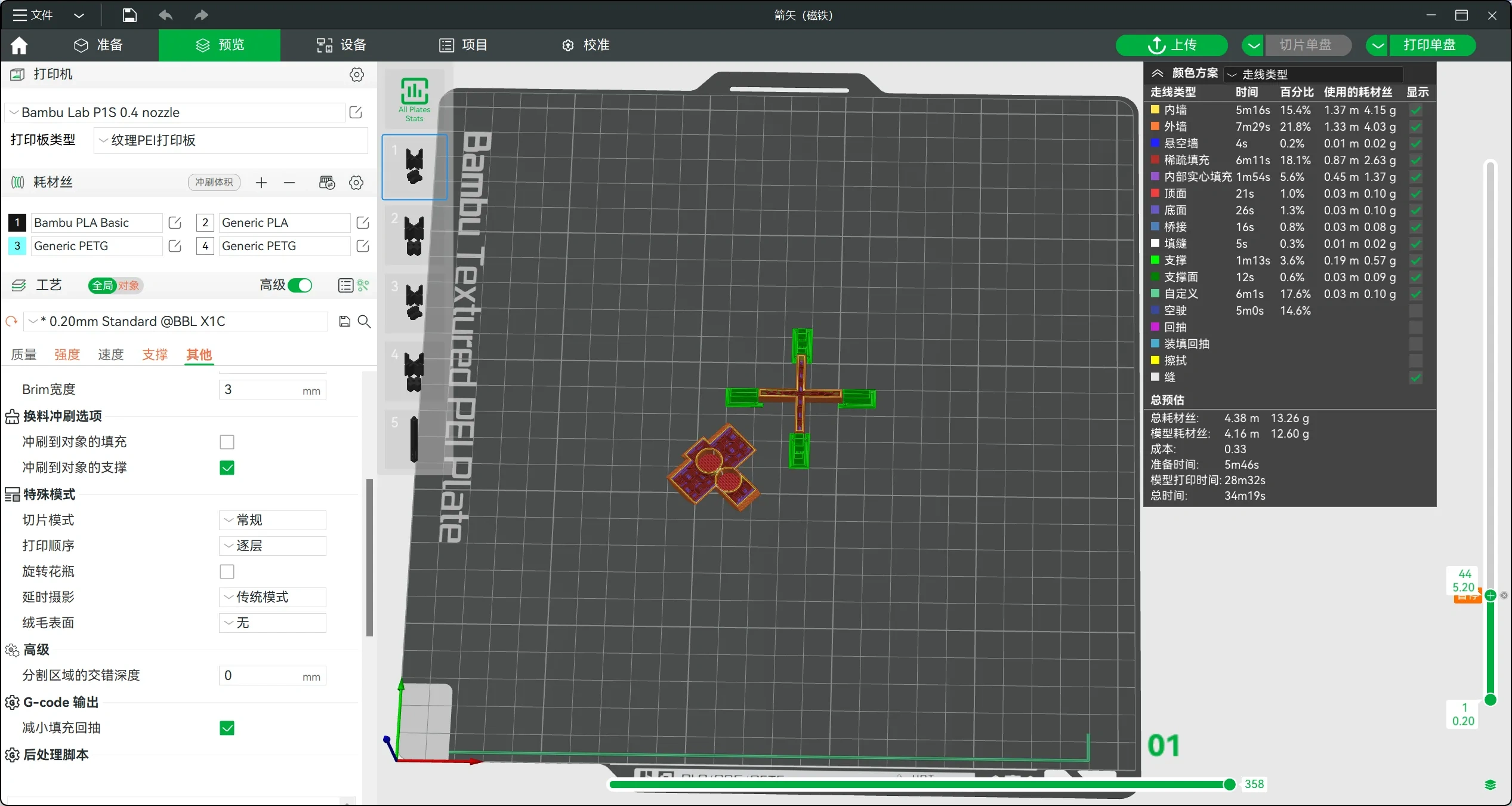
Arrowhead 3 pauses at layer 46.
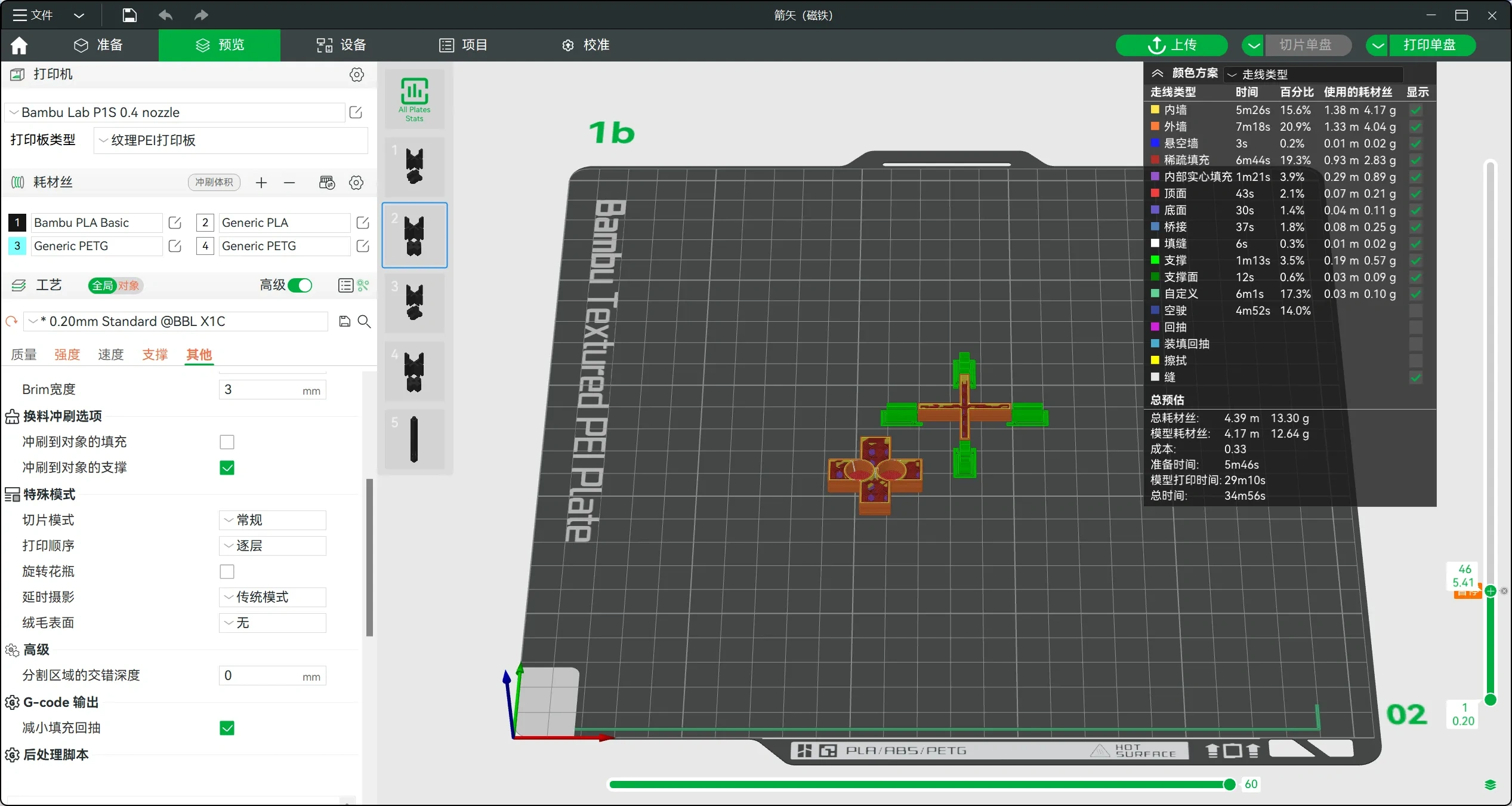
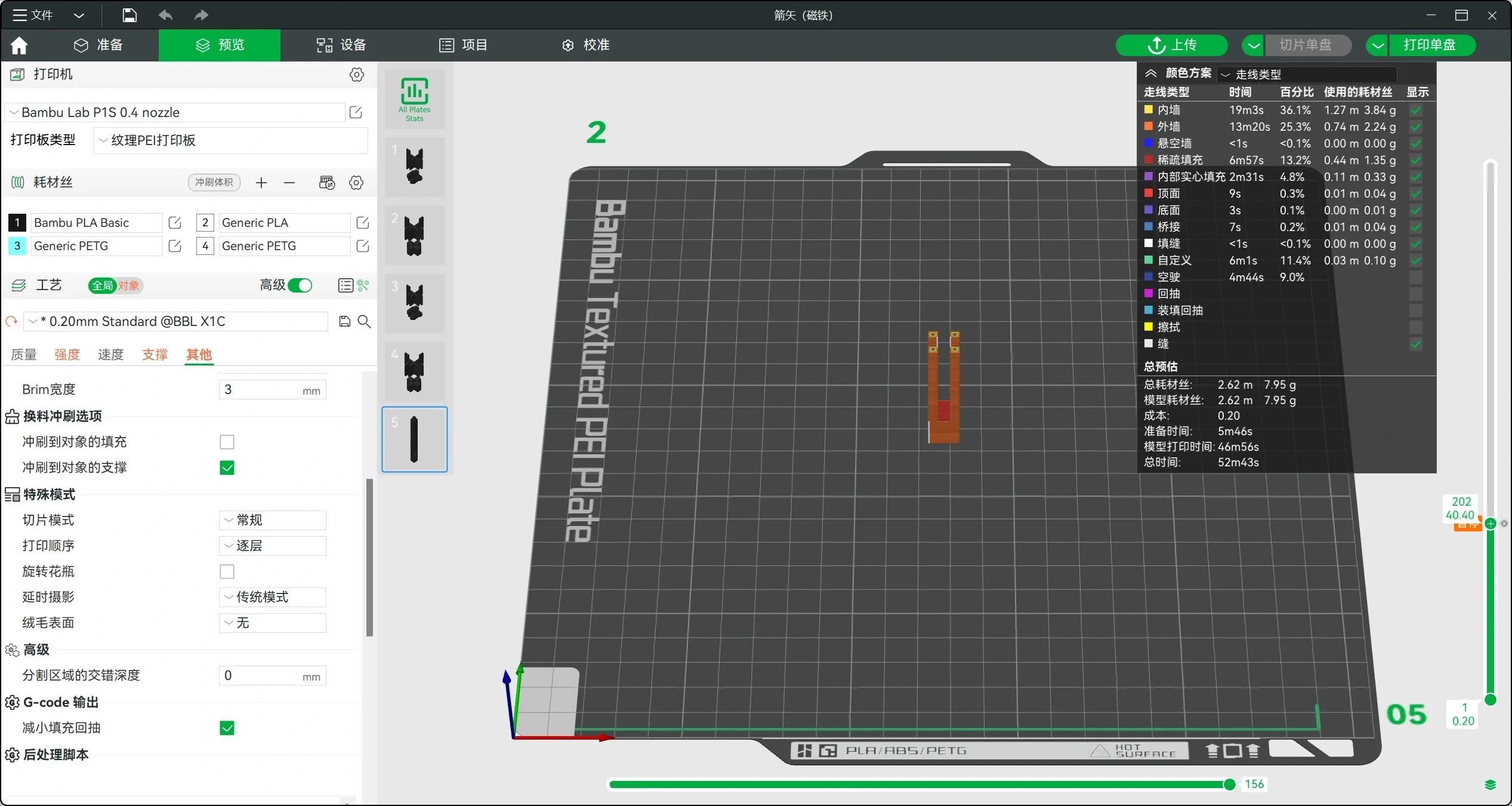
When printing, the arrowhead and arrowtail need to be printed first, followed by the arrow shaft. The arrow shaft needs to pause at layer 202, then insert the arrowtail into the shaft, and continue printing after insertion.
License

You shall not share, sub-license, sell, rent, host, transfer, or distribute in any way the digital or 3D printed versions of this object, nor any other derivative work of this object in its digital or physical format (including - but not limited to - remixes of this object, and hosting on other digital platforms). The objects may not be used without permission in any way whatsoever in which you charge money, or collect fees.


Comment & Rating (13)