Search models, users, collections, and posts

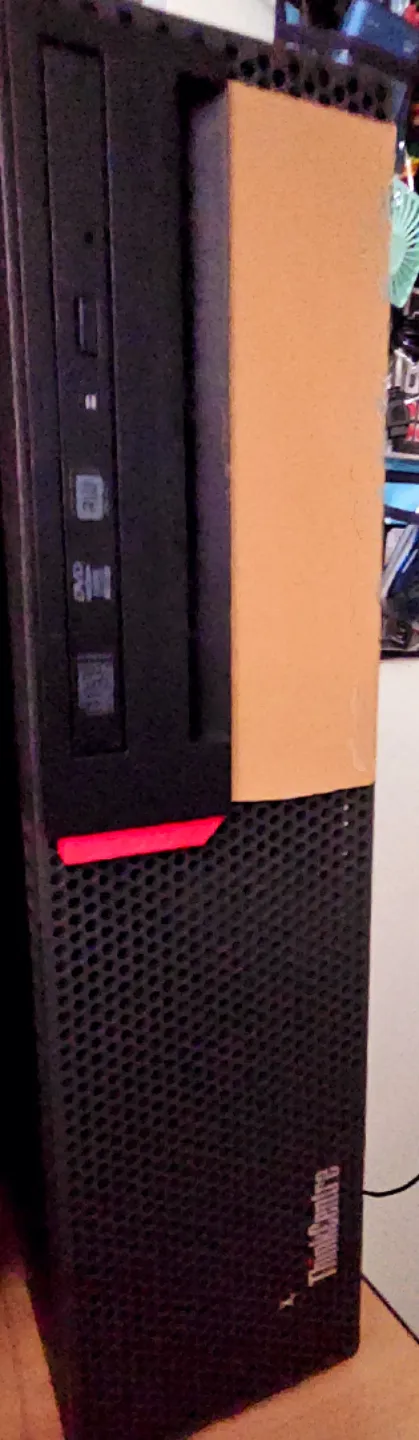
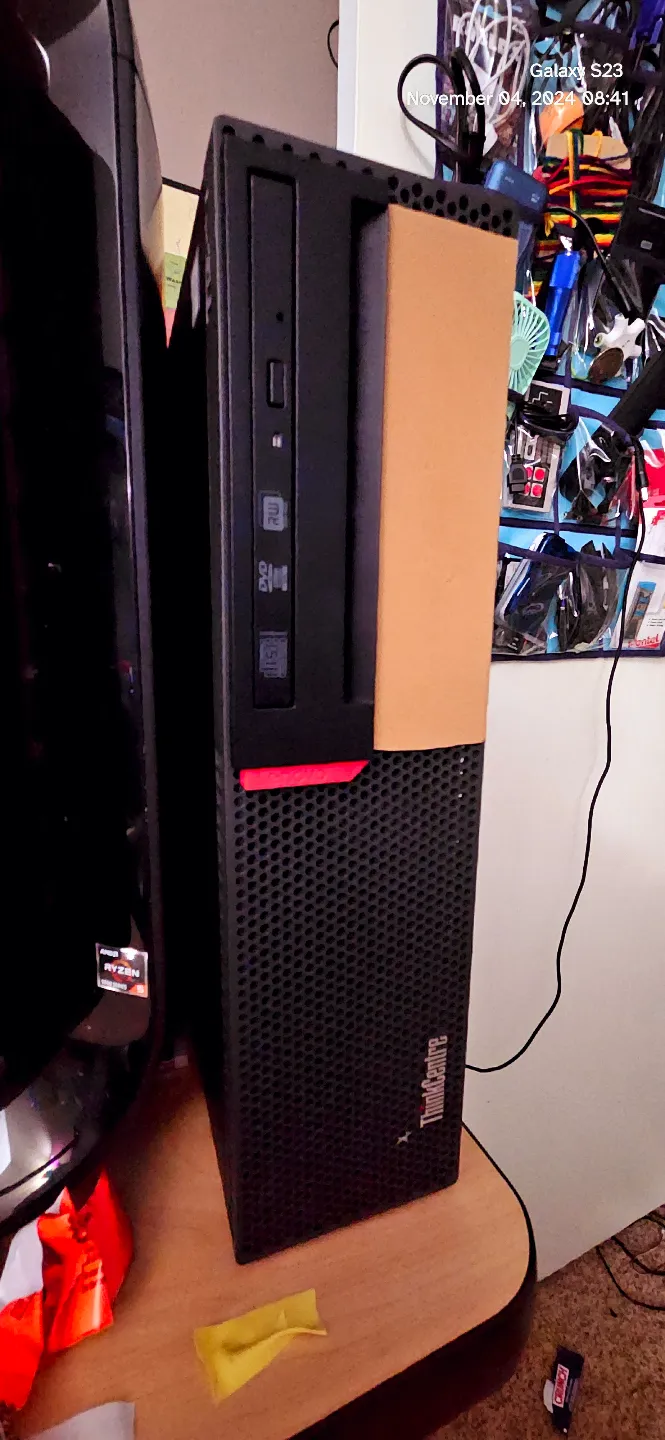
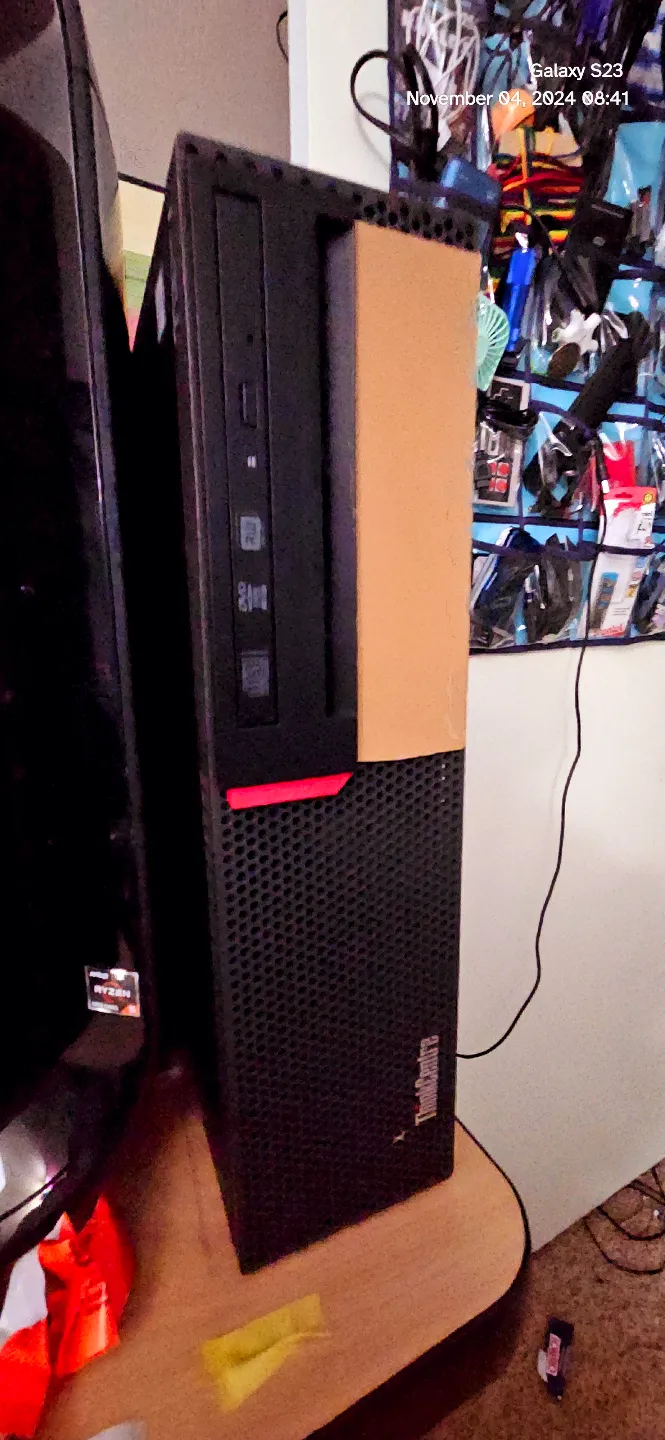
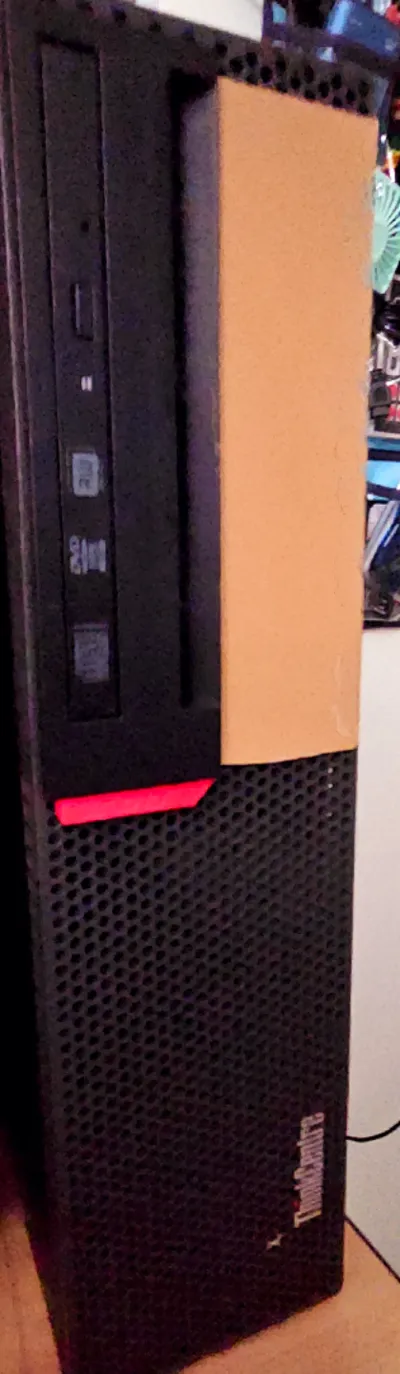
M900 Front Plate
IP Report
Print Profile(0)
Add the first print profile to earn points
Boost
2
0
0
0
1
0
Released
Description
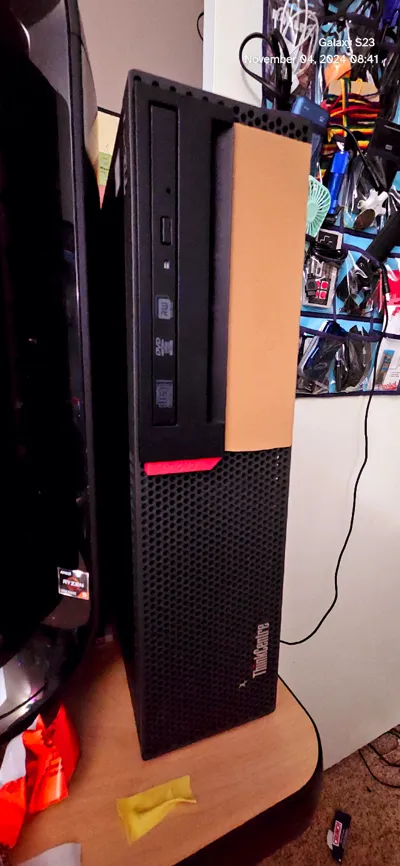
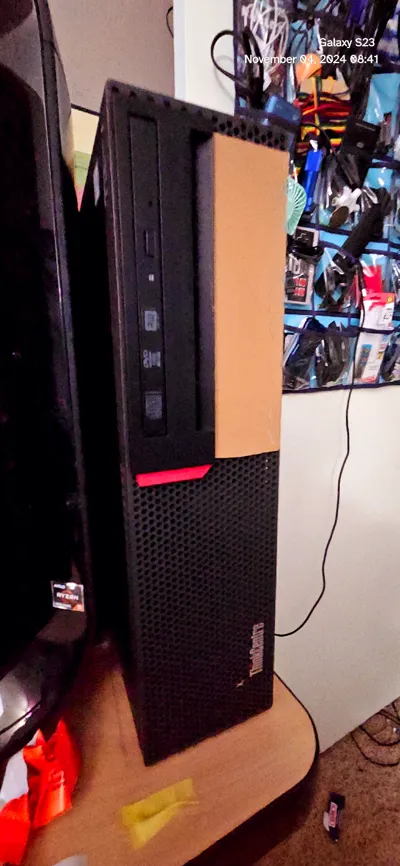
Front Cover for Lenovo M900 incase you don't need power or usb and aux. CD Cover is coming soon, should be similar.
Make sure to unscrew the usb and take off the metal plate and push the usb back to make sure that it will fit.
FOR THE CD SECTION:
Blocks the CD Drive. Do note you need to remove it before installing the cover.
HOW TO PUT IN:
- Open the case by sliding off the side.
- Pull the tabs off that hold the front in.
- Remove the front
- ----
- For CD:
- 1. Pull up on the blue tab that says 1
- 2. Slide the drive out from the back
- 3. Unplug Cables
- ----
- Remove the original covers by undoing the smaller clips holding in each part of the case
- Unscrew the USB bracket (Phillips Head)
- Bend the bracket off of the USB & AUX Box's Plastic Container
- Remove the bracket (you can throw it away now)
- bend the USB Box up and push it in (so that it is fully inside of the slot it was inside)
- Push on the new cover
- Done!
License

This user content is licensed under a
Creative Commons Attribution-Share Alike


Comment & Rating (0)