
AMS Unload Fix PTFE Toolhead Clip / Chain Clips

Print Profile(3)

Description
ENGLISH
I have spent quite a few days resolving my issue with AMS filament discharge on several of my printers. I have tried multiple mods, I have watched dozens of videos and I have read many threads on the forum and on Reddit about it.
Some seemed to solve the problem, but in my case none of them fixed it 100%.
I don't like installing unnecessary mods, in the end they create more problems than they solve. Many sell them to you as the definitive solution to all your problems, when in reality they don't fix anything.
Before installing any mod, I recommend that you do the following, if you are having problems with your AMS (specifically, in the filament "unloading" process):
1) Check your PTFE tubes that connect to the toolhead. Even if your printer is new and has only been used for a few weeks, Teflon degrades faster than I thought. The PTFE tube that you should check is the 50cm section that connects to the toolhead / print head. A degraded tube does not slide and causes blockages.
Buy new PTFE tube from the official BambuLab website,
or from AE (cheaper and same quality, 2.5mm ID / 4mm OD).
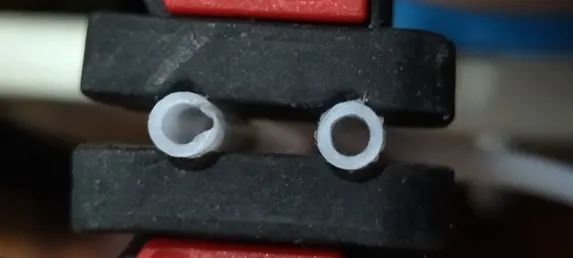
2) Uninstall any mods you have installed for AMS. I don't want to single out any specific creator/mod, but in my case I have to say that some mods caused more friction and jams than before installing them. Specifically, those mods that modify the toolhead usually restrict the free movement of the PTFE tube and generate more jams.
3) Remove the top glass or install a riser. It seems like a joke, but raising the glass 2-3cm alleviates the bend of the PTFE tube towards the toolhead, and after multiple tests I can confirm that removing the glass, or raising it with a riser, can fix your problems with the AMS.
4) Release the PTFE tube from the cable chain clip on the toolhead.
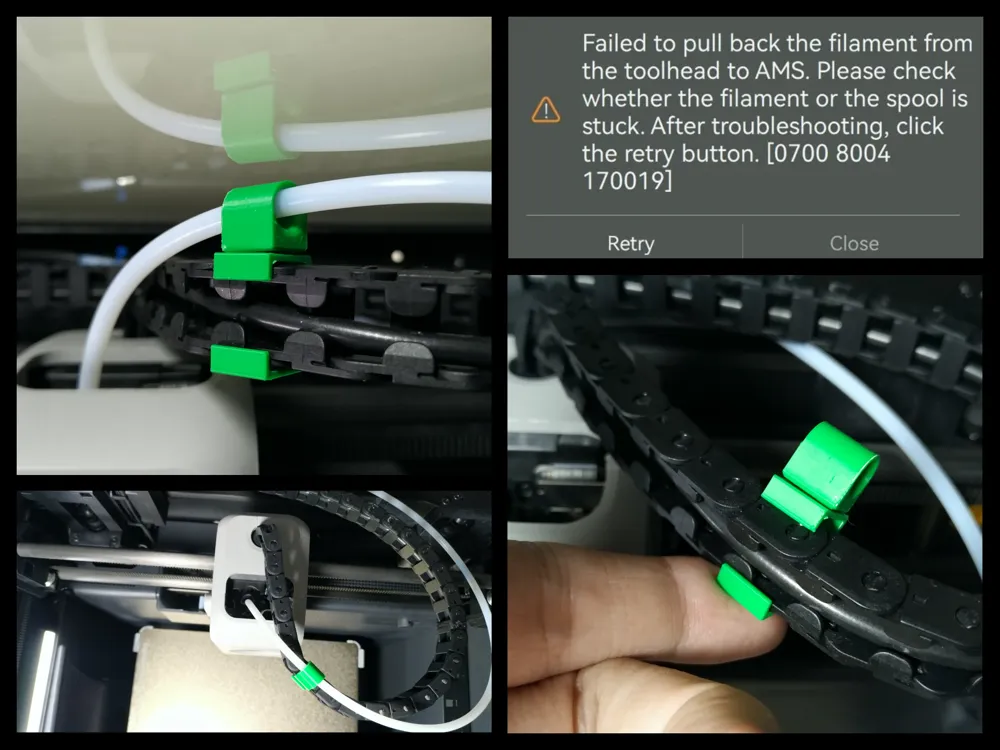
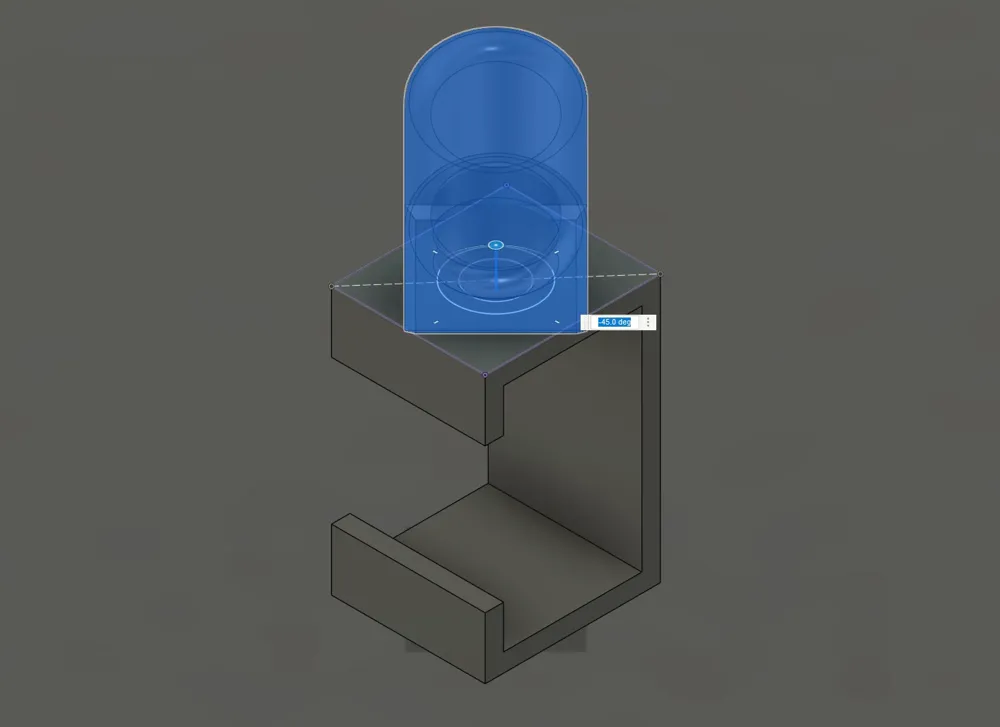
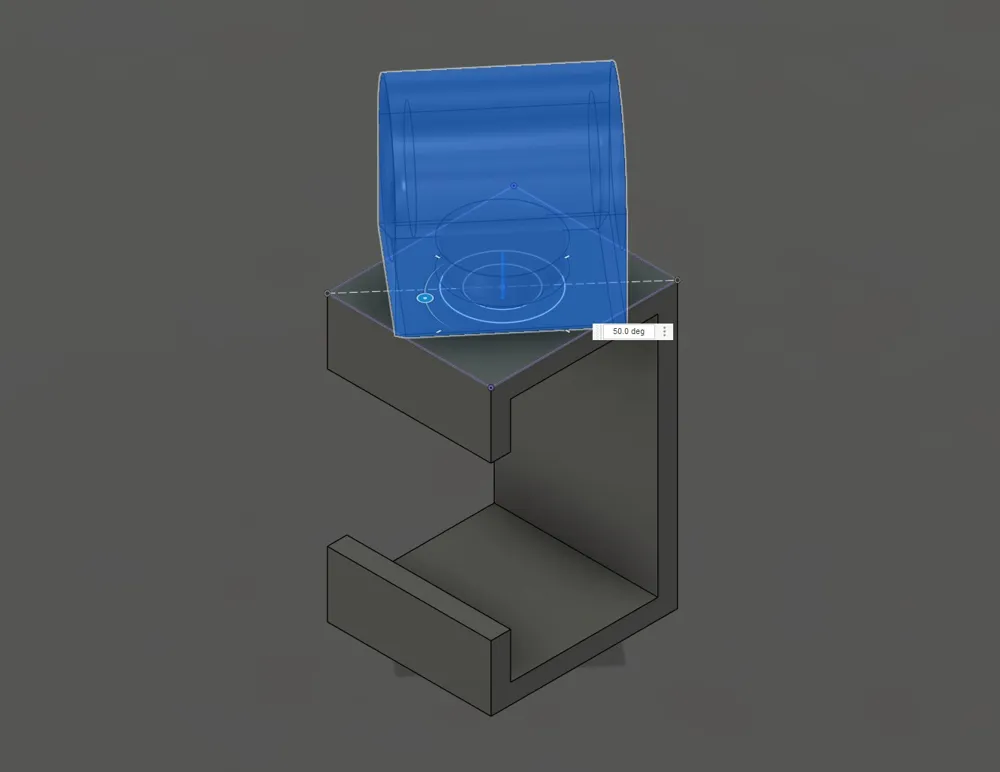
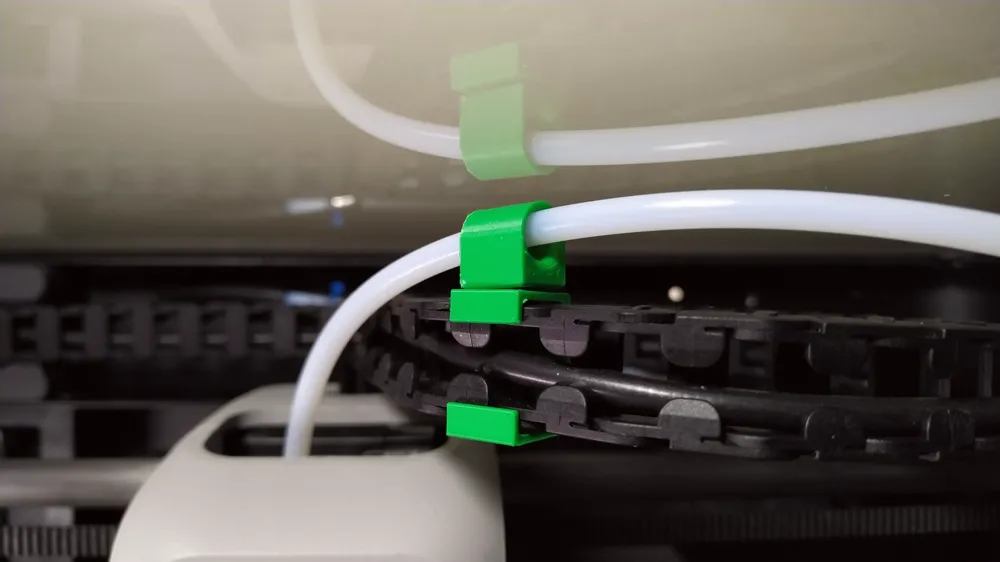
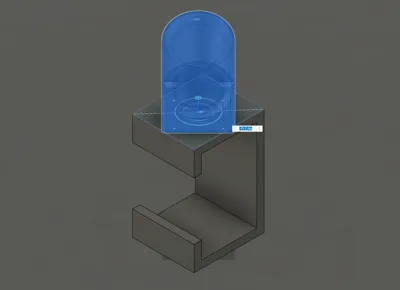
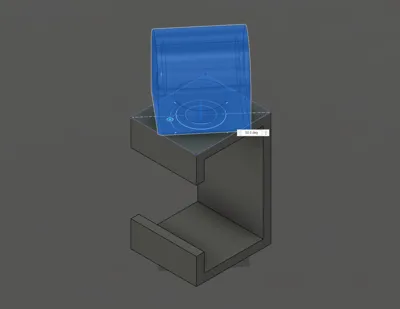
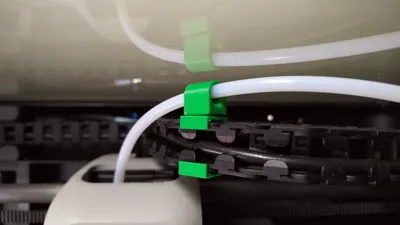
5) Install this mod, which rotates and leaves the PTFE tube completely free and natural movement without restrictions.
INSTALLATION STEPS
- Disconnect the PTFE tube from the toolhead, pressing the black clip that retains it with a finger, and at the same time pulling the PTFE tube upwards. Detailed guide here: https://wiki.bambulab.com/en/p1/maintenance/ptfe-tube
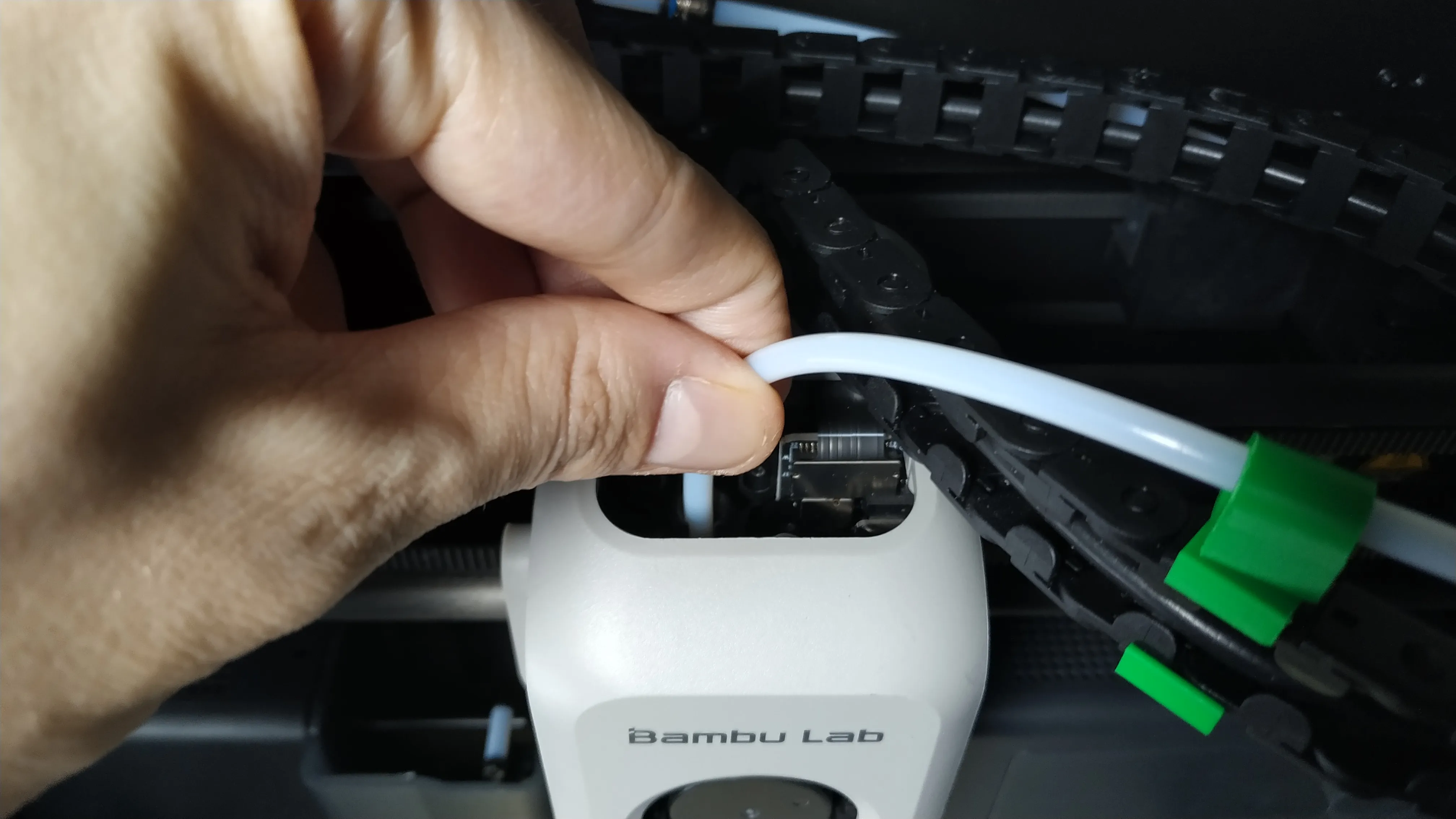
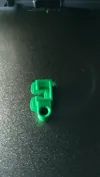
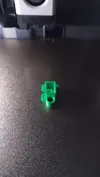
- Install the mod clip in the 6th position of the chain, as shown in the images below:
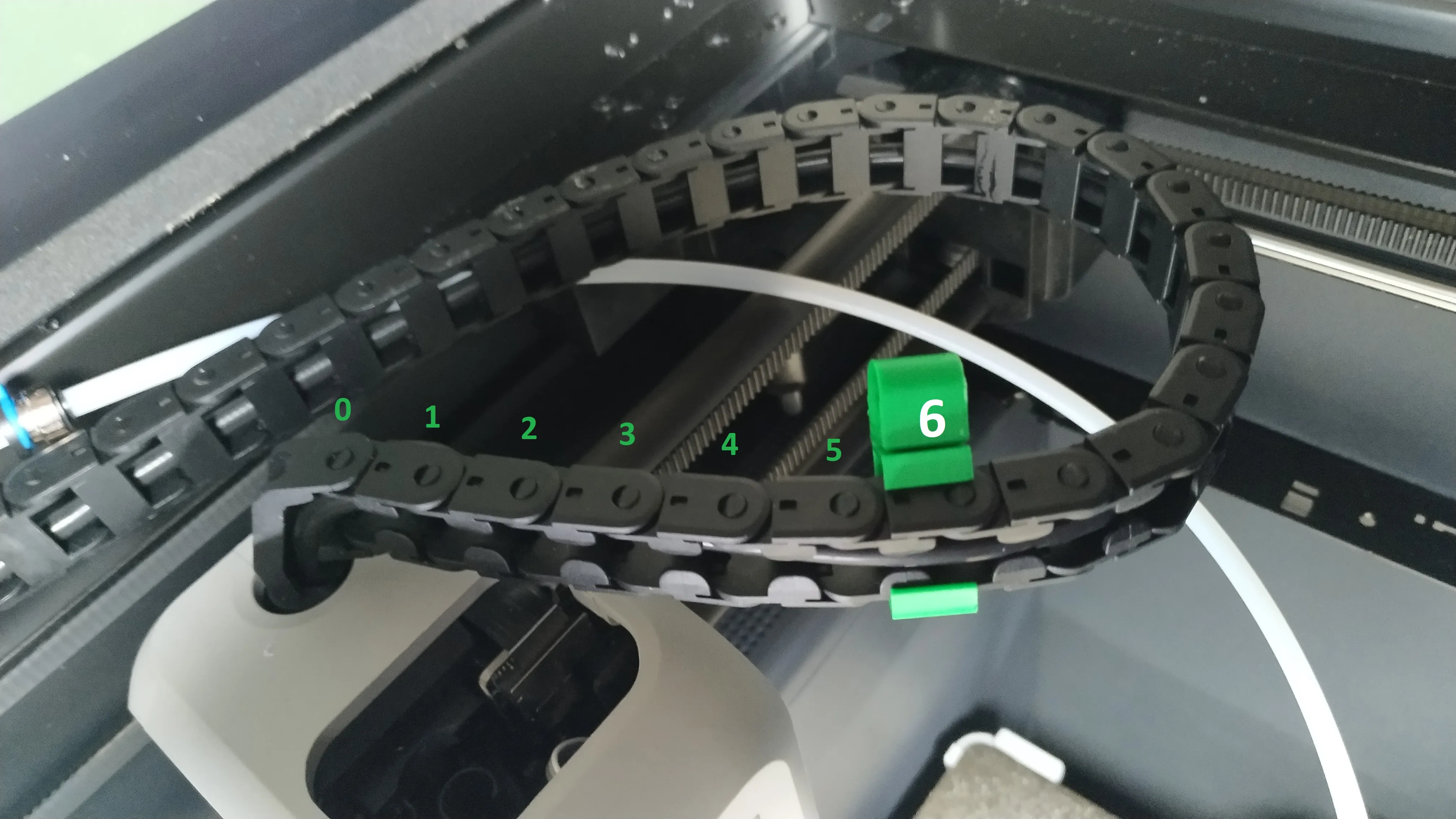
- Insert the PTFE tube into the clip hole:
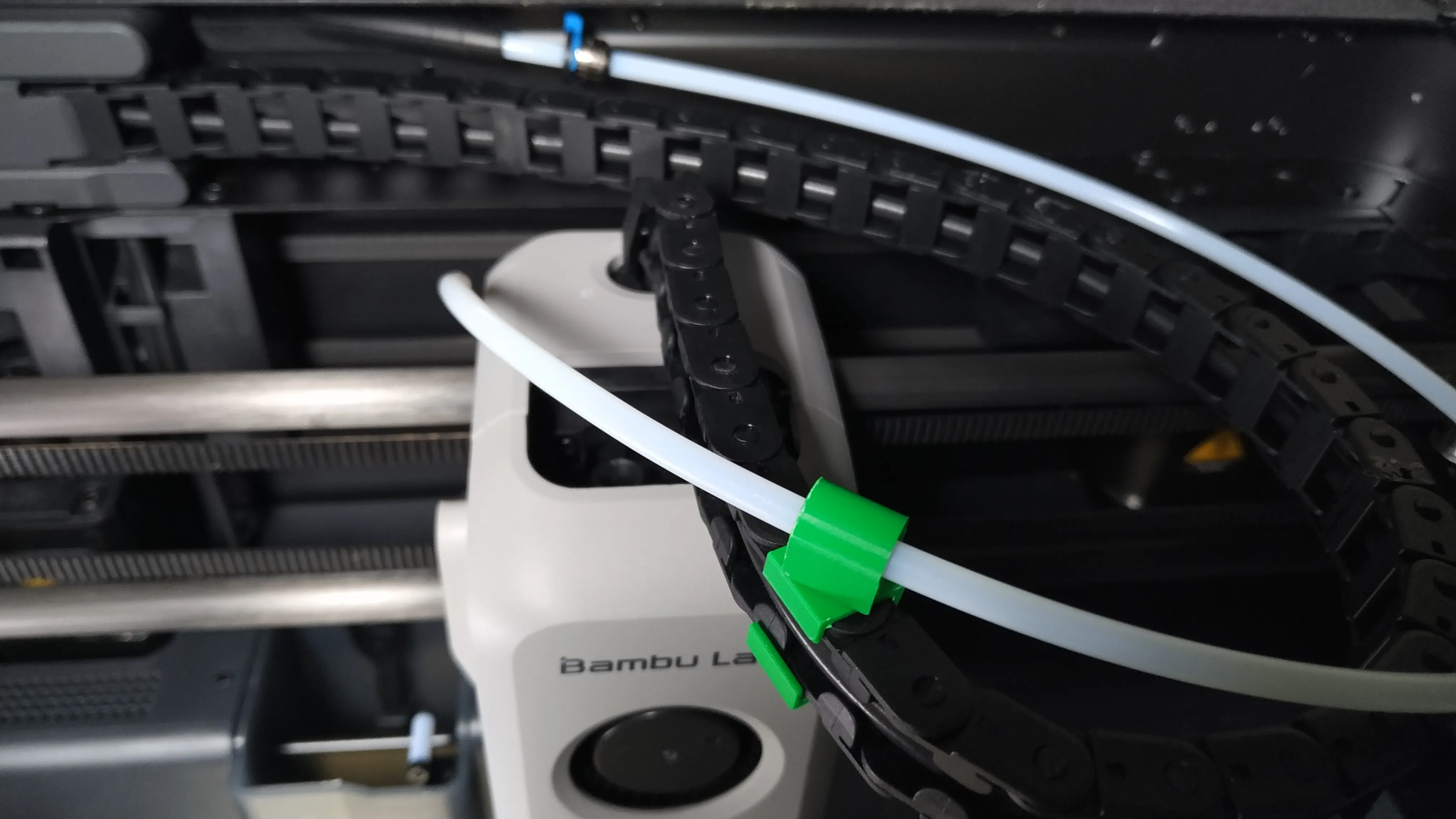
- Insert the PTFE tube back into the toolhead:
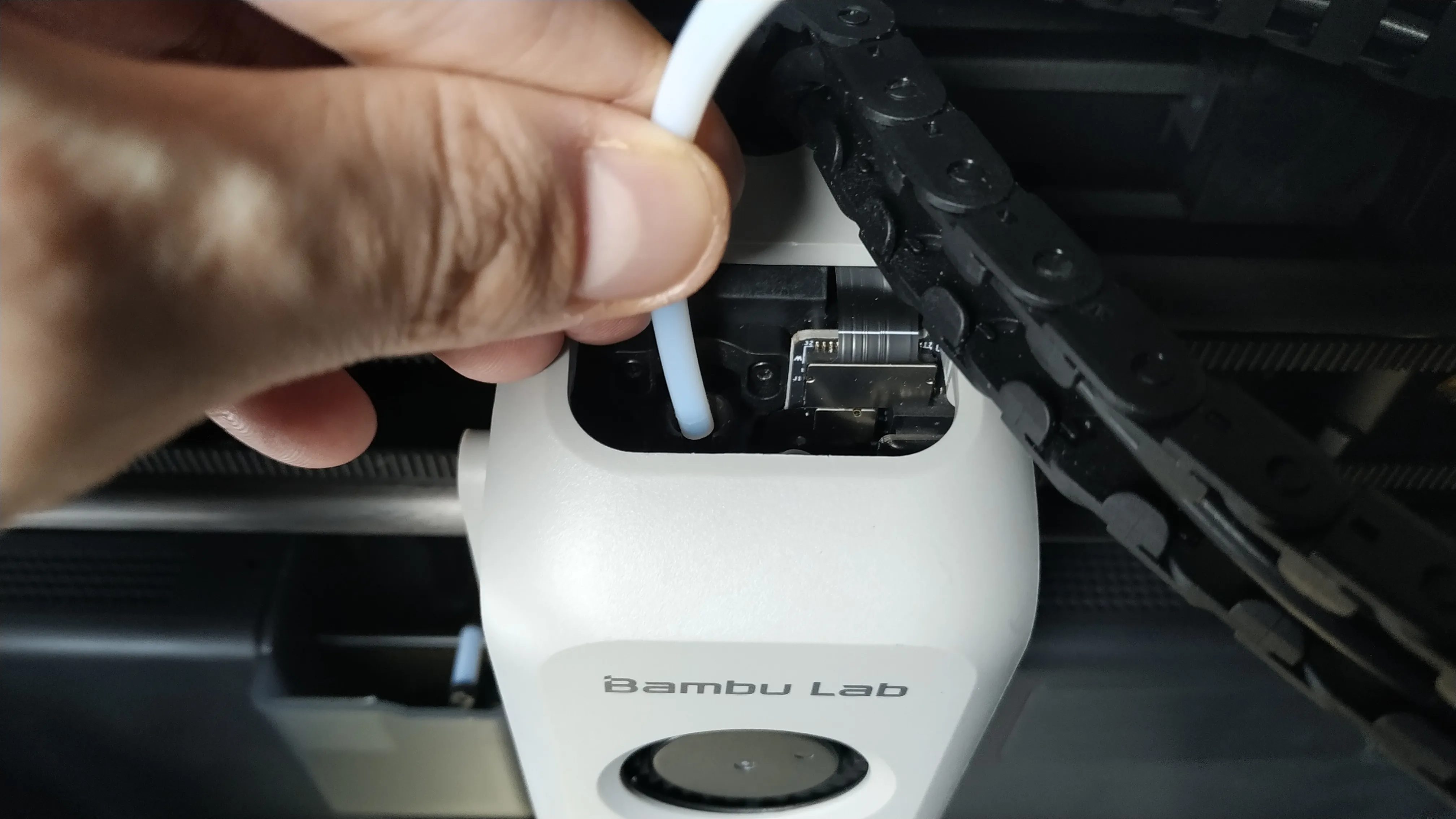
- OPTIONAL: Just 1 clip should be enough. However, if your PTFE tube is too long or hangs down too much, you can install another extra clip. I recommend doing it between 14th and 18th positions (check the photo of the 2nd step to know what the 14th position of the chain is).
ESPAÑOL / SPANISH
He dedicado bastantes días en resolver mi problema con la descarga de filamento del AMS en varias de mis impresoras. He probado múltiples mods, he visto decenas de vídeos y he leído en muchos hilos en el foro y en Reddit al respecto.
Algunos parecían solucionar el problema, pero en mi caso ninguno lo arregló al 100%.
No me gusta instalar mods innecesarios, al final crean más problemas de los que solucionan. Muchos te los venden como la solución definitiva a todos tus problemas, cuando en realidad no arreglan nada.
Antes de instalar ningún mod, te recomiendo que hagas lo siguiente, si tienes problemas con tu AMS (especificamente, en el proceso de "descarga" de filamento):
1) Revisa tus tubos PTFE que conectan al toolhead. Aunque tu impresora sea nueva y tenga apenas unas semanas de uso, el teflón se degrada más rápido de lo que yo pensaba. El tubo PTFE que debes revisar es el tramo de 50cm que conecta al toolhead / cabezal de impresión. Un tubo degradado no desliza y provoca atascos.
Compra nuevo tubo PTFE desde la web oficial de BambuLab,
o desde AE (más barato, y de la misma calidad; 2.5mm ID / 4mm OD).
2) Desinstala cualquier mod que hayas instalado para el AMS. No quiero señalar a ningún creador/mod en concreto, pero en mi caso he de decir que algunos mods provocaban más fricción y atascos que antes de instalarlos. Concretamente esos mods que modifican el toolhead, suelen restringir el libre movimiento del tubo PTFE y generan más atascos.
3) Quita el cristal superior o instala un riser. Parece una broma, pero elevar el cristal 2-3cm alivian la curva del tubo PTFE hacia el toolhead, y tras múltiples pruebas puedo confirmar que quitar el cristal, o elevarlo con un riser, puede arreglar tus problemas con el AMS.
4) Suelta el tubo PTFE del clip de la cadeneta del cable en el toolhead.
5) Instala este mod, el cual rota y deja un movimiento totalmente libre y natural al tubo de PTFE sin restricciones.
-----------------
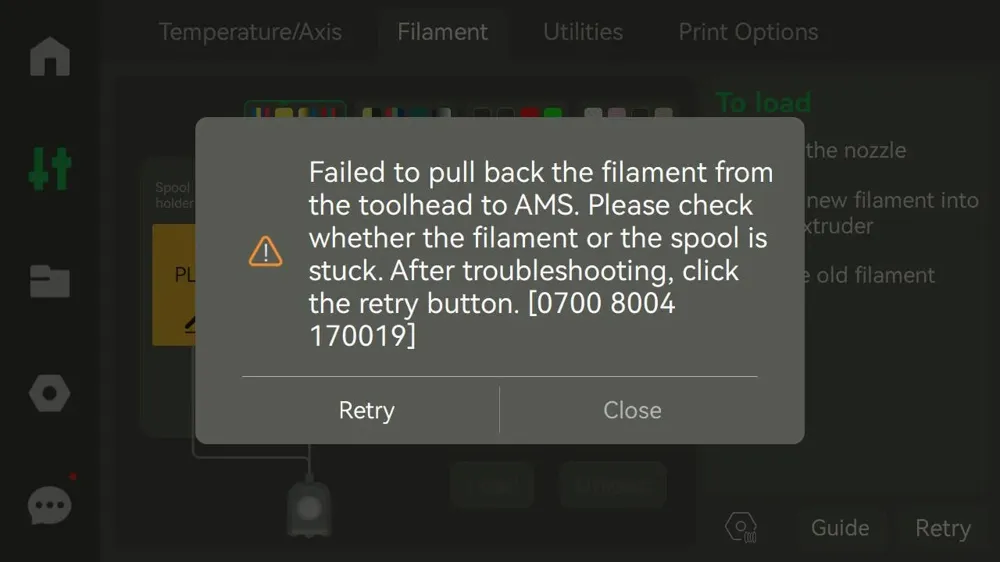
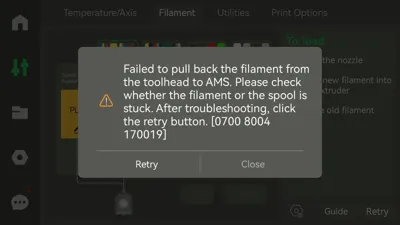
* This mod tries to solve the AMS download problem: “Failed to pull back the filament from the toolhead to AMS. Please check whether the filament or the spool is stuck. After troubleshooting, click the retry button. 0700 8004 170019”
License

You shall not share, sub-license, sell, rent, host, transfer, or distribute in any way the digital or 3D printed versions of this object, nor any other derivative work of this object in its digital or physical format (including - but not limited to - remixes of this object, and hosting on other digital platforms). The objects may not be used without permission in any way whatsoever in which you charge money, or collect fees.


Comment & Rating (189)