
Hex Radial Engine
Print Profile(1)

Description
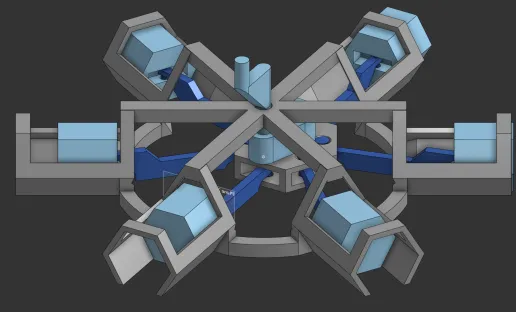
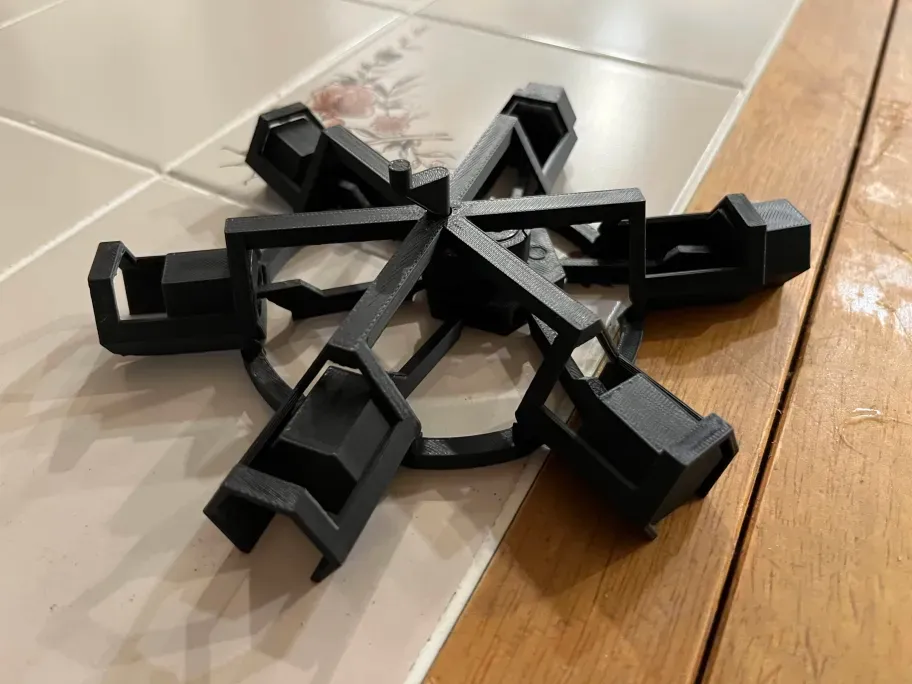
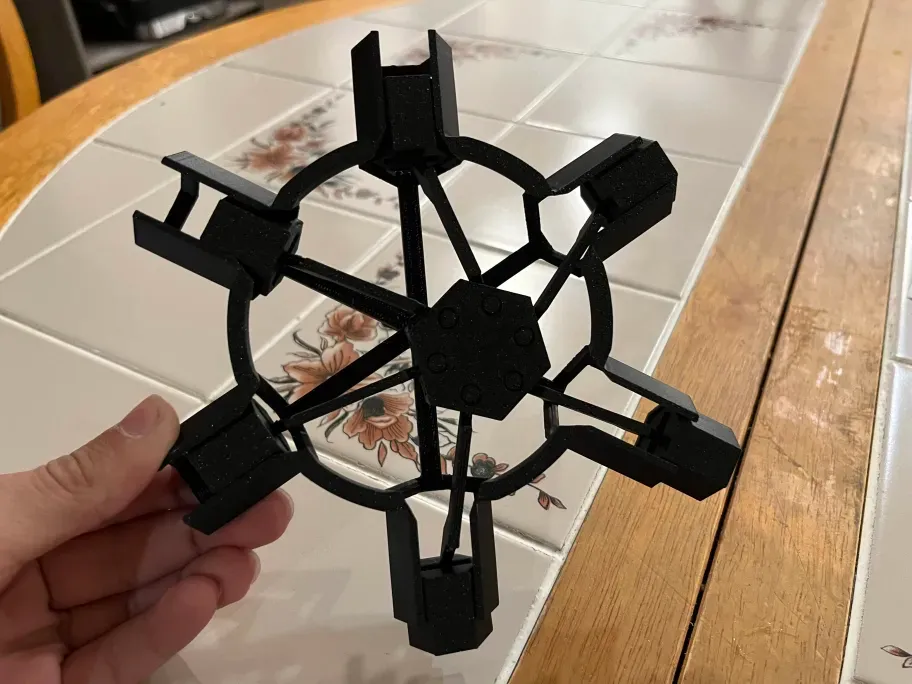
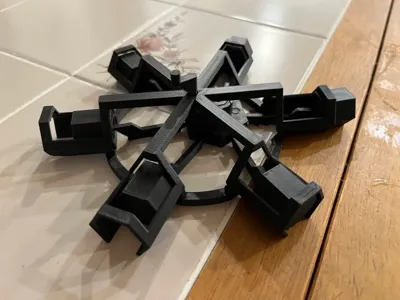
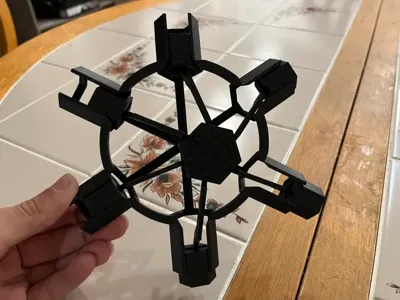
I designed this model with the intention of keeping as many of the internal mechanisms visible as possible, hence the very skeletal frame.
I highly recommend washing your build plate before printing to ensure the best quality. For PLA I recommend a plate temp of 55C. If you wish to speed up the print it may work, but I would recommend keeping a closer eye on it to ensure nothing comes off the plate during printing.
This model is fully print in place but does require some post-processing. First remove the brim and supports. The supports should be easy to remove if you grasp near the support interface and apply a firm rotation.
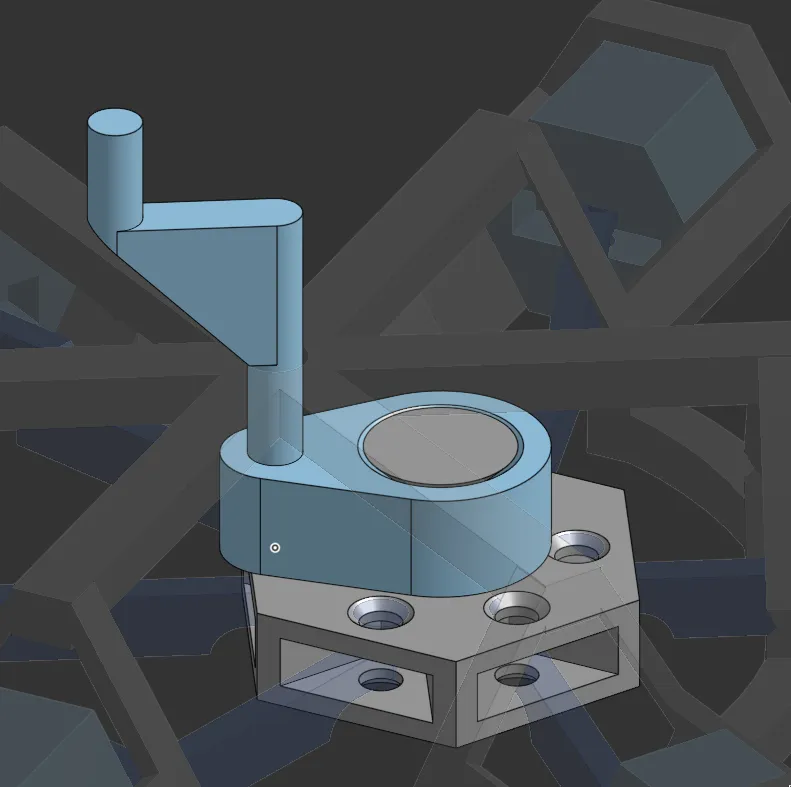
Next, take hold of this mechanism and pull the two pieces apart, using a slight rotational force. You should hear a snap inside, that's good. After hearing the snap, attempt to rotate the gray piece. If it does not rotate easily, apply the same pulling force on another part of the joint and repeat until the joint spins or you no longer hear snapping.
From here you should simply be able to rotate the handle at the top and the engine should work. It may take some force at first, the joints should loosen with use.
License



Comment & Rating (1)