
Print Profile(1)



Description
Thank you for downloading my works. If you would like to sell my designs, past and future, a commercial license can be obtained from my MakerWorld or Patreon page.
Membership
License to commercially sell my designs, past and future. Different tiers available. Thank you for your membership.
Boost Me (for free)
If you like the designs, please gift a boost. Thank you in advance for your support.
Back Story
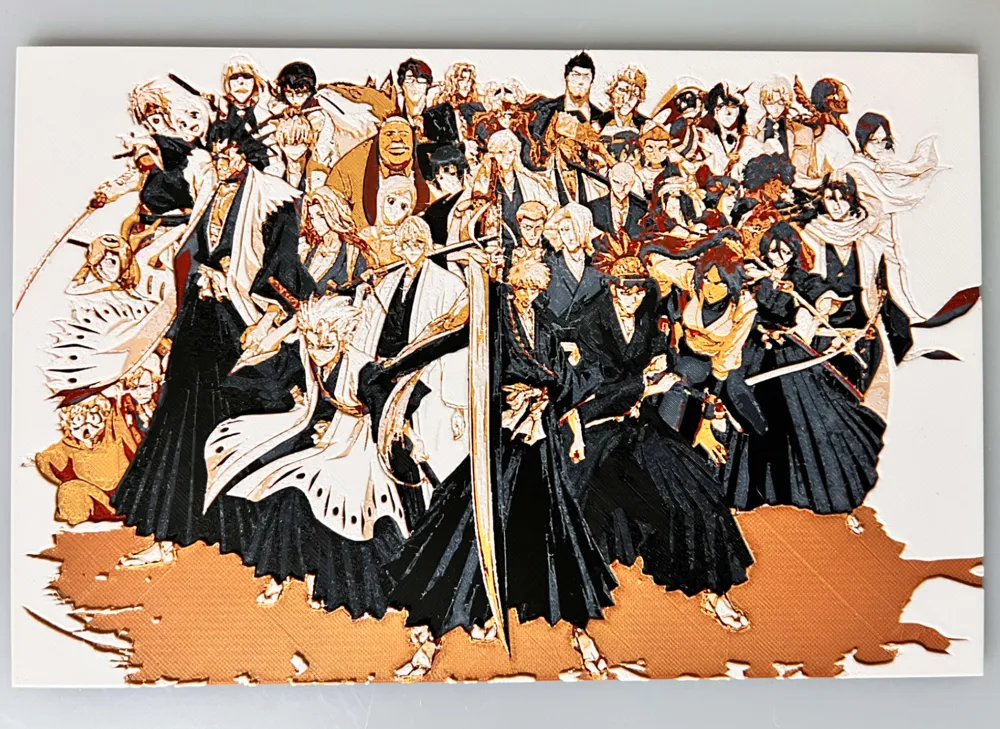
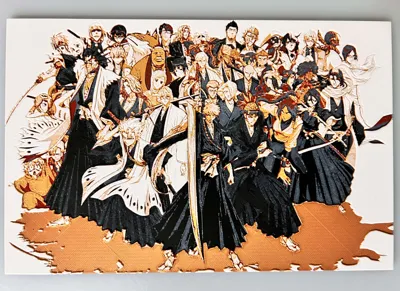
Bleach is one of nostalgia Anime. Wanted one of the cast as there are none out there. Looks decent. Colors on point to what I wanted to capture. This is a long print, but if wanted to do it right, should take 3 times as long. That's over a day in an 0.2 nozzle at .04mm. I just don't have the time for that right now. Maybe when I can get another printer. If I print, I will share. Just too much detail to print right in 0.08mm.
Bleach - Cast
Print at 100% infill with a layer height of 0.08mm with a base layer of 0.16mm
The Model is 240x157mm in size.
Can be resized to accommodate your printer or preference by adjusting the X and Y axis the same percentage while leaving the Z axis at 100%. The best way to achieve this: With Uniform Scale checked, adjust the Y axis to the desired size (180max for A1 mini and 250max for P1/X1, this will ensure the X axis is the same proportion as the Y axis), uncheck the Uniform scale, adjust the Z axis back to 100%, slice plate, and print. Stringing may occur with HueForge, just use a lighter to whisk them away.
Filaments Used:
PLA BambuLab Basic Black Transmission Distance: 0.4
PLA BambuLab Basic Blue Gray Transmission Distance: 3
PLA BambuLab Basic Red Transmission Distance: 4
PLA BambuLab Basic Gold Transmission Distance: 5
PLA BambuLab Basic Jade White Transmission Distance: 5
This print uses 5 unique filaments
Swap Instructions:
Start with Black
At height depth (0.72mm) swap to Blue Gray
At height depth (1.04mm) swap to Red
At height depth (1.28mm) swap to Gold
At height depth (1.68mm) swap to Jade White for the rest.
This is a five color HueForge. Use this tutorial by Cloudy Nostalgia to print more than 4 colors on 1 AMS.
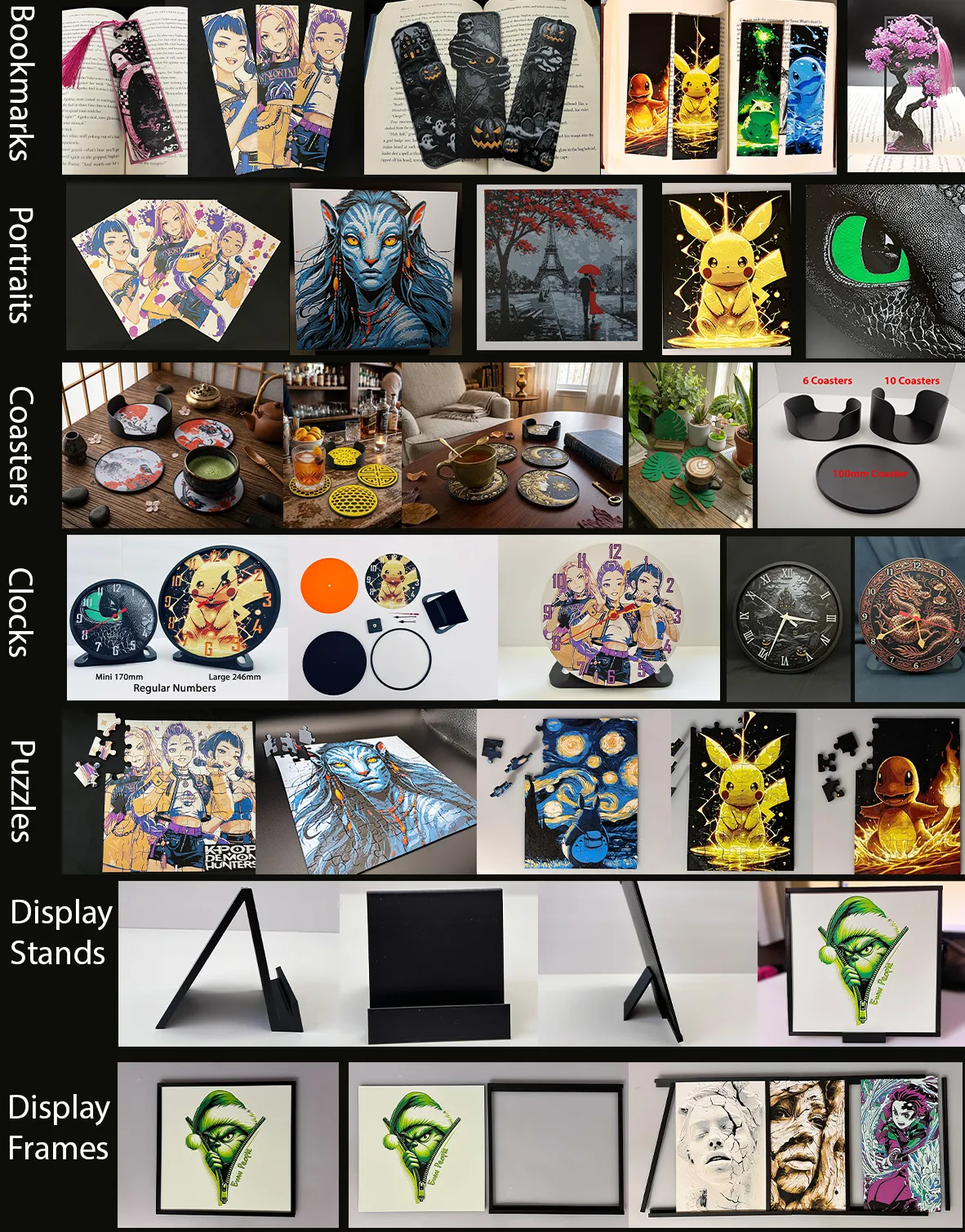
More prints: Bookmarks -- Portraits -- Coasters -- Clocks -- Puzzles -- Display Stands -- Display Frames
They are sorted and can be found in my Collections - https://makerworld.com/en/@3djd/collections
License

You shall not share, sub-license, sell, rent, host, transfer, or distribute in any way the digital or 3D printed versions of this object, nor any other derivative work of this object in its digital or physical format (including - but not limited to - remixes of this object, and hosting on other digital platforms). The objects may not be used without permission in any way whatsoever in which you charge money, or collect fees.


Comment & Rating (4)