
Customizable Printer Nametag

Print Profile(1)

Description
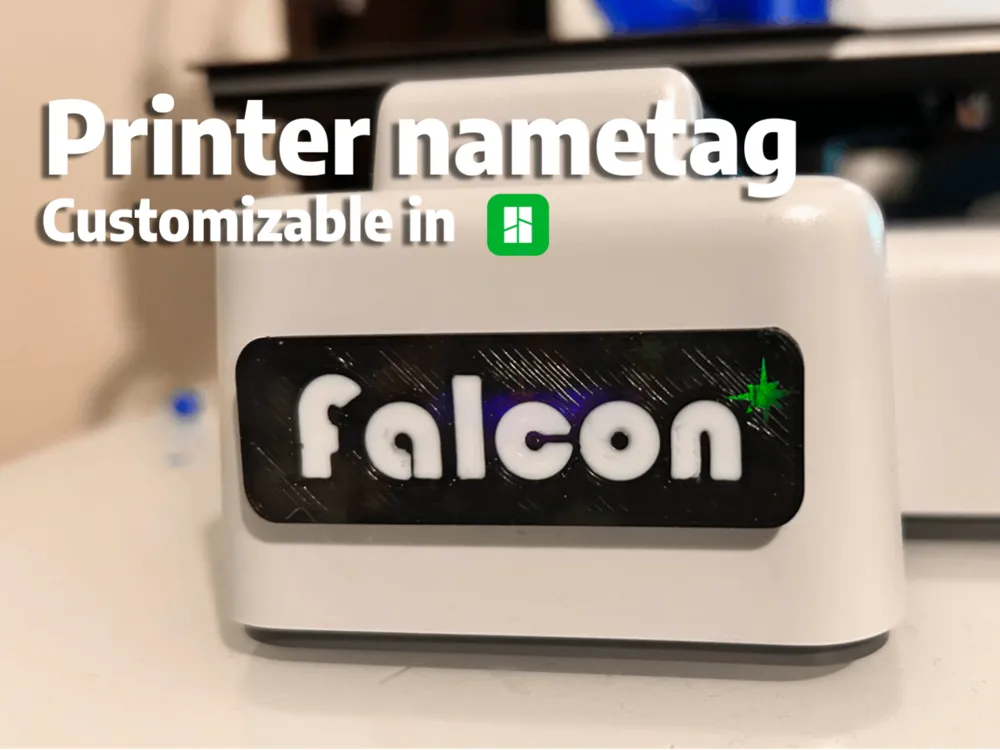
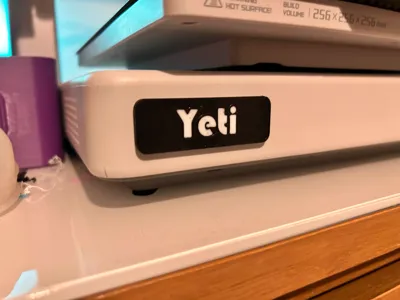
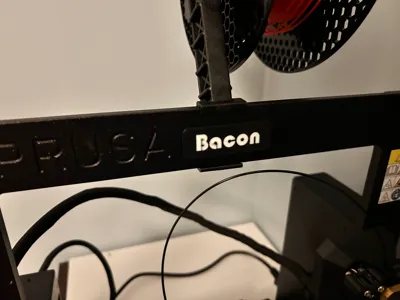
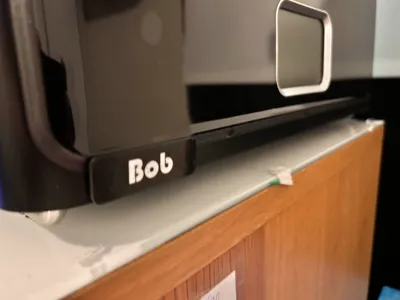
Customizable 3D Printer Nametag
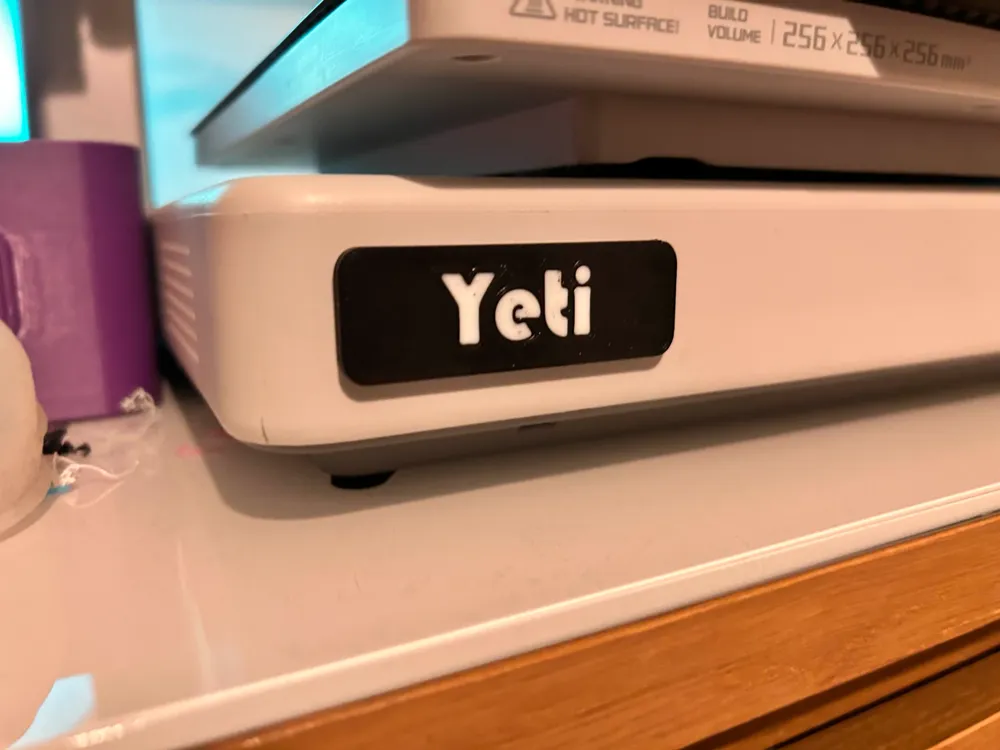
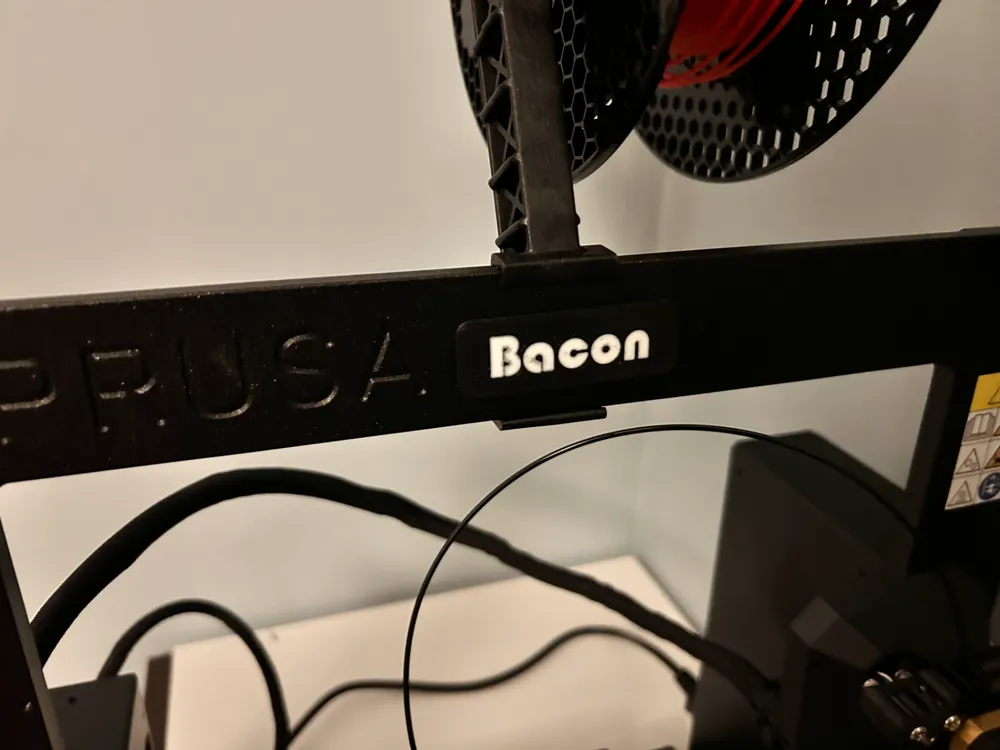
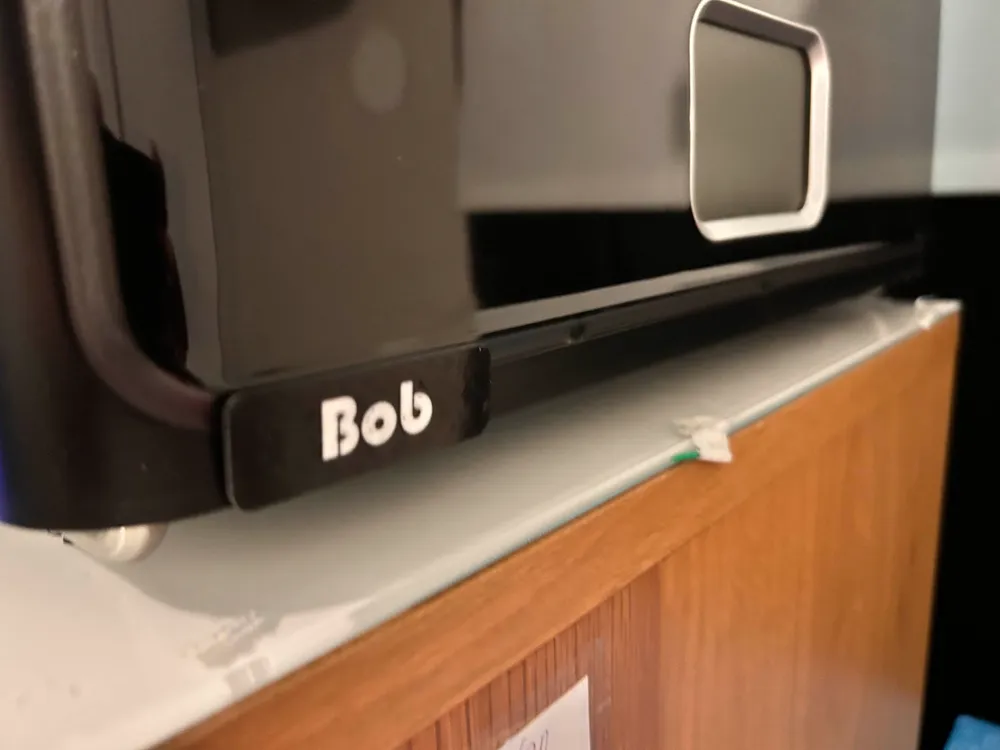
All printers needs a name! Why not show their name too?
Our nametag is customizable very easily inside Bambu Studio or any other slicer that supports the text function.
To change the text go to
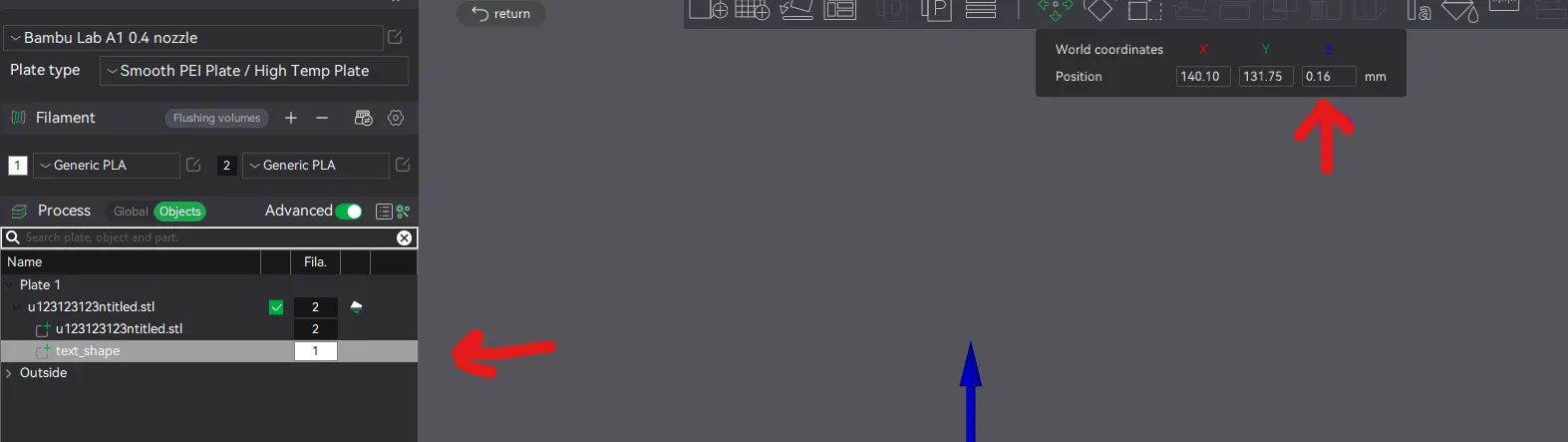
- Objects > Select Text_Shape
- Press the Text tool and here you can change the font in 3 and text in 2.
Note you might have to move the text if it isnt centered so you can use the move tool for that.
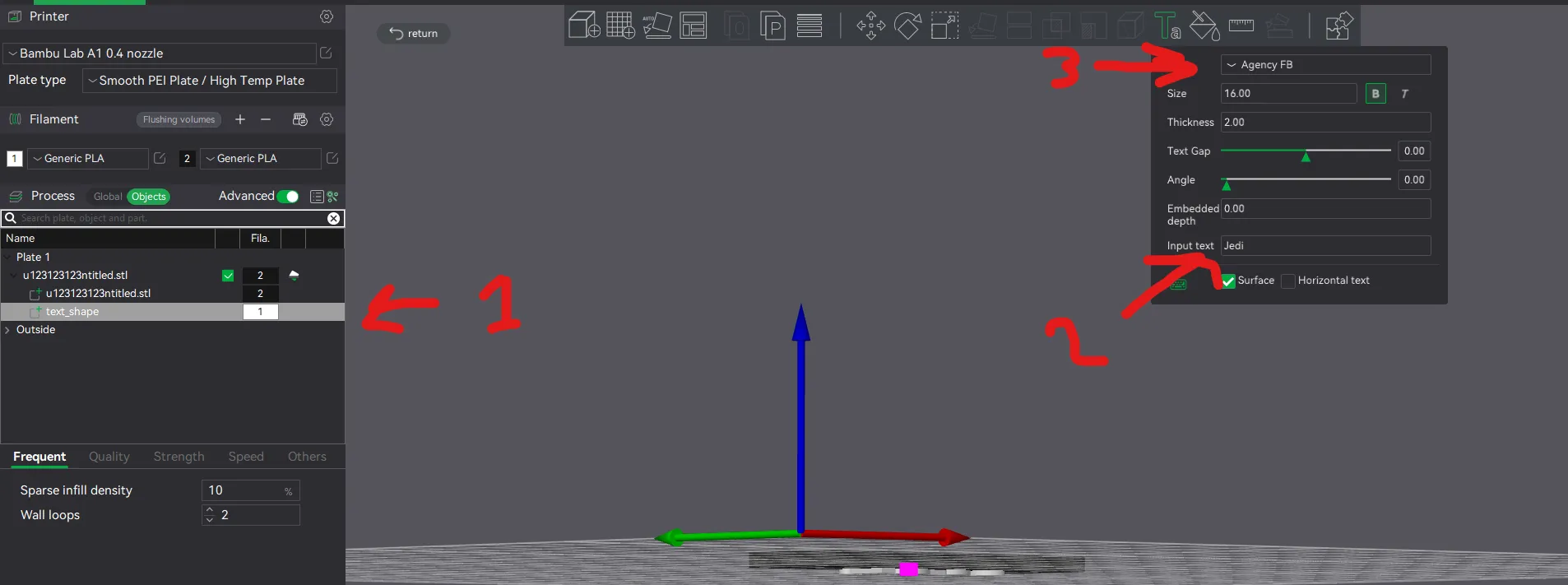
How to move the text correct.
To use multi color you have to move the text to correct Axis. We use 0.16 as it gave a amazing results and no bad layers.
License

You shall not share, sub-license, sell, rent, host, transfer, or distribute in any way the digital or 3D printed versions of this object, nor any other derivative work of this object in its digital or physical format (including - but not limited to - remixes of this object, and hosting on other digital platforms). The objects may not be used without permission in any way whatsoever in which you charge money, or collect fees.


Comment & Rating (6)