Search models, users, collections, and posts

Click Counter
IP Report








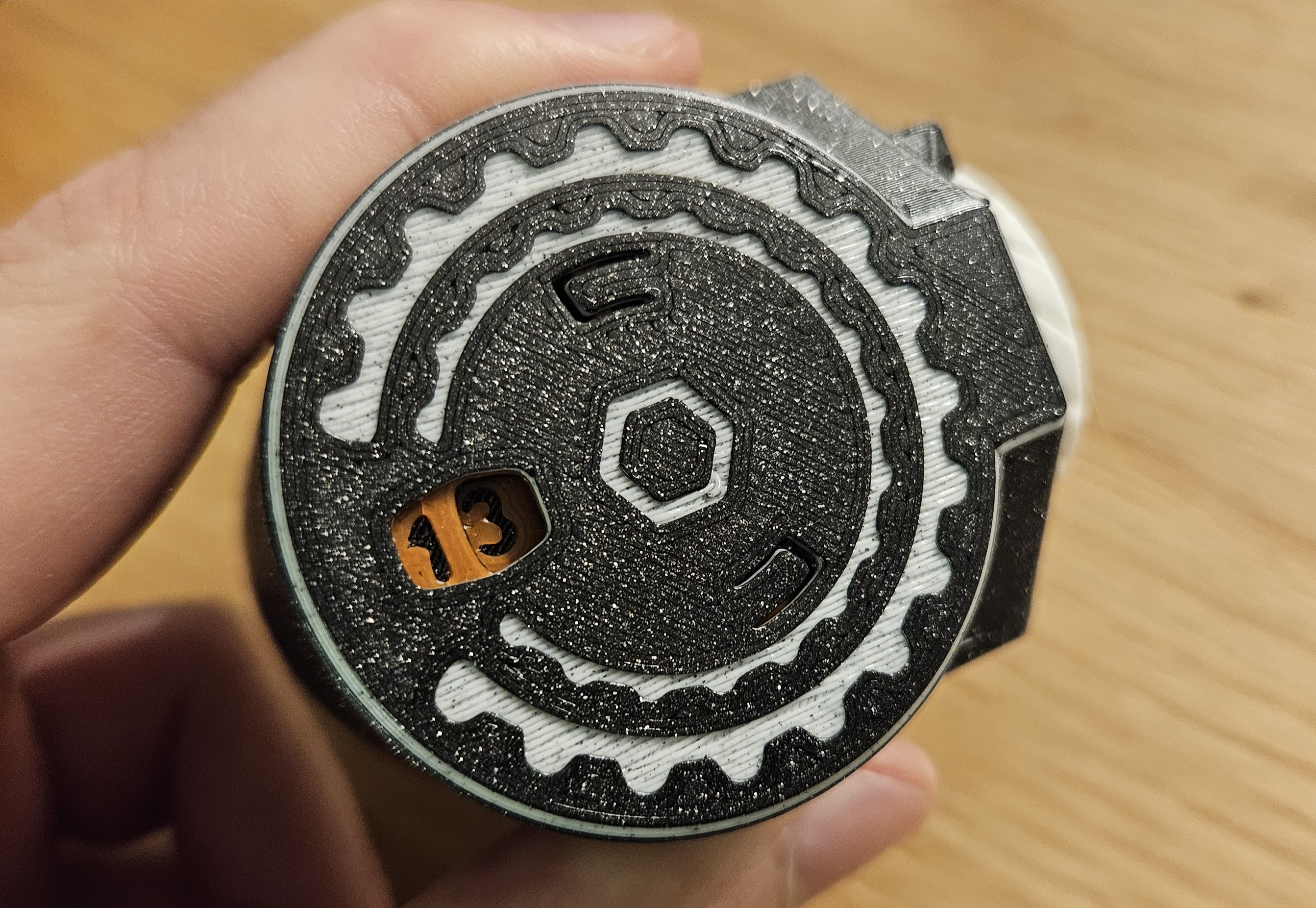


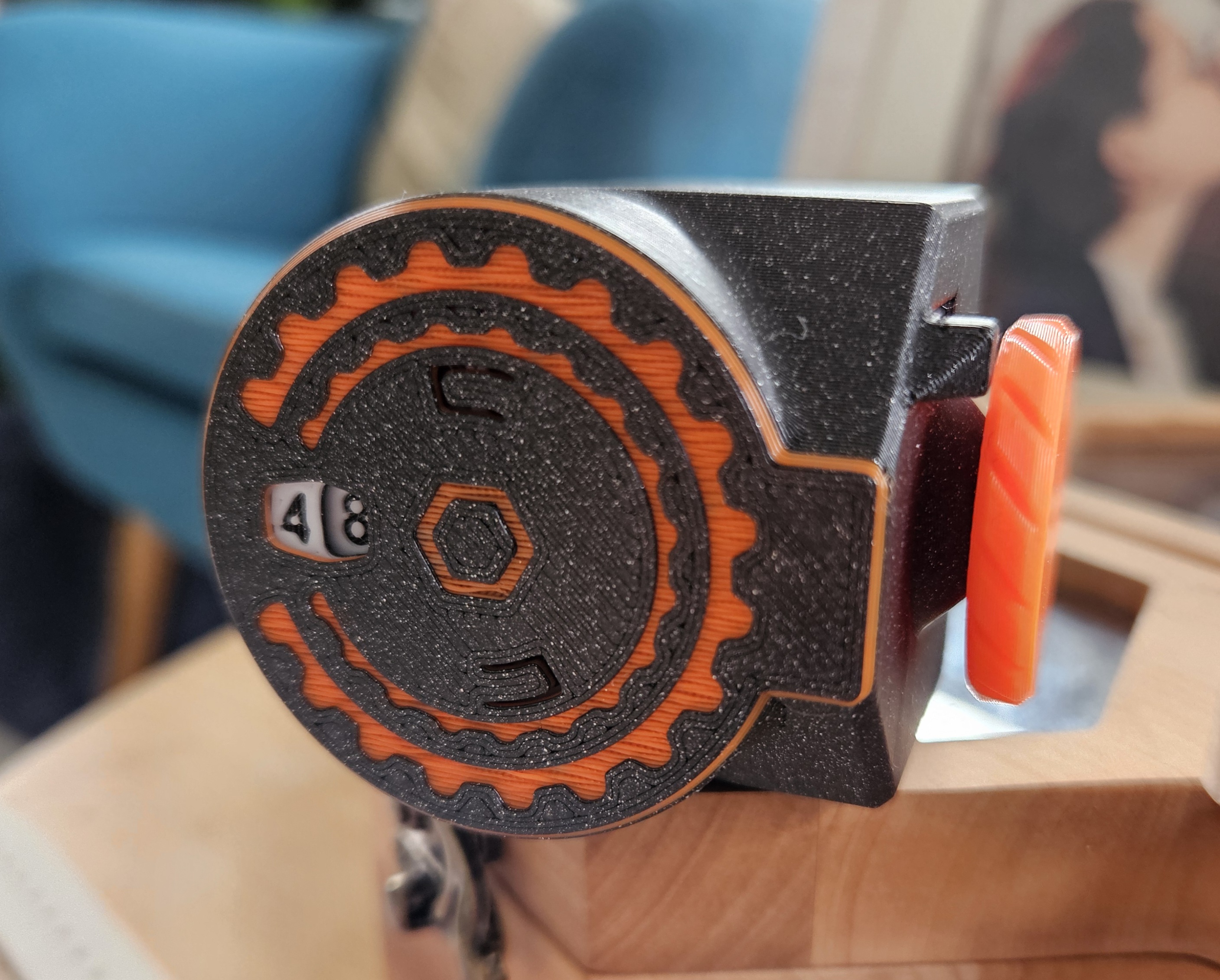
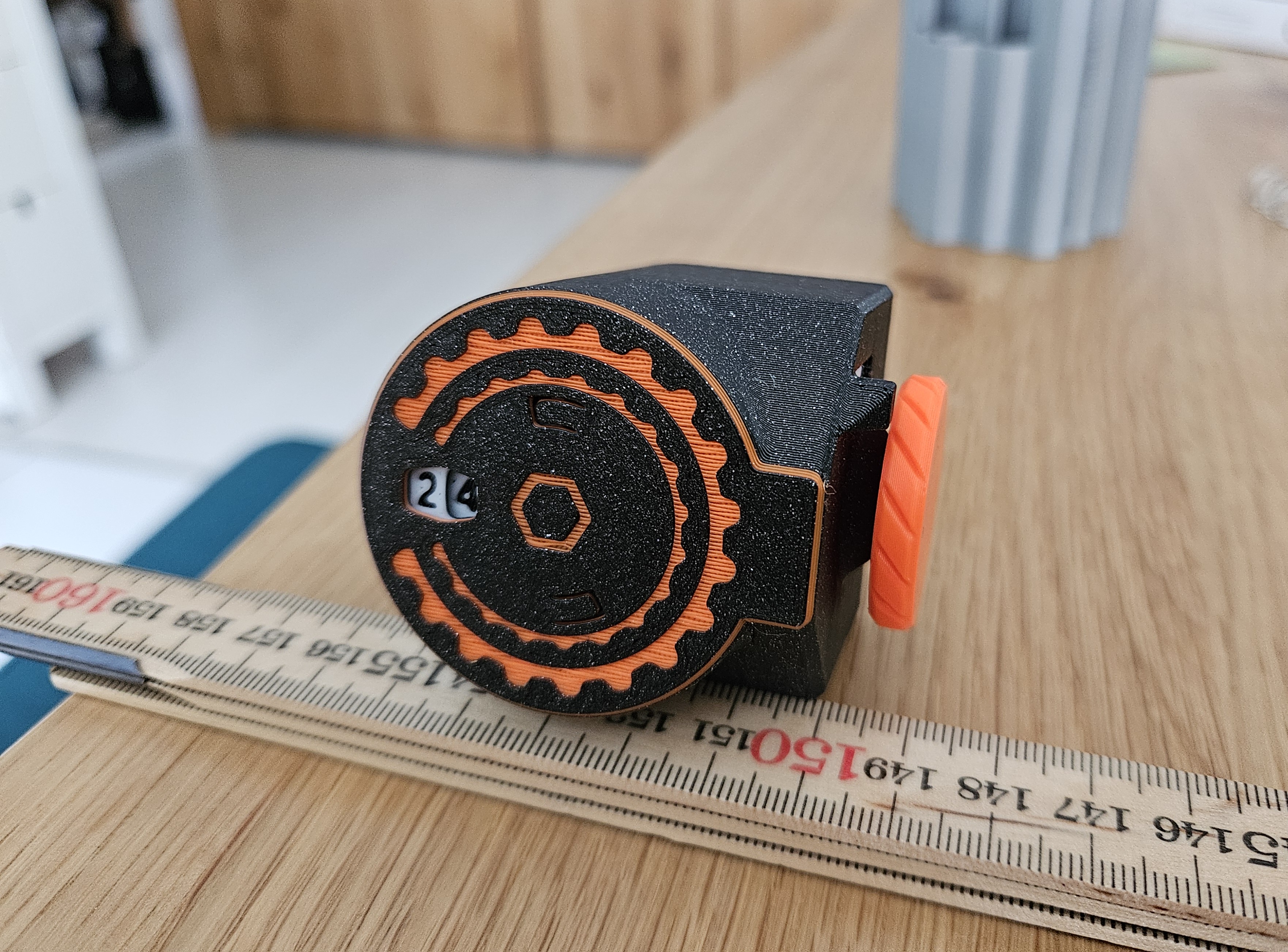


GIF
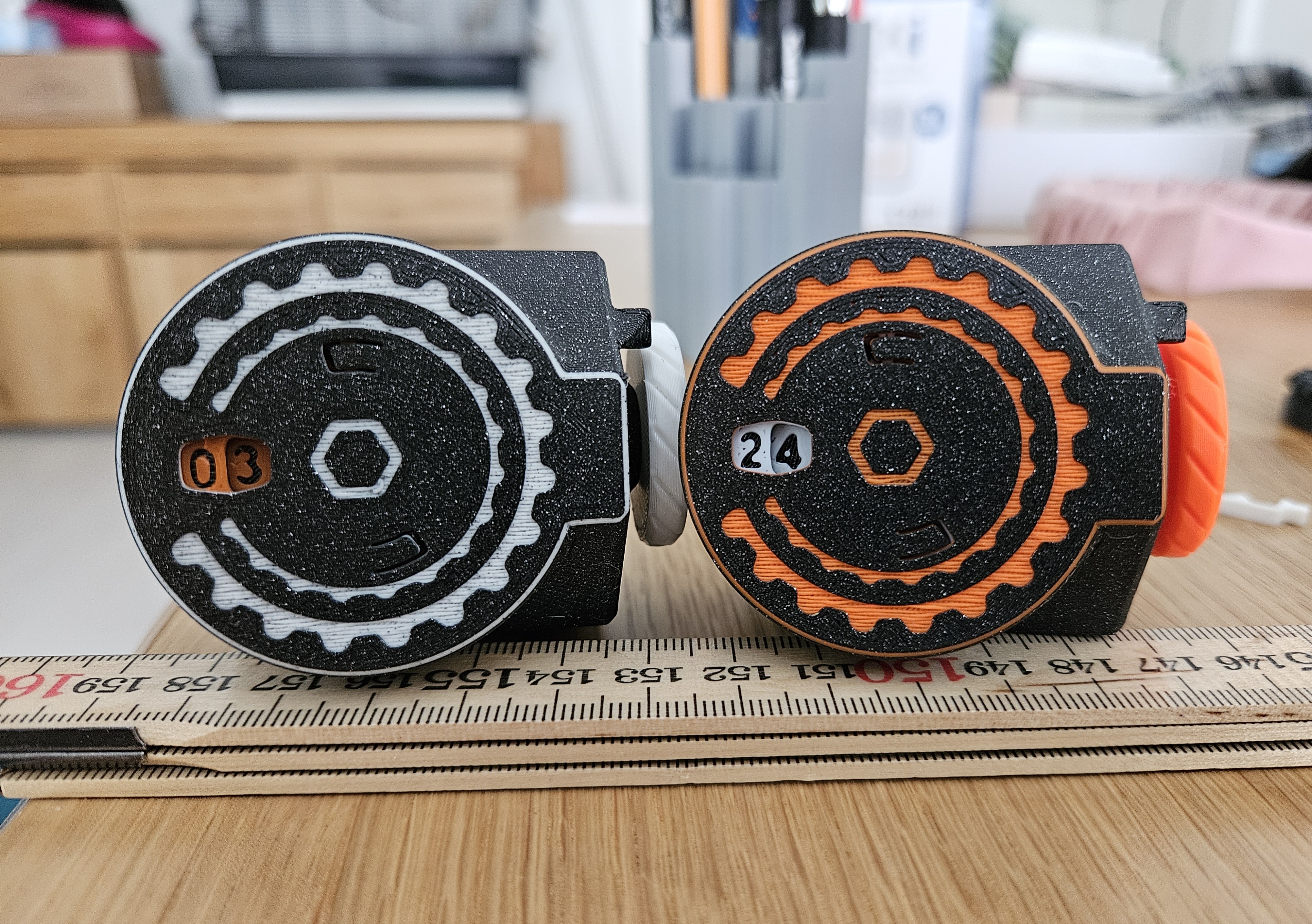
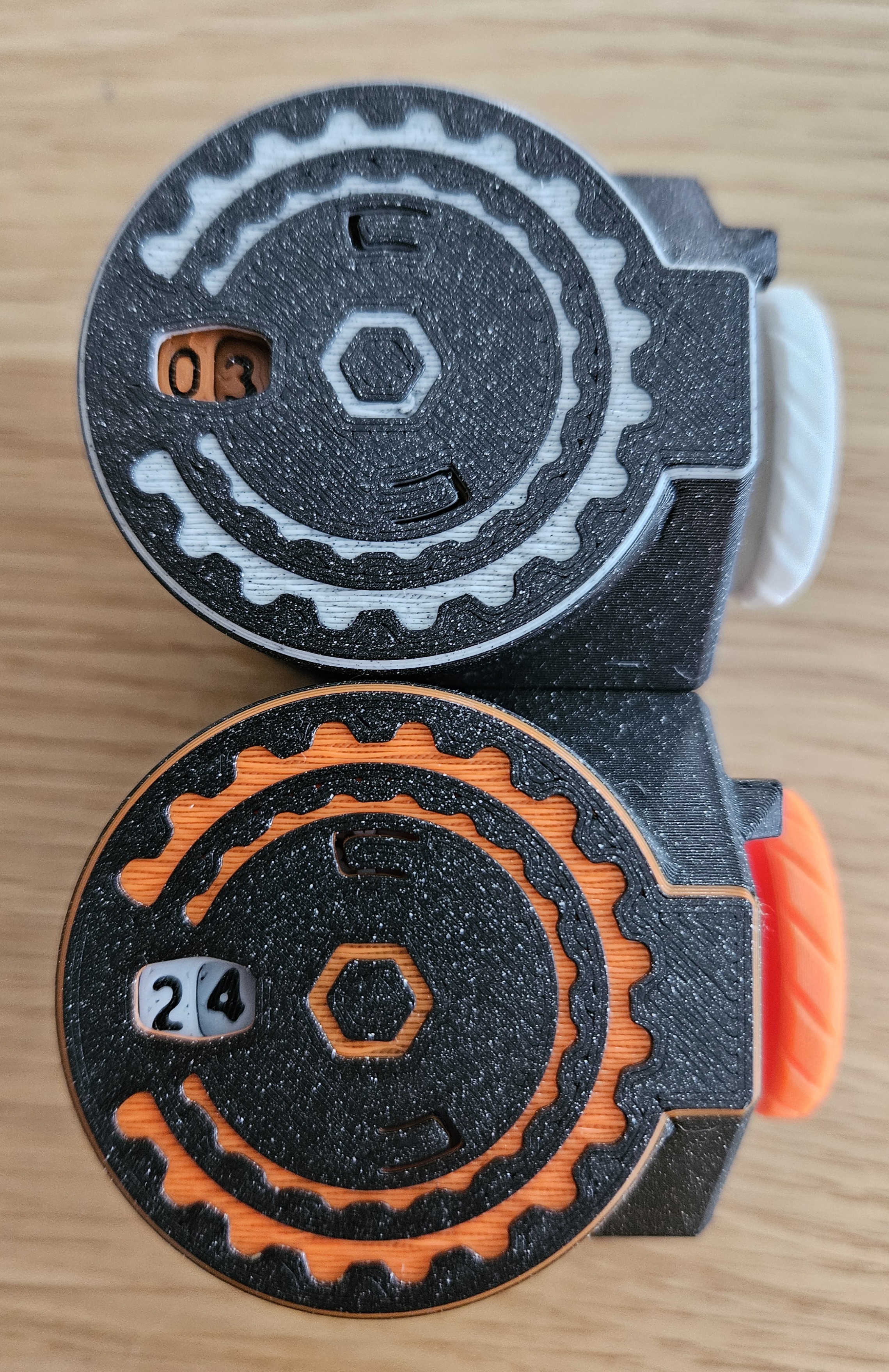


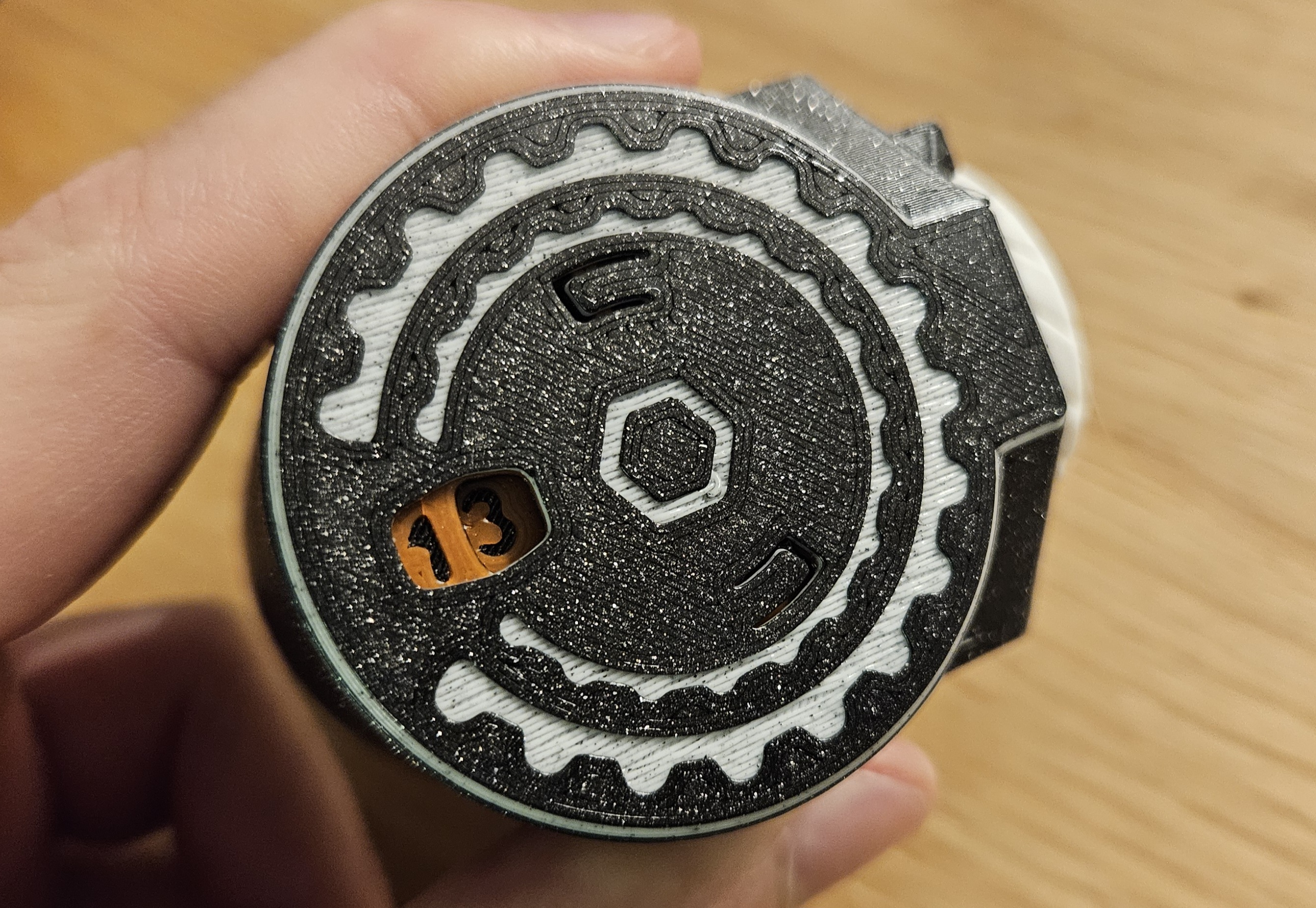


GIF


Print Profile(1)

0.18mm layer, 2 walls, 15% infill

2.2 h
2 plates
Open in Bambu Studio
Boost
67
177
5
5
155
81
Released
Description
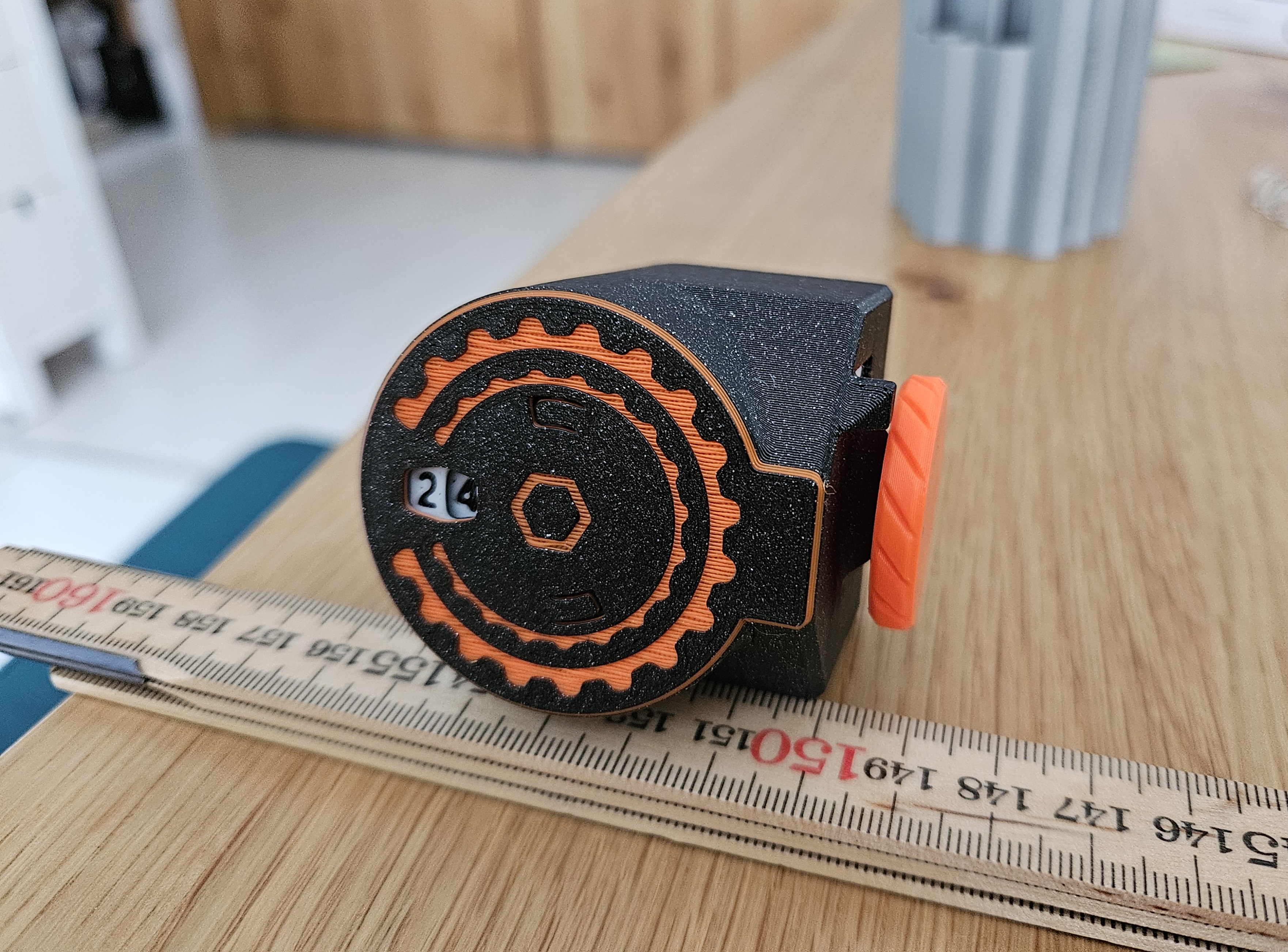
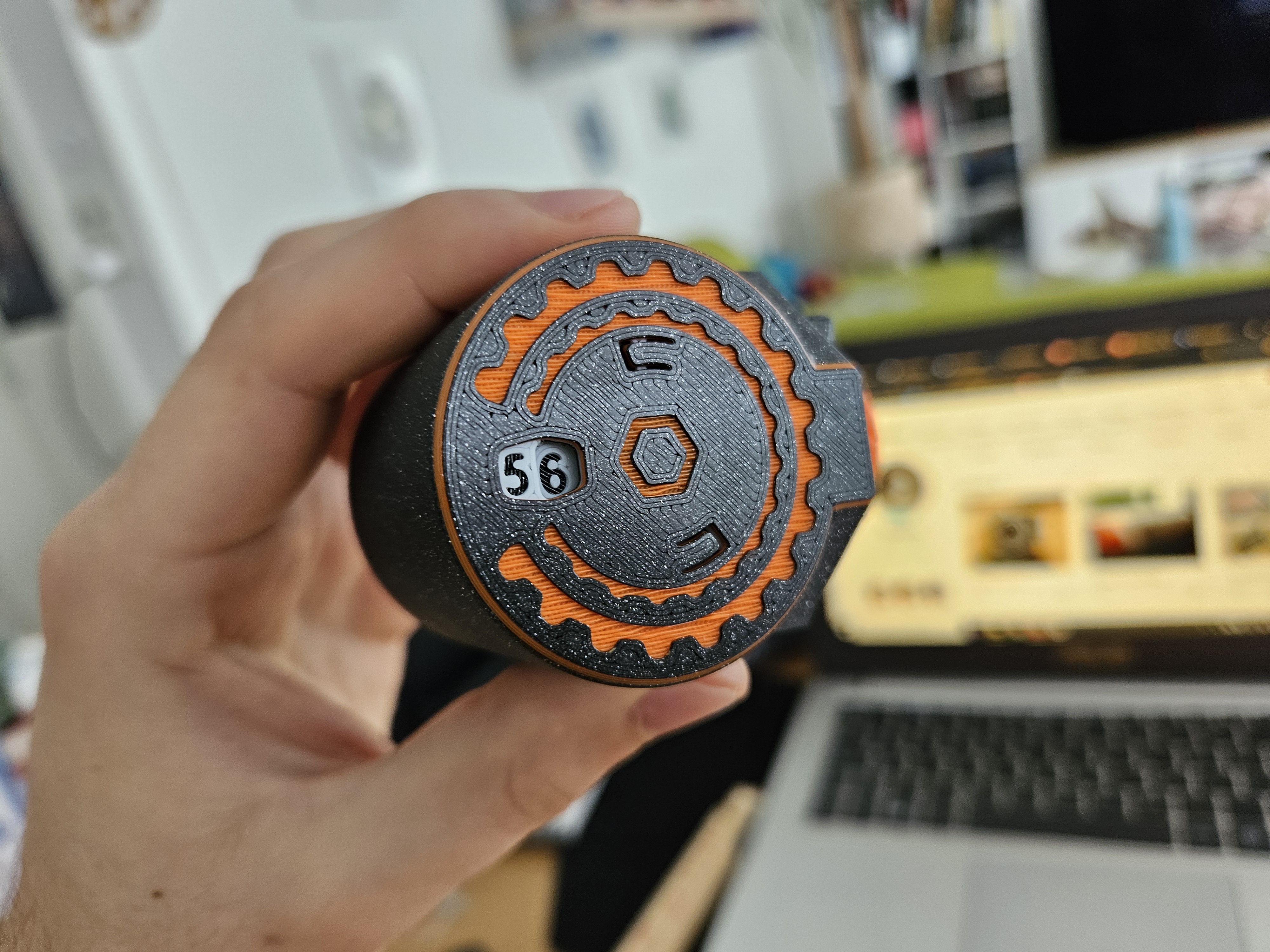
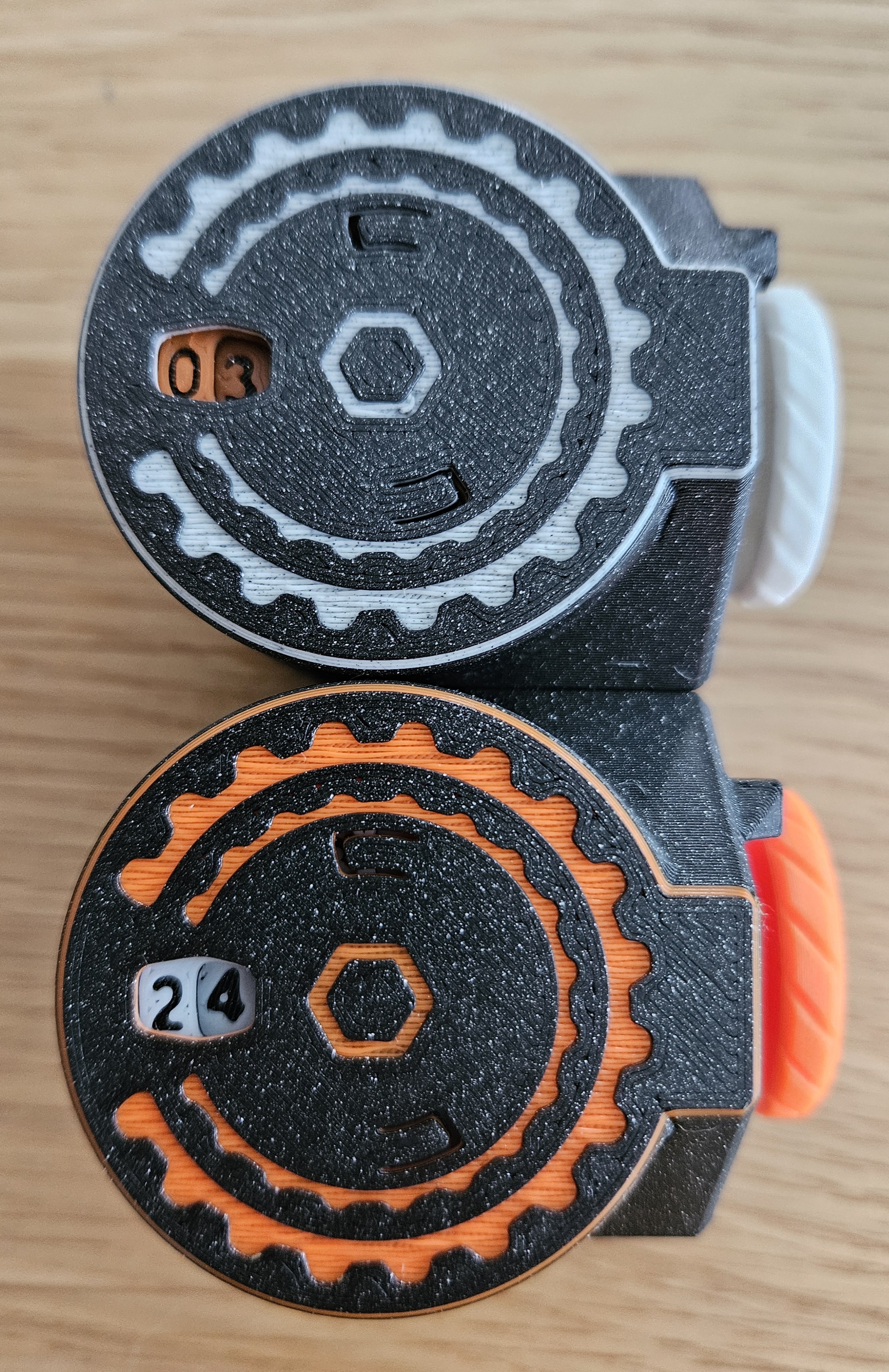
Click Counter:
- Counter from 00 to 99.
- Only 7 parts.
- Antireturn click.
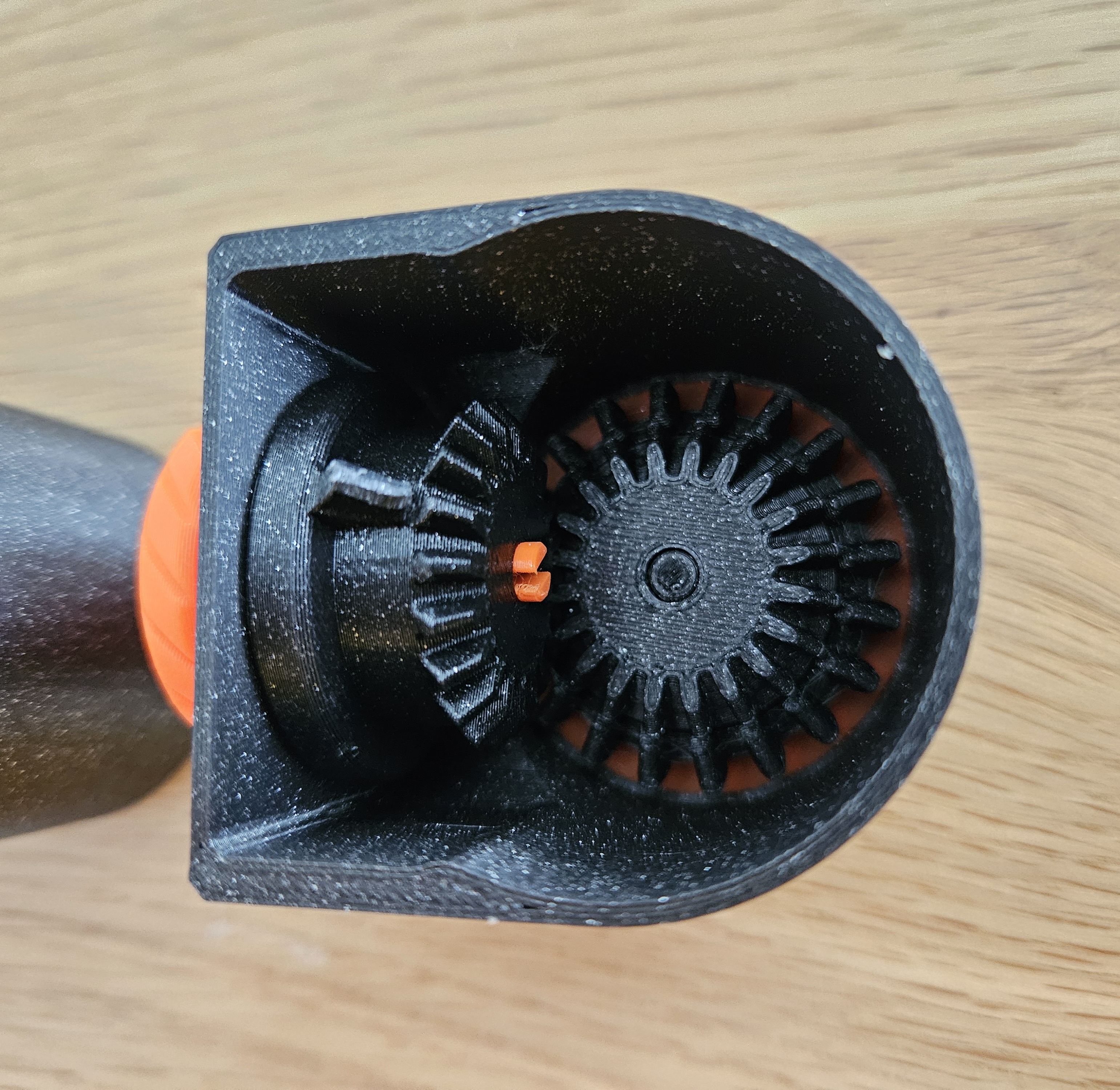
- Gears mechanism.
- Full 3D printed.
- No supports needed.
- Using filament change for readability.
Tolerance and functionnality optimize with Prusament PLA 0.2mm in Speed mode for Prusa Mk4. Maybe tuning is necessary with other printers or filaments.
Be carefull when aligning the multidisk, numbers have to be in line ideally 00.
Manual:
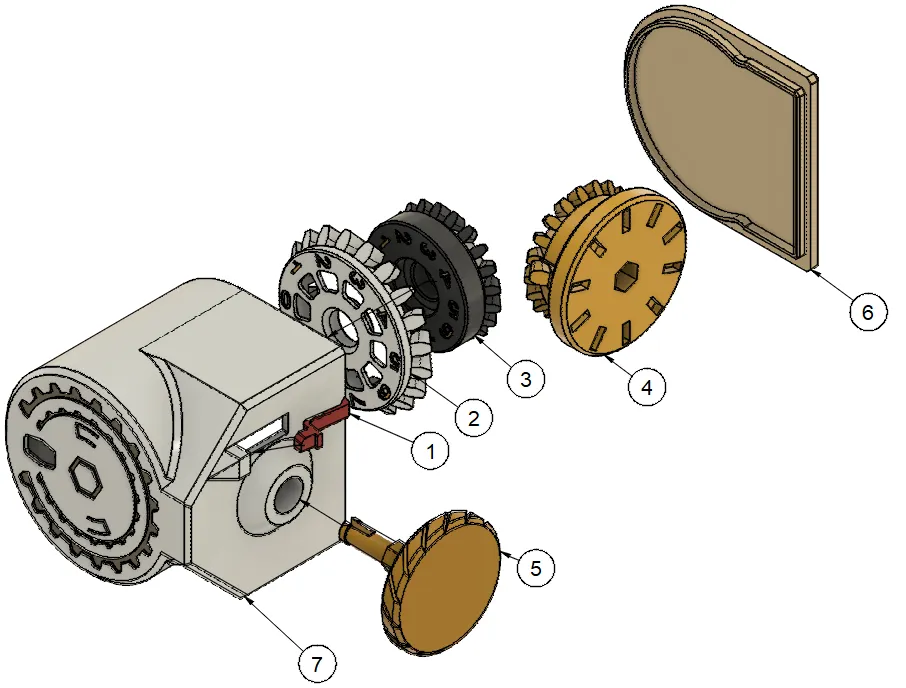
- Insert the AntiReturnSpring into the frame.
- Insert the DiskTen and then the DiskOne. Make sure it's showing 00 on the counter.
- Place the MultiDisk. Be carefull and place it in the same position as in the image /!\
- Insert the MobileAxis.
- Place the BackCase.



Comment & Rating (5)