
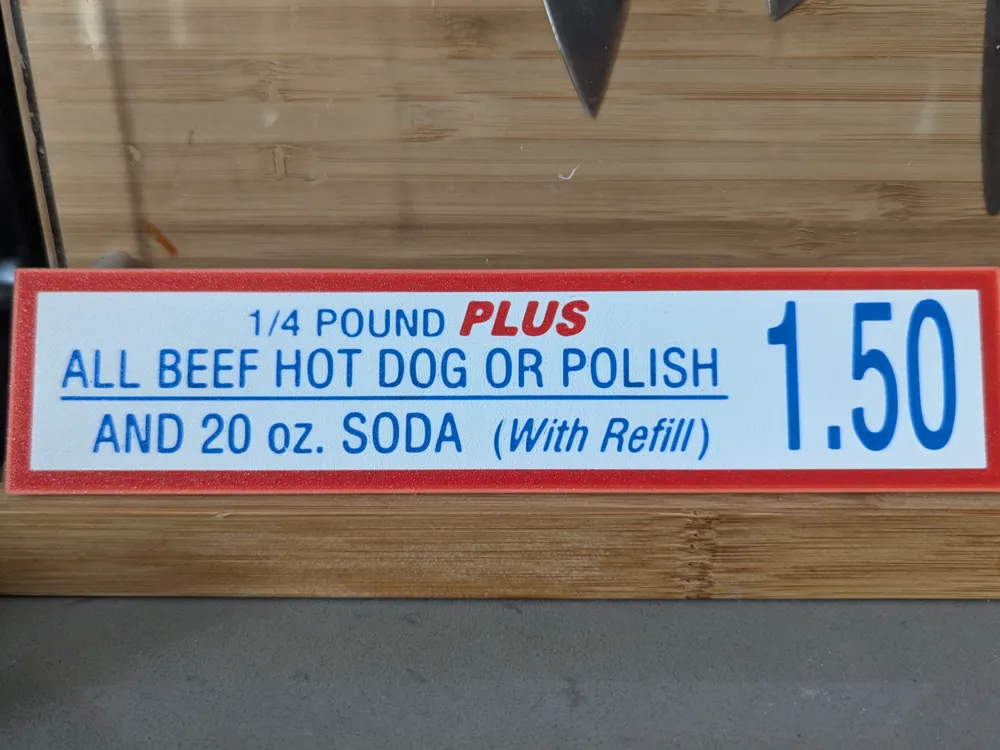
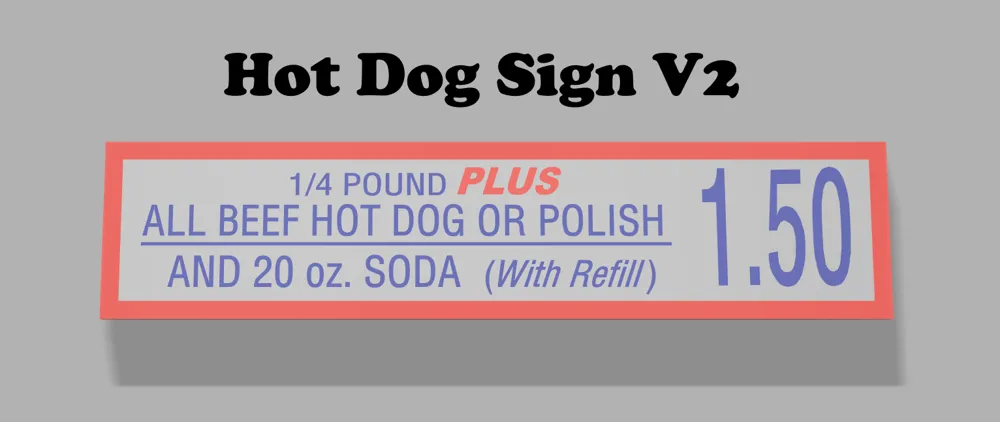
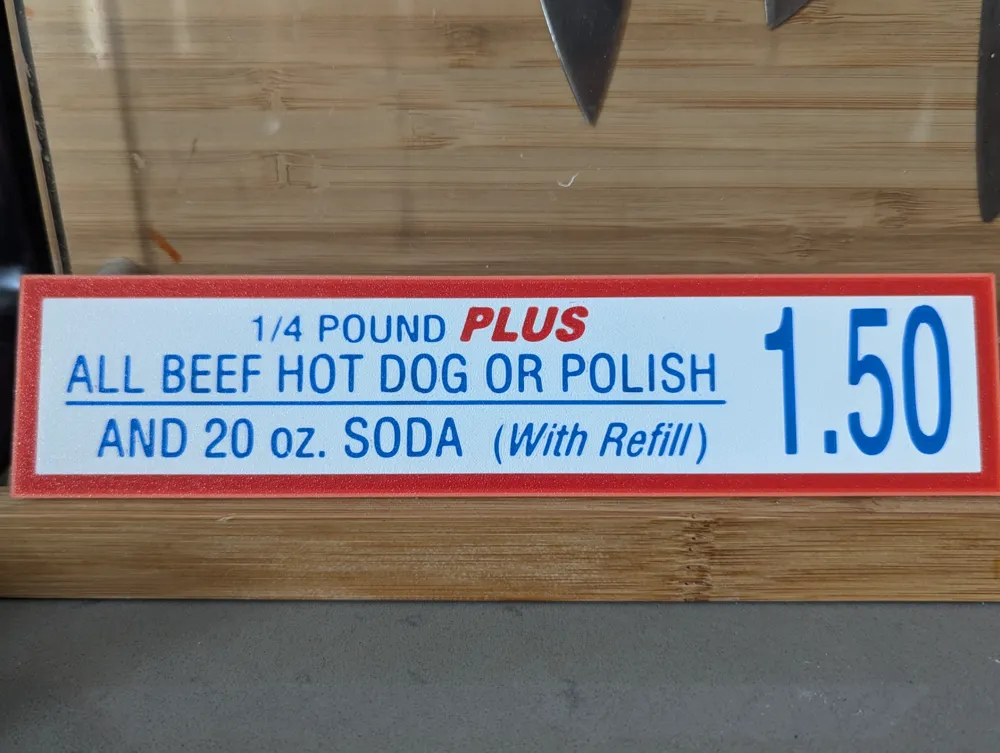
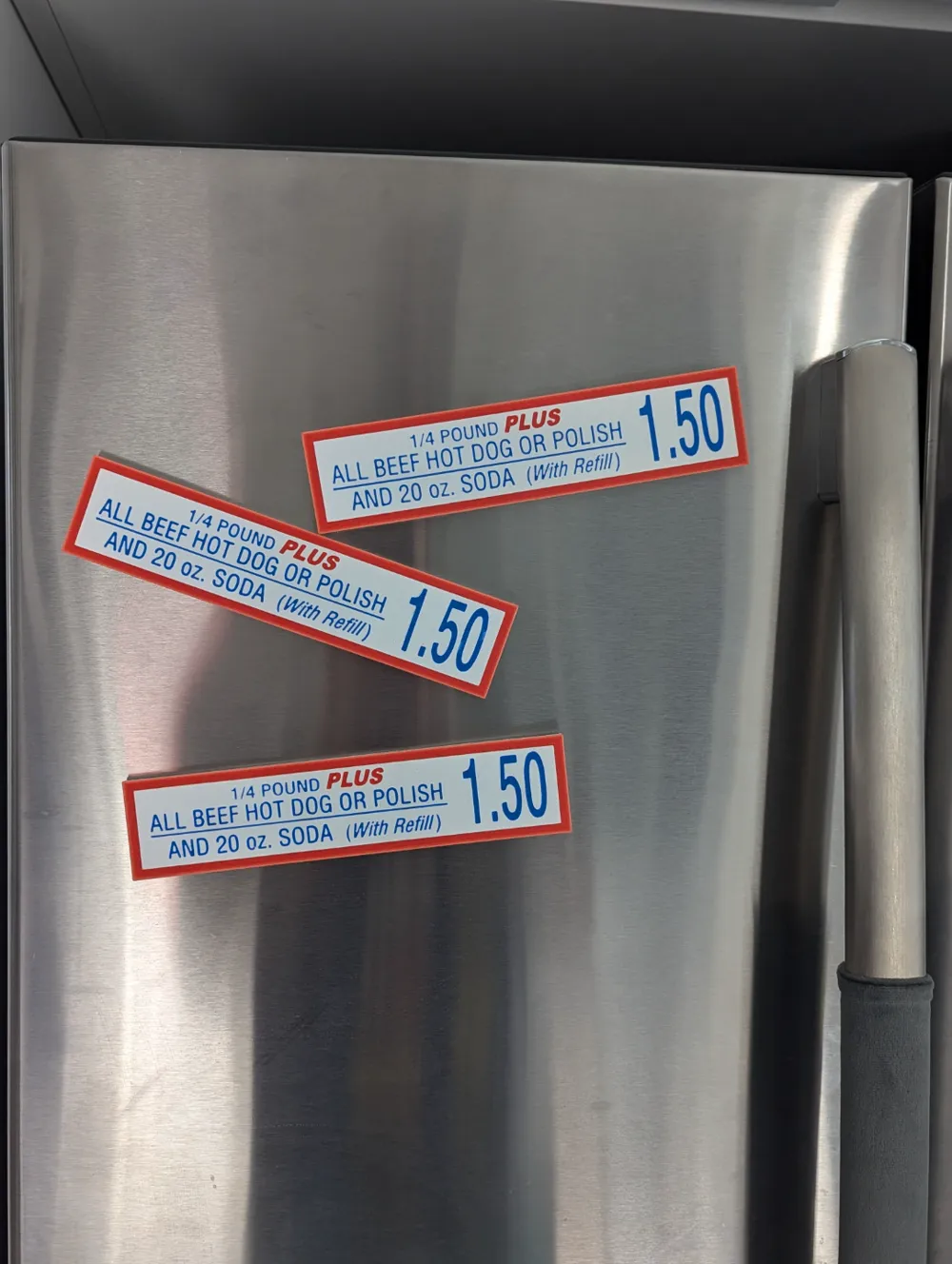
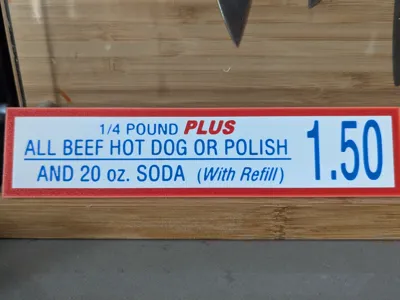
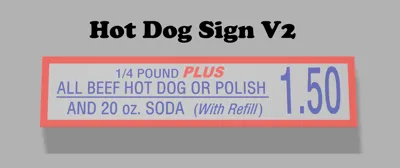
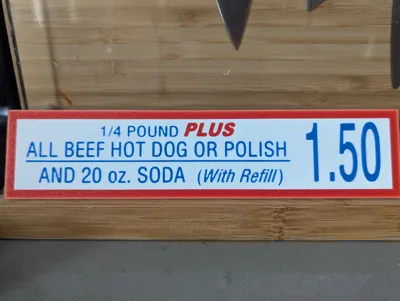
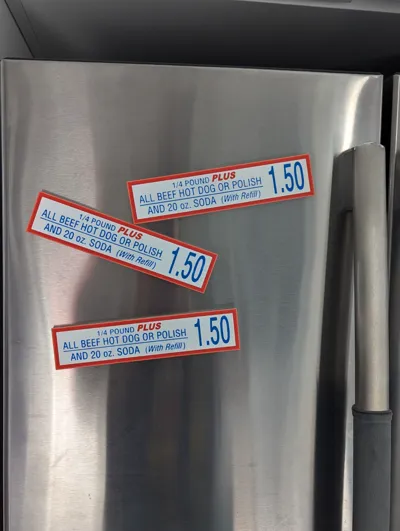
Costco Hotdog Sign V2 - With Magnets!
Print Profile(1)

Bill of Materials


Description
The sign so nice I designed it again.
New features in v2:
- designed to be printed face down
- increased thickness to accommodate 6x3 or 8x3 magnets
- fully redesigned in fusion 360, source file included
Original version designed to be printed face up can be found here: https://makerworld.com/en/models/249762#profileId-265992
There are 3 plates in this model: no magnets, 6x3 magnets, and 8x3 magnets.
For the magnets, I've added negative cylinder modifiers to the models. For the 6x3 magnet version I set the cylinder size to 6.2x6.2x3.1mm, and for the 8x3 magnets I set it to 8.2x8.2x3.1mm. When the print pauses, firmly press the magnets into place making sure they are flush or beneath the top of the hole before you resume the rest of the print. I've tested these dimensions on my A1, but if there are different dimensions that work better you can re-size the negative modifiers in Bambu Studio.
For the magnet versions, if you are having trouble getting it to stick to a curved surface like a fridge, you can very very gently bend and flex it and that should help it stick better.
This print should fit on an A1 mini bed if you rotate it 45 degrees, but for the magnet versions I don't know how easy it will be to put in the magnets or if the X axis will get in the way.
Before you print!
- I would suggest cleaning your build plate before you print
- I set the initial layer order from red → blue → white to get the cleanest letters, but if your plate is dirty the letters might not stick
- For the magnet version, I have the print oriented horizontally to make it easier for inserting magnets, but if the sides of the build plate are dirty the edges of the print could start to lift and warp
Print settings:
- arachne for walls
- gyroid 10% infill
- for the magnet plates, pause set at layer 20
- height modifier so that there are no more colour changes after the first 4 layers
Boost Me (for free)
Boosts and comments are very appreciated and a huge motivation to keep designing!!!
License



Comment & Rating (28)