
Bubu
Print Profile(1)

Description
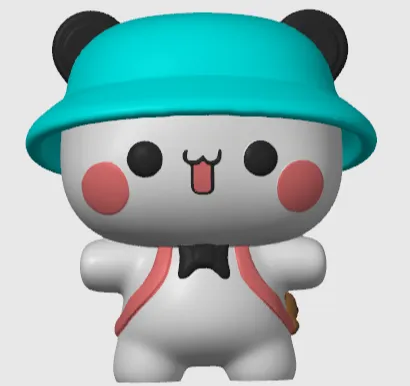
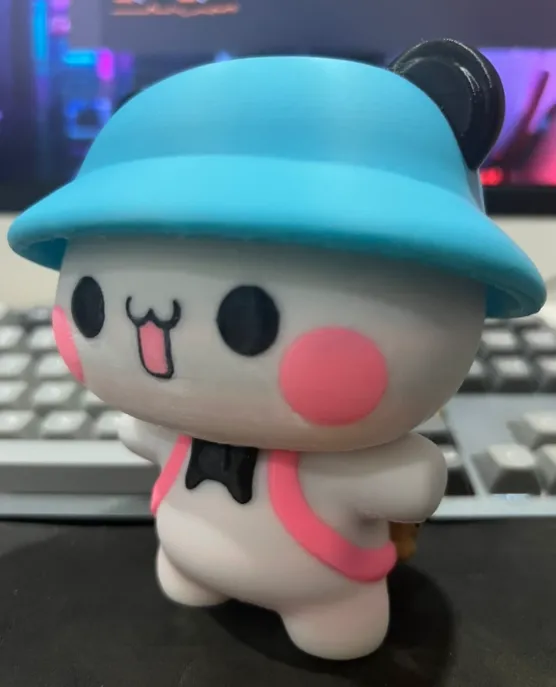
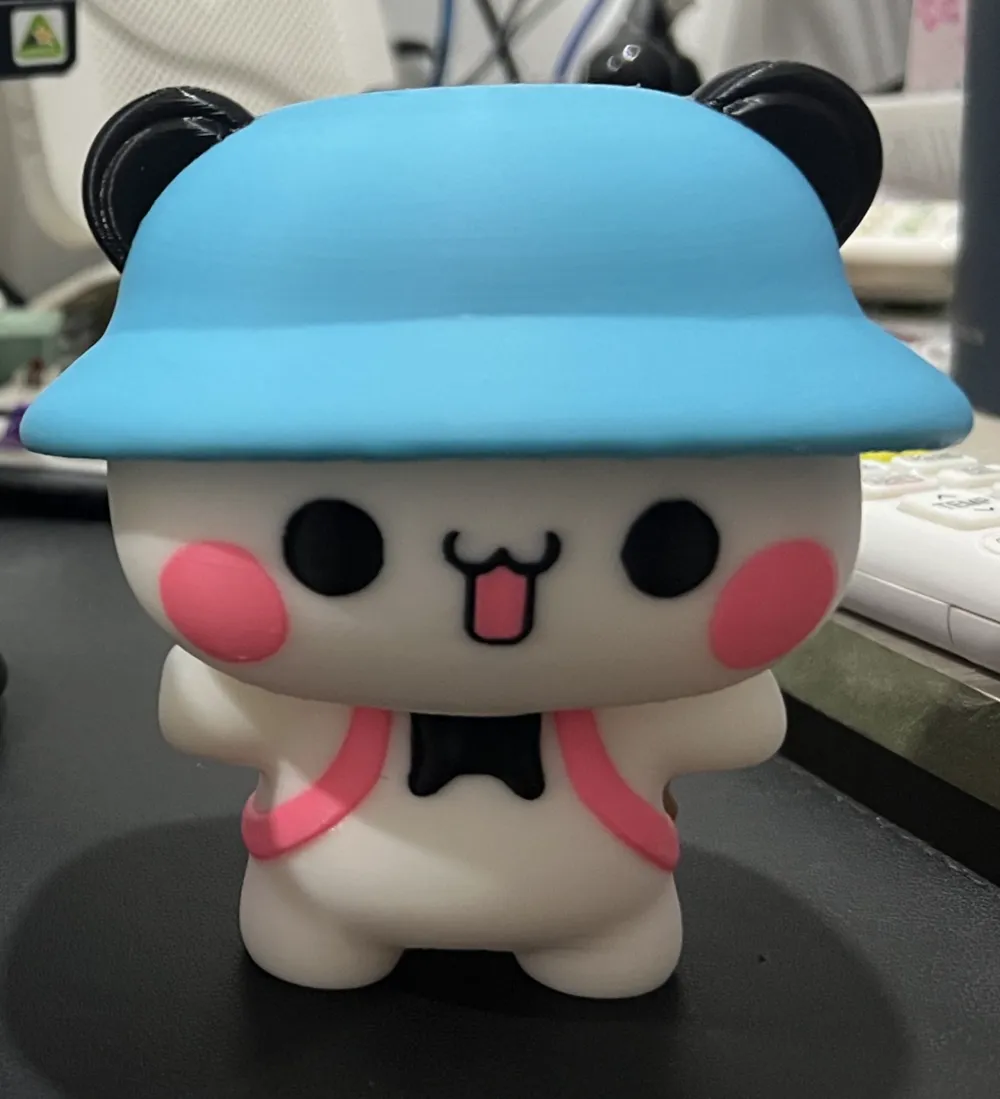
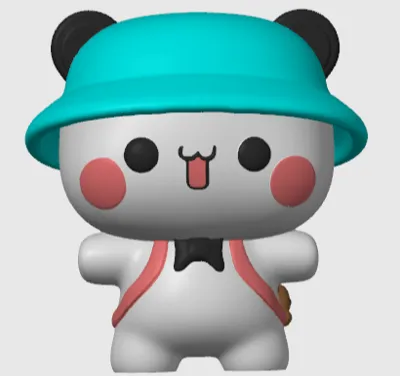
This 3D model depicts Bubu, a fictional panda character created by a Chinese artist. Bubu is a cute and playful representation, showcasing several distinctive features:
- Overall Design: The character has a chubby, rounded body, enhancing the cuteness factor. The body is simple with no complex patterns, making Bubu look approachable and friendly.
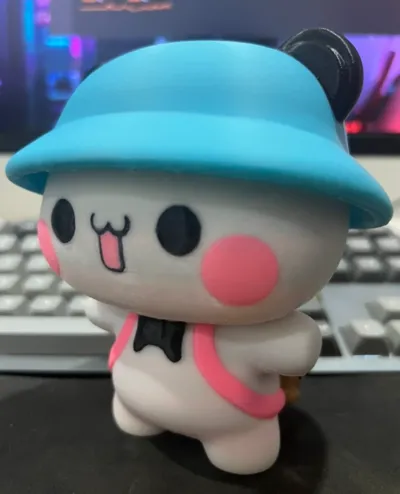
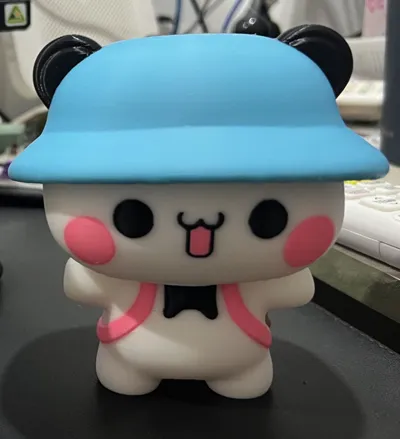
- Face: Bubu's face has minimalistic features with two large, circular black eyes and a tiny mouth shaped like a smiling cat’s face, giving it a happy and innocent expression. The rosy blush on the cheeks adds a sense of warmth and playfulness to the character.
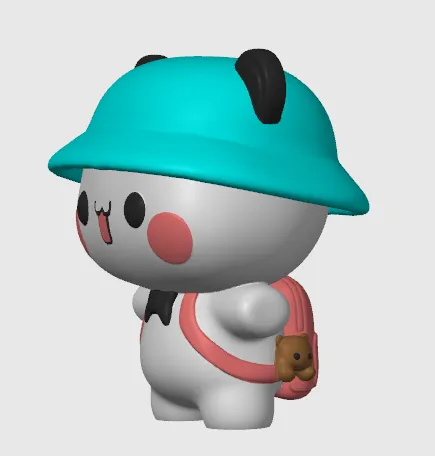
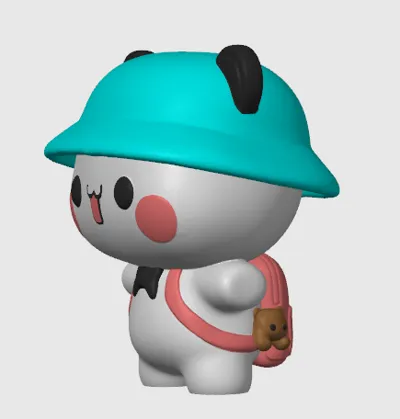
- Hat: Bubu is wearing a bright teal bucket hat that contrasts beautifully with the rest of the character’s color palette. The hat has panda ears peeking out, further emphasizing its panda identity.
- Outfit: Bubu is dressed in a pink backpack with straps that go around the shoulders. The backpack includes a small stuffed bear, peeking out as a cute accessory that hints at the character's love for companionship and fun. The character is also wearing a small black bowtie, adding a touch of formality to its otherwise casual appearance.
- Pose: Bubu is standing upright with arms outstretched, exuding friendliness and an open invitation for interaction.
This 3D model of Bubu is carefully designed and colored to be compatible with AMS, ensuring high-quality output during 3D printing.
Boost Me (for free)
Please boost for a new printer
If you only have 1 AMS, you can follow this guide:
Step 1: Choose the Color Painting → Fill and and maximize the angle to 90 degrees, then paint the mini bear in the same blue as the hat.
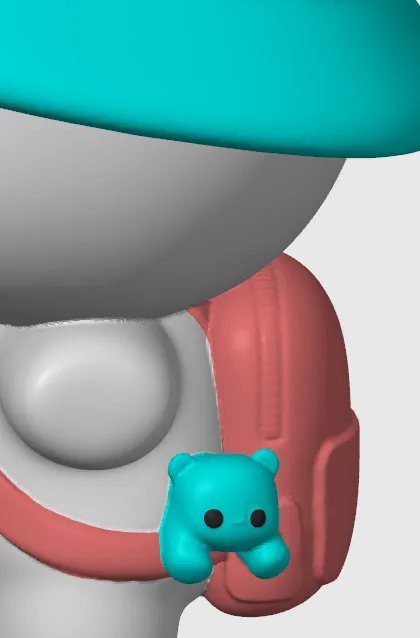
Step 2: Load the AMS with white, black, pink, and brown filament.
Step 3: Once the printer finishes the mini bear, remove the brown filament and replace it with blue. Let the machine continue its work.
License

You shall not share, sub-license, sell, rent, host, transfer, or distribute in any way the digital or 3D printed versions of this object, nor any other derivative work of this object in its digital or physical format (including - but not limited to - remixes of this object, and hosting on other digital platforms). The objects may not be used without permission in any way whatsoever in which you charge money, or collect fees.


Comment & Rating (18)