
textured skin modifier - easy how to with samples
Print Profile(2)


Description
Are you bored of visible layer lines, looking for an alternative to fuzzy skin, or just curious about how to expand your 3D printing skills?

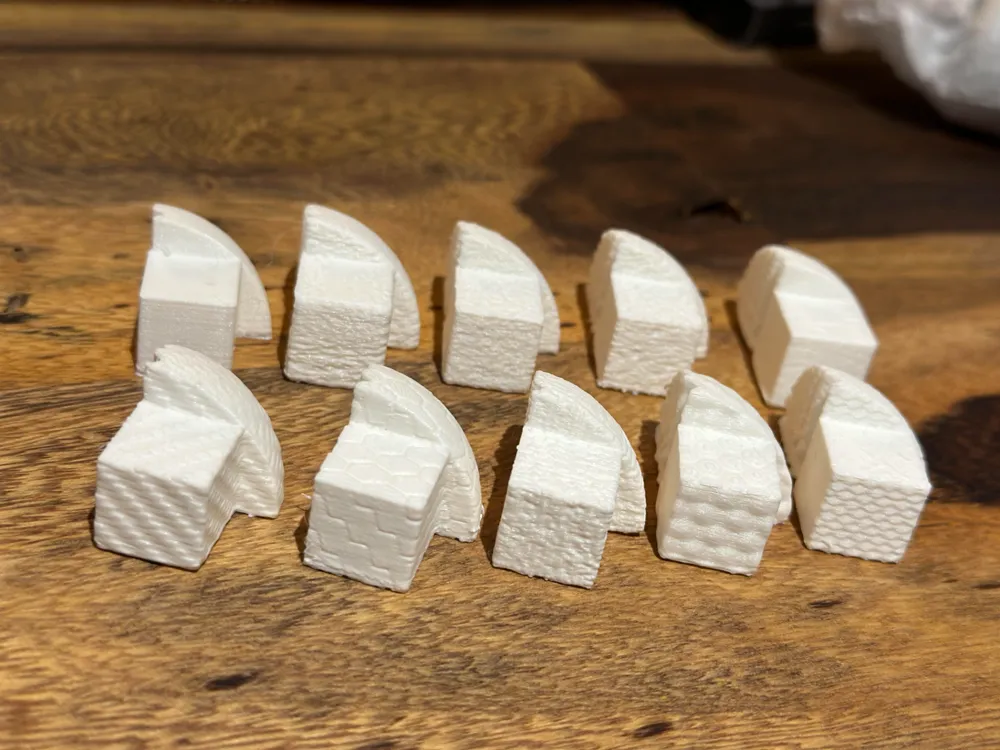
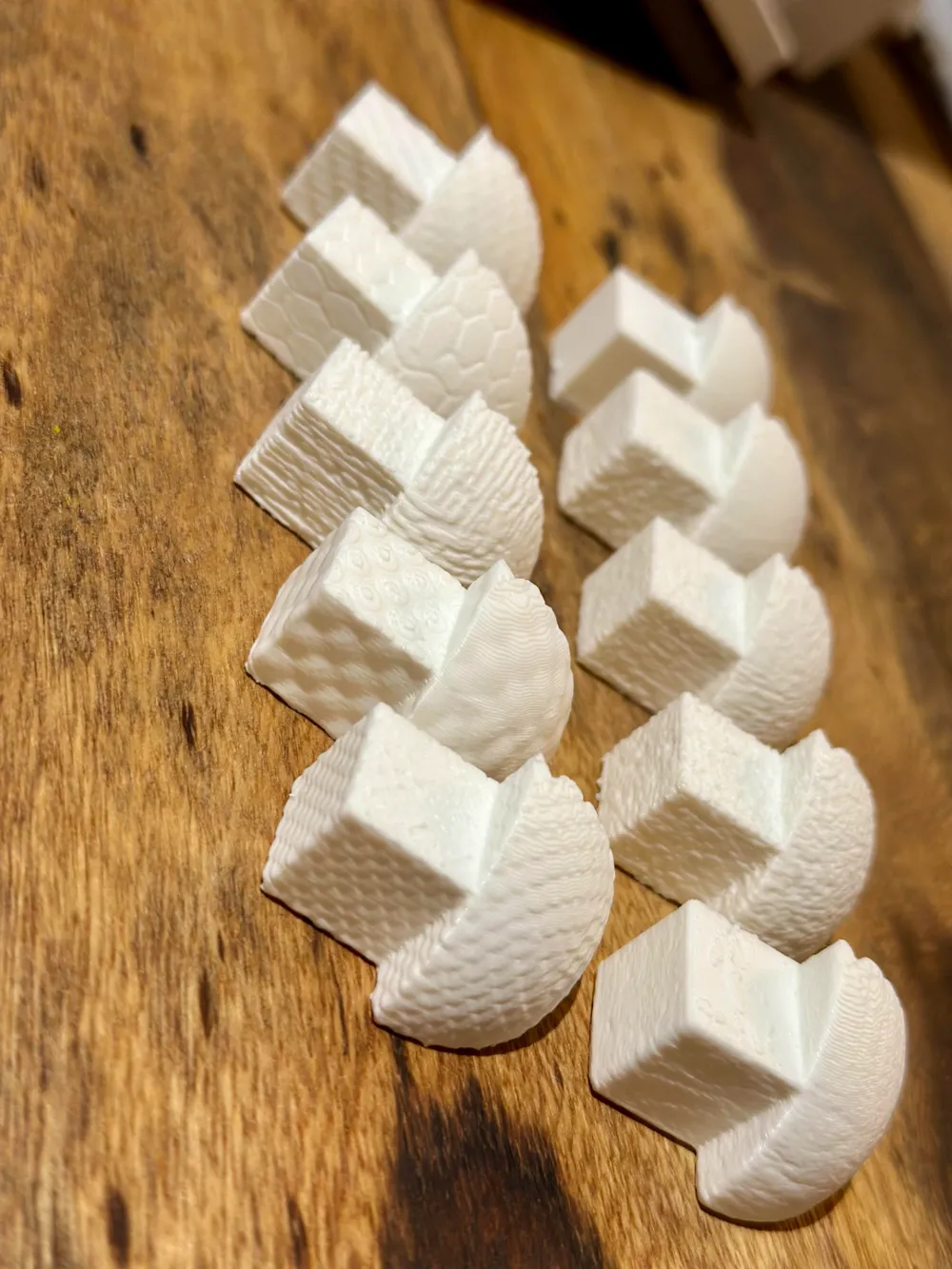
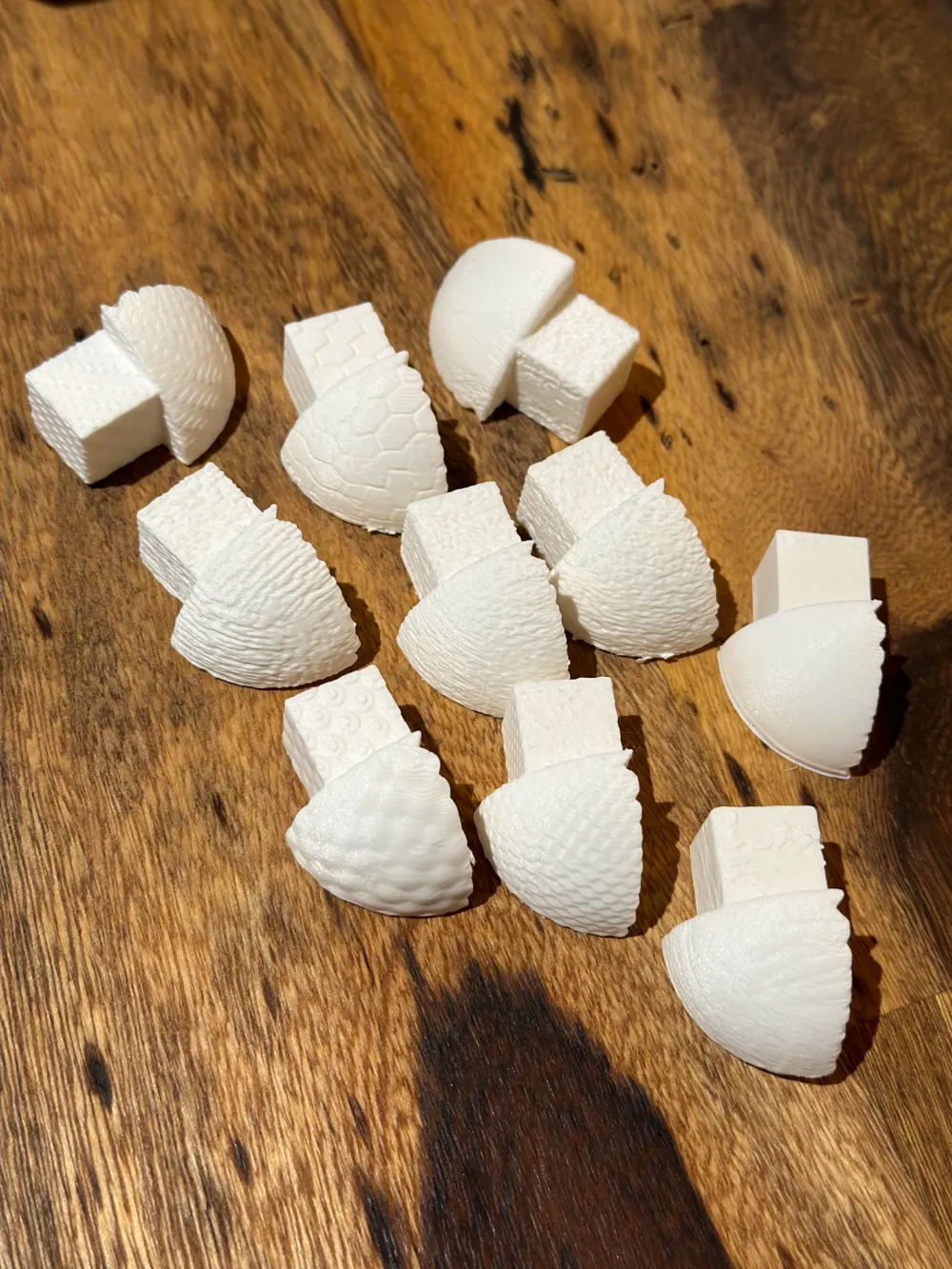
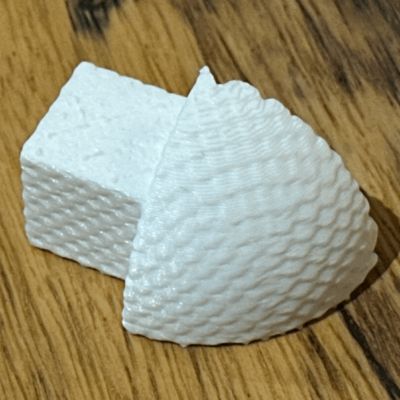
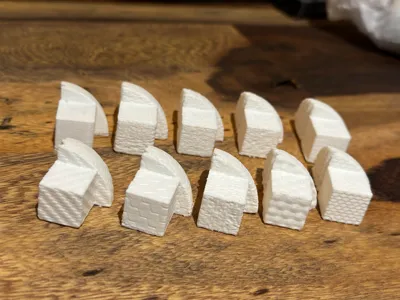
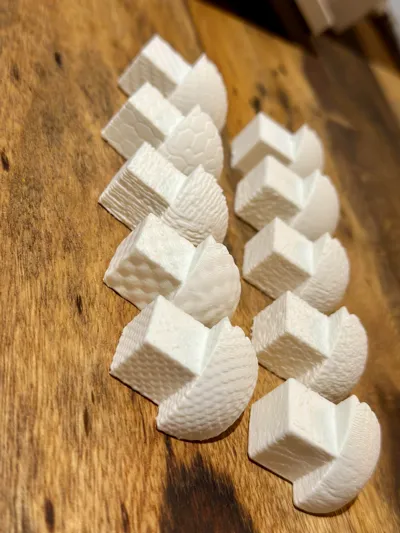
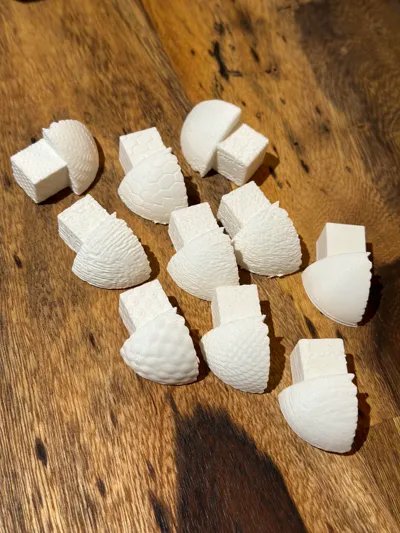
Check out my textured skin sample print for inspiration and try it yourself!
You can easily create your own carbon/wood/honeycomb/whatever textured skin you like in seconds to minutes!
I recently played around with the Formlabs Texture Engine for 3D Printing Texture.
This is a free to use online texture modifier that allows you to apply basically any texture to an existing .stl file.
Here you can find more info and a compact guide on how to use the modifier.
Since the tool is pretty self-explanatory, I suggest you play around with it and maybe share your (good) results as a print profile together with the settings you used (texture image (source) and settings in the modifier)!
I have created a simple test object that you can download as a raw .stl file and import into the tool as a reference body.
It takes about 10-15 minutes to print and has flat walls, fine detail and curves. So it should give you a realistic preview of what you can expect when applying the texture to any other model, as the results will vary from file to file...
As textures I just used the existing ones or some pictures I downloaded via google pictures, for example "wood texture".
have fun and share your results :)
License



Comment & Rating (6)