
Predator

Print Profile(1)

Description
Boost Me (for free)
Thank you all very much for your support, if you like this model and my work please leave a boost ^^
Thank you all for your support. I'm always happy to hear your opinions and suggestions for new models. So please share them in the comments.
You can offer me a coffee and support my work here >>> https://ko-fi.com/drakeforge3d If you like my work and want to support me, I appreciate any support. The website also includes a commercial license that allows you to sell all my existing models.
Boost Me (for free)
Maybe you would like to be my PREY ?!
https://ko-fi.com/drakeforge3d If you like my work and want to support me, I appreciate any support.
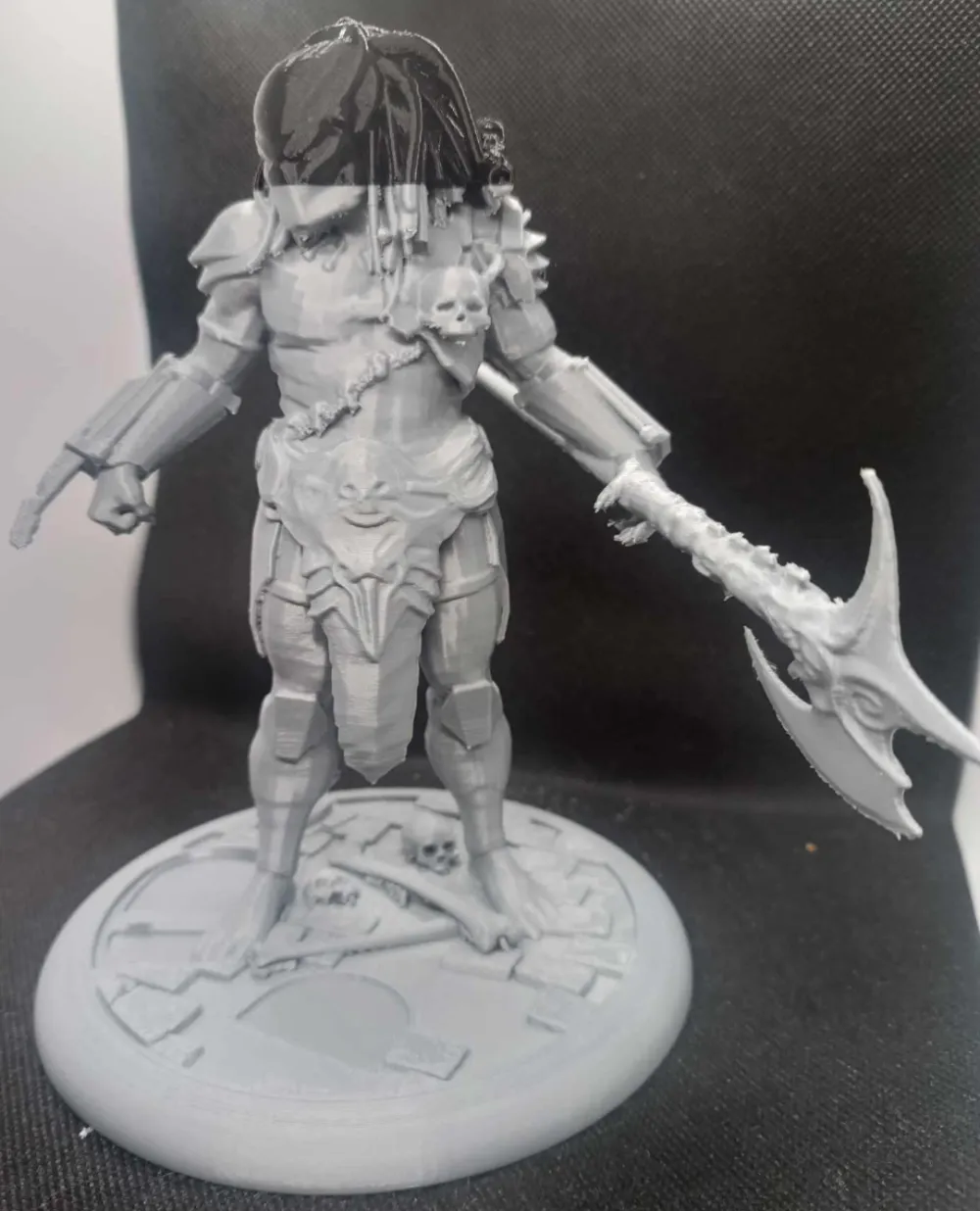
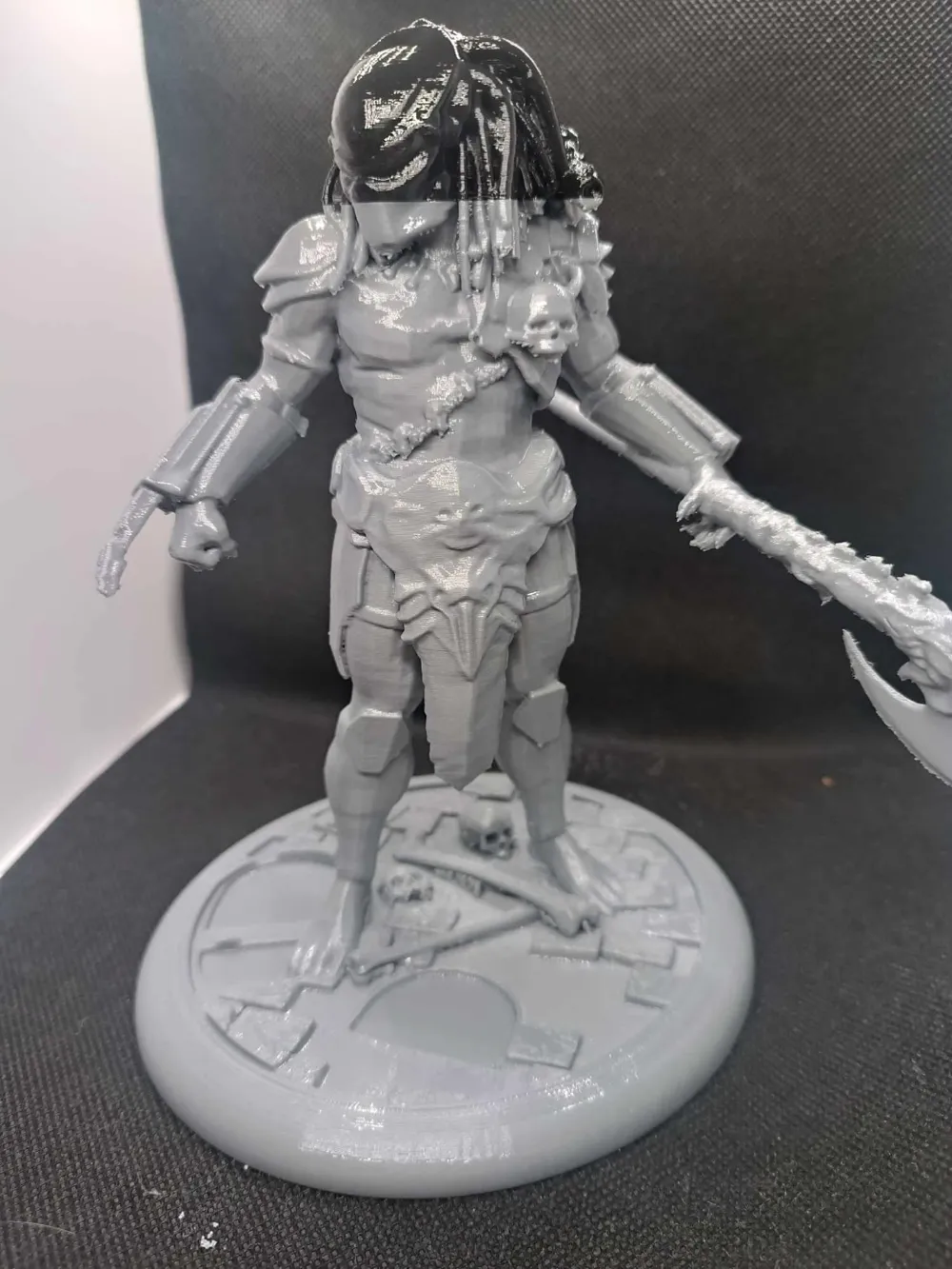
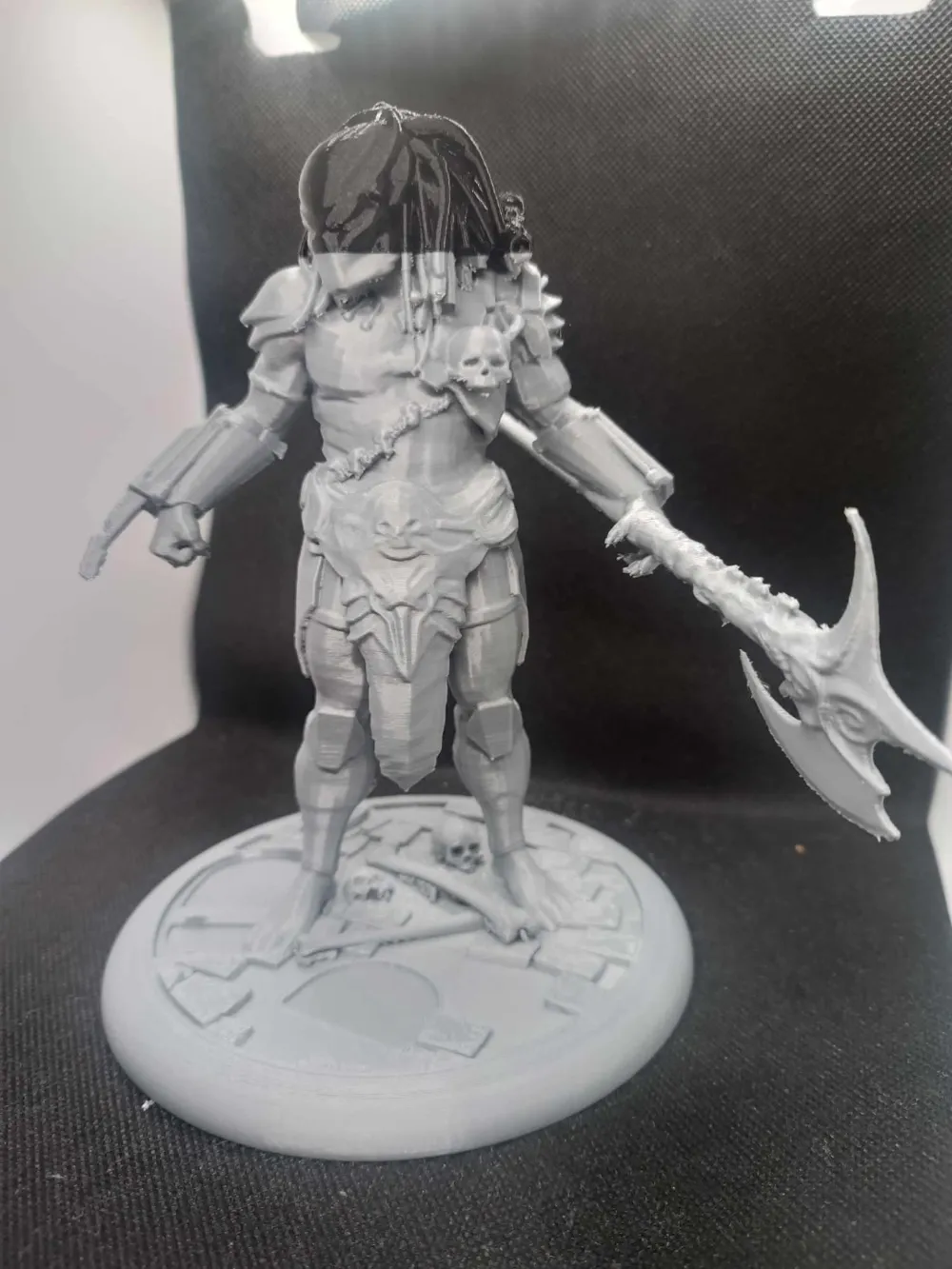
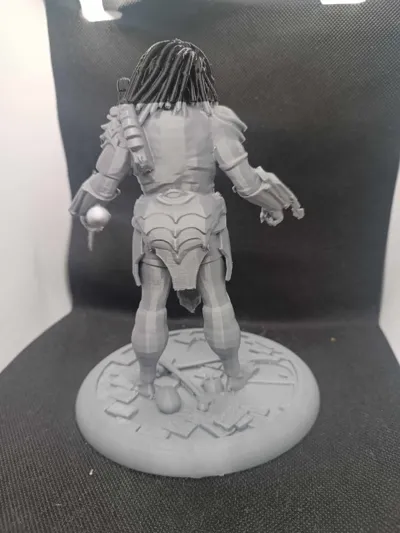
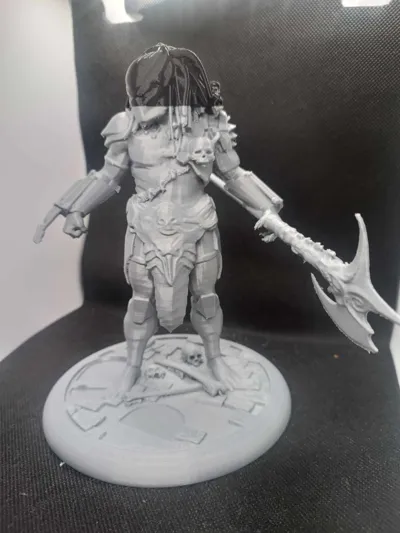
THE PREDATOR. The most fearsome hunter in the entire cosmos. The alpha caste of all hunters equipped with the most modern killing equipment.
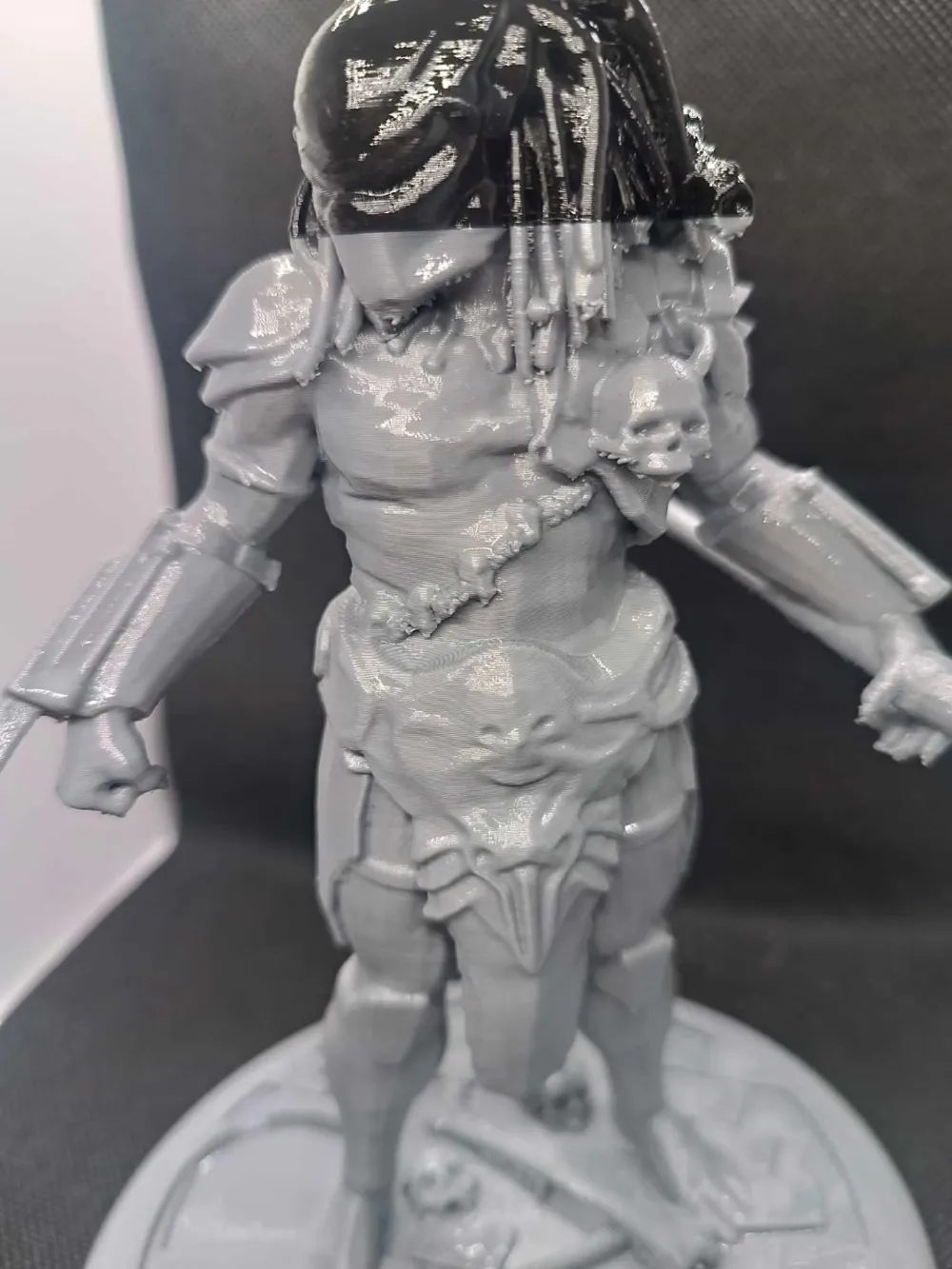
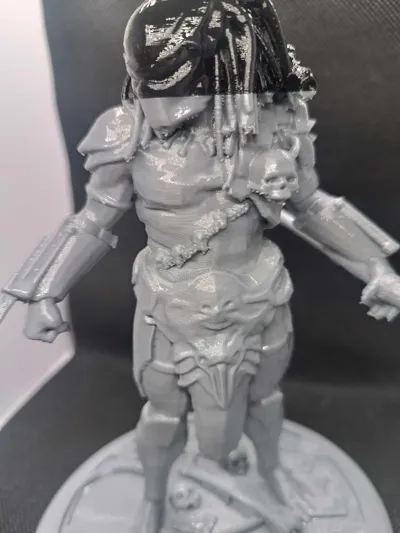
The color change from gray to black on the head part is caused by the gray filament running out and changing to black.
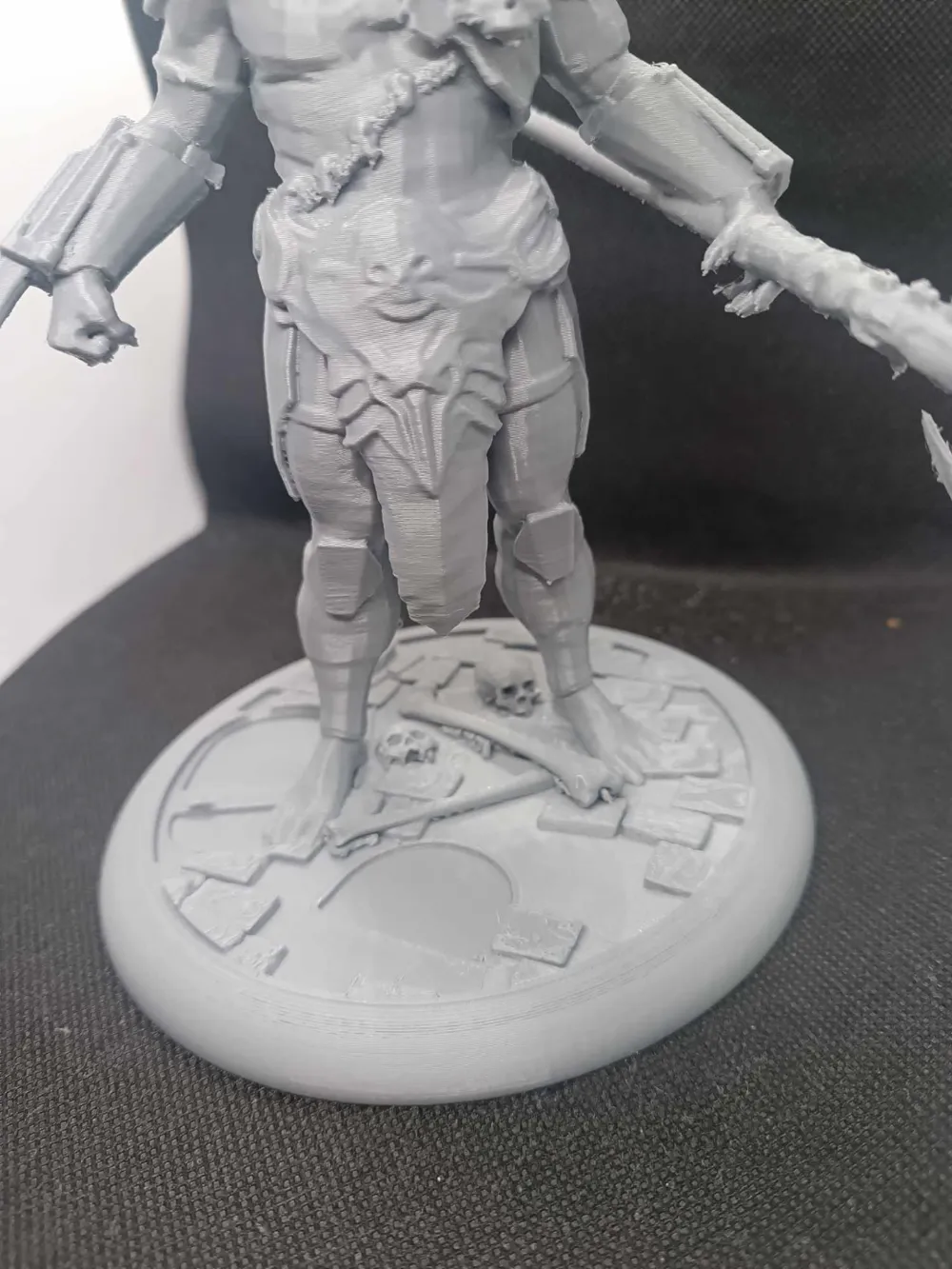
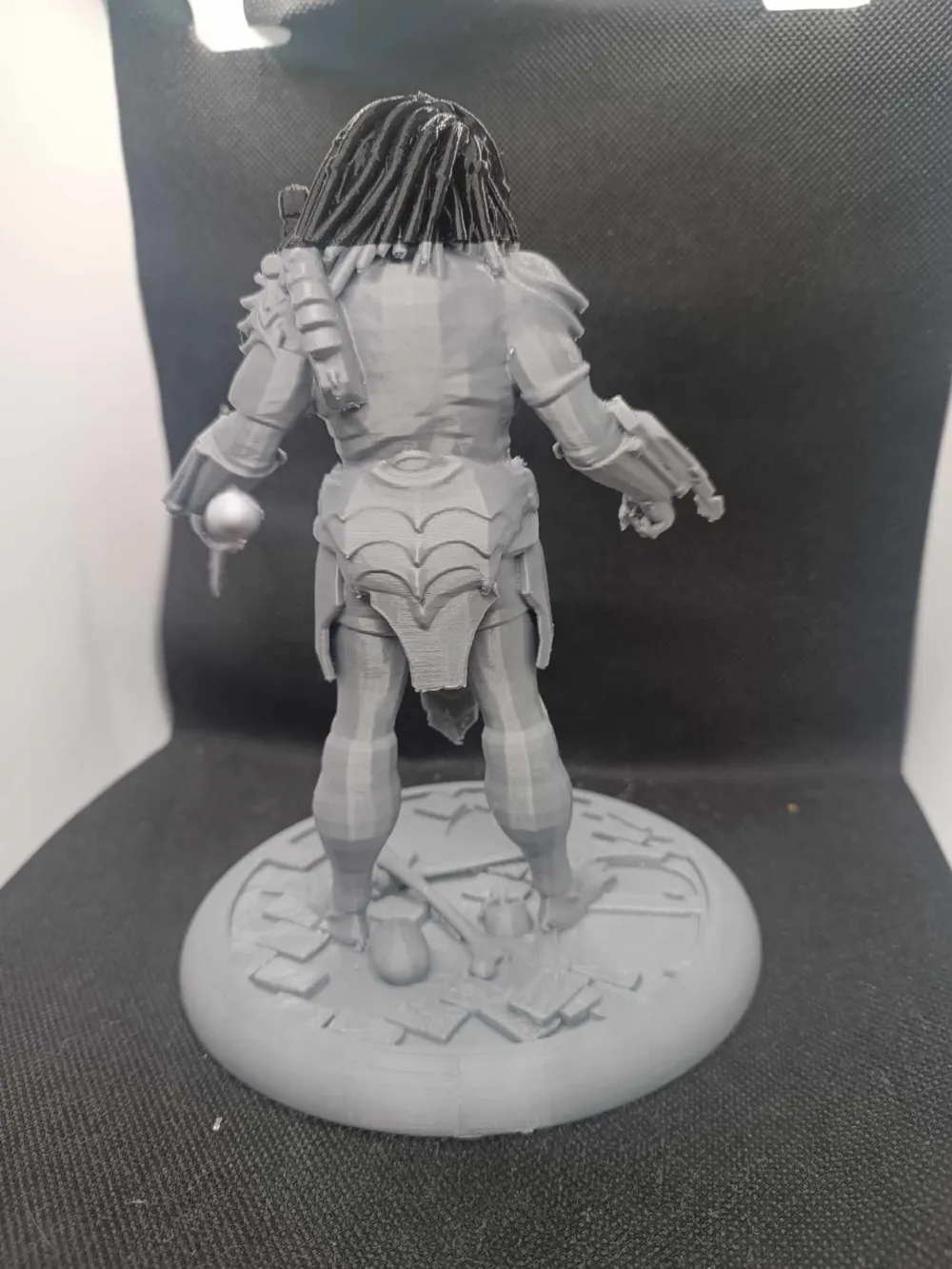
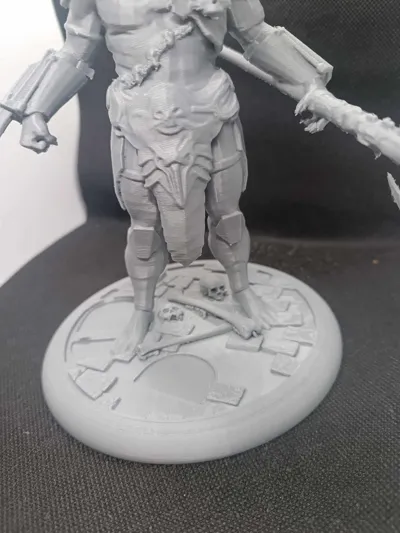
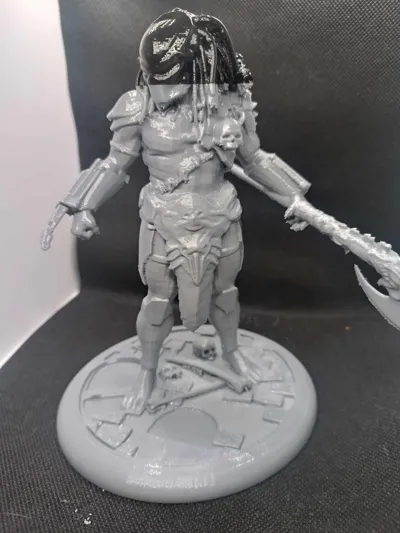
As usual in my prints I present a few photos of a clean print without any changes and a print after applying a layer of clear varnish. One layer of varnish or primer perfectly hides all the lines.
Filament: eSun PLA +HS
Recommendations:
Print 0.12-0.2
Due to many elements, I recommend carefully removing the supports. Especially with blades and dreadlocks. The easiest way to do this is to first cut a piece right next to the print.
Some of the supports with dreadlocks are so small that they can be left. As you can see in the pictures, they perfectly match the dreadlocks.
The printing at the blade has been reinforced and the speed has been slowed down so as not to damage the blades while removing the supports.
The support settings can be changed by yourself in most cases "support critical only" can be selected, but for safe printing I recommend leaving them as they are in the profile.
Guide
Each of my models is printed 2-3 times before releasing the profile. So if you have a problem with printing:
1. DRY THE FILAMENT
2. CHANGE THE NOZZLE TO A NEW ONE.
Recommendations Guide : In case of a problem with damage to the supports, I recommend reducing the printing speed of the supports by 30-50% and the travel speed to 400mm/s. When removing the supports, I recommend first cutting off the pieces right next to the character, but not removing them, just cutting them off. Remove the remaining larger pieces and only then detach the remaining smaller pieces. This reduces the risk of damaging delicate elements.
Please note that if you use a different filament than the recommended one, the effect may be different from my print. For example, printing in silk PLA will look better but the supports and the print itself will be more brittle and less durable.
Recommendations:
- 0.08-0.2. In the event of changing the original height, the height of the supports should be changed.
PLA+HS, PLA+, PLA, PLA silk Recommended materials are listed in order from best to good.
- Clean the plate thoroughly before printing.
Make sure the filament is dry and free from dirt. This can damage the print or weaken the support
License

You shall not share, sub-license, sell, rent, host, transfer, or distribute in any way the digital or 3D printed versions of this object, nor any other derivative work of this object in its digital or physical format (including - but not limited to - remixes of this object, and hosting on other digital platforms). The objects may not be used without permission in any way whatsoever in which you charge money, or collect fees.


Comment & Rating (84)